

How to turn device into WiFi cell phone
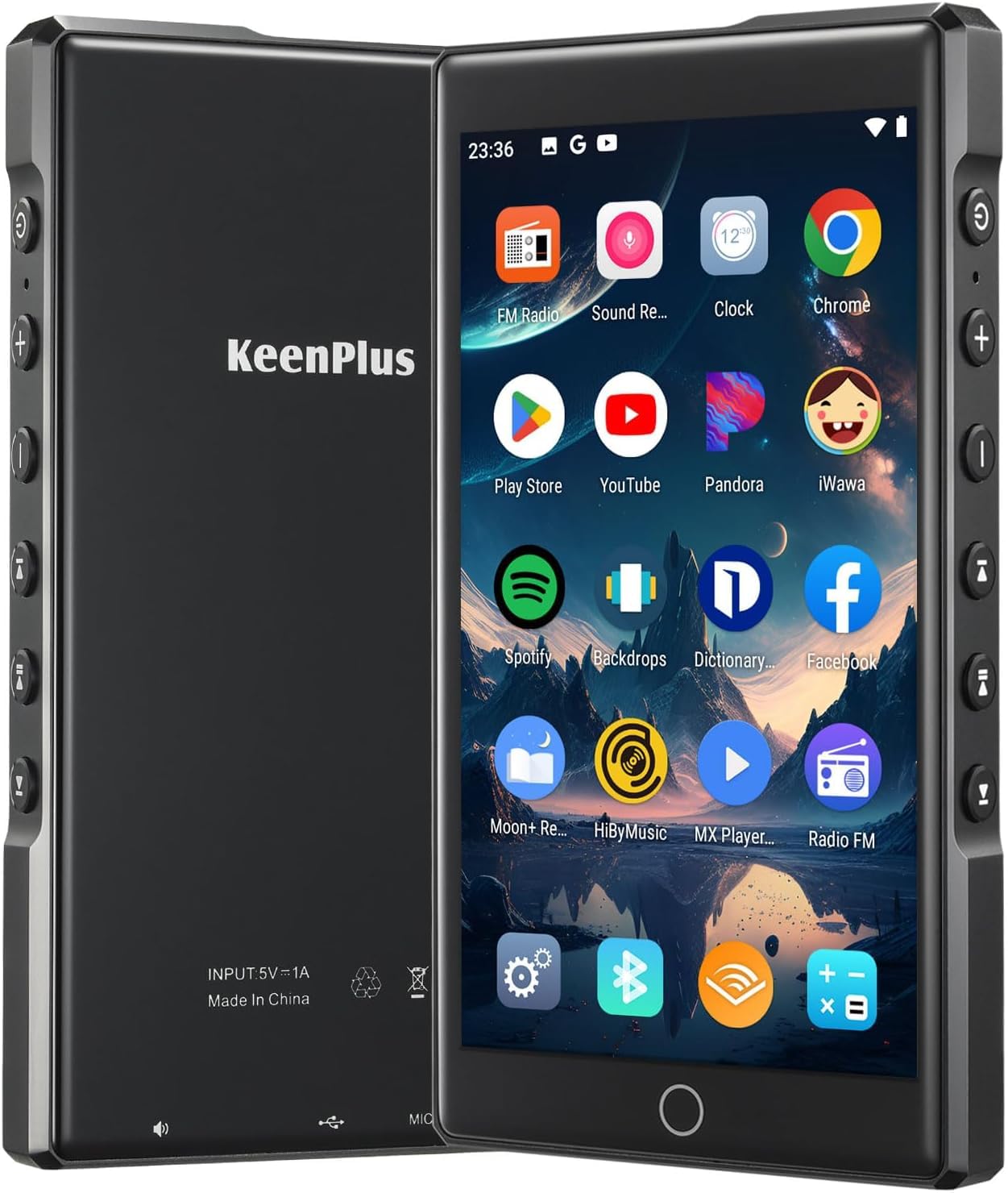
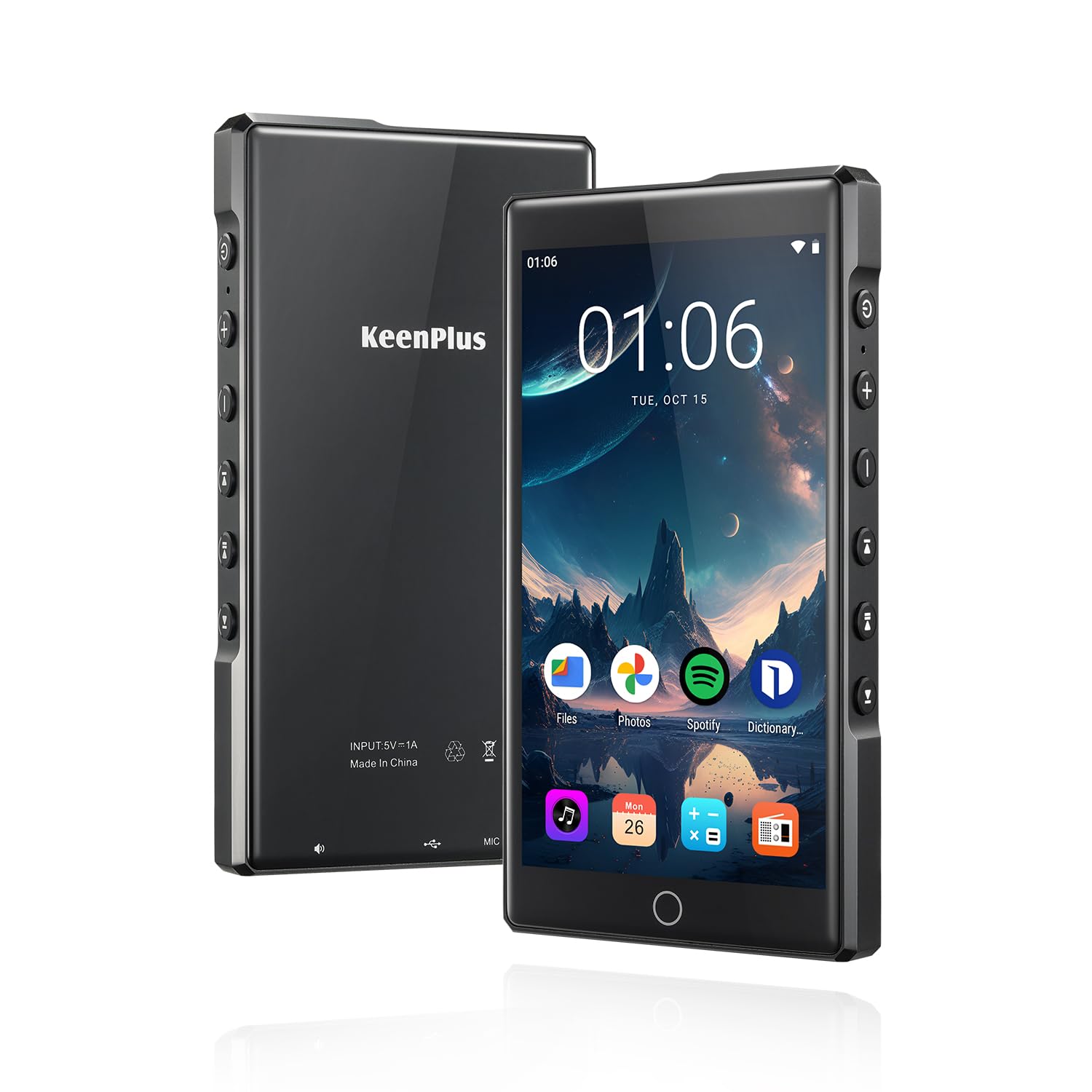
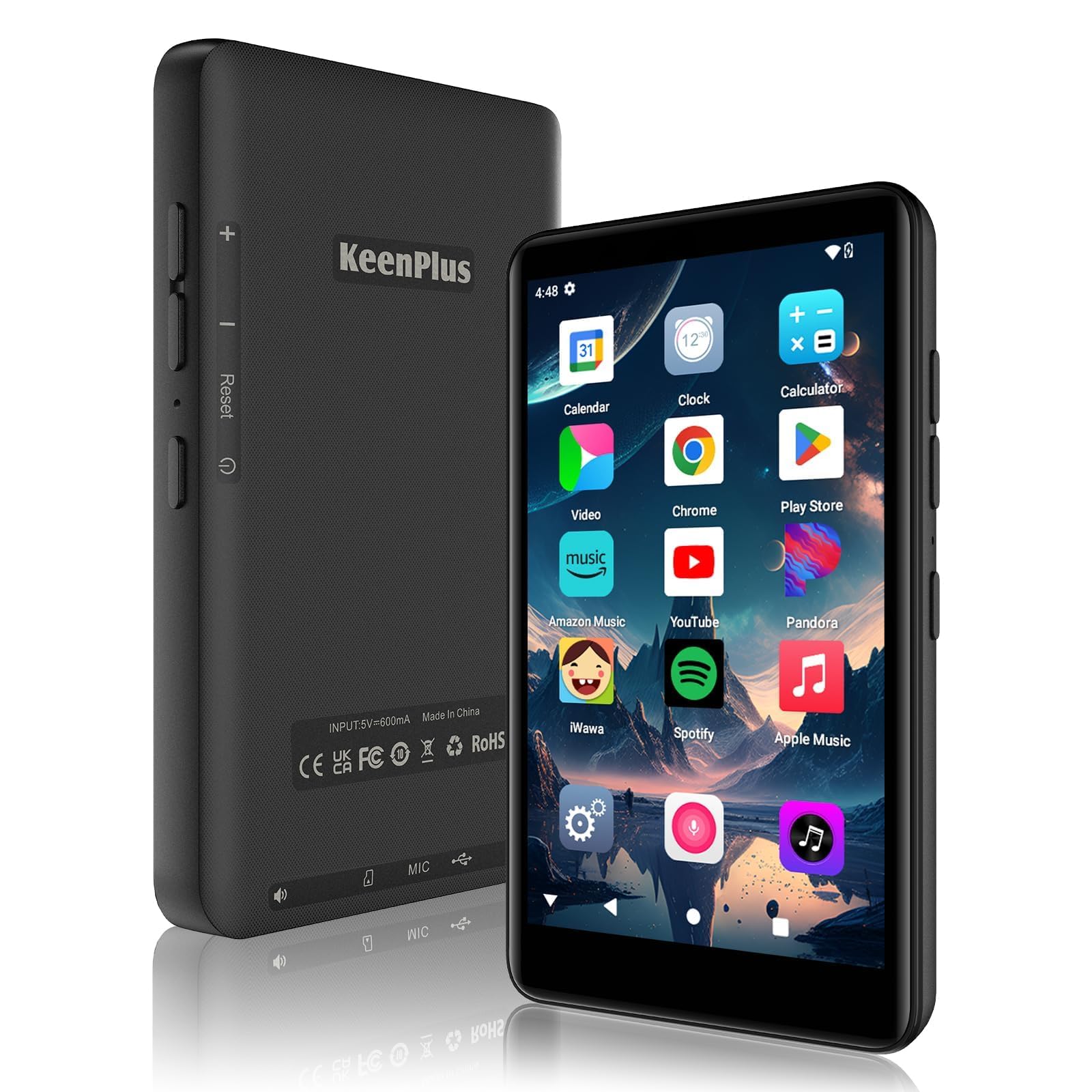
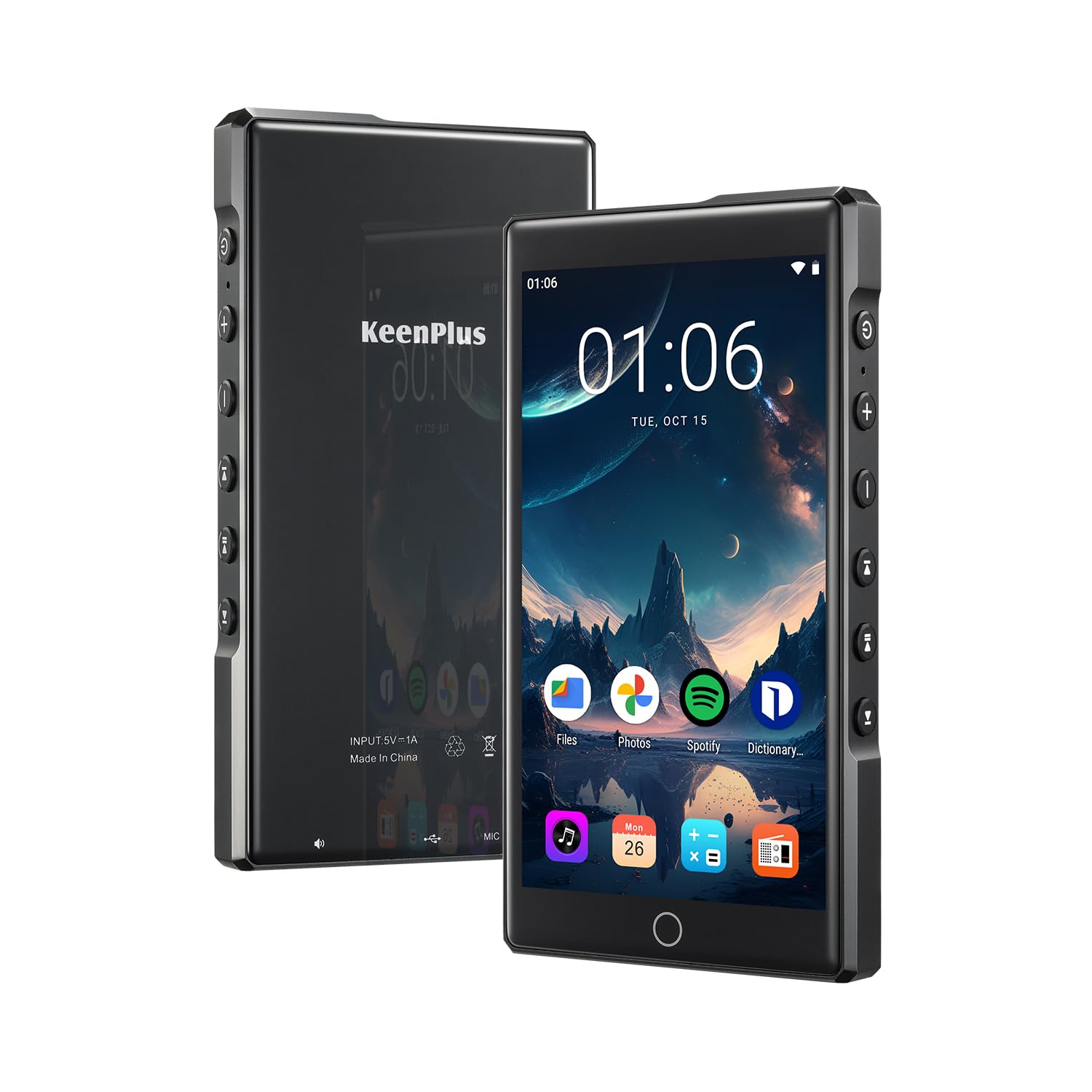
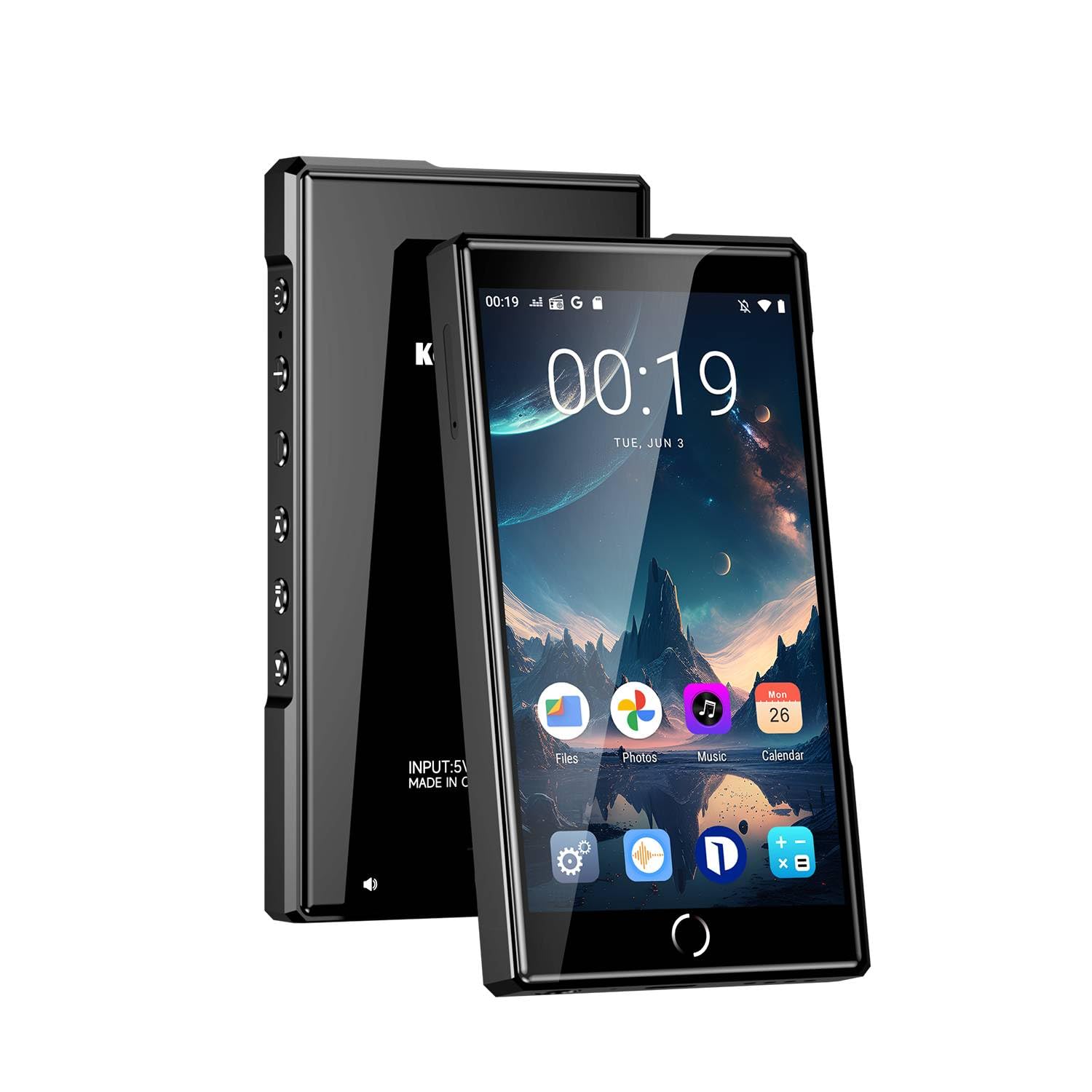
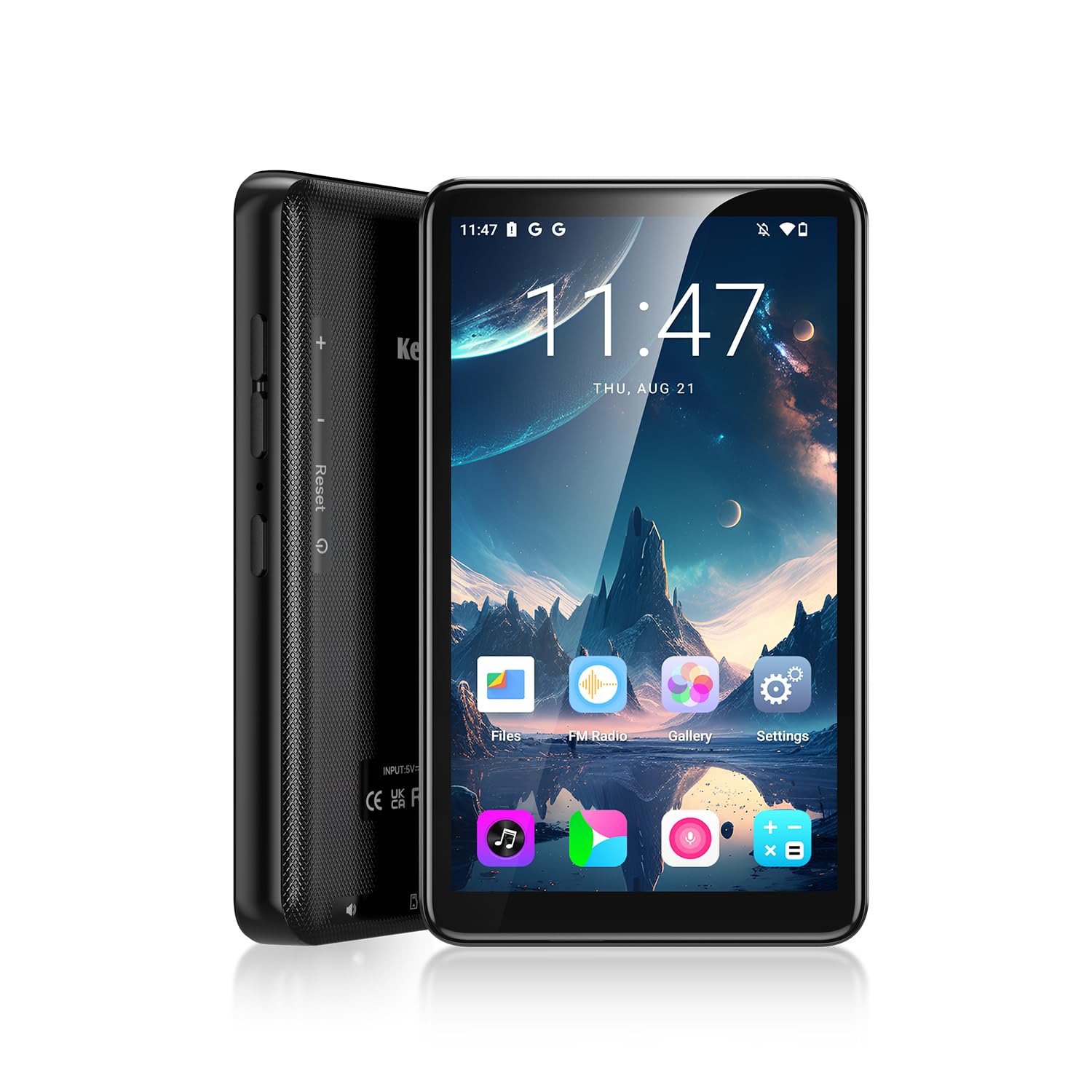
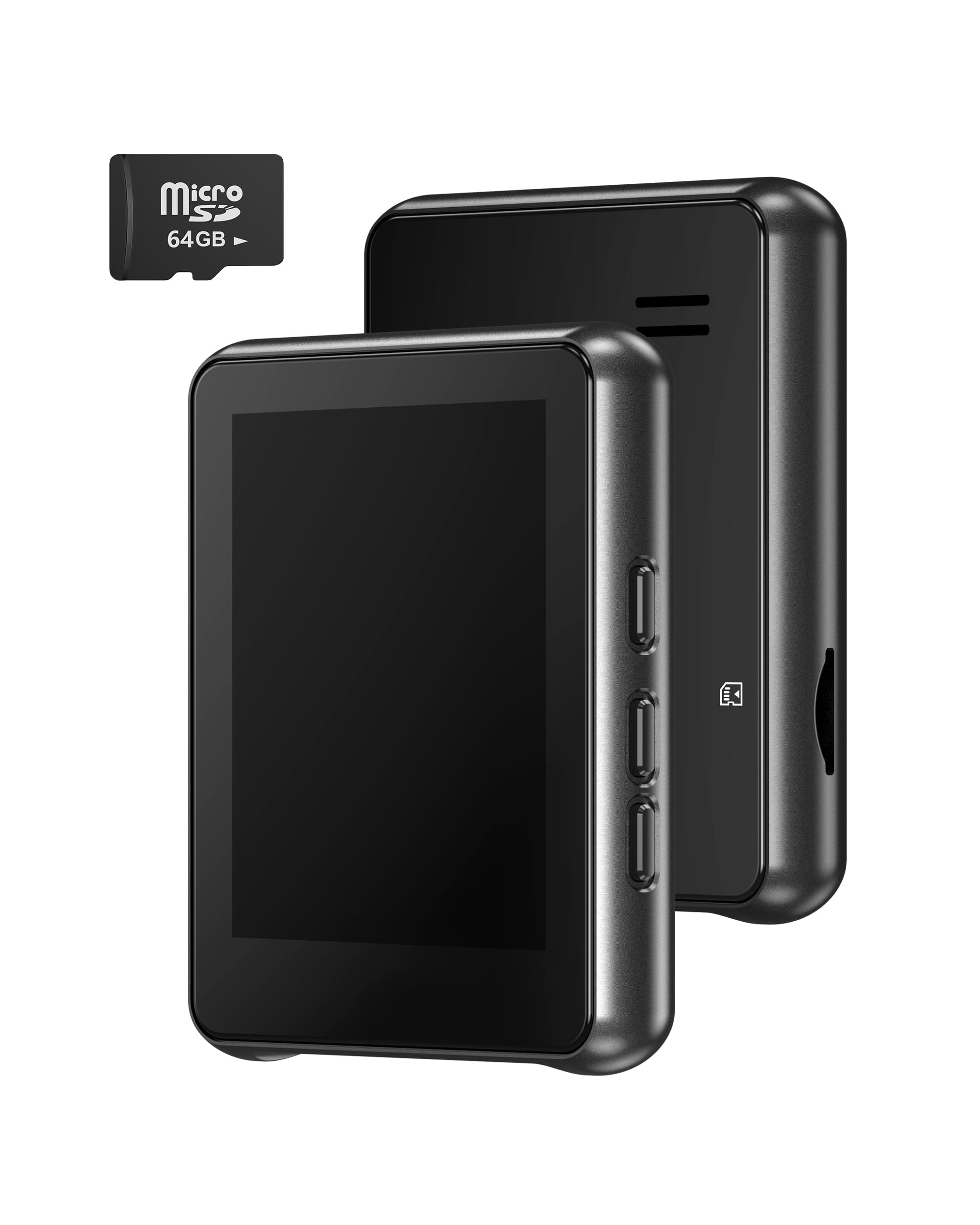
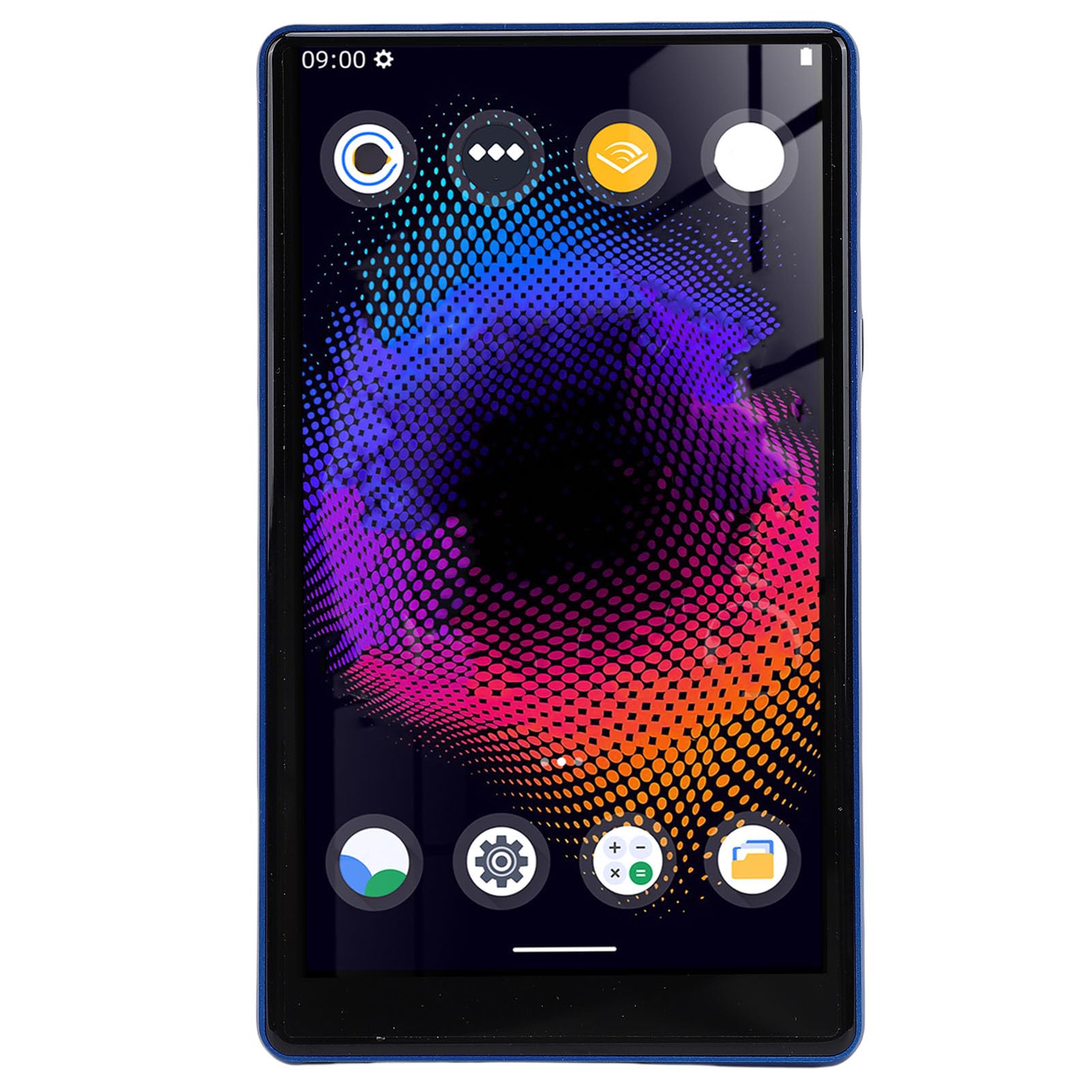
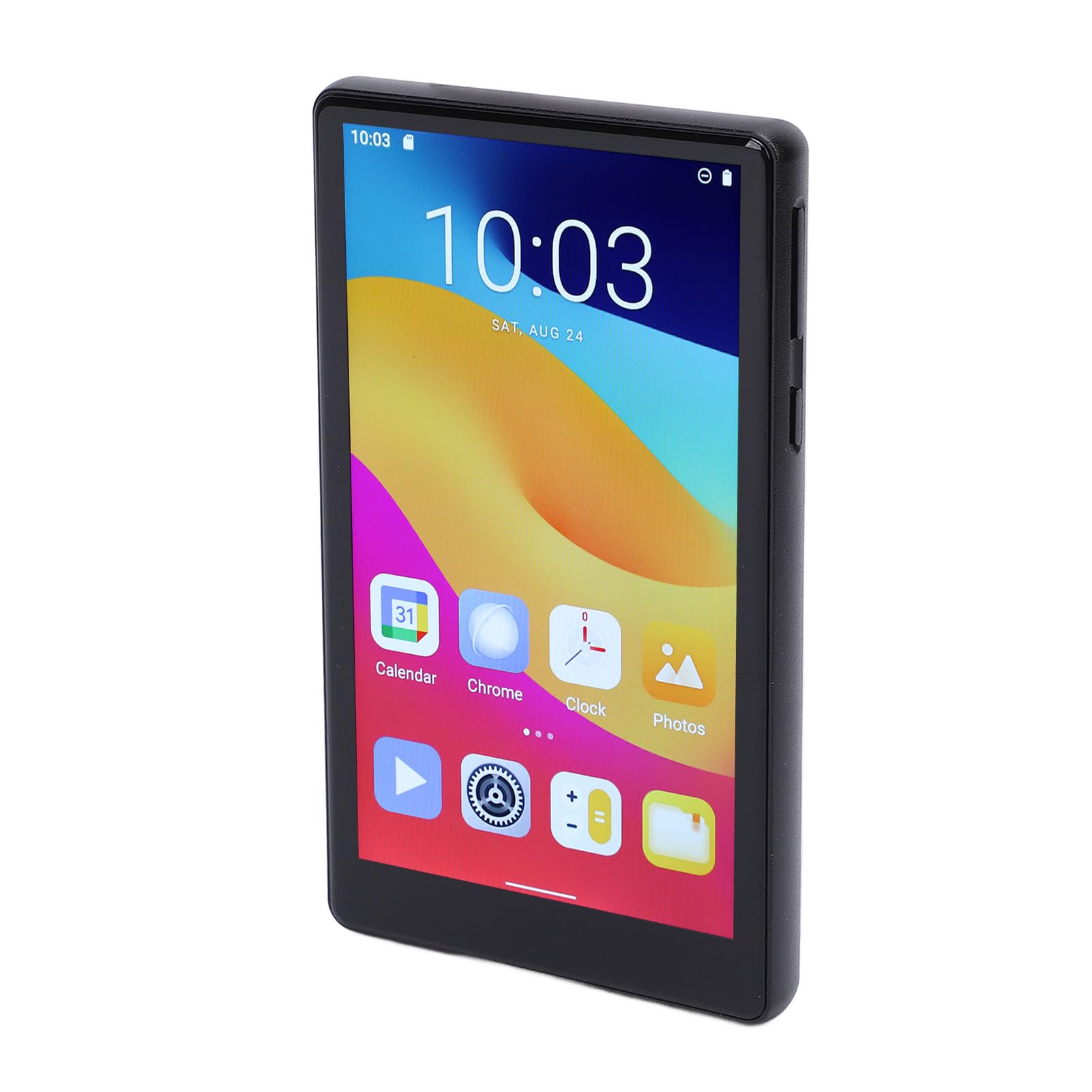
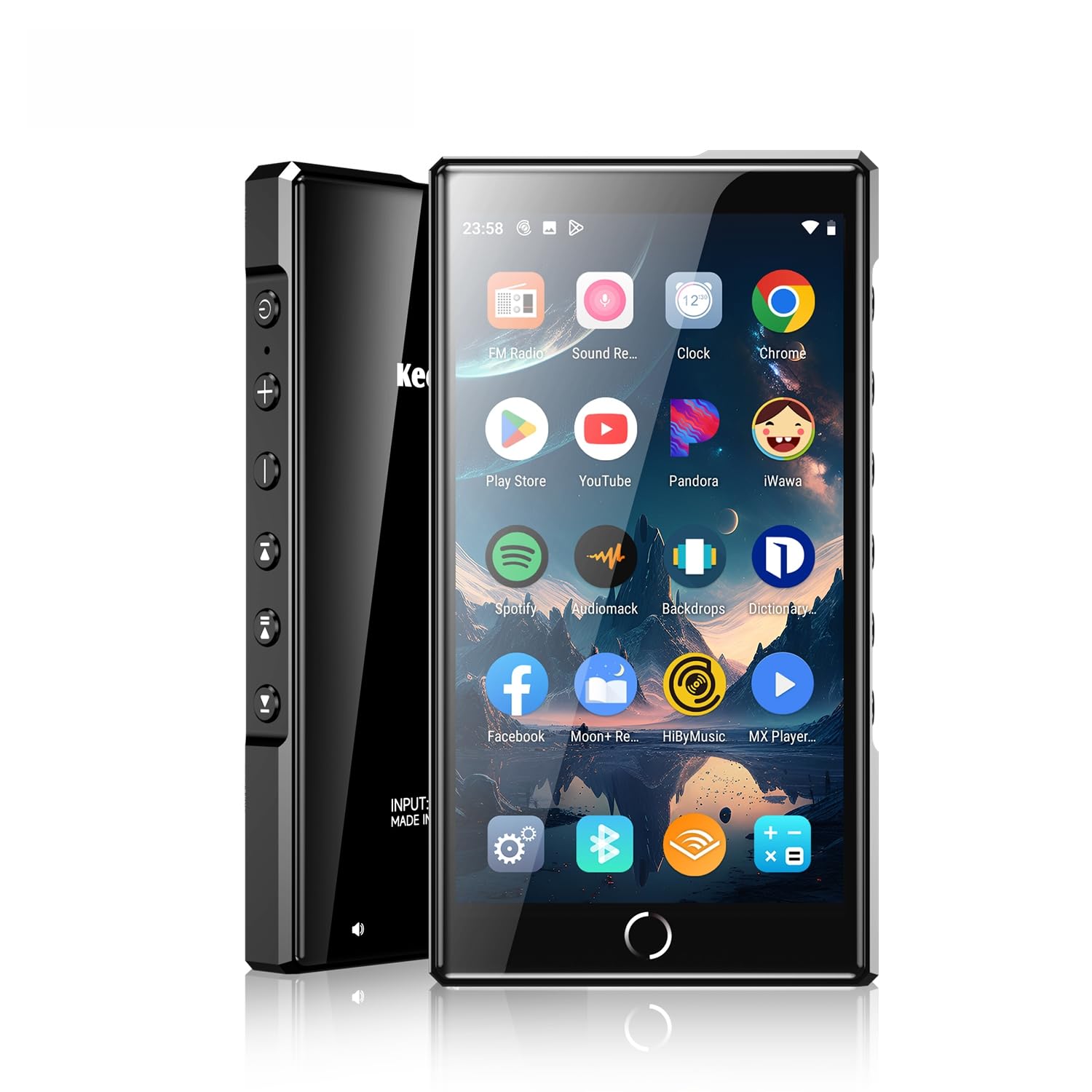
I don't typically do reviews but this product is so awesome I felt I had to leave some comments. First, it's a great music player. The buttons on the side have worked with any music app I've tried. My favorite is Musicolet and the buttons work fine. I turned this into a wi-fi based cell phone. Get a Google voice phone number. You can uncouple the cell number Google asks for after you're set up if you want to. Next load the Google Voice app on the player. You now have access to your new Google Voice number, messages, and voice mail, so long as you have a wi-fi connection. I then loaded Outlook for Android on the player. This gave me access to my email, calendar and contacts. However with Outlook you have to go into the Outlook app to see your contacts and calendar. I wanted to use the native Contacts and Calendar apps from Google so I just had to hit one icon. I added those apps. Then I got my contacts loaded into Google contacts using GO Contact Sync Mod. Then I got my Outlook calendar loaded into the Google calendar using OGCS. Lastly, I installed Google Messages and configured it to get messages from my actual cell phone. You do have to pair the device with your cell phone and it has to be in range of Bluetooth. You'll get messages and voice mail from your Google number in Google Voice. While having both Outlook and Google apps for the same data is redundant, I liked the fact I could check to make sure the Calendar and Contacts were working. The only criticism I have of the device is that they should have provided 32GB or internal storage instead of the 16GB it comes with. The 128GB external card works fine, but you can't load apps on external cards which limits what you can put on the device. The only other "oddity" is the pause/play button on the side. Even if you close all of your apps, if you hit that button music will resume where you left off. Read more