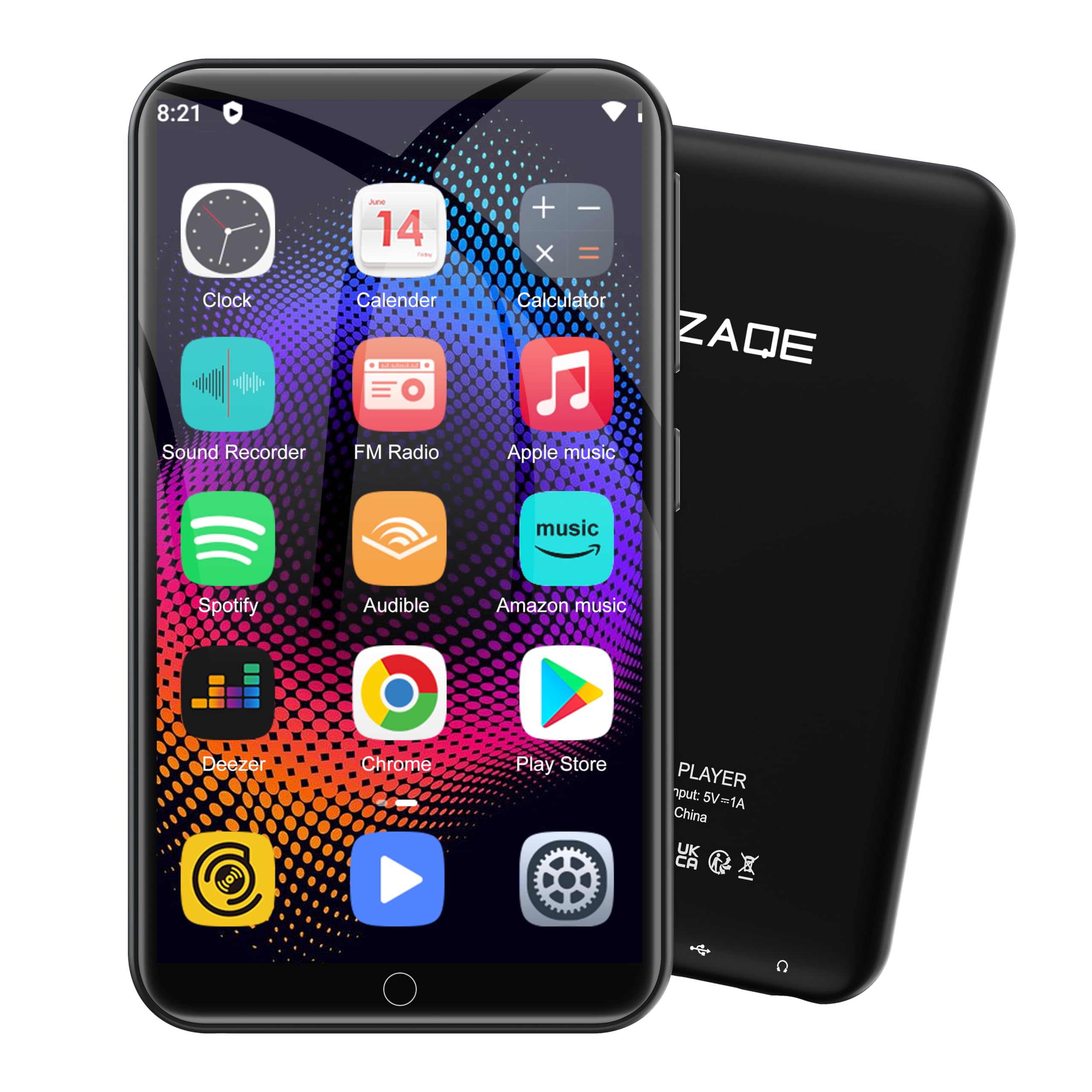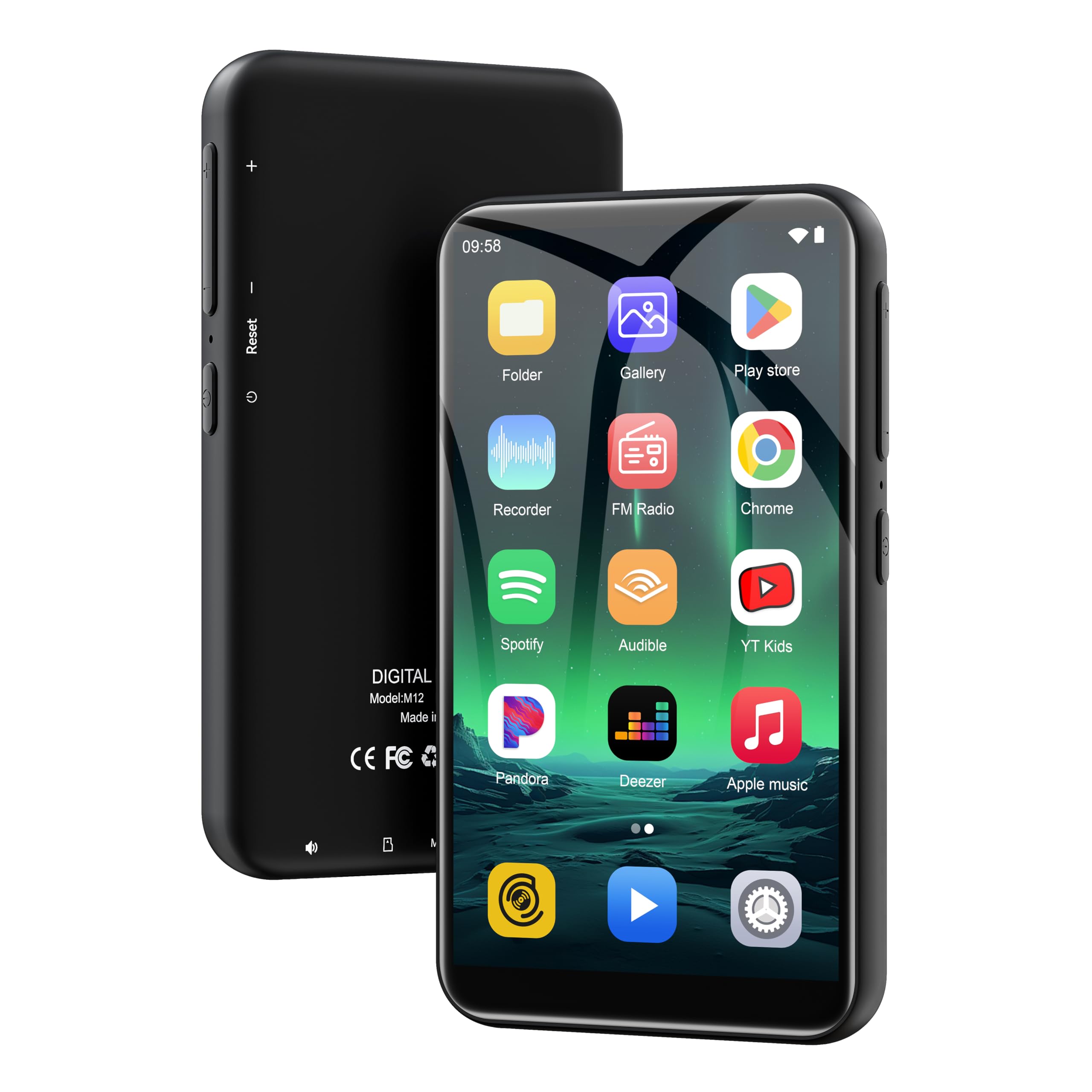


Incredibly versatile and affordable digital audio player with "bit perfect" playback
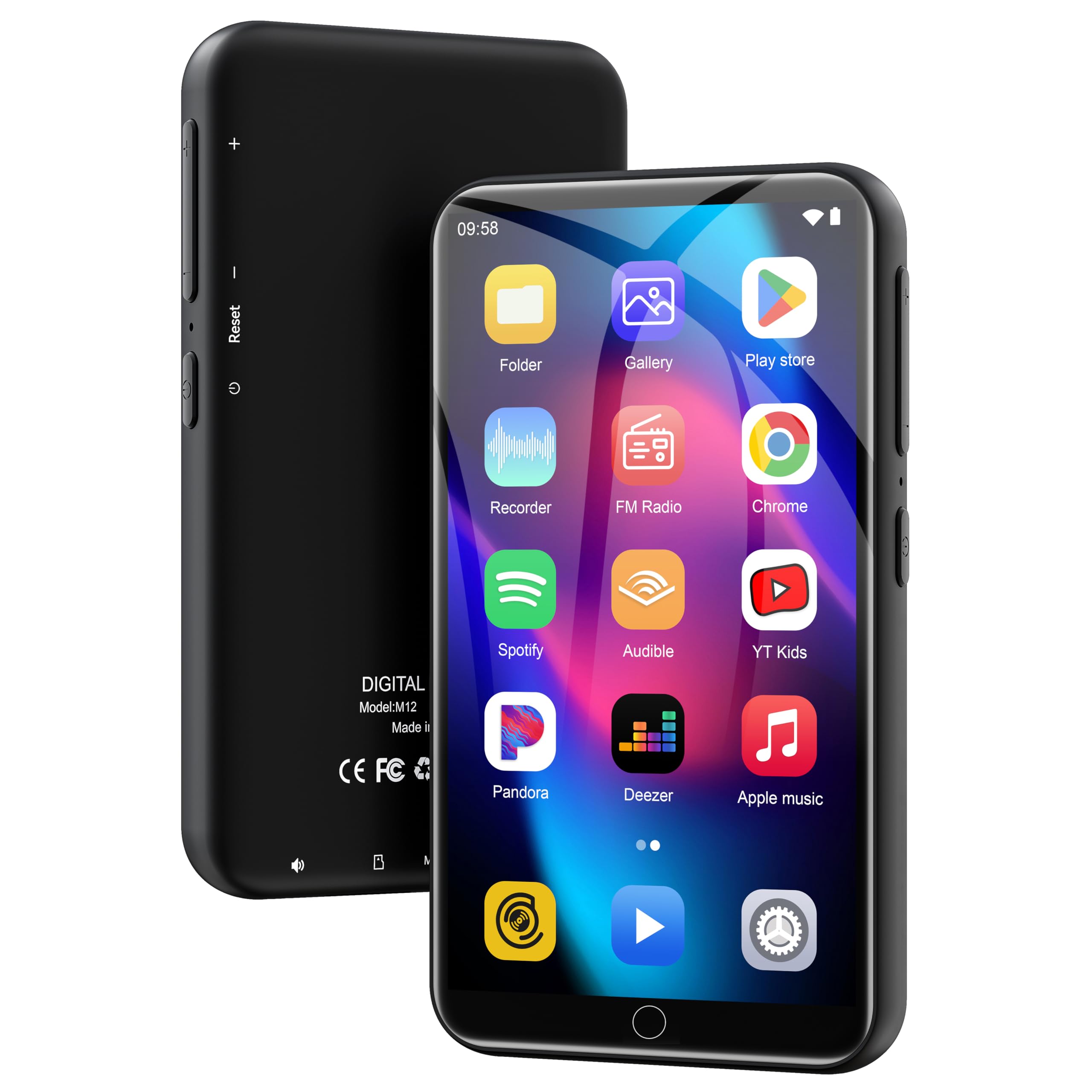
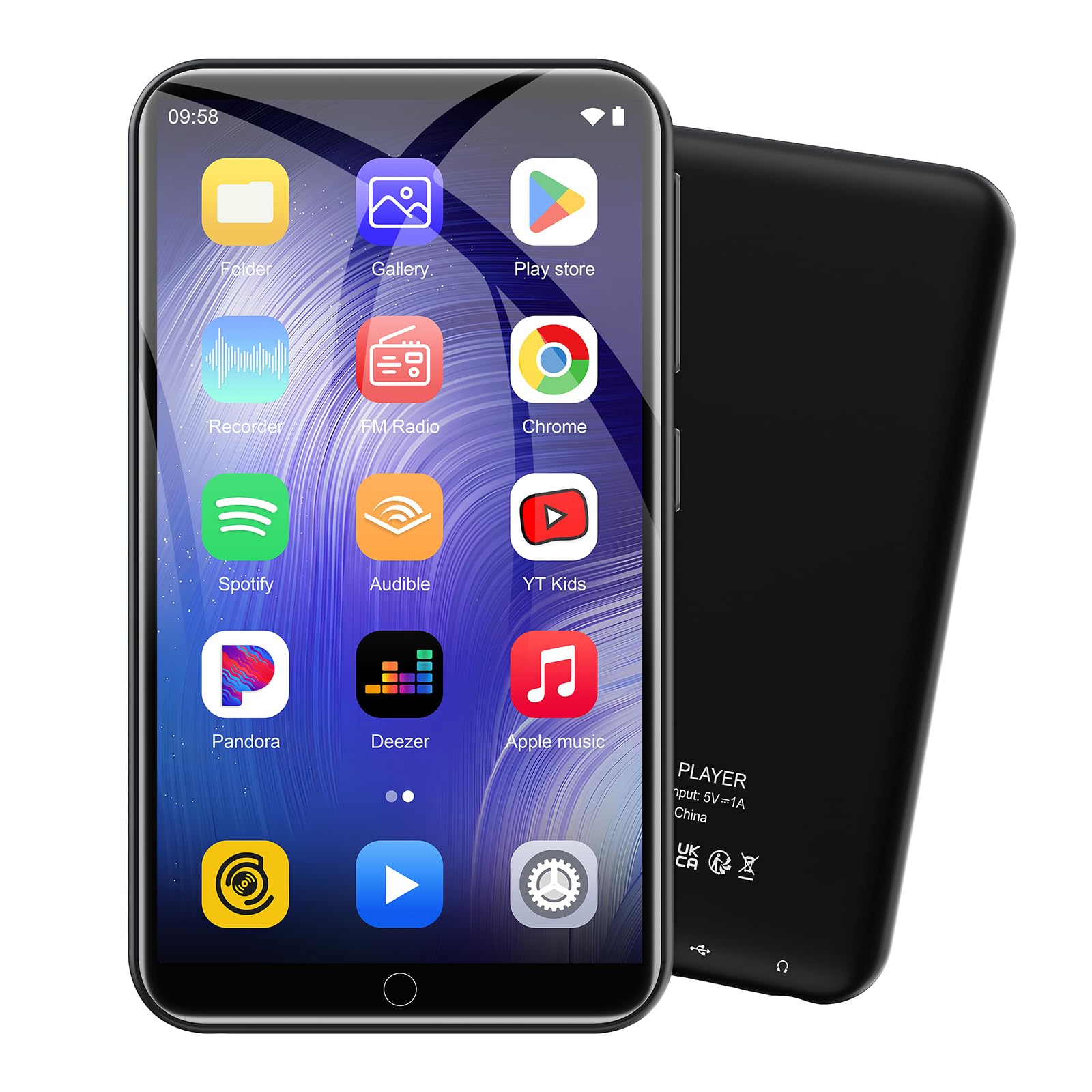
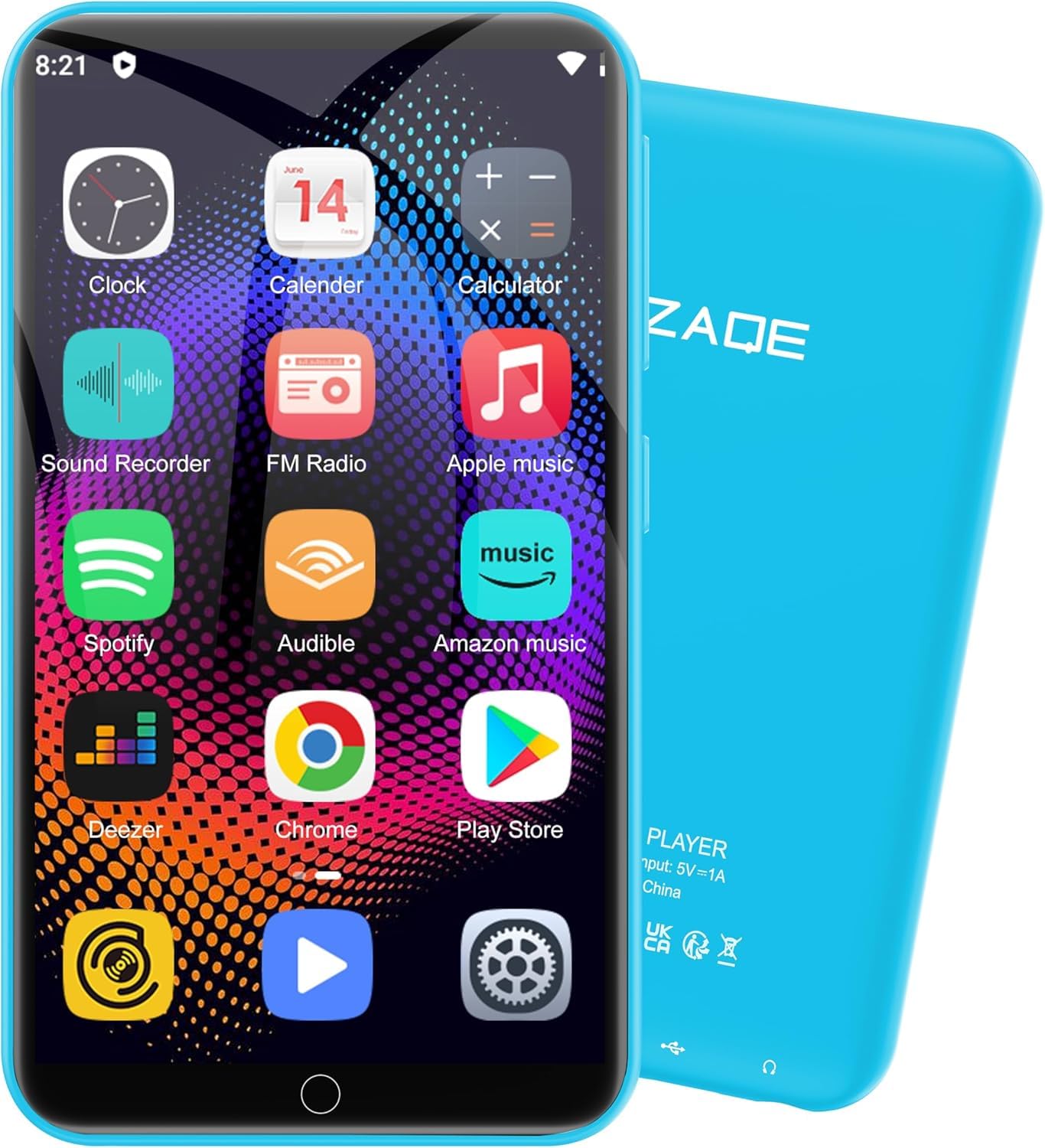
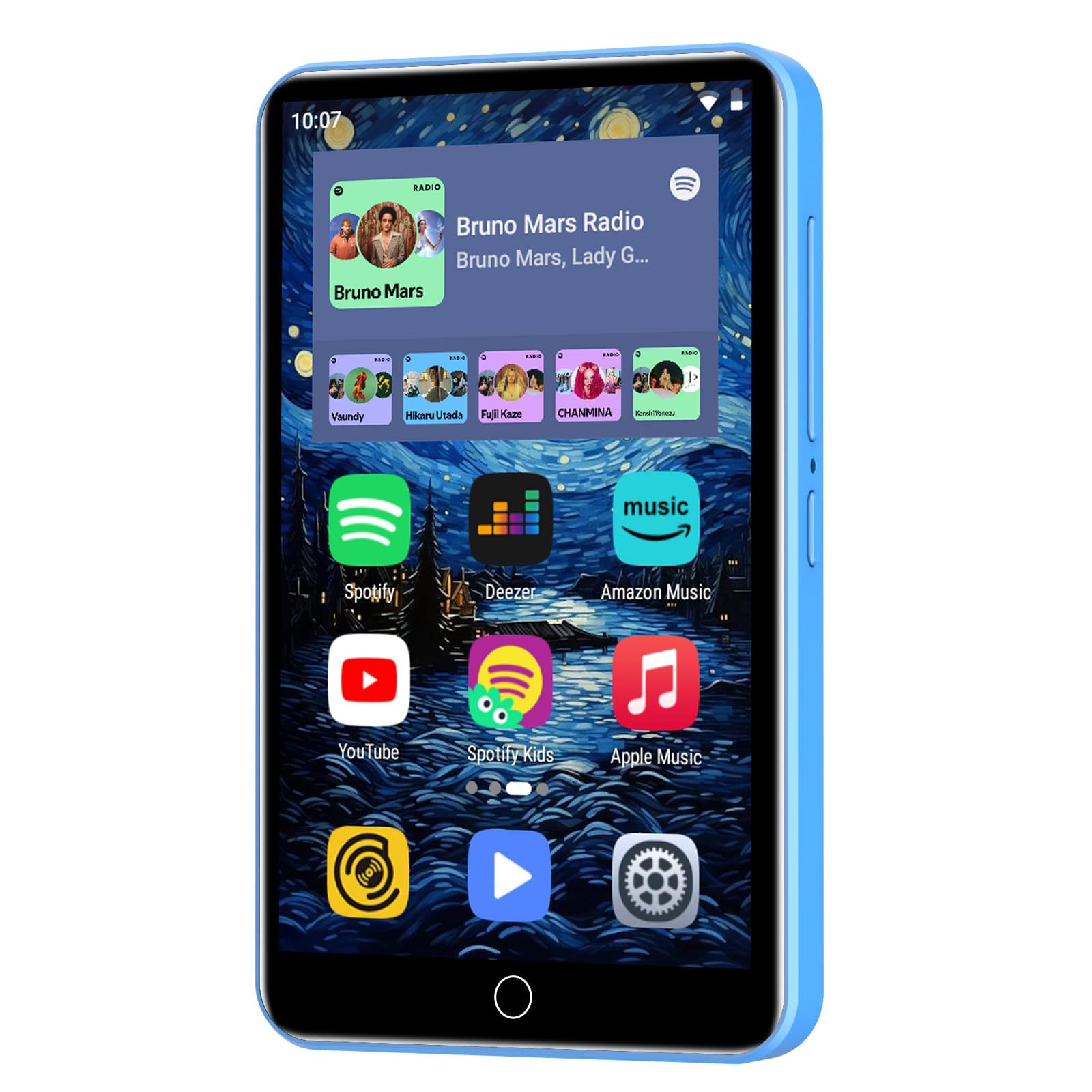
This is an exceptional digital audio player for less than $65. It runs a full version of Android 13, meaning you can install apps from the Google Play Store. I installed Libby and Hoopla for borrowing audiobooks. I also installed Audible for my audiobook purchases. But the primary reason I purchased this DAP is to hold my large music collection. Over the years, I've ripped about 800 CD's to .mp3, .wma, as well as lossless FLAC files. I needed a player that would handle all these formats and offer what is known as "bit perfect" playback through my Soundblaseter X1 DAC/amp dongle. The DAP comes with a 128 GB micro SD card along with 32 GB of internal memory, for a total of 160 GB. My music collection was larger than that, so I used a 256 GB card I already owned. That doubled the capacity and held all my ripped files, both compressed and lossless. Transfer of the audio files was simple via the included USB C cable using Windows File Explorer. The player appears as a device in File Explorer, with the internal and micro SD card showing as separate drives. It was just a matter of dragging and dropping the audio files onto the micro SD card. It did take a while for the included HiBy audio app to scan the large collection. The only complaint I have is that each time I start the HiBy app, it gives me a warning that the app is not responding. This is because it is rescanning the large music collection. Fortunately, it opens after a short while and operates normally. The HiBy Music app is as extraordinary as the player itself. In addition to offering "bit perfect" (bypassing the internal Android system audio processing) playback through a DAC/amp dongle, it has very precise equalization controls to tailor output to your specific headphones. I created presets for my HiFiMan Anandas and Koss Porta Pros (two very different headphones). For more casual listening through Bluetooth headphones or earbuds, the HiBy Music app is overkill, and a bit too slow in scanning a music library. The wait is worth it if you are doing critical listening with wired headphones, but not for wireless. For that type of listening, download and install the very fast Musicolet or Oto Music Android apps from the Google Play Store. They will scan and load a large music library very quickly and respond much like an old-style dedicated MP3 player. I especially like the Musicolet Music Player app's interface and controls. There is no problem having multiple music apps installed on this device given its large 32 GB internal storage. Overall, this is one of the best and most surprising audio purchases I've made, and at 70 years old, I've made a lot of them. UPDATE: After using this DAP for a few weeks, I remain impressed. I discovered another music app that scans my library much faster than HiBy Music, has an option to skip the library scan at startup so you can get right to your music, and still offers "bit perfect" playback when using a USB DAC. It is USB Audio Player Pro (UAPP) (see photo). Unlike HiBy, it isn't free. However, the $7.99 cost through the Google Play Store is well worth it. I often use an external DAC/Amp to power harder-to-drive headphones. In my case, it is an older Soundblaster X1. It works great with this DAP, but it drains the player's battery faster than without it because the X! is powered by the phone's battery through the USB connection. When the player's battery level gets down to about 25%, the X1 loses connection with the player because of the player's low battery level. This appears to be an Android system function. This is something to keep in mind when using an external DAC/Amp. Read more