TopNotch—February 28, 2021✓ Verified purchase
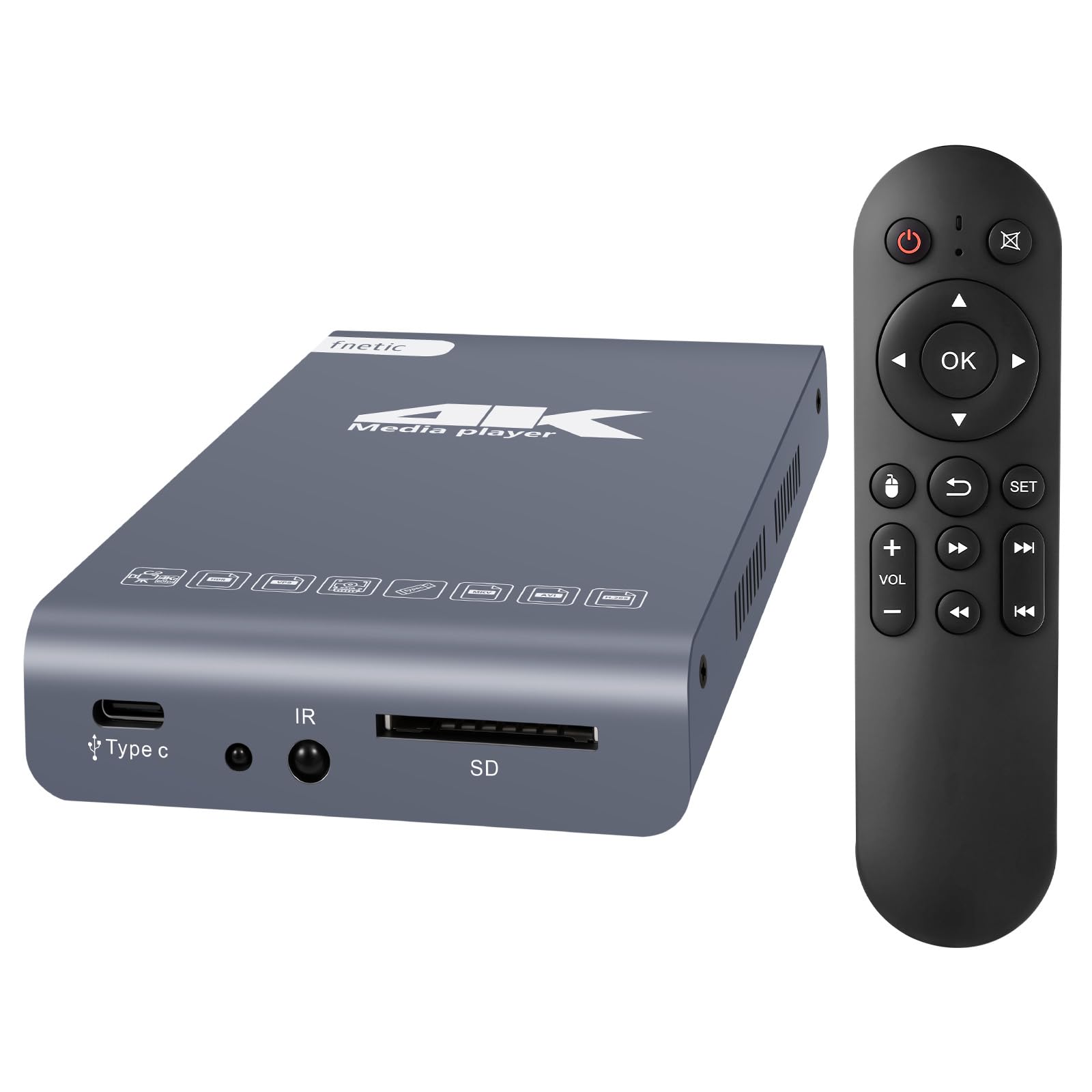
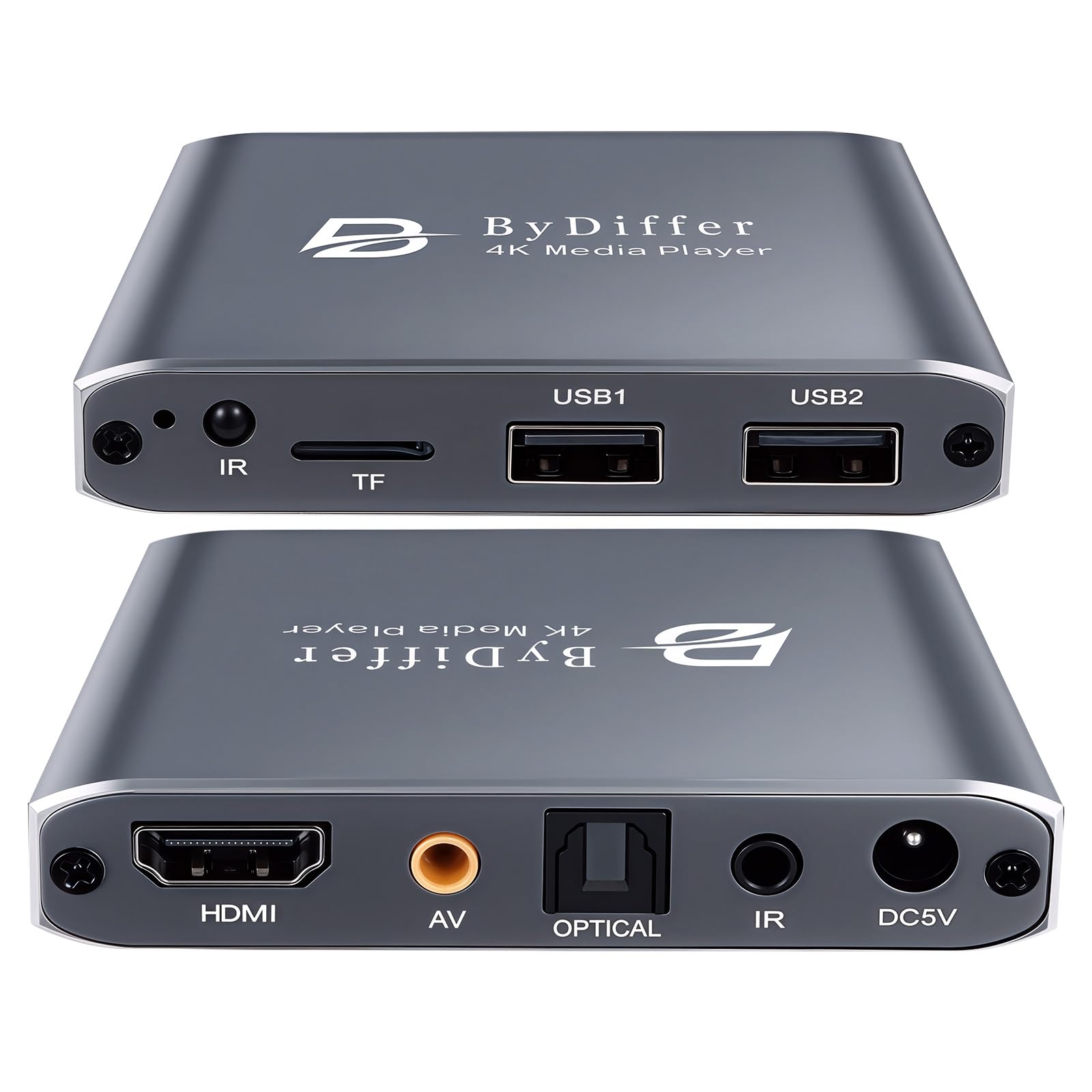
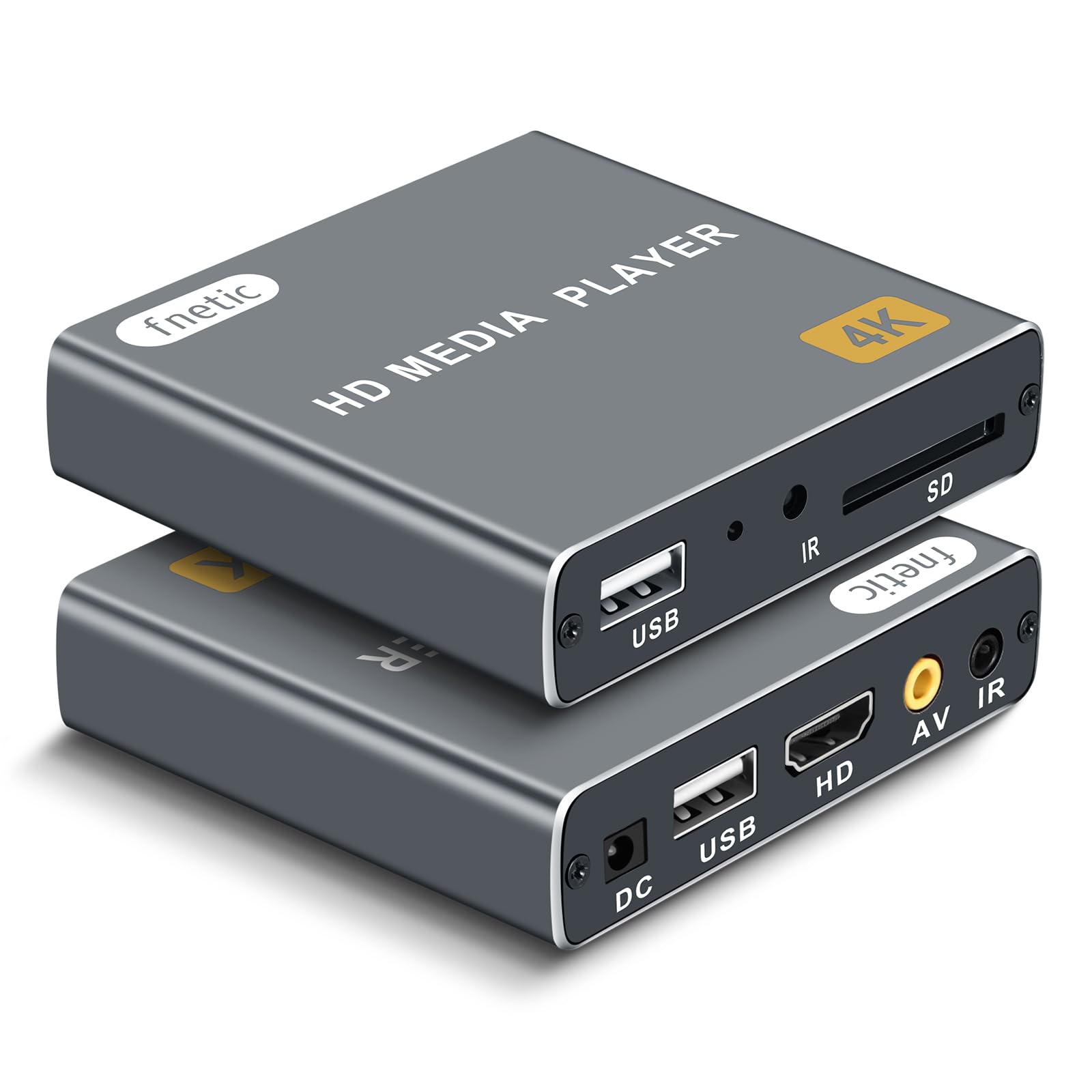
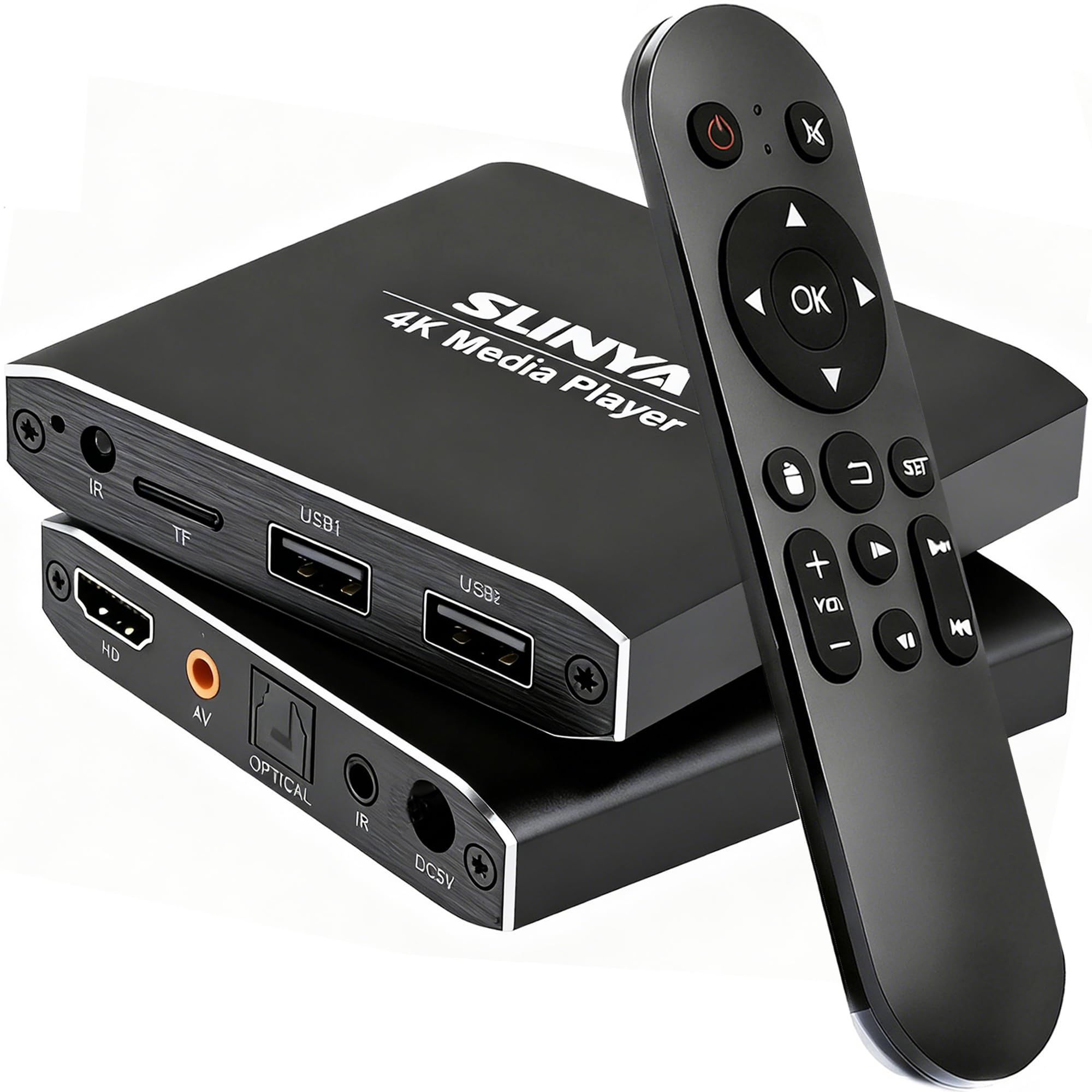
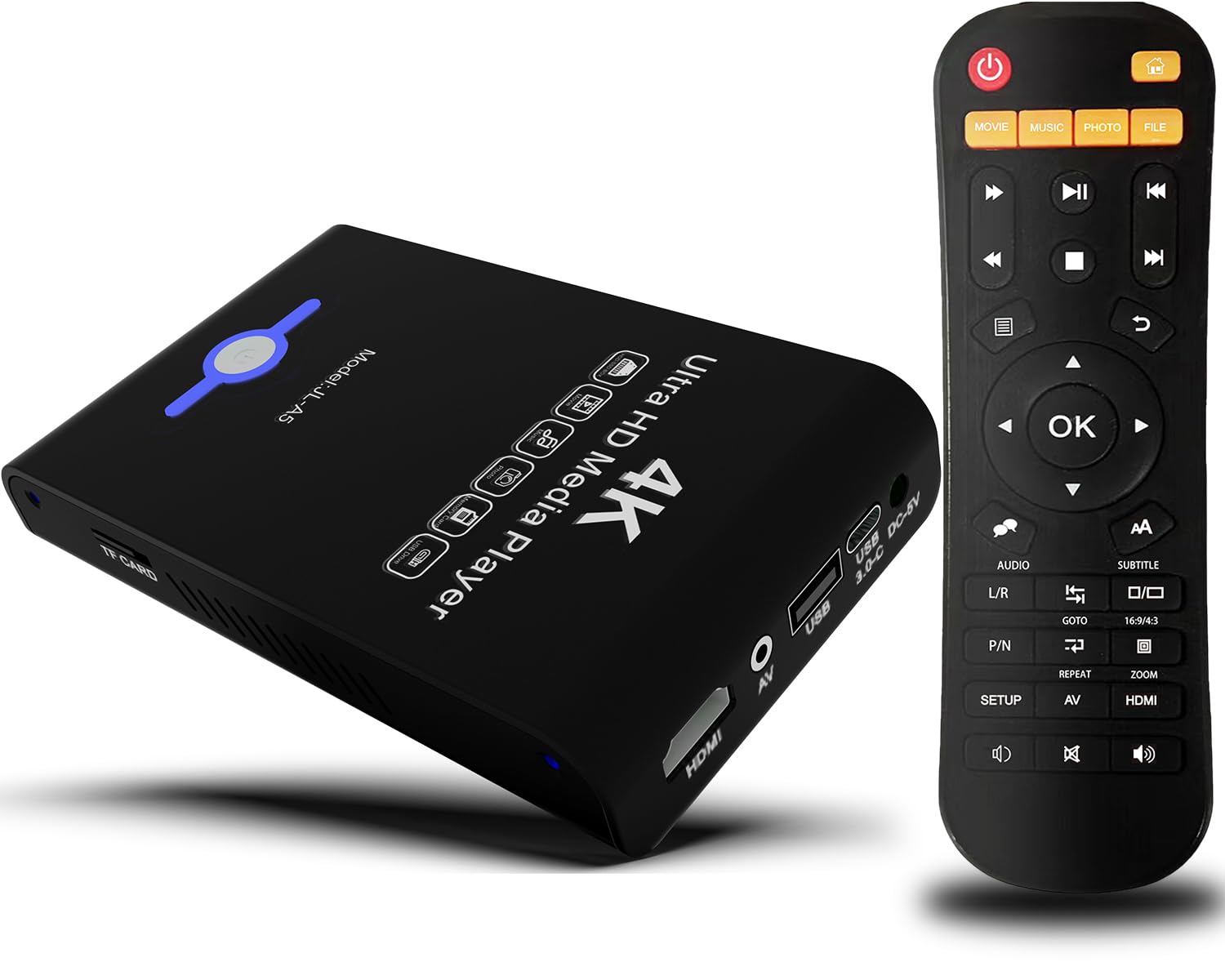
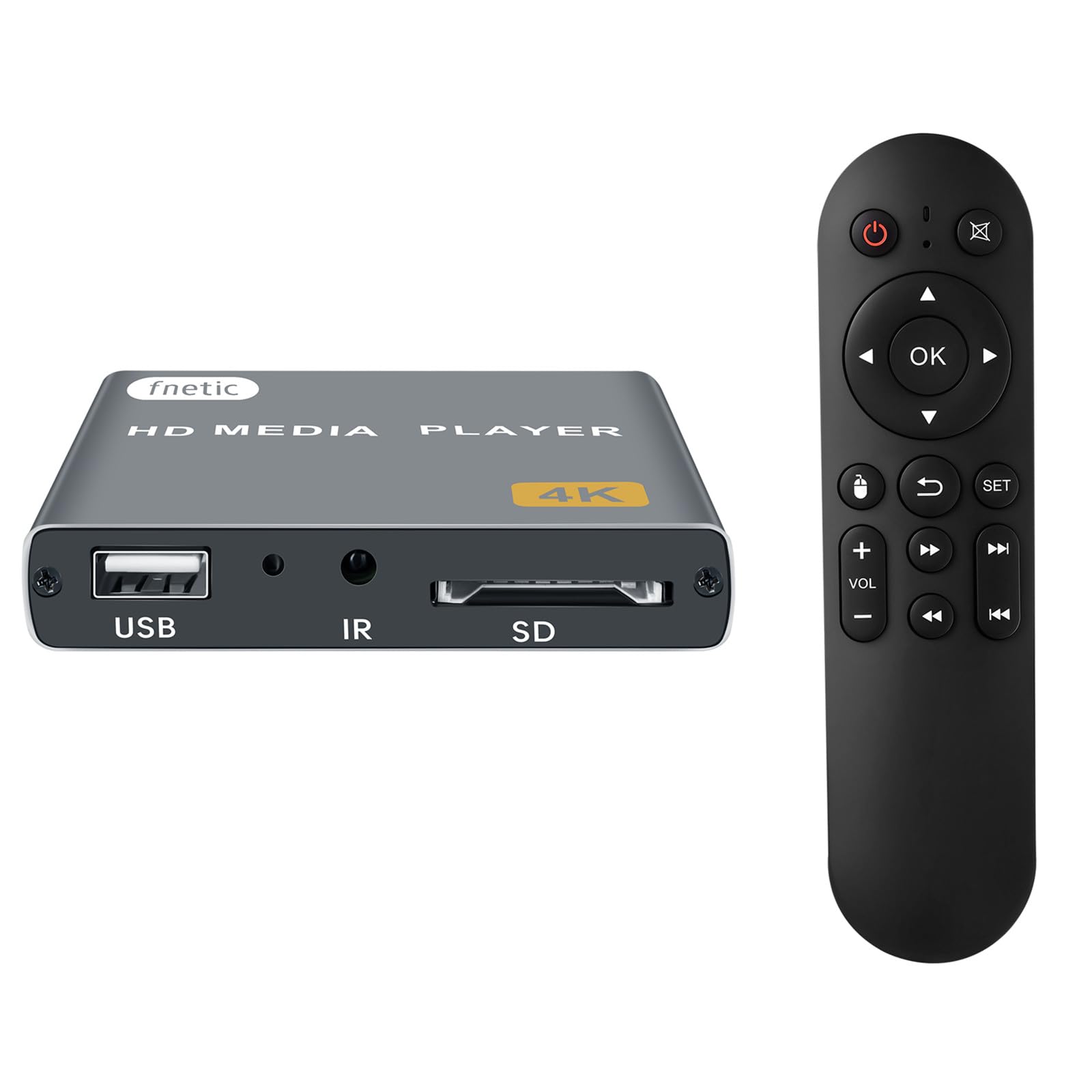
TLDR add a 128GB micro sd card or usb flash drive key chain for under $20 fill up with all your favorite titles, and you can take all your favorite videos, music, audio books and play it via hdmi anywhere on the planet you have power. it's a 100+ DVD disc/VHS player that fits in your back pocket for $70 or less all in no need for internet, subscriptions, accounts and doesnt stalk you.... $50 plugged it in, plugged in usb drive, plays back everything pretty much flawless, a child could use and the senior crowd can too without any internet stalking, set ups, accounts, updates, tinkering. For the most part it just works plug & play. Was an OG Xbox hacker running XBMC almost 20 years ago, used the entire wdtv line, dabbled with the pis and I tend to always have an old notebook around which is easy enough to connect via hdmi so I skipped a few generations of streamers. and I have zero desire for streaming but for a stand alone box this is it. 5 stars for the price, size, and doing what it's supposed to do. If I could make changes. Power on would check sd card and boot from that. So those who like a little more customization or updates could just set up a microsd card pop it in and enjoy. If no sd card then it just boots like it normally does. An internet search for "mypin firmware" brings up a page easy enough with a file from 2020 around 500mb. Played around with it before updating worked fine before and after. Verision 16 of kodi think their on 19 by now. Didnt spend to much time on it, wish it was a little easier to update and add apps, I'm sure I could get into it but not worth the time these days just want it to work and it did. Was easy enough to just add to root of usb drive, but really didnt give any indication it was doing anything, I'm familiar to just let it be for a while, checked the status and it did change. But there was no reason to update. Maybe a system setting to load update file but 99% of people wont bother. Turned on clicking video/music didnt show any files no biggy clicked app and kodi, vlc, and an office app popped up. Thought I'd try vlc it saw files but no sound thought oh boy, clicked app again selected kodi and it played back everything fine. I use a projector. Theres options to have it automatically start playing that are easy enough. Some might complain about some of the apps not working but it 3 button pushes its playing fine, scrolls thru titles fast, app and back button tend to get a user where the need so I'd be comfotable gifting to older relatives or kids. Small footprint microsd cards and usb drives are less than 20 bucks, load em up, store away and go. The Blue Laser Beam is like the luxor in vegas and i'll never understand why pretty much all electronics need to light up a room when powered off but that's what black nail polish is for, covered up the light and other spots it leaks and remote still works. Doesn't come with hdmi or batteries, but I have plenty I use a small 1ft one for this. It came with an extension for ir remote, some old school red and yellow cables and a basic remote. Would and will buy again. Great travel companion, for hotels, projectors, super portable, user froendly, and if it gets lost or stolen no biggy it so cheap. Would love physical buttons on these type of products nothing fancy but redundency for a lost or broke remote, a power button and a way to scroll or select. Maybe another micro sd card slot, it has 2 usb slots, and a file manager so it could double dose as a micro sdcard /usb drive cloner All 1%er requests but a few tweaks could make this a killer product. Old wdtv is a good comparison expcept this box scrolls thru titles a lot faster. I havent tried with my big drives, I like to use those for serious back up, keep a few usb drives / sd cards loaded and you can carry hundreds of movies/ thousands of albums ready to plug and play anywhere you go TLDR add a 128GB micro sd card or usb flash drive key chain for under $20 fill up with all your favorite titles, and you can take all your favorite videos, music, audio books and play it via hdmi anywhere on the planet you have power. it's a 100+ DVD disc/VHS player that fits in your back pocket for $70 or less all in no need for internet, subscriptions, accounts and doesnt stalk you.... Read more
Von A. Ehman—January 10, 2021✓ Verified purchase
Overall, this player is a great player. Pros: Very Stable Operation. Not one frozen video or system lockup, So Far. Very intuitive-simple, bare bones interface. Minimal amount of Menus and Sub Menus. Excellent Fast Forward/Rewind Interface. Great Video and Sound Quality. Soft Blue On/Off light that won't blind you. Best Remote I used in terms of range and spread - very forgiving. Best Minimal Heat Signature, So Far. Best Player I have used, So Far. Plays everything I have tried, including h265 with ease. Cons: A Little more expensive than the competition. As with most it has a poor manual. The ONLY annoying flaw I have found: IMPORTANT It appears that the MyPin remote on/off button only powers off the Player, it does not turn off power (internally disconnect) to the drive you are using, Another reviewer on Amazon has pointed this out. So, before you unplug your drive to add media... Turn off the power to the unit its self.... Then unplug your drive and add your media. In my experience, if you don't do this, you may get a drive error message from your PC and your files may not write/copy properly. This mainly happens with SS Drives. It doesn't seem to bother my 4 gig Desktop Seagate Drives. Technically, I don't understand what the problem is but MyPin should address the issue what ever it is. Read more
Customer—March 16, 2023✓ Verified purchase
I have 5TB hard drives containing MP4 formatted home videos. There are over 500 directories and 1000 video files on the hard drive. I normally play the videos from a Windows or Chromebook laptop connected to a TV. I had to provide a Chromebook to family members to play the videos on their TV but it is rather difficult for them since they are non-technical users. I started researching other options and found that most media players and Blu-Ray players can handle a small number of files but cannot handle large drives, a large number of files, or a variety of video formats. This media player gives you the ability to easily play a large number of various video files from large hard drives without a laptop. By simply connecting the player to the TV and connecting the hard drive to the player, I was able to play almost all the video files. Using the interface, it takes a few seconds to open the root directory since it contains over 500 sub-directories but that is not unreasonable. All the directories appear and it is easy to use the remote to navigate to any directory and subsequent sub-directories. As a few reviewers have mentioned, using the File Manager instead of the Video application gives you the ability to back out to the previous directory at all levels. The remote works well enough for controlling the playback of each video. I don’t have a problem with FF, REW, etc. The MP4 video files range in size from 2GB to 20GB. All files up to 15GB play great but I have a problem playing video files larger than 15GB. The video doesn’t play after approximately two and a half hours (02:28). The documentation indicates the player should play files this large. Mypin support was initially responsive but did not provide a solution for the problem. I experienced one other problem. After disconnecting my hard drive from the media player and reconnecting it to my Windows 10 laptop, the following Windows error message appears: ‘There is a problem with this drive. Scan the drive now and fix it’. Whether I choose to ‘continue without scanning’ or ‘Scan the drive now and fix it’, all the files on the drive were available and playable. This message has been more of a nuisance rather than the drive actually being corrupted and requiring a re-format. The media player created three directories on the hard drive – Android, BUDA, and LOST.DIR. I assume since Windows didn’t create these directories it may be flagging that there is a problem with the drive. When I reported the problem to Mypin support they responded that it is a known bug but there wasn’t a solution (as of DEC 2022). They also responded that it should not damage the hard drive or USB flash drive. Summary: This media player is a great option for playing videos from large external hard drives. You can play the videos on any TV at home or any other location without worrying about using a laptop. It is especially useful for non-technical users. My extended family members love it. I really wanted to rate it with five stars but dropped to four stars because of the two problems I described. Overall, it is a great product. Read more