Zx86Legend (Mr. Tepee)—October 3, 2024✓ Verified purchase
The Cyberlink PowerDVD is expensive the one they suggest to use as it costs here in the states $39.99 ($42.43) however I found an absolutely free yet legal alternative which is "VLC Video Player" and this can be found on Windows, Linux, Mobile, Mac, etc. Also it does play Blu-Ray Discs even though it does not say it on the box, I have tested DVD, CD, along with Blu-Ray and they all work great! VLC Video Player does require some additional steps due to the protection of Blu-Ray content (all it needs is the key to unlock and playback the content which is not illegal as all mainstream Blu-Ray Players also possess this same digital key) i shall explain the additional steps down below. I. You gotta go to a site called "VLC Blu-Ray" from there click on the link called "Fetch the up-to-date file from FindVUK online database and unzip it" that is one of the first ones you spot that will bring you to the AACS Decode Key file that you gotta download. (This one is a tricky one to do cause you gotta enter a program command) II. Go to the command prompt by clicking "Windows + R key at the same time" and type in %APPData% after this click "Open" and it will bring you to the main programs on your PC from here click add "New Folder" and name it "AACS" after this is complete you gotta unzip the key file you downloaded from the site above and copy along with paste just the .key file to the "AACS" folder you had just created. III. Once finshed with the top two tasks go back to the main site and download the "libaacs.dll" file which is also a link towards the bottom of the page as this is what enables VLC to decode the AACS (Advanced Access Code Security) on the Blu Ray Disc after that copy and paste the .dll file to the Root Directory of VLC itself. (Program Files -> VideoLan -> VLC) IV. After all this is done you should be able to play Blu-Ray Discs using the VLC Video Player without any issues. These steps are not too difficult however if everyone wants me to i could set up a video to show you all how to do it as well just hit me up and let me know and I'll gladly help you all save $42.43. (I am not a wealthy man so had to find alternative ways that are legal and i found one💪) Read more
MMM—January 6, 2025✓ Verified purchase
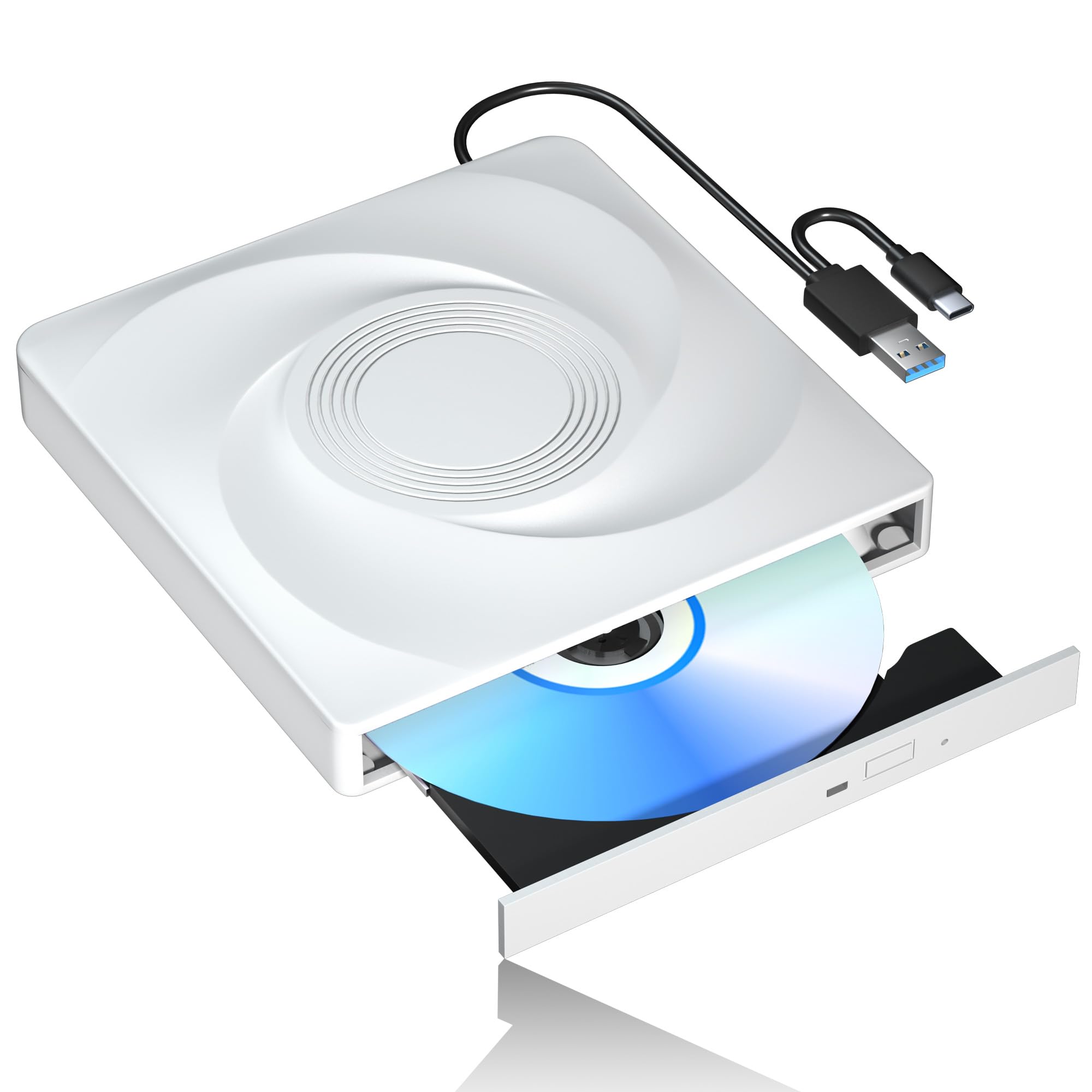
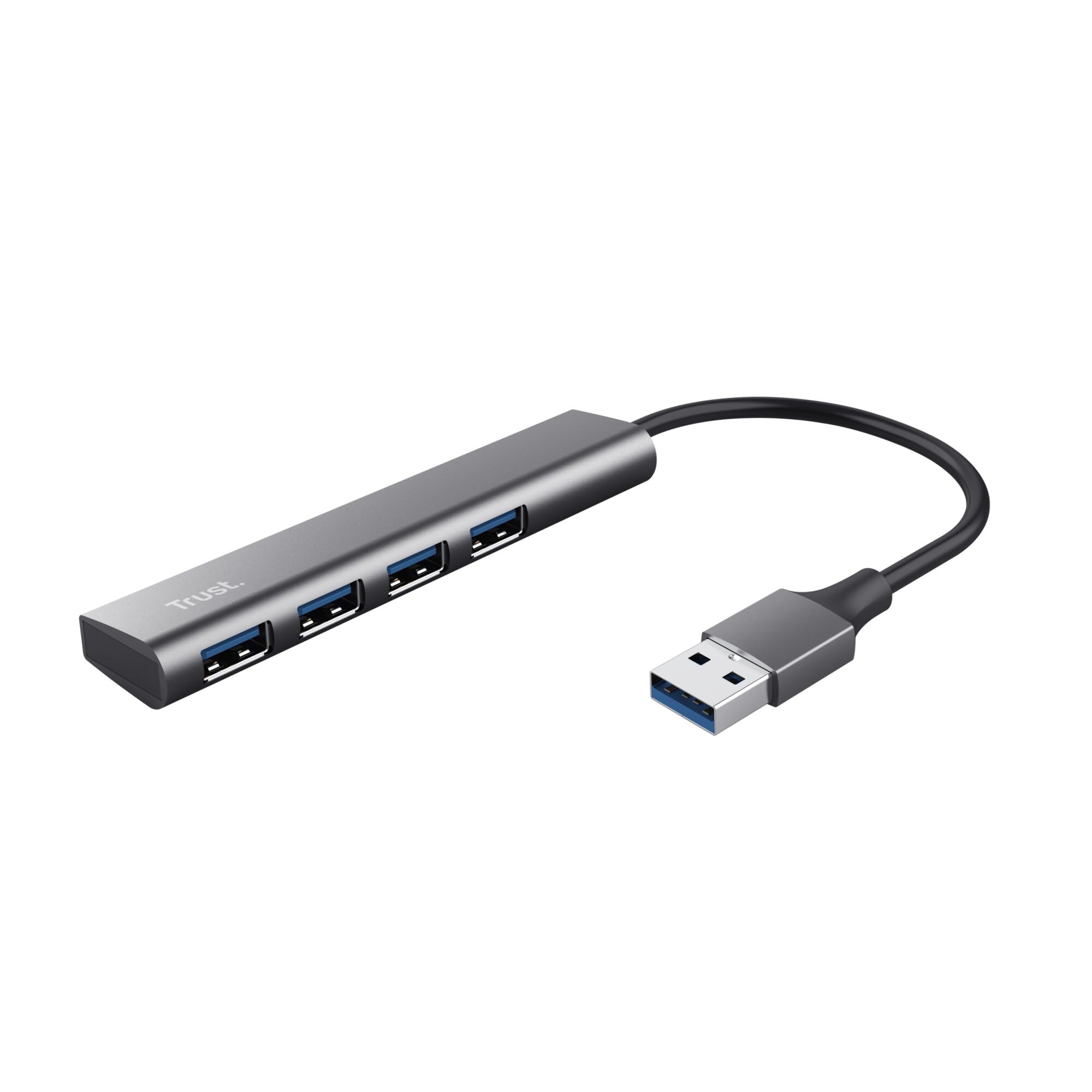
Updated 2-12-25 I’ve tried a number of CDs that work fine on other drives and they all fail, the drive mounts and dismounts, crashes music player apps and will not stay mounted. I’ve replaced the wires and tried other ports and connecting to other computers. The drive is simply bad. Since I took the time to try and make it work, I’m now out of the return window and I’m stuck with it. Don’t buy this drive! I bought this so I could burn Blu-Ray disks for larger archive backups. The extra ports were nice but I could not get anything to work when plugged into them. Worse, all my older media like DVDs won't play on it even though my 10-year-old drive mounts and plays them fine. I also tried to play an MP3-CD which would not mount but does on my old drive. Regular CDs and Blu-ray disks mounted fine. I normally don't test speeds and just rely on my my impressions of performance. However, these other issues above made me do two tests. I put in three CDs to copy the music to my hard drive from two albums and timed how long it took to copy the music. I did the same copy from my old DVD-RW drive and it was the same speed. That would be okay only they advertised it as being many times faster than older drives. It was no faster at all. If you just need an external drive to play movies it's fine but for anything more, I'd recommend trying another model and brand. Read more
C—February 17, 2026✓ Verified purchase
Works great. Read more
Customer—August 29, 2024✓ Verified purchase
First one I recieved was DOA but they were very quick to send out another. The second one is a very good drive that can read CD/DVD/Blu-ray as intended. It has a very decent design and works pretty well. Does not burn Blu-ray but burns DVDs and CDs pretty well. Works very well as a Blu-ray player. Read more
Greg—March 17, 2026✓ Verified purchase
You will need software for burning any thing. Extra cost. Read more
cheeto—March 4, 2026✓ Verified purchase
Used it twice worked the first time only if I used the usb 3.0 cable if I used the standard usb it crashes my computer. Tried to use it for ripping homemade DVDs to mp4 and won’t work. Won’t even play a dvd using vlc media player Read more
Matthew Becker—April 18, 2025✓ Verified purchase
Why do I give it 3 stars? Eventually I got it to do what I needed it to do... be able to recognize that a BluRay data disc had been put in it and get the data copied off... and it's cheap. Why ONLY 3 stars? Because it never would recognize the disc when I attached it to my main computer - even after 20+ attempts and all sorts of troubleshooting. And it failed to recognize the disc several times as well when connected to my laptop. I would have given up - but the first time I connected it to my laptop, it DID recognize the disc before I screwed up and disconnected it. Then it failed to see the disc about 5 times when I was trying to get it to work again... before it finally connected properly. I got the data off. Because it eventually got the data off... That is +1 from a junk-rating. Because it was a cheap price, that's a 2nd +1... So 3 stars. Honestly, it doesn't deserve that. It probably deserves 2 stars. Whatever. Buyer beware. Read more
Mary Jane Hernandez—April 6, 2025✓ Verified purchase
Good product. Does not work with all blu ray players, but found a free blu ray player on microsoft that works just fine. Overall, good player for the price. Plug and play. Read more