Ilgenfixit80—March 25, 2026
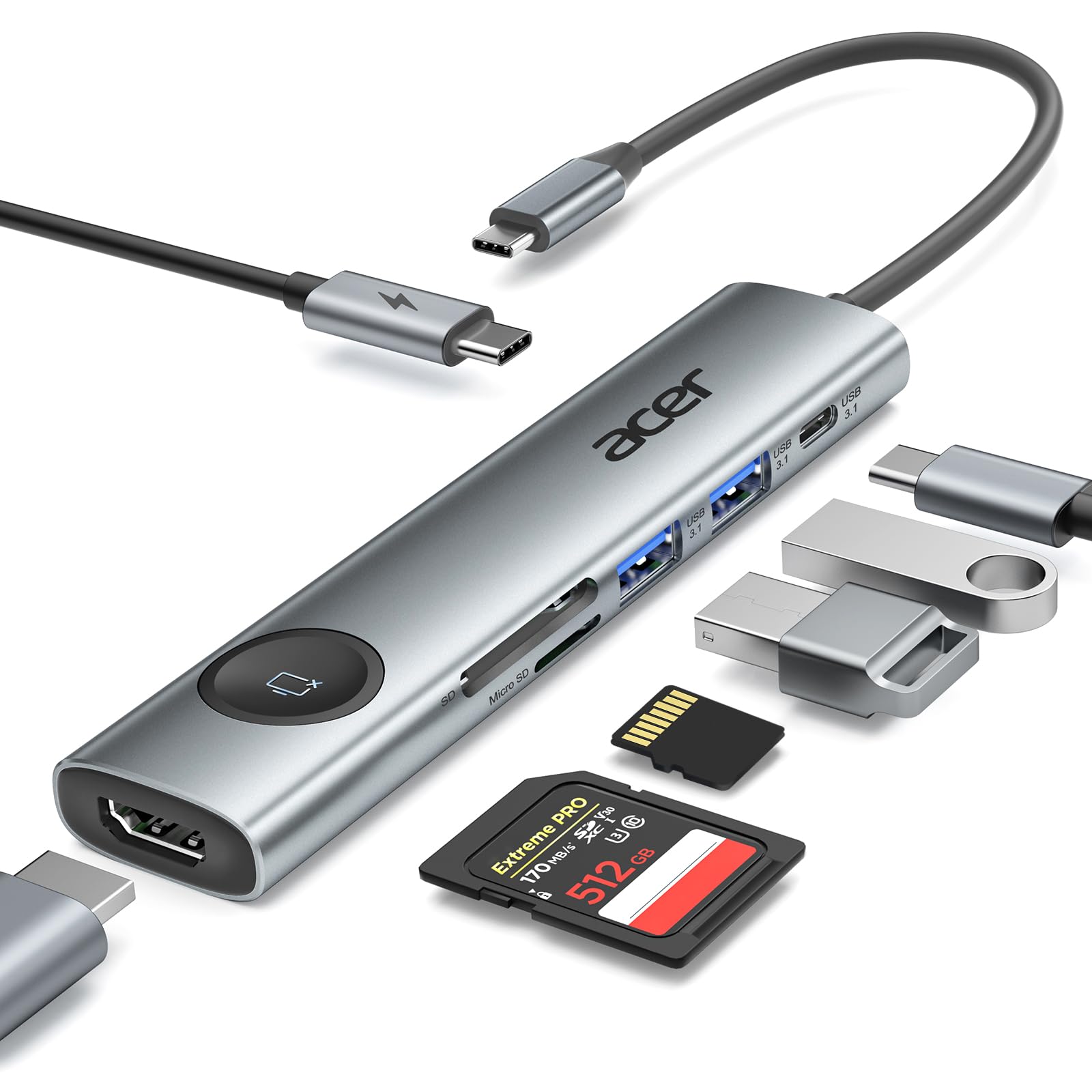
This little hub fills a very real gap created by newer Chromebooks that keep shedding ports in favor of wireless everything. My updated Chromebook lost its dedicated HDMI port and only kept a single full‑size USB port, which really changed how I work. Plugging this hub into the lone USB‑C port restores the essentials I actually use: extra USB ports and, most importantly, HDMI output. The HDMI function worked immediately and cleanly, giving me a proper extended desktop as a second monitor. That alone makes the device worthwhile for anyone who relies on external displays. I tested the USB expansion and HDMI ports extensively since those are my daily drivers. Both performed exactly as expected. The Ethernet jack is a nice bonus, though I didn’t test it because my Chromebook has always lived on Wi‑Fi. One thing to plan for: because the hub occupies the only USB‑C port, you can’t charge the Chromebook while using it unless your device supports pass‑through charging (mine doesn’t). That means making sure the battery is topped off before plugging in. The aluminum housing and cable feel durable enough to last indefinitely, especially for a device that will likely stay parked on a desk. I also tried connecting it to my Android phone. The phone recognized that something was plugged in, but it didn’t natively allow screen mirroring through the hub. That may require a specific app or may simply not be supported. At $32.99, it’s a bit pricier than I’d prefer, but when you need HDMI and extra ports on a port‑starved Chromebook, it earns its keep. For the right user and the right workflow, this hub solves a very real problem. Read more
Frozen_Lizard—March 6, 2026
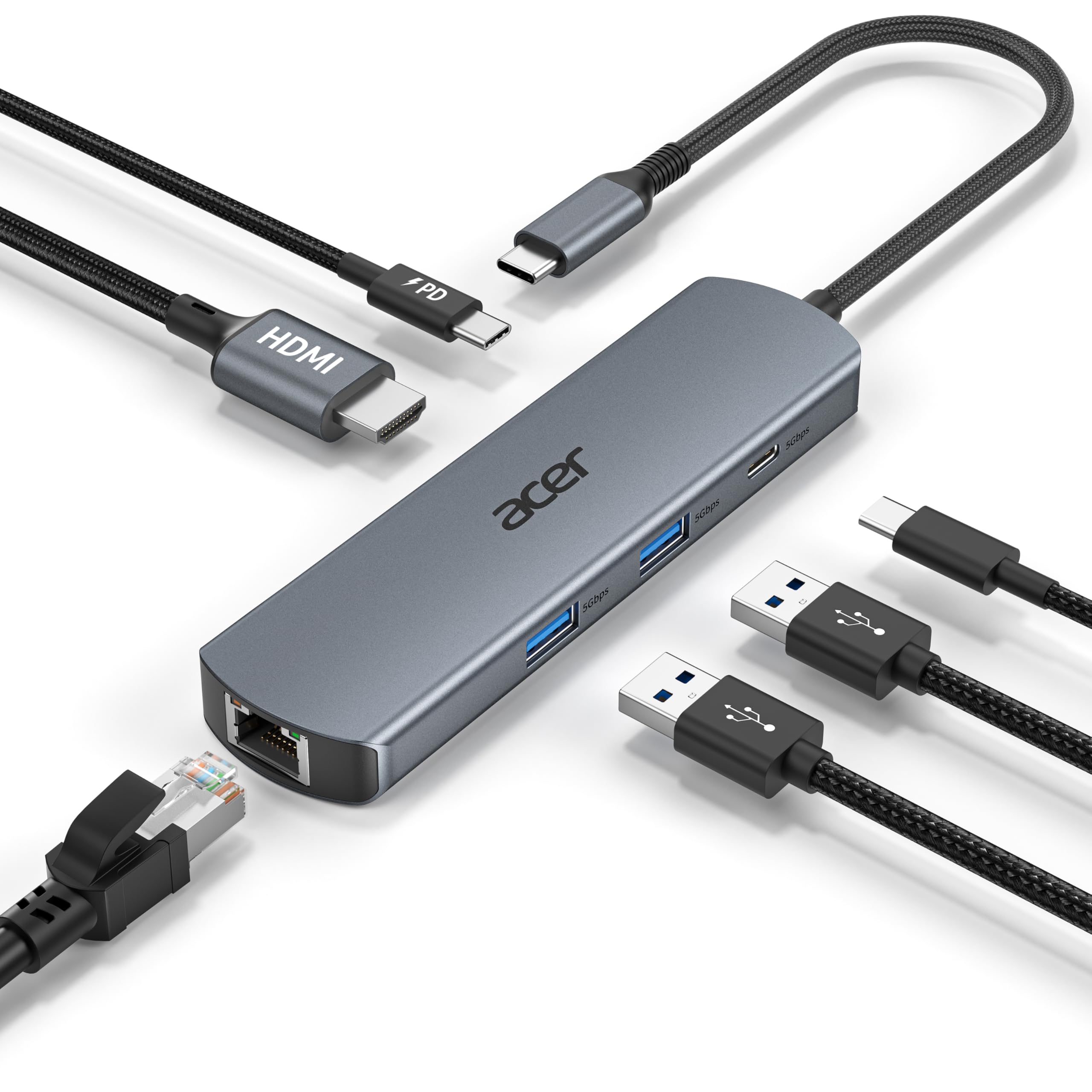
This is an exceptional little hub. The aluminum body, braided cable, and overall build quality make a great first impression right out of the box. I’ve used it extensively for about a week with just about anything I could reasonably plug into it. It has worked flawlessly! I recently got a new Acer laptop (my first Acer), and my inner nerd thought it would be fun to pair it with an Acer‑branded hub. I’m quickly learning that Acer makes some very nice accessories. I was able to charge both my Acer laptop and an HP Chromebook through the USB‑C PD port—not at the same time, of course—but being able to charge either device through the hub is a huge plus when you’re dealing with limited ports. This hub is extremely well made and feature‑rich. It includes three 5Gbps data ports (two USB‑A and one USB‑C), an HDMI port, an Ethernet port, and a 100W PD charging port. The Ethernet connection actually outperforms my home internet on paper, but it consistently runs at the highest speed my connection allows. I ran multiple mix‑and‑match peripherals through it—flash drives, multiple mice, an external speaker, a gaming keyboard, an external backup drive—swapping things around every so often. Everything worked without a hiccup. The only “issue” I had was momentarily losing track of which drive was which while moving data around, which was entirely user error and not the hub’s fault. I own several hubs and can always find a use for another one, but I originally got this as a “mate” for my Acer Aspire laptop. Ironically, I’ve ended up using it even more with a Chromebook that only has two ports (one USB‑A and one USB‑C), and one of those is needed for charging. The PD port on this hub solves that problem perfectly. This is a first‑rate accessory all the way around. Five enthusiastic stars. Read more
MamaZ—March 6, 2026
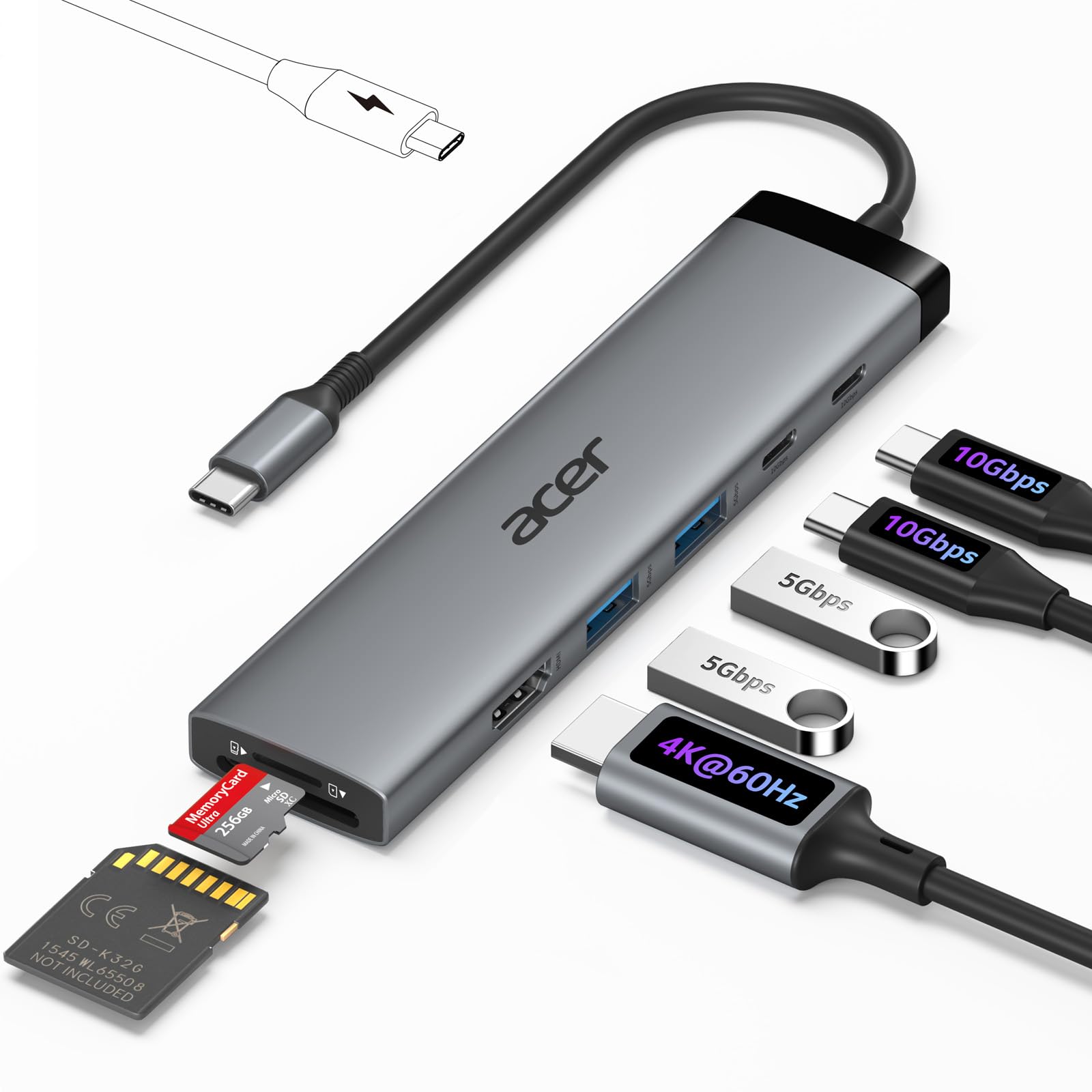
I ordered this Acer 6-in-1 hub primarily to solve the connectivity headache we face with my wife’s laptop and the kids’ Chromebooks. Most modern laptops have moved toward such a thin design that they have completely sacrificed the Ethernet port and left us with only one or two USB slots which quickly get taken up by a mouse or a simple flash drive. This hub has been a lifesaver because it expands a single USB-C port into a full workstation setup allowing us to hardwire into our Frontier Fiber gateway for a much more stable connection than the local Wi-Fi can provide during school calls or streaming. Also at times, I have to do a direct Ethernet connection to configure wireless access points and range extenders at our rentals. I can't carry my desktop around to do this, and I need that Ethernet port! The 4K at 60Hz HDMI output is a significant feature because it actually keeps the video fluid on an external monitor whereas cheaper hubs often cap out at 30Hz which can feel laggy and stuttery during basic navigation. It gives so much more utility to a basic laptop since it can now act as a desktop replacement with a real monitor and a dedicated keyboard. The 100W power delivery is also incredibly practical because it means we only have one cable to plug into the laptop to handle both the data peripherals and the charging. It is a rugged and compact piece of kit that has made our various mobile devices feel far more capable without needing to carry around a bag full of separate individual adapters. Read more
GermanShepherdMom—March 5, 2026
This is a convenient 6-in-1 hub that helps me stay organized and keep my workspace clean. It's great for my home office, and I plan to take it with me when I travel as well. It is compact and travel-friendly. The hub features various ports, including Ethernet, USB-C, USB 3.0, and HDMI. It is compatible with my HP laptop, and the setup is simple. It’s perfect for connecting multiple devices through one USB-C hub, allowing me to multitask efficiently. The cable is sturdy, although a bit short. It still worked well for my setup. The listed price of $32.99 does feel a bit high, though. Read more