VT—December 7, 2025✓ Verified purchase
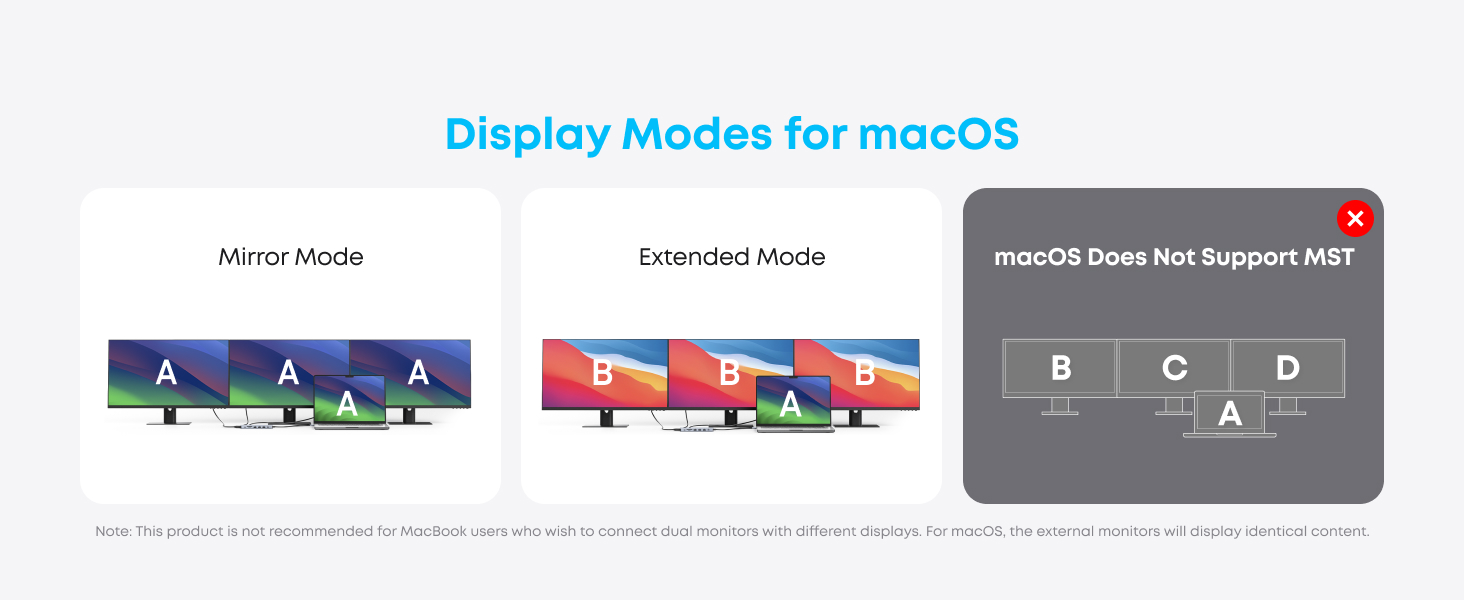
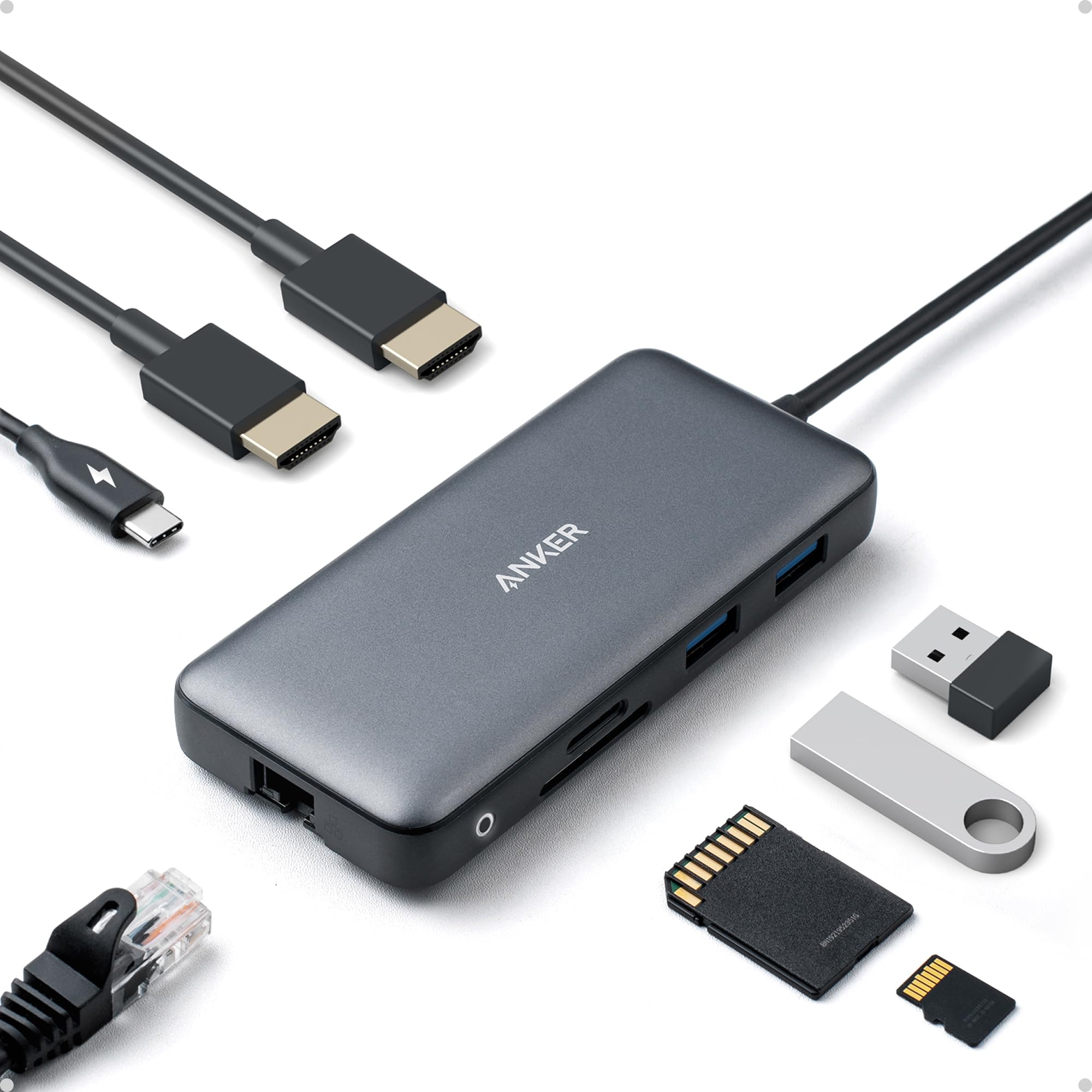
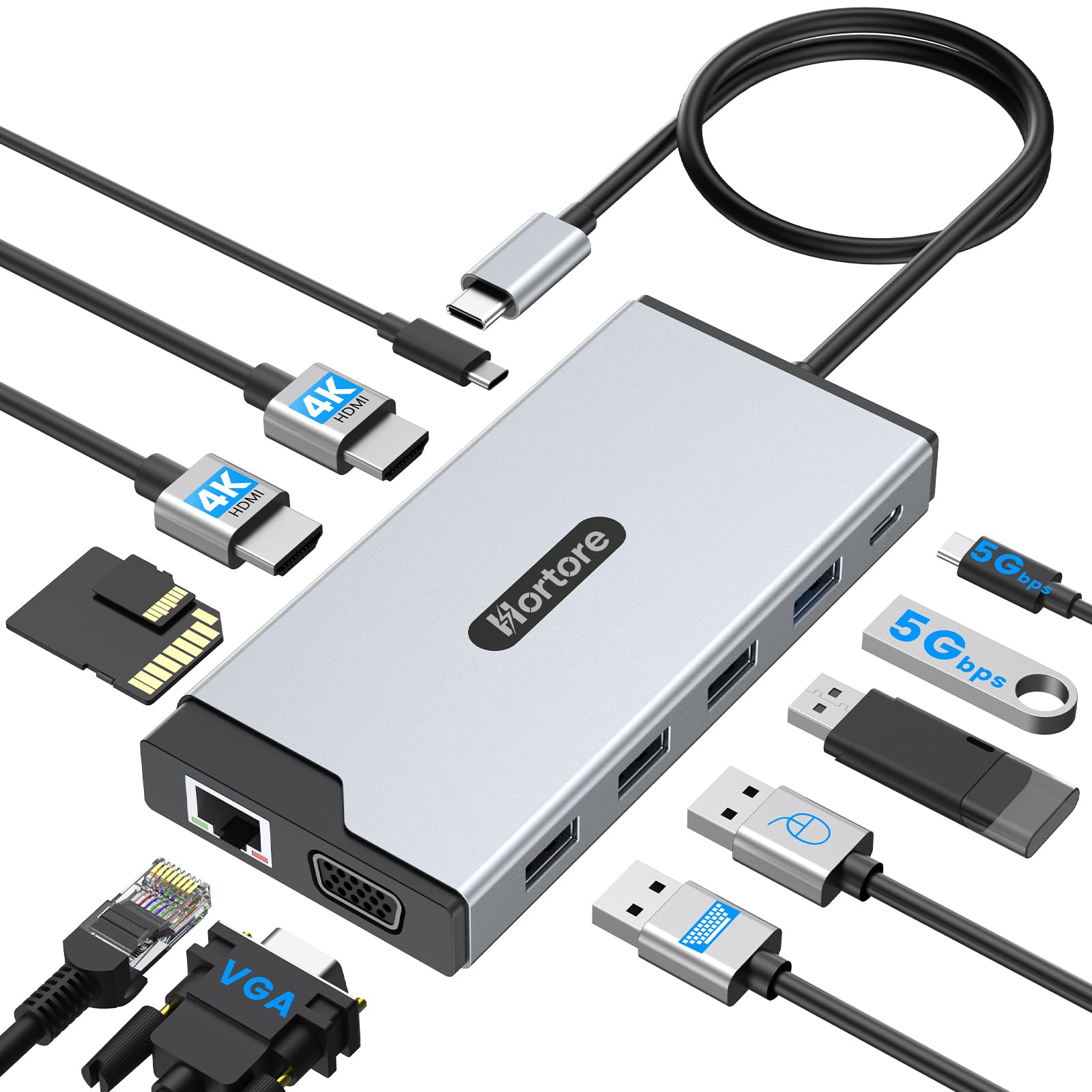
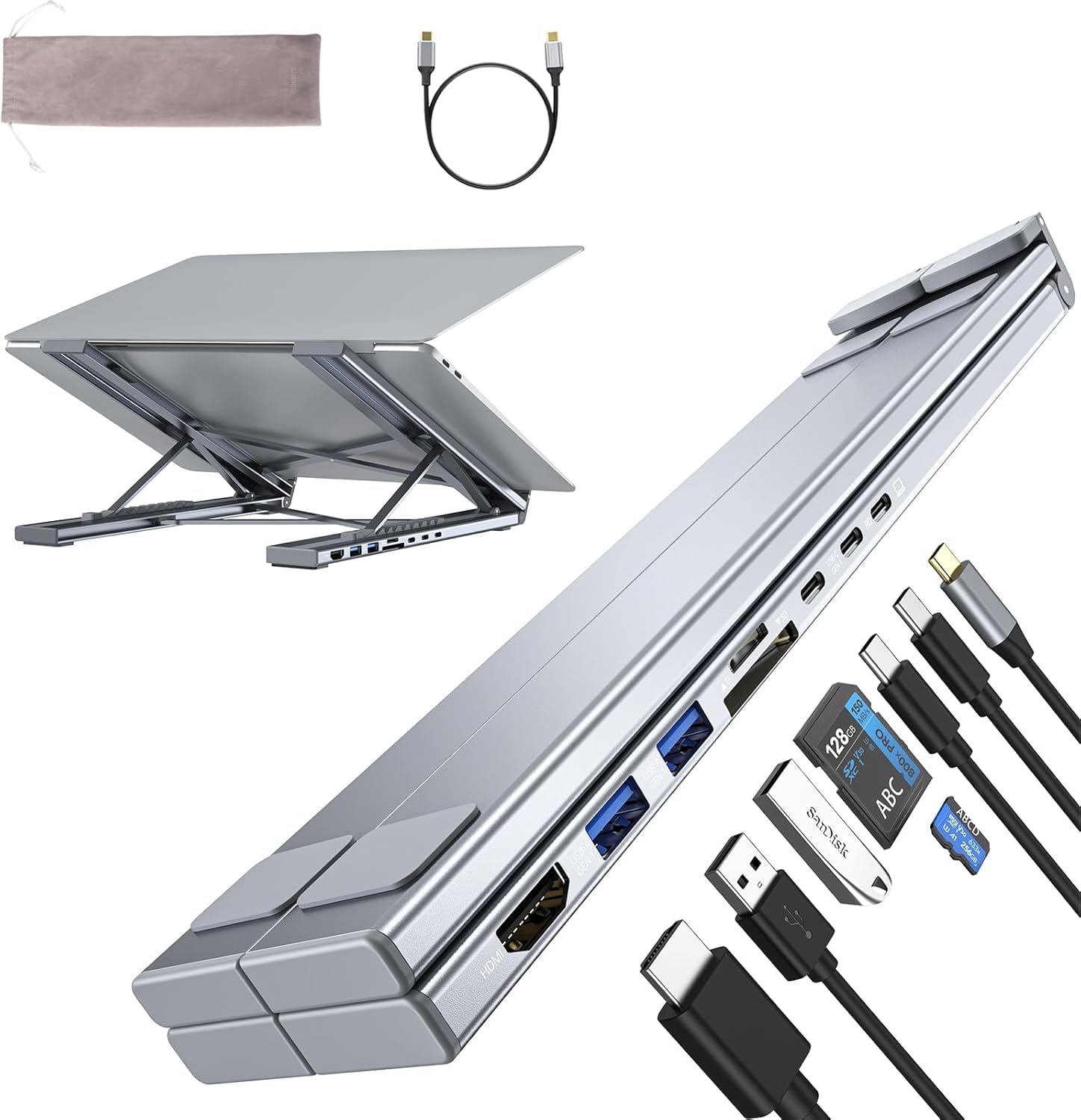
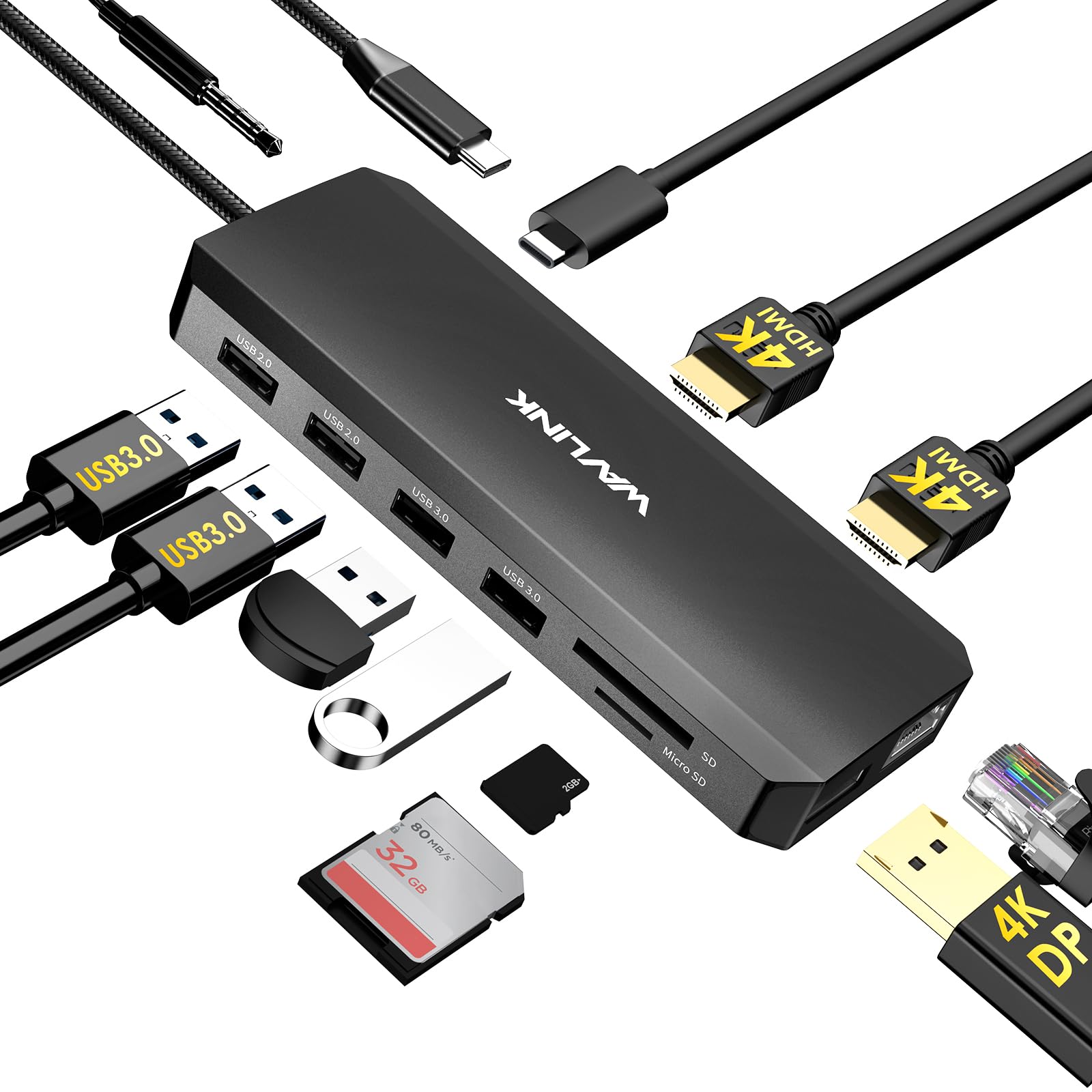
The main reason I purchased the Anker 14-in-1 USB-C Docking Station was to create a single workstation where I can easily swap between my home and work laptops while using the same peripherals—two monitors, keyboard and mouse, audio headset, and several external storage devices. It met all my needs and has exceeded my expectations. It instantly transformed my laptop into a full desktop workstation with just one cable. Setup was completely plug-and-play—no drivers needed—and everything worked right out of the box. Power delivery has been excellent. It charges my laptop while driving all connected accessories without any problems. The build quality is exactly what I expect from Anker—solid, well-designed, and premium-feeling—and it remains stable even under heavy use. That said, there are a few important things to note. Without a power input connected to the hub, only one HDMI output can be used for an external monitor, and the second display must remain on the laptop. I also use a Logitech USB-A Unifying receiver through the hub, and occasionally the keyboard and mouse performance is not as responsive as when plugged directly into the laptop. The dock can also get warm to the touch, which is expected with higher workloads, current, and power draw. Since the beginning of the pandemic, I’ve been working from home and do everything I can to preserve the life of my equipment, including running a small USB-A fan 24/7 to keep things cool—and I’ve had no issues so far. This dock has been a huge productivity boost and keeps my desk clean and organized with a simple single-cable connection. For the price, it offers excellent value compared to many other docks that cost much more and offer less. Read more
swbca—February 3, 2026✓ Verified purchase
I have DUAL VGA monitor setup that I could no longer use when a bought a new laptop with HDMI ports only. The hub was a perfect solution plus providing several handy additional USB ports for earbuds, phones etc. I never turn my new laptop off because its cooling fans never run when I am not using it . . . so the laptop has no moving parts when not in use. I had to replace my older Thinkpads that were running for several years without turning them off because they couldn't be upgraded to the current version of Windows 11 so NO MORE UPDATES from Microsoft. My only concern with the Anker docking station is that it runs fairly warm when the computer is ON but not in use. Wondering if it will last for several years at its elevated temperature. OVERALL, THIS ANKER PRODUCT IS FANTASTIC. Read more
Barry Taylor—March 7, 2026✓ Verified purchase
This docking station is well built, compact, and provides lots of connectivity options. Anker makes high quality products, and this one lives up to its name. Read more
SKA (IL USA)—February 1, 2026✓ Verified purchase
Small , has enough ports. however it is getting hot, so far no issue but the it makes me concerned. Another complain that it has a short cable which only allows the unit stay very limited place and limited direction. So it takes some space on your desk. because all the cables you connect it doesn't allow it place your desired place. Read more
steveoreno—March 20, 2026✓ Verified purchase
I was gifted 2 nice monitors when covid forced our office to close. I got this dock and HDMI cables to set them up. As luck would have it the monitors had every input but HDMI. I ordered 2 HDMI out to DVI in convertor cables, plugged them in and both monitors are working fine. I also have speakers, printer switch and a 1TB portable drive plugged in, all working well with my Dell laptop. Read more
ironbadge—March 30, 2025✓ Verified purchase
I just got a brand-new Asus Vivobook S14 with Intel Core Ultra 7, 32 GB of memory, 1 TB storage. I have two (an Asus and a Samsung) 1920 x 1080 displays and an older Dell (1280 x 1024) display using VGA or DVI-HDMI cable. I used to connect the Asus laptop to the Asus display and the old Dell display using another Anker USB C hub with one ethernet port and one 1 HDMI port for the Dell display. The Asus display connected to the laptop using a built-in HDMI port. This old three-display setup worked well. When I received this new Anker four-display device, I first connected the Dell (via DVI-HDMI cable) to one HDMI port and the Asus display to the other HDMI port. After a short moment, the Dell display started going off and on. The interval was around 15 - 20 seconds. Windows still showed the laptop connected to two external display. I thought the DVI-HDMI cable may be incompatible with this new hub, so I used a VGA-VGA cable to connect to the VGA port on the hub. I then connected two other displays to the two HDMI ports. I only got visual on the laptop, the Asus, and the Dell displays. The Samsung display was dark. When I selected the option to extend the laptop display to the 4th display (Samsung), the Samsung display showed the visual, but the laptop display went dark. In other words, I only got three displays at once, not four. I checked the photos on the product page again and confirmed that the unit should have shown different visuals on all four (laptop, Dell, Asus, and Samsung) displays. By the way, I was unable to screw the two VGA cable thumbscrews to the device. It appears the holes were too deep inside the unit so the screws could not reach them. I have been using a bunch of Anker products. This one damaged Anker's reputation for sure. Read more