★★★★★
Very well made
Sharon Cross—January 8, 2026✓ Verified purchase
Arrived on time. Easy to attach, works great. Read more


Anker
In Stock
Easy Returns · Return eligibility shown before checkout
| Brand | Anker |
|---|---|
| Color | Silver |
| Hardware Interface | Thunderbolt, USB, USB Type C |
| Special Feature | Portable |
| Compatible Devices | Laptops |


Product video 1
Customers say
Customers find the USB hub works well, particularly with older iMacs, and appreciate its convenient front-facing ports.
Arrived on time. Easy to attach, works great. Read more
Works great with my Mac mini m4 Read more
I have always been fond of Anker products. I've always found them attractive — and, most importantly, they perform flawlessly. Even though I have just now installed the new Anker 535 USB-C Hub for my M1 iMac, I can already tell this device will not disappoint. The installation was so simple — turn the wheel on the rear of the device to open the clamp, ease it onto the front of the iMac, and turn the wheel back to tighten it. All that is left is to plug the attached USB-C cable into a Thunderbolt port on the back of the iMac. I have already performed backups to three external drives. The process was quick and flawless. Suggestions: 1) Place the hub about 2 - 3 inches from the right side of the computer. The iMac speakers are located on the bottom corners of the iMac. I don't think this really matters since the speakers are inside the computer and deliver the sound all across the lower vents. Still, it makes me feel better not to place the hub directly over the speaker location. 2) Plug the cable into a Thunderbolt port (one of the first two). Again, this may simply be my own preference — but I would think the Thunderbolt ports deliver more power than the simple USB-C ports (the last two ports on most iMac models.) This hub delivers a full 10 Gbps — while most of its competitors only provide 5 Gbps ports. It is also just more attractive, IMHO, than the others. There is only one caveat. The hub only comes in silver — while one of its competitors supplies face plate inserts for the various colors of the M1 iMac. While this may be pleasing in some respects, the actual result is less than attractive — again IMHO. It helps that my iMac is the blue version which blends nicely with the hub. Read more
The media could not be loaded. Its compatible and clips on to the screen for stability Read more
Bought this for the sd card slot but it doesn’t work on my M1 unless I reboot the computer with the card inserted. The the usb and usb c slots work just fine. Read more
I am a MAC-Addict, but the MAC's type C ports on my 24" M1 are not convenient if you need to temporarily install one or two storage devices for data transfer, something I do often. So I ordered this front-mount hub. This Anker hub allows me to access two A ports and one C port from the front. It installs easily and securely. It also has two SD slots, which I don't use. I dedicate one A port to my Logitech keyboard/mouse transceiver, which leaves me with one A port and one C port. I don't really need the SD slots, and could use an extra A or C port. But fit's still a good device at a good price. Read more
Used a similar device for six years and liked the convenience so when I saw this Anker version with the USB-C plug, I bought it. It looks nice, it has up to 10G throughput, which wasn't available on the previous hub I was using. It is well made, and appears to be built into the iMac instead of looking like an add-on. I use this hub allot and have no problems. I had purchased one a month before for my other iMac and was impressed, so I bought a second one for this, Family iMac. I recommend this device. Read more
Read Anker's full listing before buying. This appears to clamp on the bottom edge of the iMac, but on any that are tapered it does not -- and must block cooling vents, inserting and locking down tabs to secure the hub. If you're not a power-user you may be OK, if you've got a powerful setup with an i9 and you already have concerns about heat you might consider a different product. I tried to mount it, found the taper issue, reread the listing and saw those facts and have decided I'm going to try to use it anyway because it was not expensive. I understand Steve Jobs wanted the cool, clean aesthetic so no ports in front. But that's not practical for me. I haven't done any heavy processing since mounting it and the CPU proximity sensor's reading is higher than before but insignificantly -- we'll see how it acts under load. It looks like it's made of aluminum in the listing, but it certainly feels like plastic. For my needs, the cord is short (10" long). I had hoped to mount it on the left, my mouse pad is on the right. The cord comes out of the back on the hub's right-hand side, but even given that I can only get it to mount just to the left of the Apple icon, we'll see how that works out. The connectivity choices are limited for today's needs. It requires 1 thunderbolt port, but only returns 1 thunderbolt port -- so there is no gain there. Two USB-A and then card readers. I like that it's powered by the thunderbolt port, I didn't want another cable. I have plugged & unplugged cables and so far the ports seem very tight. I expect the functionality will be a gain for me, having easy access to ports in front. Read more

Anker 10-in-1 USB C Hub Dual-Display USB C Docking Station One 4K 30Hz HDMI 1080p VGA 100W Power

Anker 6-in-1 USB C Hub with Ethernet USB C to 4K HDMI Multiport Adapter 1Gbps Ethernet 65W Power

Anker Powered USB Hub for Laptop 7 Ports USB 3 0 Data Hub with 36W Power Adapter and

Anker USB C Hub 8-in-1 5Gbps Data Hub USB Splitter with 3 USBA and 4 USBC Ports 100W

Anker USB C Hub for MacBook 7-in-2 with 4K 60Hz HDMI Compatible with Thunderbolt 4 1 Type C
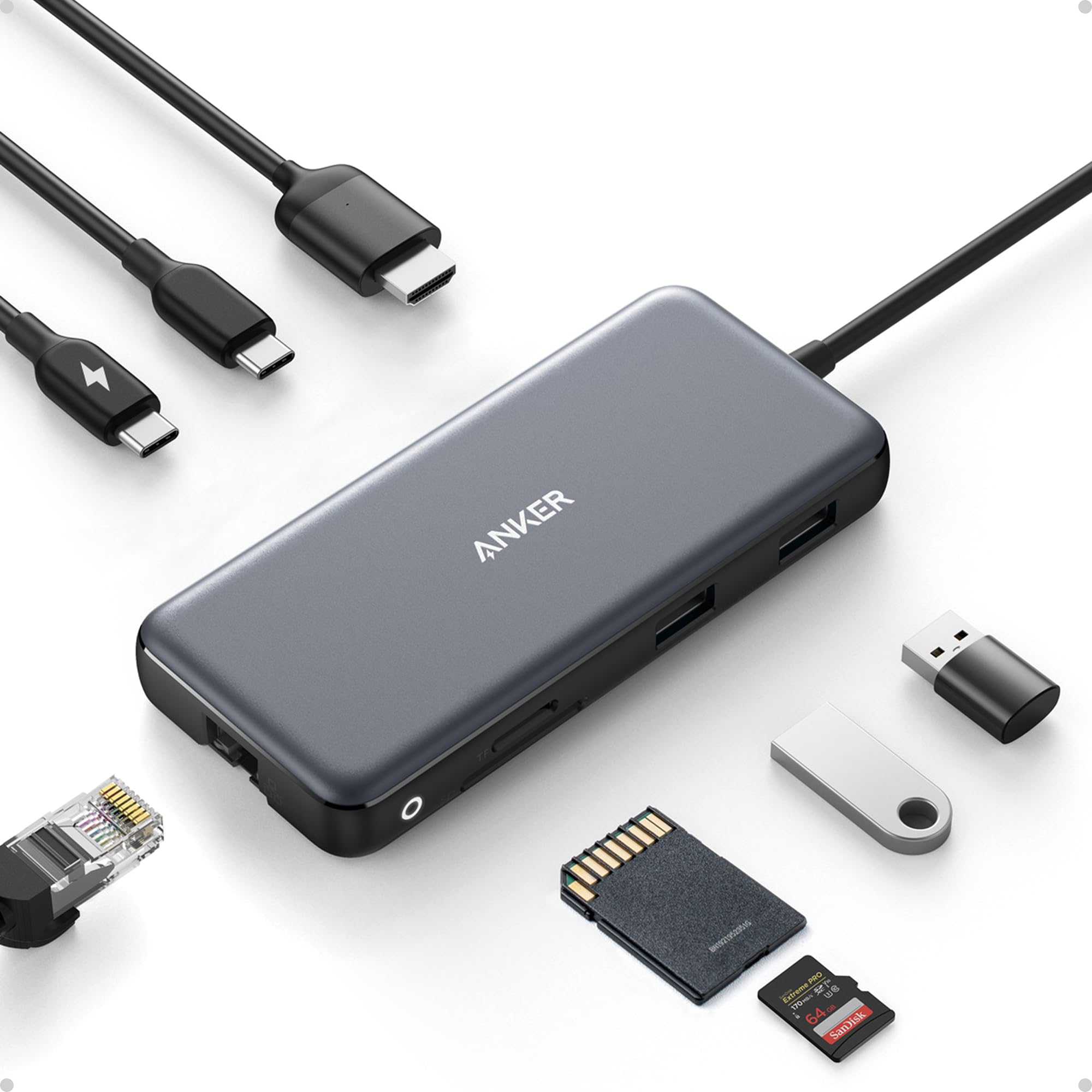
Anker USB C Hub with Ethernet 8-in-1 Multiport Ethernet Adapter with 4K 60Hz HDMI Port 85W Power Delivery

Anker 4-Port USB A hub Unibody Aluminum Portable Data Hub with 2ft USB 3 0 Cable USB Splitter

Anker USB C Hub 4 Ports Multiple USB 3 0 Hub with 5Gbps Data Transfer Extender for Type

Anker USB C Hub 4 USB 3 0 Ports Aluminum USB-C toUSBAdapter Compatible with MacBook Pro 2018 2017

Anker USB C Hub 5-in-1 USB C Power Adapter with 4K HDMI SD and microSD Card Reader 2

Anker USB C Hub 11-in-1 Docking Station with 4K 60Hz HDMI and DP 85W Power Delivery USB-C 3

Anker USB-C Hub 7-in-1 4K HDMI with 3 5Gbps USB-C and USB-A Data Ports Max 100W Power Delivery
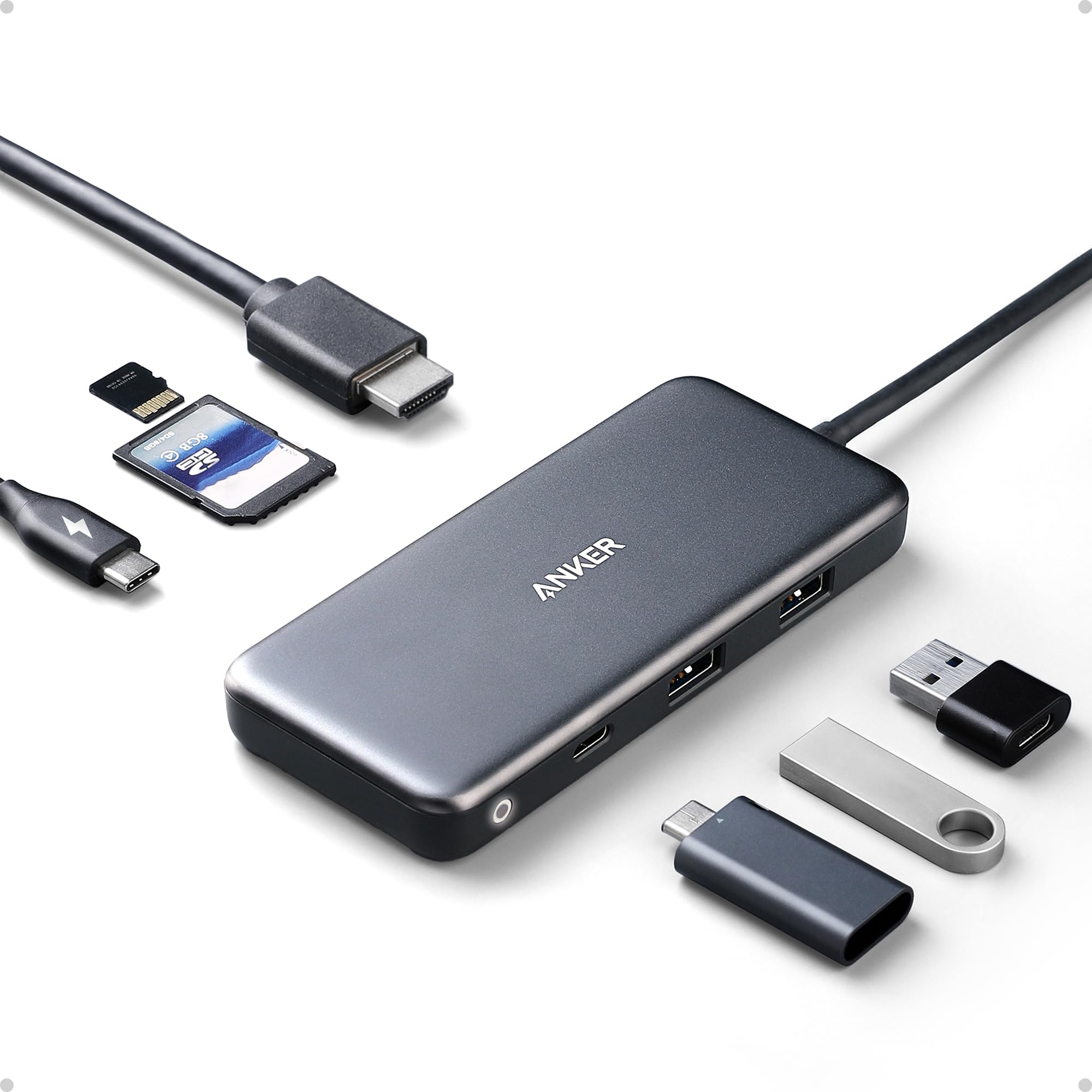
Anker USB C Hub 7in1 Multi-Port USBC Hub with 4K HDMI 85W PD USB-C and 2 USB-A 5Gbps

Anker USB C Hub for iPad 551 USBC Hub 8-in-1 with Foldable Tablet Stand 4K HDMI 2 USB-A

Anker USB-C Hub USBC to 4-Port USBC Adapter Multiport USB C Splitter USB 3 2 Display Hub with

Anker USB Hub 4 Ports with 5Gbps Data Transfer Multiple USB 3 0 Hub USB Splitter for Laptop
We use optional analytics cookies to understand how visitors use Ventari and improve the experience. This banner controls analytics measurement only. See our Cookie Policy.