★★★★★
Fits well
Blue sonamoo—March 4, 2026✓ Verified purchase
It's good and it fits well.. Read more



ANYOYO
In Stock
Easy Returns · Return eligibility shown before checkout
| Brand | ANYOYO |
|---|---|
| Color | gray |
| Hardware Interface | USB 3.1 Type A |
| Compatible Devices | MacBook Pro |
| Total USB Ports | 5 |
| Number of Ports | 9 |
| Total HDMI Ports | 1 |
| Wattage | 90 |
| Manufacturer | ANYOYO |


Product video 1
It's good and it fits well.. Read more
This is well constructed and enough ports for the average user but I need a few more to fulfill my needs. There isn’t anything wrong with it, I just need a few more USB ports. Read more
The design is what caught my eye when I went to order this. The aluminum finish matches the Mac mini really well and it looks like it belongs with the computer rather than feeling like a random accessory. The vertical stand is also nice because it saves desk space and helps keep things organized. Port selection is enough for my use case. I’ve been using the USB ports for peripherals and external drives, and the SD and microSD slots are convenient for quickly moving photos or files from my phone and camera. The HDMI output works reliably at 4K, and everything connected instantly without needing drivers or extra setup. The built-in NVMe enclosure is why I got this because having extra storage built right into the stand instead of adding another external device reduces the clutter and extra peripherals I need. Transfer speeds have been consistent for media files and backups, and the cooling fan keeps the drive from getting too warm during longer transfers. There are a couple small downsides. The included cable is a bit short depending on where you place the dock, and the HDMI port is limited to 4K/60 rather than higher refresh rates. The fan can also be faintly noticeable in a very quiet room, but it hasn’t been distracting during normal use. Overall, this dock does exactly what I wanted: it adds useful ports, integrates extra storage, and keeps my desk setup cleaner. This is a solid option for those who want more connectivity without cluttering their workspace :) Read more
This review is for the 10Gbps version of the ANYOYO Mac mini dock. It is designed for the M4 version. It is a very nice looking USB-C dock and allows the Mac to sit vertically so the vent on the bottom has plenty of space. It connects to one of the rear thunderbolt ports with a small cable. This dock does not support thunderbolt speed or power to the Mac mini. It is simply a USB-C device. The other two thunderbolt ports, ethernet ports, and HDMI port on the Mac are left available for use. You will need to plug in the Mac with its power cable. This worked well for me because I already have a separate thunderbolt NVME enclosure and could connect it to a separate thunderbolt port from this dock. The dock adds a lot of extra ports. It adds two USB-A 2.0 ports for mice, keyboards or optical drives. It adds two USB-A 3.1 ports for external storage. It adds a micro SD and full size SD card slot and an additional 4K/60 HDMI port. The best feature is the NVME slot in the bottom that can add up to an 8TB card of any size. The dock requires power through an external wall wart that is included. NVME installation is very easy. The bottom of the dock pops off as it uses bearings to hold it firmly on. No tools are needed. The dock includes small mounts to hold the drive securely and plenty of thermal pads for good heat transfer to the bottom of the case. There is also a small fan to keep the NVME drive cool. I found 10Gbps transfer speed to be accurately represented. I had no issues transferring files through the USB-A ports to external storage and the 1TB NVME I tested with was able to move files back and forth to the Mac with mostly no issues. I saw mostly because I was able to get the Mac to error out if I tried to copy too many files to the NVME at once. I believe this is a limitation of the 10Gbps speed and the Mac just overwhelming the drive. NVME drives with DRAM will probably perform better. However, if I keep transfers to 10Gbs at a time I was able to move files over and use the added NVME for storage. I had no disconnects or other issues with the NVME and I think it will be fine if used for purposes like media storage. I would not run the OS from this drive. Also, if you buy a gen 4 or 5 NVME drive for this it will not work at full speed. It will be limited to 10Gbps. One other issue was with the ports on the dock. I wasn't impressed with the quality of the connectors. There is a bit of wiggle and not a nice firm feel when you plug in a USB or HDMI cable. Everything worked without issue though so I have no proof it won't hold up over time until I test it further. The SD card slots are simple slide in ports with no click, but they worked fine and read all the cards I tested. Overall I feel this dock is a good value as long as the speed works for your situation. 10Gbps is still very fast for most file transfers. For about double the price they do offer a 40Gbps USB-C 3.2 dock with extra HDMI and USB ports. It does not include the SD card slots like the 10Gbps version. For power users I think a higher priced thunderbolt dock may be needed, but for more casual Mac users this dock works well and is affordable. It had a few rough edges but overall I recommend it. Read more


If you are not familiar with Amazon Vine, it is basically Amazon trading free* products for honest reviews. You see a lot of Vine reviews that are cookie cutter and based on templates. I aim to make my reviews honest and non-cookie cutter (other than this intro and disclaimer). * These items are not actually free as Vine members pay income tax on the items they receive. Therefore, I will never order something from Vine unless I actually intend to use it. I think this is important for readers to understand because it means I will never order an item just to provide a fake five star review to a company. If I review something as good, it means I actually enjoyed using it or it fills its intended purpose correctly. Items that don't meet my expectations will be reviewed accordingly. Why I ordered this item: My wife and I each have an M4 Mac Mini. I ordered a docking station from this company on Vine for mine, and I like it so much I ordered this one for her. This is a smaller model, with less bandwidth and fewer features but I thought it would be fine for her use. Likes: * To be totally honest with you, I can't really tell the difference between the two models. She does not transfer large files often to the 1TB NVMe SSD I installed in this for her; she mostly moves a few pictures at a time so the lowest bandwidth has not been an issue. * The inclusion of SD and micro SD card slots is great. We do not have any other devices with these ports, so it is incredibly easy to move files from our mobile devices to our Macs using these docks. * Price is insane when you factor in all the functionality this thing has. * I really appreciate the HDMI port, except... No likes: * ... I wish it was 120Hz so it could keep up with my monitor. This is not a huge deal and I did not deduct a star. Would I pay full price for this product: Yes Final thoughts: This is another great find by Anyoyo (who comes up with these names?) and I feel like we got a great value with this order. Read more
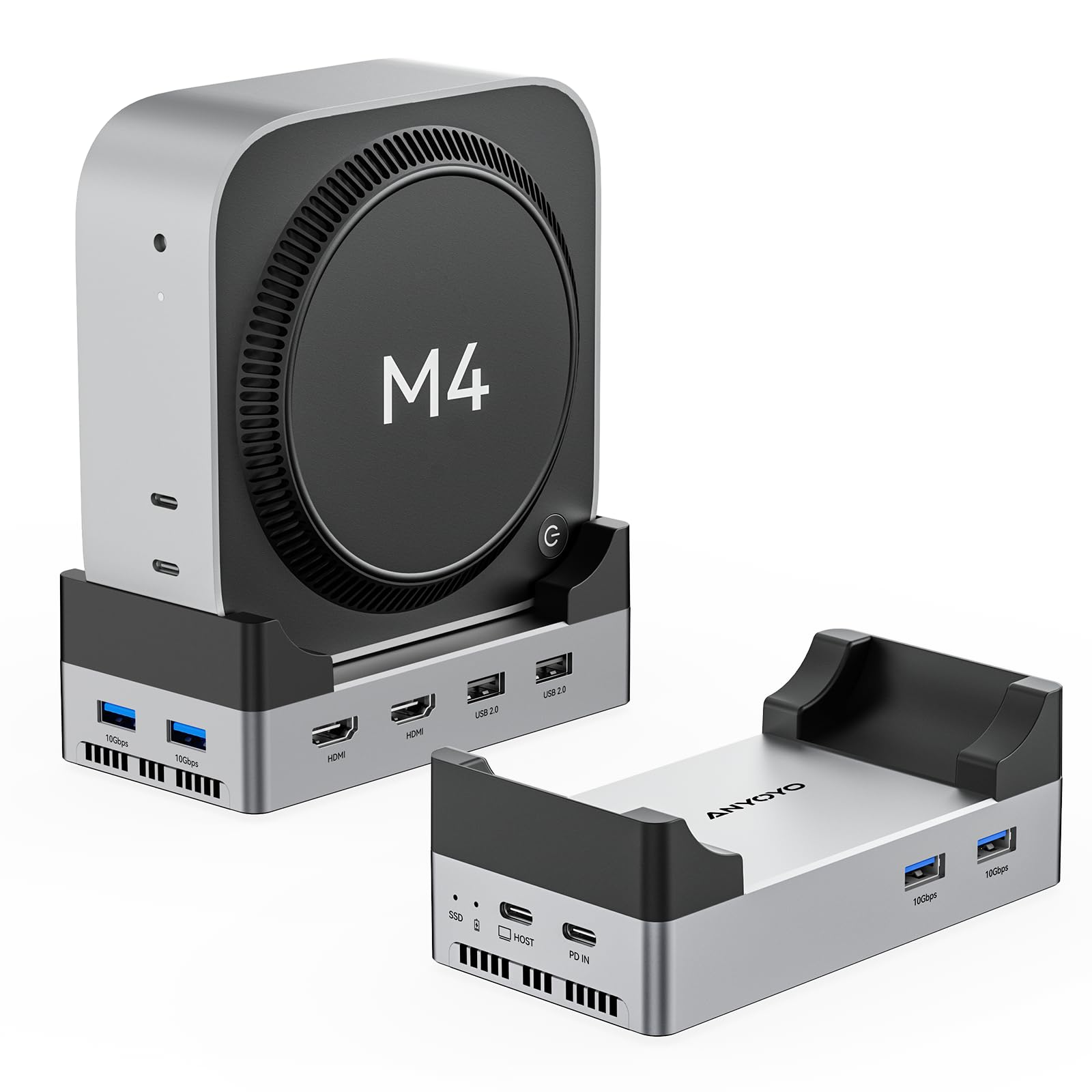
ANYOYO 40Gbps Mac mini M4 Dock and Stand with 8TB M 2 NVMe SSD Enclosure Dual HDMI 4K

Mac mini M4 Dock Aluminum Stand and Hub for Mac mini M4 and M4 Pro 2024 with M
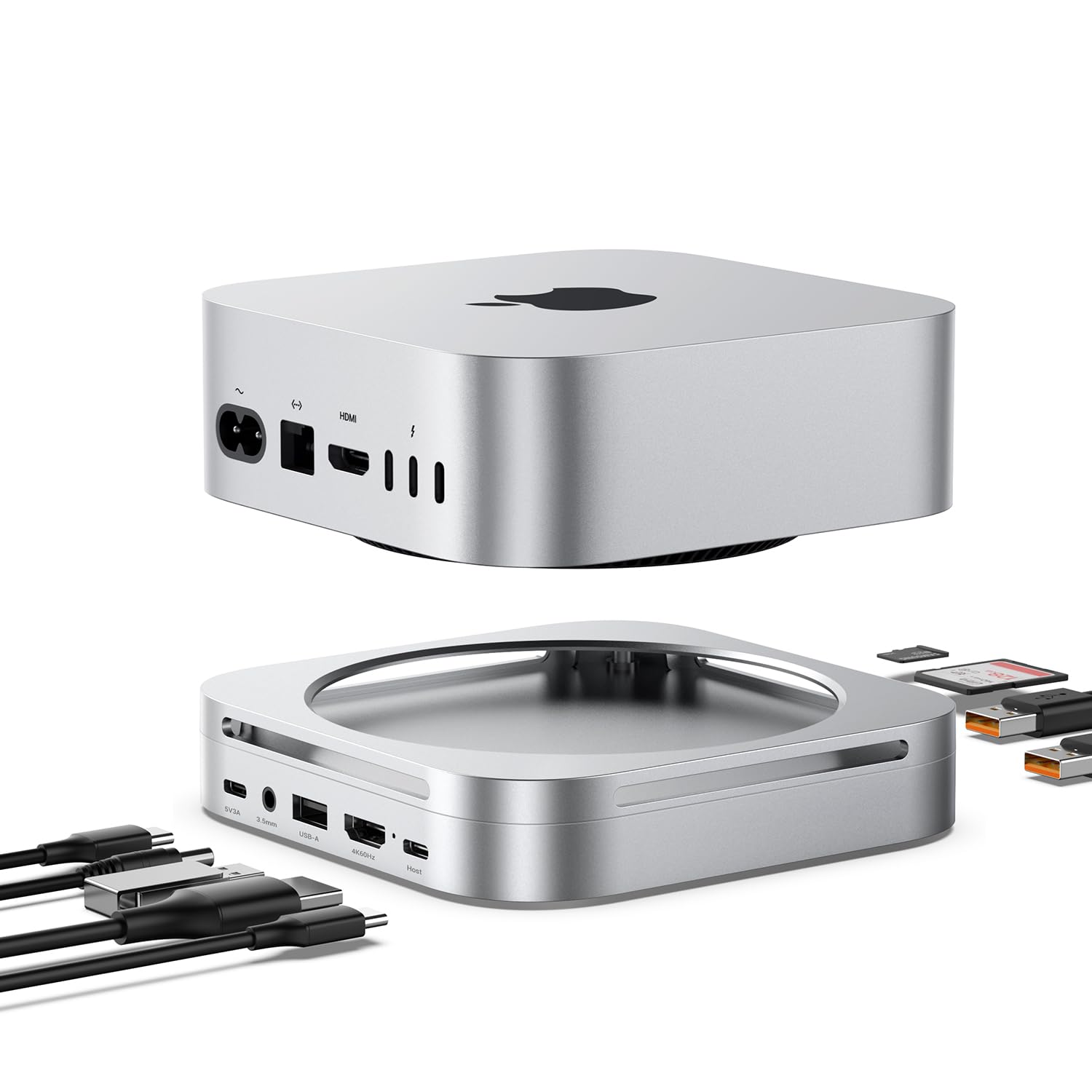
Mac mini M4 Dock Hub with 8TB NVMe SSD Enclosure 4K 60Hz HDMI 2x10Gbps USB A 1x5Gbps USB
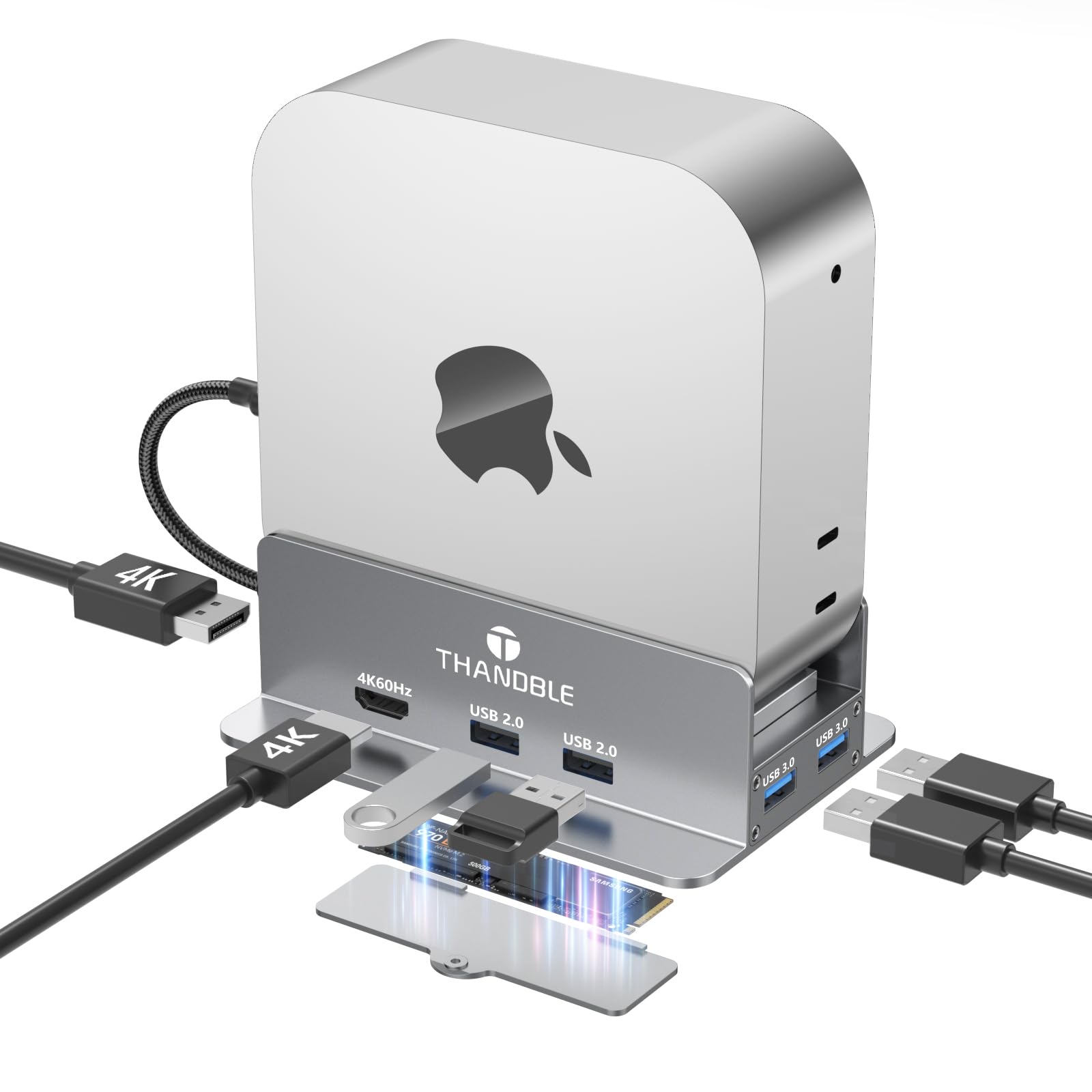
Mac mini M4 Dock Stand with 4K60Hz HDMI and DisplayPort M 2 NVMe SSD Enclosure 4 USB-A Ports
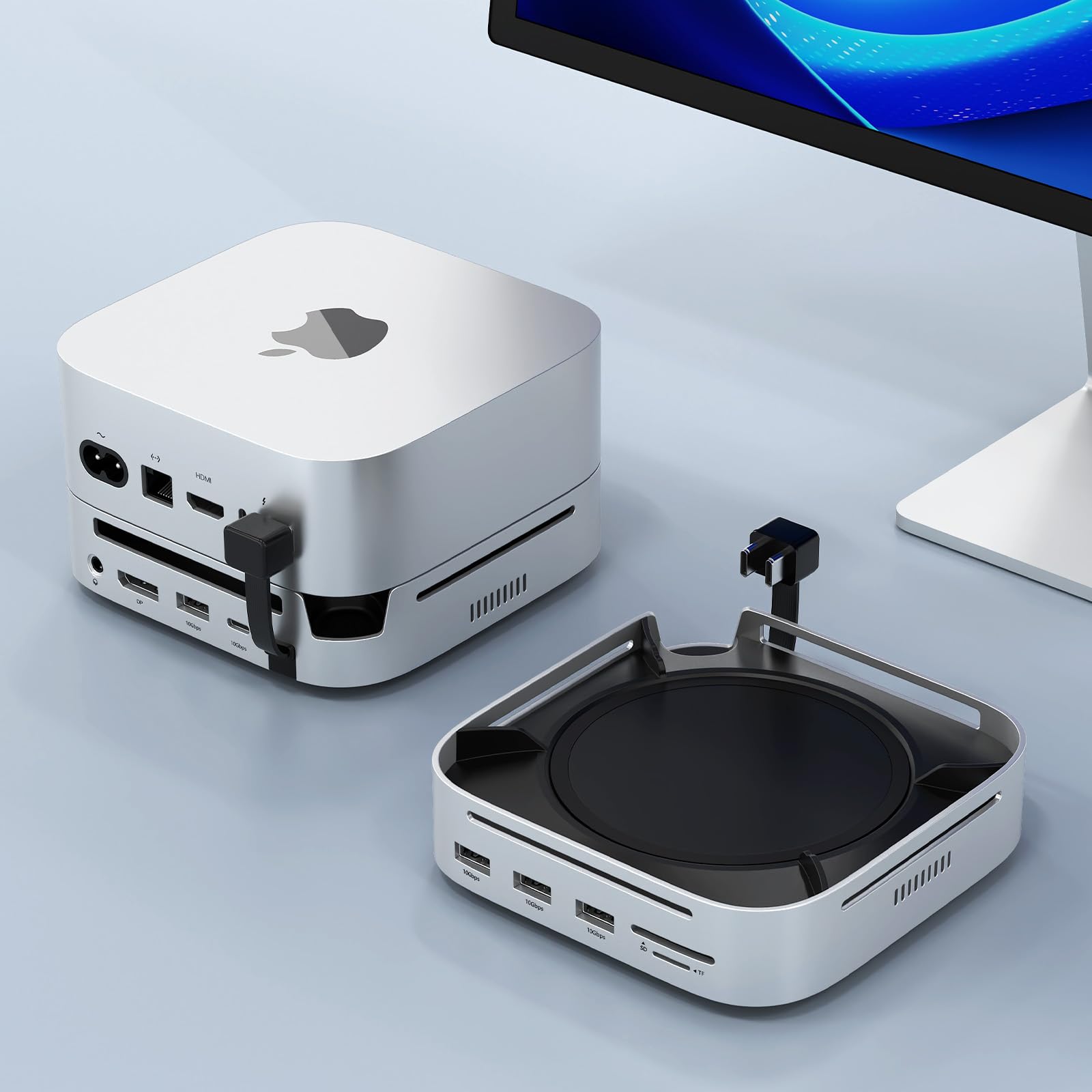
Mac mini M4 Docking Station with Display Port M 2 NVMe Enclosure Mac mini M4 Dock Hub with

UGREEN 12 in 1 Triple 4K Docking Station with 2 HDMI DP 2x10G USB C 2 USB-A2 0
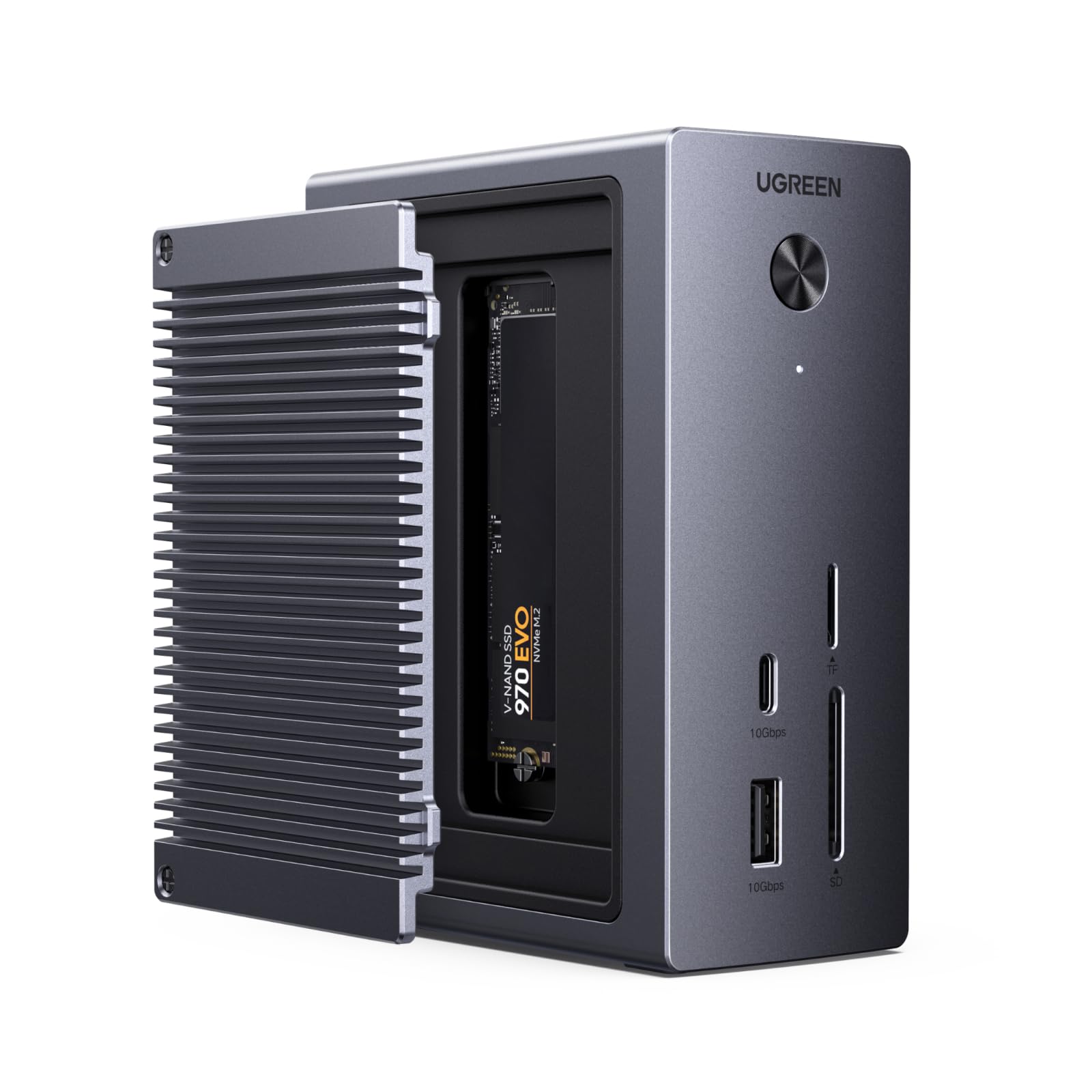
UGREEN Revodok NVMe Docking Station 10-in-1 USB-C Hub 4K 60Hz HDMI M 2 NVMe SSD Enclosure 10Gbps USB-C
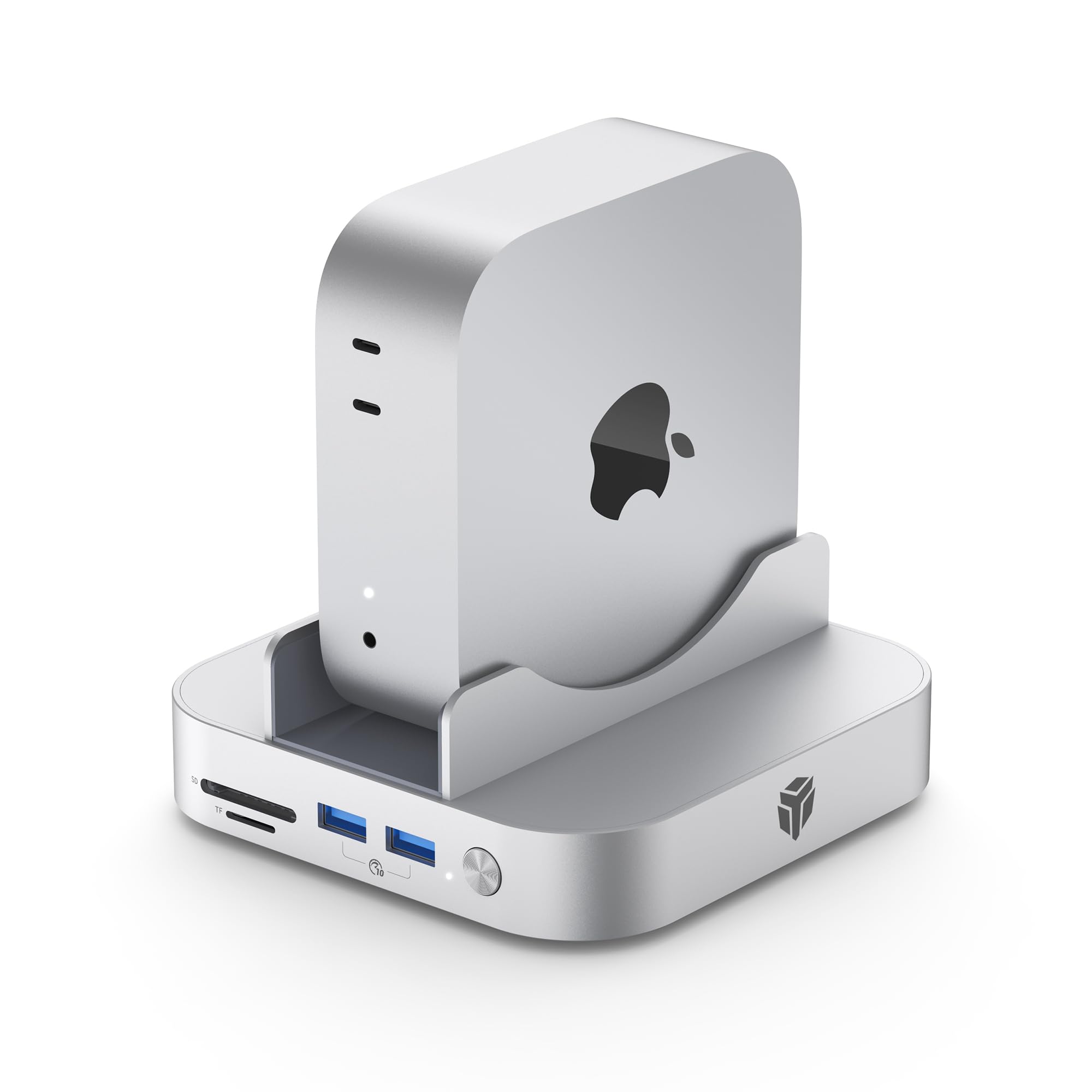
Yottamaster 9 in 1 Mac mini M4 Dock 10Gbps with 8TB NVMe SATA SSD Enclosure Aluminum Mac mini
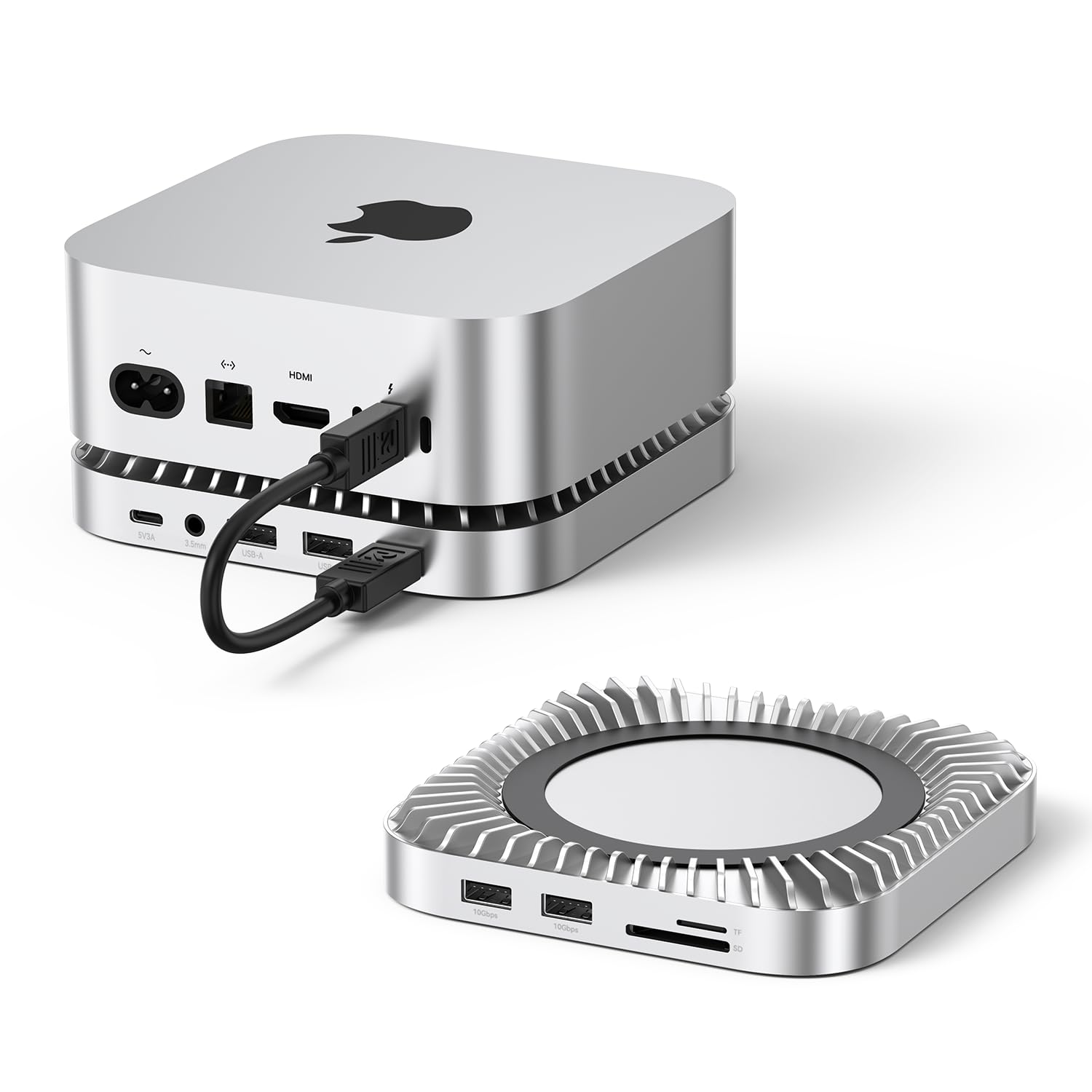
Raycue Mac mini M4 Dock Stand with 8T NVMe SSD Enclosure 2 USB A 10Gbps 10G USB C
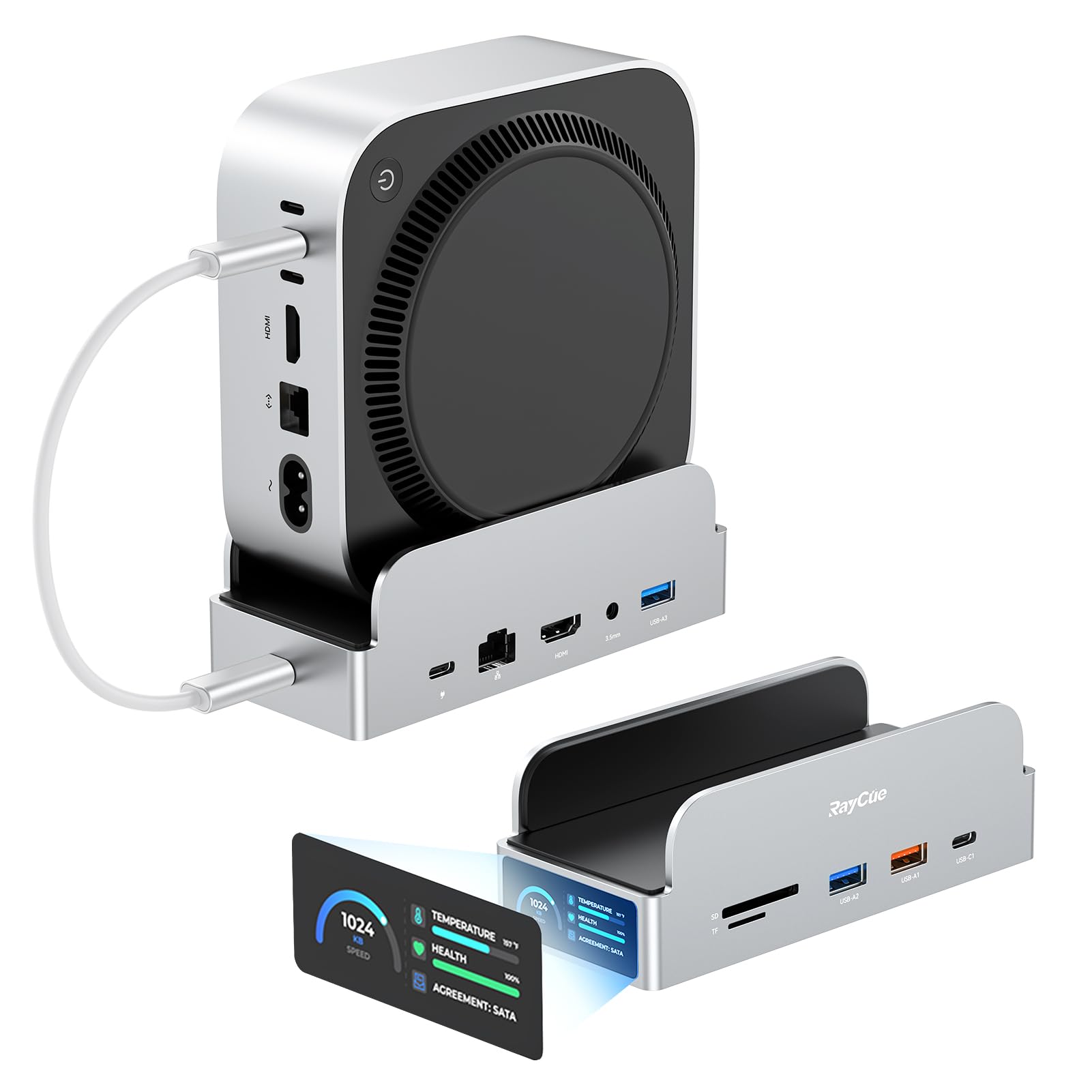
RayCue SmartDock Pro for Mac mini M4 Dock Stand with M 2 NVMe SSD Enclosure 4K 60Hz HDMI
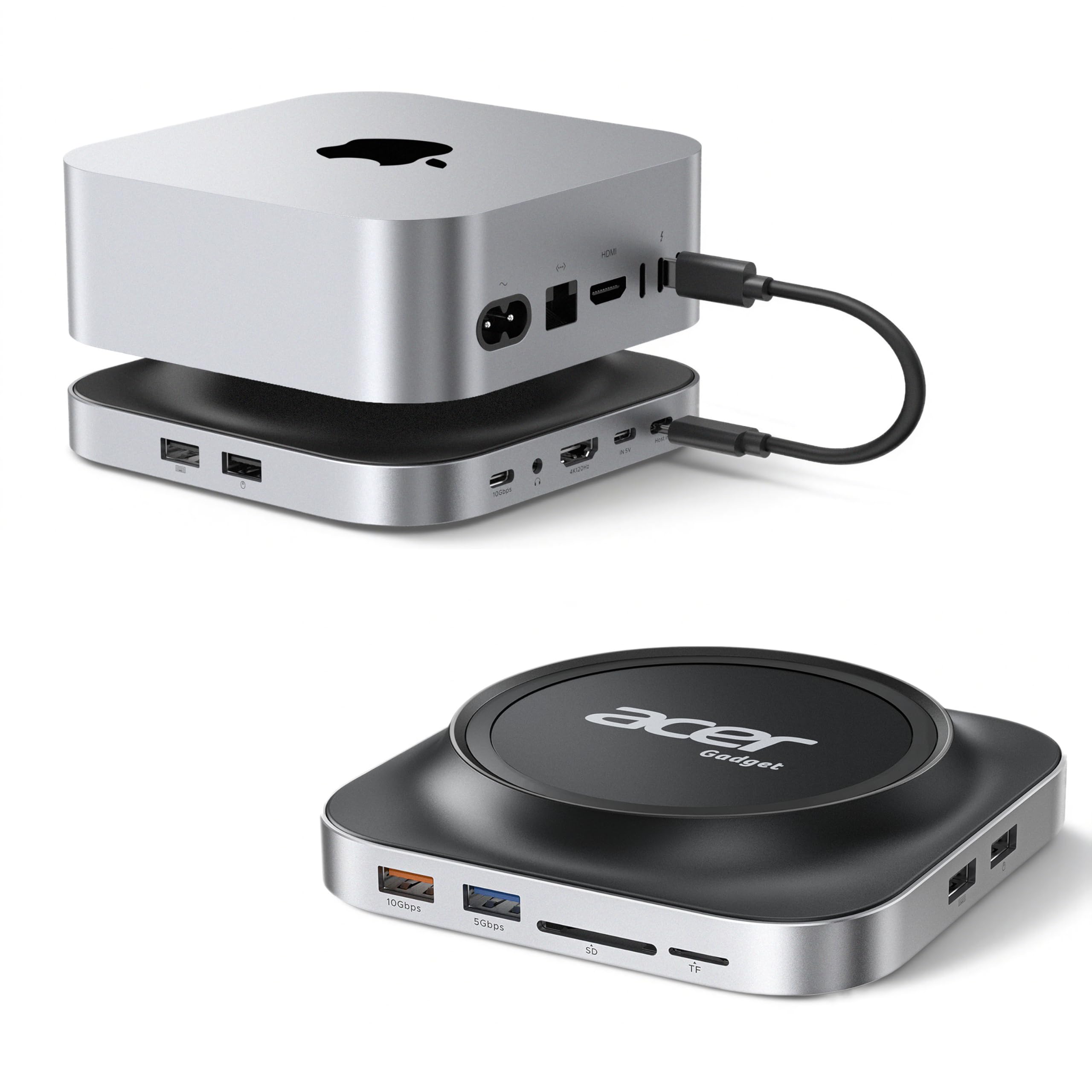
Acer Gadget Mac Mini M4 Dock 8TB M 2 NVMe SATA SSD Enclosure Stand 4K 144Hz HDMI 10Gbps

MCY USB C Hub Laptop Docking Station Dual Monitor Single 8K 2x4K 60Hz 10in1 Type-C Multiport Adapter with
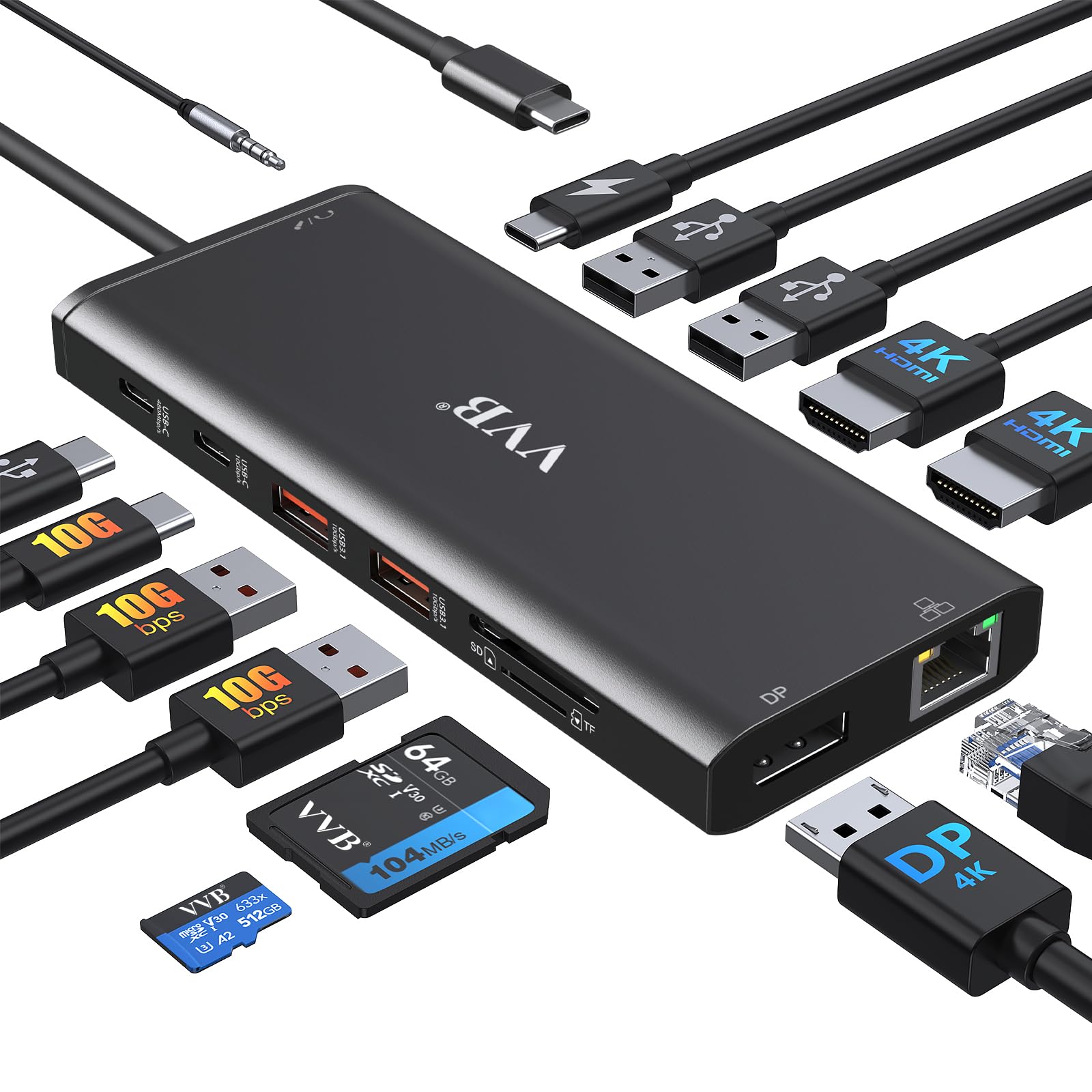
USB C Docking Station Dual Monitor for Dell Lenovo HP Laptop Docking Station HDMI USB C Hub Multiport

USB C Docking Station Dual Monitor UtechSmart 11 in 1 USB C Hub Triple Display Laptop Dock with
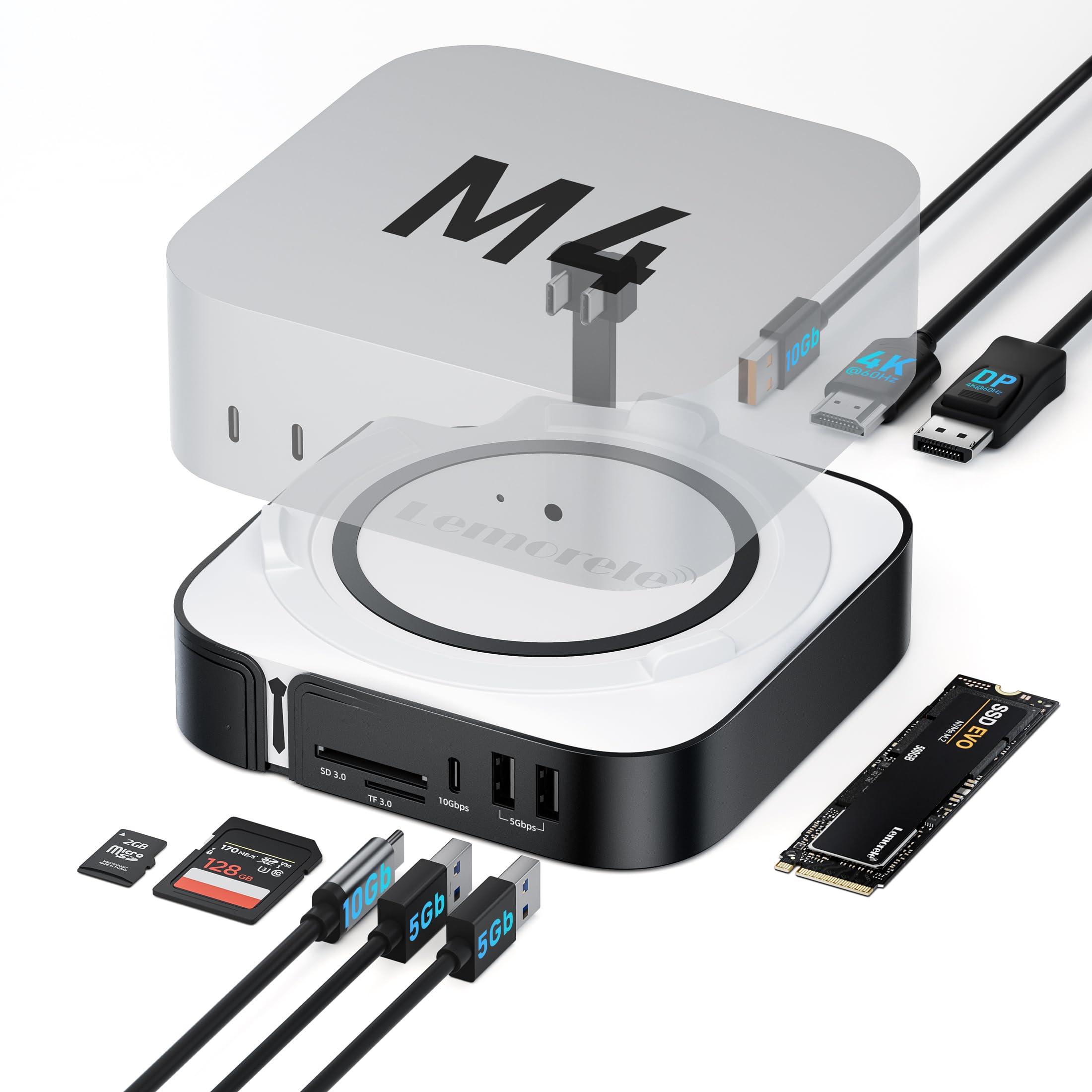
Lemorele 9-in-1 Mac mini M4 Dock Dual 4K 60Hz HDMI 2 0 DP 1 4 10Gbps M 2
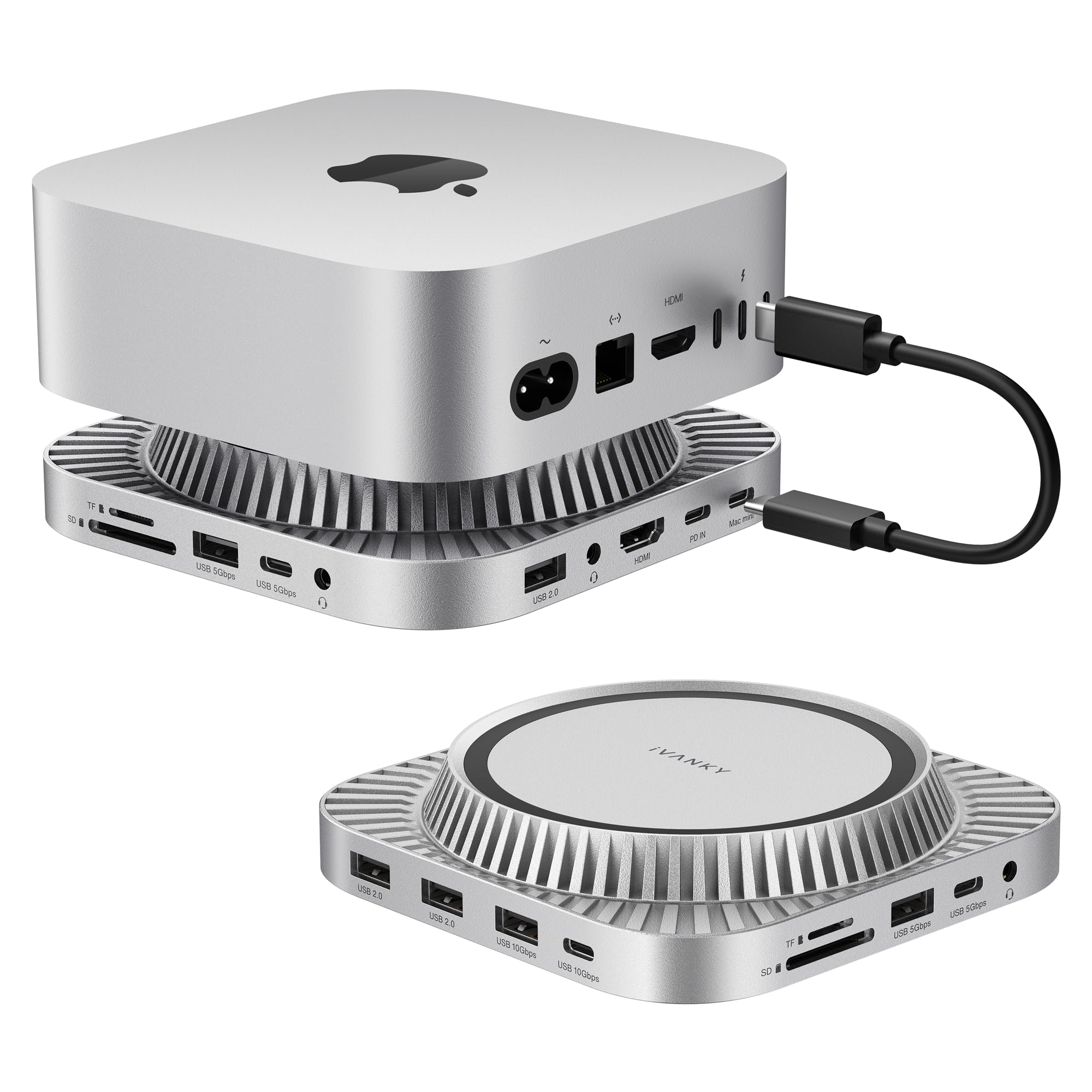
IVANKY 13-in-1 Mac mini M4 Dock Ultra Docking Station Stand with M 2 NVMe SSD Enclosure 4K 144Hz
We use optional analytics cookies to understand how visitors use Ventari and improve the experience. This banner controls analytics measurement only. See our Cookie Policy.