Andrew Z.—January 15, 2026✓ Verified purchase
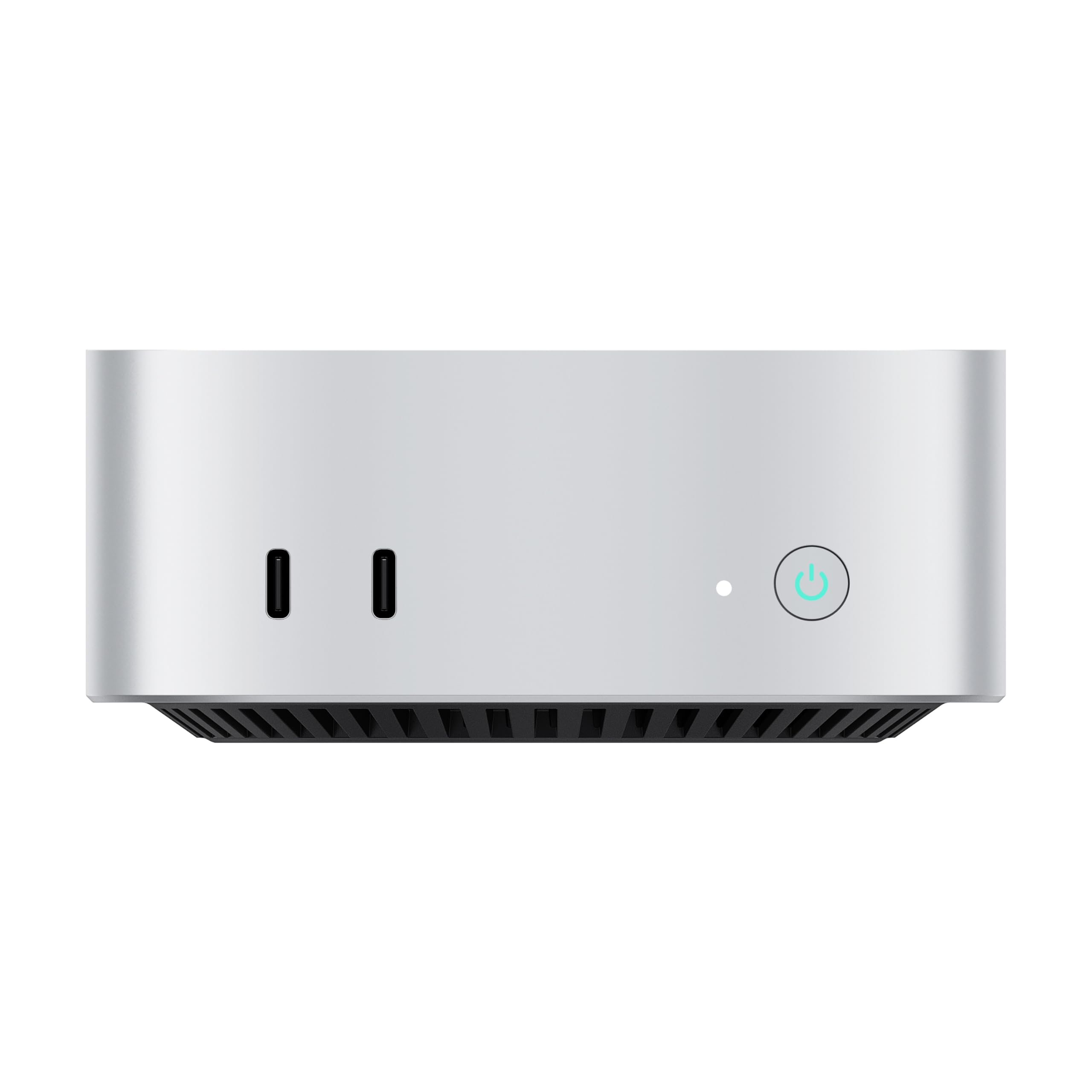
It was about time for me to upgrade my desktop and this mini PC caught my eye. I was hoping it would have sufficient power for my day to day tasks, plus a bit of gaming headroom, but I was blown away. If you're unsure, I would just get it, but this is some of what impressed me: Design & Build Quality: From when I opened the box, the unit had a sufficient amount of heft, due to the aluminum unibody design. It was sleek, cool to the touch and very minimalist in my office. It looks great on my desk and doesn't take up much space. Airflow hasn't been an issue either, the case acts as a heatsink. Performance: My daily workflow consists of general office work, including multiple browser tabs, Excel, Outlook and whatever other tools I need to use. My evenings are filled with a bit of light gaming, and the Maco handled it without a single dropped frame. The AMD processor was fast, capable and responsive. Integrated graphics are perfect for my needs, and it has the possibility to add on a GPU. It honestly runs circles around my last PC. Noise Levels: I honestly didn't find it to be an issue. I normally take my video calls with speakers and a webcam microphone, and this didn't add any noticeable background noise. Even while gaming, the cooling system kept noise levels down and without any coil whine. Connectivity: The combination of OCuLink, USB4 and LAN is perfect for my needs. My eGPU dock that I normally use with my laptop also works with the Maco. File transfers, my multi monitor setup, and peripherals all worked without any troubleshooting required during setup. Verdict: With rising RAM prices, the value was great, especially considered to building my own mini ATX desktop, or getting a built to order desktop. It's good looking, powerful, and versatile for my needs. It's an instant recommendation to my family and friends, without question. TL;DR: Good build quality, powerful performance and top in class connectivity. Read more
Boon Siang Lau—March 13, 2026✓ Verified purchase
I recently purchased the barebones AOOSTAR MACO 6850H (24GB RAM, Without SSD/OS), and it has been a fantastic addition to my setup. Powered by the AMD Ryzen 7 6850H processor, it handles my daily work tasks and light gaming effortlessly.The build quality is excellent, featuring a premium aluminum chassis that is impressively small and fits perfectly on a minimal desk. One of my favorite aspects of this mini PC is how smoothly and quietly.Additionally, a major selling point for me was the OCuLink port. I tested it with an external GPU (eGPU), and it connected seamlessly without any issues, providing a massive boost in graphical performance when needed for more demanding games.Overall, this is a highly versatile, space-saving machine with great connectivity options (including dual 2.5G LAN and dual USB4). Highly recommended if you are looking for a capable mini PC that is quiet and customizable. Read more
Varun Soma—February 25, 2026✓ Verified purchase
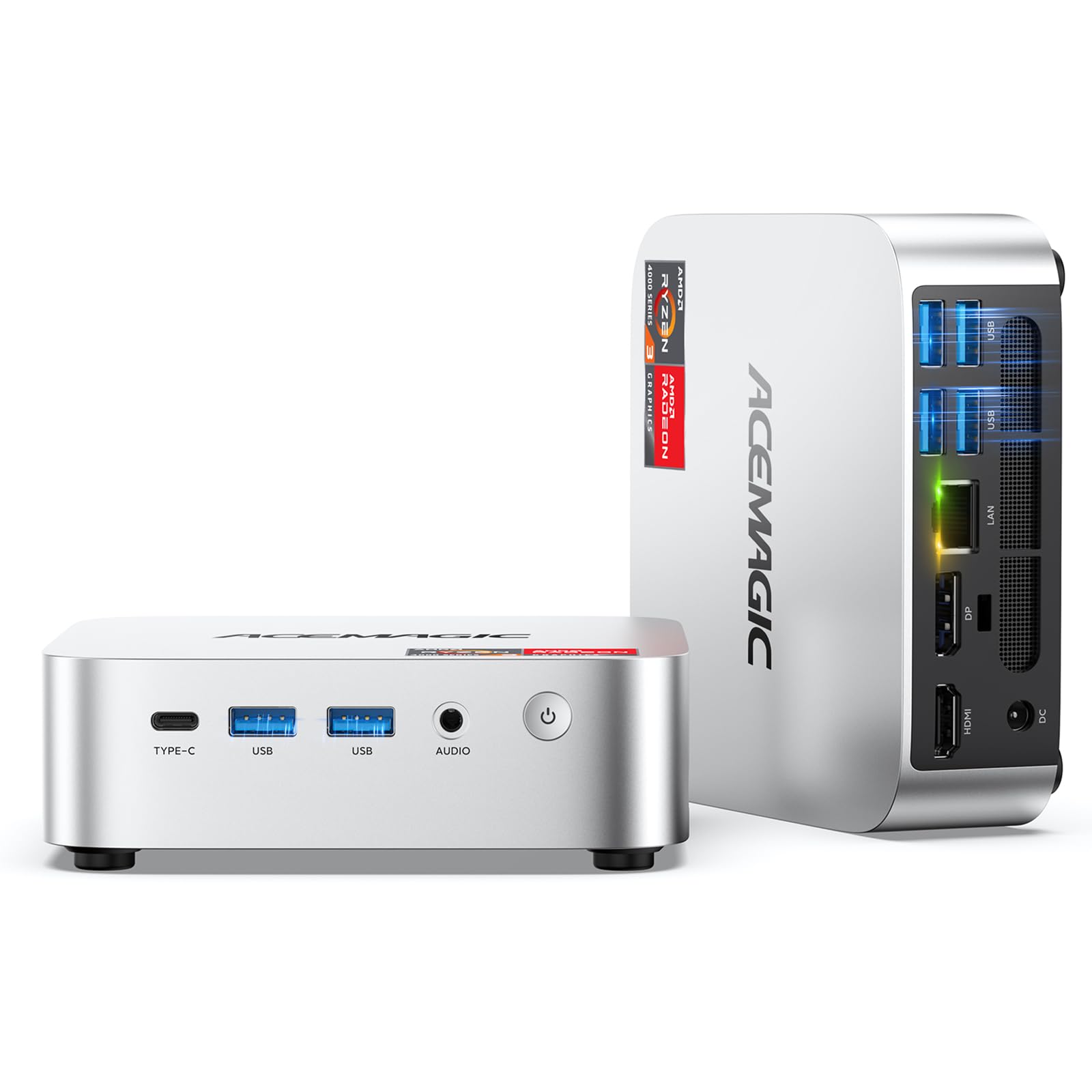
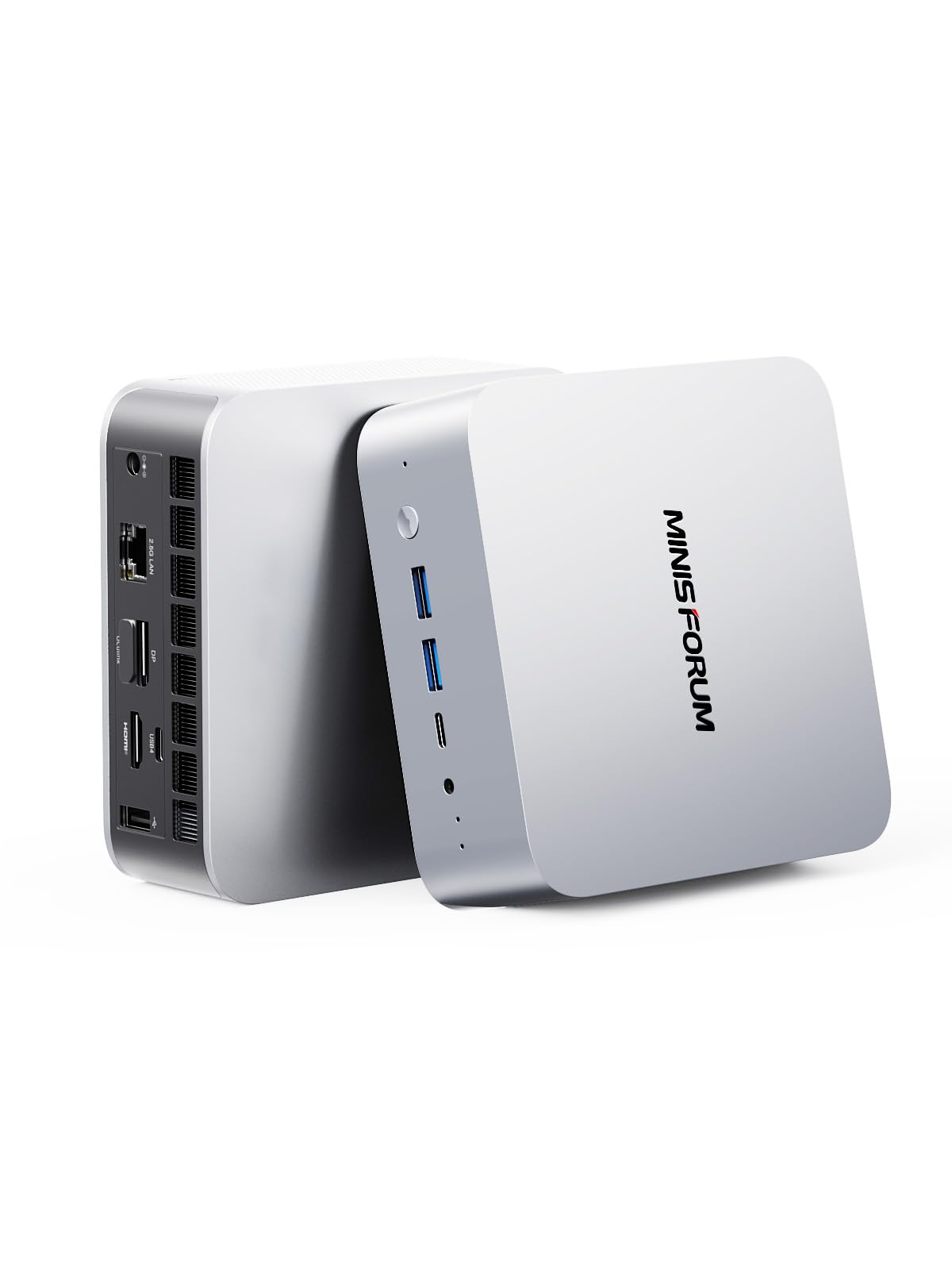
I finally pulled the trigger on an Aoostar Maco 6850H to replace my old daily driver, a Lenovo IdeaPad 700 (the one with the i5 6300HQ and GTX 950M). This is actually my first time really messing with a mini PC, or even a desktop experience in general. After just a few days, the performance jump feels light years ahead. Everything is just way snappier. It is a massive upgrade. I’ve spent most of my time lately just using a tablet, so moving to a proper desk setup with a larger screen was a big change. I paired the Maco with a BenQ PD2706UA, and honestly, it is the perfect combo for me. It is not a flashy setup that is going to turn heads, but for what I do, it is more than I could’ve asked for. Performance I would not call myself a hardcore gamer, but my daily use can get pretty demanding. The 24GB of LPDDR5 RAM (6400MHz) is honestly more than enough for any normal user. I’ve actually started dabbling in some gaming since I got it, mostly GTA and Red Dead Redemption. What used to be a massive struggle for my old laptop is a total breeze for the 6850H. AMD has really come a long way with their integrated graphics. I never expected an iGPU to perform this well. Then again, I’ve been out of the PC loop for a while, so maybe I’m just easily impressed by the jump. Build The build is solid, a sleek metal body that looks great sitting under a monitor. If you’re tight on space (like I am in my hostel), you can tuck it away, but just make sure you can still reach the fingerprint sensor so you can unlock it quickly. Storage One thing to note: SSD prices are a bit crazy right now, so I’m just reusing the drive from my old laptop until the market chills out. To bridge the gap, I have an HDD connected via an external enclosure through the USB 3 port. It is easy enough to pop a new SSD into the remaining slots later, so there is plenty of room to expand. You could even repurpose this thing into a mini NAS down the line if you wanted. IO The port selection is actually what sold me. It has: HDMI 2.1 and DP 1.4 2x USB4 ports 2x USB Rear ports and 2x USB Front ports 3.5mm Audio Out Dual 2.5Gbps LAN (for the networking or NAS nerds) Oculink: This is the big one for me. I’m eyeing some future GPU upgrades once I’m finally done with med school. In the Box The box is pretty straightforward: the Mini PC, a 120W power supply, and an HDMI cable (though I opted for USB C). It also comes with the SSD mounting screw and a cooling pad, which is a nice touch. My Opinion If you’re still daily driving an aging laptop like my old IdeaPad, making the jump to this thing is a total game changer. It handles my study sessions and then my random urges to play games when I am sick of studying and want a quick break. Hostel rooms have limited space, and having this much power in such a small form factor is a big win for me. I don’t have to worry about clutter or noise (no more jet engine fans). I am a huge fan of how well this integrates into a minimalistic setup. I am also really happy it actually comes with an Oculink port, keeping my options open for the future without having to retire the machine. I love upgradable hardware. It sucks that the RAM is soldered, but having that Oculink port really balanced things out for me. I haven’t really gotten good pictures of my setup yet, but once I do, I will upload some here. I’ve been too involved with the performance jump to really think about the aesthetics. I didn’t want to spam everyone with benchmark numbers, but I wanted to share a real-world experience from a student’s perspective. If you’re looking for a solid desktop experience that does not take up half your room but still packs enough punch for heavy multitasking and gaming, the Maco is a solid choice. It is easily one of the best upgrades I’ve ever made. I hope this review gives you a detailed idea of how impressed I am with the machine, and would definitely recommend it to friends and family. TL;DR: The Quick Version If you are moving from an old laptop to your first desktop setup, this is a massive quality of life upgrade. It is powerful enough for med school multitasking and handles games like RDR2 and GTA with zero issues. Pros: Insane Performance Jump: Replacing a 6th gen i5 with the Ryzen 6850H makes everything feel instant. Minimalist & Quiet: It fits perfectly in a cramped hostel room and doesn't sound like a jet engine under load. Future Proof I/O: The Oculink port is a game changer for future GPU upgrades, and having dual 2.5G LAN is great for storage nerds. The Build: Solid metal chassis that feels premium, not like a cheap plastic box that you HAVE to hide under the desk. Cons: Soldered RAM: You are stuck with the 24GB it comes with (though the Oculink port helps balance out the "un-upgradability"). Sensor Placement: Depending on where you tuck the box, the fingerprint sensor can be a bit awkward to reach. Fingerprint Setup: It was a bit finnicky, but it worked in the end with correct drivers. Current SSD Market: Not the PC's fault, but you might find yourself reusing old drives like I did until prices settle down. Read more