BOSGAME

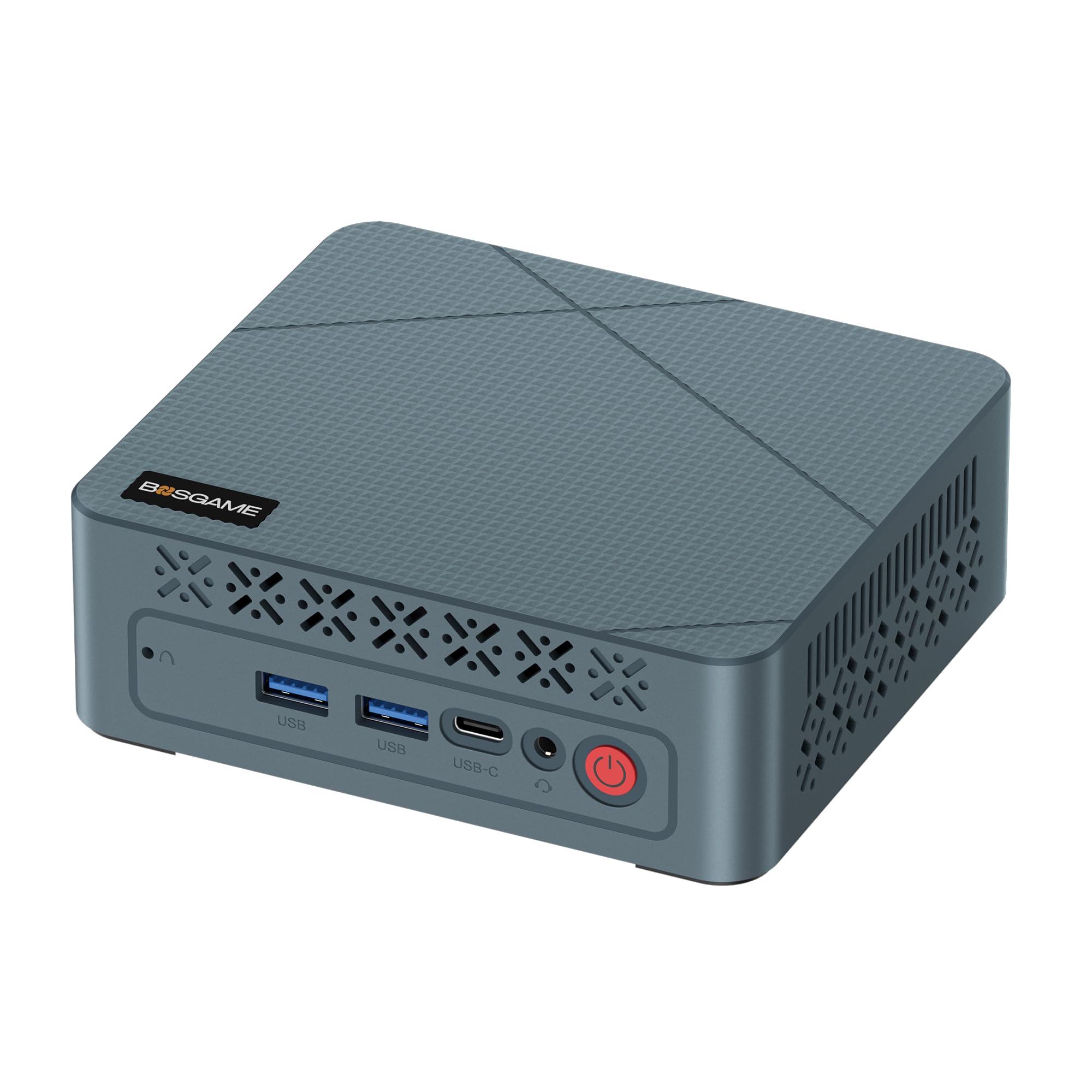
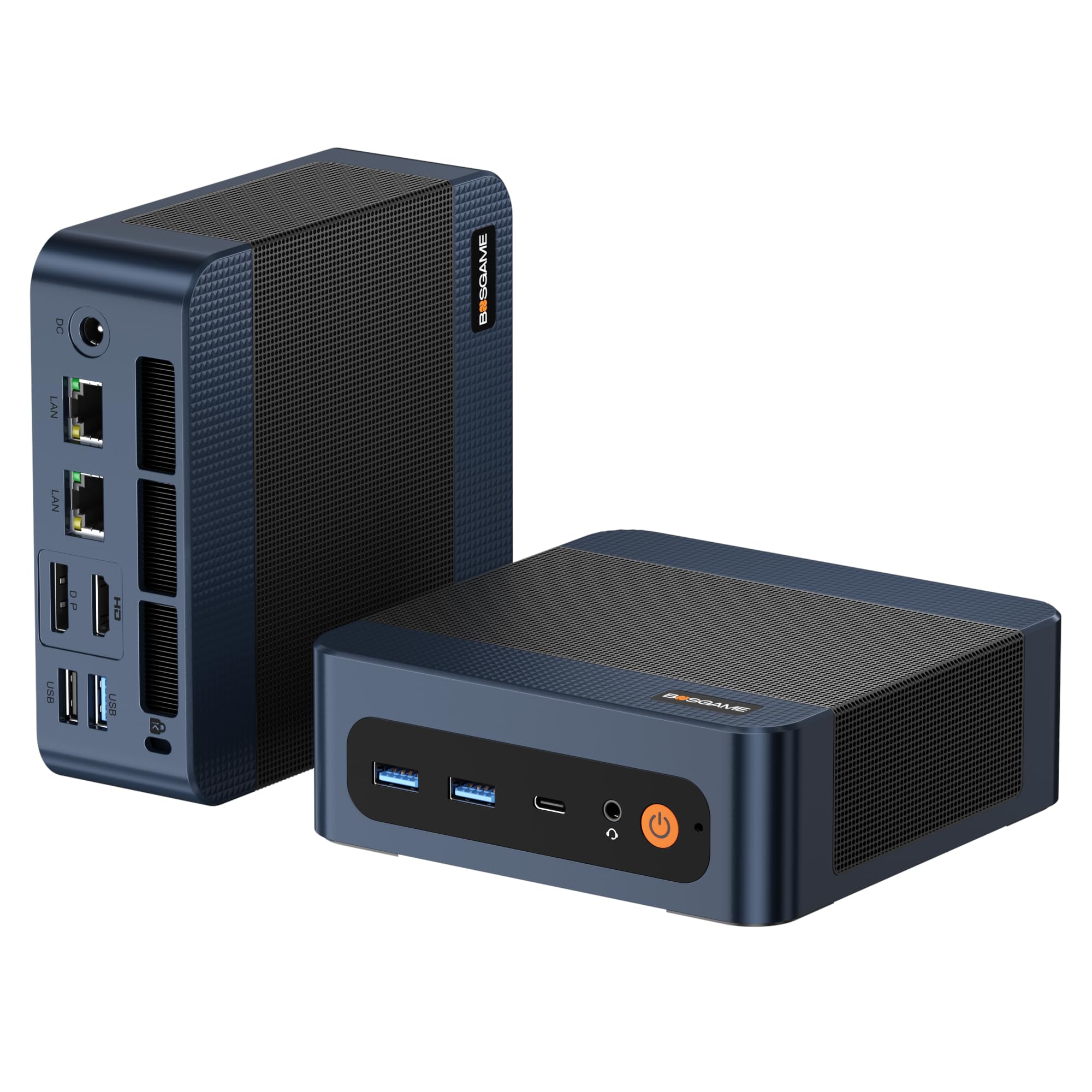
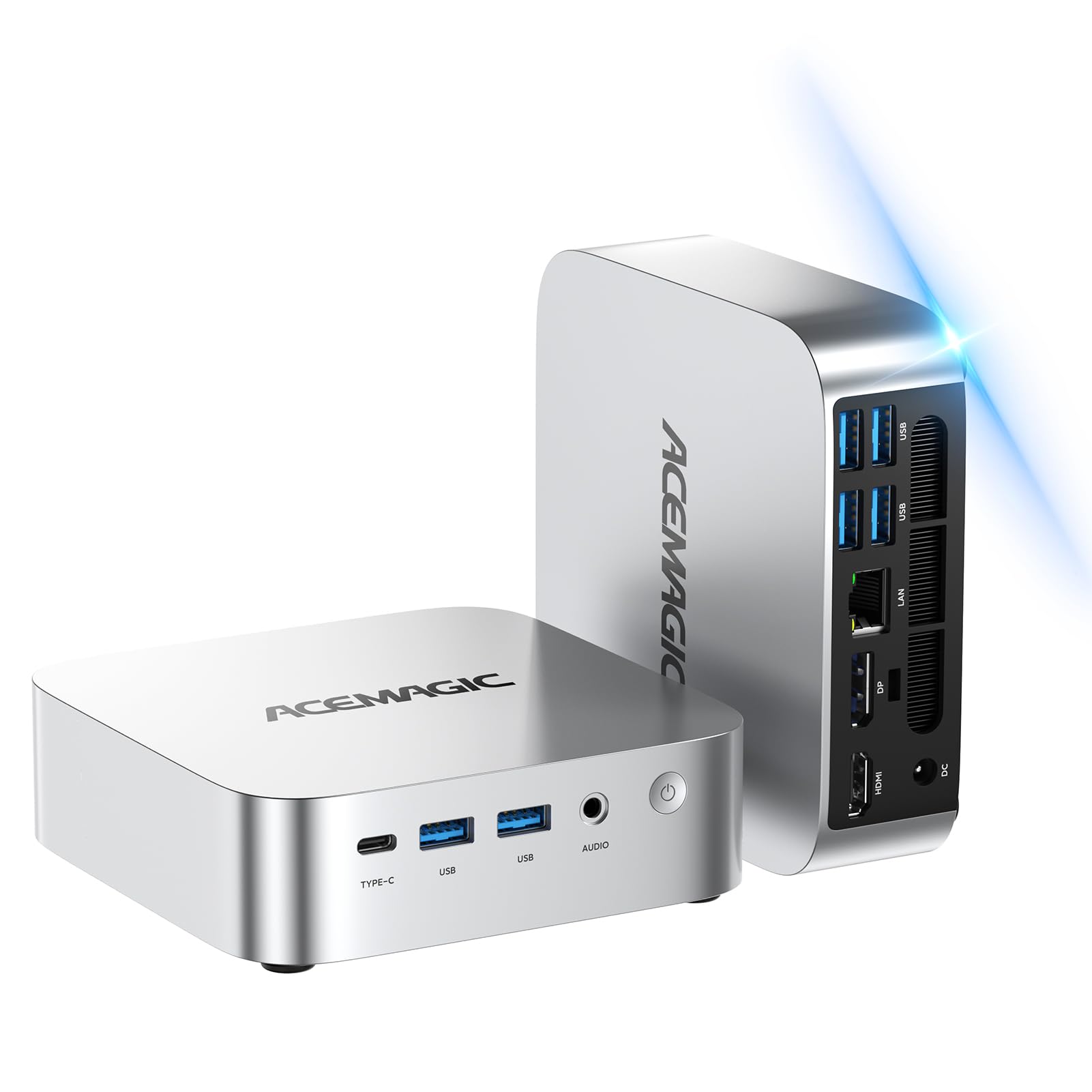
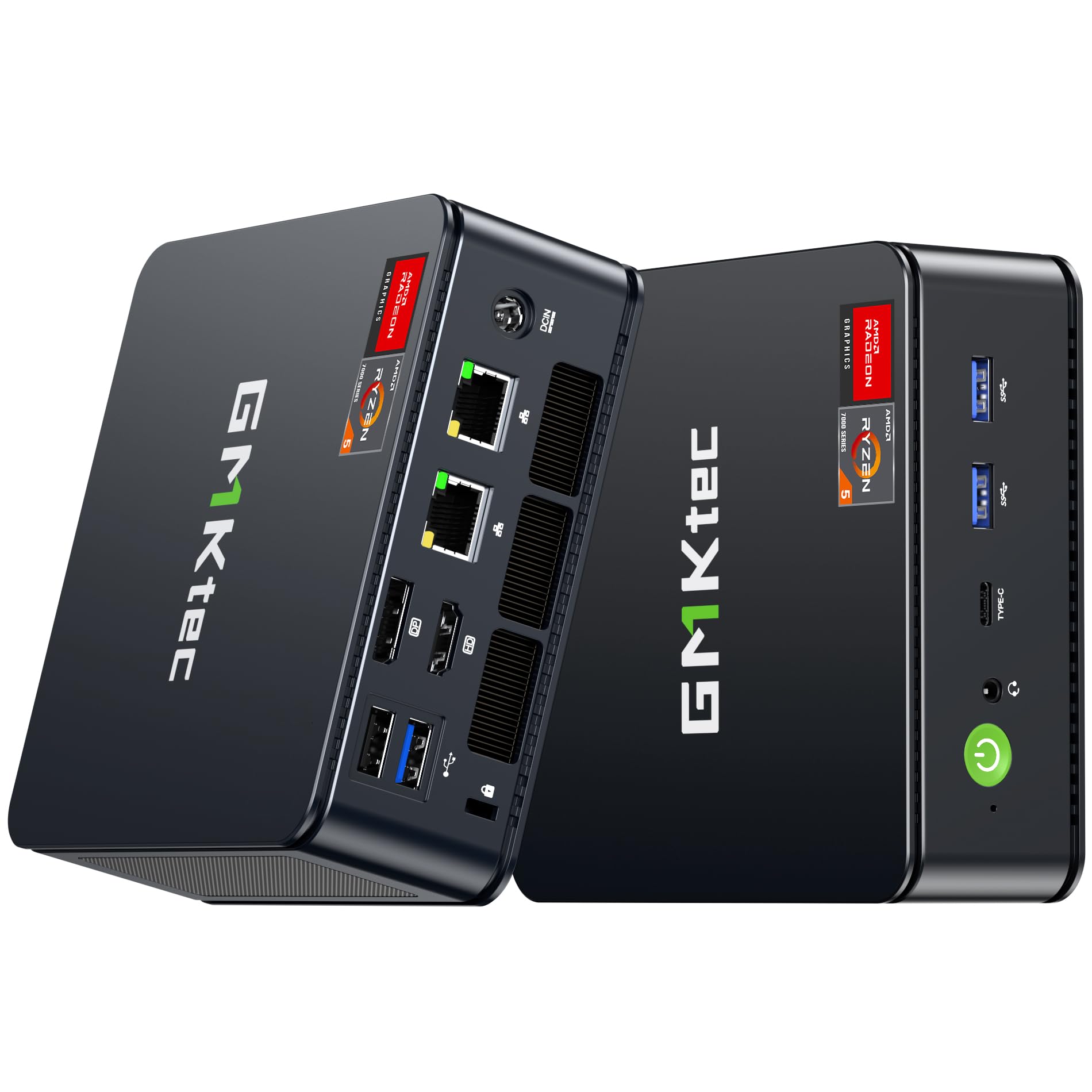
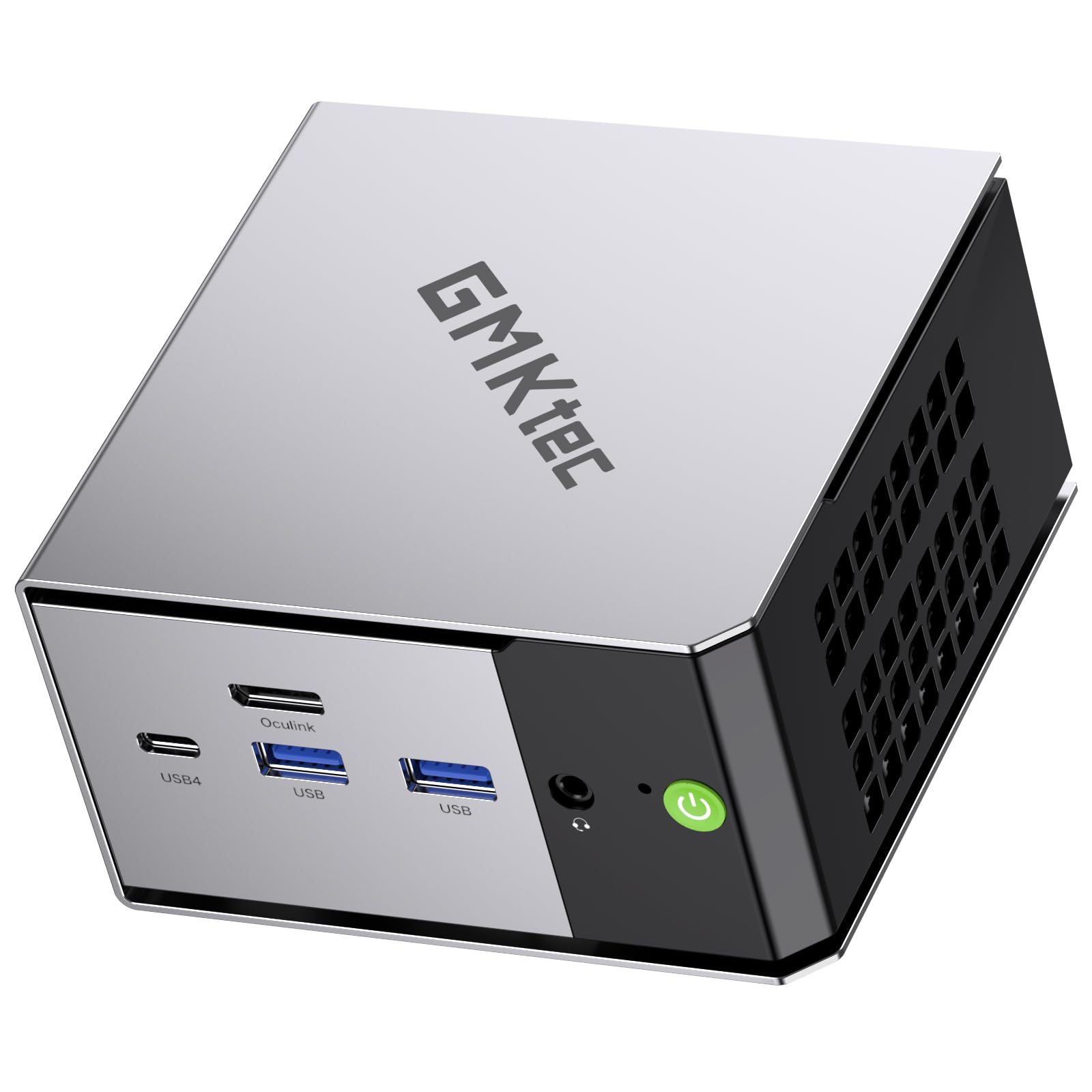
BOSGAME E4 Mini PC Dual Gigabit LAN Ryzen 5 3550H Win 11 Pro Small Desktop Computer 16GB DDR4

$399.99

162+ bought in the past month

About this item

  • AMD Ryzen 5 Mini PC: BOSGAME mini PC E4 powered by an AMD Ryzen 5 3550H processor (12nm Zen+ architecture, 4 cores / 8 threads) with a 4MB Smart Cache and turbo speeds up to 3.7GHz. The integrated Radeon Vega 8 Graphics (1200MHz max) delivers smooth visuals for 4K video playback & high-res displays,Multitasking between Office Apps, Light Photo/Video Editing
  • Dual Ethernet, Speed Boost: The Ryzen 5 3550H desktop computers E4 armed with Dual RJ45 Ethernet ports—delivering 2Gbps total bandwidth for blistering wired speeds. Whether you’re editing 4K videos, or building a Home Lab/NAS, Firewall, Server , this palm-sized PC dominate lag, buffering, and slow transfers
  • 16GB DDR4 RAM 1TB NVMe SSD: The E4 mini computers standard with 1x 16GB SO-DIMM DDR4 RAM, Dual-channel RAM support (up to 2400MHz) lets you boost to 32GB later for even faster multitasking. The 1TB M.2 NVMe PCIE 3.0 X4 SSD capacity allows to switch back and forth more applications smoothly
  • Triple-Screen Powerhouse: Unlock seamless 4K multitasking with the Ryzen 5 3550H Mini Desktop Computers—effortlessly drive three displays (1×USB-C + 1×HDMI 2.0+1xDisplayport) for Workflow Domination like spreadsheets + video calls + research, all in crisp 4K. Enjoy Cinematic Binge Watching and Eye Comfort Matters. Stream movies with true-to-life detail (no blur, no lag) at home in your free time
  • Flexible OS & 1-Year Warranty – BOSGAME E4 mini office PC supports Linux and Ubuntu, allowing you to choose the OS that best fits your needs. 1-year limited warranty covering design and workmanship defects, along with dedicated aftersales support, you can enjoy your mini PC with complete peace of mind.
$399.99

In Stock

Easy Returns · Return eligibility shown before checkout


How you'll get this item

DeliveryShipping details confirmed at checkout

Fulfillment

Ships fromVentari
Sold by
BOSGAME Store
Returns
Easy ReturnsReturn eligibility shown before checkout
PaymentsPayment details confirmed at checkout

Currently unavailable
Easy Returns · 30-day window
Product details
BrandBOSGAME
Operating SystemSupport Win/ubuntu/Linux
CPU ModelRyzen 5
CPU Speed2.1
Cache Size4 MB
Graphics Card DescriptionIntegrated
Graphics CoprocessorRadeon Vega 8 Graphics
Memory Storage Capacity16 GB
Specific Uses For ProductBusiness, Education, Everyday Use
Personal computer design typeMini PC

From the brand

Product detailProduct detailProduct detailProduct detailProduct detailProduct detailProduct detailProduct detailProduct detailProduct detailProduct detail

Product videos

Product video 1

Customer reviews

4.4203 ratings
  1. 571%
  2. 414%
  3. 30%
  4. 20%
  5. 114%

Customers say

Customers find the mini PC performs better than ASIAir and is easy to set up.

★★★★★

Astronomers - Works Wonderfully With 12V

George SFebruary 24, 2025✓ Verified purchase

I bought this to replace an aging (and venerable) NUC 7 to run my observatory which requires telescope control, dome rotation, basic/initial data stacking and plate solving. IYKYK. I required this to run on 12V. At least when I bought this, this was not specified to run on 12V on Amazon, though Bosgame's website indicates it runs on 12-20V. For my fellow astronomers out there, this is true. Background: I replaced the 512GB SSD with a 2TB SSD (Silicon Power 2TB NVMe M.2), upgraded to 32GB RAM (Timetec 32GB KIT(2x16GB) DDR4 2400MHz), and replaced the WiFi card with an Intel AX210. None of this was necessary, and this unit was still cheaper than any alternative I found with a processor at this performance level. The Wifi module upgrade was $26 and installed in 4 minutes. The RAM and SSD upgrades were easy for someone who can barely use a screwdriver and knows little about computers. Note: there is only one slot for the SSD. Opening this up showed decent quality control and an easy layout to work with. Power consumption: A stress test with N.I.N.A image capture, PHD2 guiding, Cartes du Ciel, Gemini mount control, ASCOM Hub (for dome control), and, just to make it interesting, SIRIL (astronomy image processing program) stacking 450 subexposures peaked at 37 watts before settling down to 25-26 watts with BIOS settings unchanged from factory settings ("Balanced performance"). Under "normal" conditions, meaning capturing images; controling the dome and mount and cameras; and PHD2 guiding running, this hummed along between 15-21 watts, so less than 2 amps. This is slightly less than my NUC7 with an i5-7260U processor, but this AMD 3550H processor has twice as many cores and threads. The speed improvement over my old processor was significant and immediately noticeable. This will also run laps around Intel N100-N300 processors while allowing for dual-channel RAM. WiFi - Astronomers will know why I automatically upgraded the WiFi module before even turning the computer on. For most users, the standard WiFi module will be more than good enough, but I'm running this 65 feet from my house. The computer is inside a fiberglass observatory. With the upgraded module, download speeds were around 240-260 Mbps in perfect conditions in the observatory with the computer away from the metal telescope pier and without an USB Wifi antenna. With the computer attached to a steel pier, the signal dropped (very expectedly) down to a respectable 35-70 Mbps download (enough for Windows Remote Desktop). As planned, I use this with a relatively cheap TP-Link USB wifi antenna away from the telescope pier. Wifi speeds in this configuration range between 150 to 220 Mbps download. The connection is quite stable and still plenty fast over Windows Remote Desktop. For comparison, inside my house, download speeds were over 600 Mbps, so the physics of walls and distance still apply. In my use so far, I have not had any latency issues controlling this from inside my home (with the computer outside in the observatory) using Windows Remote Desktop in a suburban neighborhood with quite a number of Wifi networks visibile (houses are close together). The connection does not drop. I ran a CrystalDiskMark Read/Write Test with the somewhat generic SSD I bought to replace this was a respectable ~2800MB/s write and a RNK4K speed of ~280MB/s. It is no speed demon, but this was both better than I expected and more than good enough for astronomy. In indoor and outdoor testing, I've only ever heard the fan turn on at initial startup. Even while "stress testing," I never heard the fan turn on during normal use. This thing was cool to the touch indoors and outdoors. I did check temps via HWmonitor a couple of times and never saw temperatures approach 50C. Heavy gamers might have a different experience here. It should be noted that astronomy programs intended to run telescopes and observatories do not tax processors and memory like modern games do, so gamers' mileage may vary. However, image stacking and processing programs can tax processors and memory a little and the fan never turned on and power consumption remained below 40 watts in my limited use. Cons: 1. The plastic quality is somewhat to be desired. I'm nitpicking hard here as that same plastic allows for more effective WiFi range than my NUC had, which was a metal Faraday cage of otherwise beautiful build quality. I'd rate the build quality as good enough, particularly at this price. 2. No SATA expansion slot: Hence the reason why I got a 2TB SSD. I knew this going in, and now you do. I will not take a star off of my rating for this because they do not advertise this as having the capability to add a second SSD/SATA drive. 3. This is advertised as only being able to use 2400Mhz DDR4 memory, but the module inside the unit was 2666Mhz DDR4. I don't know whether this was faster memory operating at 2400Mhz or whether the motherboard/processor can handle faster memory, but I had bought new memory sticks for this computer before I knew I could potentially squeeze out a little more speed with 2666Mhz DDR4. It is difficult to call this a con because I don't know the actual limitations of the computer. For most users, this underpromise and overdelivery might be a good thing. If expecting to upgrade from 16GB RAM immediately, check with BOSGAME first to ensure it can only operate with 2400Mhz. Overall, in the two weeks I've had this, I've been happy with its performance for astronomy. It has significantly better performance than an ASIAir and uses marginally more power than otherwise lower-performing N97, N100-N305 Intel processors. 1-1.5A under normal loads is extremely reasonable either in the field or in an observatory. This thing is a steal thus far. Read more

★★★★★

Powerful For It's Price

Jake HarrisonMarch 10, 2025✓ Verified purchase

I've only had this for a day but purchased it to use for my work from home job. Seems powerful enough to handle heavy browser use, some programming, and general multitasking between programs. Boots very quickly, no problems with speed or lagging have come up so far, and the few times that the fans have had to come on, they are relatively quiet. For my first day with it, this seems like a great purchase for the price, and I hope I continue to see this value going forward. I also upgraded the memory, so I'm not sure how the original 16 GB handled, but was very simple to install new memory. One thing to note is that prior to setting it up, I heard online that I should do a clean install of Windows for safety and IT reasons. I did this but unknowingly messed with the graphics drivers. After a few hours of trying to fix it, I determined it would be best to do another install of Windows, and saw that the manufacturer has these files available on their website. Was able to redownload Windows 11 from there, get it reinstalled, and now everything is working fine! Read more

★★★★★

Perfect Emulation Machine

SeanDecember 29, 2024✓ Verified purchase

I purchased the AMD Ryzen 5 3550HS model of this product. My wife has an astigmatism and is only able to play older 2d games. I was looking to prepare an emulation machine that allowed her to play all the games of her childhood and others that she missed. I looked at every budget model of mini pc and in the sun $200 range, this provided the best bang for your buck. I purchased at $178 and can run any emulation up to PS2/GameCube/XBox. This has allowed me to box up all of the old machines and consolidate 8+ consoles into one, tiny windows 11 box. This machine will also perform any streaming you may want to do, a Plex server, or any number of Office tasks in word, excel, etc. The Radeon integrated graphics of this computer double or triple the Intel options in this price for similar CPU performance. If you are looking for an emulation platform, a streaming box or a light office processing unit, I would absolutely purchase the Bosgame 2 as the best value sub $200 mini pc. Read more

★★★★☆

Good product

Eric MagnayeOctober 6, 2025✓ Verified purchase

Fast shipping; the computer is quick and handles everyday office work. Easy to set up, and the price is spot on. Quality is OK, no complaint. The noise is OK. Read more

★★★★★

Efficient

Adrionne ChatmanOctober 23, 2025✓ Verified purchase

Pretty good system. Fast load times. Good amount of space. Works good for gamin. Read more

★★★★★

So far its peefect for my needd

Bruce GarrettAugust 31, 2025✓ Verified purchase

It fits my needs and more. Computer quality is very good, wifi connectivity no problem works well. The size is perfect it s not heavy ,so I don't have pay much for weight when i ship it overseas. Read more

★☆☆☆☆

Too Hot For General Use.

ResonantSound&CineWorksLLCSeptember 19, 2025✓ Verified purchase

This amd cpu runs excellently as does the graphics. My point of contention is the overheating. I mean over 100 degrees celcius heating. The computer naturally shuts down randomly. I have set it upon a large muffin fan and it cools down into the seventies and eighties, but the external fan has to be running a full speed to get a cooler temp reading. You spend much of your time monitoring temps instead of writing or doing bills. I don't get the attraction of this Bosgame fiasco. Too damn hot. Read more

Recently Viewed

We use optional analytics cookies to understand how visitors use Ventari and improve the experience. This banner controls analytics measurement only. See our Cookie Policy.