RenaissanceMan—February 9, 2025✓ Verified purchase
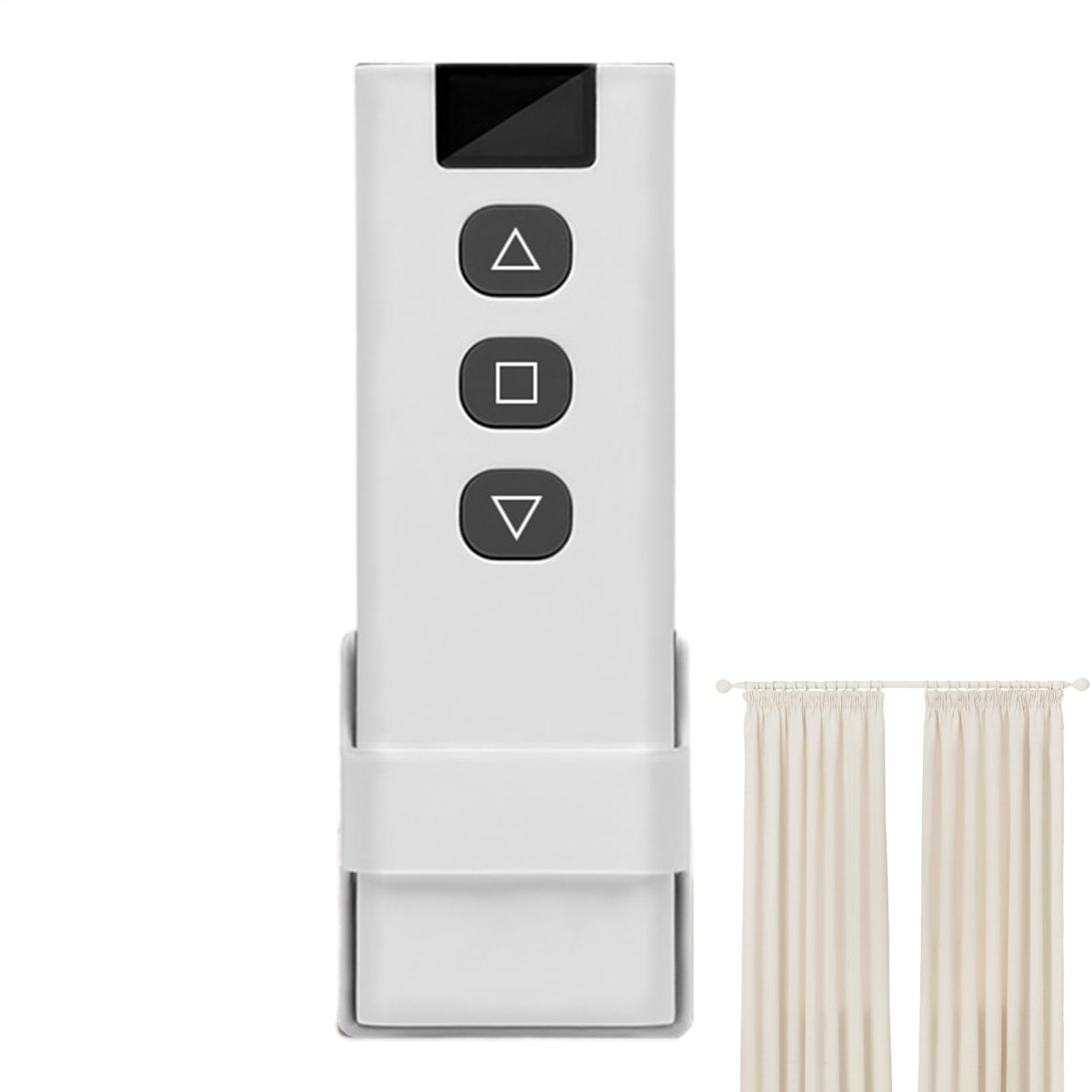
So I bought some blindster shades, their lower end motorized cellular battery operated shades. These run off of an RF remote only. They do not work directly with Alexa like their higher end models of shades (levelor, deluxe). Fortunately the RF remote doesn’t have a rolling code! So the Broadlink RM4 learned the remote buttons and i got it to work great through the broadlink app! The last key was to get it to work with alexa. Broadlink app allows adding scenes which Alexa will immediately recognize. So I added a scene named open curtain and added one device action of curtain device open. Alexa immediately recognized it so I could say alexa run open curtain and it worked. I didn't want to have to say "run" so I then added an alexa routine that was voice "open curtain" or "open drapes" that would then run this new broadlink scene. And now it all works. I can say alexa "open curtain" or alexa "open drapes" Did the same with close curtain command. Success! RM4 pro works great and instantaneously. Highly recommend Read more
Meowl—October 17, 2020✓ Verified purchase
Update 27-Oct-20: Changing from 2 stars to 4 as the vendor has really spent time effort and communication with me showing real interest to increase compatibility and correct issues. I've also learned a bit more about IR remote control - there are a lot of different protocols/techniques used and there is no standard. So it's very challenging - probably impossible - to be 100% compatible with every IR device. Fortunately, one of the main things I want to be able to control with this looks like they will be able to get working! Update 19-Oct-20: Changing from 1 to 2 stars as the vendor has replied - so far not any fix. Read updates at bottom. Have wasted lot of time with this poorly engineered product, and the bottom line is: It WILL NOT connect to my TP-Link Archer A7 router (2.4ghz wireless). I have tried lots of things, including even disabling wireless security, changing the support for A/B/G/N, etc. The same thing happens every single time: this Broadlink device makes attempt to connect to the router, but it fails. I can see the Broadlink mac address as it connects to the router with 100% signal quality, and it shows in the wireless devices for a second or two, disappears, and will keep repeating the unsuccessful connection attempt. I have a spare older Netgear router, and in my troubleshooting set it up. This Broadlink will connect to it - but it's not the router I want to use. So, is the problem the TP-Link or this Broadlink? I would have to say it's the Broadlink because I have never had a problem connecting any wifi device to the TP-Link, including Amazon echo devices, Google home devices, smart plugs, smart thermostats, phones, notebook computers, etc., etc., etc. Extremely disappointed, but not entirely surprised as I look at other reviews. As I see it, there's something funky about the wifi setup/firmware on this device and it will work with some 2.4ghz routers, but definitely not all. So, even if it works for you, would you want a device that may not work in the future if you change/upgrade your router? UPDATE 1: Was ready to request RMA to send it back, and thought, well maybe I should at least see how it would work if it could connect to my network, so I hooked my old Netgear router up to the Internet, connected my phone and setup the Broadlink device. After it connected and finished the initial setup, it immediately downloaded from the internet new firmware. Aha. So, with that maybe it will connect to the router I actually use? I then put the TPLink back to the net and the Broadlink back to setup mode and..... It now connects to the TPLink router.... SO, we have a product that ships with bad firmware that prevents it from connecting to at least some routers/wifi, and the only way to fix it is to connect to a router/wifi and download new firmware! What really needs to happen is the vendor needs to re-flash these things before sending them out as new product.... UPDATE 2: After getting the hub on my network, started adding my remotes. No issue with TV, but had immediate issue with my set-top-box which is a Cisco ISB7150 - a 'cable' box with DVR provided by Hawaiian Telcom for their 'cable' provided by fiber using IP technology. I didn't find the remote listed by BroadLink, so tried to add it as custom. No matter what I tried, it would not learn a single button. Believe me, I tried and tried and tried. I have 2 remotes that can operate the stb - the one provided by Hawaiian Telcom (URC 2025B1-BB) and my old Logitech Harmony 650 which is perfectly able to learn any of the remote codes and is in the Logitech database. Almost ready to give up, I noticed a BroadLink database listing for: Iptv Cisco! (Under 'I' not 'C'). Well, that worked for the basic function of the stb, but none of the DVR-related keys are programmed, and many of the "less-used" set-top buttons as well are not there - with no success in getting BroadLink to learn any of them. I rec'd the product from Amazon on Sat. BroadLink support is "5x24" no Sat/Sun. But on Monday I did receive an email response from BroadLink to my problems. They acknowledge firmware update can resolve some compatibility issue with wifi (but that's catch-22 for most people as it requires connecting to a different router before it can be fixed and there's absolutely no mention of this potential issue anywhere). And, I was told they will change the database listing from 'Iptv Cisco' to 'Cisco Iptv'. And, I was asked more about the remote that can't be learned as if they are interested in addressing that. Will see what happens.... Finally, my ultimate goal is to use this with Alexa, and that does seem to work, but until I can get the STB remote functionality, it's too limited to be useful. Read more
Ozy Steiner—February 2, 2026✓ Verified purchase
Works perfectly as advertised. I was able to learn all my IR and RF remotes to it. 315mhz and 433mhz were easy to program. Now I have full control through the Alexa app. So it isn't like other reviews said that only IR is programmable. This unit learned the RF right away in learning mode, just follow the instructions in the app and it goes absolutely flawless, even an 80yr old could do it. Read more
BarryL—August 14, 2020✓ Verified purchase
I bought the IR/RF PRO unit to add functionality to my Google Home, specifically to control a Honeywell tower fan, a Sony Stereo, and my (RF 433Mhz controlled) kitchen blinds. The Broadlink app is good and "worked" well in some areas. First, if you don't have 2.4GHz Wi-Fi and only 5GHz Wi-Fi, this device will NOT work. The device needs 2.4Ghz Wi-Fi to connect. I had both in my home, so set it up on that. Two Wi-Fi modes to connect, but it connected. Once connected to Wi-Fi, with app installed, you add devices. App had groupings. I selected fans. They you can either learn IR buttons manually, or use preset codes from many available brands. I found Honeywell, none of 2 presets were compatible. So, easily added Power On (,Power Off), Speed, and Sweep (Oscillate) to pre designated buttons by learning from my remote. They all worked with the app. Sony Stereo, success with one of the "Sony" presets, but only On/Off, Mute, and Volume Up/Down. Couldn't change stereo modes, or tune channels. So, with JUST the App and fan control okay, stereo limited, but worked. The RF controller for my blinds didn't work at all. I called Broadlink tech support and they said it wasn't compatible with what I had, despite me having the 433MHz RF remote for my blinds to learn from. Specically they said, "BroadLink devices do not support motorized or rolling codes. With rolling codes, the remote and the receiver each generate code in a specific order. Every time the remote is used, it generates a new code that is encrypted. BroadLink devices do not offer support to encrypted appliances." I then added the Broadlink device to Google Home. That worked easily. It detected my fan and Stereo, then I assigned them to my Living Room in hopes all functions would work. NOPE! The only Fan control provided was for on/off but no control of fan speed, or fan sweep/oscillate. The Stereo(/Amplifier) didn't load at all, even after unlinking/relinking Broadlink device, and reseting everything as recommended by Broadlink. Summary; stand alone app okay to control IR devices (but limited function), poor integration and loss of device control with Google Home, and RF functionality (for me) wasn't compatible with my blinds, and not sure whose blinds would be. Read more