Free shipping over $35 · 60-day returns · Price-watch guarantee

Ventari

Canon

Canon imageCLASS MF656Cdw - Wireless Duplex Color Laser Printer All-in-One with Copier Scanner Fax Auto Document Feeder Mobile

$449.99

396+ bought in the past month

About this item

  • Wireless 4-in-1 (print, scan, copy, fax)
  • Print up to 22 pages per minute (bw / color, letter)
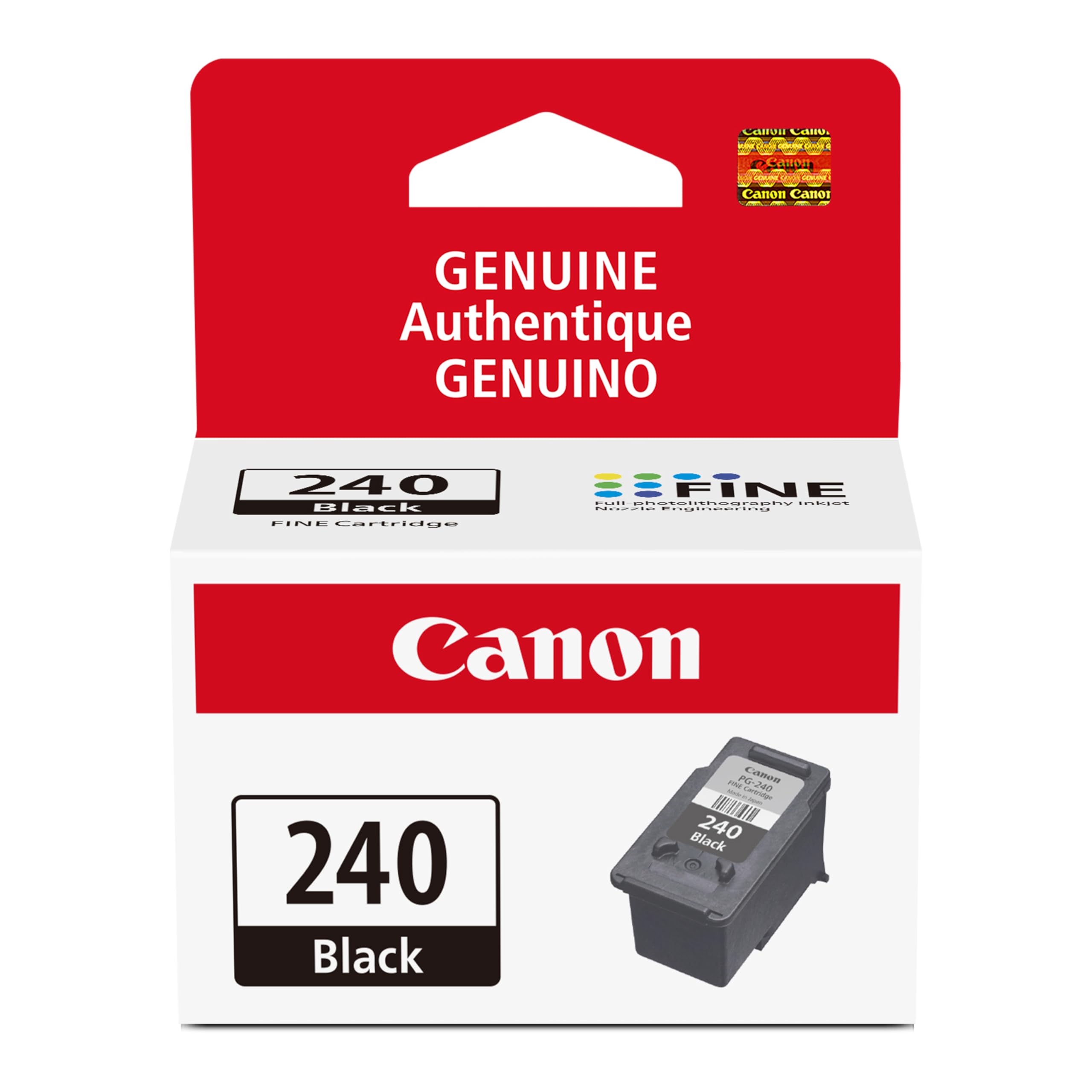
  • Uses Toner 067 / 067 High Capacity Toner - high capacity toner options keep up with your printing needs and limit toner replacement interruptions
  • 250-sheet standard cassette, 1-sheet multipurpose tray, 50-sheet duplex automatic document feeder
  • Auto 2-sided printing, one-pass 2-sided scanning
  • Print on-the-go with Canon PRINT Business and more using your compatible mobile device
  • ENERGY STAR Certified, EPEAT Silver
  • 3-year limited warranty for peace of mind
  • Chromebook compatible

Key details

Brand
Canon
Connectivity Technology
Wi-Fi 802.11b/g/n, Wi-Fi Direct Connection
Printing Technology
Laser
Special Feature
Auto Document Feeder, Auto-Duplex, Display Screen, Double Sided Scanning, ENERGY STAR® Certified, EPEAT Silver, Network-Ready, Touch Screen See more
Color
White

Dimensions and fit

dimensions
18.2"D x 17.8"W x 16.3"H
weight
48.5 pounds
Item Weight
48.5 Pounds
product_dimensions
18.2"D x 17.8"W x 16.3"H
maximum_media_size
8.5 x 14 inch
sheet_size
3 x 5, 8.5 x 14
supported_media_sizes
3 x 5 inches
item_weight
48.5 pounds

Technical specifications

Model Name
MF656Cdw (New Model)
Maximum Print Speed (Color)
22 ppm
Max Printspeed Monochrome
22 ppm
max_copy_speed_black__white
22 ppm
processor_count
1
model_series
656
item_model_number
5158C002

Item information

Printer Output
Color
controller_type
Android
included_components
Cartridge 067 CMY: Starter 680 Yield / Black, Standard: 1,350 Yield, Documentation, Fax Cord, MF656Cdw Product, Power Cord
print_media
Paper (plain)
scanner_type
Sheetfed
max_input_sheet_capacity
250
compatible_devices
Super G3
maximum_color_print_resolution
1200 x 1200 dpi Dots Per Inch
maximum_black_and_white_print_resolution
1200 x 1200 dpi
warranty_type
Limited
color_depth
24 bpp
dualsided_printing
Yes
eu_spare_part_availability_duration
3 Years
maximum_copies_per_run
999
initial_page_print_time
10.3 Seconds
max_copy_resolution_color
1200 x 1200 dpi
max_copy_resolution_blackwhite
1200 x 1200 dpi
duplex
Automatic
hardware_interface
Ethernet
ink_color
Color
additional_printer_functions
Copy, Fax, Scan
control_method
Touch
output_sheet_capacity
250
number_of_trays
3
series_number
515
total_ethernet_ports
1
number_of_usb_2_ports
1
total_usb_ports
1
upc
013803342000
printer_ink_type
Toner
global_trade_identification_number
00013803342000
memory_storage_capacity
1 GB
best_sellers_rank
#23,659 in Office Products ( See Top 100 in Office Products ) #31 in Laser Computer Printers
date_first_available
February 8, 2023
manufacturer
Canon
Highlights

About this item

  • Wireless 4-in-1 (print, scan, copy, fax)
  • Print up to 22 pages per minute (bw / color, letter)
  • Uses Toner 067 / 067 High Capacity Toner - high capacity toner options keep up with your printing needs and limit toner replacement interruptions
  • 250-sheet standard cassette, 1-sheet multipurpose tray, 50-sheet duplex automatic document feeder
  • Auto 2-sided printing, one-pass 2-sided scanning
  • Print on-the-go with Canon PRINT Business and more using your compatible mobile device
  • ENERGY STAR Certified, EPEAT Silver
  • 3-year limited warranty for peace of mind
  • Chromebook compatible

From the brand

Product detailProduct detailProduct detailProduct detailProduct detailProduct detailProduct detailProduct detailProduct detailProduct detailProduct detailProduct detail

Product videos

Product video 1

Customer reviews

1,297 reviewsPositive

Rated 4.1/5 across 1,297 reviews — well received overall.

Customers say

Customers praise the printer's sharp print quality and fast speed, with one noting it can print beautiful color two-sided pages quickly. Customers disagree on the value for money, with some considering it good value while others find the toners expensive.

Generated from the text of customer reviews

★★★★★

GOOD BY FOR A GREAT PRICE.

I had a Cannon MF644cdw for a few years and it worked great. This one is just the newer version. My mf644cdw started putting black streaks on the prints and then just started running the paper through without no printing at all. Toner was good and new just no printing. Then started making a funny noise. While looking up trouble shooting tips online i came across this newer version. Well being a Tech junkie and my wife not so much, Ummmm, well the old printer became unrepairable and honey we need a new printer. Print quality has been great on both the 644 and 656 but I will have to say a bit better on this 656. time from sleep to print has greatly improved as well. I will also say that this printer has the cheapest toner cartridges to replace of most all color laser printers. I work from home so it does get alot of use. Document feeder work great and to tell the truth I dont remember ever having a paper jam from either printer on the feeder or printer. Cant say much about the fax feature as I have never used it on either printer. Setup is very easy right out of the box. Just plugged it in went through a few setup questions on the display and bam it was hooked to my wifi and up and running as network printer. Scan to email can be a bit tedious to set up but I got the below instructions from another reviewer and worked perfectly. So Hopefully this will help someone (wish I would have found earlier). This type of information should have been in the manual in some way. I found this in the Canon community discussion. Note that this setup is configured for using a gmail email address to configure- so you need a gmail for this to work correctly (otherwise a few steps will need changed like the SMTP server and port number...) 1- If you are using GMail, you have to setup an 'App Password' for your Canon to work. 2- Go to Google.com and click on your picture (upper right hand corner) and select 'Manage Your Google Account'. 3- Click on 'Security on the left hand side'. 4- Scroll down to section that says 'Signing in to Google'. 5- Make sure '2-Step Verification' is setup. If it is not, add 2-step verification now. 6- Click on 'App Passwords' to setup a password for your Canon. You may have to sign into your Google account again. 7- Under the 'Select App' down arrow, select 'Other (custom)' 8- Enter a name for your Cannon. I put my model number in the field: MF644Cdw 9- Select the 'Generate' button. This will generate a password. Copy/Paste this password or write it down. 10- Find your Cannon's IP Address. I selected 'Status Monitor' on my Cannon; then selected 'Network Information'; then selected 'IPv4'; take down the numbers listed under 'IP Address'. 11- Open up Chrome and enter the IP Address from step 10. 12- Select 'System Manager Mode' option and select 'Log In'. If you have setup a 'System Manager ID' and 'System Manager PIN', enter that information and then select 'Log In'. 13- Select 'Settings/Registration' button on the right hand side. 14- Select 'TX Settings' on the left hand side. 15- Select 'E-mail/I-Fax Settings'. 16- Select 'Edit' button on the upper right hand side. 17- SMTP server = smtp.gmail.com 18- Email Address = [enter your email address] 19- Check mark 'Use SMTP Authentication (SMTP AUTH)' 20- User Name = [enter your email address] 21- Check mark 'Set/Change Password' 22- Password = [enter the password generated from step 9 above] 23- Check mark 'Use TLS for SMTP' 24- Check mark 'Verify Certificate' 25- Check mark 'Add CN to Verification Items' 26- Check mark 'Use TLS for POP' 27- Check mark 'Verify Certificate' 28- Check mark 'Add CN to Verification Items' 29- Scroll up to the top of the page and select the 'OK' button to save these settings. 30- Select 'Network Settings' on left hand side. 31- Select 'Port Number Settings' 32- Select 'Edit' button in upper right hand side. 33- Change 'SMTP' field to = 465 34- Scroll up to the top of the page and select the 'OK' button to save these settings. 35- Select 'To Portal' link in the upper right hand corner. 36- Select 'Address Book' button on right hand side. 37- Click on '01' link and select 'Edit' button. Add your email as the first email address. (Later go back and add what other email addresses you may like to scan to in the future) 38- Scroll up to the top of the page and select the 'OK' button to save these settings. 39- Go to your Cannon and test the Scan to Email function. 40- Check email to see if you received the email. If you didn't get email, check 'Status Monitor/Cancel' button under the 'TX Job Log' section for Error Code specifics. Read more

Daniel
★★★★★

Great Home Office Multi Function Printer

I had an old Epson workforce for years that really served me well. But as time went on it worked less and less reliably and seemed to lose functionality(good old planned obsolecense). Also everytime I would go to print I needed to do a nozzle clean and kept buying new cartridges. I wanted to get a laser printer because you don't have the hassle of nozzles and I also wanted a document feeder for doing large multi document scans. I got this printer for under $300 which I think is a great price for a machine of this caliber. It was very quick and easy to set up and while it was noisy during setup it runs pretty quiet for printing and scanning. I've read that people have had trouble setting this up and I'm not sure why. For my windows 11 machine it was litterly plug and play after downloading the drivers. It also scans and prints very quickly and the quality is very good. I haven't used the fax but I'm sure it's fine and I don't plan to do too much faxing anyway. The only things I think I can complain about are; 1)the size(it's big but not terribly so for a multi) and 2)I wish the scanning resolution was more than 600 dpi (especially for photos). Those are my only complaints and really, it's not a big deal. It's a great machine for general printing and scanning. If you primarily want to scan and print photos you may want to look at another machine because the limited resolution even using just the flat glass for scans. And also laser isn't the best for photo prints. But the scans it does do are great for documents and photos where you don't need a lot of resolution. It's a great do-it-all machine and an amazing price for a color laser printer. Read more

MarkjinNY
☆☆☆☆

Canon Color imageCLASS MF656Cdw. Bought TWO for my business. Both failed the same way.

Only thing it can reliably do is cause hypertension for the user. I made the mistake of trusting Canon and bought two of these printers for my business. That decision cost me time, productivity, and money. Both units exhibit the same fundamental failures, which tells me this is not a defective unit problem - it is a defective product line. Yes, print quality is acceptable when it actually prints, but everything related to networking and AirPrint is broken. • Printers randomly disappear from the network • Extremely unreliable Wi-Fi connectivity • Painful, inconsistent setup on Mac and Windows • Gaslights you into thinking you need unnecessary Canon software that still does not work • Goes to sleep and stops responding • AirPrint is advertised but does not reliably function At times, the only way to print reliably has been to download a file to a USB jump drive, physically insert it into the printer, and print directly from the device using the cumbersome, poorly responsive, unintuitive touchscreen. That is not an acceptable workaround in 2025 for a network printer marketed to businesses. And if you are thinking, “this guy just can’t manage IT stuff,” I caution you to think twice. Sometimes it will: • Print from one computer but not another • Print once and then never again • Print today after multiple retries and troubleshooting steps, then refuse to print tomorrow Nothing changes on the network. Nothing changes on the printer. It simply decides to stop working. I am not a casual home user. I spent hours troubleshooting: • Firmware updates • Factory resets • Router reboots • DHCP reservations and static IPs • Separate Wi-Fi bands • Driver reinstalls None of this fixes the core issue. Canon’s Bonjour/mDNS and network discovery implementation is fundamentally unreliable. This printer will gaslight you again and again, making you think you fixed it - until it fails the next time you need it. The fact that both printers behave identically confirms this is a design failure, not bad luck. Canon used to be a brand I trusted. This printer is not worthy of that reputation. If you value your time, sanity, or business productivity: do not buy this printer. I am replacing both with Brother laser printers and will not purchase Canon printers again. Avoid. Read more

FPDoc
★★★★★

Canon printer for home office

Excellent at scans, printing, and no problems. I appreciate the two-sided printing, color or monochrome. Read more

Richard
Recently Viewed

We use optional analytics cookies to understand how visitors use Ventari and improve the experience. This banner controls analytics measurement only. See our Cookie Policy.