lirun—April 30, 2021✓ Verified purchase
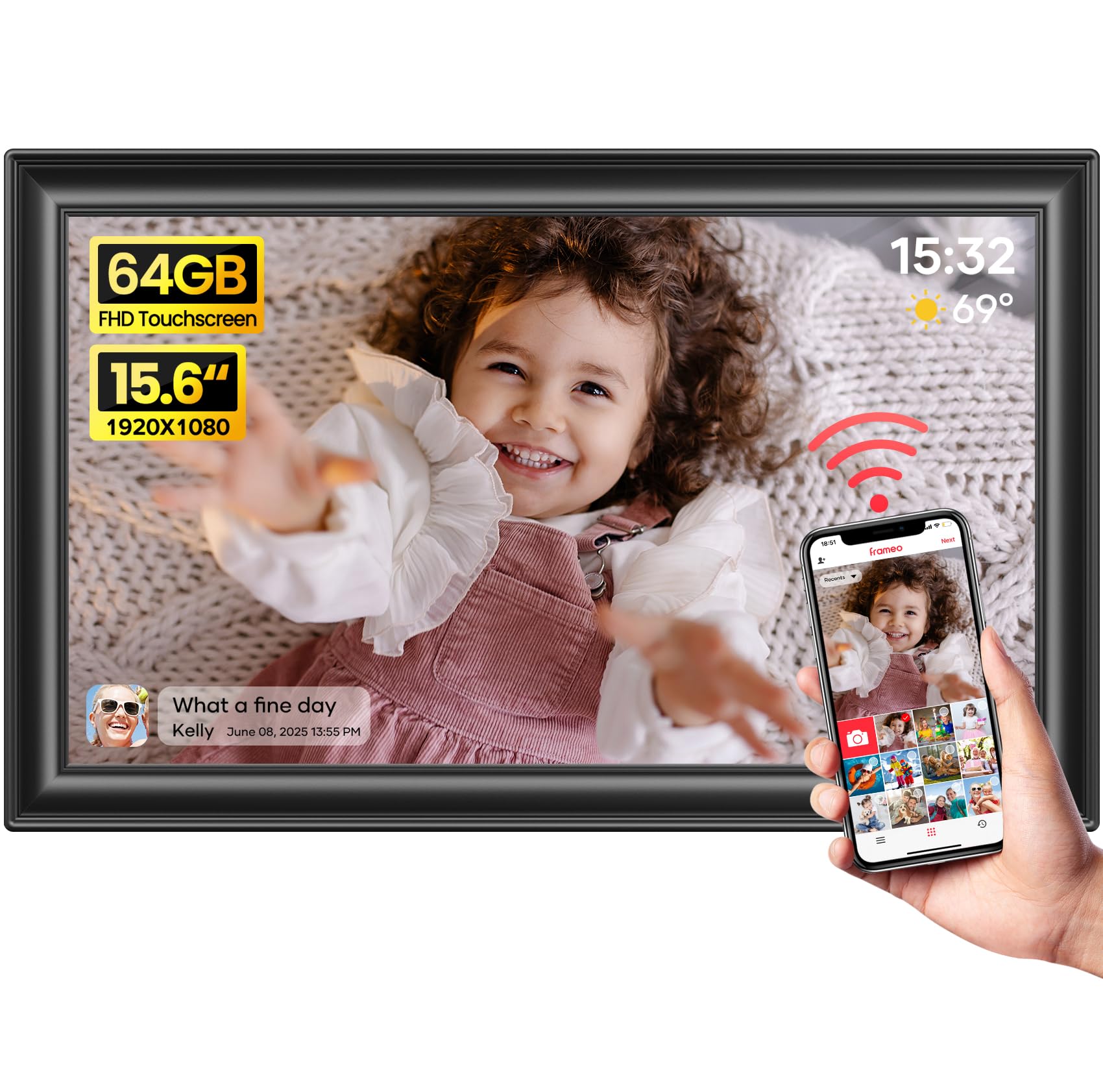
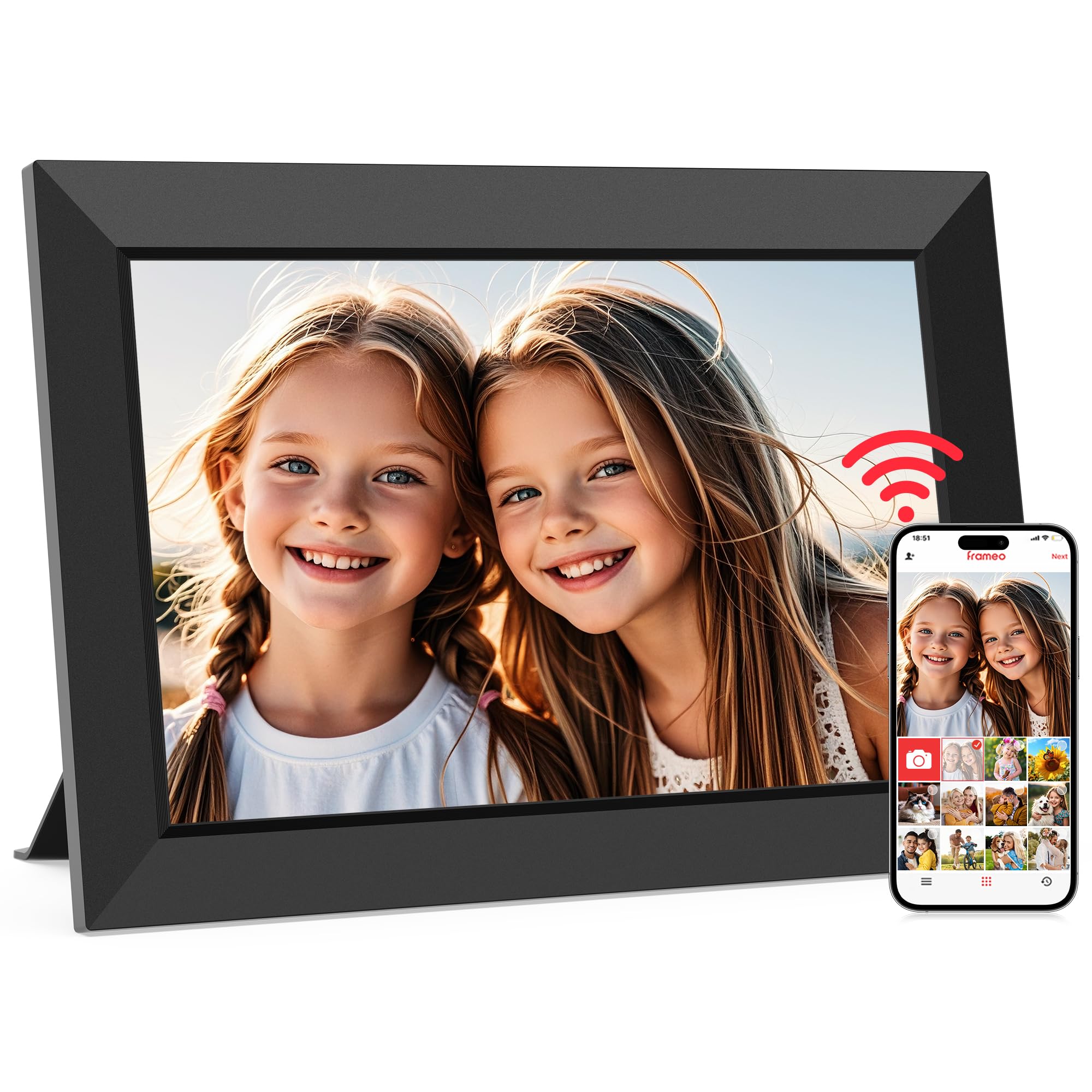
This was a gift to my mom after we lost our dad earlier this year, and it has definitely been a great way to keep his memory fresh each and every day. We were looking for a picture frame that had a nice looking design but was also connected in a way that family members could share pictures. I read a bunch of reviews that talked about the challenges with setting up, but if you follow the directions included, and have some patience to allow for the binding process (which is not instantaneous), it works very easily. I actually set this up at my house and then switched the wifi to my Mom's with no problems just by using some patience and common sense. I put this together for my family members to share pictures, and everyone was able to get it to work no problem: Method 1 download the OurPhoto App Android Link: play.google.com/store/apps/details?id=com.idwell.ourphoto&hl=en_US&gl=US Apple Link: apps.apple.com/us/app/ourphoto-keep-our-memories/id1476241568 in the app, select "My Devices" and hit the " + " to add a device. You will need to enter a device ID. Then click "ok" Once it goes through, I can approve the request and you can start adding pictures and they will go right to the frame! Method 2 -Send an email to emailaddress@ourphoto.cn (for example, pictureframe1@ourphoto.cn) -the subject MUST read the following only: [Frame ID] (ex. if frame ID is bd9QS8VA, then the subject would read only the following: bd9QS8VA -Once your email address is connected to the frame (I will "approve" it once it comes through), you can send emails with pictures and videos as attachments. The Binding Request is not instantaneous but it's not very long either, so just be patient! It could take 10 minutes, but could also take just 2 minutes too. I happen to like Method 1 better, but they are both super easy! What we like: - The design of the frame. - picture quality - being able to see who shared pictures What we don't like as much - that there is no internal battery. - binding new users isn't instantaneous, and takes some time - not being able to manage the photos directly from the App Read more
evelyn alas—February 12, 2026✓ Verified purchase
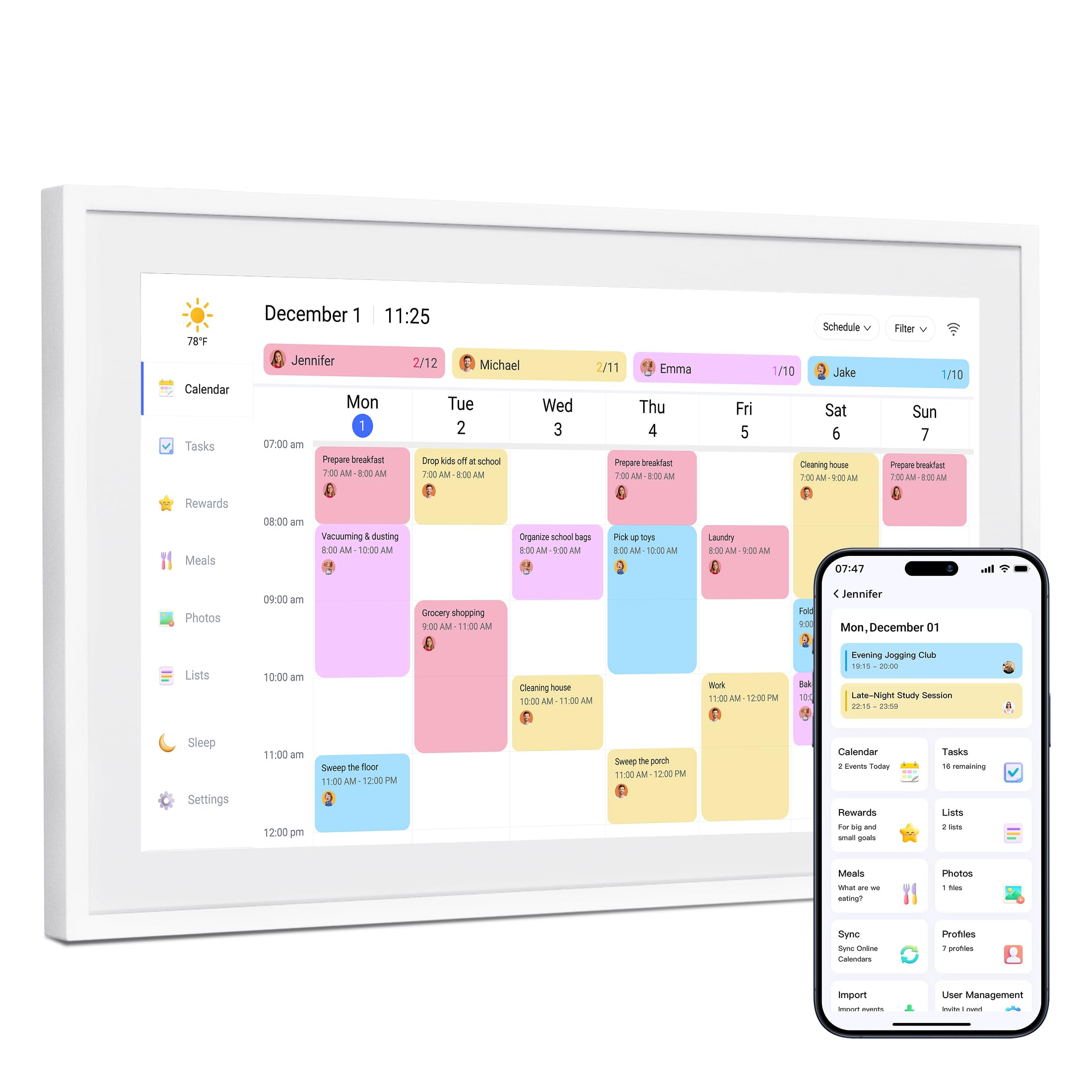
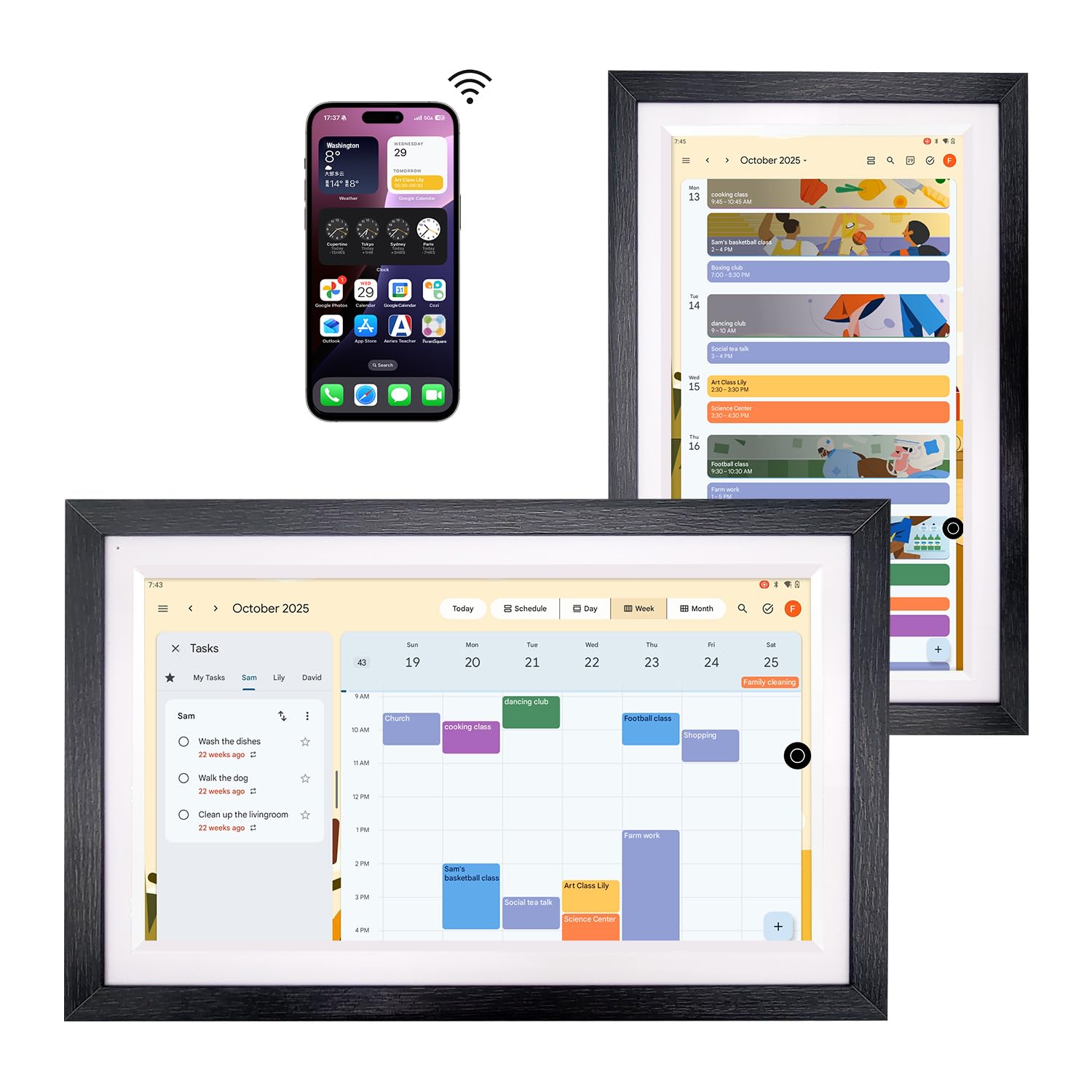
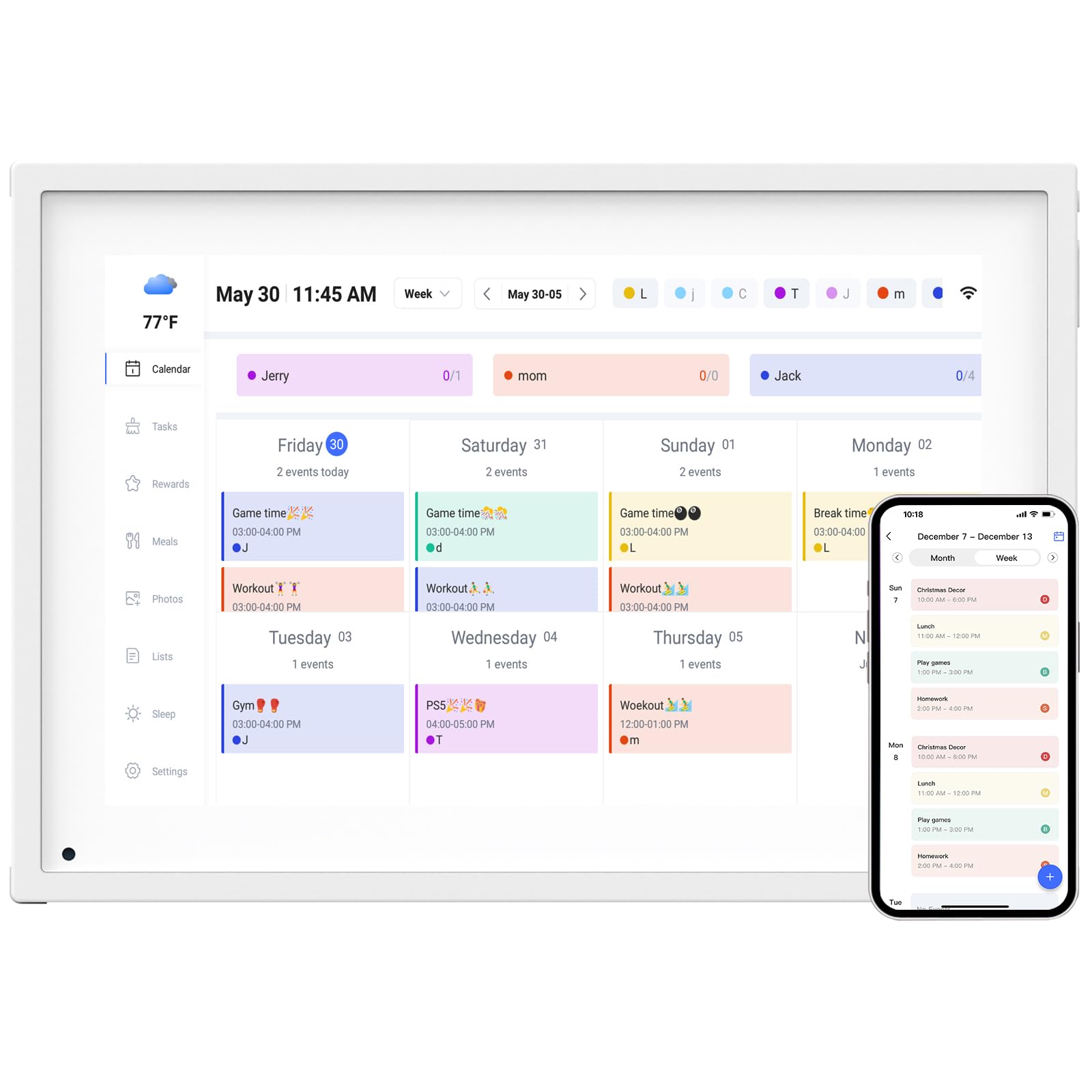
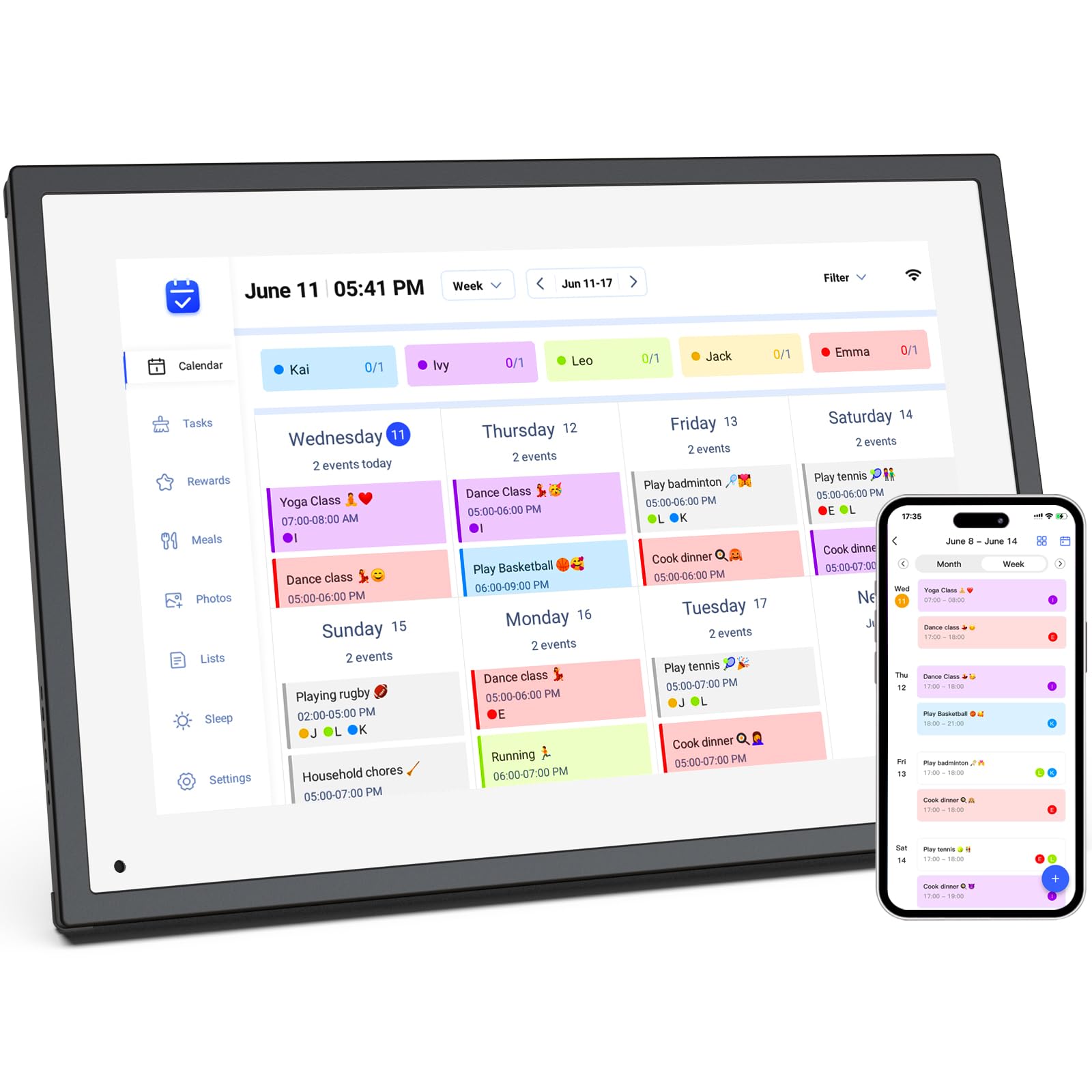
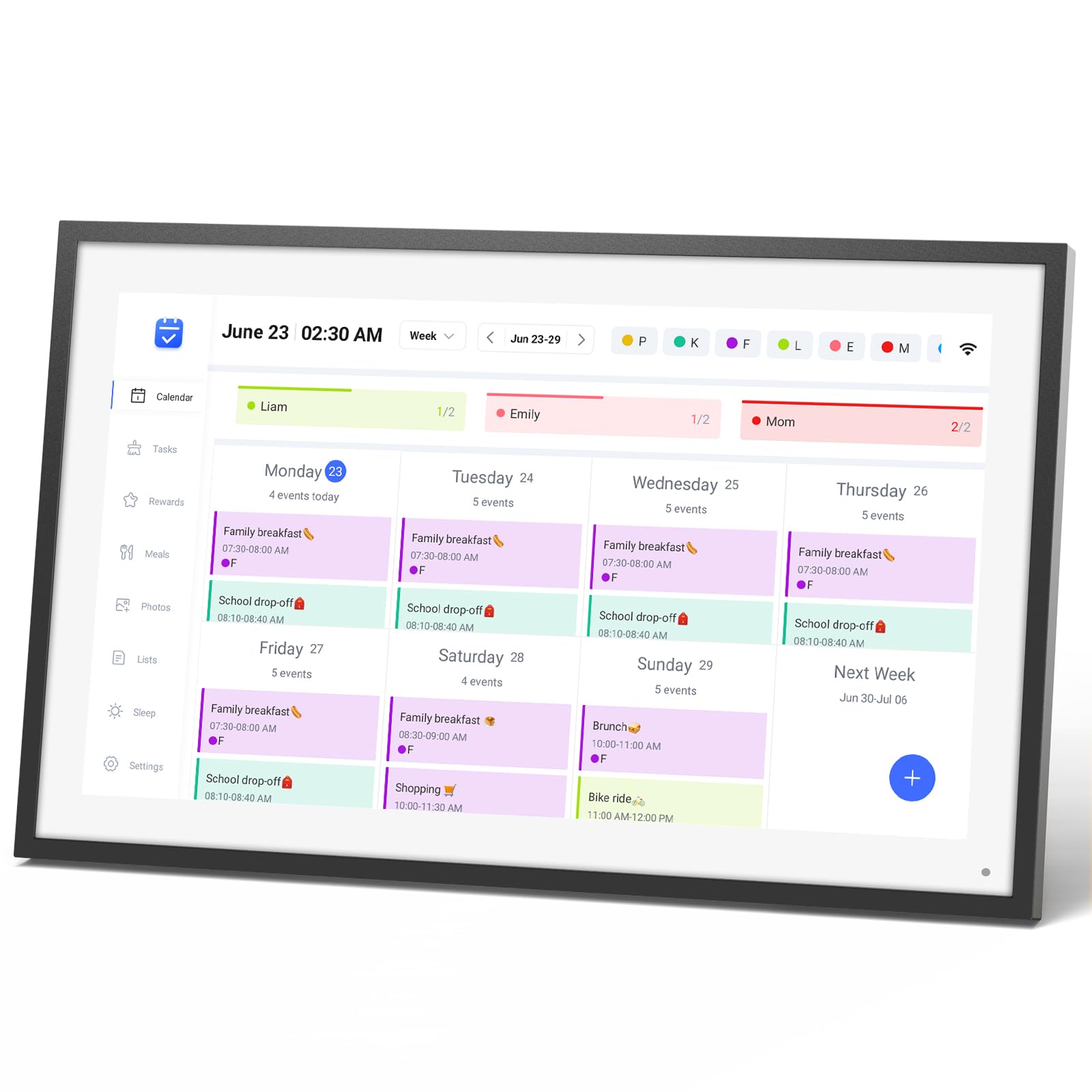
The size was perfect. It is very easy to use. Love how I can share the calendar with other family members and they can also add things to the calendar. You can make grocery lists, assign tasks which is great with kids, and I love the way it looks. Great purchase! Read more
azitardamron—June 11, 2021✓ Verified purchase
Sleek, simply interface, wifi, upload from phone, looks great on the mantle and it didn't break the bank. Set up was smooth and intuitive. My wife really liked the weathered wood frame - light gray. Blends in nicely. Screen is crisp and clear. And the fast auto rotate is a nice feature - easily stand up portrait or landscape to suit your mood. I only have one tiny dislike and that is strictly related to my furniture - the sleek peg stand (which works great btw) was slightly too long for my narrow shelf. But even with cutting the stand slightly shorter it works without issues and stands up sturdy. Great product for home or as a gift to a loved one to upload photos for. :) Read more
J—February 16, 2024✓ Verified purchase
This is a nearly perfect little digital picture frame. The white frame looks beautiful and it easily handles pictures that are the opposite orientation. I also like that there is no need to have an online account. Just copy all of your pics to a USB drive and plug it in. In a matter of seconds it recognizes them and starts showing them. I did struggle with getting the slideshow interval to work. The main settings have something that says slideshow delay. I thought that was the time between pictures in the slideshow. It is actually the amount of time before it starts the slide show from the main screen. After calling them I found that the setting for the time between pictures is in the settings menu that you get when you touch a picture. The other quirk is setting the sleep mode. It seems like it must pass the time to start sleep to go to sleep. When I set it so that it should already be asleep, it would not go to sleep. The quirks had me thinking I had a defective unit and I thought I might need to send it back. Once I had sorted them out, it is a great unit. It lost a star for the confusion though. Read more
Tiff M—February 5, 2026✓ Verified purchase
Love!!! Honestly seems to do as much as the name brand. I have been using it for a week and it syncs great. Super easy to use. App is also great and my family can have it also and make their own changes. Auto dims and goes into sleep mode which is nice. I was able to get magnet mounts to put it on the fridge and I love it there. This makes my color code OCD loving heart happy. The lists, chores, rewards are all exactly what I wanted. The only down side I have found is I’d like to have a monthly reoccurring list like bills I can check off without being on a specific day. Might be an option I’m still learning it all but so far I love it and on sale it is totally worth the money Read more