Ramon Navarro—March 16, 2026✓ Verified purchase
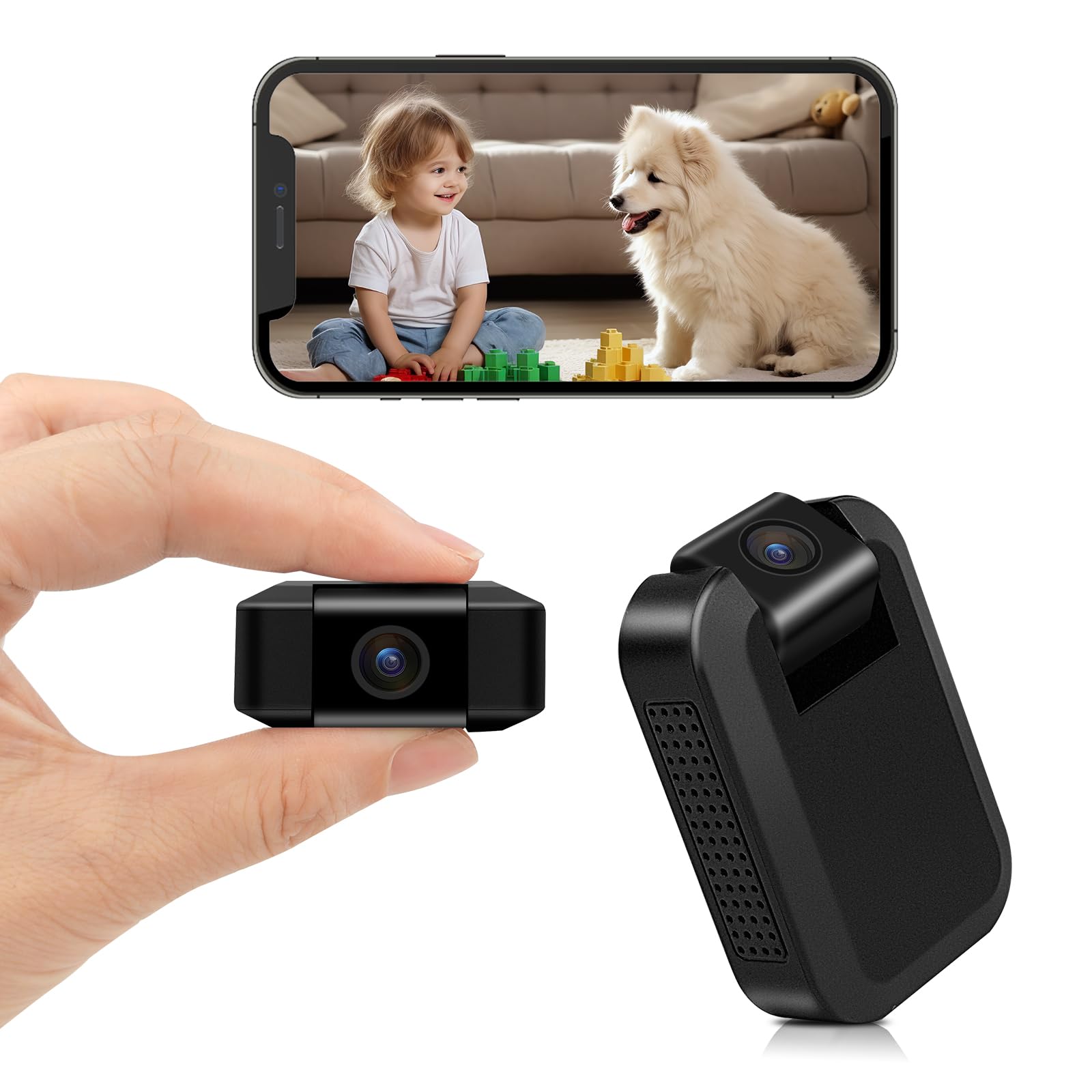
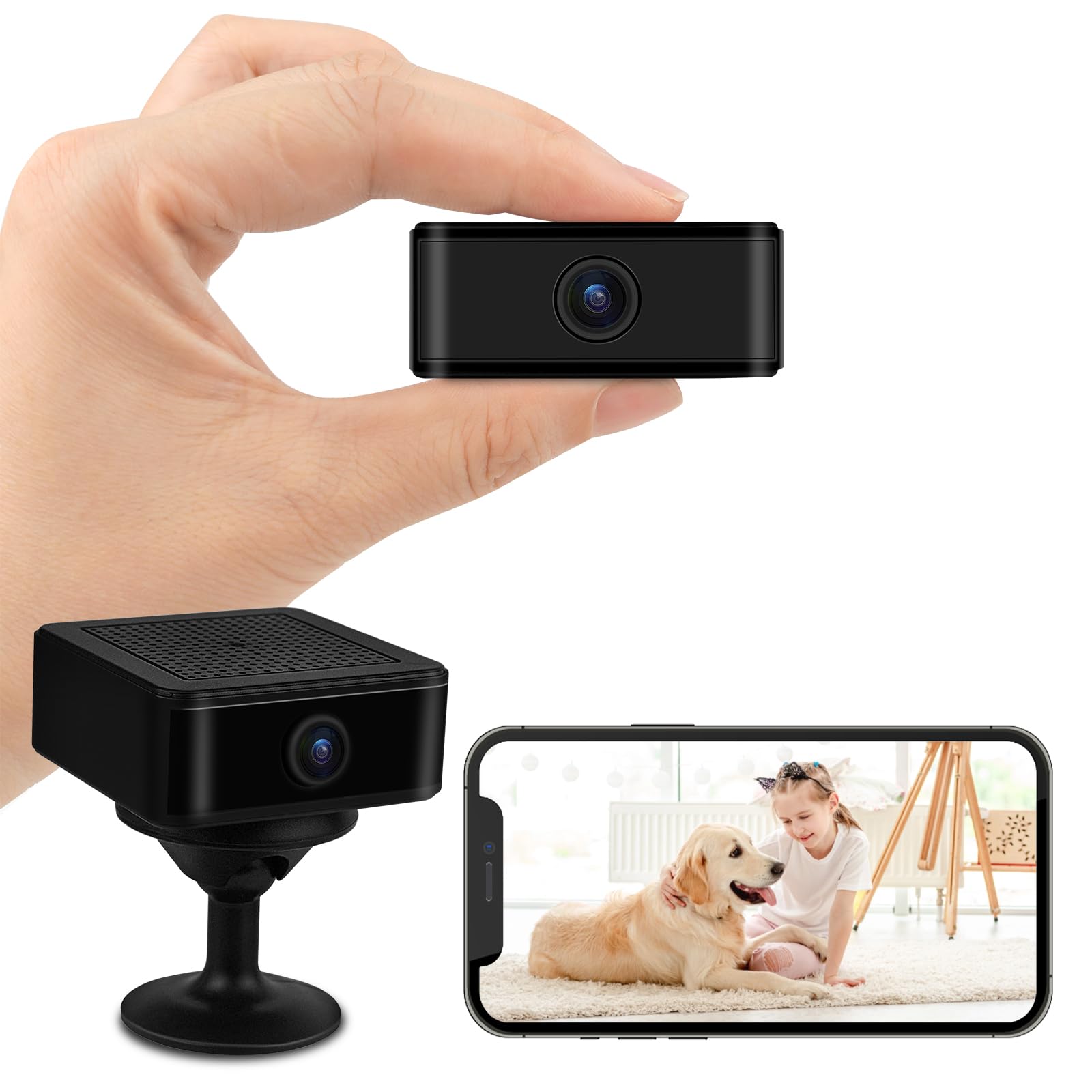
Easy installation, its functionality very good, since it has good image and video quality, with small size and good for minimal places, load duration, giving security, connectivity is stable, with good picture quality, very good. Read more
leidy—March 10, 2026✓ Verified purchase
Clear image. Small enough to hide if you need to. Good price and fast shipping. Read more
Yami C—February 18, 2026✓ Verified purchase
I bought it to put in my living room, the video looks great, I like it. Read more
Bryan Warren—February 19, 2026
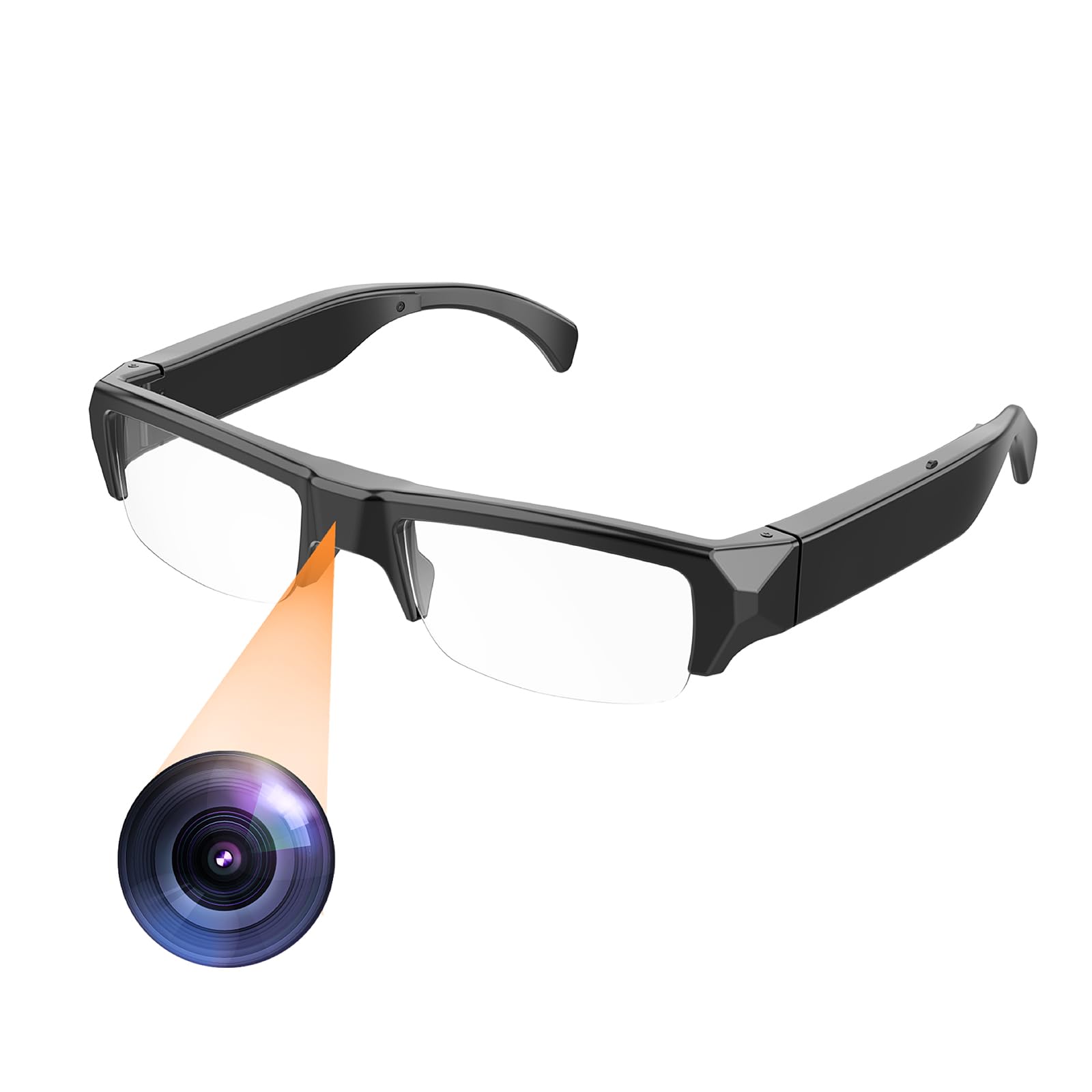
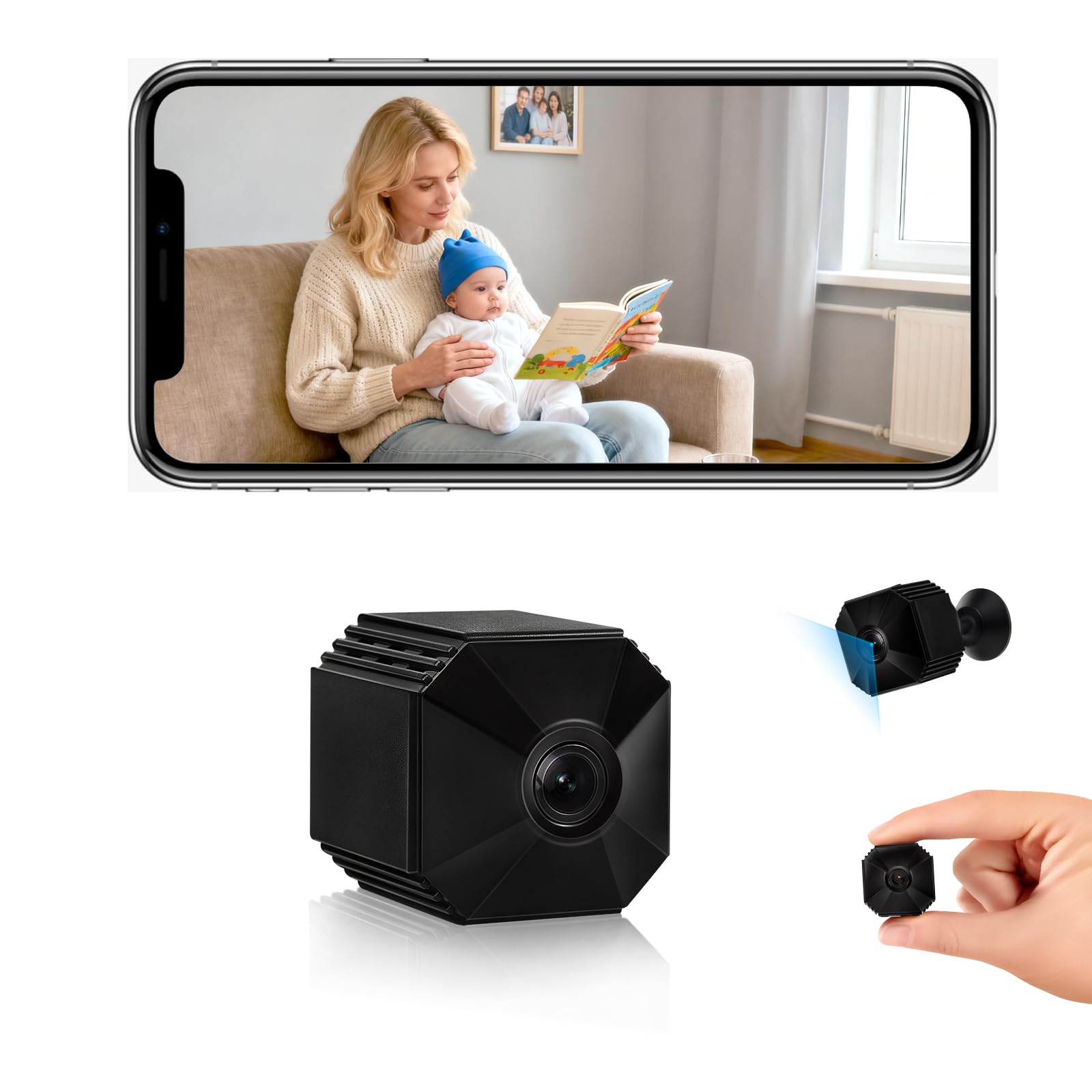
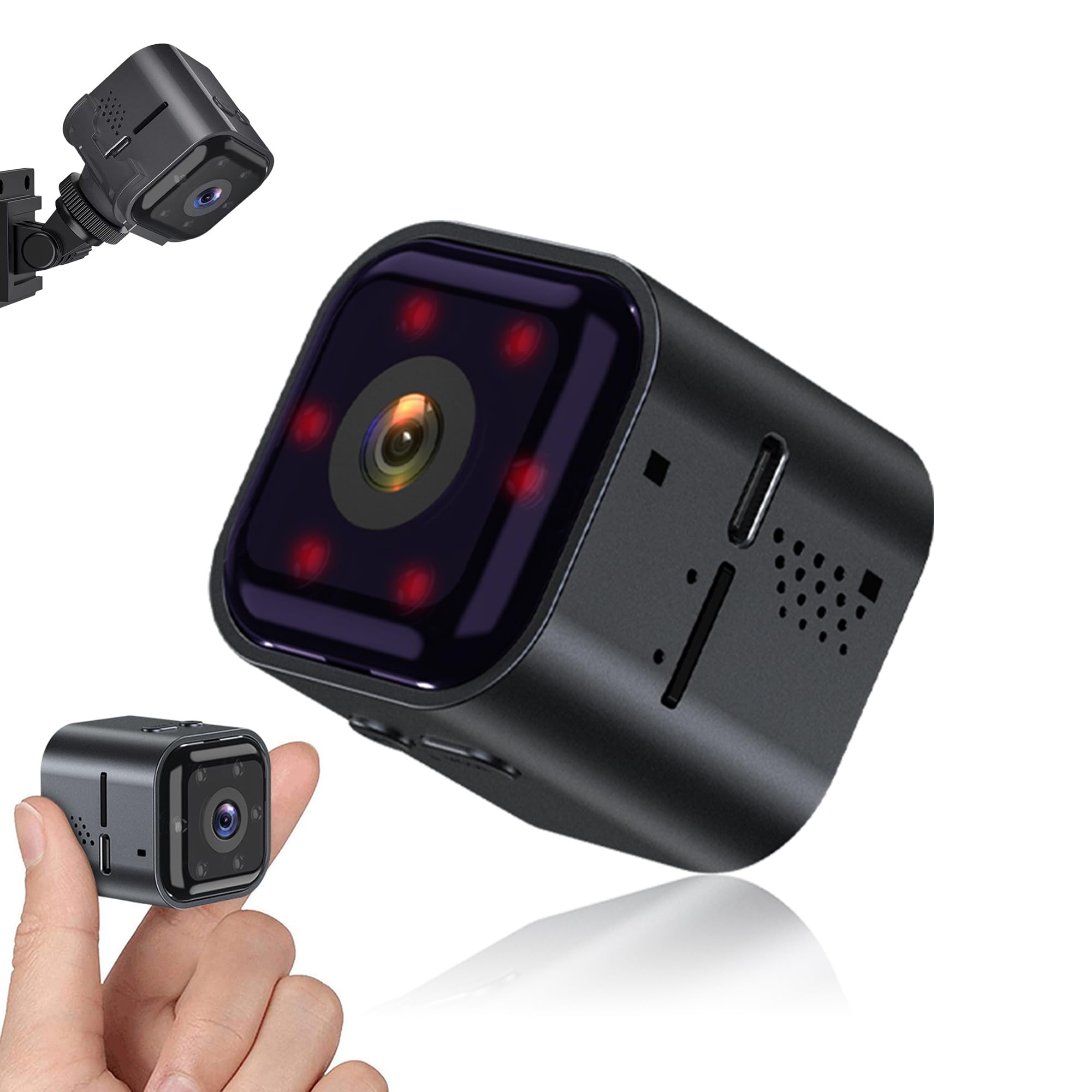
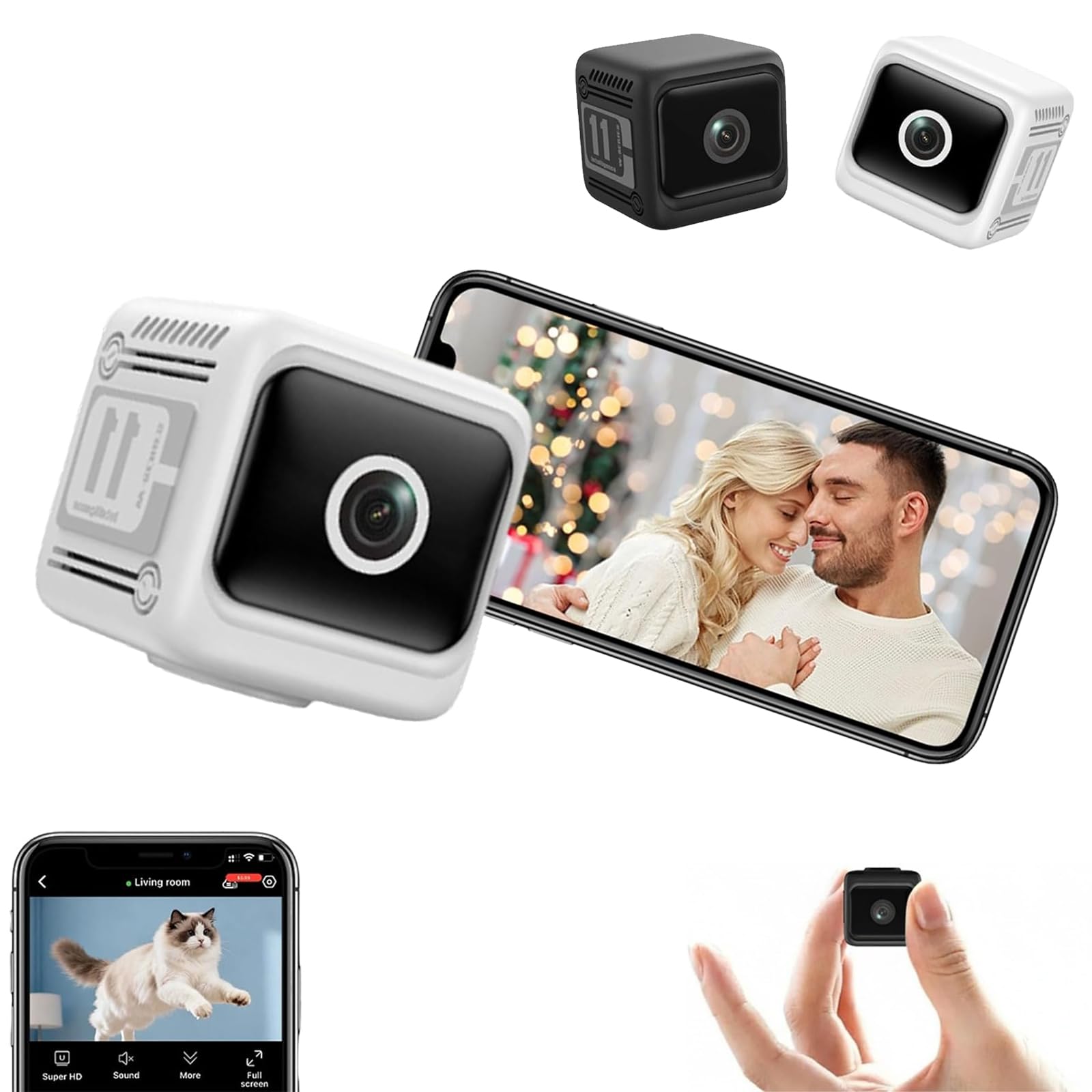
If you are looking for a discreet, high-tech way to keep an eye on your home, office, or valuables, this Mini WiFi Hidden Camera is a powerhouse of a device. It packs an incredible amount of security into a tiny, unobtrusive frame, making it the perfect choice for anyone who values both safety and subtlety. Why This Hidden Camera Stands Out: Unmatched Coverage with a 180° Rotating Lens: The standout feature is the motorized 180° rotating lens. Unlike traditional stationary cameras that leave blind spots, you can remotely pan this camera using your smartphone to get a full view of any room. Clear HD: For such a small device, the video quality is sharp. You get vivid colors and clear details, ensuring that whether you are checking in on a pet or monitoring your front door, you see exactly what’s happening in high definition. Proactive Motion Detection: You don't have to sit and watch a live feed all day. The camera features smart motion detection that sends instant alerts to your phone the moment it senses activity, allowing you to react in real-time. Superior Night Vision: Security doesn't sleep when the lights go out. The built-in infrared night vision provides a clear picture even in total darkness, making it a reliable 24/7 "nanny cam" or a night-shift monitor for your workspace. Truly Wireless & Remote Access: Thanks to the WiFi connectivity, you can view your live stream from anywhere in the world. Its small footprint allows it to blend into bookshelves, plants, or desk decor without drawing unwanted attention. The Verdict This mini camera is a brilliant blend of portability and professional-grade surveillance. It’s easy to set up, highly versatile, and provides a level of peace of mind that is hard to beat for its size. Whether for home security or business oversight, this is a "set it and forget it" tool that delivers when it counts. Read more
Tessa—February 18, 2026
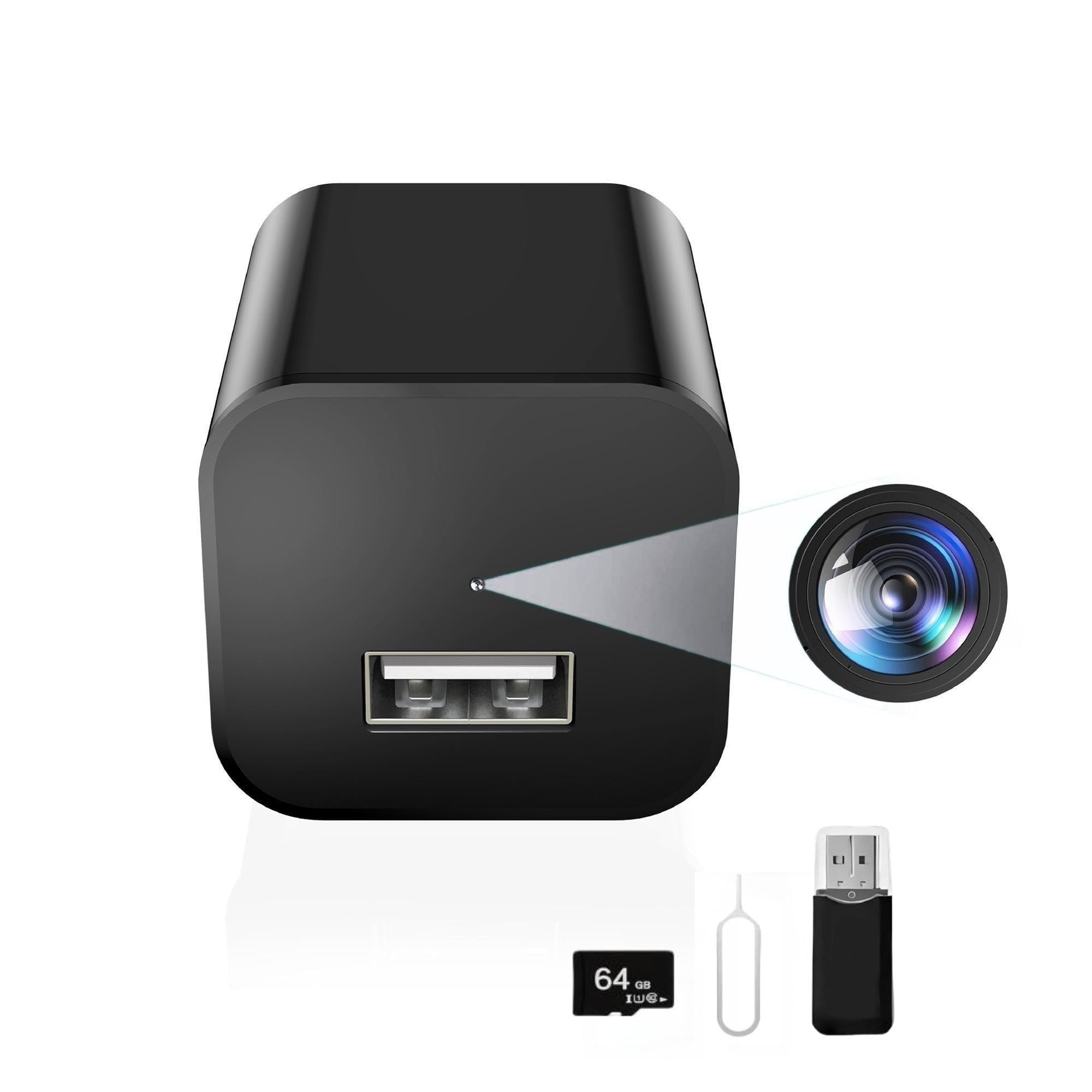
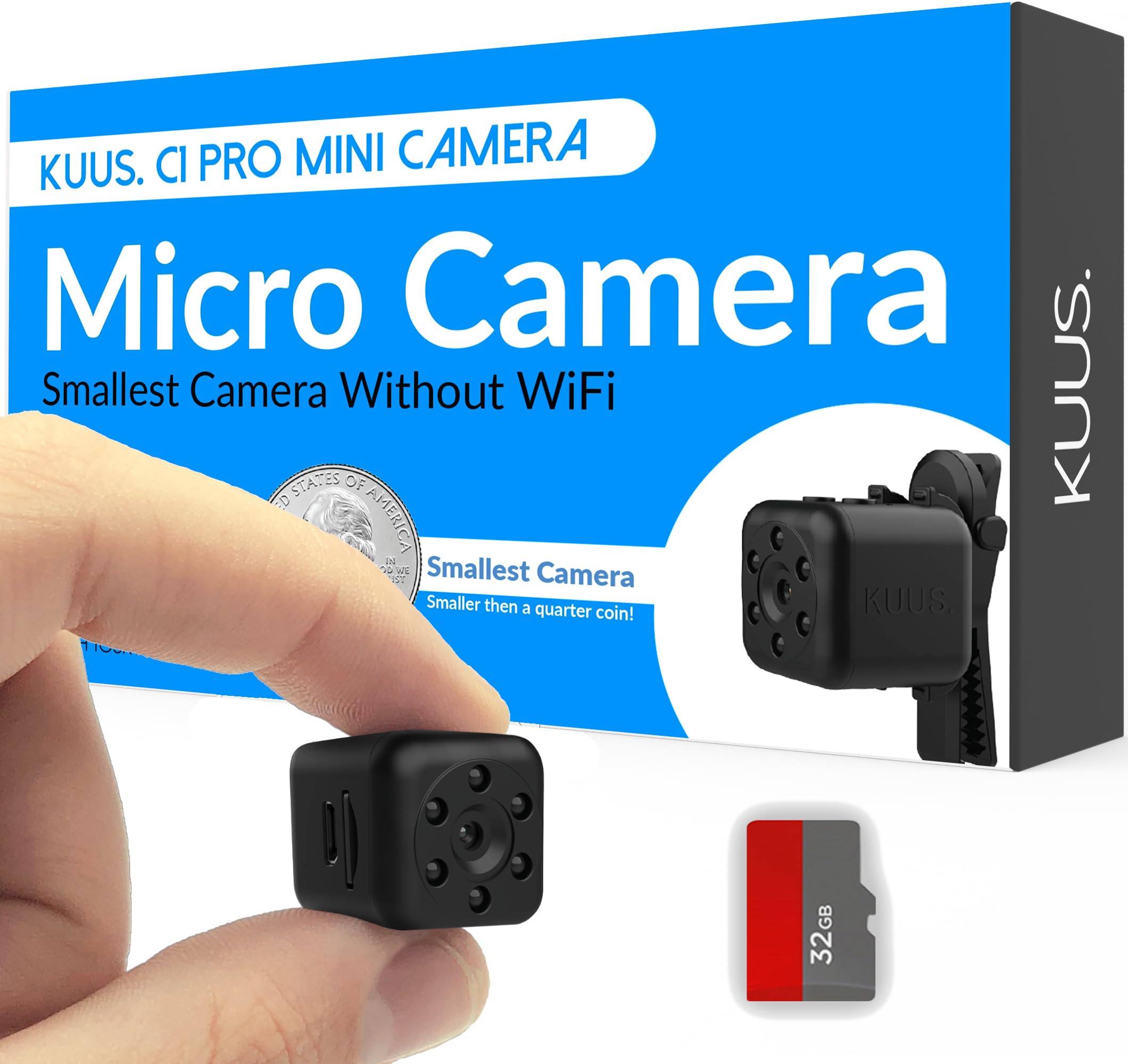
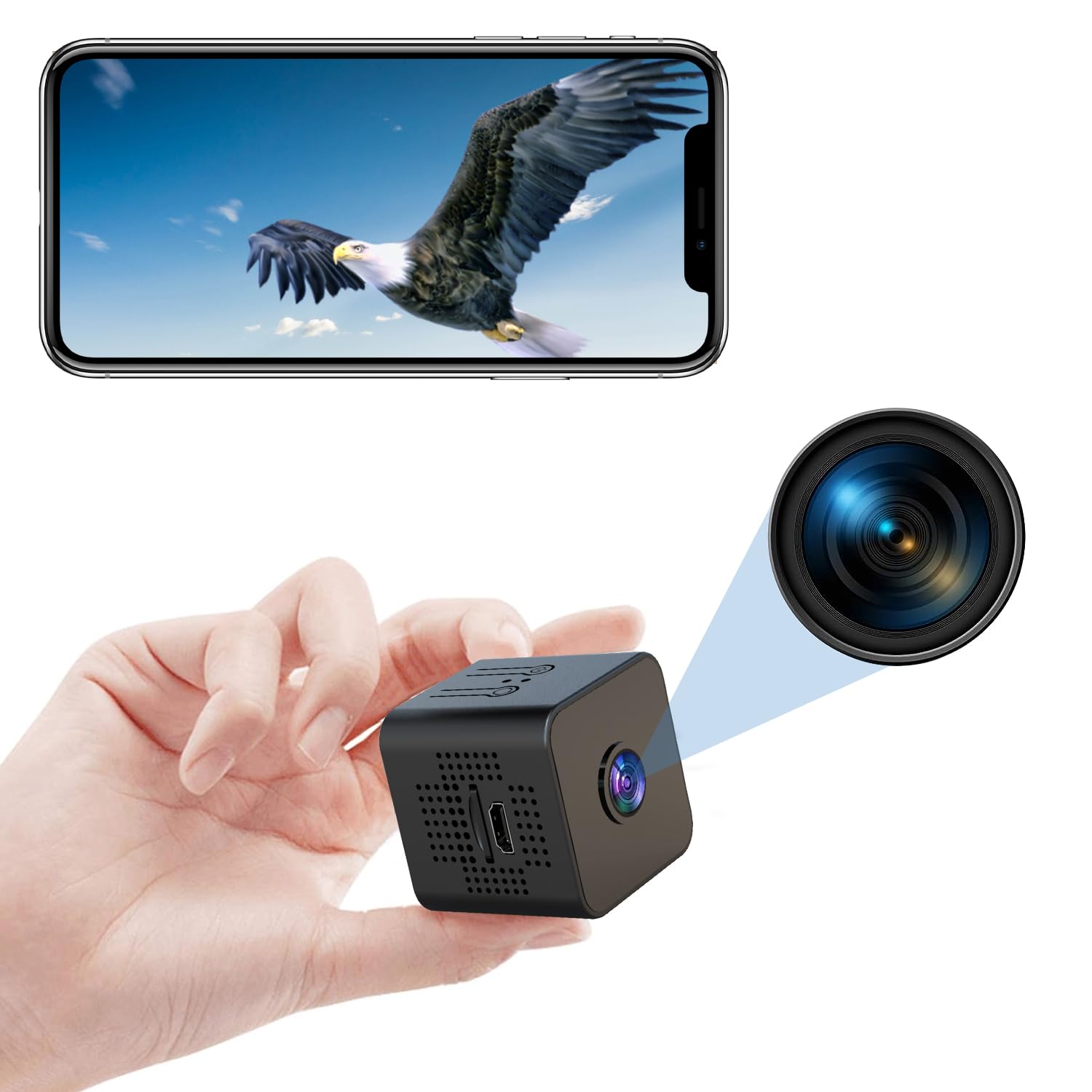
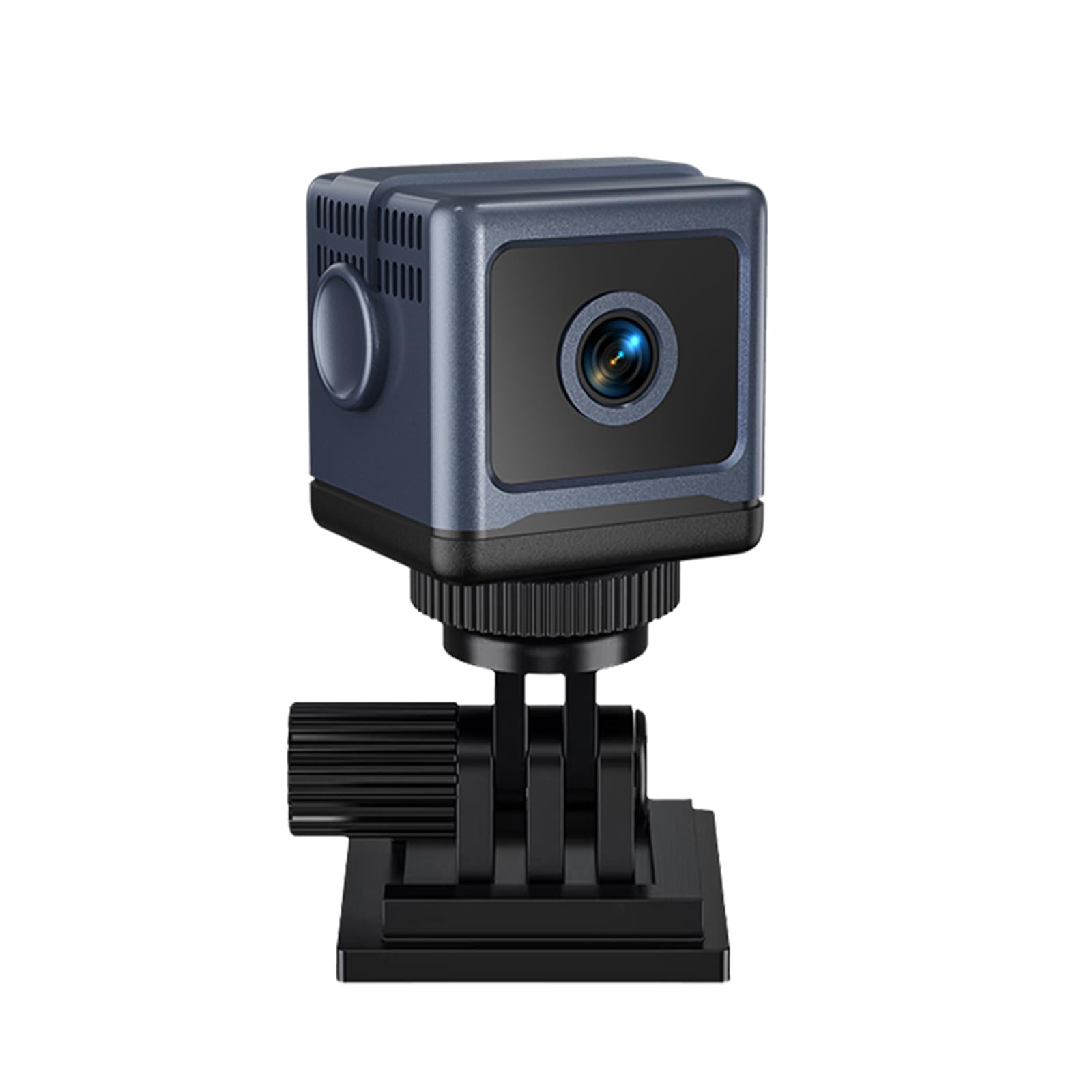
Excellent hidden camera! The mini WiFi camera comes with an SD card. The SD card has to be formatted before use, a simple process that requires a computer or laptop. It’s not the highest capacity, but it’s reasonable for an additional component in relation to cost. It isn’t required in order to use the camera. I’m happy it comes with it. Before using the camera, charge it fully. It comes with a charging cable, but you will need a charger box. I used my iPhone charger box, my husband’s “lively” charger box works with it too. You will need to install an app on your phone. They made it easy, just use your phone’s camera to scan the QR code. When you point your camera at the QR code, a web address will pop up on your screen, and you need to click that link. If the address doesn’t pop up, just move away from it and come back to it. Sometimes your phone may take a few seconds to adjust and pop up the link. It popped up immediately for me. Click the link and it takes you to the app that’s appropriate for your phone. The app is in Chinese, don’t panic or pack it up. IF you have an iPhone, there’s an icon on the lower left-hand of your screen (circled in red on the pic I downloaded here). Click the icon and “translate” it to English or your language of choice IF it’s available. Then you will be able to read the app. Once you download the app, setup your app password and connect to your WiFi. There are limitations on what your WiFi pw may consist of listed in the instructions. Your phone needs to be connected to WiFi and Bluetooth on. Now your app should be ready. Turn your camera on, hold the button about three seconds and it will come on. It should have a blue light that slow blinks, if it’s not a slow blink or blue just hold the reset button for three seconds. Then turn it on, will slow blink a blue light. You’re ready to connect the camera. It’s simple to setup, connects immediately, and functions beautifully. The picture quality is great in the app. The App also allows you to have multiple cameras at once. The camera is tiny, smaller than my palm, and it can move up or down in the camera body. That allows you to have a very small diameter camera, tiny. It appears well made and is simple to use. The written instructions are in English. I had no problem following them. They have an option for a paid subscription, but for my purposes the free functionality within the app is sufficient. The subscription is a reasonable amount, not ridiculously high, so if you require more functionality for your purposes it’s reasonable. I recommend this camera. I have two of them now. Read more