Blub—February 26, 2026✓ Verified purchase
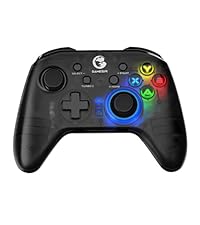
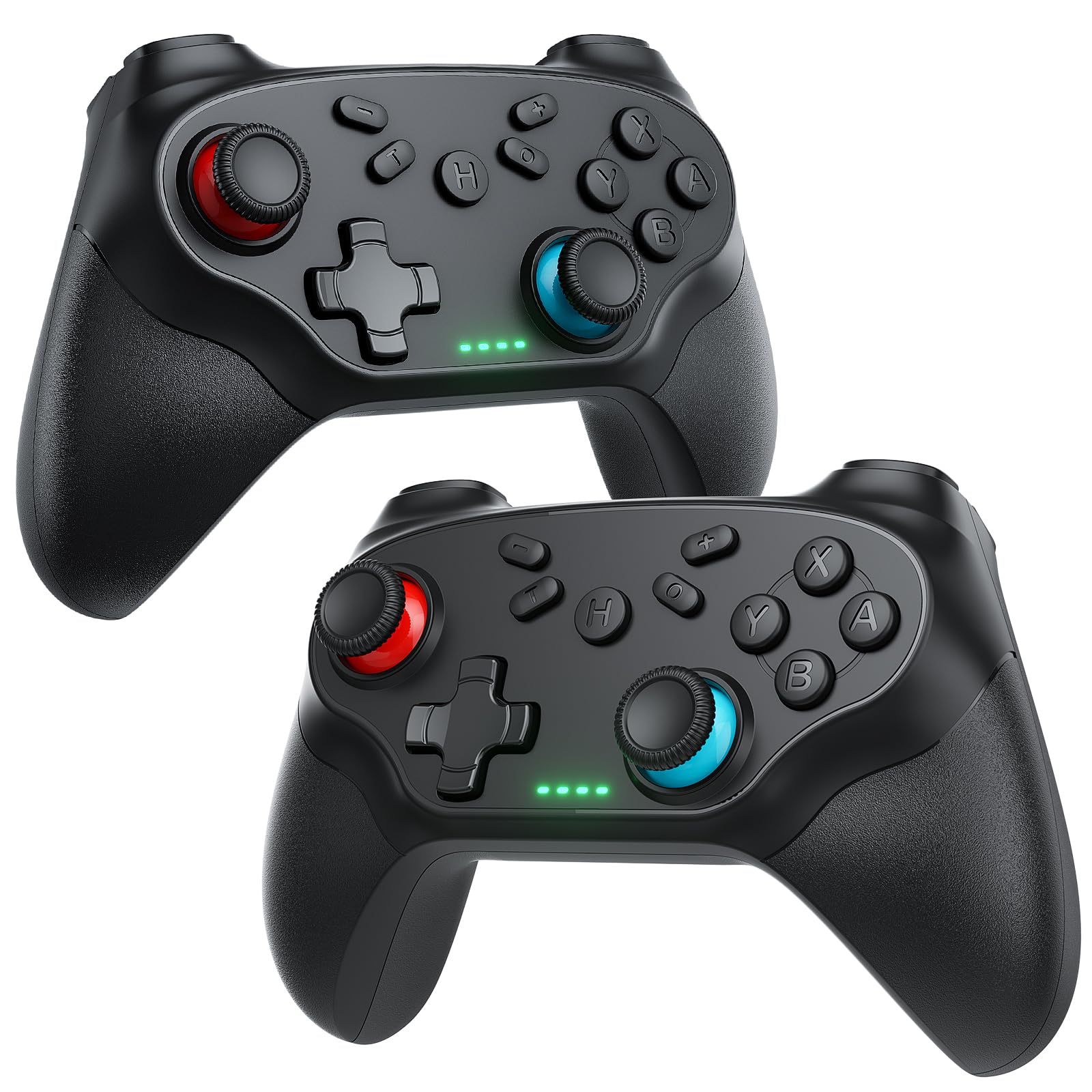
Absolutely positively splendidly surprised and happy with how nice this controller is! I really wanted a controller to connect to my iPad and switch, and it connects flawlessly and is super easy to do, and works great! There isn’t any lag and the toggles move like butter. The quality also feels super nice and more expensive feeling than I was expecting for $25! It feels very durable and like it should last me a very very long time. It charges pretty fast too Read more
Adam H—March 12, 2026✓ Verified purchase
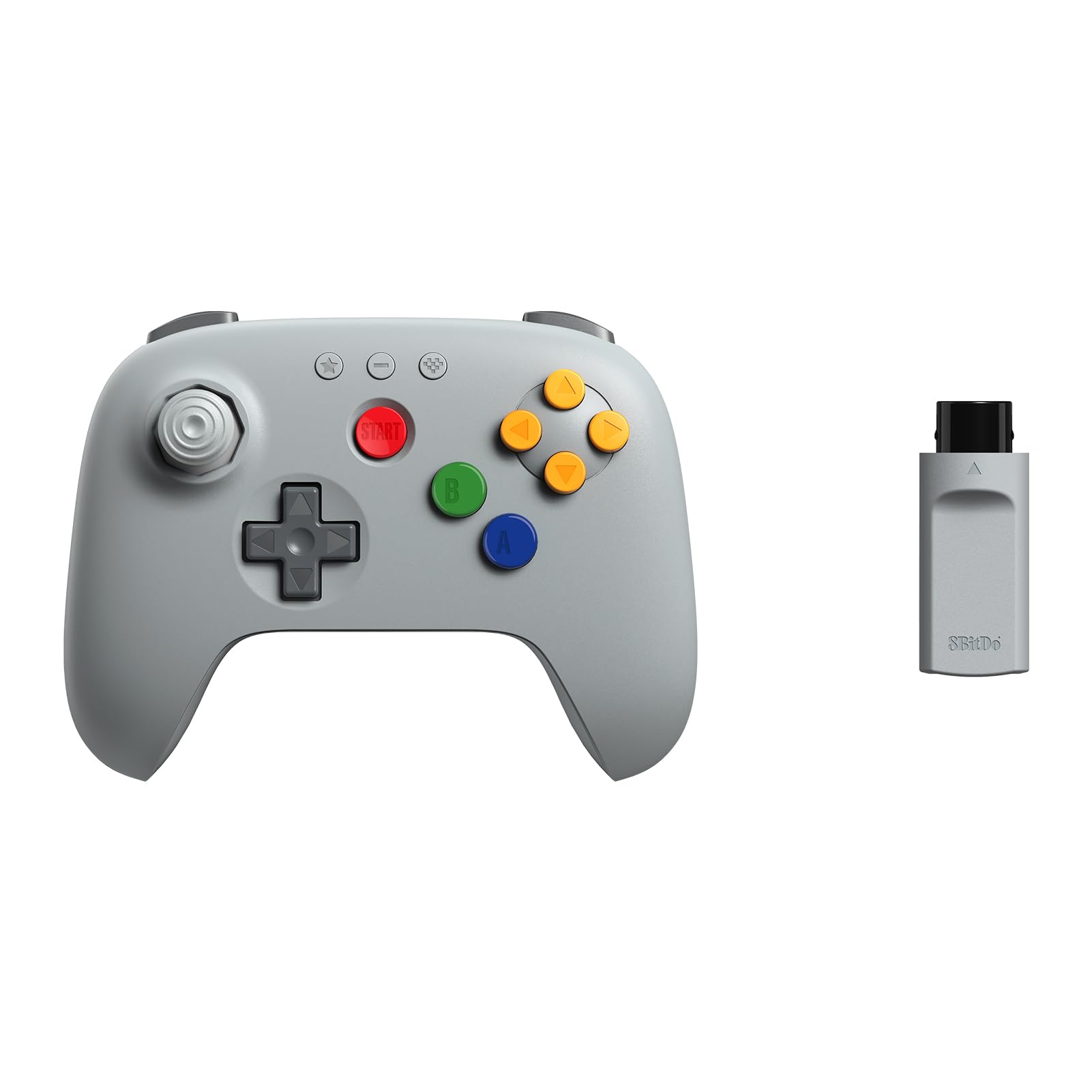
This thing is awesome, especially for the price tag. It can connect to its own USB receiver, or you can connect to your system's Bluetooth if you prefer. It also can pair with other platforms such as the Switch, etc. The weight and feel is sleek and substantial without being bothersome; the ergonomics are just right; and the ease-of-use is top notch. Give it a try if you need a solid gamepad that can run either cordless or corded. *Does not include a (type-c) charging cord.* Read more
Kristy—March 31, 2026✓ Verified purchase
The GameSir controllers are literally top tier. I can use it wirelessly on switch, pc, my phone… and if I use a wire I can use it on PlayStation and Xbox too (with a USB-C wire). It’s light weight and super easy to use. It doesn’t come with a paper manual but so easy to look up online. Basically to pair the GameSir Nova Lite, hold the Home button and a specific combination button until the light flashes rapidly: Home + B (Bluetooth/Android/iOS), Home + X (2.4GHz Dongle [plug the USB provided into your PC before trying to connect using home + X]), or Home + Y (Switch). The light becomes solid when connected. The dongle requires pushing its button until it flashes green to pair. You can even connect it to Xbox and PlayStation with a USB-C wire to whatever port your console uses. My Xbox one I use a USB-C to USB-C. The grip is grippy and does its job. The color is my kids favorite color and he loves it! Looks exactly like the color on the listing! It doesn’t come with a cord for Xbox and PlayStation use so if you plan to use it with those, be sure to get a cord separately. I want to also add that so far with switch, PC and iOS, this controller works well and doesn’t lag at all. 100% will buy again if I want a new one for myself later. And I 100% recommend! Worth every penny ~ Read more
Kris—December 19, 2025✓ Verified purchase
It's a pretty decent controller, I really didn't have any issues with it at first. It's easy to figure out the buttons and pretty straight forward, unfortunately it just seems like the dongle plug in doesn't work and the controller won't work. It was a pretty reliable controller and worked well with all the games I played since getting it, the controller itself is fine but it just won't connect to any device when I plug in the dongle. Good for it's price I suppose. Read more
Ellen I.—February 24, 2026✓ Verified purchase
Have had this controller for a couple of months and am happy with it. Works great with my Steam library. I only use it wired to my laptop, have not tried bluetooth. Buttons feel nice and are responsive. Love that it comes with a case since I travel a lot. The case keeps it nice and protected in my luggage. Read more
The Knotts Family Farm—February 9, 2026✓ Verified purchase
Cheap controller. If you use it on a cable, its great. The sticks and triggers feel good, not crunchy like some cheap controllers. The wireless on these (dangle &Bluetooth) is very sketchy. Wireless worked great for a few days, but now it won't connect to anything anymore even after doing the reset. And, no... it wasn't dropped. Read more
Customer—February 24, 2026✓ Verified purchase
I use this controller to play console ports for PC - ones that feel better over a controller (such as Last of Us and Ghost of Tsushima). I plug the USB dongle and it works and responds EVERY time. As for the value, it doesn't feel as though it's made cheaply. It's responsive, the ergonomics are great, and the buttons aren't cheap and flimsy. This also is able to be a Bluetooth remote so that adds value. The right trigger didn't stutter at one point, but I just had to recalibrate and it was fine. SO after a year of use it's still working well. Honestly, better record then my Microsoft Xbox controller, hah! Anyway, I like this so much I had to write a review! Read more
Julian—August 11, 2025✓ Verified purchase
I bought these controllers for playing co-op games on my computer with my family. The setup was simple, though I had some difficulty getting one of the controllers to pair. After resetting the four controllers that I bought, they worked great with the wireless USB adapters. When you're near the adapters, such as sitting at the computer, they've got no noticeable input lag. However, once you're ten or fifteen feet away, the connection starts to have issues. When I cast my computer's screen to the TV and we sit in the living room, these controllers have pretty significant input lag. I didn't expect them to do well over a distance, so I'm not entirely disappointed, and it works well enough for the party games that we usually play. The overall build of the controllers is solid, and the cases are a pretty nice bonus, especially for keeping dust off of the outsides. The controllers are very similar size to an Xbox controller, and they feel good int the hands. I recommend you get a USB hub with an extension cable and connect it to your pc while routing the adapters closer to your play area if you're any distance away, but for close use, these are perfect! Read more