GEEKOM

GEEKOM A9 Max AI Mini PC with AMD Ryzen AI 9 HX 370 80 Tops Copilot PC Radeon

$1589.00

68+ bought in the past month

About this item

  • ๐Ÿ’ฅ[๐Ÿฎ๐Ÿฌ๐Ÿฎ๐Ÿฒ ๐—Ÿ๐—ฎ๐˜๐—ฒ๐˜€๐˜ ๐—จ๐—ฝ๐—ด๐—ฟ๐—ฎ๐—ฑ๐—ฒ - ๐—จ๐—ป๐—บ๐—ฎ๐˜๐—ฐ๐—ต๐—ฒ๐—ฑ ๐—”๐—œ ๐—ฃ๐—ฒ๐—ฟ๐—ณ๐—ผ๐—ฟ๐—บ๐—ฎ๐—ป๐—ฐ๐—ฒ] The A9 Max Mini PC takes AI performance to the next level with the AMD Ryzen AI 9 HX 370 processor, built on AMDโ€™s latest โ€œStrix Pointโ€ architecture. It delivers up to 80 TOPS of total AI acceleration, including an XDNA 2 NPU rated at up to 50 TOPS, enabling smooth Copilot+ experiences, local model deployment, and advanced content creation. Run Stable Diffusion, Topaz AI, or local LLMs via LM Studio/Ollama with easeโ€”while maintaining efficient thermal performance under heavy loads.
  • ๐ŸŽฎ[๐—•๐˜‚๐—ถ๐—น๐˜-๐—ถ๐—ป ๐—š๐—ฎ๐—บ๐—ถ๐—ป๐—ด ๐—ฃ๐—ผ๐˜„๐—ฒ๐—ฟ๐—ต๐—ผ๐˜‚๐˜€๐—ฒ] The GEEKOM A9 Max mini computer packs AMD Radeon 890M integrated graphics with 16 RDNA 3.5 compute units, delivering performance comparable to entry-level discrete GPUs. Enjoy AAA games like Cyberpunk 2077, Hogwarts Legacy, Baldurโ€™s Gate 3, and Elden Ring at 1080p with optimized settings. Turn on AMD FidelityFX Super Resolution (FSR) Balanced Mode in supported titles for smoother gameplay and higher frame rates while keeping visuals sharp. Beyond gaming, it supports crisp 8K video playback and light 3D renderingโ€”perfect for gamers and creators who want big performance in a compact pc.
  • โ„๏ธ [๐—ฃ๐—ฟ๐—ผ-๐—š๐—ฟ๐—ฎ๐—ฑ๐—ฒ ๐—œ๐—ฐ๐—ฒ๐—•๐—น๐—ฎ๐˜€๐˜ ๐Ÿฎ.๐Ÿฌ ๐—–๐—ผ๐—ผ๐—น๐—ถ๐—ป๐—ด] The A9 Max mini desktop computer stays cool under pressure with the IceBlast 2.0 thermal systemโ€”an oversized copper heatsink, dual heat pipes, and a whisper-quiet high-performance fan. Precision-tuned airflow with side intake + rear exhaust keeps temperatures in check and helps prevent overheating and thermal throttling for sustained performance. Its sleek all-metal chassis boosts durability and improves heat dissipation, while premium thermal materials enhance heat transfer and built-in dust protection supports long-term stabilityโ€”ideal for marathon gaming, intensive creative work, and everyday multitasking.
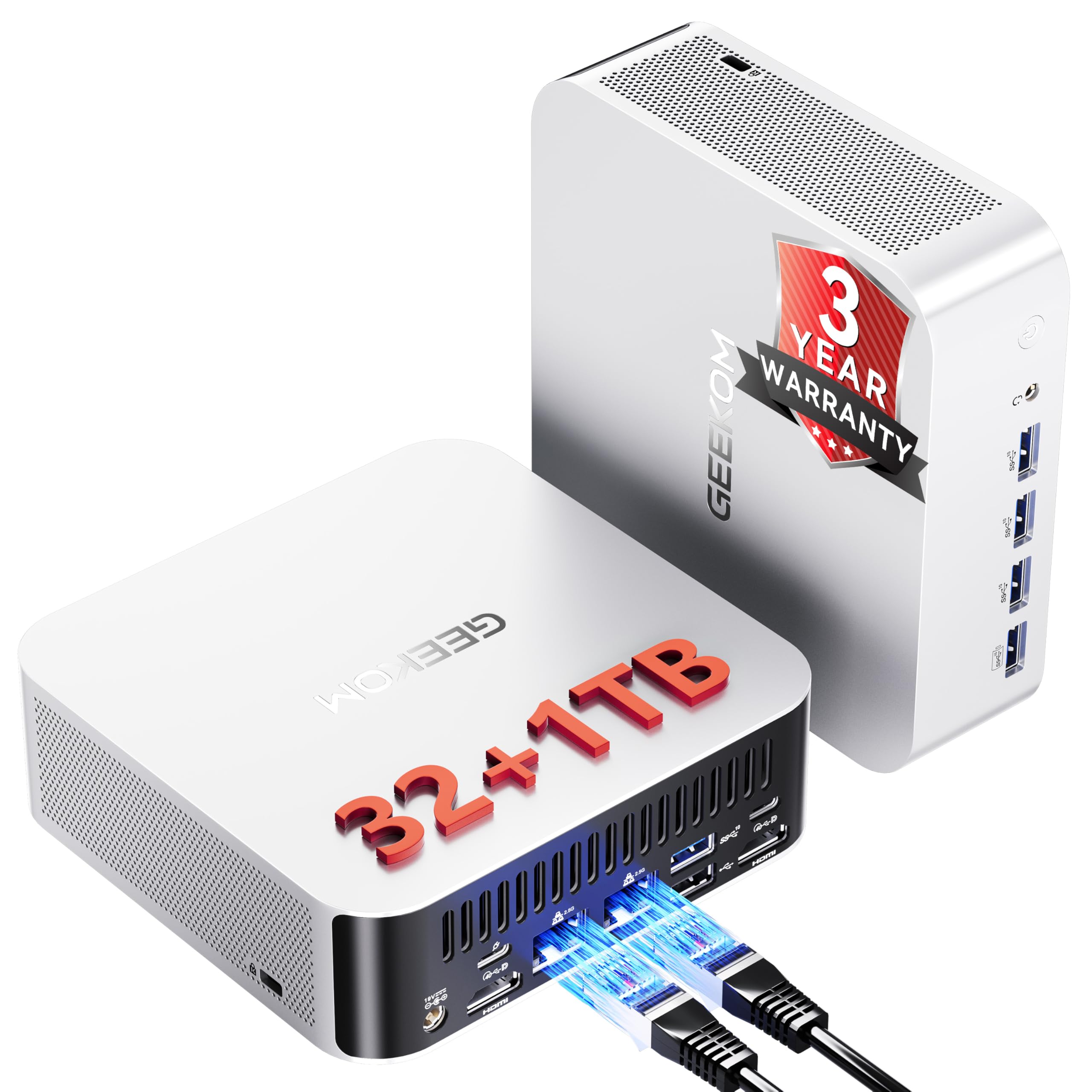
  • ๐Ÿ’พ [๐—จ๐—ฝ ๐˜๐—ผ ๐Ÿญ๐Ÿฎ๐Ÿด๐—š๐—• ๐——๐——๐—ฅ๐Ÿฑ & ๐—˜๐˜…๐—ฝ๐—ฎ๐—ป๐—ฑ๐—ฎ๐—ฏ๐—น๐—ฒ ๐—ฆ๐˜๐—ผ๐—ฟ๐—ฎ๐—ด๐—ฒ] The AMD Ryzen AI 9 mini pc comes with 32GB DDR5 RAM and supports upgrades up to 128GB (so youโ€™re not locked into soldered LPDDR). It also features dual PCIe Gen4 NVMe SSD slots (1ร— M.2 2280 + 1ร— M.2 2230, each expandable to 4TB)โ€”perfect for a high-capacity system drive plus an ultra-fast scratch disk for heavy multitasking, fast AI workloads, and demanding creative work.
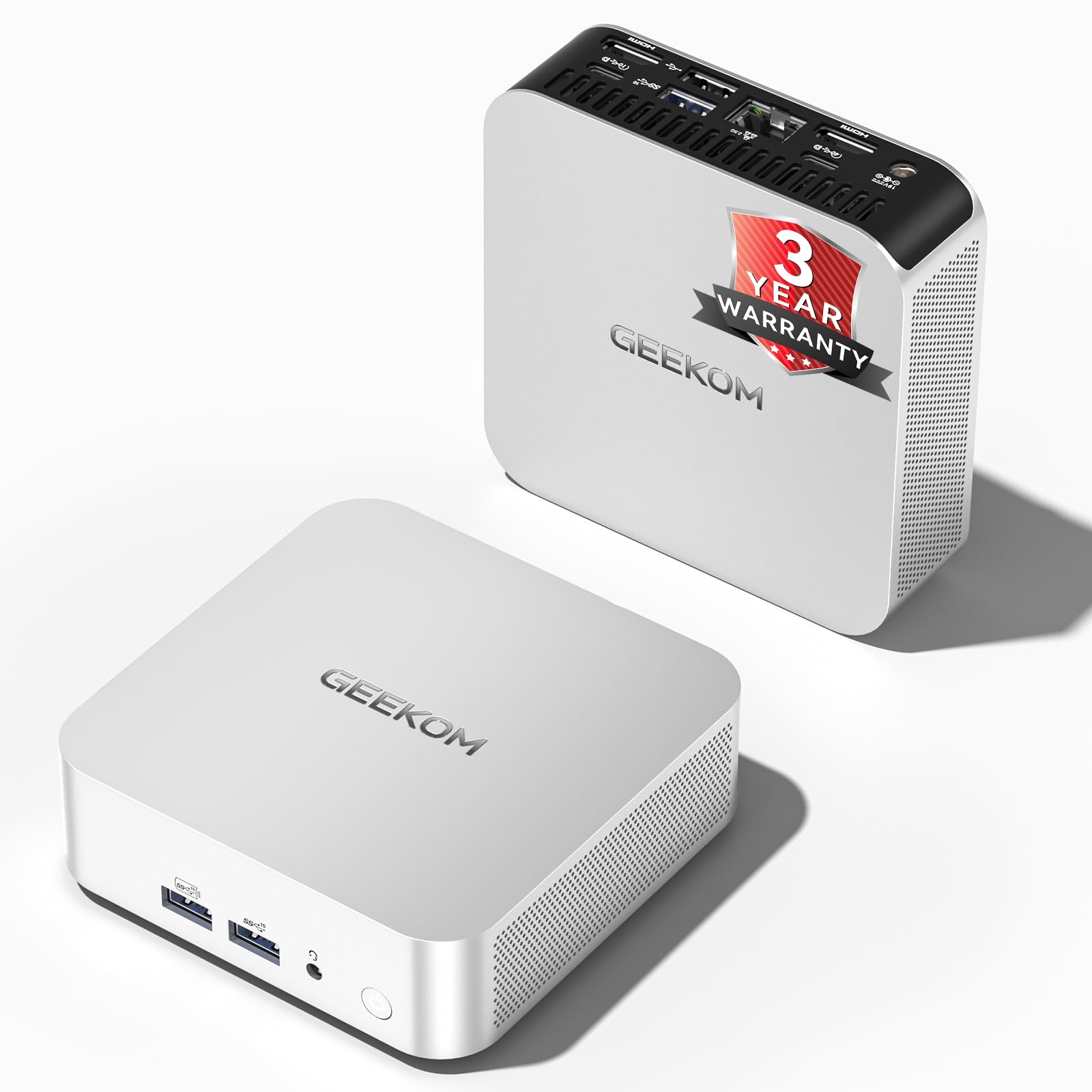
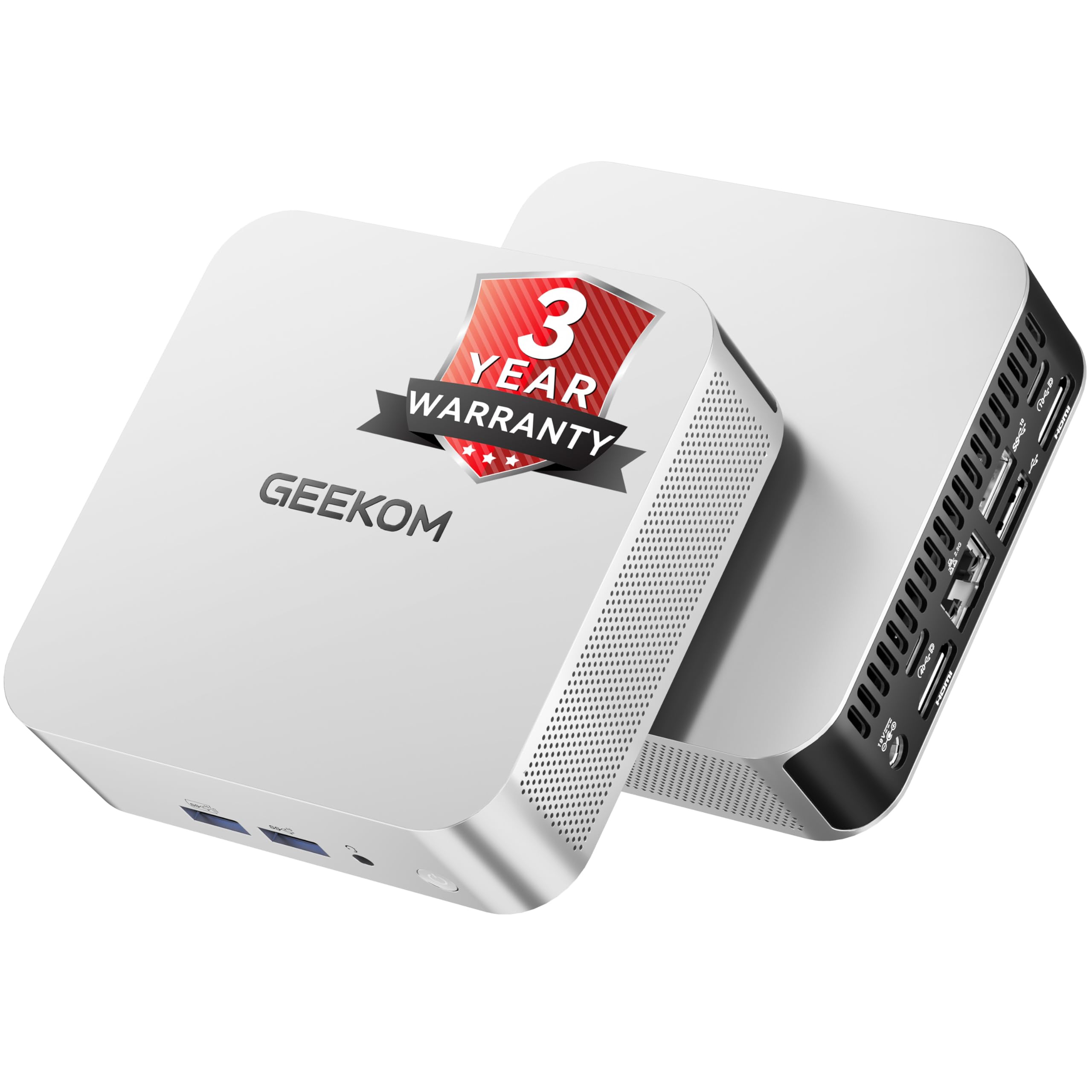
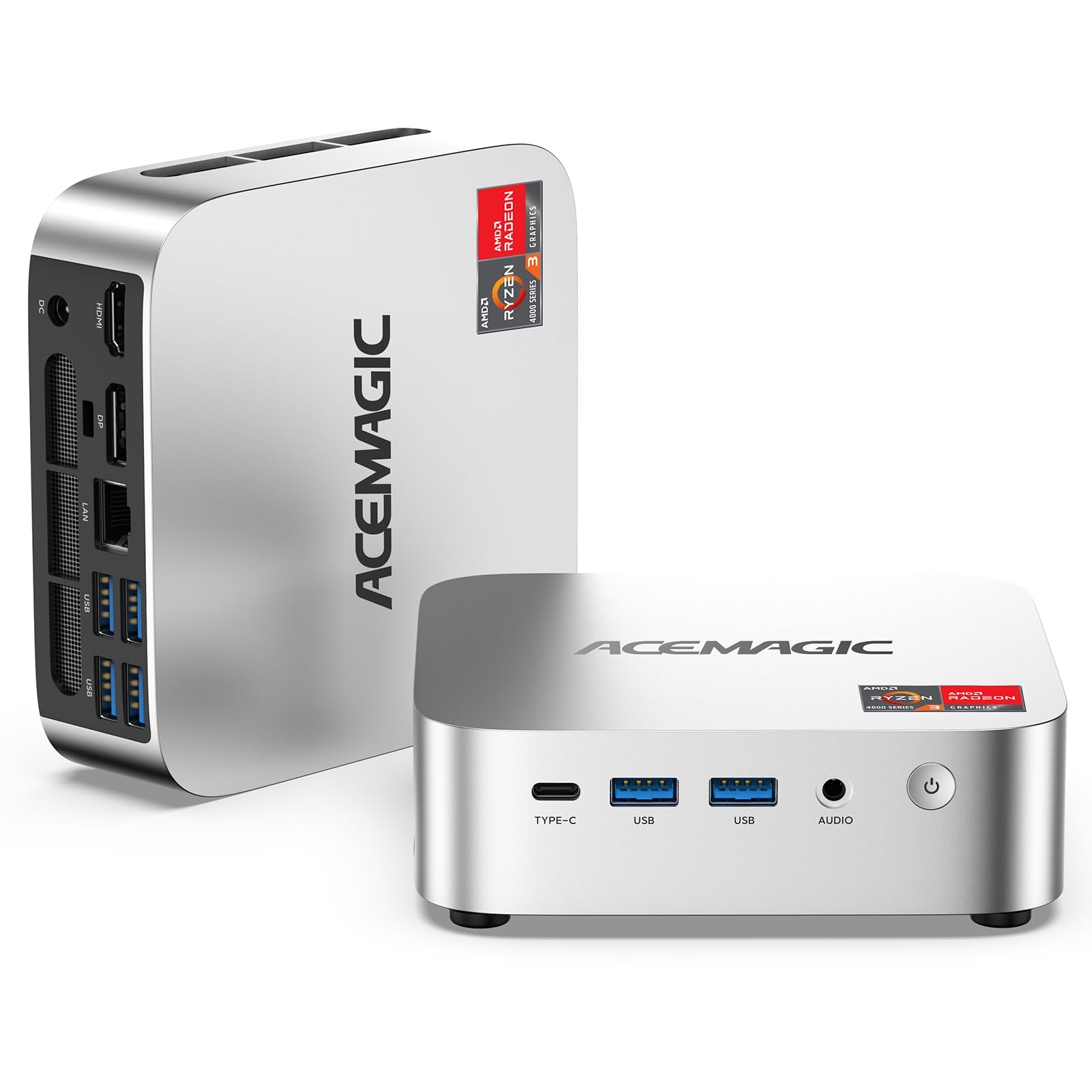
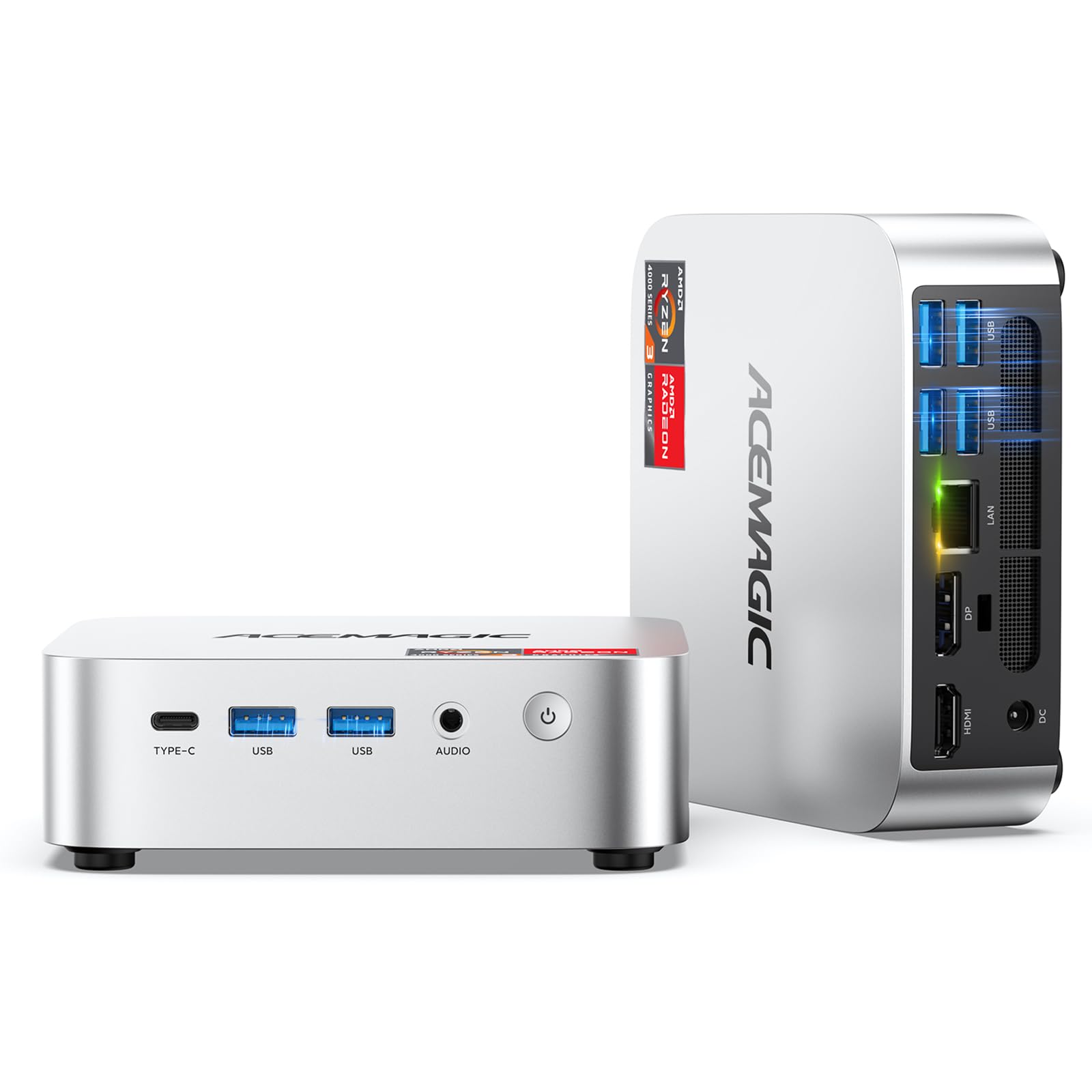
  • ๐Ÿ”Œ [๐Ÿด๐—ž ๐—ค๐˜‚๐—ฎ๐—ฑ ๐——๐—ถ๐˜€๐—ฝ๐—น๐—ฎ๐˜† + ๐——๐˜‚๐—ฎ๐—น ๐—จ๐—ฆ๐—•๐Ÿฐ + ๐——๐˜‚๐—ฎ๐—น ๐Ÿฎ.๐Ÿฑ๐—š๐—ฏ๐—˜] Built for serious workflows, the GEEKOM A9 Max is loaded with next-gen connectivity. Get 2ร— USB4 (40Gbps) with USB Power Delivery (PD) and display support, plus 2ร— HDMI 2.1 for up to 8K and up to 4 displays. It also includes 5ร— USB-A 3.2 Gen2, 2ร— 2.5GbE LAN for fast, stable wired networking, and a full-speed SD 4.0 card reader for creators and pros. With Wi-Fi 7 and Bluetooth 5.4, itโ€™s a compact, dongle-free hub for streaming, content creation, and IT tasksโ€”delivering fast, stable wireless and reliable device pairing.
  • ๐Ÿ›ก๏ธ [๐—ฆ๐—ฒ๐—ฐ๐˜‚๐—ฟ๐—ฒ, ๐—ฆ๐˜๐—ฎ๐—ฏ๐—น๐—ฒ, ๐—ฎ๐—ป๐—ฑ ๐——๐˜‚๐—ฟ๐—ฎ๐—ฏ๐—น๐—ฒ] The GEEKOM A9 Max mini pc is built for demanding workloads with Windows 11 24H2 preinstalled and support for Ubuntu, Manjaro, and Android-x86โ€”ideal for developers and power users. Security is built in with TPM 2.0, Kensington Lock support, and dual 2.5GbE LAN for secure, low-latency wired networking and flexible setups. Every unit is rigorously tested for thermal stability and long-term reliability under intensive use.
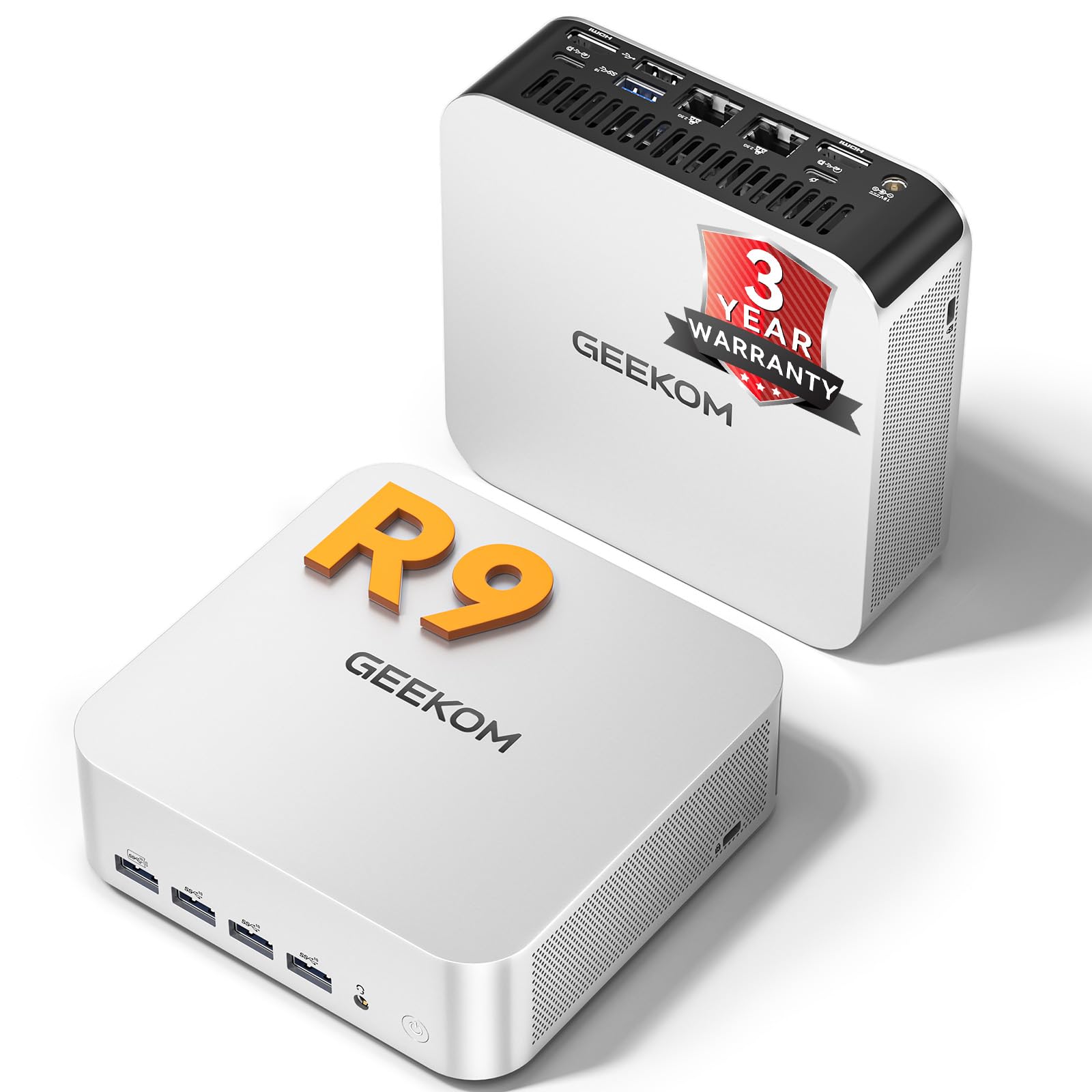
  • โœจ [๐—–๐—ผ๐—บ๐—ฝ๐—ฎ๐—ฐ๐˜ ๐—ฌ๐—ฒ๐˜ ๐—ฃ๐—ผ๐˜„๐—ฒ๐—ฟ๐—ณ๐˜‚๐—น] Measuring just 5.31 in ร— 5.20 in ร— 1.80 in, the A9 Max mini pc fits easily on a desk, in an office, or in the living room. Despite its compact footprint, it packs a 54W TDP flagship CPU with up to 12 high-performance cores and modern I/Oโ€”delivering desktop-class power for demanding tasks. VESA mount support enables a clean, space-saving setup.
  • ๐Ÿ† [๐—ง๐—ฟ๐˜‚๐˜€๐˜๐—ฒ๐—ฑ ๐—ค๐˜‚๐—ฎ๐—น๐—ถ๐˜๐˜† + ๐Ÿฏ-๐—ฌ๐—ฒ๐—ฎ๐—ฟ ๐—ช๐—ฎ๐—ฟ๐—ฟ๐—ฎ๐—ป๐˜๐˜†] The GEEKOM A9 MAX AI mini pc packs strong performance into a sleek, space-saving design and has been praised by tech reviewers for its outstanding value. While many brands offer only a 1-year warranty, GEEKOM provides a 3-year limited warranty from the date of purchase, covering defects in materials and workmanshipโ€”reflecting our confidence in materials, manufacturing, and our relentless pursuit of long-term reliability. Each unit is rigorously tested and certified to major international standards for safe, stable performance. Responsive support is available whenever you need help.
  • ๐Ÿšจ ๐—œ๐—ป๐—ฑ๐˜‚๐˜€๐˜๐—ฟ๐˜† ๐—ฆ๐˜‚๐—ฝ๐—ฝ๐—น๐˜† ๐—ก๐—ผ๐˜๐—ฒ (๐——๐——๐—ฅ) โ€” AI-driven demand is tightening DDR supply and driving cost fluctuations. We keep the A9 Maxโ€™s high-spec build and wonโ€™t swap in lower-grade components. Availability and pricing may vary with future restocks. Order now to secure todayโ€™s high-spec configuration. ๐™‚๐™š๐™ฃ๐™ช๐™ž๐™ฃ๐™š ๐™‹๐™ง๐™ค๐™™๐™ช๐™˜๐™ฉ๐™จ ๐™จ๐™–๐™›๐™š: ๐™Š๐™ฃ๐™ก๐™ฎ ๐™ค๐™ฃ ๐˜ผ๐™ข๐™–๐™ฏ๐™ค๐™ฃ & ๐™‚๐™€๐™€๐™†๐™Š๐™ˆ ๐™Š๐™›๐™›๐™ž๐™˜๐™ž๐™–๐™ก ๐™’๐™š๐™—๐™จ๐™ž๐™ฉ๐™š | ๐˜ผ๐™ซ๐™ค๐™ž๐™™ ๐™๐™–๐™ ๐™š๐™จ.
$1589.00

In Stock

Easy Returns ยท Return eligibility shown before checkout


How you'll get this item

DeliveryShipping details confirmed at checkout

Fulfillment

Ships fromVentari
Sold by
GEEKOM PC
Returns
Easy ReturnsReturn eligibility shown before checkout
PaymentsPayment details confirmed at checkout

Currently unavailable
Easy Returns ยท 30-day window
Product details
BrandGEEKOM
Operating SystemWindows 11 Pro
CPU ModelRyzen AI
CPU Speed5.1 GHz
Cache Size24 MB
Graphics Card DescriptionIntegrated
Graphics CoprocessorAMD Radeon 890M
Specific Uses For ProductHome, Business, Office, Education, Gaming, Photo Editing, Video Editing, Daily Use,Multimedia,Multimedia,Healthcare, Manufacturing, Retail, Edge Compute, Productivity, Creativity, Gift See more
Personal computer design typeMini PC
Ram Memory Installed Size32 GB

From the brand

Product detailProduct detailProduct detailProduct detailProduct detailProduct detailProduct detailProduct detailProduct detailProduct detailProduct detailProduct detail

Product videos

Product video 1

Customer reviews

4.4103 ratings
  1. 5โ˜…67%
  2. 4โ˜…17%
  3. 3โ˜…0%
  4. 2โ˜…0%
  5. 1โ˜…17%

Customers say

Customers find the mini PC performs well, with one mentioning it plays last-gen games very well, and they appreciate its compact size, speed, and good value for money.

โ˜…โ˜…โ˜…โ˜…โ˜…

PERFECT PURCHASE

Mixolyโ€”January 11, 2026โœ“ Verified purchase

What can I say. WOW first computer I've got in many years. This thing is grate. Hooked up three monitor with not effort at all. Super fast., nice and compact. Had enough posts. Love it. Read more

โ˜…โ˜…โ˜…โ˜…โ˜…

works really good

Andres Mora Vanegasโ€”February 19, 2026โœ“ Verified purchase

the product works really well I like it, is quick, silently and of course provides a good balance between size, energy usage and performance, I recommend it. Read more

โ˜…โ˜…โ˜…โ˜…โ˜…

Rock solid and great performance

Bob Fraundorfโ€”March 12, 2026โœ“ Verified purchase

I turned this little system into a powerful Linux server. The AMD Ryzen works with Ollama for running local AI models. I only wish it came with options for more memory. When prices on DDR5 memory return back to normal, I plan on upgrading the memory. It was also easy to add a second NVMe M.2 2230 SSD so that I have physical separation for dual-booting Linux and Windows. No thermal issues even under heavy loads. I love the aluminun case. Read more

โ˜…โ˜…โ˜…โ˜…โ˜†

Good system, but had Windows 11 23H2, which is an outdated OS

Gary W Smithโ€”November 11, 2025โœ“ Verified purchase

Overall, the Geekom AX7 Pro is an excellent mini-PC. The only issue I had was it came with Windows 11 23H2. Setup took longer than expected because of all the updates. I was able to update it to 25H2 through Windows Update. After all the updates, the machine runs very fast for a laptop/mini PC. Geekom just needs to make sure the systems they sell have the most recent version of Windows 11. Read more

โ˜…โ˜…โ˜…โ˜…โ˜…

Adorably Small, Amazingly Mighty

Bertoโ€”December 9, 2024โœ“ Verified purchase

I purchased this new mini pc, the 89HS 2TB variant and my hope for purchasing this computer was to serve three purposes. I wanted to be able to play the latest games, be able to quickly charge my smartphone and tablet, and have an HDMI-to-HDMI video and audio connection because with my last mini pc, I did not do my research and ended up buying a computer that only had DisplayPort and as such had to use a HDMI to DisplayPort adapter. Being that integrated graphics are not ideal for playing the latest high demanding games, I knew that i had to buy a computer with a very fast processor and fast memory and as such is how I decided on getting this PC. The games that I have tried on it so far put a heavy load on this PC as the fan kicks in and there is some slow down after playing for a while, but it does not take away from being able to enjoy the games for me. The fan is not loud at all, and the PC gets very hot especailly during gaming sessions but as stated the slowdown is not that bad in which it would take away from the enjoyment of playing the games for me. I did a clean install of Windows 11 23h2 using a USB flash drive and it appears as this pc is using drivers that are not very well known as I had to go to the Geekom website to get the missing drivers. I am using a 1080p TV that I have this pc connected to and as such have no interest in higher resolution gaming. This pc has three USB ports that support power delivery but one of them, which uses a USB A connector does not seem to work for charging, but it could be that I need a proper USB A to C charging cable. So, in the end, while this computer can play the latest games at 1080p on medium graphics setting, I would not consider this to be a gaming pc for the reason that it runs very hot when gaming as well as there being some slowdown and that is my biggest concern with this pc as I will be using it to play games. The good thing is that it does come with a three-year warranty, so I hope not to have any issue should I need to send it in within three years for any problem that may arise. I highly recommend this PC for anyone who is looking for something small and powerful. Read more

Review image 1Review image 2Review image 3Review image 4
โ˜…โ˜†โ˜†โ˜†โ˜†

BEWARE of UNrecoverable S0 Low Power Idle (can't wake it up)

K S.โ€”October 14, 2025โœ“ Verified purchase

You MUST research this product carefully (A9 Max AI Mini PC). I have had it for a few days and have heavily researched the problem I'm having with it. According to what I've found, there is a KNOWN hardware problem that causes it go into something called S0 Low Power Idle mode (unpredictably and even in the middle of operations) AND CANNOT BE RE-AWAKENED. The user must do a hard reboot with the Power Button and is left with no clue what happened to any operations that were in process. Obviously, this is completely unacceptable and I have written GEEKOM for assurance that the KNOWN HARDWARE PROBLEM will be corrected before my 30-day return expires. Please believe me that no amount of Windows 11 tweaking (I've tried at least 15 suggestions from online gurus) can even work around the problem and have been advised that it's OS-independent. For techies, I've been told that S3 Sleep State is now "legacy" and is completely unsupported on this machine. In short, unless you want a computer that ungracefully shuts down (while leaving the light on and not allowing you to see anything until you reboot to a blank slate), you might want to look elsewhere. UPDATE: After several back & forths with GEEKOM support, including rolling back the AMD display driver as their support site recommends, GEEKOM itself recommended that I return the unit and could not assure me that the problem would be solved within the 30 days Amazon allows for return. They continue to blame it on AMD, but rolling back the AMD driver did not help. ADD'L UPDATE: Geekom has added both a new BIOS (v.20) and a new EC (v.18) to their support site, along with an entirely new set of drivers. I have tried multiple times and with multiple thumbdrives to update the EC and have failed every time. An easy Windows .exe file was able to update the BIOS--apparently not available for the EC. Geekom says that one all this is updated, I'll be ready for a new AMD graphics driver that they assure me AMD is working on at Geekom's urging. There's just too much frustration and their English-language tutorials are badly written, so I'm within one night's sleep of throwing in the towel and returning for a refund. FINAL UPDATE: With Geekom's encouragement, I finally decided to return it, but I did discover one other issue. I could not access the necessary BIOS settings to allow VirtualBox to run on it (but I was successful in running Hyper-V); even with Ctrl-H advanced BIOS settings accessed (a shortcut to downloading the BIOS unlock), I could not turn off whatever was refusing to let go of Hyper-V so that VirtualBox could run; I presume this could be resolved by a BIOS update but I did not bother Geekom about it because we had already decided I needed to return the unit for other reasons. Read more

Recently Viewed

We use optional analytics cookies to understand how visitors use Ventari and improve the experience. This banner controls analytics measurement only. See our Cookie Policy.