Fly1964—January 25, 2023✓ Verified purchase
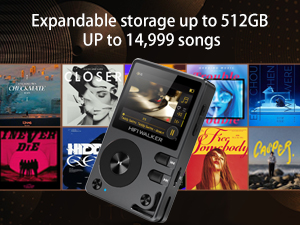
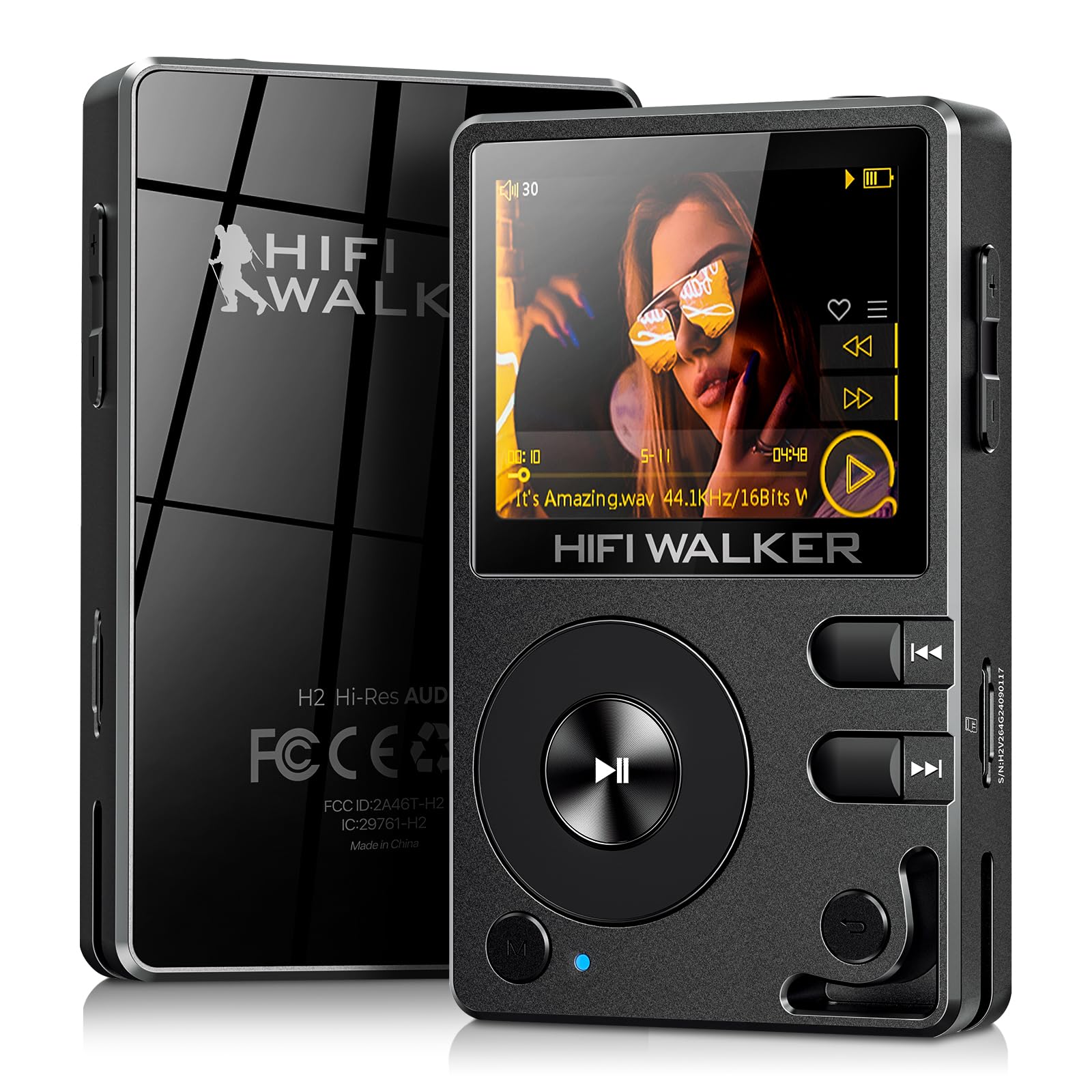
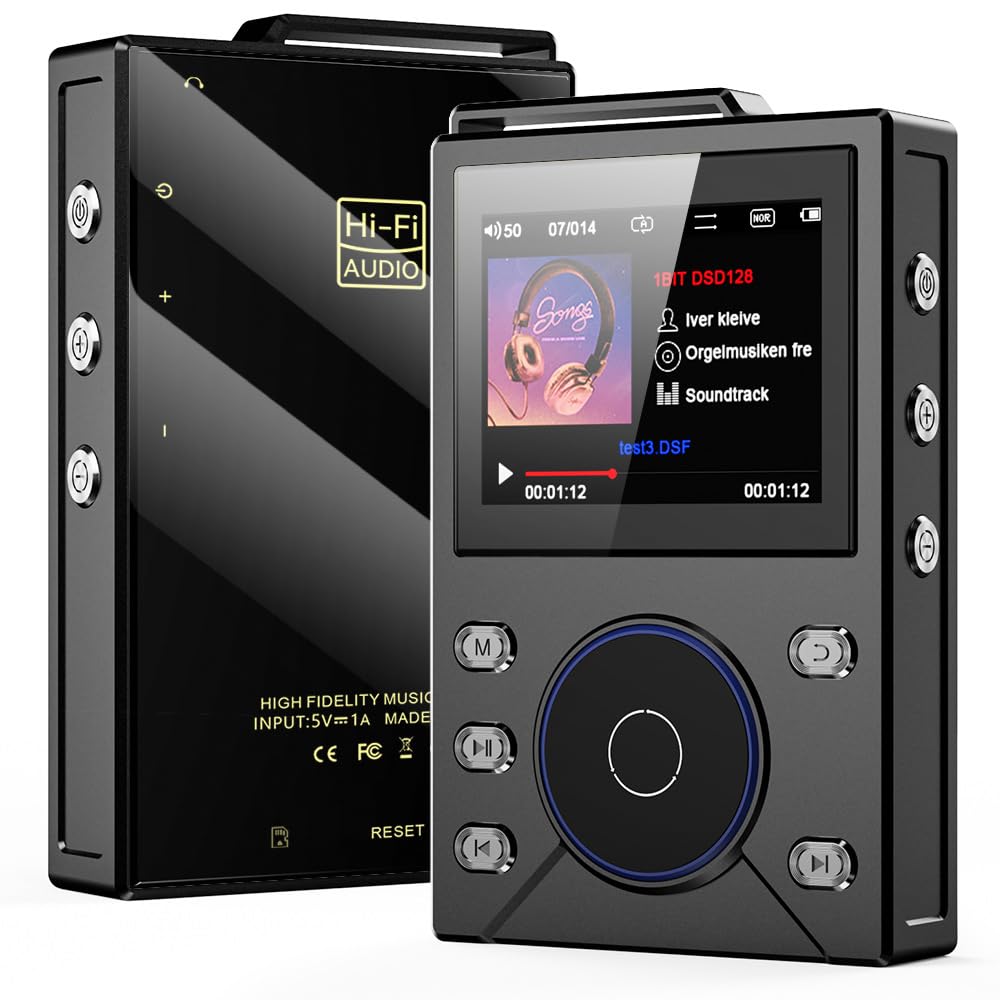
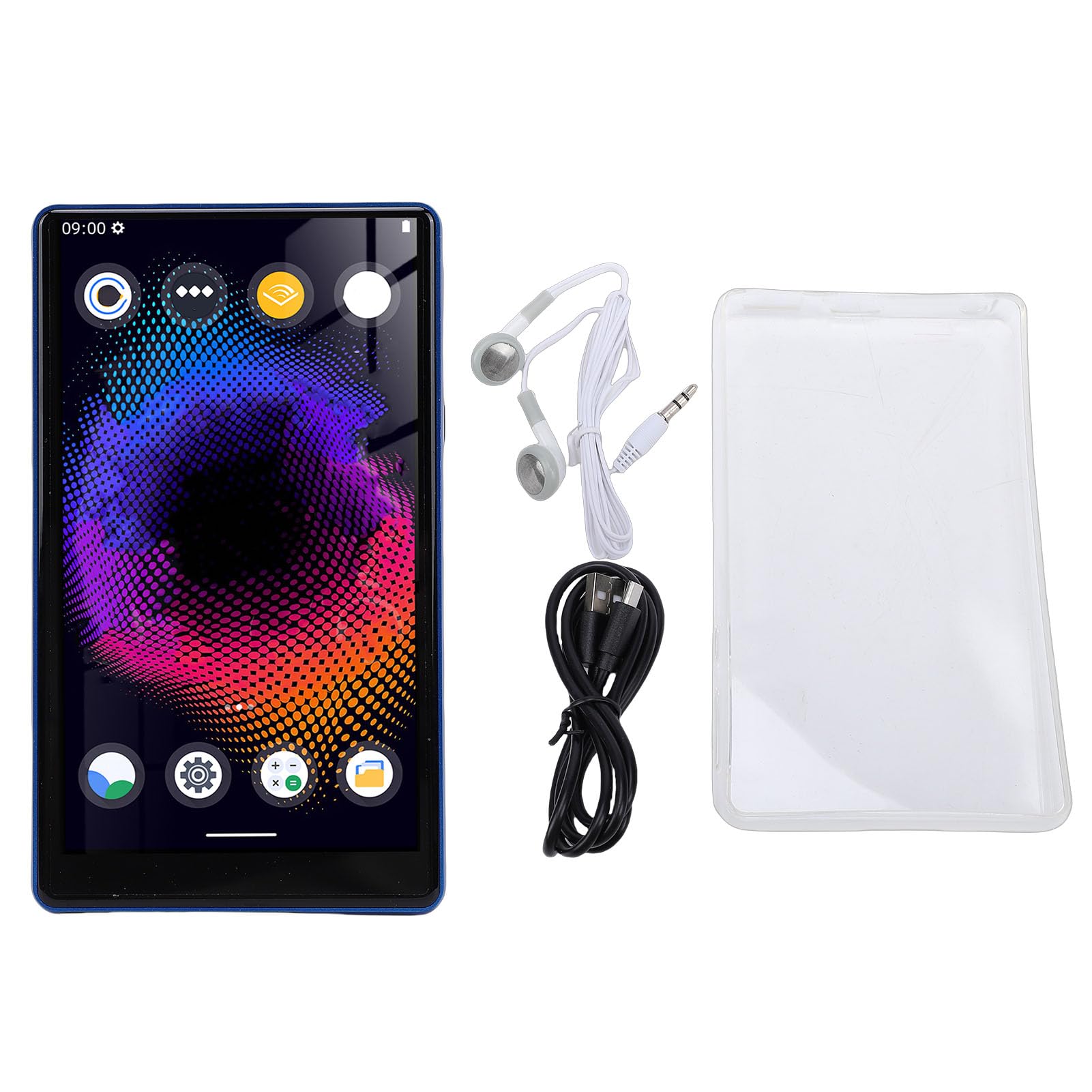
So far, I am enjoying the Hi-Fi Walker H2. I bought it prior to Christmas 2022 to replace my previous player which only held a battery charge for about 2 hours. I have not really had a full duration test with the Walker H2 yet to see just how long the battery lasts, but I can say that it lasted at least 8 hours on a recent long-distance drive playing continuous music! The Walker H2's build is solid. The metal shell makes me confident it will not break if accidentally dropped. One drawback of this player is that the case is sealed, meaning the battery is unable to be changed out. Hopefully the battery will provide many years of service. I appreciate the fact that it accepts up to a 256GB Micro SD card. I have a 128GB in it now (the H2 came packaged with a 32GB Micro SD) from my previous player. I have tons of music on it and have so far come nowhere near filling it up. If you are inserting a new Micro SD card 128GB or above, you may need to first re-format it to the FAT32 file system if not already formatted as FAT32. The Walker uses the FAT32 file system to read/write from/to the Micro SD. Be aware that when reformatting, any existing data on the card will be erased. The controls are easy to learn and use, and the color display is legible. and can be set to one of three styles. One hiccup I encountered early on was navigating the custom EQ settings. The labels for the frequency bands are quite small and I initially had trouble noticing which one was highlighted for adjustment. You basically have to scroll through the bands to the one you want to adjust, select it, adjust it, then click out of it to continue scrolling through the bands. Easy after you do it once. After you set the custom EQ so suit you, you shouldn't have to set it again. There are also 9 other pre-set EQ settings you can try including 'No EQ'. One thing about the play mode of this player that I would change if I could is that you can't just play one album and have it stop after the last track of the album (or the last track in the album's folder). On "Order" (continuous) mode, it moves on to play the next song/album on the list until you stop it or select another track or album. In a way this was good at Christmas, as it just plowed through all the albums in my Christmas folder from A to Z without my intervention. I have not yet loaded any playlists (*.m3U) yet. I'll have to load an album as a playlist and see if it stops playing at the end of the list. The other playback options are single track repeat, repeat all (entire library/memory card), and random. The random playback appears to be a true random which excites me as I am now able to load up my 70's & 80's favorites folders (500+ tracks each) and enjoy a different random playback each time. My previous player's ramdom mode played the same "random" sequence of tracks every time. Loading the tracks to the player's SD card was very easy, but I highly recommend using MP3/ID3 tag info so you can easily navigate through your music (right click on an MP3 file, select 'Properties', then click the 'Details' tab). It can take a little administrative maintenance up front if your music tracks do not come with the tag info filled out, or if you like your artist's names to appear with last name first, or the "The" in a band's name removed or switched to the end of the name (i.e., "Rolling Stones, The") like I like them so you don't have to scroll through a list of bands labeled "The xxx". Anyway, you can just connect your player up to your computer via the included USB cable, turn the player on, and dump all your music files to the SD card once it is detected by your computer. I have not yet tried the bluetooth connectivity feature. Some other features users may appreciate is that the player accepts and displays lyrics files (*.lrc), and displays album art (if contained in the music file). The display can also be set to several different European & Asian languages. Two physical items lacking with this player are a wrist strap, though there is a loop built in to hook one on to. Also, there are no ear buds included, though they would probably be very basic (aka cheap) and you, as I, would use our own devices anyway. All in all, a solid device with just a few small but manageable cons thus far. Read more
J.Glassy—November 4, 2022✓ Verified purchase
Amended/Edited Review, December 2022: after using the H2 for some time, almost all the original issues I identified in my initial review have been resolved with my unit, so I'm giving it an extra star. Metadata scanning just took a while to figure out between auto vs. manual, but works great now. The headphone jack issue (I believe) only seems to affect headphones containing an in-line mic (e.g. 3 level barrel plug); regular stereo headphones seem to work fine. I did a fair amount of research on competitive (2022) MP3 players, I really wanted to like the Hifi-Walker H2; I liked it ok, but for the price, I expected a lot more in terms of quality, stability/consistency, and ease-of-use. After receiving mine, I found a grab-bag of qualities-- some excellent, some merely confusing, some disappointing. First, the good news: the sound quality is extremely good. The build quality and metal case inspires confidence and is very good. OTG via USB C is a good feature, though clumsy in requiring a separate OTG cable not provided. The inclusion of a separate, truely "line-level" 1/8" phono jack output, in addition to the headphone 1/8" phone impedence jack is superlative (if only they worked simultaneously). Next, the "middle" points -- features that are ok but could really be improved: the user interface is 'interesting', with the circular selection wheel, but also very quirky -- e.g unlike any hierarchical scheme, there's no indication when you start rotating the selection/menu wheel, where its going to lead you, or where you'll end up. This is complicated by the mixed metaphor of a 'wheel' (suggesting a flat 1-D menu layout) vs. the "Back' button at lower right, suggesting at least a shallow menu hierarchy. The labelling of a separate "Setting" selection (which should be shown as Music Setting!) vs. System Setting is a bit odd. Oh well. Overall, for a MP3 Player with this cost, look & feel I would expect it to also have a FM radio. And WiFi to stream Spotify or others streaming services,. It does offer Bluetooth, but unfortunately I could almost never get the Bluetooth to actually pair with nearby common BT devices, particularly Sony bluetooth speakers, or any other bluetooth speakers. For the very few BT devices it would pair with, it's range was weak & excessively short (<= 10'). I bought this H2 MP3 player mostly to attach as a "fixed, always ready" player (via bluetooth) into my studio Tascam Model 12 hybrid analog/digital mixing console that supports Bluetooth and it does minimally work for that. Luckily, the HiFi Walker H2 did manage to pair with my Tascam Model 12--if it hadn't done that I would have started the return process immediately. When I tested the H2 using its "Line Out" into the Tascam Model 12, I note that using the "Line Out" disables the headphone jack output -- ideally, it would nice to have it output to both the headphone and "Line Out" at the same time. Now for the flat out disappointing points: once I loaded a collection of 50-60 songs on a SanDisk Extreme SDHC 16Gb or 32Gb card, with my MP3's organized by album, artist, genre etc (via the full set of ID3v1,ID3v2 media metadata parameters), I expected the H2 to default to an Auto-Scan, to pick up the SDHC card contents by folder and re-build its indices. No such luck. Under the wheel option "Category" I definitely then expected to find an explicit SCAN NOW option or button. Surprisingly, there is no SCAN NOW option or button, despite the "Setting" option inferring there is one, e.g. allowing one to select "Manual" (whatever that means) vs. "Automatic" (whatever that means); neither setting appeared to work as intended, to perform an active scan of the SDHC media card (here labelled a TF card). Without a SCAN to build the index of a media card's contents by Album, Artist, etc. the wheel option "Category" merely returns "0's" for all the useful categories e.g Artist, Album, Genre, My Favorite, and even "Songs". Only the "Recently Played Songs" category reveals a positive number like 1,2,3 etc. indicating a song played only via manual folder browsing. There is obviously some way to FORCE a "re-scan" of the SDHC media card to re-index it, but I haven't discovered it yet. This is needed to populate the "Category" option's metadata fields like "Album","Artist". Offering an explicit SCAN button for SDHC media shouldn't be a puzzle, it should be clear, up-front, and easy, with the a default behavior that does it automatically like my old cheap Ruizo and every other MP3 player does. Next issue: the player symbology for the "Play" vs "Pause|Stop" seemed backwards to me; when you press the Play ">" symbol, the music player shows a ">" Play symbol when it is already playing a song. When a song is playing, I expected it to display a "||" symbol, since it is already in the act of playing a song, the only logical other action is to Pause the action, not press "Play" or ">" symbol which it is *already" doing. That's a minor logic bug you can get used to. Next: when a song is playing, a small set of vertically oriented sub-options appears on the right margin, and is obscured if an album cover image is underneath it. The interface offers really no indication at all how to navigate to or operate this tiny, vertical set of options. Experimenting reveals the tiny physical "M" button accesses these sub-options, sort of. Once you stumble onto the sub-menu items (Heart symbol for favorites, ">>", "<<" etc, you have to guess that the main wheel is the way you move up & down between them; Again, it works, sort of, but since the iconography and scrolling text is so tiny, due to the overly small non-touch screen, its much more of a chore than expected; a bigger screen would definitely help. Last, the flaky output jacks. Using the headphone jack and Line Out jack was initially frustrating, as these appear very sensitive or fragile for connections, emitted only one side like "mono", and didn't work consistently with several of my high-quality standard 1/8" phono jack cables, studio headphones, and earbuds; I eventually got some to work, but this was NOT a confidence builder, and almost inspired me to return the H2 player immediately, as getting a good headphone (or line out) 1/8" jack to work consistently should be a no-brainer; I finally got it to work in stereo by jiggling it,noting that slight movements caused it to go "mono" again. OVERALL IMPRESSION: See updated review comments at top. Picking up the HiFi Walker H2, you feel its heft and quality and you will like it compared to most others. It has the potential to be a very good MP3 player with some refinements. The interface design could definitely use improvement, as noted above. In my opinion, without a more stable Bluetooth, FM radio, and lack of Wifi, I think its overpriced as it is now. I do enjoy its superlative sound quality. Read more
Andrew h.—January 21, 2026✓ Verified purchase
Build quality: 5/5 Audio quality 5/5 Customization 4/5 Design 5/5 Ease of use 5/5 Accessories (included/ 4/5 The HiFi Walker H2 is a fantastic device. The build is incredibly solid and feels like it's price, something I think a lot of modern tech misses the mark on, it has a satisfying heft to it and the buttons and click wheel feel fantastic with very little play in their tolerances, It should shrug off most drops and bangs. It's design is very sleek and intuitive, it looks like a premium device as it should at it's price point. The sound it produces completely blew me away, I don't use super expensive earbuds, just the Skull Candy Sesh ANC and the difference between my phone, PC (I use Razer Kraken headset) and this device is staggering. There are songs like From the Start by Laufy and the cover done by Good Kid that sounded pretty good before and it's even better now. I'm able to hear things that I could not before and I'm able to enjoy it to it's fullest. The settings and customization are in depth and loading music is incredibly easy with the included USB cable, and it has a built in DAC in the USB, output, and input aux ports. If you like music and want a fantastic listening experience without completely breaking the bank I heavily recommend picking one of these up. Read more