Austin David—March 2, 2026✓ Verified purchase
YT vid: "How To Install 3.5 inch TFT LCD Display On Raspberry Pi (step-by-step guide with code)" basically downloaded a thing, ran a script, and all of a sudden I have a live terminal on my rpi. Read more
hondadx88—December 3, 2025✓ Verified purchase
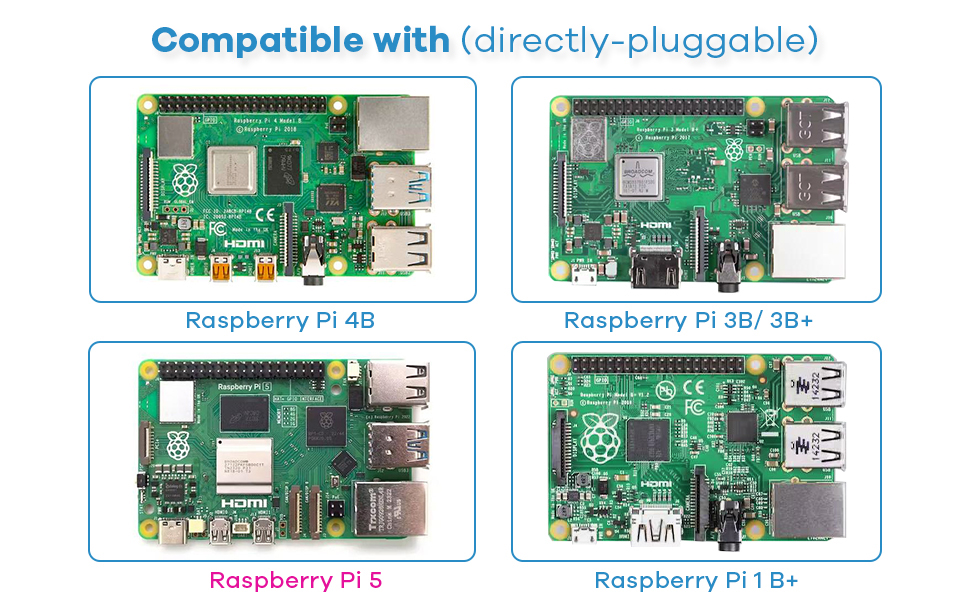
I bought this 3.5" Hosyond display for my Raspberry Pi 3B, but it has been a nightmare to get working. The drivers are completely outdated, the installation instructions are confusing, and the GitHub repositories for framebuffer support won’t compile on modern Pi OS. SPI touchscreen and display support just don’t work reliably. Huge waste of money and time — I do not recommend this product. Read more
Timothy Olsen—May 3, 2025✓ Verified purchase
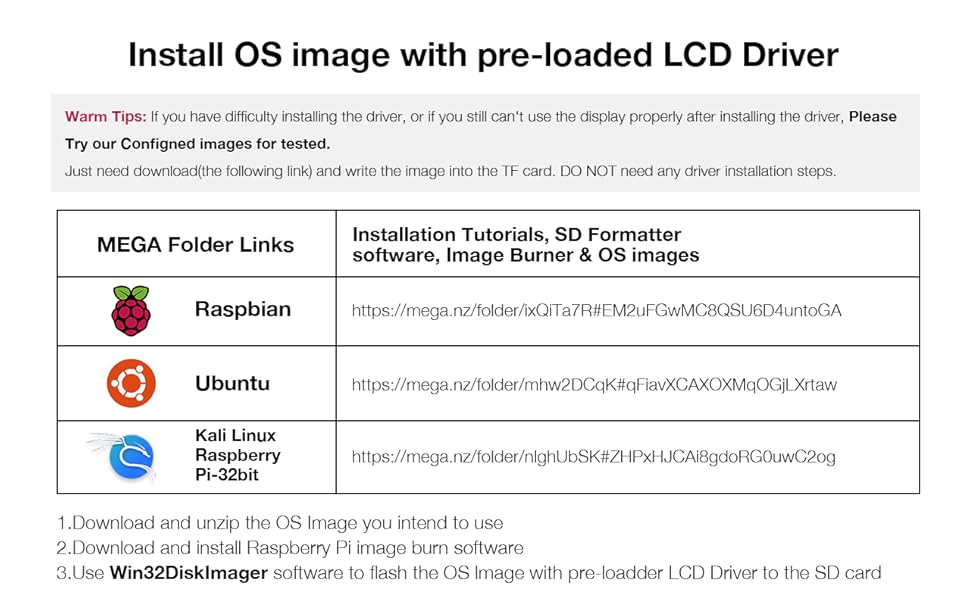
Some people were complaining about the install, but it was easy using the Raspian Pi 5 64 bit OS and following the instructions. Worked first try. I tried it with Kali Linux 64 bit, but it would not work. I didn't try any of the custom 32 bit OS images the seller advertised for download, but I bet they work. I recommend this screen if using any of the advertised custom images or the Rasbian Pi 5 64 Bit OS. Read more
Sumdude—January 31, 2026✓ Verified purchase
I've used several of these in different projects. They work great. That having been said, it's not always easy to get them working, depending on your board and distro. I some cases, it may not even be possible. I can tell you that it will work with raspberry pi os bookworm without too much trouble. Read more
David C. Frush—June 19, 2025✓ Verified purchase
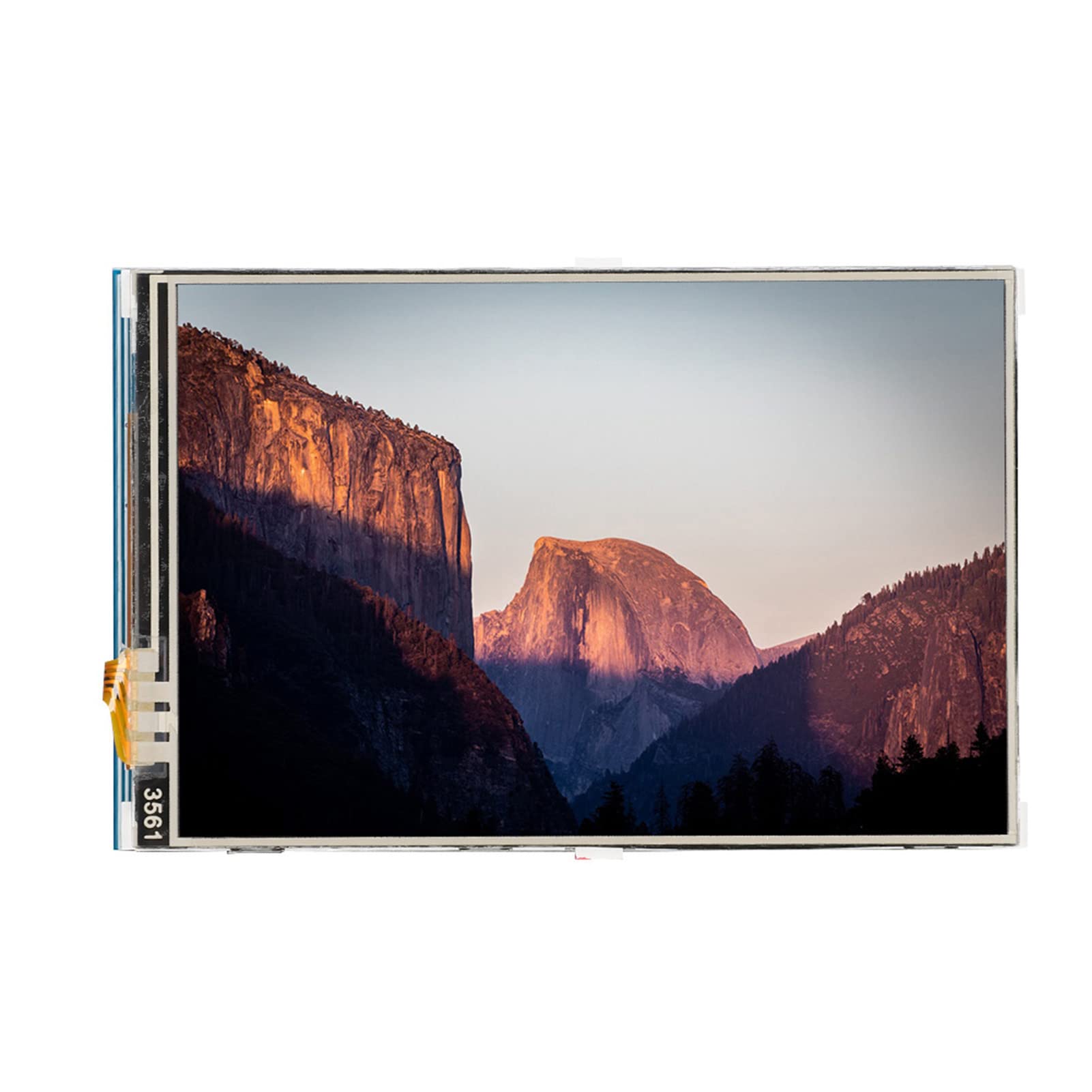
This is a very nice little screen, I was amazed at the picture quality. It's also amazing this comes with a touch screen and speakers for this price. My only complaint is I tried to use it as a virtual stream deck but wasn't able to get it to work easily and repurposed the monitor for a Raspberry Pi display, this wasn't a problem with the monitor but rather my laptop setup. Read more
Santiago M.—February 28, 2024✓ Verified purchase
I initially set up the screen on a fresh Raspberry Pi OS (Raspbian) for my Raspberry Pi 2 and got the image working, although the touchscreen functionality was still elusive. However, on my Raspberry Pi 4, I encountered a persistent white screen, despite trying various drivers. My primary goal was to use it with MainsailOS (Klipper/3D Printing) on my Raspberry Pi 2, but it seems a desktop-based OS is required. I only encountered a "low voltage" message in the terminal. Overall, I'm not particularly satisfied with this purchase. Read more
Jason Bourne—January 17, 2026✓ Verified purchase
Way smaller than I thought (yes i can read the specs before buying) but still I can use for one of my RPis Read more
VenerealGrizzlies—March 23, 2026✓ Verified purchase
I should have read other reviews and looked for their drivers myself before buying this. They don't list any place on this page that you can download drivers for this display and so far the only way I could get the thing working without contact from their support was installing their disk image, the link for which didn't even provide the right distro, and had graphical scaling errors. After reading other reviews that state that their support not only doesn't help but also uses drivers that don't work, I'll be skipping the headache. Maybe at some point I'll use this for something but it'll probably end up in the trash. Read more