★★★★★
IRIG stream.
MOHAN TIWARI—December 6, 2025✓ Verified purchase
This product works well, is good quality, and matches the description. It’s reliable, easy to use, and worth the price. I’m very satisfied and would recommend it other. Read more

IK Multimedia
In Stock
Easy Returns · Return eligibility shown before checkout
| Brand | IK Multimedia |
|---|---|
| Compatible Devices | Personal Computer |
| Supported Software | iPhone, iPad, Android, Mac/PC, Clubhouse, Instagram, Zoom, etc. |
| Connectivity Technology | RCA |
| Number of Channels | 2 |





Product video 1
Customers say
Customers find the audio interface easy to set up and appreciate its sound quality and live streaming capabilities, with one customer specifically mentioning its suitability for TikTok Live Streams. Customers disagree on whether the interface is worth the price and have mixed experiences with audio and signal performance.
This product works well, is good quality, and matches the description. It’s reliable, easy to use, and worth the price. I’m very satisfied and would recommend it other. Read more
made the sound very clear and clean Read more
Work exactly as intended between mixer and Mac Read more
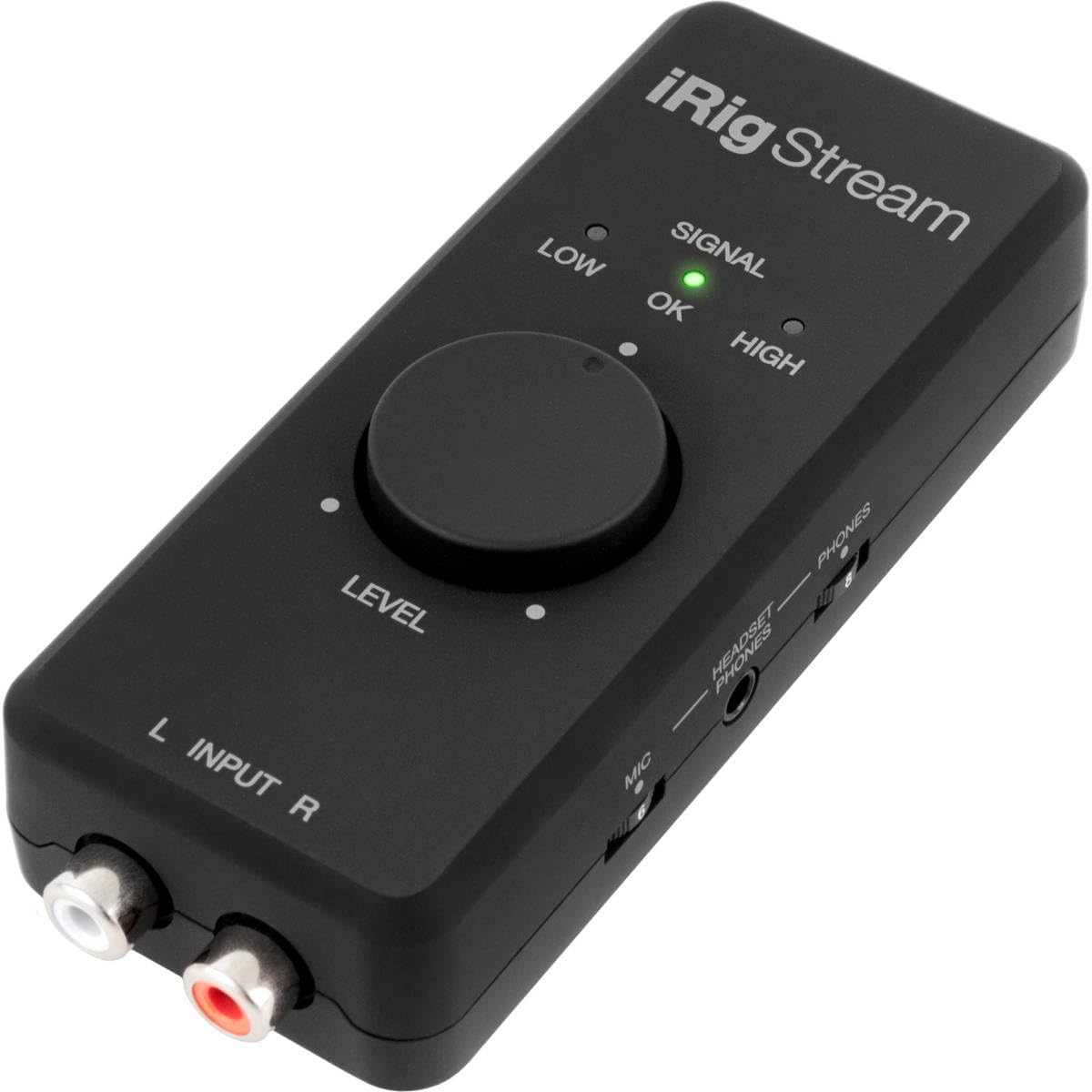
Note: I'm a professional audio engineer, so some of my comments may be more technical than what the average user is gong to need (or care about)! The iRig Stream is a handy little interface for doing both recording and live streaming. This device was tested with an iPhone 7 (Verizon version), running IOS version 13.3.1, and version 3.0.2 of the iRig app. The interface itself is pretty straightforward. There are two RCA input jacks, designed for a nominal level of -10dBv, with an input impedence of 16.5K ohms. A mini-DIN jack connects it to an iPhone or computer, with three interface cables supplied. A 3.5MM jack on the side allows for either stereo headphones or a combo headset with mic (TRRS connection). A switch (supposedly) allows the headphones to monitor from either the interface or the phone (see comments below). There are two small recessed thumbwheels for the headphone level and the mic level of the headset mic (if used). The input level is controlled by a (nicely damped) rotary pot, with three LED's to indicate the level. A switch also allows the interface to sum the two input channels to mono when used with apps that only support one channel. The interface is capable of 24 bit recording at sample rates of 32, 44.1 and 48kHz, and has a coaxial DC jack to allow the connected device to be charged using an external 5 volt supply (not included). The app is relatively straightforward to use, and with the optional add-ons allows the user to export high quality WAV files and MP4 video files to a variety of destinations. I tested the phone using the optional Pro Bundle, which costs $14.95. I conducted basic tests with swept sine waves and a few different levels, all of which were relatively flat. I have not had a chance to check out the quality of the A/D converter, and don't know what chip set is used. I also did not have an opportunity to test how susceptible it might be to RF interference. In use, there were a couple of issues that cropped up. 1. The switch which allows for loop through monitoring does not function the way that one would think. When the loopback switch is in the "On" position, it will loop through the interface, BUT, it will also reproduce audio from the phone itself at an attenuated level (such as playing back a file). It DOES NOT completely defeat the audio from the device. The only way to completely turn off the audio from the device itself is to turn the level on it all the way down. When the switch is in the "Off" position it will playback a file at normal level. This a rather contrary to how a typical loop-through monitor functions. 2. When plugging the interface into the phone, it momentarily allows the source audio to be monitored, but drops out after a second or two, until the app is opened. It also does not reliably connect the headphone output once the app is opened. I would have preferred an arrangement whereby the monitor is activated once the interface is plugged in. 3. The 3 LED's for the record level indication are rather skimpy, and there is no way to calibrate the actual level the external input (mixer or other device). I would have much preferred at least a 10 segment LED indicator with some kind indication of the actual level in dB. While there is a 60 segment 3 color bargraph style display in the app, there are no witness marks anywhere on the display that would give you any idea of what the actual level is. To complicate matters, even though it is a 60 segment display, it actually only displays a 50 dB range (IE, it's not 1 dB per division). Kind of annoying... 4. I would have liked to have had a way to attach a mounting clip of some sort to be able to attached the interface to a stand, which is likely how it would be used if a phone was used in the camera mode for streaming or shooting video. I tested the file export function to sent files to my Dropbox account, which worked without any issues (but can be rather slow depending on your connection). In addition, I tested the interface with the Dayana Voice Record Pro app. The app recognizes the interface and allows the user to set the sample rate and bit depth, but the only way to activate the monitor is to actually be in "record". (The loop through switch seems to have no effect on this). Also, for some reason the level on the Voice Recorder Pro app is a about 6 dB hotter than the level shown in the iRig app (for the same given input level). So, certainly functional, but doesn't act exactly the way one might expect. The user manual available online could be a bit better, but at least they included a few specifications. Bottom line, it's not in the class of a Focusrite iTrack Solo, but for the $$ it's a handy device to have. Read more
Excelente Read more
We all know that this interface is hit or miss, but when it hits it does give you nice sound on your streams. Lately it would not read the levels and thus silencing my mixing. I deleted the app after buying all the inside options thinking it was a glitchy download after a year use. I go to the Google playstore and the Irig recorded app is not there any more. I contact customer and they said "is no longer supported." I told them that if it wasn't going to support those features they should remove them off their shelves and said "What are you trying to do that you cannot seem to get it work? We have no idea what your doing." Really, well tell me how do I make this work. I don't want to stream through a bulky laptop. I was fine streaming through my phone, don't really want to experiment with an Apple knowing the app is also buggy. I just have a piece of garbage that's worth $100.00. I hope if IK is reading this, get your act together and fix those issues. I will make an update once they iron their issues. I will see if it'll work as a stand alone without any software backing it but I doubt it. For now I said what I said. This thing is inoperable. You'll just spend your money and won't get anything out of it. Super upset at this point. Read more
If you record audio/video for social media or other applications this product is a terrific option for better audio. Easy to set up and use. Great sound quality and functionality. This unit uses power from your iPhone or other device so I would recommend purchasing the optional power supply, also. Initially, I used it without the power supply and found that it drained my iPhone battery quicker than was expected. After buying the power supply my iPhone stays at full charge throughout my sessions. Read more
Excelente artículo. Los videos de mi iglesia ahora son diferentes. Buen sonido. Trabaja bien con mi iPhone 12 Pro Max. Recomiendo este artículo. Read more

IK Multimedia iRig 2 portable guitar audio interface lightweight audio adapter for iPhone and iPad with instrument input

YESPURE USB Guitar Cable 10Ft USB Guitar Interface Male to 6 35mm 1 4 inch Gold-Plated TS Mono

YESPURE USB Guitar Cable Connect Guitar to Pc for Musical Instruments USB Interface Male to 6 35mm 1

6Ft Long Cable USB 2 0 Type-A to Type-B High Speed Cord for Audio Interface Midi Keyboard USB

Fender Mustang LT25 Guitar Amp 25-Watt Combo Amp with 2-Year Warranty 30 Preset Effects with USB Audio Interface

FIFINE Gaming Audio Mixer Streaming RGB PC Mixer with XLR Microphone Interface Individual Control Volume Fader Mute Button

TONOR Gaming Microphone Set USB Condenser Mic for PC with Stand Controllable RGB Quick Mute Volume Control for

Akai Professional MPK Mini MK3 25 Key USB MIDI Keyboard Controller With 8 Backlit Drum Pads 8 Knobs
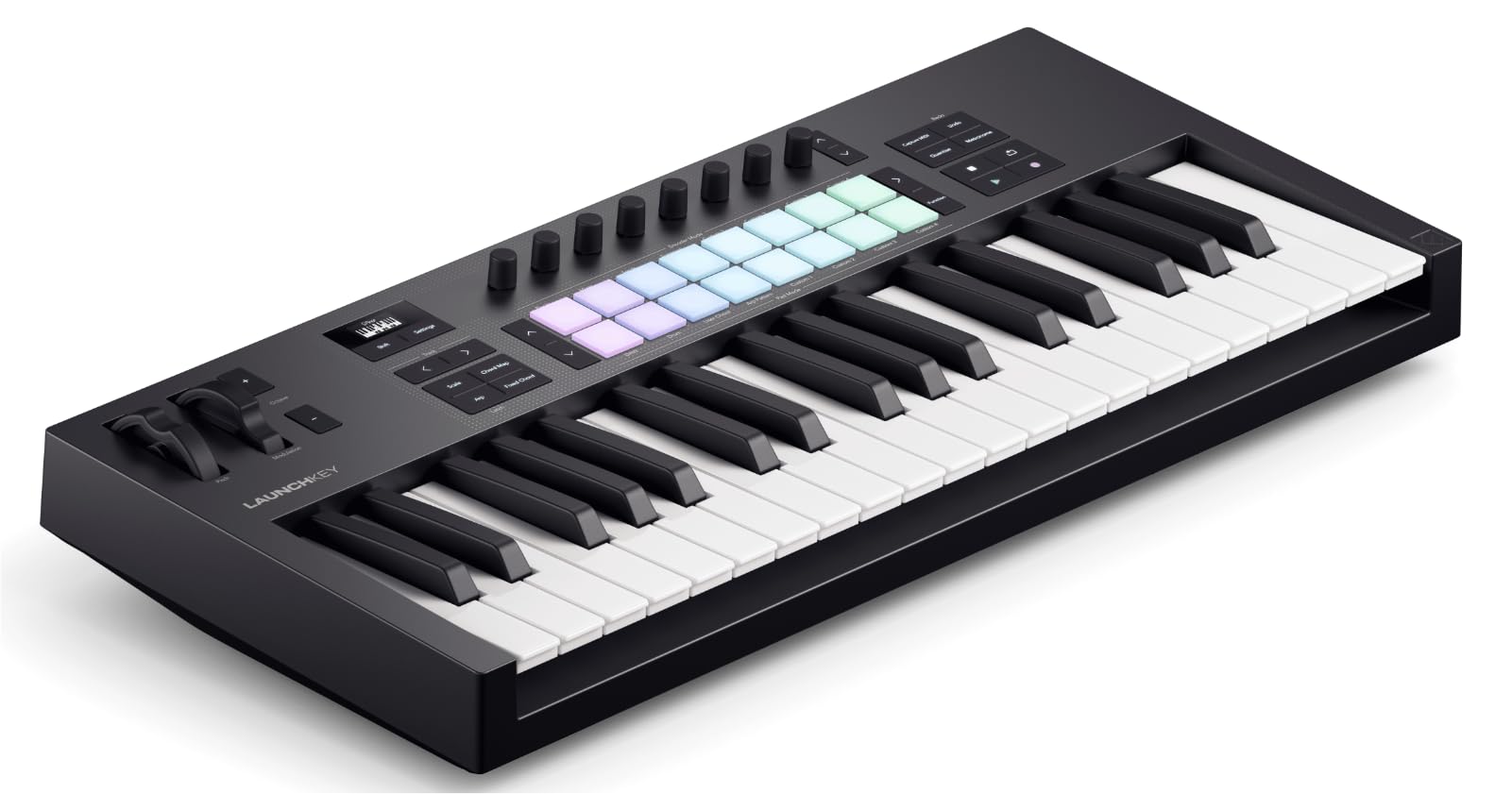
Novation Launchkey 37 MK4 Compact 37 Key USB MIDI Keyboard Controller with DAW Integration Chord Mode Scale Mode

Shure SM57 Professional XLR Dynamic Microphone Cardioid Mic for Instruments Amplifiers Drums Live Performance Recording SM57-LC

Professional LED Piano Lights for Upright Piano - Piano Lamps with Ambient Light Favorite Mode Eye-Care 5 Levels

Cecilio Closed Hole C Flute - Musical Instrument Beginner Intermediate Flute in Band Orchestra Nickel
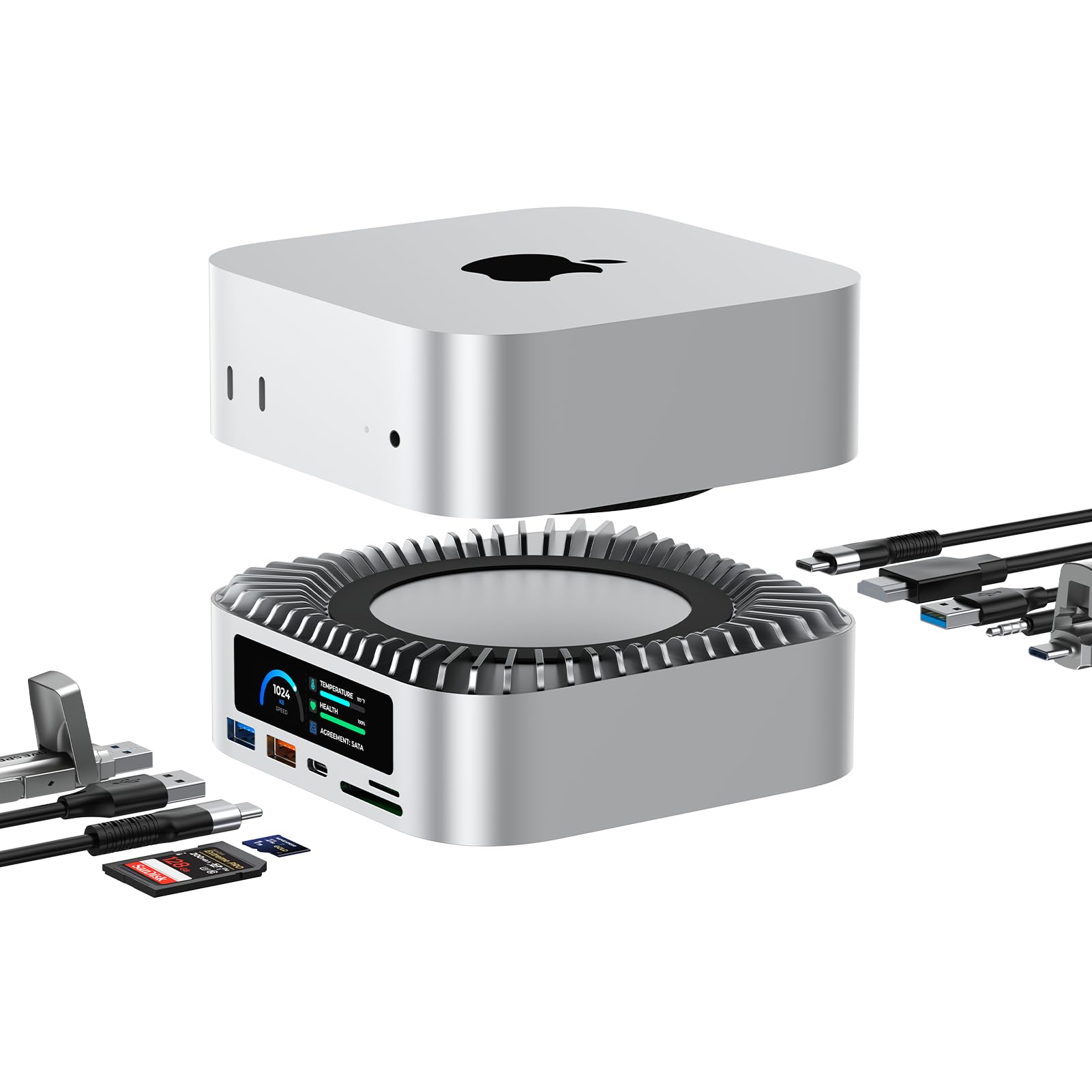
RayCue All-in-One Dock for Mac mini M4 with Smart Displays NVMe SATA SSD Enclosure 4K60Hz HDMI 10G USB-A

Logitech Blue Microphones Yeti USB Microphone Blackout Plus C922 Pro Stream Pro Streamer Pack

Logitech BRIO Stream USB 3 0 Nero Webcam

Logitech C922 Pro Stream 1080p Webcam with HD 720p at 60 fps Streaming Bundle and 4-Port USB 3
We use optional analytics cookies to understand how visitors use Ventari and improve the experience. This banner controls analytics measurement only. See our Cookie Policy.