Hope—December 10, 2025✓ Verified purchase
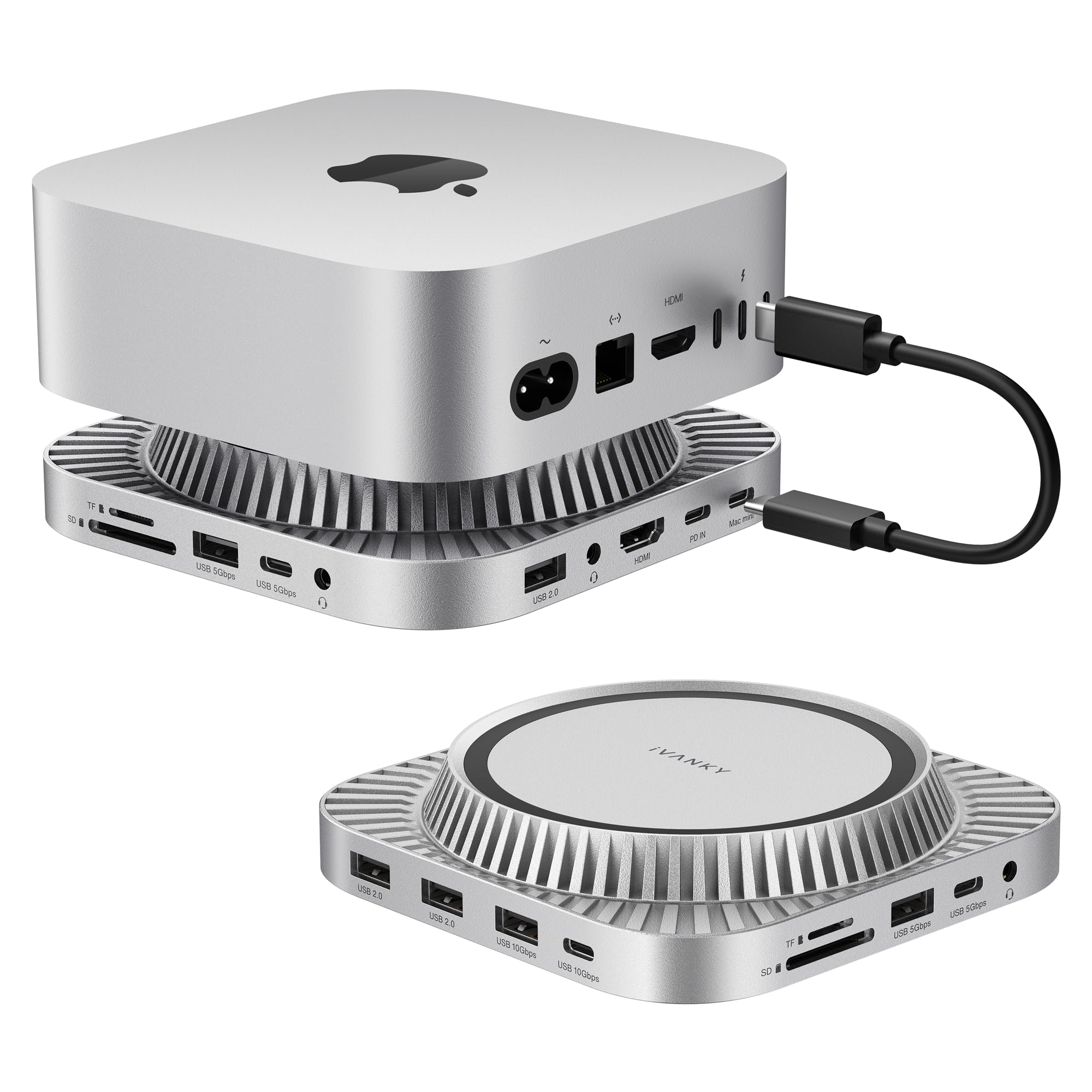
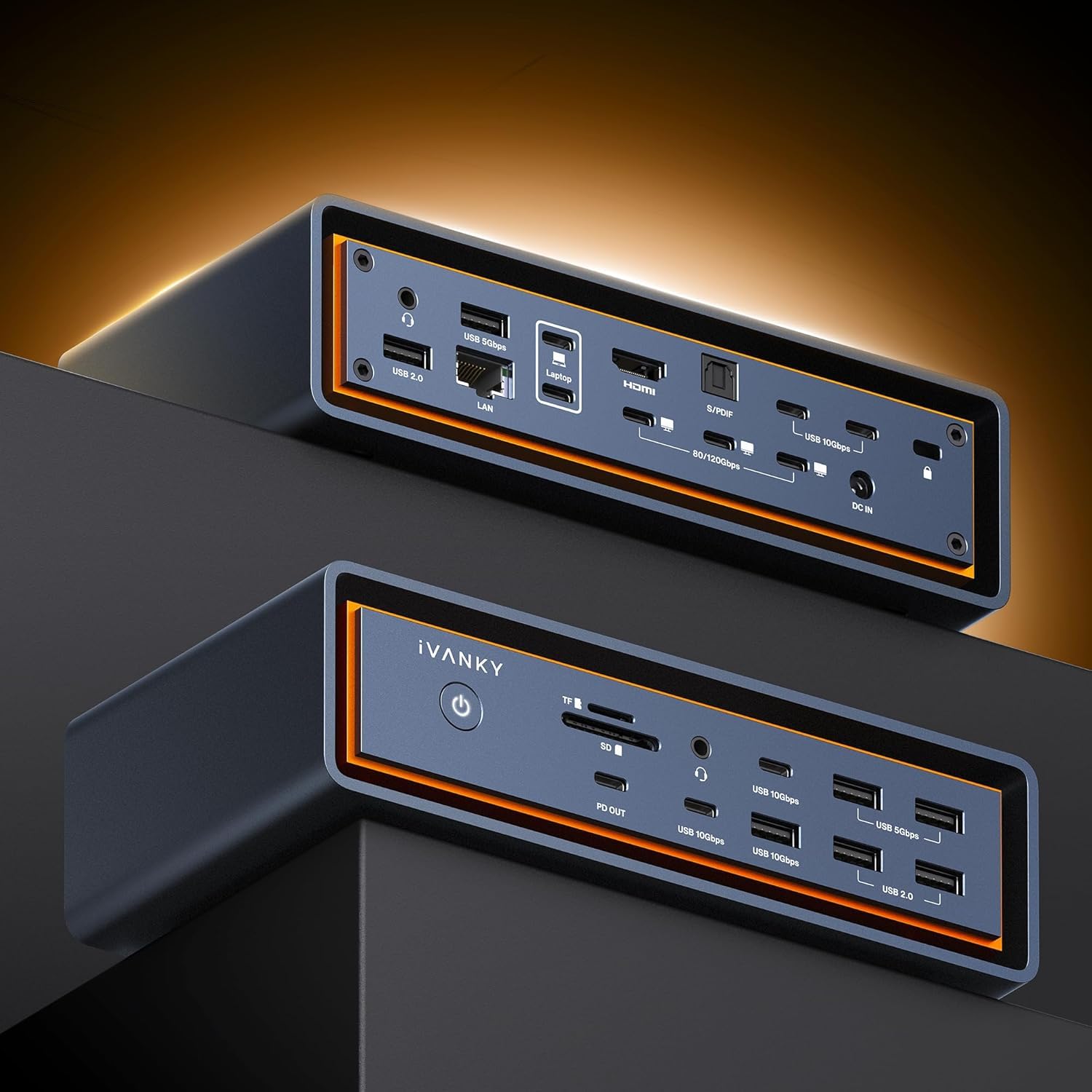
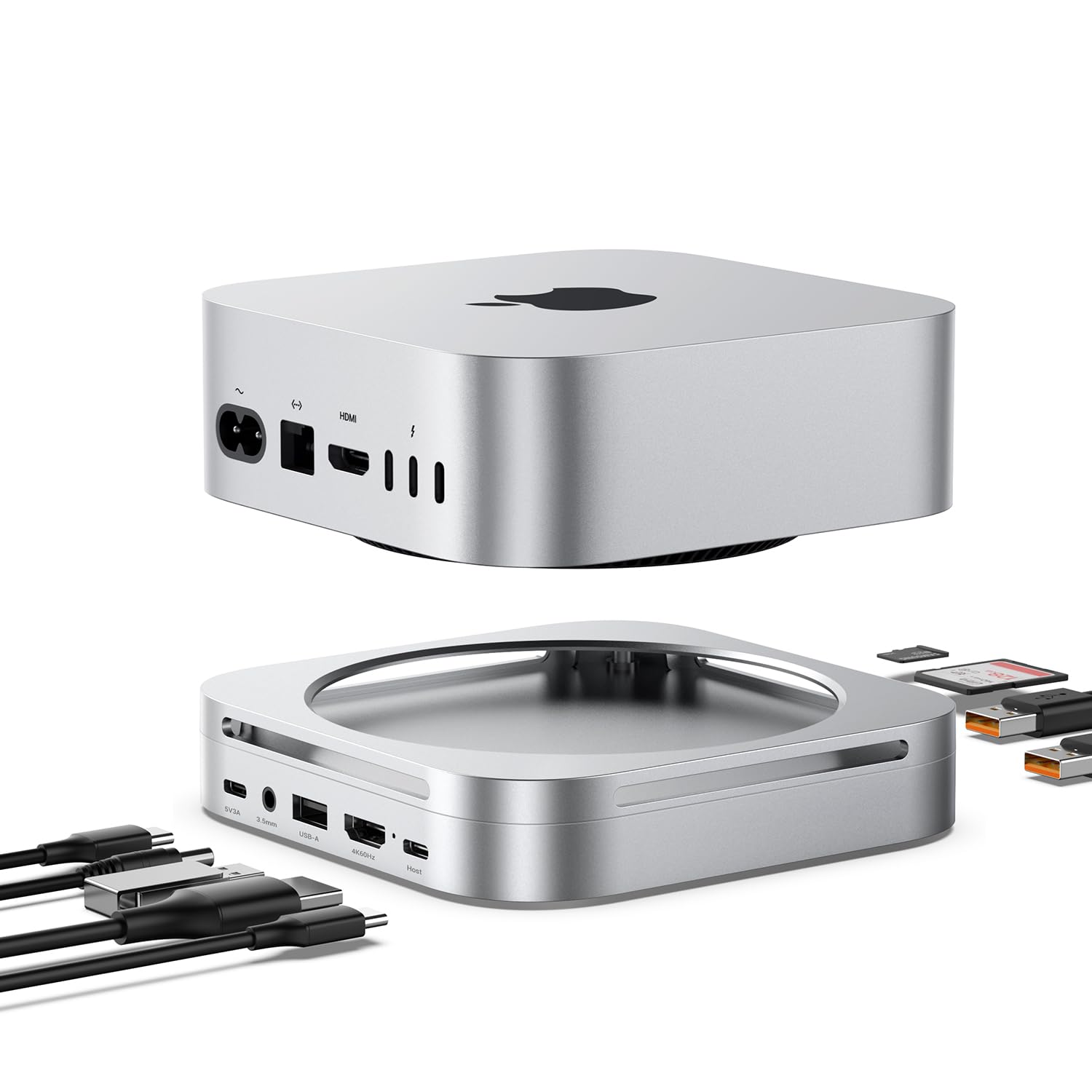
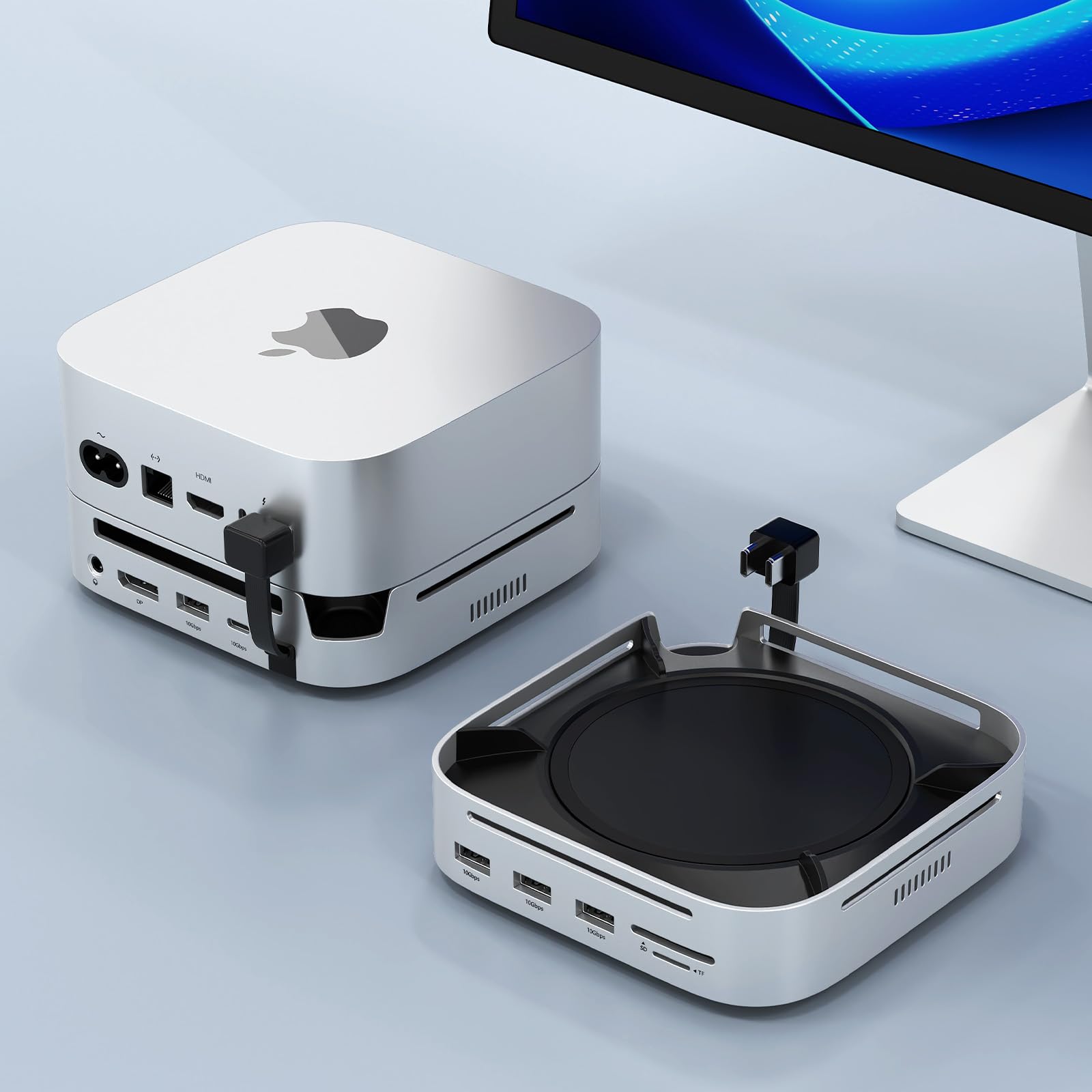
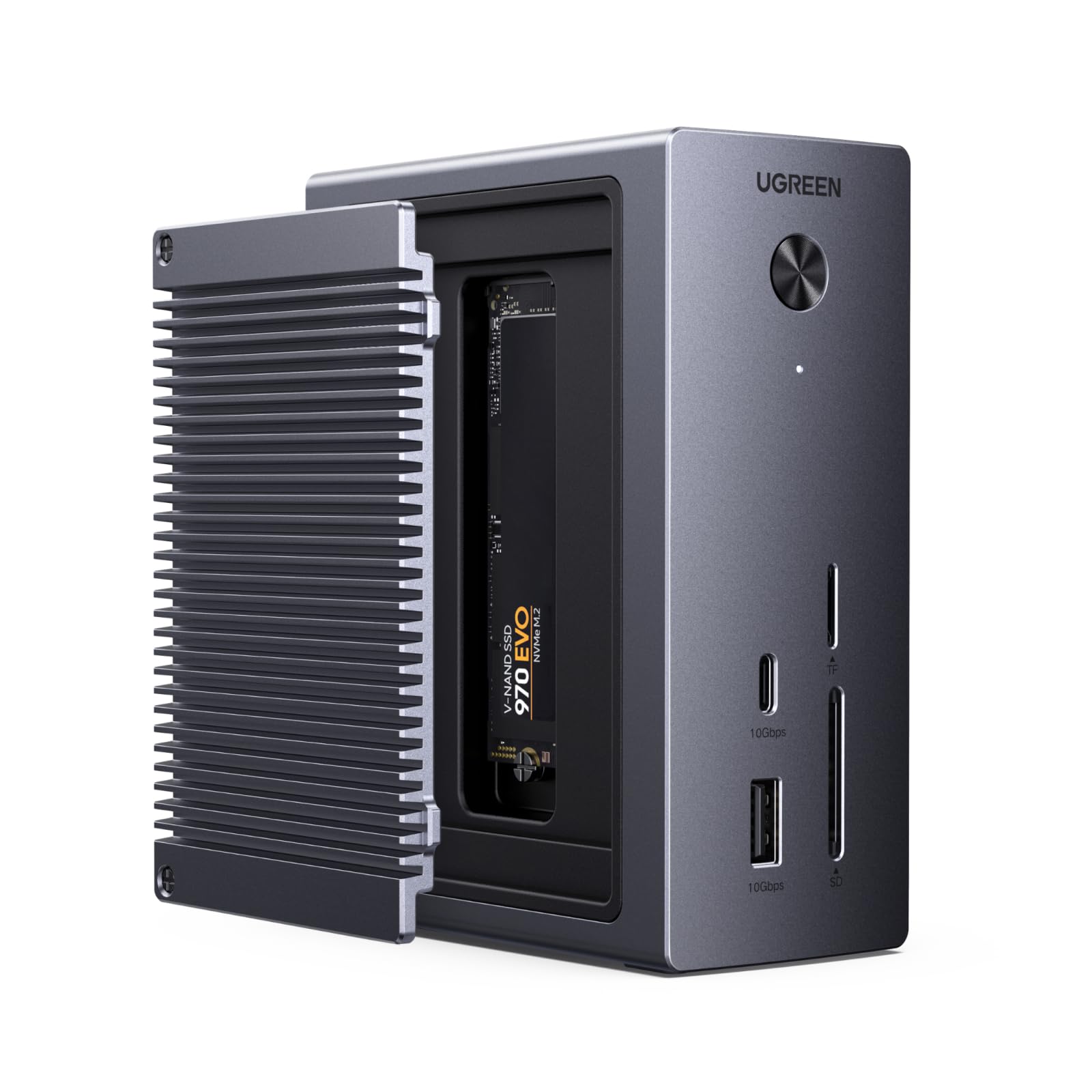
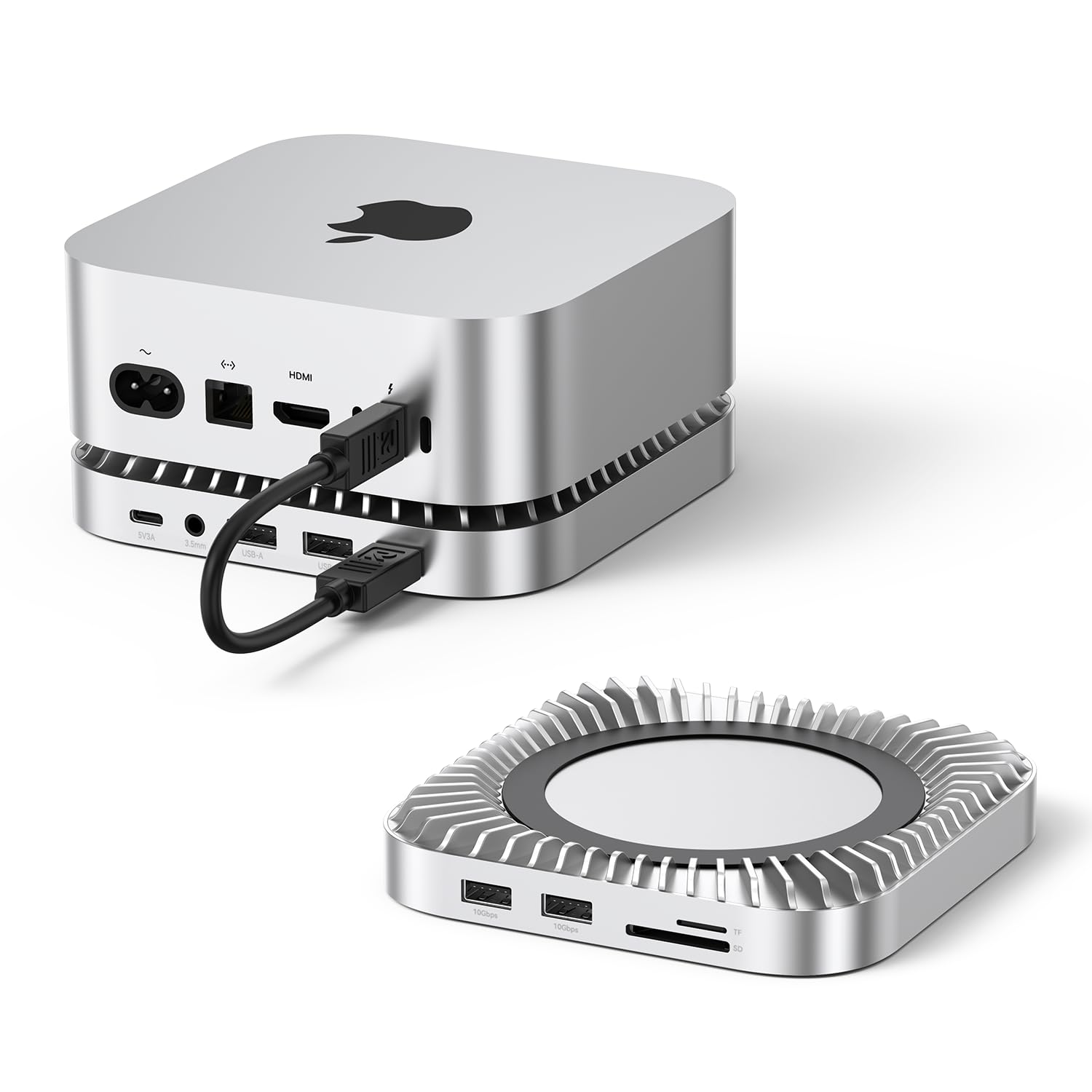
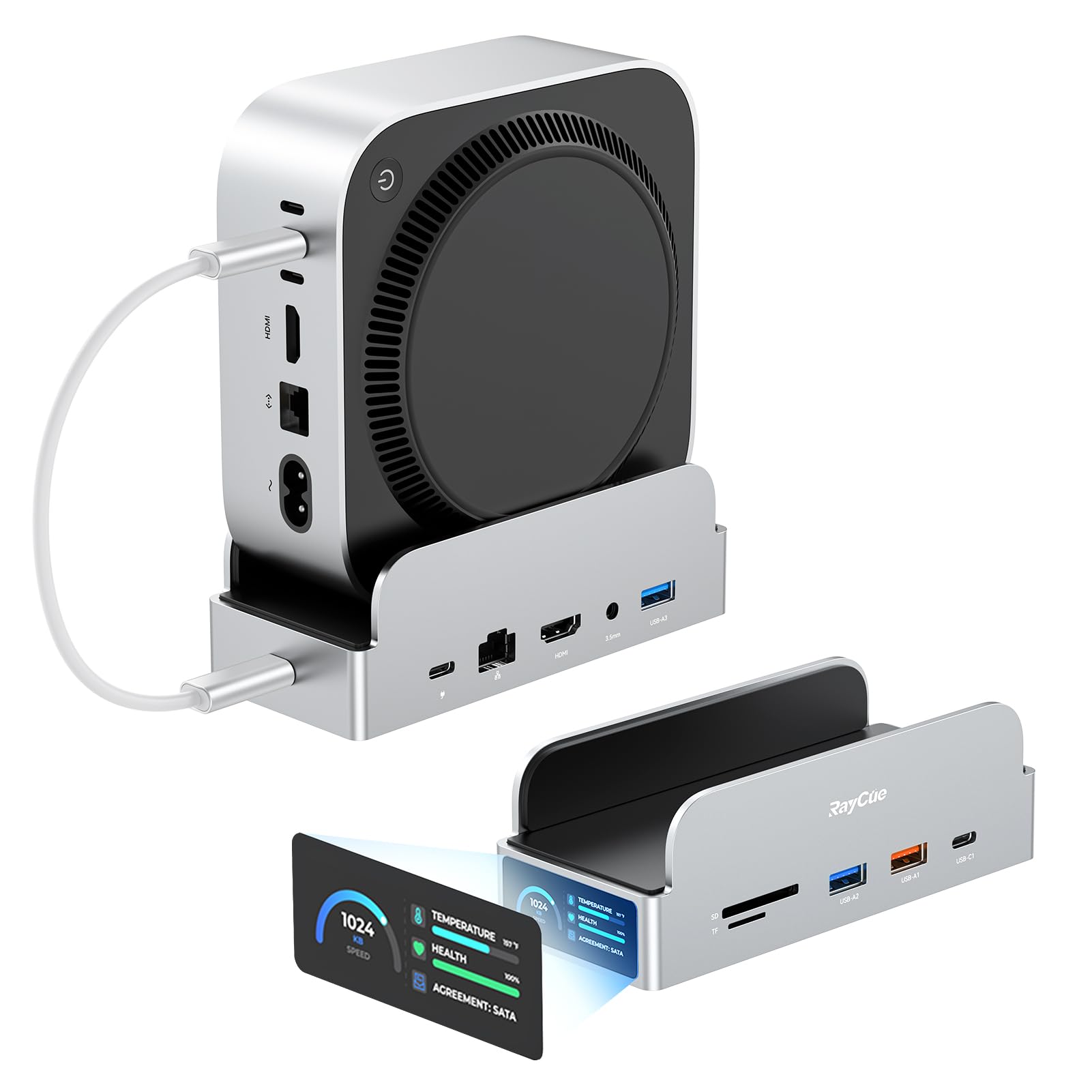
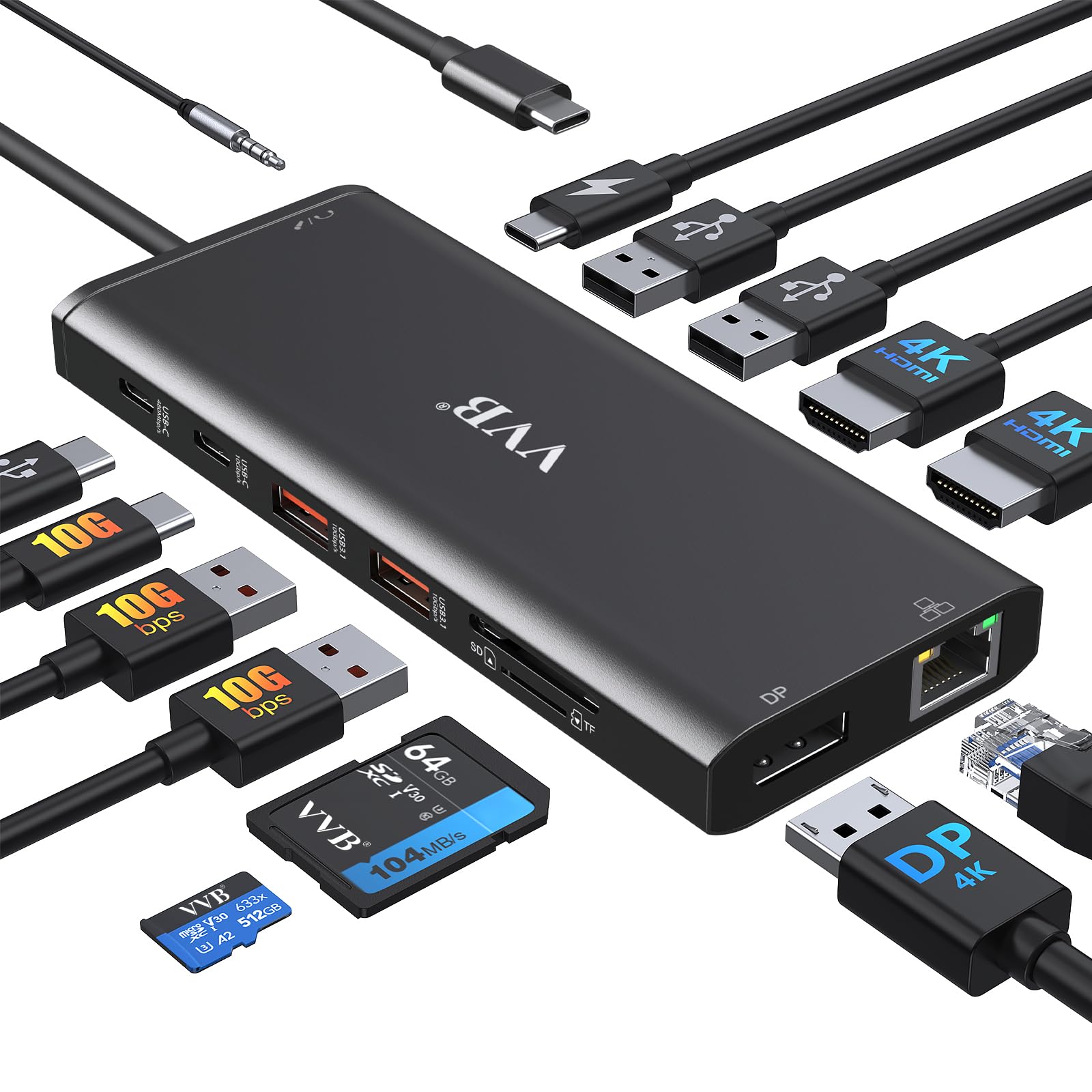
The media could not be loaded. If you’re looking to turn your Mac mini M4 into a full productivity hub, this 13-in-1 iVANKY docking station is one of the best upgrades you can make. It packs an impressive range of ports—HDMI, DisplayPort, multiple high-speed USB-A and USB-C options, SD/TF card slots, dual audio ports, and even a built-in M.2 SSD enclosure. Everything you need is right on the front or back, making your workspace far more organized and efficient. The integrated SSD enclosure is a huge bonus. It supports up to an 8TB drive and works with both NVMe and SATA M.2 SSDs, giving you flexible and fast storage expansion. Transfer speeds are excellent, and installing a drive is simple. For anyone working with large media files or backups, this alone makes the dock worth it. Display performance is equally impressive. With support for 4K at 120Hz, the visuals are buttery smooth—perfect for creators, designers, video editors, and even gamers. You can also run dual displays when pairing the dock’s DP port with your Mac’s Thunderbolt port, giving you tons of screen space for multitasking. Just keep in mind some monitors require enabling Game Mode or Signal Enhancement for the higher refresh rates. The 10Gbps USB ports are another big win, especially if you frequently use fast external drives. Day-to-day accessories fit perfectly on the additional 5Gbps ports, and everything stays snappy without lag. The included 20W PD power adapter ensures stable performance, especially when you’re running several high-power devices at once—no dropouts or power hiccups. Another thoughtful detail is the cooling design. The raised, vented top keeps airflow moving and prevents the Mac Mini’s bottom fan from being blocked. It blends in well visually too, matching the aesthetic of Apple’s hardware. One thing to note: this dock is optimized specifically for the Mac mini M4. It still works with other devices, but the cable may be short and dual-screen support won’t function. Overall, this is a fantastic all-in-one solution for expanding your Mac mini setup. Between the port selection, fast storage support, smooth display output, and stable power delivery, it’s a great investment for creators, professionals, and anyone who wants a cleaner, more capable workspace. Read more
William C.—March 21, 2026✓ Verified purchase
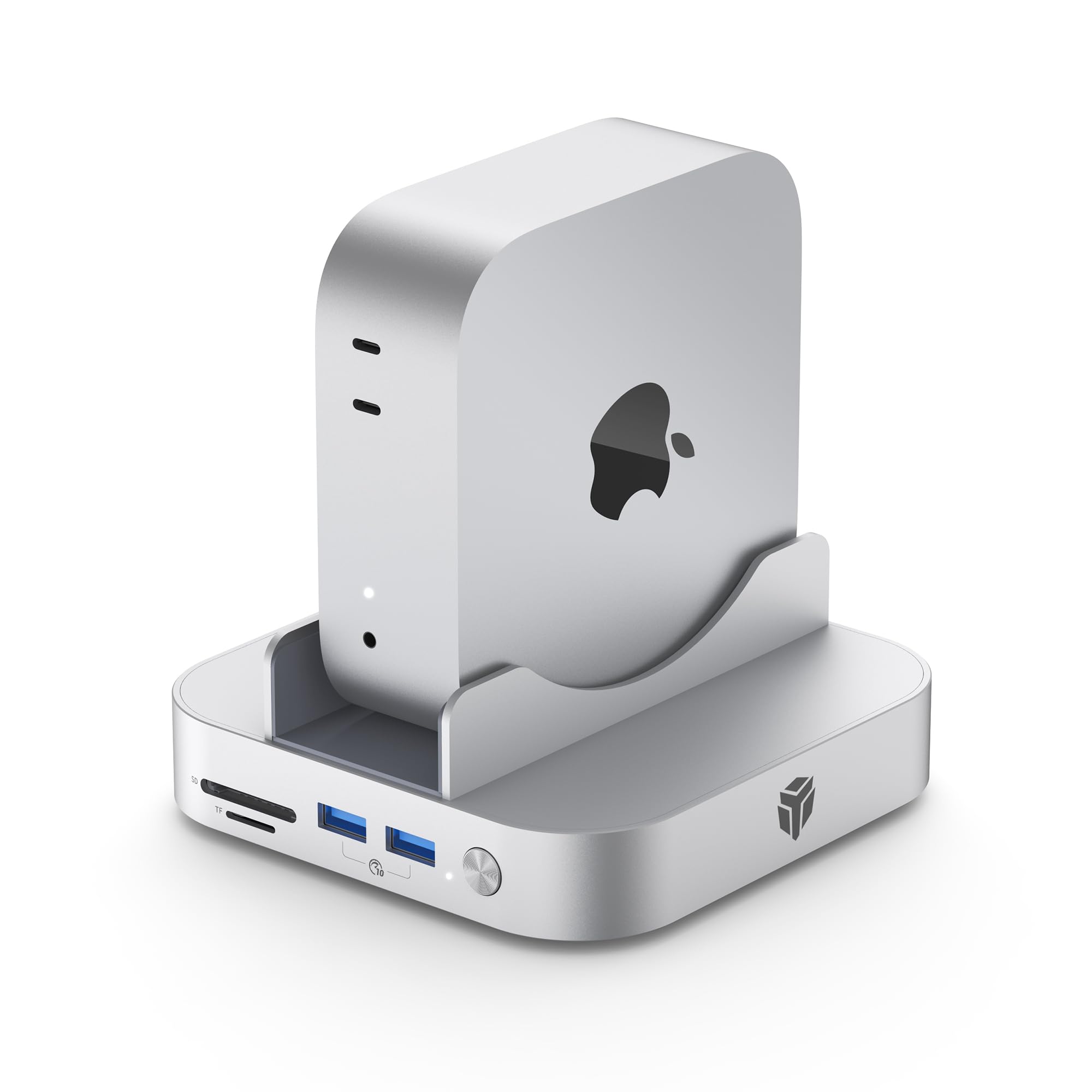
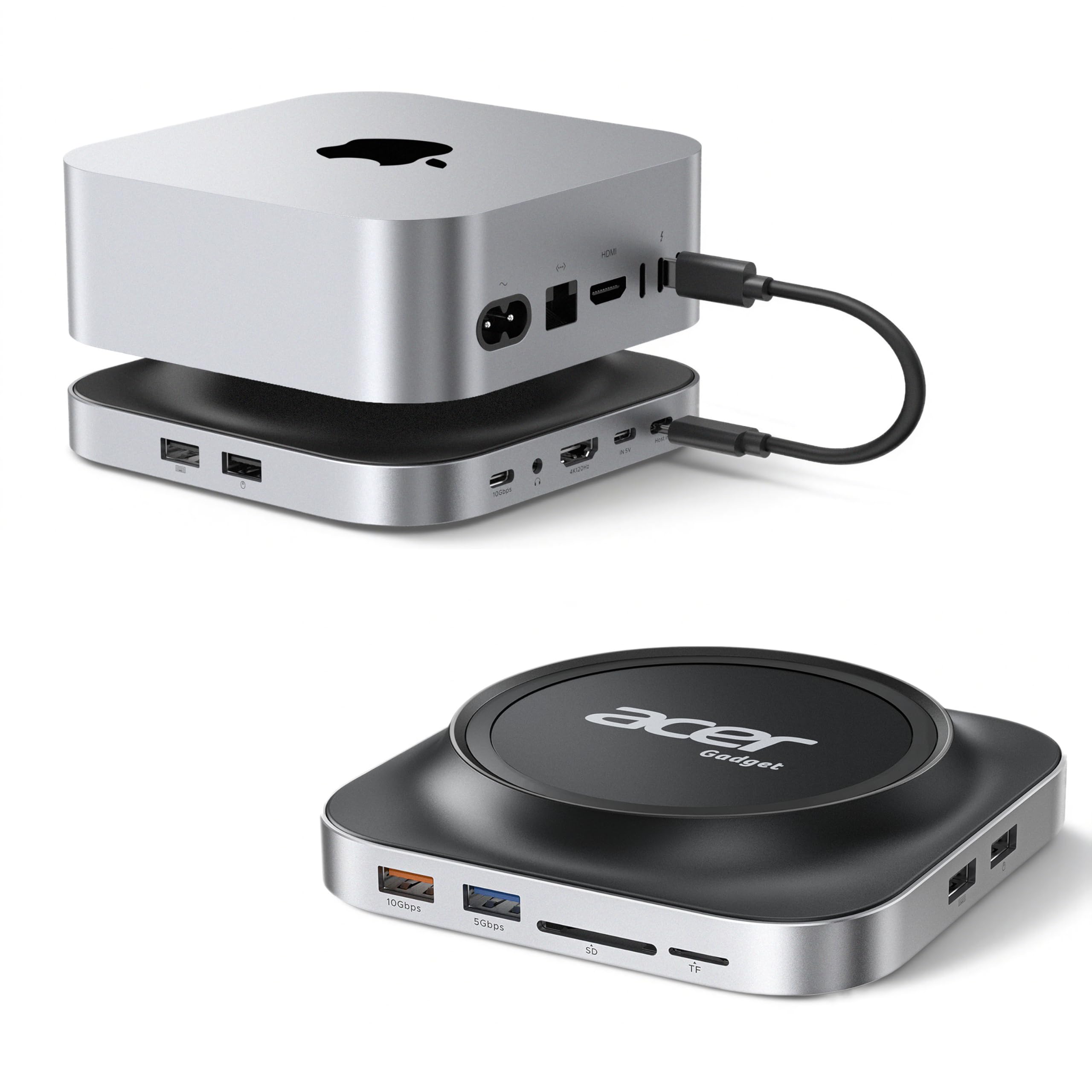
Using this docking station under my Mac Mini M4 has completely transformed my workspace. Before adding this hub, my desk was a chaotic nest of cables and dongles that made everyday tasks frustrating. Now the computer sits neatly on top of the dock, and the matching aluminum finish makes the two pieces look like a single unified machine. It elegantly hides the wire clutter while bringing essential connections right to the front. Having quick access to SD card slots and high speed USB ports without blindly reaching behind the computer has been a massive improvement for my daily workflow. The standout feature for me is the integrated M.2 SSD enclosure cleverly hidden in the base. I easily installed an NVMe drive using the included tool, and it immediately provided massive storage expansion without adding another external box to my desk. The 10Gbps transfer speeds are incredibly fast, which makes loading large video projects and media libraries almost instantaneous. Beyond storage, the display performance is absolutely fantastic. Running my monitor through the HDMI port delivers a crisp 4K resolution at 120Hz, making every mouse movement and video timeline feel buttery smooth. I also appreciate how stable and cool the entire setup remains under heavy use. The included 20W power adapter effortlessly handles multiple peripherals and fast external drives at once, ensuring there are never any unexpected disconnections or power drops. Furthermore, the dock provides a slight lift for the computer with a thoughtful top vent design, which greatly improves airflow and prevents the system from trapping heat. This hub is a complete solution that turns a simple mini PC into a true productivity workstation, offering excellent functionality and undeniable value for anyone wanting a cleaner desk. Read more
Kimchi Noodle—February 18, 2026✓ Verified purchase
Setting this dock under the Mac mini M4 immediately makes the setup feel complete. It does not just look like an add-on; the aluminum finish and design blend so perfectly that it looks like the computer and dock were made to be one unit. Before using this, my desk was a chaotic nest of cables and dongles, but this hub tucks everything away neatly while bringing essential ports around to the front. Being able to plug in SD cards and USB drives without blindly reaching around the back of the computer is a massive quality-of-life improvement that I did not realize I needed until now. The standout feature for me has to be the integrated M.2 SSD enclosure. Instead of having another external drive cluttering the desk, I was able to install an NVMe drive directly into the base of the dock using the included tool. The transfer speeds are impressive, hitting that 10Gbps mark reliably, which makes it perfect for backing up large projects or storing media libraries that need to be accessed quickly. It feels like a native storage upgrade for the Mac itself rather than just an accessory, and the included power adapter ensures that the drive and all other connected peripherals run without any power drops or disconnections. Beyond storage and organization, the performance for video output is excellent. The HDMI port handles 4K at 120Hz effortlessly, making everything from mouse movements to video playback look incredibly buttery smooth. I also appreciate the thoughtful ventilation design which lifts the Mac mini slightly to keep airflow moving. It is a fantastic all-in-one solution that transforms the Mac mini into a proper productivity workstation, offering incredible functionality and great value for anyone needing to expand their connectivity options without sacrificing a clean aesthetic. Read more
Soyoat4—March 13, 2026✓ Verified purchase
Plenty of ports and easy to install a ssd. Not a fan of how the mini doesn’t sit flush on it. Read more