shiva kumar—December 10, 2024✓ Verified purchase
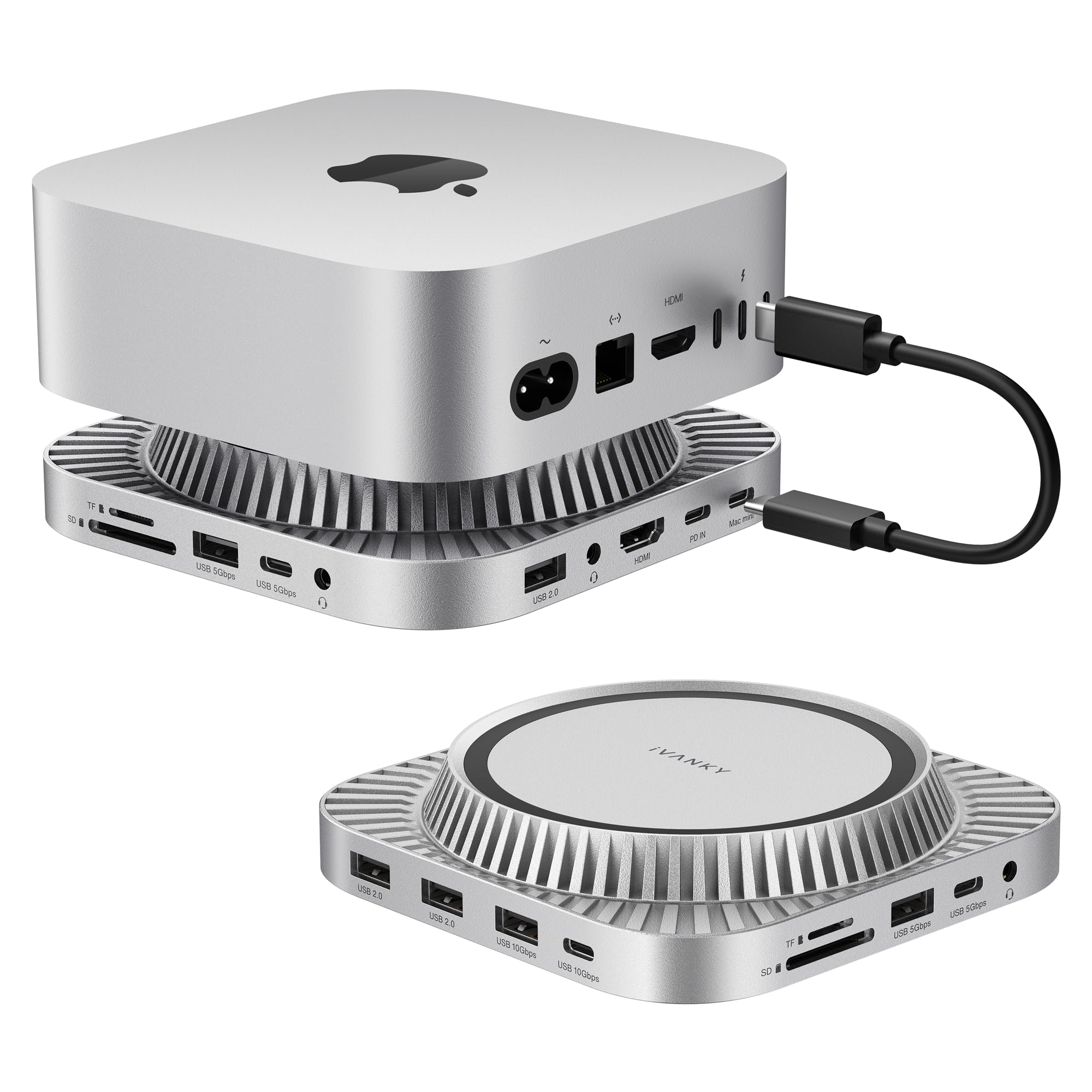
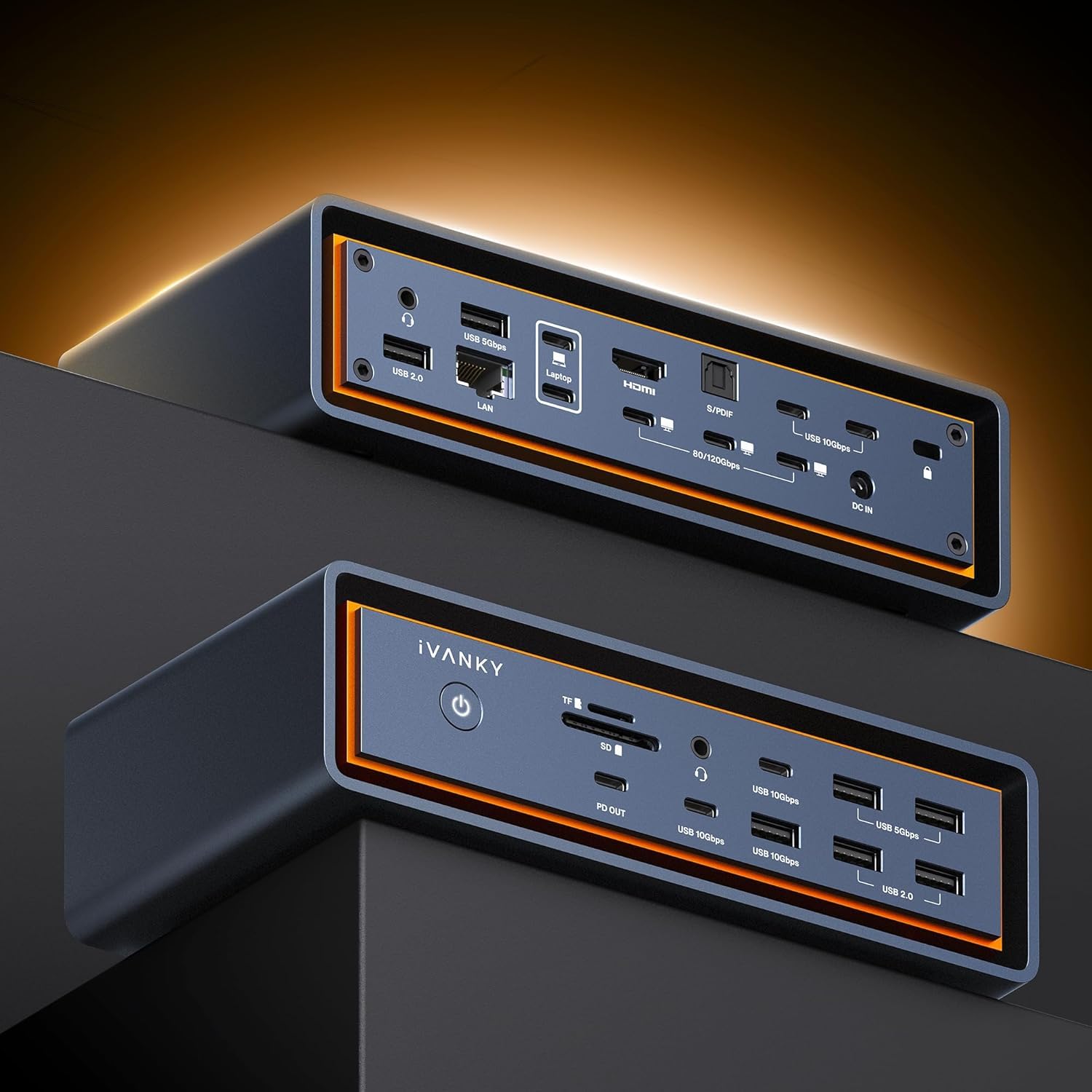
I have rarely write comprehensive reviews on Amazon, because frankly, it takes a lot of time and effort so a quick 2 star or 5 star review usually suffices. But this time I felt the need to provide a full review because what I needed was quite challenging. As you can see frorm the pictures provided, I have a video production studio that had been running off of my ancient 2010 Mac desktop. Clearly it was time for an upgrade. I bought a new 2024 Macbook pro with a M2 max chip as the centerpiece of my new studio. I needed to run 3 separate displays in addition to my computer screen for a total of 4 screens. I have 2 older Apple Cinema Displays, which I connected with a apple display to HDMI cable, and a NEC HDMI output display monitor. I also had powered speakers and a microphone to be used simultaneously. I wanted to edit on Final cut pro using all 3 displays, hear my sound output from my speakers and do voice over on my microphone as needed. I wanted to find a docking station that would accomplish all this. Quite a tall order! I did my research, went on Youtube and saw a number of reviews of leading docking stations. I tried 3 different docks, none of which were able to power all 3 of my displays until I came across the Ivanky FusionDock Pro. Initially I was only able to power 2 displays. Once I contacted their support team led by Bella, who was incredibly proactive, asking me to send screenshots of what I was trying to do and working with me to solve my problems. Once I discarded the old drivers and uploaded the updated drivers, voila! all my 3 screens worked! I was able to use my older hard drives with a USB-A to USB-C dongle. I could also run my camera feed directly into the dock. However, I was still not able to get my split audio cable that powered my speakers and my microphone to work with the audio port on the Ivanky dock. It worked fine on the mac audio port. Bella sent me an updated Ivanky FusionDock Pro1+ at no extra cost, to see if it would solve my problems. After a number of tries, she told me that unfortunately the Ivanky at this time does not support split audio on their ports, and was happy to give me a full refund. But I decided to stay with the Ivanky Fusiondock pro1+ because it accomplished almost all of my wishlist, which was already better than I had hoped and the split audio works fine off my mac and I truely loved their proactive customer service. I am now a loyal customer of Ivanky Fusiondock stations. Thanks Bella! Read more
MoonGuide—February 22, 2024✓ Verified purchase
By far the best customer service experience I have ever received. The dock looks great, has the ports in a good location, works great connecting 3 monitors with my M1 Mac Mini. If you have a Mac then I highly recommend this dock. I purchased this to use on my Mac and Windows laptop. I have my Mac for personal use and Windows laptop for work and both machines share the same 3 monitors. I have used 2 other brands that worked good with both platforms but were not perfect, each with its own problems. When connected to Windows, the laptop starts to become unresponsive or totally freezes. I attempted varies fixes but nothing worked. Unfortunately I return this iVANKY 14-in-1 FusionDock Pro 1 MacBook DisplayLink Docking Station. I took the time to share this review to help others like me who have been searching for a solution similar to my situation. I was pleasantly surprised when I received an email directly from iVanky. They emailed my the following "Thank you for your feedback regarding the iVANKY 14-in-1 FusionDock Pro 1. We’re glad to hear it works well with your Mac setup but regret that it did not meet your expectations when used with Windows. We understand the importance of having a versatile docking solution that accommodates both your personal and professional needs. To address the compatibility issues you experienced with Windows, we would like to offer you a complimentary , which is designed to work seamlessly with Windows systems." I accepted their most generous offer. I have been trying the iVANKY EdgeDock 2 solely for Windows and will update this post shortly. *UPDATE I needed to set the refresh rate for my LG 4k monitors to 24Hz using the iVANKY EdgeDock 2 to avoid a lag I was experiencing. I use the web browser, Microsoft Office, Excel, OneNote and Outlook with no issues. I was really impressed with the companies customer service. They went above and beyond with support and even followed up. Thank you Melody from iVanky. Read more
Customer—November 19, 2025✓ Verified purchase
Total garbage. Disconnects all the time and Ivanky support is NON EXISTENT! DO NOT BUY ANY IVANKY PRODUCTS!!! Read more
James Hibert—February 23, 2024✓ Verified purchase
The deficiency is Apple';s, not the mfgr of the hub. I have one of the first Apple Silicon M1 MacBook Pro models. which, in native state, is limited to a single extended desktop. Most hubs you see on Amazon are filled with poorly documented disclaimers about how their hubs will display 2 or 3 or 4 external screens, but only one extended desktop across all of them. I have been looking for a hub/docking station for a while, and was having a problem getting past this limitation. Once I realized that I wasn't going to find a magic solution with out loading up the third party driver, this one seemed the logical choice. I wanted a name brand, but no Anker/Logitech/etc. products were in my price range. Also, Amazon seemed to sense my attraction to this item and after 45 minutes of shopping, offered me a limited-time $50 discount on this one, so I snapped it up. Documentation is OK, but nothing is that challenging in setting it up, and it took me about 30 minutes to clean up my rat's nest of cables behind my dual monitors and get the 3rd party driver and this hub installed. I have WIFI6 (eero) and gigabit Ethernet, and the hardwired network is slightly faster than the WiFi. So far, so good. Better than I expected at this point. Read more