Free shipping over $35 · 60-day returns · Price-watch guarantee

Ventari

IVANKY

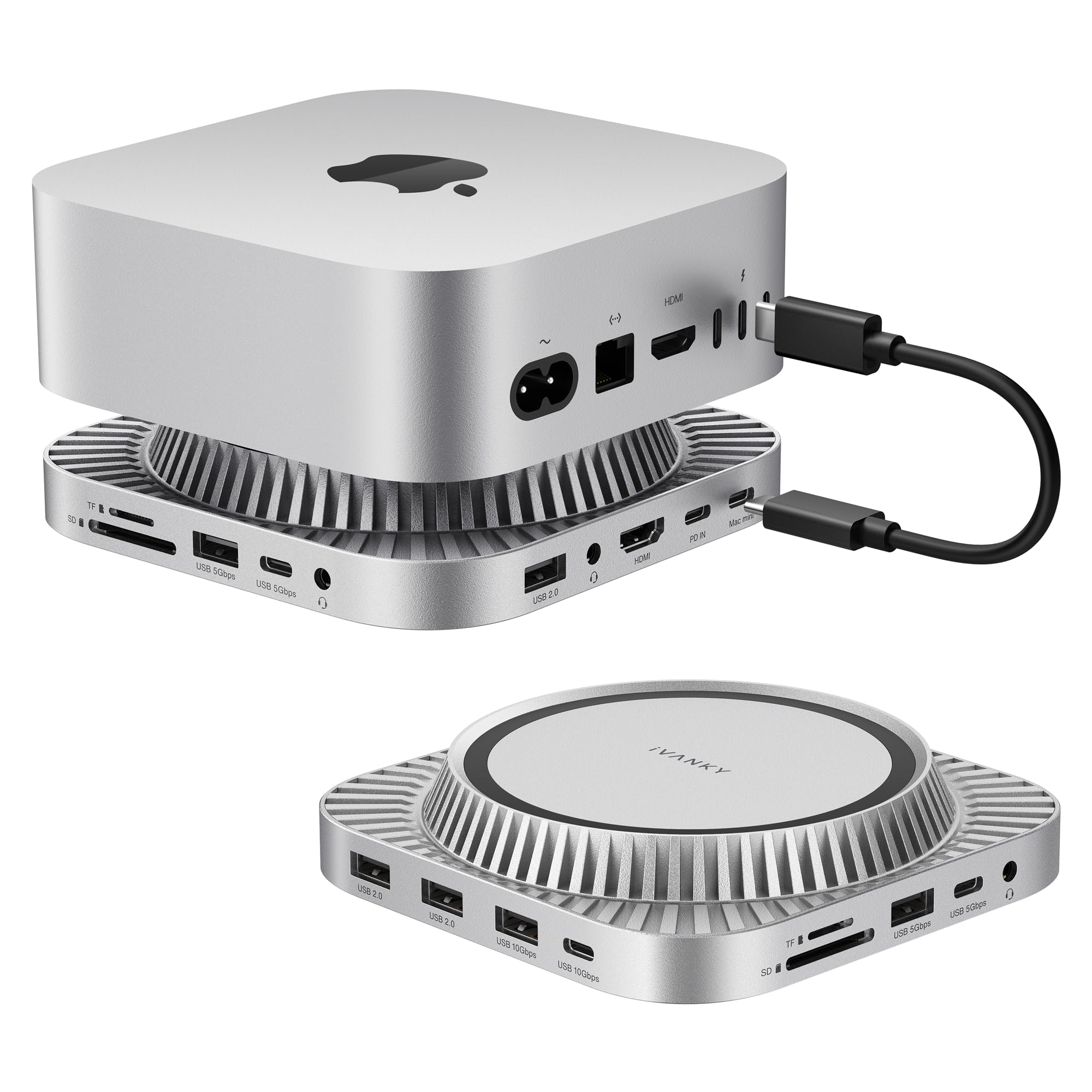
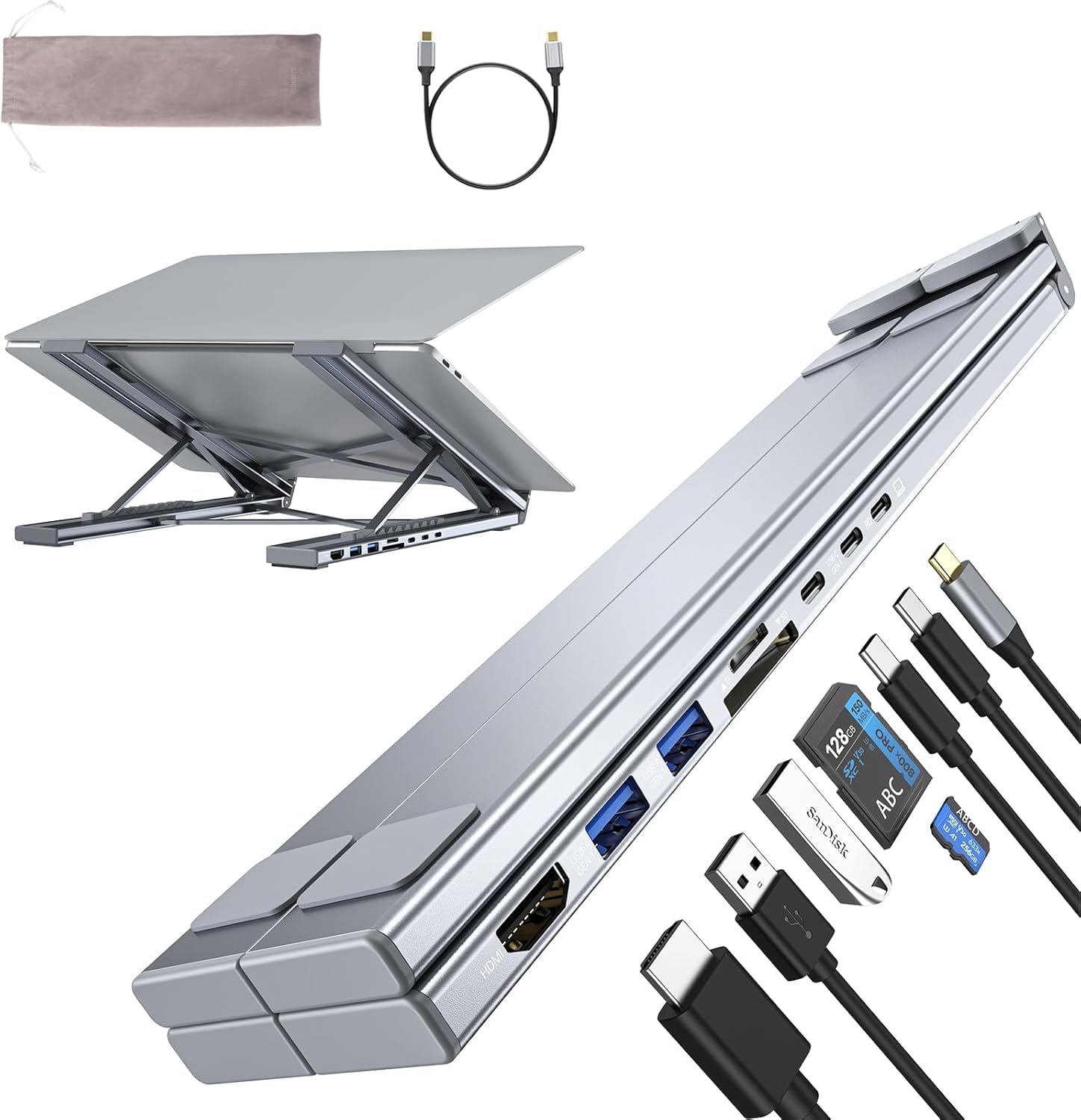
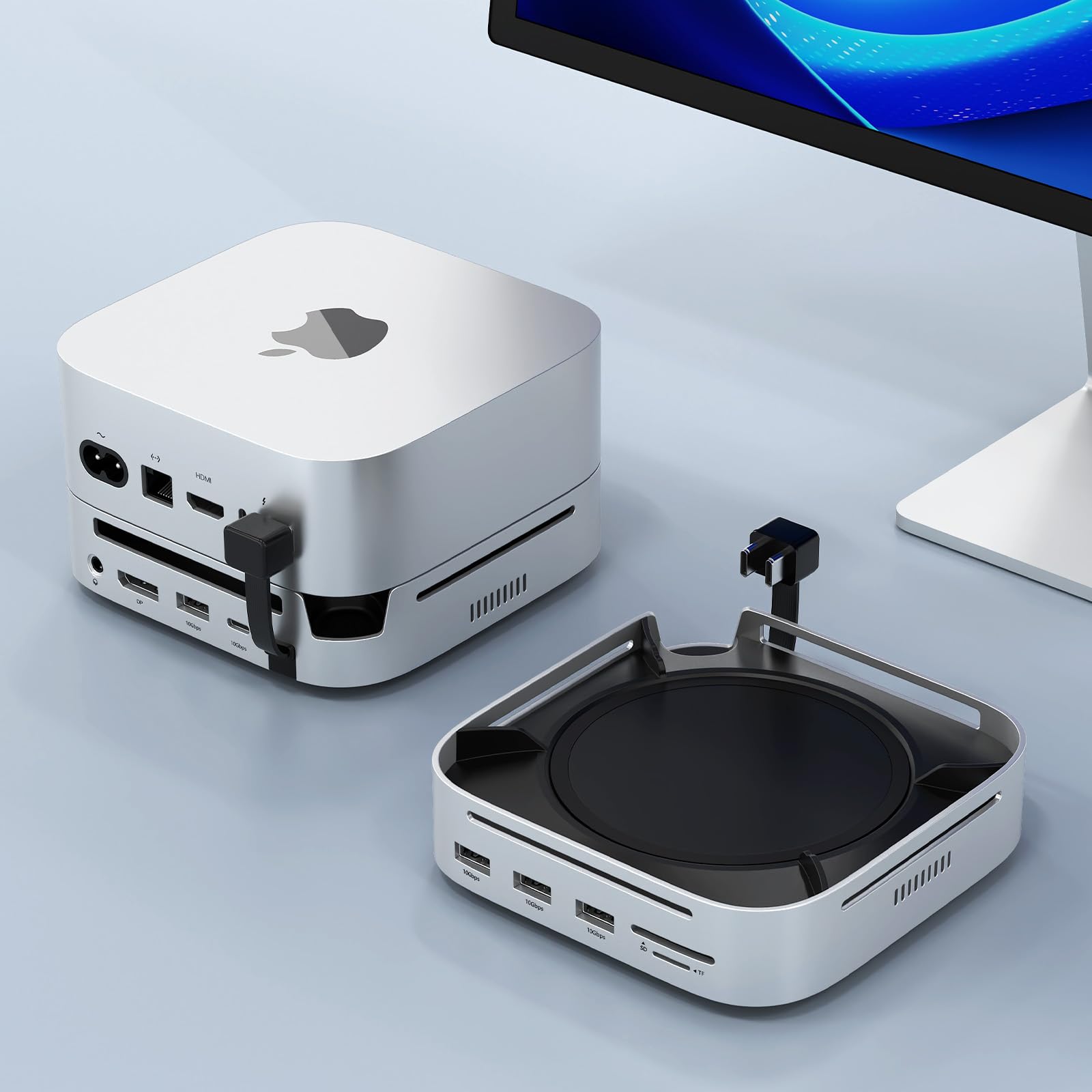
iVANKY 23-in-1 Intel Certified Thunderbolt 5 FusionDock Max 2 120Gbps MacBook Docking Station Triple 6K 60Hz Display for

$399.97$499.99

58+ bought in the past month

Sobre este artículo

  • 【Triple Displays Up to 6K@60Hz】Only the Mac series with M1/M2/M3/M4 Max chips supports Triple extended displays(Dual 6K@60Hz+Single 4K@60Hz). The Mac series with M4/M5 base chips or M1/M2/M3/M4 Pro chips only supports dual 6K@60Hz displays. The Mac series with M1/M2/M3 base chips only supports a single 6K@60Hz extended display
  • 【Note before Buying】FusionDock Max 2 is not compatible with any Windows and Chrome laptop, and it is restricted to only one Mac and does not support switching between other Macs
  • 【Hybrid Cooling System】This docking station features a multi-layer heat dissipation design, with an internal copper plate for efficient heat dissipation, an elevated structure to promote airflow, and a built-in fan for continuous cooling. These elements work together to ensure stable performance for your devices during extended use
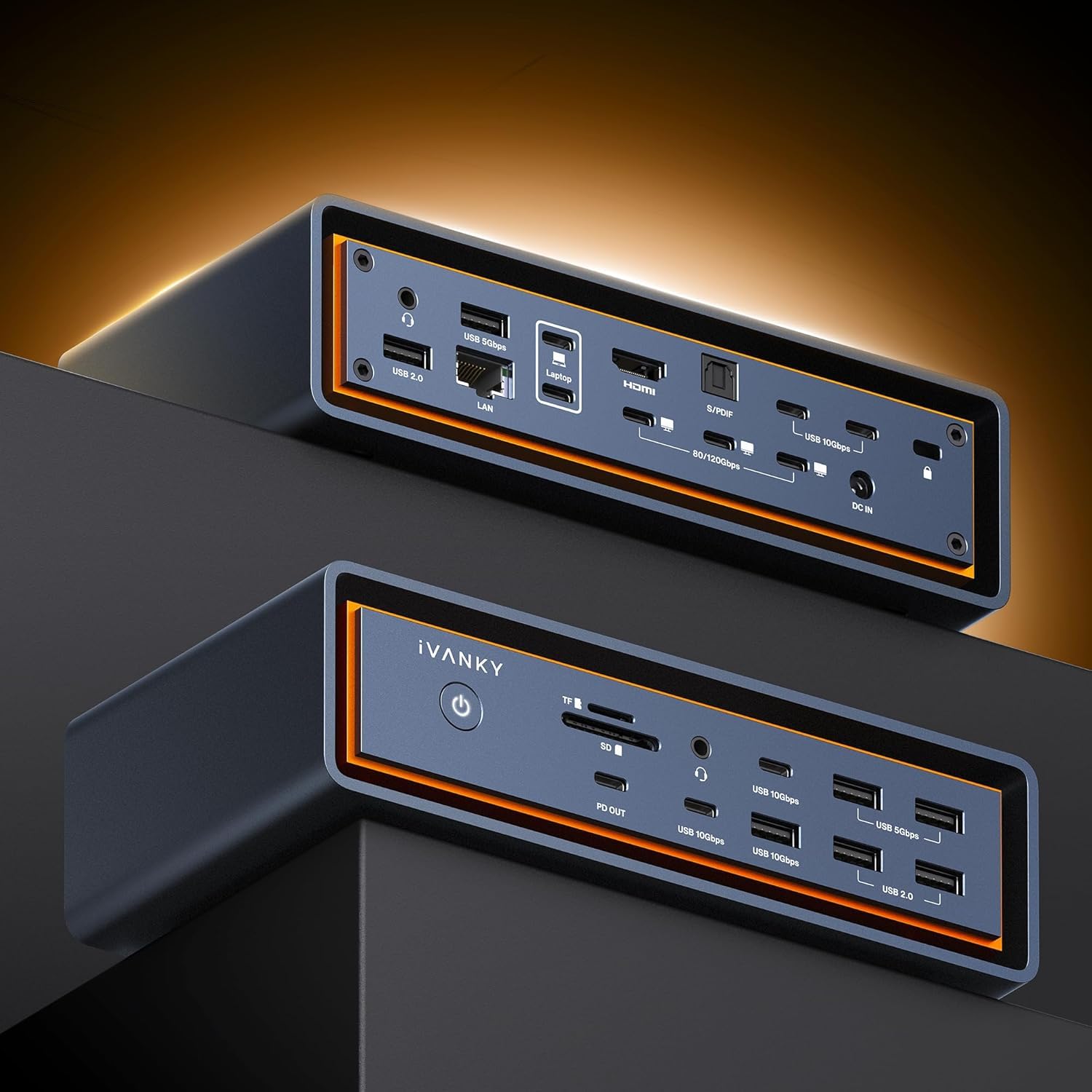
  • 【120Gbps Data Transfer】Thanks to the 3*120Gbps Thunderbolt 5 ports, you can upstream and downstream any data in a flash. Equipped with 10*USB ports, which can support up to 10Gbps data transfer and allow you connect enough external equipment
  • 【Excellence in Every Aspect】The SD/TF 4.0 card slot can support up to 312Mb/s, and the RJ45 Gigabit Ethernet port can maintain a smooth and stable 2.5Gbps Ethernet connection
  • 【Product Guarantee】You can get an iVANKY FusionDock Max 2 MacBook Pro Docking Station (23-in-1, Triple displays) with a 24-month warranty and responsive customer service. If you encounter any problems with the dock, we will be glad to replace it with a new one

Key details

Brand
IVANKY
Color
Midnight Blue (Max)
Hardware Interface
Ethernet
Special Feature
Hybrid Cooling System
Compatible Devices
MacBook series(2020 and after)
Highlights

About this item

  • 【Triple Displays Up to 6K@60Hz】Only the Mac series with M1/M2/M3/M4 Max chips supports Triple extended displays(Dual 6K@60Hz+Single 4K@60Hz). The Mac series with M4/M5 base chips or M1/M2/M3/M4 Pro chips only supports dual 6K@60Hz displays. The Mac series with M1/M2/M3 base chips only supports a single 6K@60Hz extended display
  • 【Note before Buying】FusionDock Max 2 is not compatible with any Windows and Chrome laptop, and it is restricted to only one Mac and does not support switching between other Macs
  • 【Hybrid Cooling System】This docking station features a multi-layer heat dissipation design, with an internal copper plate for efficient heat dissipation, an elevated structure to promote airflow, and a built-in fan for continuous cooling. These elements work together to ensure stable performance for your devices during extended use
  • 【120Gbps Data Transfer】Thanks to the 3*120Gbps Thunderbolt 5 ports, you can upstream and downstream any data in a flash. Equipped with 10*USB ports, which can support up to 10Gbps data transfer and allow you connect enough external equipment
  • 【Excellence in Every Aspect】The SD/TF 4.0 card slot can support up to 312Mb/s, and the RJ45 Gigabit Ethernet port can maintain a smooth and stable 2.5Gbps Ethernet connection
  • 【Product Guarantee】You can get an iVANKY FusionDock Max 2 MacBook Pro Docking Station (23-in-1, Triple displays) with a 24-month warranty and responsive customer service. If you encounter any problems with the dock, we will be glad to replace it with a new one

De la marca

Product detailProduct detailProduct detailProduct detailProduct detailProduct detailProduct detailProduct detail
Product detailProduct detailProduct detailProduct detail

Product videos

Product video 1

Customer reviews

191 reviewsPositive

Rated 4.4/5 across 191 reviews — well received overall.

  • 100% of sampled reviews are from verified purchases.
  • 75% of sampled reviews give 4–5 stars.

Customers say

Customers find the Thunderbolt docking station works great with Macs and appreciate its high port capacity, with one customer noting it can support three external displays. Customers disagree on the noise level, with some finding it as quiet as their MacBook while others consider it too loud.

Generated from the text of customer reviews

Reviews with images

Customer review image for Excellent triple display dock!Customer review image for Excellent triple display dock!Customer review image for Excellent triple display dock!Customer review image for Premium Thunderbolt Dock – Zero Glitches, Full Power Output, Solid Build, Creator-ReadyCustomer review image for Premium Thunderbolt Dock – Zero Glitches, Full Power Output, Solid Build, Creator-Ready
See all photos
★★★★★

Excellent triple display dock!

Best thunderbolt dock I've owned. When you open the box, there is a notecard that suggests reading the setup guide if you want to drive 3 external displays. You should read it. I didn't and had to re-work cable management as you cannot use the 3 thunderbolt ports - you have to use the single HDMI port + 2 thunderbolt ports. The end result is that I am driving 3 external displays + my MBP display (M4 Max), 2 webcams, external speakers, external track pad, mouse, a mic, an external time machine drive AND using the 2.5Gbit network interface and everything JUST works when I plug the dock in. I've been using the dock for 2-3 weeks now unplugging it at the end of the day and taking my laptop with me and so far everything has worked flawlessly. The unit is SUBSTANTIAL, weighing several pounds due to the amount of extruded aluminum and presumably copper on the inside. While the unit does have an internal fan, I've yet to hear it. This unit is pricey, but you get what you pay for and I wouldn't hesitate to purchase it again. If you need a SOLID thunderbolt dock that can support 3 external displays (and your Mac supports it) then look no further - this unit fits the bill. Read more

Customer review image for Excellent triple display dock!Customer review image for Excellent triple display dock!Customer review image for Excellent triple display dock!
ArthurVerified purchase
★★★★★

100% satisfied

I purchased this dock to replace a thunderbolt 5 dock from another manufacture. It has worked flawlessly for about a month now. It connects to two 4K monitors connected to my MacBook, an Acasis nvme drive enclosure, a SanDisk SSD for Time Machine, two external USB hard drives (via a hub), a scanner, a Focusrite audio interface, and my electronic piano, and I still have open USB A and C ports. It is quiet and cool to the touch. I haven't tried thunderbolt 5 connections yet because my MacBook is TB4. I couldn't be more satisfied. Read more

Walter R. HumphreyVerified purchase
★★★★★

Premium Thunderbolt Dock – Zero Glitches, Full Power Output, Solid Build, Creator-Ready

This thing is an absolute beast. I connected my camera directly using the Elgato Cam Link 4K, and it works flawlessly—no glitches at all. That means I can reliably use it for Zoom calls, Google Meet, and YouTube videos without any hiccups. Most other docks simply can’t handle that. Every port delivers power exactly as advertised, and the overall performance has been rock-solid. This dock completely blows CalDigit out of the water—and honestly, the customer support does too. Before buying, I reached out with several questions and actually got real, helpful answers. Unlike CalDigit, they stand behind their product, respect their customers, and don’t waste your time or money. If you’re in the market for a hub or dock, don’t deal with the headaches. Get this, set it up once, and you’re done. The value for the money is outstanding—worth every single penny. I don’t see myself regretting this purchase at all. And yes… it’s a solid, heavy piece of tech—exactly how a premium dock should feel. First picture is showing my desk setup: Ugreen Gas, BenQ PD3225U monitor, iPad 12.9 pro, Elgato Key Light Air, BenQ Halo Screen bar, Apple Mac mini M4 Pro (super high specs) Elgato Stream Deck, Lewitt Connect 2, Elegato promptor, Second picture is showing the front of the FusionDock Max 2. I have nothing plugged in except a USB-C cable to charge my phone. Everything is running through the back and and there is still more ports I can use on the back and all of the ones in the front. I've been using this for over a week now and I'm beyond impressed. Ivanky KNOCKED THIS ONE OUT OF THE PARK! Read more

Customer review image for Premium Thunderbolt Dock – Zero Glitches, Full Power Output, Solid Build, Creator-ReadyCustomer review image for Premium Thunderbolt Dock – Zero Glitches, Full Power Output, Solid Build, Creator-Ready
AJVerified purchase
★★★★

Good dock, loud fan.

Nice dock, but ultimately I returned it and bought a CalDigit TS5 instead, for two reasons - the fan in the Ivanky and the fact that it needed two cables for three external Mac monitors on my Macbook Pro M4. The TS5 achieves the same result with a Thunderbolt cable + one HDMI that the Ivanky uses a Thunderbolt + one USB-C for. Also, the TS5 has no fan, so it's as quiet as my Macbook. If you're fine with losing two USB-C/TB ports and the fan noise, I would heartily recommend this dock. . As a side note, I didn't test all the ports of the Ivanky on my Windows laptops, but the ones I tested, worked just fine. That included the three moniors and some simple USB peripherals. YMMV. Read more

WebhackandeVerified purchase
★★★★★

High quality product!

Very happy with this purchase. High quality, high performance, high connectivity!!! EXCELENT PURCHASE!!! Read more

Federico D.Verified purchase
★★★★★

LOTS of PORTS!

My Mac Studio has lots of ports, but you can never have enough. This solved the problem. I was so happy with it that I decided to add a SECOND iVanky, in my network room on the other side of the wall, where half my peripherals are located. The Mac Studio has FOUR Thunderbolt ports, so I ran two of them to one of these docks and the other two to the other. They both work perfectly, and they run COOL. Read more

James J. Flannery, KØUNXVerified purchase
★★★☆☆

Far too loud and noisy

Works great, but it is far too loud for my silent setup. First problem is the fan that is now the loudest thing in my office. Second problem is electric buzzing that starts 2-3 days after turning the dock on. Something built for apple needs to be silent, sorry. Read more

CustomerVerified purchase
★★★★★

The best MAC dock I have seen!

This is the best MAC dock I have ever seen. Very stable and has a ton of ports. I like the "floating design as it keeps the hub cool. It is simple to use and is great for charging devices. I highly recommend this model. Read more

Irish Wolfhound NYCVerified purchase
Recently Viewed

We use optional analytics cookies to understand how visitors use Ventari and improve the experience. This banner controls analytics measurement only. See our Cookie Policy.