★★★★★
Does not work for all applications.
Randy—August 22, 2025✓ Verified purchase
This product works well for most applications for the application. I was using it, did not work. Read more

Departments

KiwiBird
In Stock
In Stock
| Brand | KiwiBird |
|---|---|
| Connector Type | USB Type C |
| Cable Type | USB |
| Compatible Devices | Headphone, Laptop, Smartphone, Tablet |
| Special Feature | Lightweight, Plug and Play, Portable |


Product video 1
Customers say
Customers find the USB-C splitter well-constructed and versatile, with one mentioning it's perfect for adding a second solar panel.
This product works well for most applications for the application. I was using it, did not work. Read more
Works great charges 2 phones no issue so far! Read more
This splitter does NOT allow charging while using the other connection for audio or data connections. The graphics on the splitter indicate both arms of the cable can serve as USB-C connections and power connections, but it does NOT allow charging while using the other arm of the cable. Don't waste your money; buy something better. Read more
Finally a splitter that allows power to run down both sides. Works fine when used to add a second solar panel to my security camera. Be sure to use a rubber sleeve and/or silicon tape over the connection points if exposed to the elements. ** REVIEW UPDATE ** -- added two photos showing that voltage does flow equally down each leg of this Y splitter. Also removed the silicon tape shown in the first photo and used heat shrink tube instead. Silicon tape does work to keep the connection points weather proof. But it is not as clean looking as heat shrink tube (shown in the last photo) which also keeps connection points and all in between weather proof. Read more


I tried using this to split the data signal from an audio interface (Focusrite Scarlett) to two computers (using only one computer at a time). It did not work. Also, the male ends do not seem to push fully into the female ends. Maybe it’s supposed to be like that? Just seems odd. Read more

Awesome product, does exactly what it is designed to do Read more
I purchased the KiwiBird USB C Splitter 1 in 2 Out (Type C Male to Dual USB C Female Port Adapter) about three weeks ago to expand the connectivity of my USB-C laptop, which I use for managing household tasks like garden planning, pet care records, and occasional photo editing from my cat’s antics. With only one USB-C port on my laptop, I needed a way to charge it while connecting peripherals like a flash drive or keyboard. After using the splitter for tasks like transferring files and charging, here’s my detailed take on its performance, including pros, cons, and tips for other buyers. How I Used It I plugged the splitter’s USB-C male end into my laptop’s single USB-C port, using one female USB-C port for charging (via a 65W USB-C charger) and the other for a USB-C flash drive or wireless keyboard receiver. I tested it for transferring garden photos (about 2GB) from a flash drive, charging my laptop during use, and connecting a USB-C mouse for editing spreadsheets. I used it for 2-3 hours daily over 10 days, primarily at home but also briefly in my car to charge my phone and connect a USB-C drive. The cable is about 1 foot long, and I kept it plugged into my laptop’s port without frequent removal to minimize wear. Pros Dual Functionality: The splitter effectively allows simultaneous charging and data transfer. I could charge my laptop at full speed (65W) while transferring photos from a USB-C flash drive, saving time during busy days. Compact and Portable: The lightweight, braided cable design is easy to toss into my laptop bag or keep on my desk without clutter. It’s unobtrusive for home use or travel, unlike bulkier hubs. Stable Connections: Both USB-C female ports hold devices securely, with no loose connections during file transfers or charging. The nylon braiding feels durable, and the aluminum casing adds a premium touch. Wide Compatibility: It worked seamlessly with my MacBook Air, a USB-C flash drive, a wireless keyboard receiver, and my phone (via a USB-C cable). Web reviews confirm compatibility with laptops, tablets, and gaming consoles like PS5. Great Value: Priced around $10-$12, it’s an affordable alternative to multi-port USB-C hubs (e.g., $30+), offering just enough functionality for simple setups like mine. Cons No Video Support: The splitter doesn’t support video output (e.g., HDMI or monitors), which isn’t advertised but disappointed me when I tried connecting to a projector for a garden club presentation. The product description clarifies this, but it’s a limitation for some users. Charging Split Limitation: While one port supports full 60W charging, using both ports for power-hungry devices (e.g., two phones) splits the power, slowing charging speeds. I noticed my phone charged slower when paired with my laptop. Port Orientation: The Y-cable’s two female ports are close together, making it tricky to plug in bulkier USB-C devices simultaneously (e.g., a thick charger cable and a flash drive). A wider split would improve usability. Potential Port Strain: The rigid connector puts some strain on my laptop’s USB-C port if bumped, a common issue with USB-C splitters. I use it stationary to avoid damage, as some reviews warn of port wear with frequent plugging/unplugging. Comparisons Compared to the MOGOOD USB C Splitter (similar price), the KiwiBird has a more durable braided cable, but MOGOOD’s three-port version offers an extra data port for slightly more versatility. Against a Cable Matters USB-C to Dual USB-A Splitter, the KiwiBird supports USB-C devices (better for modern peripherals) but lacks the USB-A compatibility I needed for an older mouse. A full USB-C hub (e.g., UGREEN 5-in-1) is pricier but includes HDMI and more ports, which I didn’t need for my simple setup. The KiwiBird is ideal for budget-conscious users needing just two USB-C ports. Tips for Buyers Check Device Needs: Ensure your devices use USB-C for charging or data, as this splitter doesn’t support USB-A or video output. It’s great for flash drives, keyboards, or phone charging but not monitors. Use Stationary: To avoid straining your laptop’s USB-C port, keep the splitter plugged in without frequent removal. If mobile, handle gently to prevent port damage. Prioritize Charging: For fastest charging, use one port for power (e.g., laptop charger) and the other for low-power data devices (e.g., mouse). Avoid two high-power devices to prevent slow charging. Test Compatibility: Confirm your laptop’s USB-C port supports data and power delivery (most modern ones do). I tested with a MacBook Air, but some older devices may have issues. Who Should Buy This? The KiwiBird USB C Splitter is perfect for users with a single USB-C port on their laptop, tablet, or phone who need to charge and connect one USB-C peripheral (e.g., flash drive, keyboard, mouse) simultaneously. It’s ideal for home or office tasks like file transfers or pet care record-keeping but not for video output or heavy multi-device setups. For complex needs, a full hub is better. Overall, this splitter has simplified my workflow, letting me charge my laptop and manage files without swapping cables. It’s reliable for my needs, though I wish it supported video or had wider port spacing. I’ll keep using it for home tasks and might buy another for my car. If you’ve tried this or have USB-C hub tips, share in the comments—I’d love to hear your thoughts! Read more
I was not trying to use this splitter to charge up anything. Our Dell Latitude 7310 has only two USB-C ports – one for the power supply and one for peripherals. 99% of the time, this laptop sits on my wife's desk connected to a 21 in display, by an HDMI cable, and controlled by a USB-C mouse and a USB-C Keyboard. So, this splitter allows me to connect the keyboard and mouse though a single USB-C port. No big power demands here – just connectivity. This spitter works fine for my wife's computer set up. Read more

Tinnitus Relief Ear Drops Natural Herbal Formula Treatment to Reduce Ear Noise Improve Hearing for Men and Women

Triangular Fixing Belt Arm Injury Support Broken Padding Sling Mesh Posture Braces Shoulder Joint Strap Adjustable Shoulder Brace

FOYOLO 6PCS Gel Pinky Toe Splint Tailors Bunion Corrector Bunionette Pain Relief Little Toe Straightener Bunion Pads Corrector

Adjustable Corrector Back Support Shoulder Lumbar Brace Support Corset Back Belt for Men Women Improve Shoulder Upper
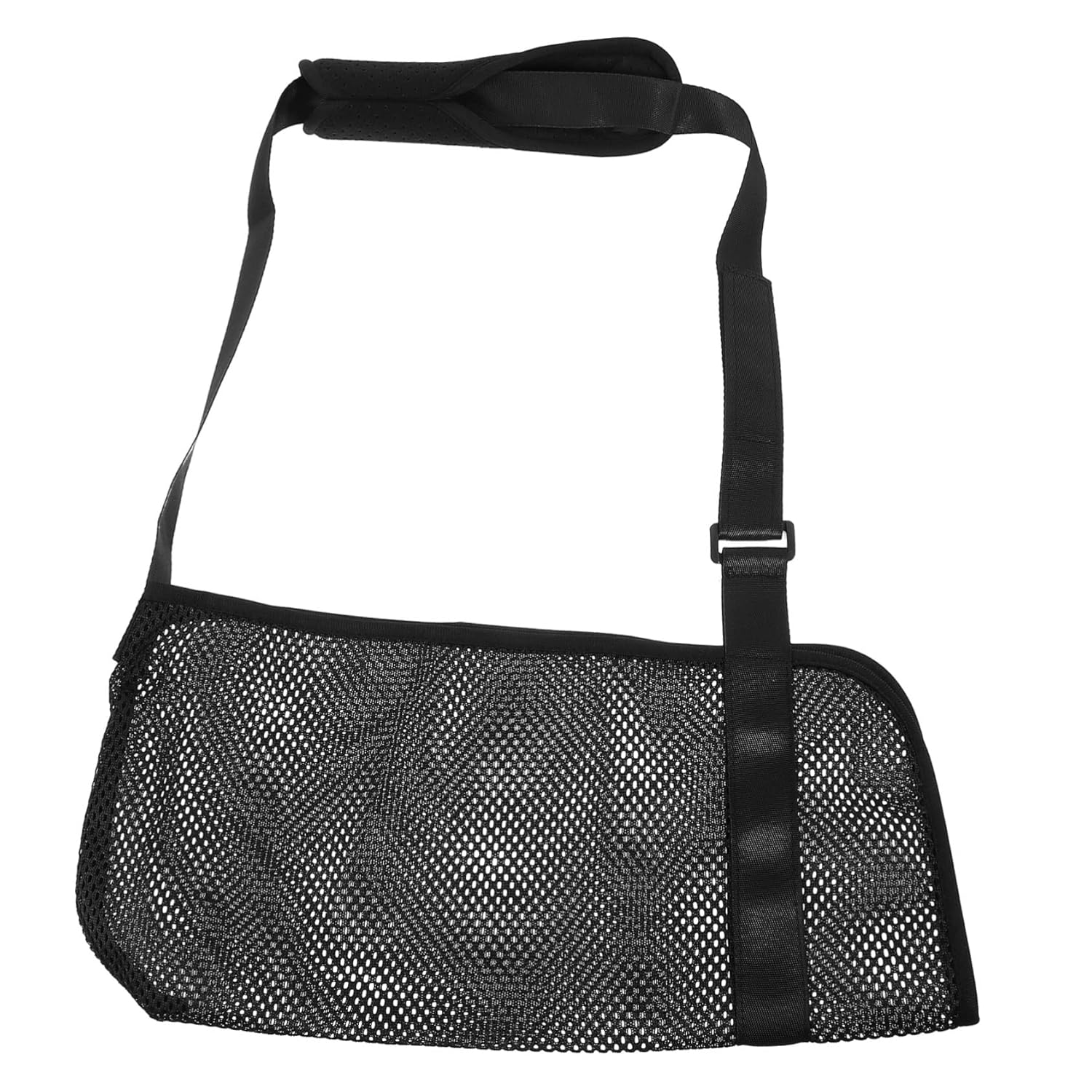
Elastic Arm Sling for Fracture Fixing Posture Brace for Women Men Breathable Elbow Protector Wrist Shoulder Immobilizer Comfortable

IBOANN Blue Light Glasses for Woman Men Fashion Blue Light Glasses Men Fake Glasses Help Reduce Screen Fatigue

Chargenyang Breathe Better Nasal Strips to Reduce Snoring Drug-Free Works Instantly to Improve Sleep Relieve Nasal Congestion 120

Japan Health and Personal Care - 119 nail clippers 001 L straight blade AF27
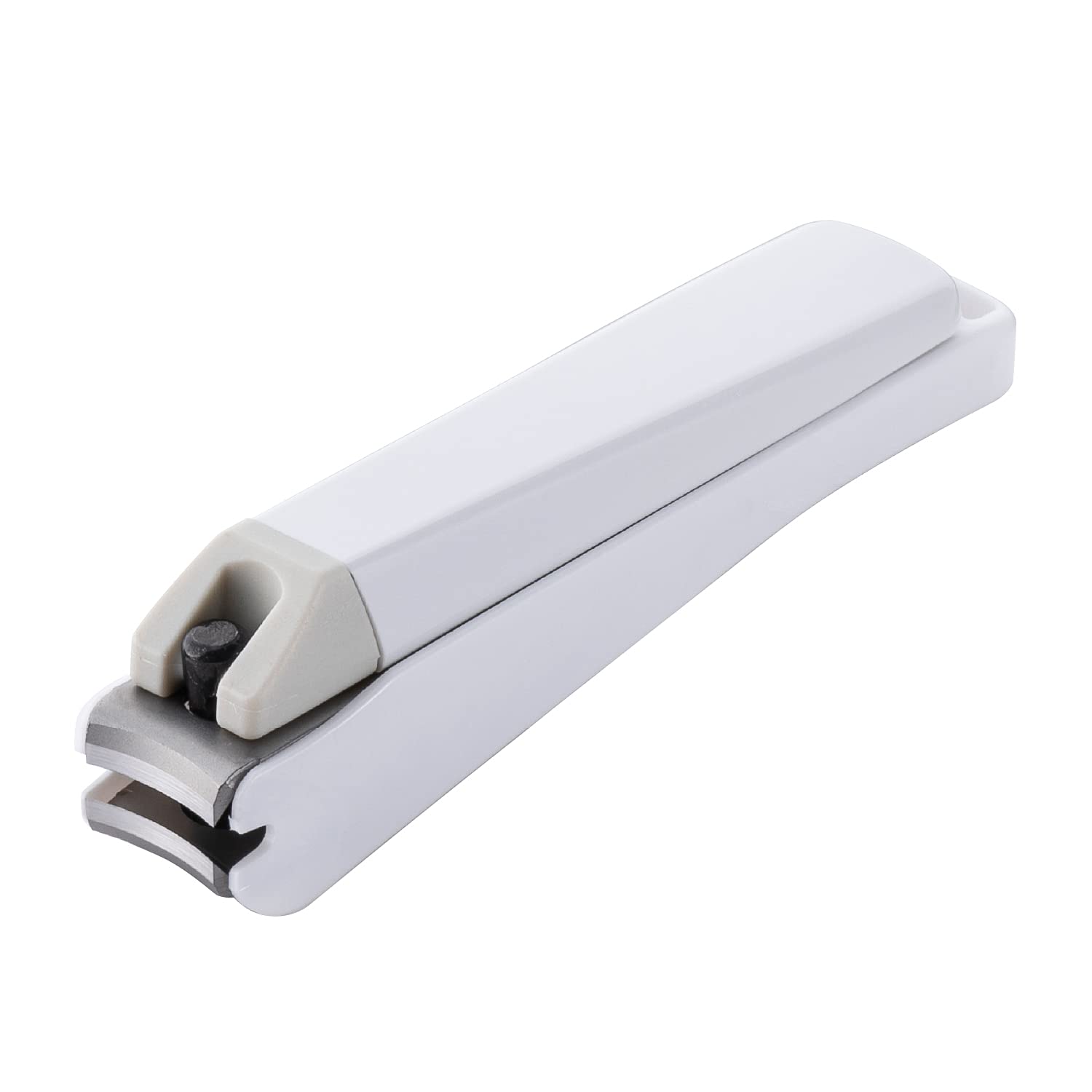
Japan Health and Personal Care - 119 Nail Clippers 001 S Curve Blade AF27

ObboMed MB-3052 2 Pack Upper Back Posture Corrector Clavicle Shoulders Support Brace Thoracic Kyphosis Hunchback Slumped Shoulders Forward

WINGSOL Faucet Water Filter Stainless-Steel Reduce Chlorine PFAS Japan PAC Filter Improve Taste Faucet Filters for Faucets-Fits Standard

Posture Corrector Back Support Brace for Women and Men Adjustable Upper Shoulder Straightener Relieve Shoulder Neck and Back
Tinnitus Relief Ear Drops Natural Herbal Formula Treatment to Reduce Ear Noise Improve Hearing for Men and Women
Triangular Fixing Belt Arm Injury Support Broken Padding Sling Mesh Posture Braces Shoulder Joint Strap Adjustable Shoulder Brace
FOYOLO 6PCS Gel Pinky Toe Splint Tailors Bunion Corrector Bunionette Pain Relief Little Toe Straightener Bunion Pads Corrector
Adjustable Corrector Back Support Shoulder Lumbar Brace Support Corset Back Belt for Men Women Improve Shoulder Upper
Elastic Arm Sling for Fracture Fixing Posture Brace for Women Men Breathable Elbow Protector Wrist Shoulder Immobilizer Comfortable
IBOANN Blue Light Glasses for Woman Men Fashion Blue Light Glasses Men Fake Glasses Help Reduce Screen Fatigue
Chargenyang Breathe Better Nasal Strips to Reduce Snoring Drug-Free Works Instantly to Improve Sleep Relieve Nasal Congestion 120
Japan Health and Personal Care - 119 nail clippers 001 L straight blade AF27
Japan Health and Personal Care - 119 Nail Clippers 001 S Curve Blade AF27
ObboMed MB-3052 2 Pack Upper Back Posture Corrector Clavicle Shoulders Support Brace Thoracic Kyphosis Hunchback Slumped Shoulders Forward
WINGSOL Faucet Water Filter Stainless-Steel Reduce Chlorine PFAS Japan PAC Filter Improve Taste Faucet Filters for Faucets-Fits Standard
Posture Corrector Back Support Brace for Women and Men Adjustable Upper Shoulder Straightener Relieve Shoulder Neck and Back
Tinnitus Relief Ear Drops Natural Herbal Formula Treatment to Reduce Ear Noise Improve Hearing for Men and Women
Triangular Fixing Belt Arm Injury Support Broken Padding Sling Mesh Posture Braces Shoulder Joint Strap Adjustable Shoulder Brace
FOYOLO 6PCS Gel Pinky Toe Splint Tailors Bunion Corrector Bunionette Pain Relief Little Toe Straightener Bunion Pads Corrector
Adjustable Corrector Back Support Shoulder Lumbar Brace Support Corset Back Belt for Men Women Improve Shoulder Upper
Elastic Arm Sling for Fracture Fixing Posture Brace for Women Men Breathable Elbow Protector Wrist Shoulder Immobilizer Comfortable
IBOANN Blue Light Glasses for Woman Men Fashion Blue Light Glasses Men Fake Glasses Help Reduce Screen Fatigue
Chargenyang Breathe Better Nasal Strips to Reduce Snoring Drug-Free Works Instantly to Improve Sleep Relieve Nasal Congestion 120
Japan Health and Personal Care - 119 nail clippers 001 L straight blade AF27
Japan Health and Personal Care - 119 Nail Clippers 001 S Curve Blade AF27
ObboMed MB-3052 2 Pack Upper Back Posture Corrector Clavicle Shoulders Support Brace Thoracic Kyphosis Hunchback Slumped Shoulders Forward
WINGSOL Faucet Water Filter Stainless-Steel Reduce Chlorine PFAS Japan PAC Filter Improve Taste Faucet Filters for Faucets-Fits Standard
Posture Corrector Back Support Brace for Women and Men Adjustable Upper Shoulder Straightener Relieve Shoulder Neck and Back