
Very easy to use!
Love it!!! It’s easy to operate and big enough to handle any size task I have. Very mobile and easy to change out to different tape. Read more
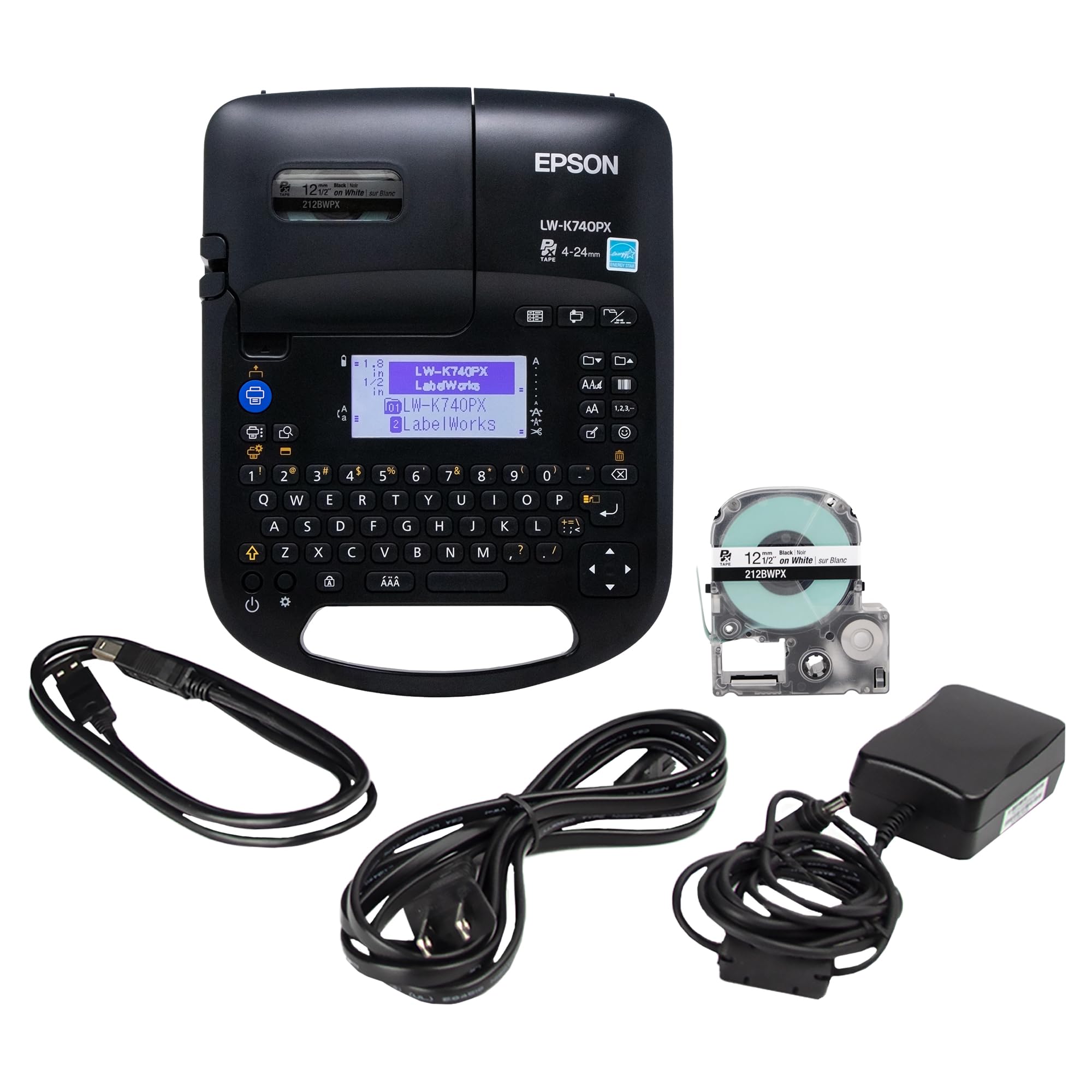
LABELWORKS


Product video 1
Rated 4.6/5 across 30 reviews — highly regarded by customers.
Customer summary is not available yet.
Love it!!! It’s easy to operate and big enough to handle any size task I have. Very mobile and easy to change out to different tape. Read more
Works great Read more
The Epson LW-K740PX is a really solid little label maker overall. It feels well built, easy to use, and does exactly what it’s supposed to do. The labels come out clean and professional looking, and I’ve been happy with the print quality. One feature I really like is the automatic cutting function. When it finishes printing, it cuts the label cleanly without me having to mess with scissors. It’s a small thing, but it makes the whole process feel smoother and more polished. That said, with today’s technology, I was expecting a little more from the screen. I wish it were more detailed and showed spacing between letters more accurately. Sometimes it’s hard to judge how the final label will look just based on the display. It also really should have more built-in font options. The fonts that are included work fine, but it feels limited compared to what’s possible now. Another minor downside is the battery setup. I wish it had a built-in rechargeable battery instead of relying on disposable batteries when using it unplugged. It’s not a deal breaker, but it would make it more convenient. Overall, it’s a great, reliable label maker with a few modern upgrades that would make it even better. Read more
Love this label maker. I purchased this label maker to replace my old K Sun label maker that died. So easy to use and Epson support was so easy to contact for recommendations. Read more
This is the perfect printer for labeling Ethernet cabling and then can be used for Other labeling around the house or business- this is the most universal printer I could find as an all in one- Read more
This review is for a portable label printer sold as Amazon ASIN B0FX67X5FB by seller Epson LABELWORKS. The unit's looks remind me a bit of the old Texas Instruments Speak-and-Spell in a lot of ways. It has an archaic small LCD panel above a QWERTY keyboard. Six AA batteries can go in the back, but it also includes an AC adapter. I think if I was designing it I would have put the label mechanism under the keyboard so the closed cover could double as a wrist rest. You don't really type on the keyboard, each is a discrete button that has to be firmly pressed. The GUI is nearly incomprehensible. The whole unit is clunky and has poor ergonomics, and it really needs a soft tote to carry the accessories and spare tapes. There is a USB cable for connecting signal to a computer, but it will not draw operating power from the computer. I tested the unit standalone both with the included adhesive tape label stock and some shrinkwrap I purchased separately. The pages that come with the label printer have very little information about how to use it; most of the information for usage can be found in the Amazon product listing. There is no obvious manual, nor a QR code or anything obvious to find an online manual. Loading the cartridges for the first time was reasonably intuitive. Print quality was excellent out of the box, so I didn’t need to adjust the darkness setting. The printing is immediately fixed, and I could not rub it off even immediately after the unit cut the label off. There is a small amount of tape (about 1cm) that cannot be printed at the beginning of the print, and it automatically adds a matching amount at the end, which wastes a little bit of tape. There are 14 fonts built in. The compose mode is very coarse on the screen, but there is a preview mode that allows you to get a better idea of what the tape might look like when you print it. I found it can do a surprisingly number of standard bar codes, a surprising and very useful feature. I think this adds a lot of unexpected value to the printer. I expected to have to make those as graphics somehow on the computer. Another great feature is that it can create a number field that auto-increments for each label, so I was able to print a number of labels for some network cabling with the port number on each cable. Read more
We used label makers in the past, but those always felt a bit flimsy and some broke after a few use. This one clearly feels like "industrial" and holding up after quite a few uses. It feels industrial-grade as well. If you are in need of labeling everything in your pantry or home office, this is the right one for the job. Read more

MUNBYN Bluetooth Thermal Label Printer RW403B Wireless 4x6 Shipping Label Printer for Small Business Compatible with Android iPhone
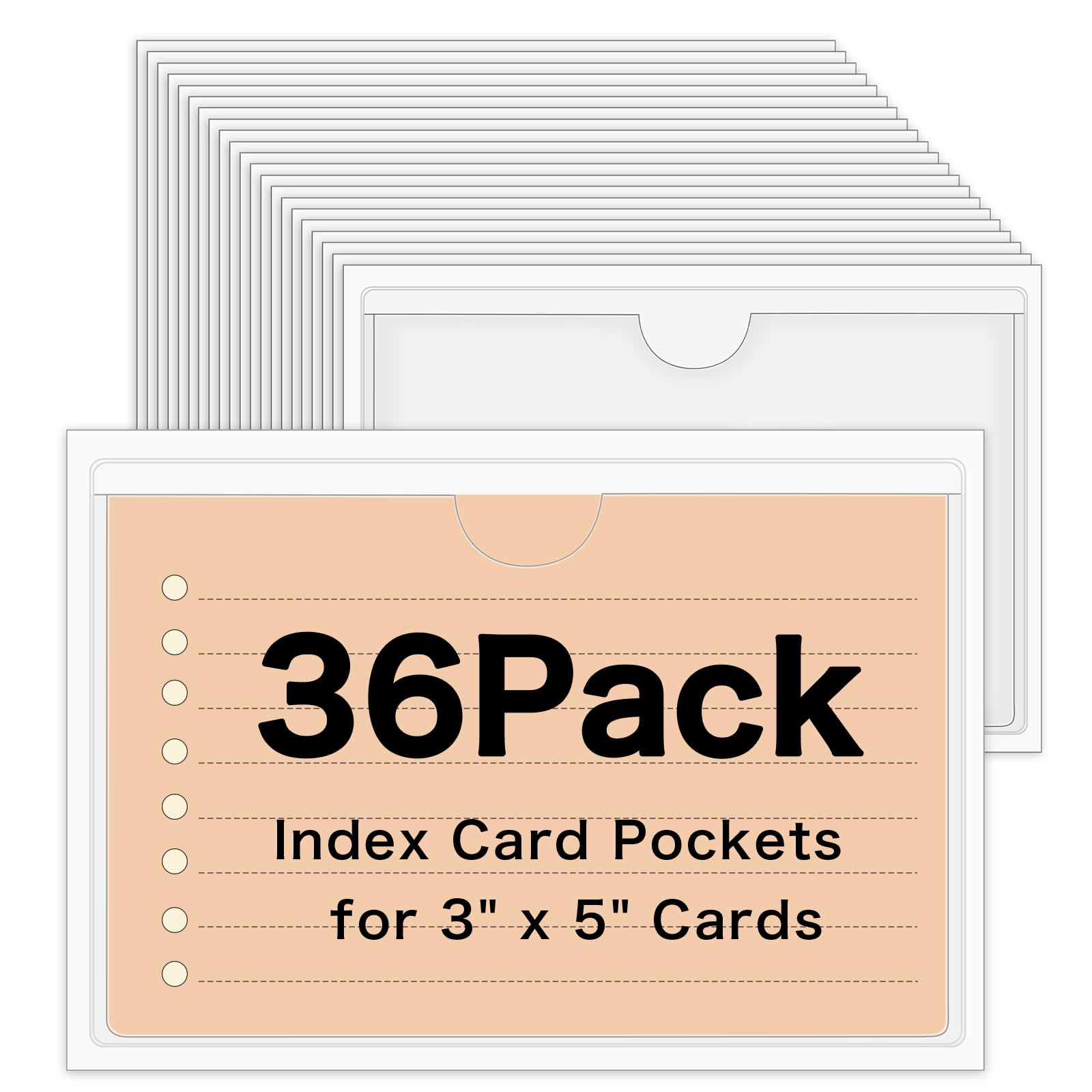
36 Pack 3 x 5 Index Card Holder Adhesive Plastic Label Holders Clear Tote Bag Labels Stickers for
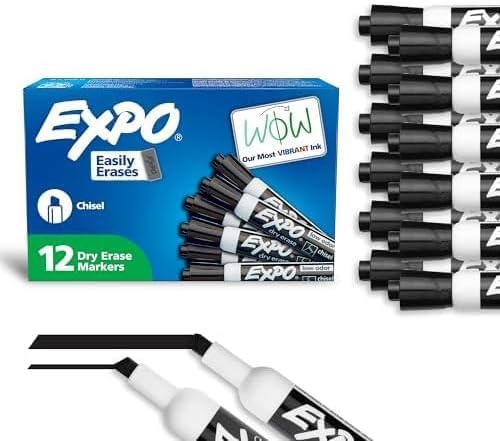
EXPO Dry Erase Markers Low Odor Ink Black Chisel Tip - Whiteboard Calendar Organization Essential Supplies for Office
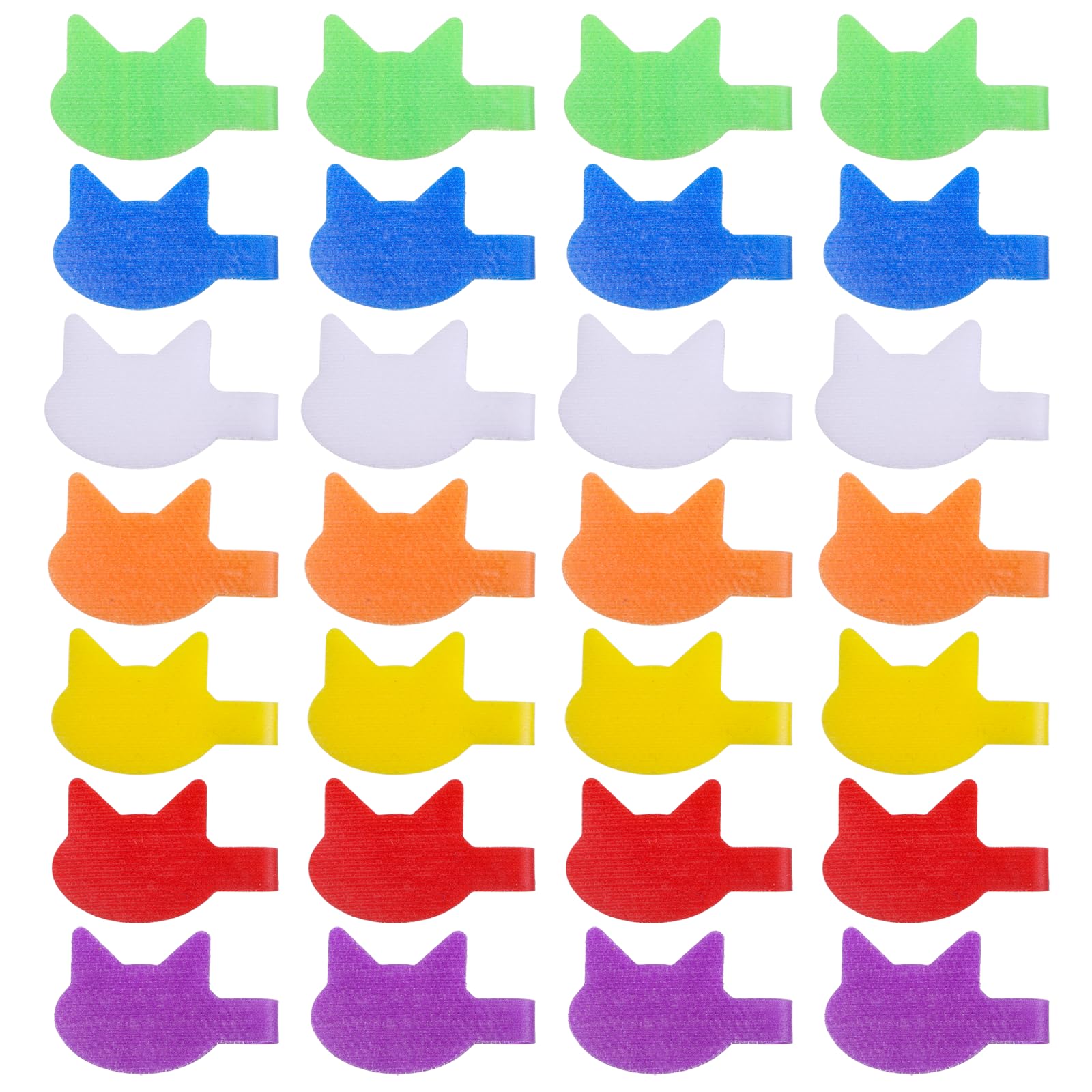
Cat-Shaped Cable Labels for Cord Organization - 32 Pcs Cute Write-On Wire Tags Multi-Color Assorted Reusable Cable Management

60 Dry Erase Magnetic Labels 3x1 2 Blank Name Plates Name Tags Strips Magnets - Perfect for Home

DYMO LabelManager 160 Portable Label Maker Bundle Easy-to-Use One-Touch Smart Keys QWERTY Keyboard Large Display For Home Office

EcoEarth Passport Identification Card Holders with Soft Edge Clear 4x6 Inch 250 Pack Extra Large Vertical ID Holder

4000 PCS 3 4 Colored Dot Stickers Circle Color Coding Labels 8 Color Style Colorful Coding Label Sticker
We use optional analytics cookies to understand how visitors use Ventari and improve the experience. This banner controls analytics measurement only. See our Cookie Policy.