★★★★★
Loved
dennis palacios—March 6, 2026✓ Verified purchase
Súper very happy with this iron Read more


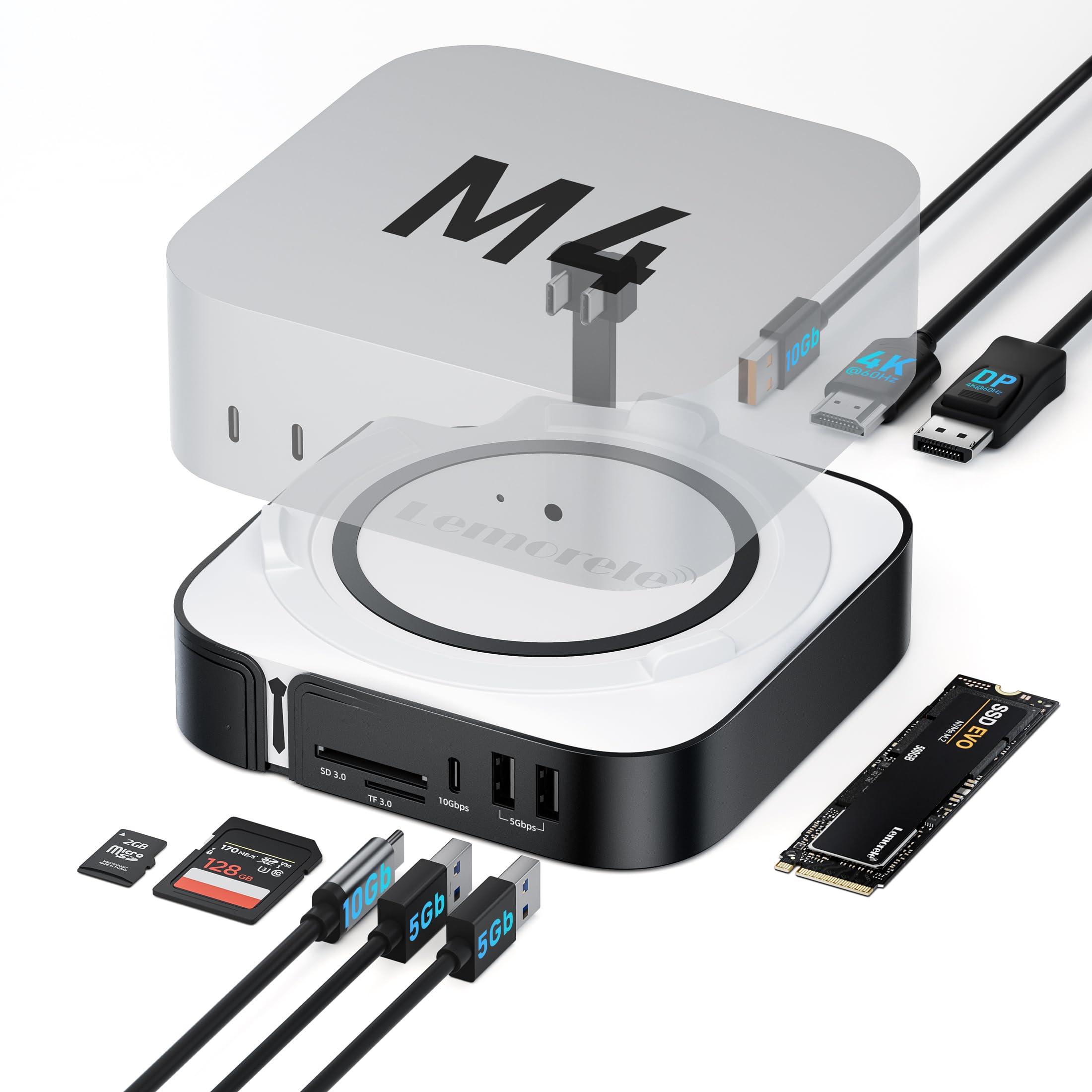
Lemorele
In Stock
Easy Returns · Return eligibility shown before checkout
| Brand | Lemorele |
|---|---|
| Color | Black |
| Hardware Interface | HDMI, MicroSD, USB 3.0, USB Type C |
| Compatible Devices | Mac mini M4, Mac mini M4 Pro |
| Total USB Ports | 4 |
| Product Dimensions | 4.7"L x 1.4"W x 4.7"H |
| Number of Ports | 9 |
| Item Weight | 0.38 Kilograms |
| Total HDMI Ports | 1 |
| Manufacturer | Lemorele |


Product video 1
Súper very happy with this iron Read more
I tested this 9-in-1 Mac mini M4 Dock, and honestly, I found it to be a very useful accessory for getting more out of the Mac mini without making things overly complicated. In my experience, it’s one of those products that makes a noticeable difference from day one—especially if you use your computer for work, editing, or studying, or simply want to keep your desktop tidier. I consider it perfect for connecting external monitors, transferring files from SD or TF cards, using high-speed drives, and having extra ports always close at hand. The build quality made a great first impression on me; it feels sturdy, well-constructed, and thoughtfully designed to complement the Mac mini without looking out of place. It doesn't feel flimsy or cheap—qualities that are important to me in an accessory that will remain constantly connected and in active use. Regarding the price-to-quality ratio, I think it’s a quite reasonable purchase if you genuinely need to expand your Mac mini's connectivity. Often, people end up buying separate adapters—spending more in the long run—or end up with a desktop cluttered with cables and dongles. With this dock, I felt that everything is much better integrated; given its practicality and the sheer number of functions it offers, I do consider it a worthwhile option. This is especially true for anyone who works with multiple devices simultaneously, as the space-saving benefits and added convenience more than justify the cost. I really liked the style and design, as they blend seamlessly with the Mac mini's aesthetic. It features that clean, modern, and understated look that doesn't steal the spotlight, yet still looks professional. I appreciate it when an accessory feels like a natural extension of the setup rather than an afterthought, and this dock achieves exactly that. It looks tidy on the desk and helps the entire workspace feel more compact and functional. Furthermore, having so many ports consolidated in a single spot makes the workspace look cleaner and better organized. As for the fit and dimensions, I found them to be spot-on for daily use. It is specifically designed to be compatible with the Mac mini M4 and M4 Pro models, so it integrates visually with the computer and never feels bulky or intrusive. I appreciated its size; it doesn't take up too much desk real estate, yet still manages to pack in a comprehensive array of connections. For me, this is the key feature of a dock: it offers extensive functionality without becoming an unwieldy block on your desk. It fits easily into a small workstation and works equally well if you’re aiming for a minimalist setup. Read more


If you’ve recently upgraded to the redesigned, tiny-but-mighty Mac mini M4, you probably noticed that reaching around the back for ports is a bit of a workout. This Lemorele 9-in-1 dock is the perfect "pedestal" for your new machine, bringing all the essential connectivity right to your fingertips. It matches the sleek aluminum aesthetic of the Mac mini perfectly and adds a hidden M.2 NVMe slot that lets you expand your storage by terabytes without paying the "Apple tax" for internal upgrades. **The "High-Bandwidth" Pros:** * **Storage Expansion:** The built-in M.2 NVMe slot supports 10Gbps speeds, making it a fantastic way to offload 4K video files or run a Time Machine backup without an external "dongle" dangling off your desk. * **Dual Display Support:** With HDMI 2.0 and DP 1.4 ports, you can easily drive dual 4K monitors at a smooth 60Hz, which is a massive win for productivity and creative workflows. * **Front-Facing Convenience:** Moving the high-speed USB-C, USB-A, and SD card readers to the front means no more fumbling around the back of the computer just to plug in a thumb drive or camera card. **The "Signal Loss" Cons:** * **Base Stability:** Because the M4 Mac mini is so light, the dock can sometimes slide around if you’re plugging in a stiff cable; you might want to add some extra rubber feet to keep it planted. * **NVMe Heat:** High-speed SSDs can get quite warm during long transfers, and since the dock is passive-cooled, the aluminum case can get a little toasty to the touch. * **SD Card Speeds:** While the USB ports are lightning-fast 10Gbps, the SD/TF card readers are 2.0, so transferring massive batches of RAW photos might take a bit longer than expected. **Summary:** The Lemorele 9-in-1 dock is a fantastic 4-star accessory that turns the Mac mini M4 into a true desktop powerhouse. It solves the storage and port-access problems in one fell swoop while looking like a natural extension of the hardware. As long as you aren't a professional photographer who needs ultra-fast UHS-II card speeds, this dock is a reliable, stylish, and essential upgrade for your desk setup. Your cable management—and your sanity—will definitely thank you. Read more
I'm a techie and hardware goes in and out all the time. I mostly deal with PC's but the Macverse is starting to get more popular in light of Windows continued insistence that the best OS is the one that spies on you the most. So I want interoperability from the stuff I buy and as such this was tested on a Dell Laptop to confirm that the core functions I need, card readers, USB ports and M.2 bay, will all work properly in Windows. Good news is, they do. Just fine. All at the expected speeds. The current laptop I have doesn't have DP over USB C so I wasn't able to test the video out but can't imagine it would work fine. For any other adventurous souls out there, I just popped a female to male USB C high bandwidth cable on the right docking station port and everything connected fine. No special drivers needed, no extra power supplied. The second (left side USB C port) on the dock seems to be there just for some unneeded extra power in my test scenario. Both ports take a small amount of current when tested, but only the right port seems to pass the port data. It's possible, maybe even likely, that the second port handles video, that's just not something I tested yet. For me this is worth it. A small single cable docking station that has an M.2 drive and handles all my transfers at speed without needing any extra drivers is a big win. Knowing I can snap it onto an Mac-Mini's that pass through is just an added bonus for future me to appreciate. Read more


P9R USB C Hub Ethernet 10-in-1 USB-C Docking Station Aluminum USB to Ethernet Adapter with 4K HDMI PD
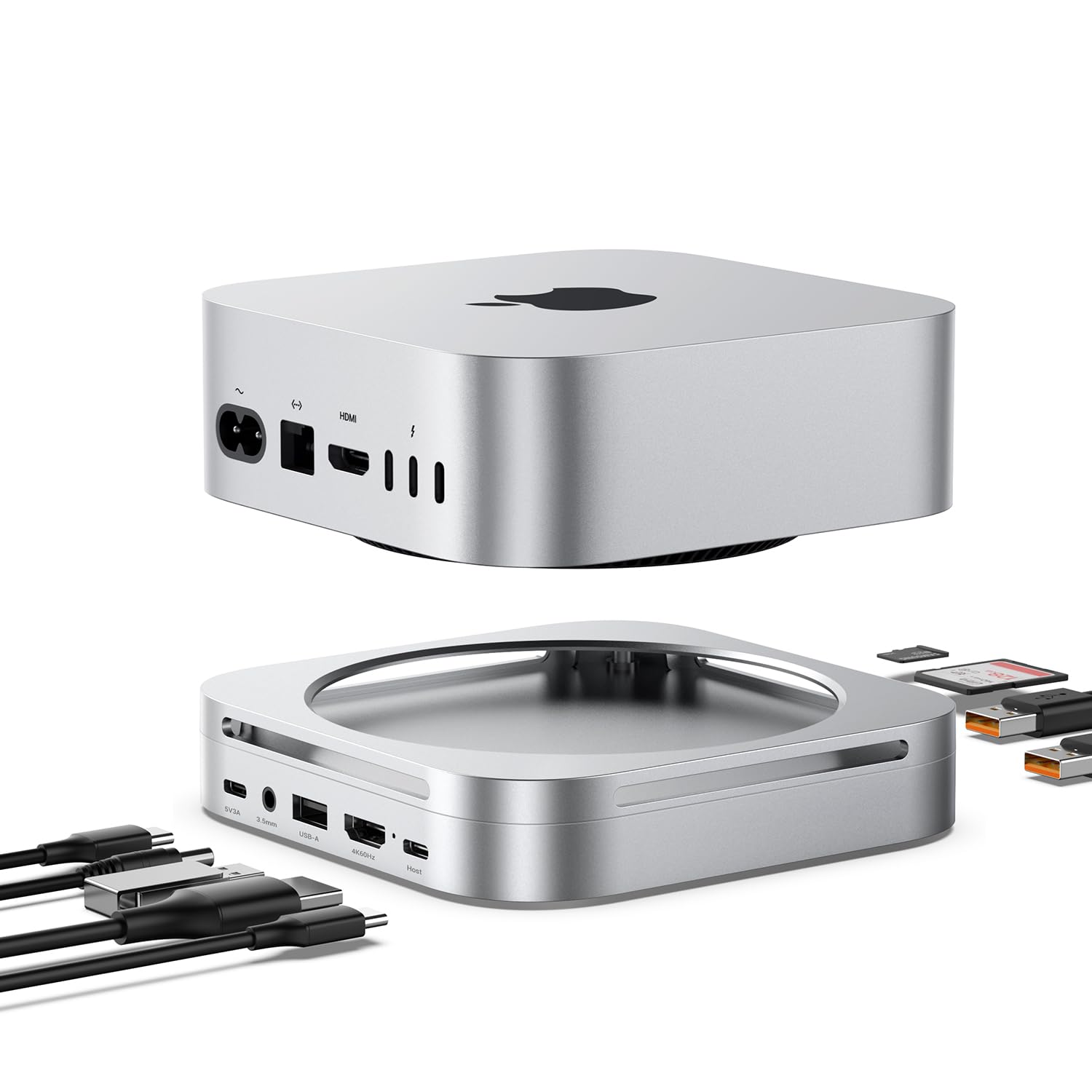
Mac mini M4 Dock Hub with 8TB NVMe SSD Enclosure 4K 60Hz HDMI 2x10Gbps USB A 1x5Gbps USB
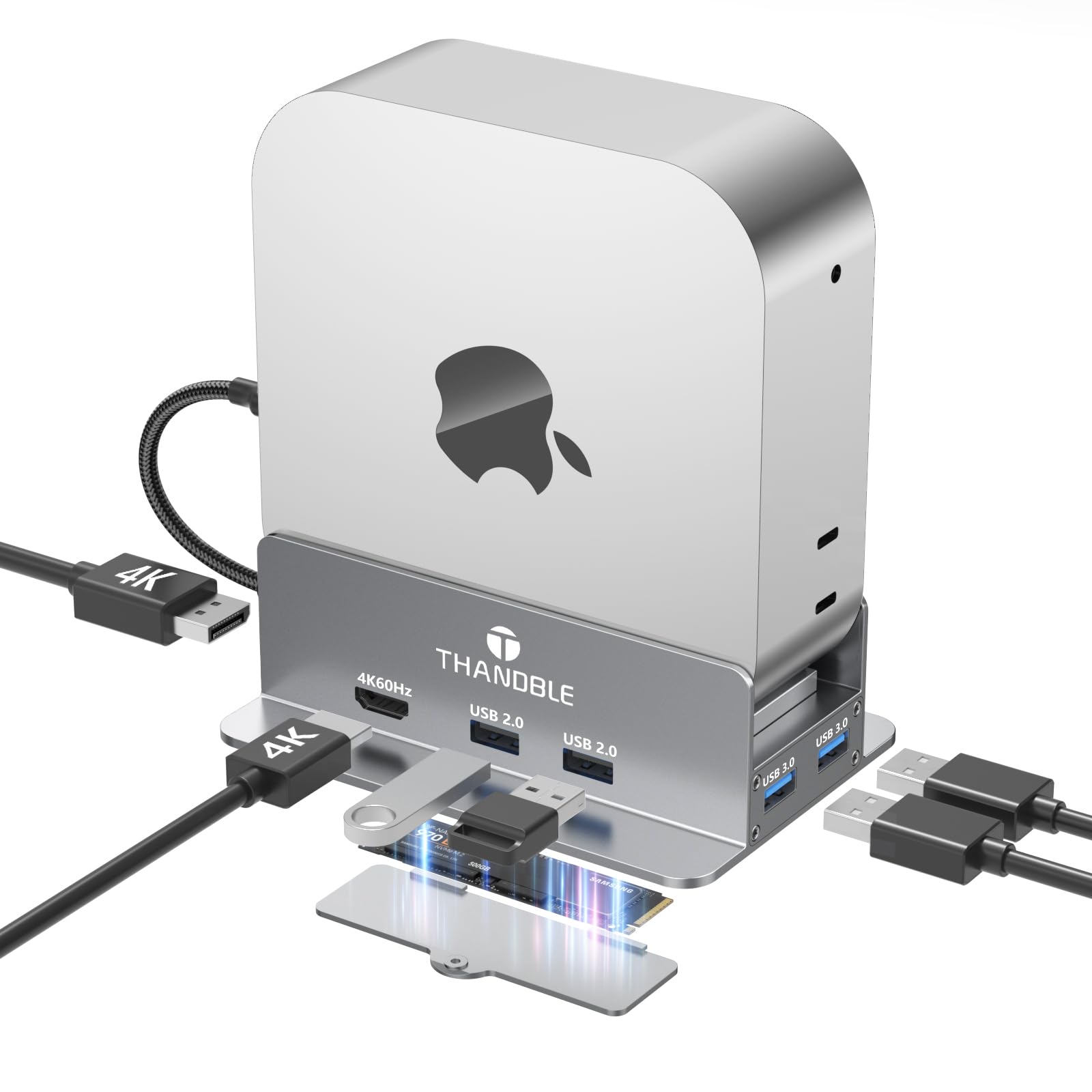
Mac mini M4 Dock Stand with 4K60Hz HDMI and DisplayPort M 2 NVMe SSD Enclosure 4 USB-A Ports
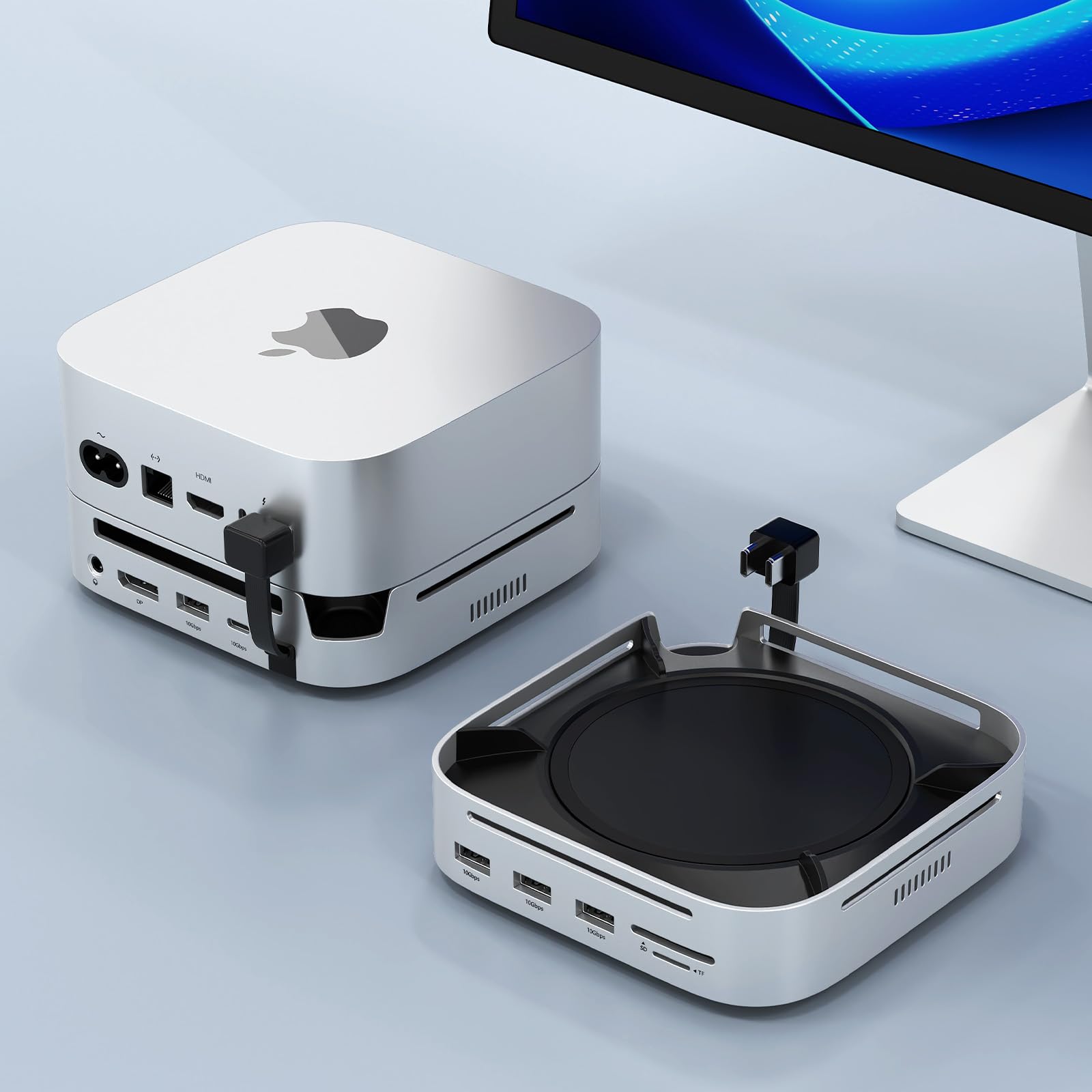
Mac mini M4 Docking Station with Display Port M 2 NVMe Enclosure Mac mini M4 Dock Hub with

UGREEN 12 in 1 Triple 4K Docking Station with 2 HDMI DP 2x10G USB C 2 USB-A2 0
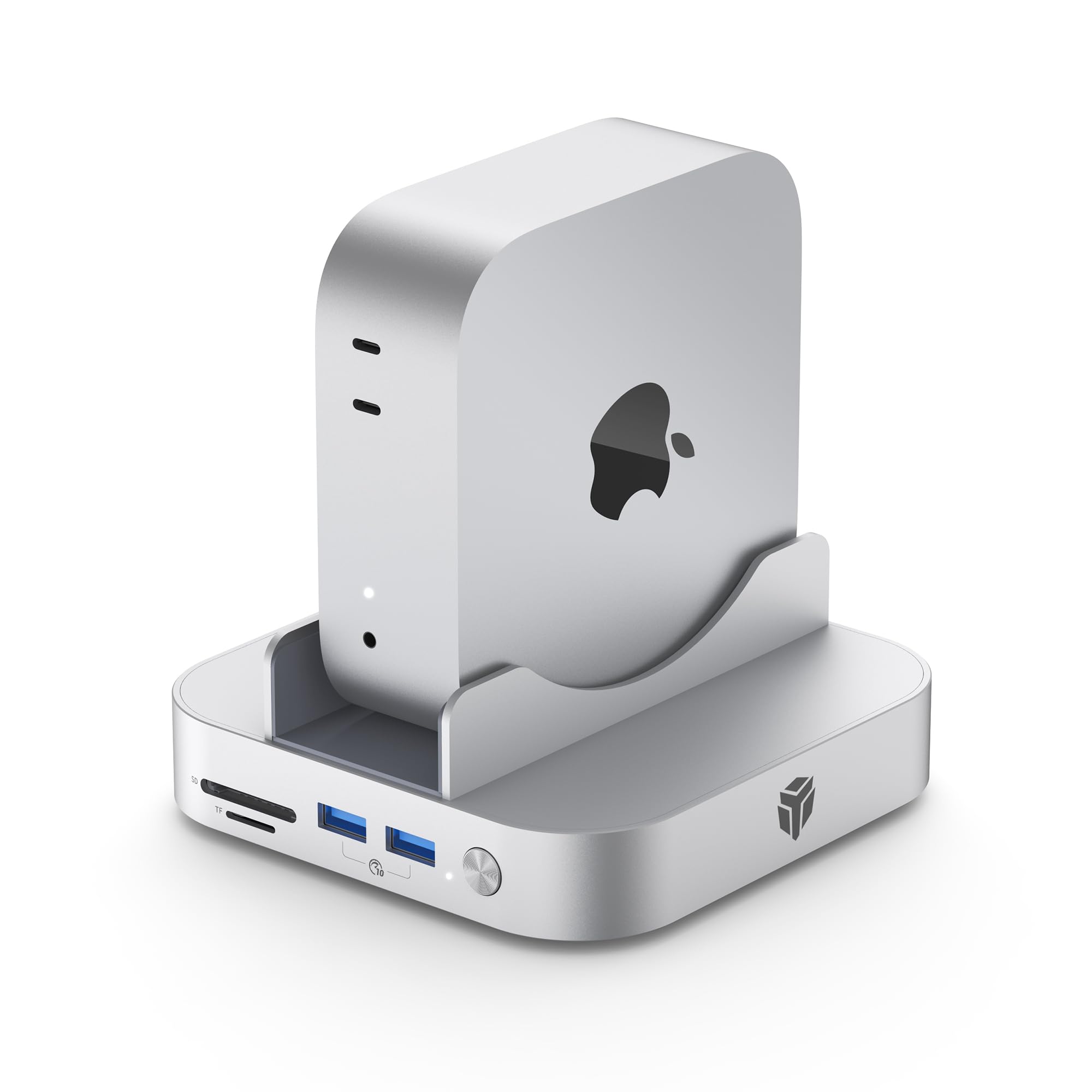
Yottamaster 9 in 1 Mac mini M4 Dock 10Gbps with 8TB NVMe SATA SSD Enclosure Aluminum Mac mini

UGREEN Steam Deck Dock 9-in-1 USB C Docking Station Foldable Stand 4K 60Hz HDMI Gigabit Ethernet PD 100W
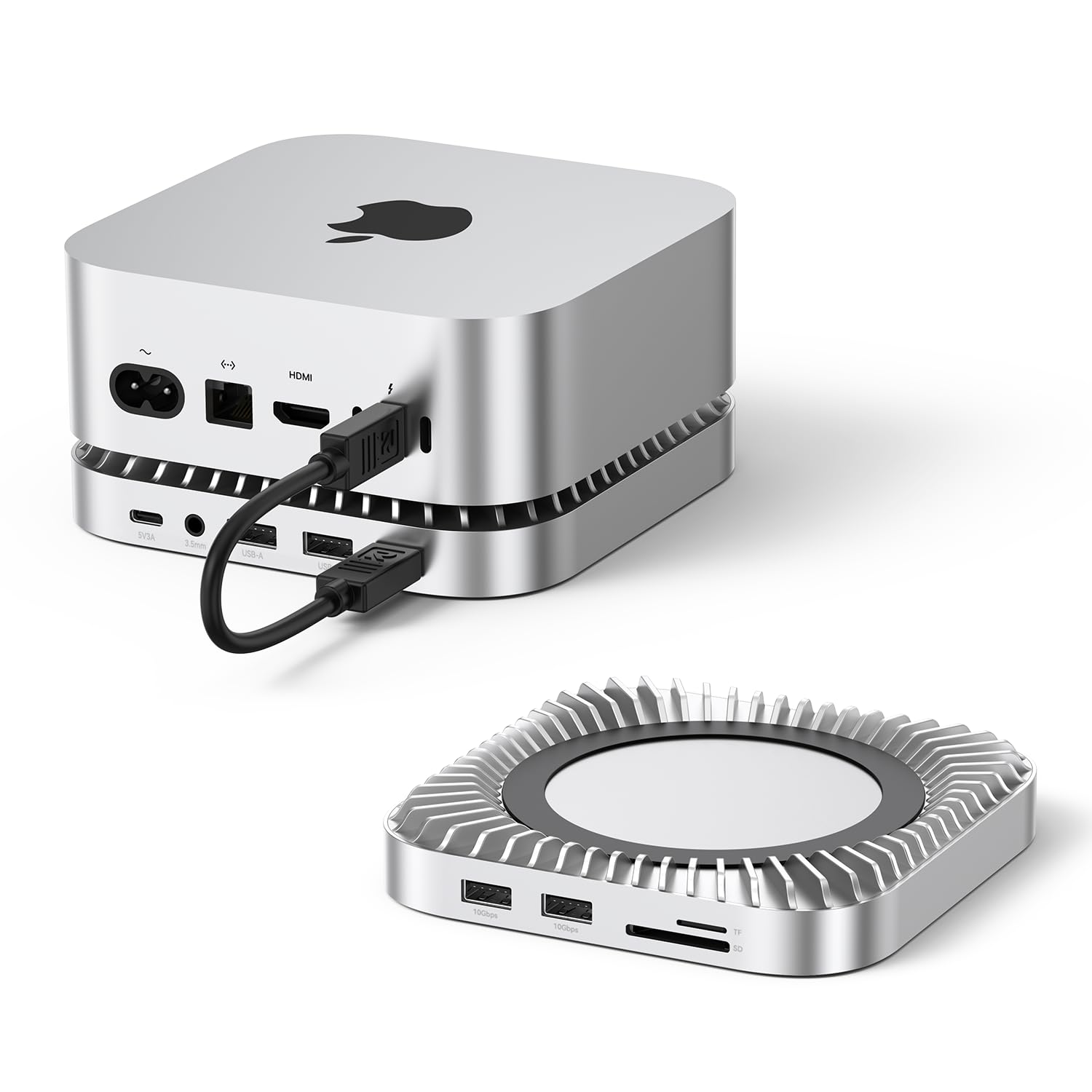
Raycue Mac mini M4 Dock Stand with 8T NVMe SSD Enclosure 2 USB A 10Gbps 10G USB C
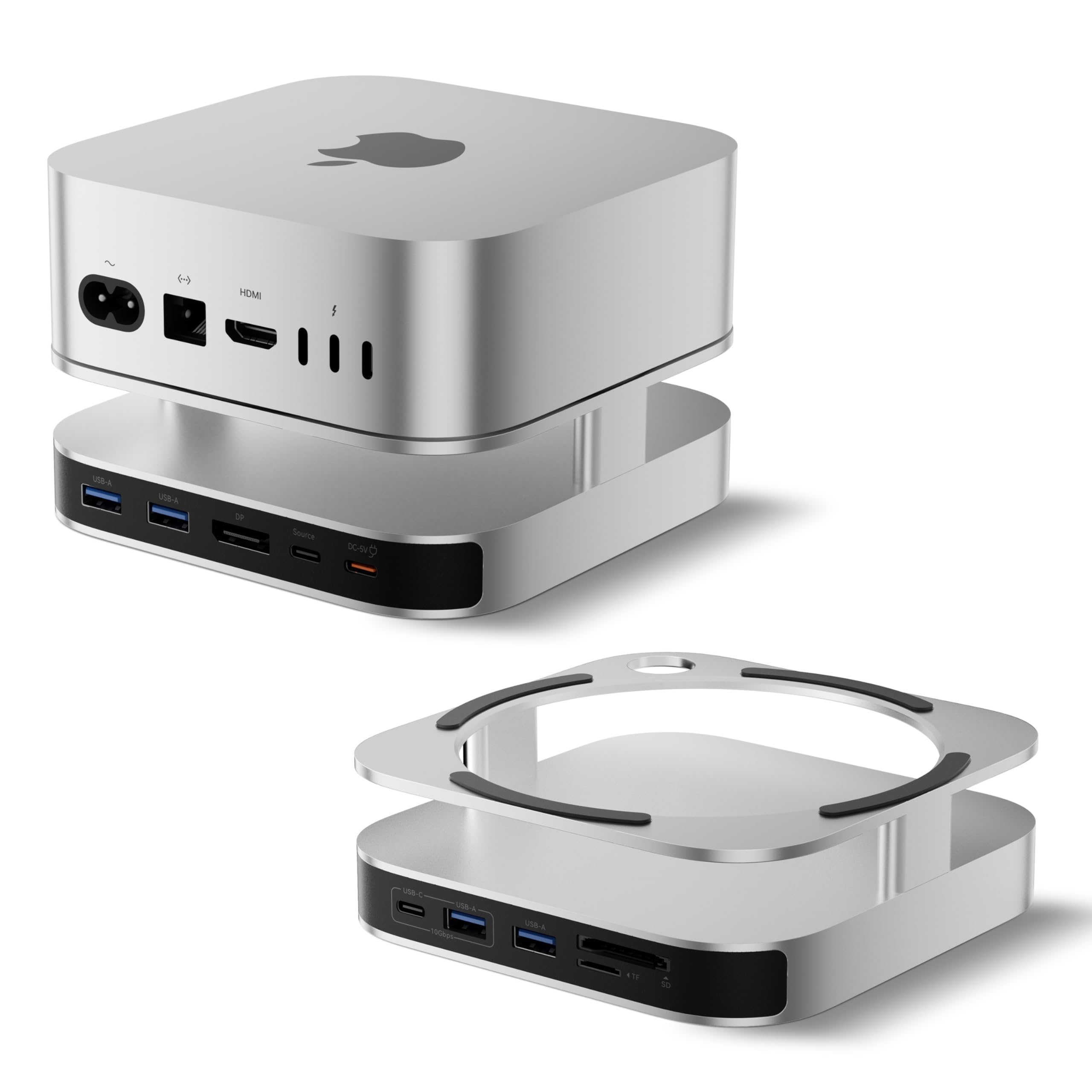
BENFEI Mac mini M4 Dock Mac mini M4 Stand with NVMe SSD Enclosure 4K DisplayPort Hub for Mac

MCY USB C Hub Laptop Docking Station Dual Monitor Single 8K 2x4K 60Hz 10in1 Type-C Multiport Adapter with
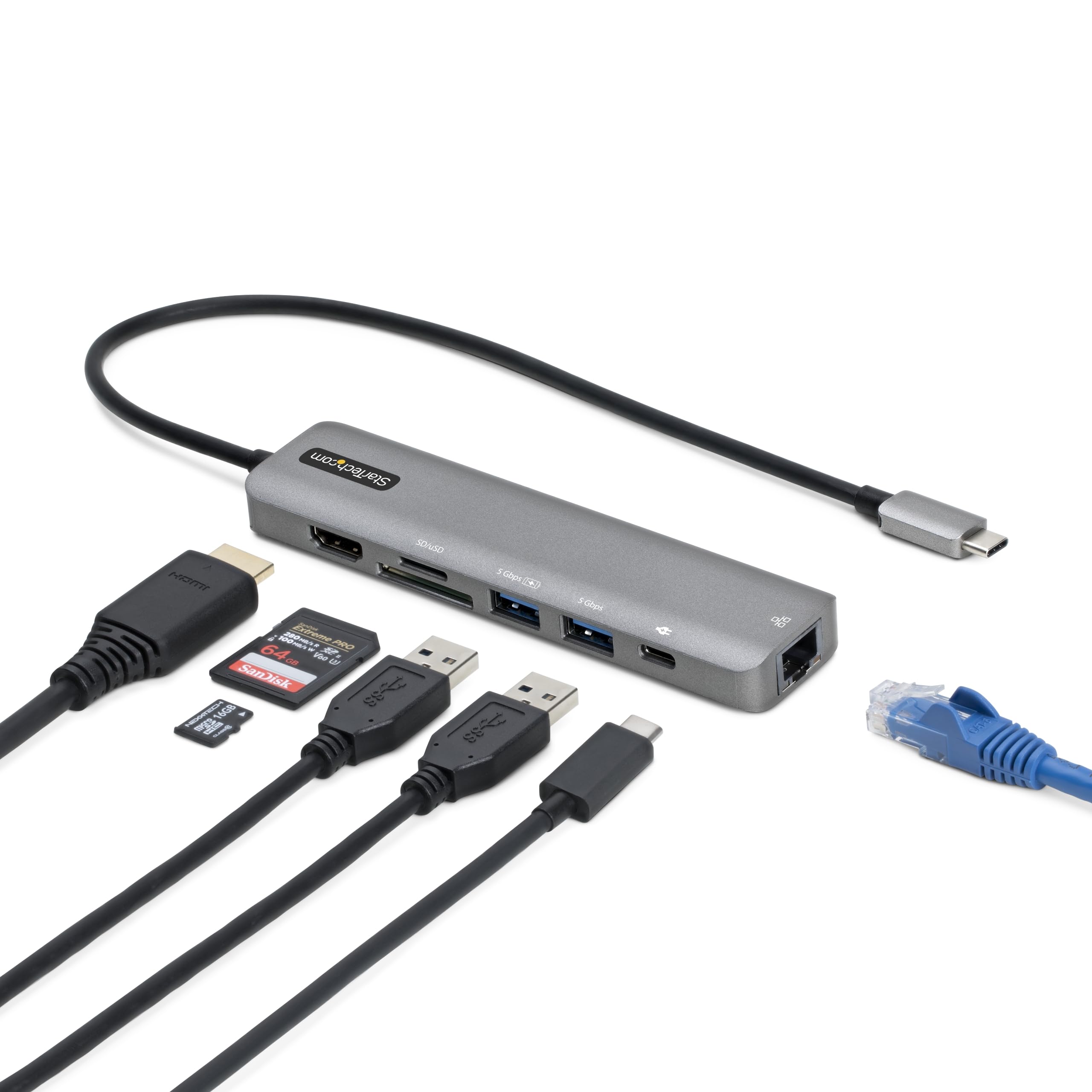
StarTech com 7-in-1 USB-C Hub Extra Long Cable Multiport Adapter with Gigabit Ethernet 4K 60Hz HDMI Gigabit Ethernet

USB C Docking Station Dual DisplayPort 8 in 1 USB Hub with 2 DP HDMI VGA USB C
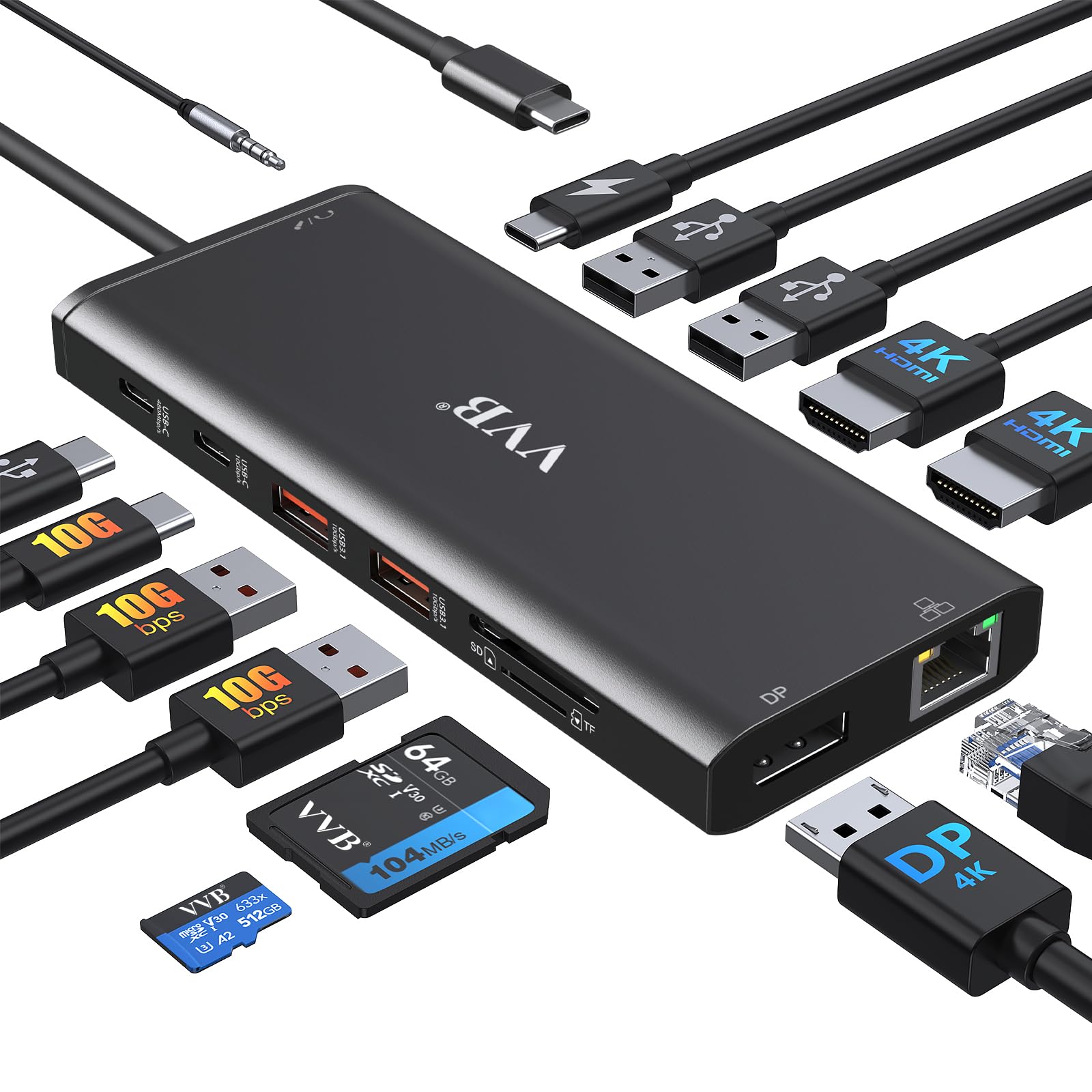
USB C Docking Station Dual Monitor for Dell Lenovo HP Laptop Docking Station HDMI USB C Hub Multiport
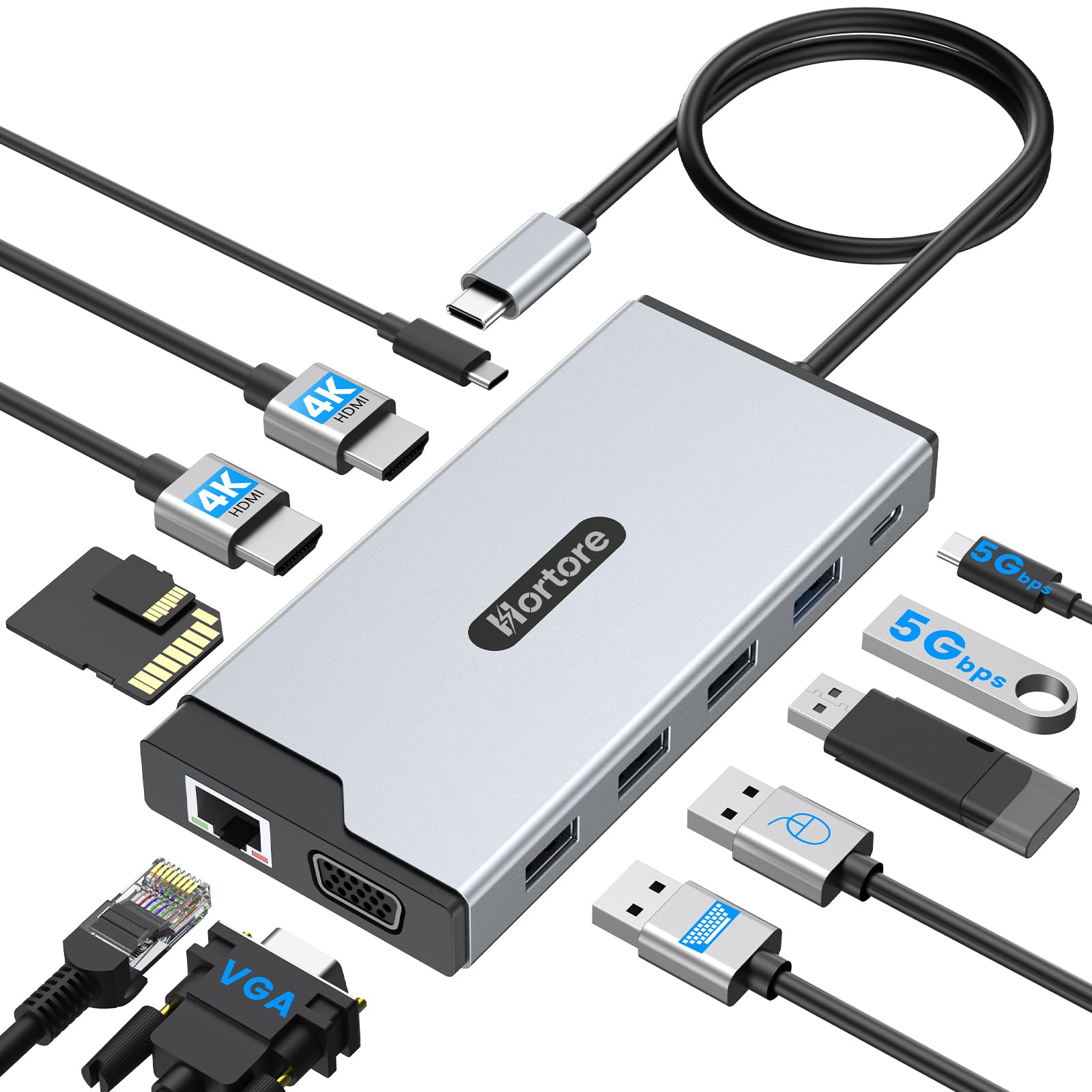
USB C Hub 12-in-1 Docking Station Dual Monitor with 2 HDMI VGA RJ45 100W PD USB-C Data 1
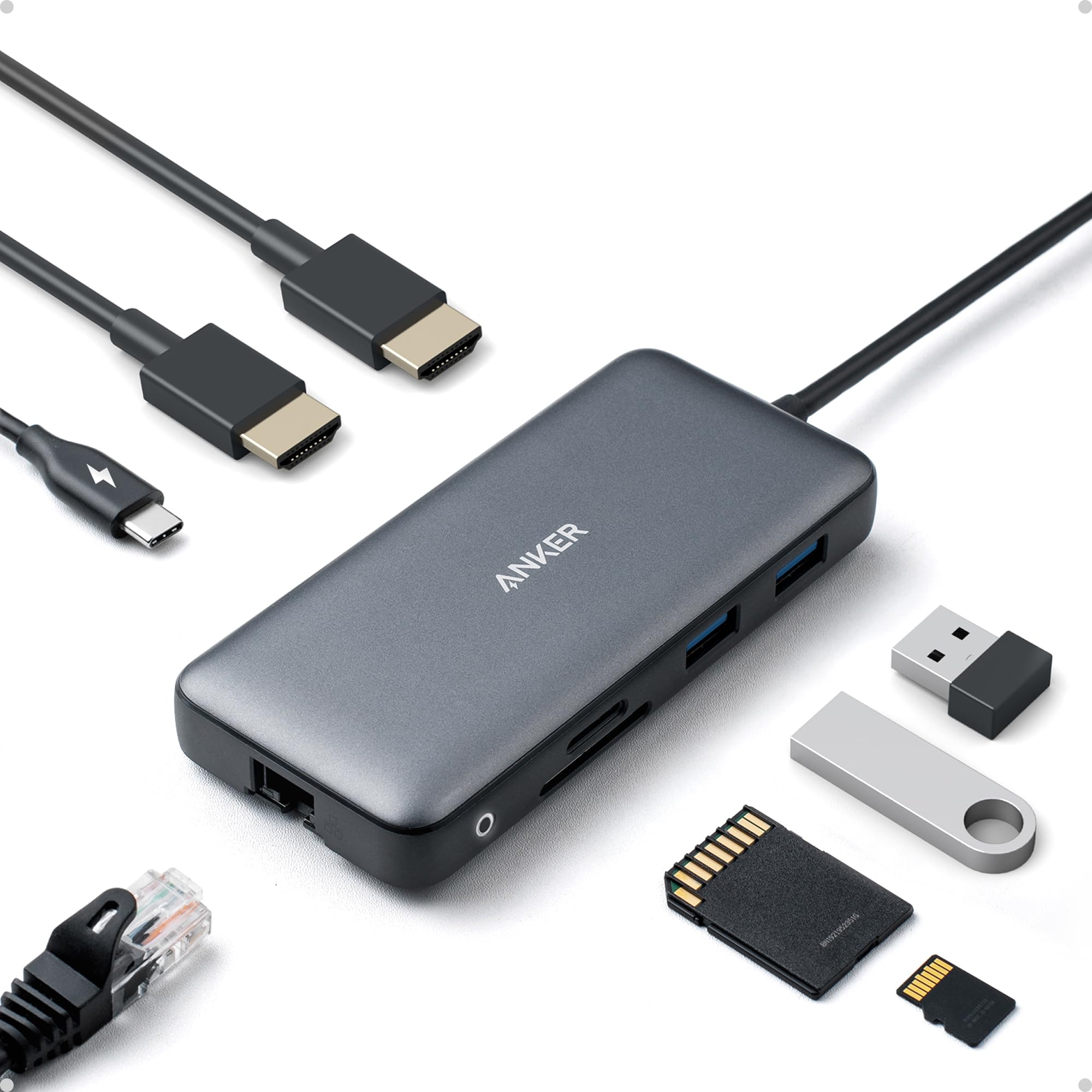
Anker Laptop Docking Station Dual Monitor 8-in-1 USB C Hub 4K Dual Monitor with 2 HDMI 1 Gbps
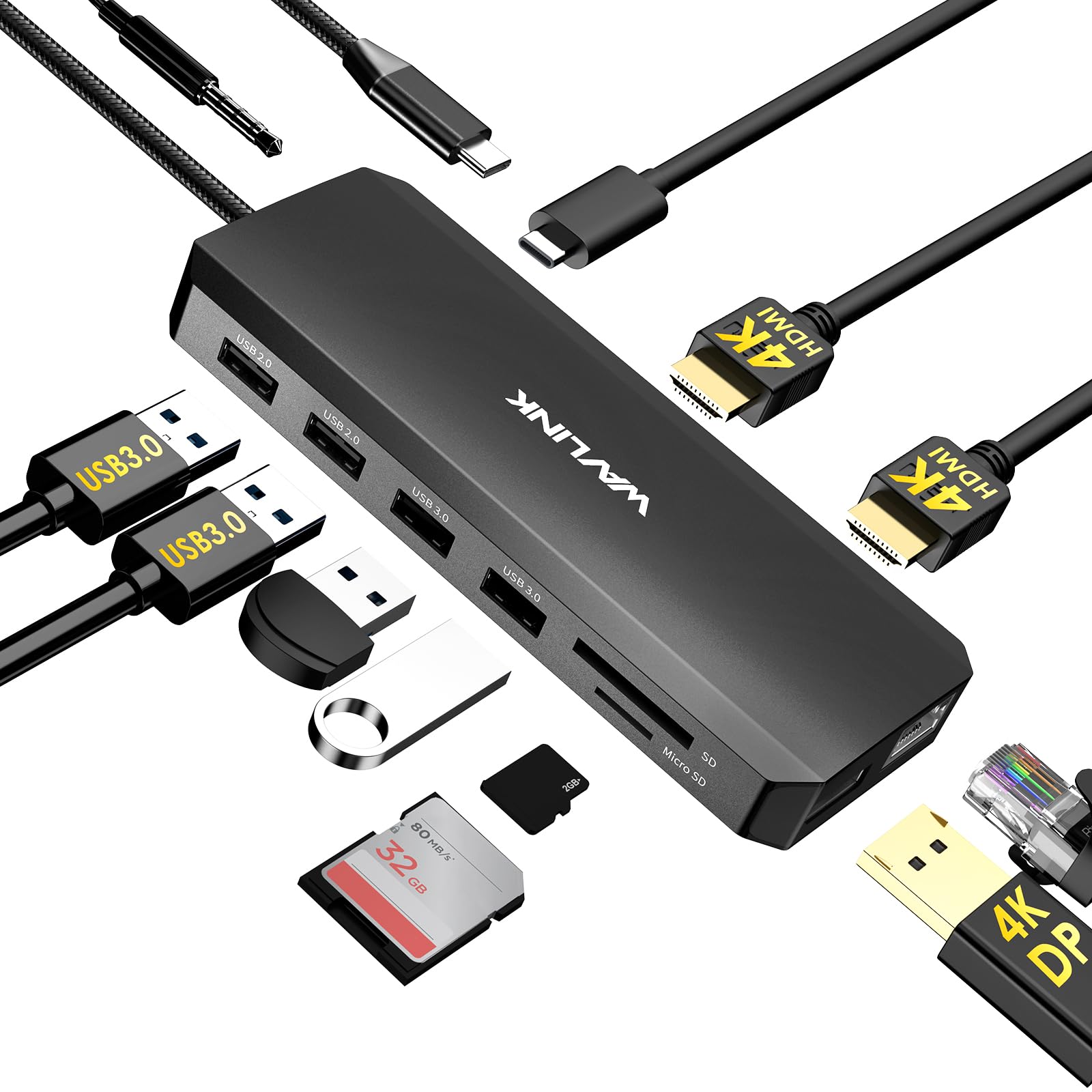
WAVLINK Laptop Docking Station Dual Monitor Triple Display for Windows OS USB C Hub with 2 HDMI DisplayPort
We use optional analytics cookies to understand how visitors use Ventari and improve the experience. This banner controls analytics measurement only. See our Cookie Policy.