New York Reviewer—August 6, 2025✓ Verified purchase
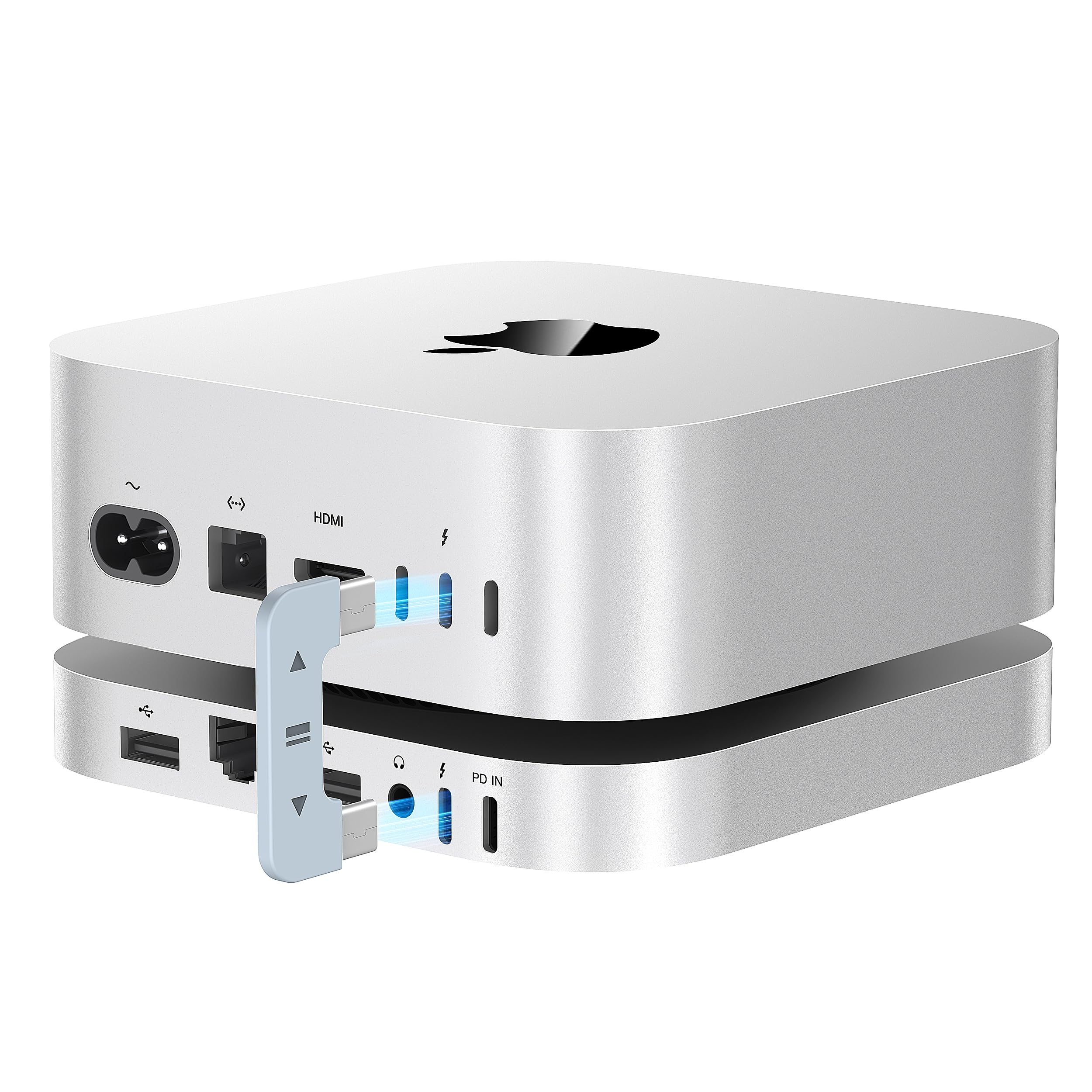
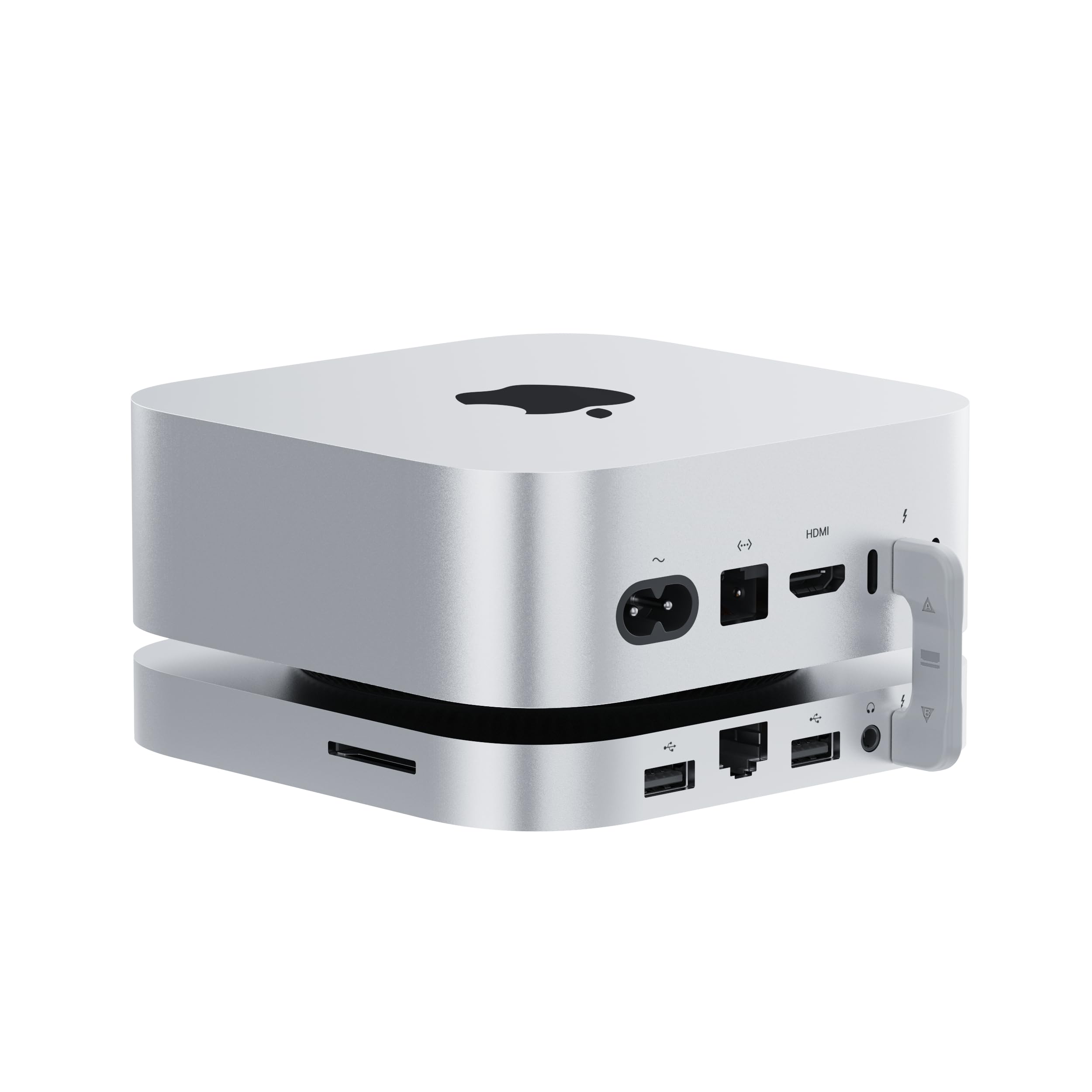
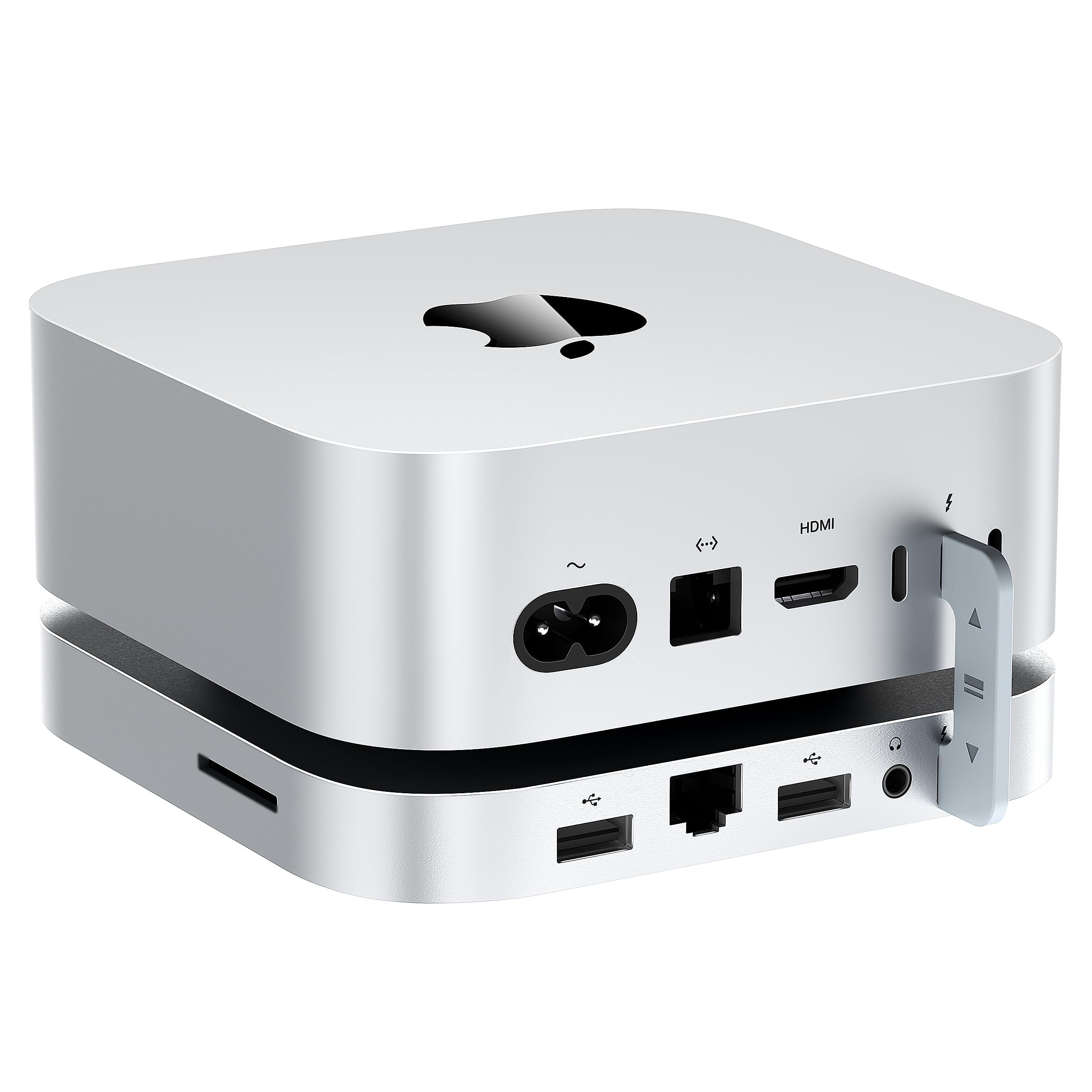
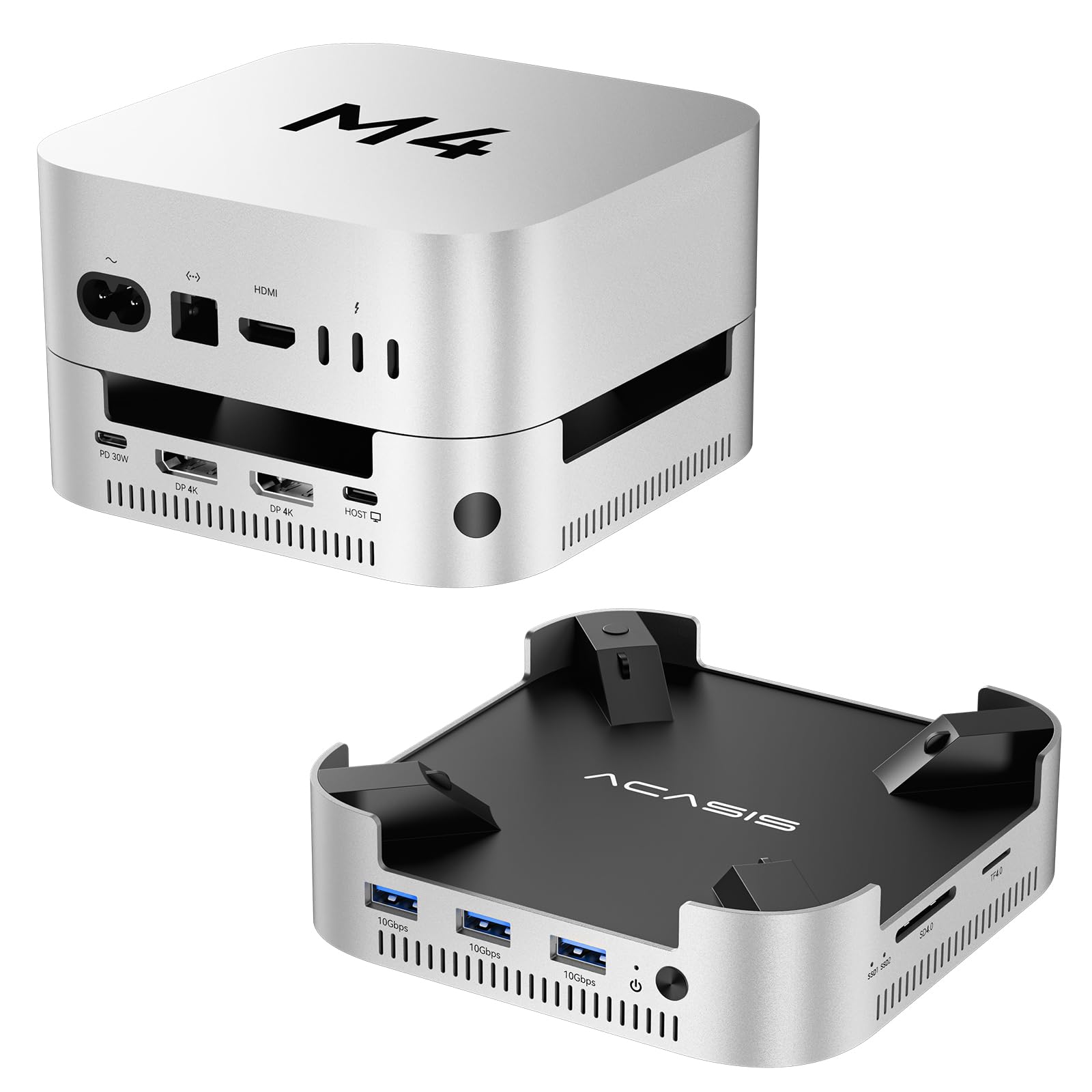
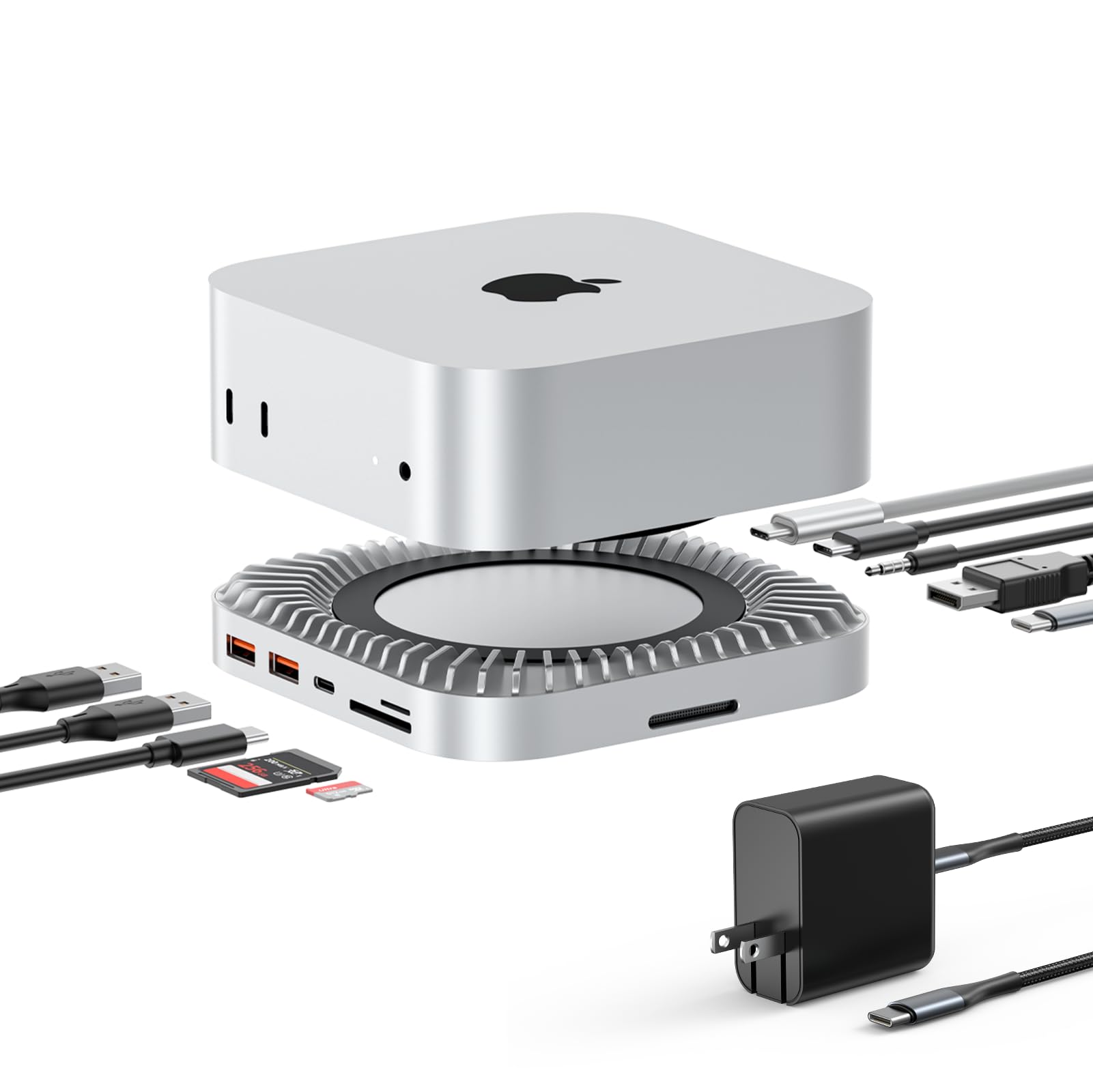
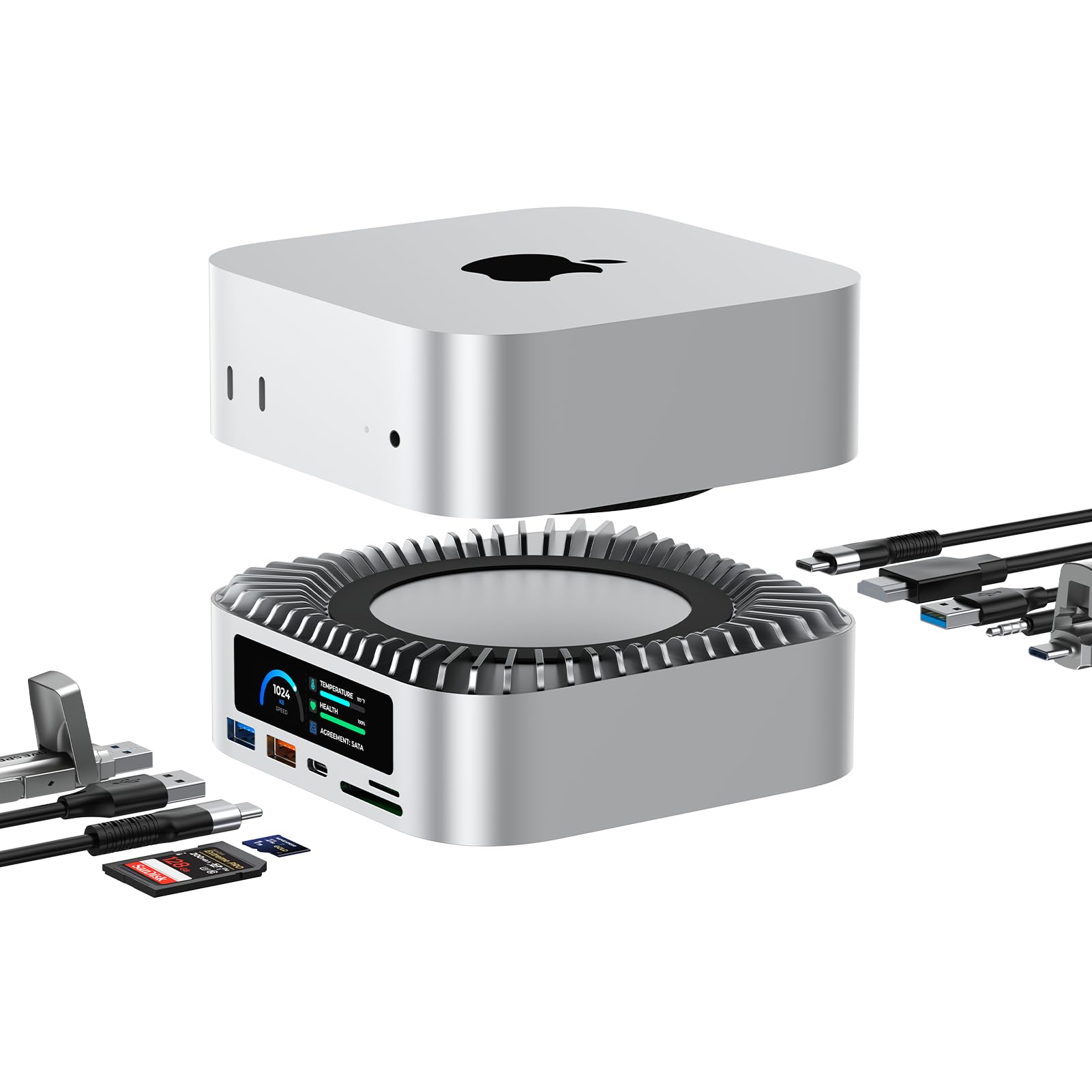
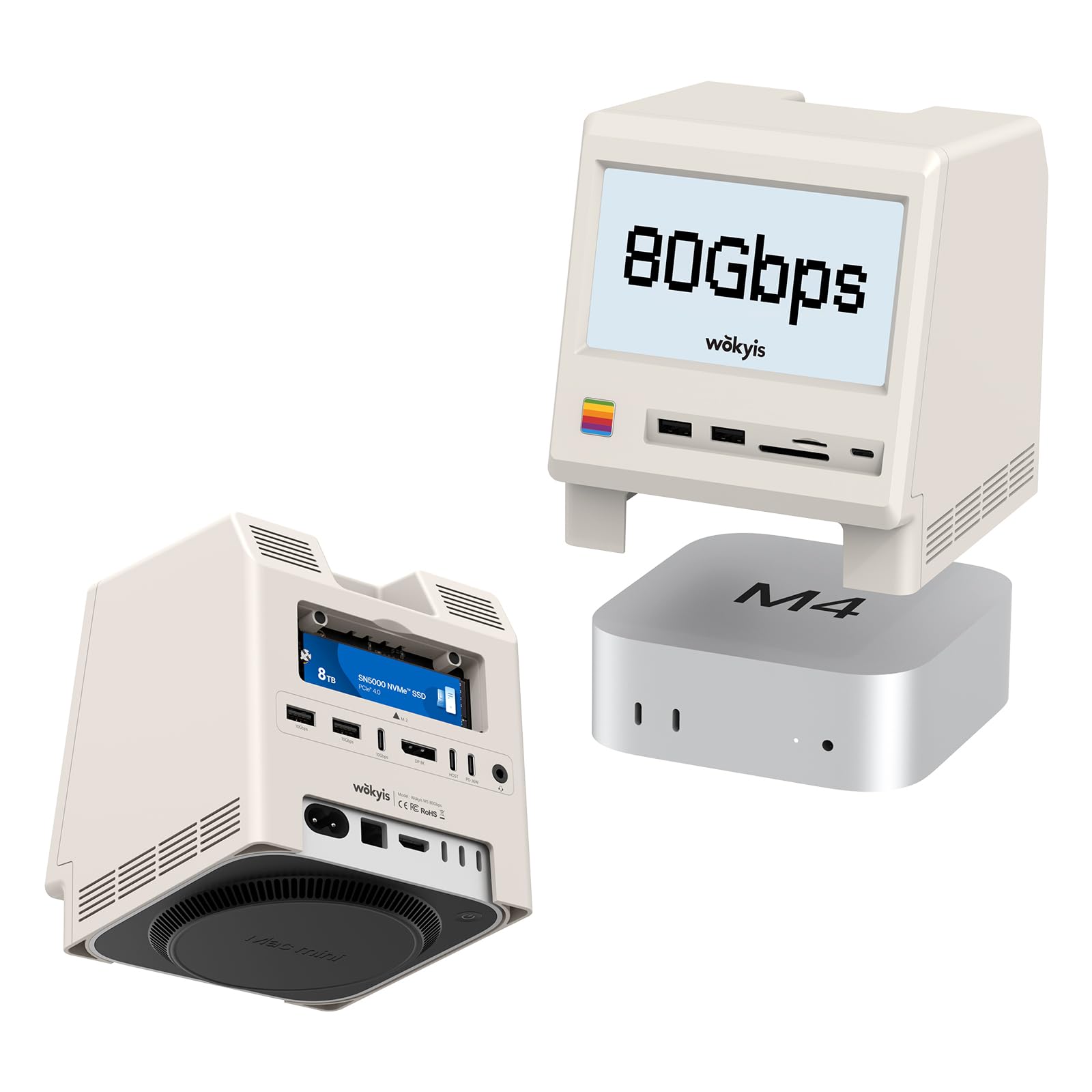
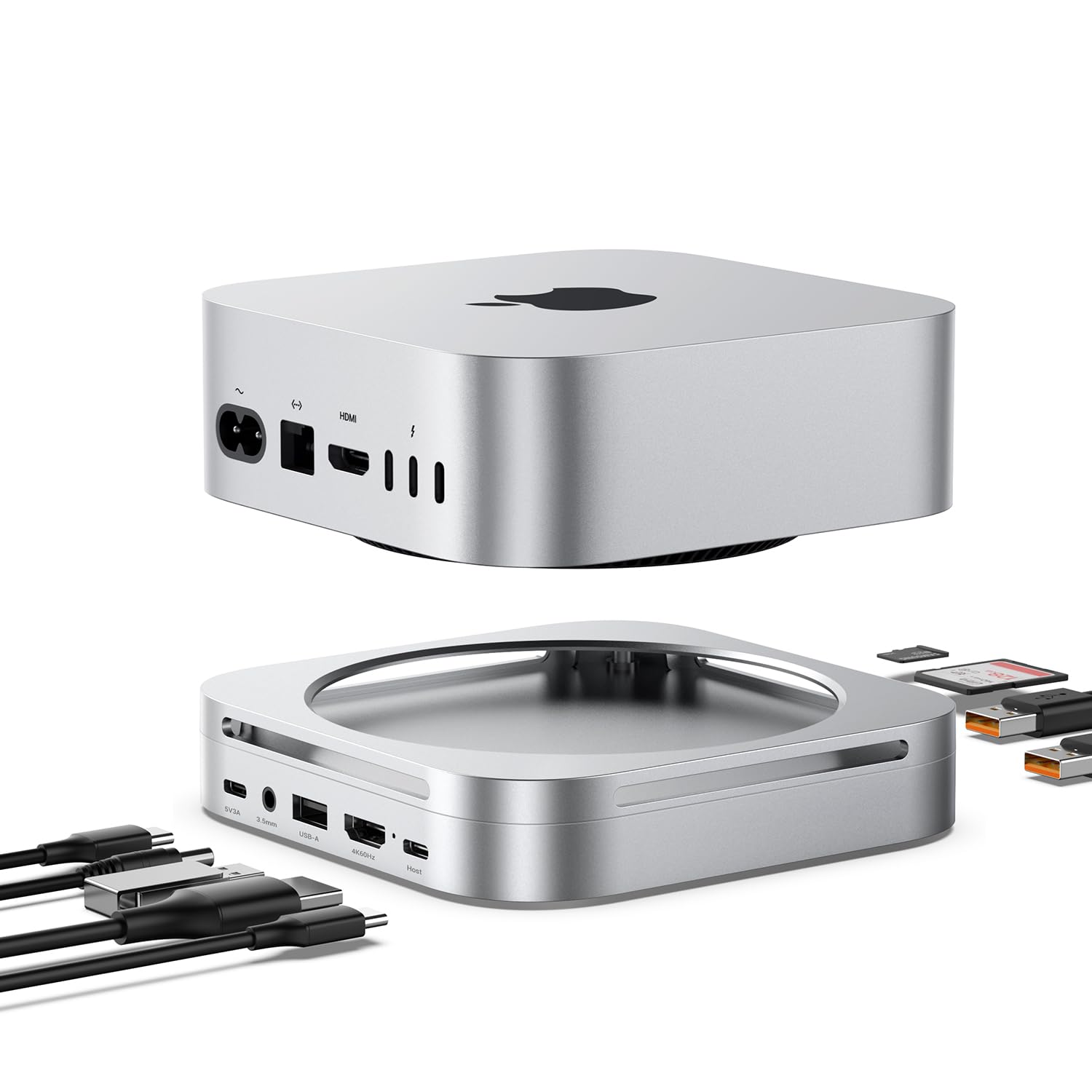
I pre-ordered this unit immediately after seeing @MacSoundSolutions's review of the unit on YouTube and lo and behold I got it from Amazon today! This review has my initial observations, I only have one of the two NVME slots populated... I'll update the review later on. 1. This is the best storage solution for the new M4 Mac Mini Pros -- it adds the possibility for a ton of space at a reasonable price without voiding your AppleCare warranty or paying Apple $800 for 500GB. This would totally work for an on the go drive or MacBook. 2. Physical Design / Form Factor - The Mate Mini A looks really nice and brings a lot of ports past storage like USB-A and SD cards. They include two connectors that reduce cable clutter. One port on the unit is for data/transfers and the other is optional and provides power. I tested it out with a certified TB5 cable and it gave me the same results. 3. The connectivity is super fast despite splitting the bandwidth between two NVMEs. 3500MB/s is ~30Gbps transfers. Concerns / Things to Watch Out For MacOS identifies the connection as USB4v2 as opposed to Thunderbolt 4 / 5... The people who name the standards need to retire because its ridiculously confusing. Theres no lightning bolt on the cable connectors. Theres a lot of heat coming off of this but the fan is barely noticeable. If it starts to throttle I'll update the review. Read more
Pedro B—August 21, 2025✓ Verified purchase
Sadly, I'm returning this device. I really wanted to like it. It blocks the WiFi signal when below the MacMini. Why don't I place above it? Because it runs EXTREMELY HOT. Even when IDLE. If this thing gets this hot having a fan, I just can't imagine how hot is getting the SSD inside it. On top of that it ejects the drive on its own. A pity. The two stars are for the craftsmanship. It's a very well constructed product. EDIT: My mistake. When installing the SSD in the enclosure I forgot to peel off the plastic cover from the thermal pad. Retired the foil and now: 1- Temps in 50-53 when idle (WD 850X 2Tb.) 2- No WiFi issues. 3- At this point haven't experienced random ejects. I'm keeping this device. Hope this edit can be of help for anyone out there. Read more
Marcello Frisina—October 29, 2025✓ Verified purchase
Only great when it works, which is NOT often enough. I got myself the model B, which has one NVME slot for high TB5 speeds. It can indeed get blazingly fast and worked great at first, but very quickly began to dismount my NVME at random. In fact, it's more than just the M.2 NVME SSD, it's the whole Beelink dock itself that dismounts. I've confirmed this by connecting other drives, and those will stop working too. The typical recommendation in such cases is to provide a dedicated power source to the Beelink, but I've been doing this since the start. It doesn't make a difference at all. Speeds will drop drastically at random, usually followed by dismounts shortly after. And these aren't safe dismounts... it's the sort of thing that makes the Mac show an error message in the top right corner, notifying that the drive was improperly ejected. This has happened over a dozen times in just the last few weeks. It's a bummer, because the product is quite aesthetic, but it's entirely useless if it can't reliably keep my drives connected to my Mac. Read more
kc2pxp—February 23, 2026✓ Verified purchase
I have a 2024 Mac Mini M4 PRO with 512 HDD and 24 GB RAM. I purchased a Samsung SSD 9100 PRO 2TB SSD and installed it into the Beelink. The results are AWESOME. See my attached Black Magic speed results. My speeds with the internal SSD were Write 4,290 MB/s Read 5,141 MB/s. The Beelink speed was Write 6,418 MB/s Read 5,969 MB/s. This thing is so nice. It does not make a sound and so far, it has not gotten hot. I would highly recommend this configuration if you have a mac mini. Read more
JoelG—August 6, 2025✓ Verified purchase
************ Edited. ************** After reading some of the other reviews I felt that my experience needed some more background. I won't change my overall rating, but I wish Amazon allowed 4.5 star ratings. This hub is the closest I have found to fulfilling my wants. I wanted to get maximum throughput from my WD Black 2TB 7200 NVMe SSD. I have attached a BlackMagic Disk Speed Test showing that I am getting almost 6000 MB/sec read/write from the hub. I have a Mac Mini M4 Pro with TB 5 ports. This is excellent performance in contrast to what some other reviewers reported. This hub *does* get hot. I had to download the MacFans utility and increased default fan speed to 1250 rev/min from 1000 rev/min. This keeps everything below 60 degrees C. I wish the hub had a couple of front-facing USB A ports. The rear-facing ports are fine, but front-facing would be handy. I used wired ethernet so Wifi performance is not an issue for me. ************* Original Review ****************** This hub performs as promised and expected. It fulfills a need for many Mac Mini M4 users. I have been pleased with its performance, especially regarding the transfer speed of an installed SSD. As a user installing my own SSD I found the process difficult and frustrating. (1) Instructions tell users to remove the silicone pads on the bottom of the Mate Mini. I had to use a razor blade to remove the pads, destroying them. (2) The user must remove *a lot* of small screws to access the SSD bay. I felt fortunate that I lost only one of the especially tiny screws within the interior. (3) Instruction tell installer to secure the SSD with a screw to an interior post. Problem--there is no screw supplied. Even with my difficulties I got the SSD installed and it works flawlessly. I am happy, but the engineers working on the Mate Mini clearly did not make an effort to make installation user-friendly. Read more