Microbe Hunter—February 20, 2026✓ Verified purchase
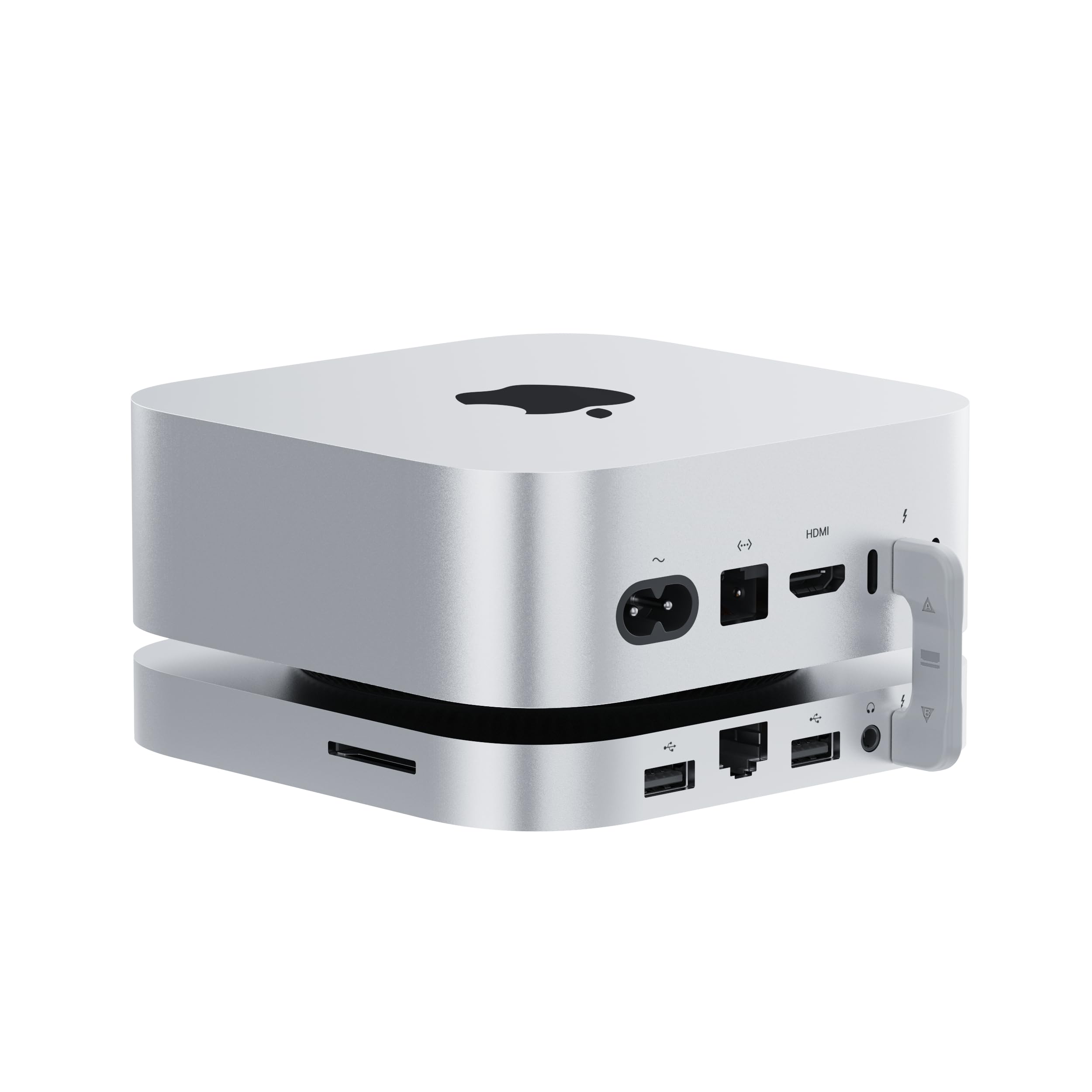
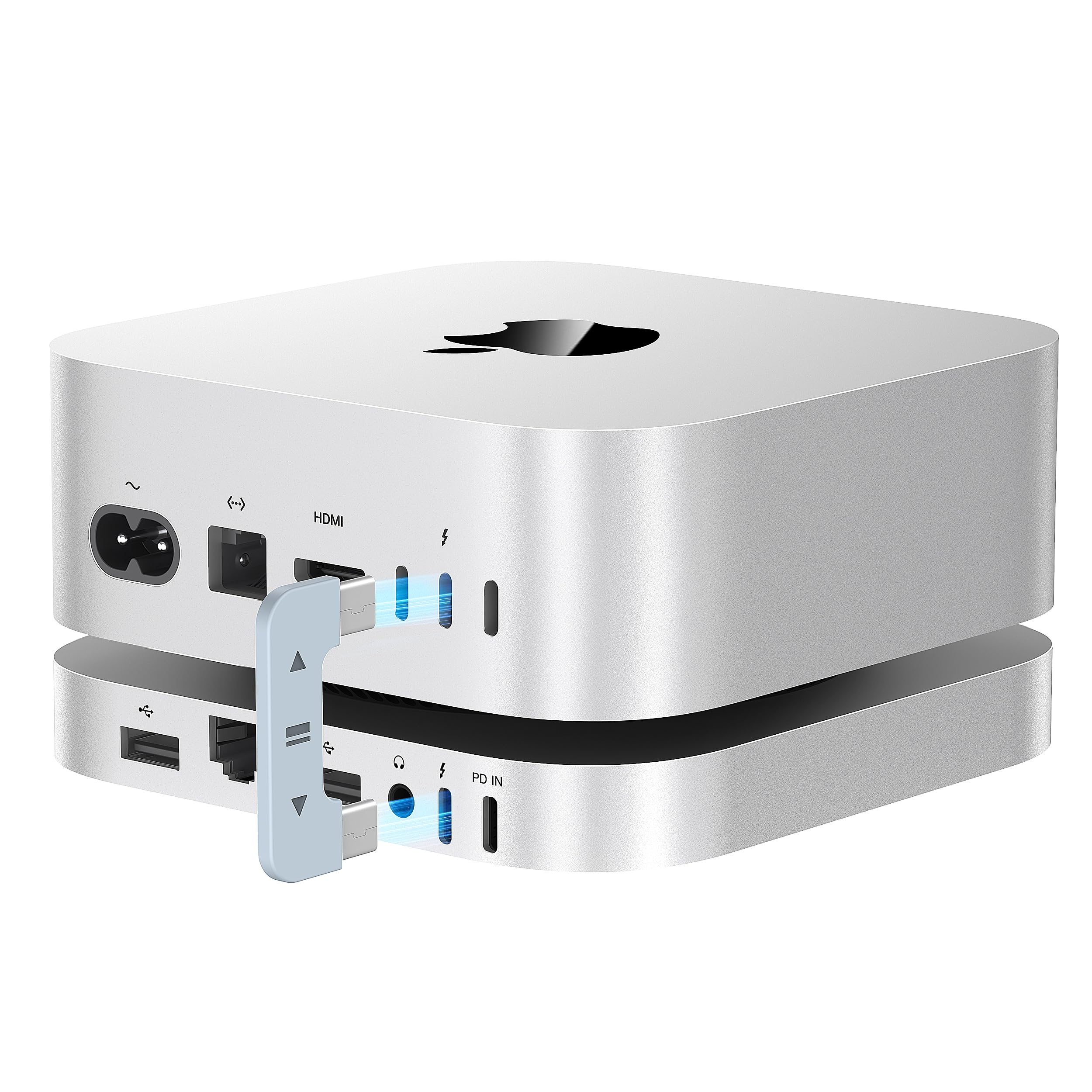
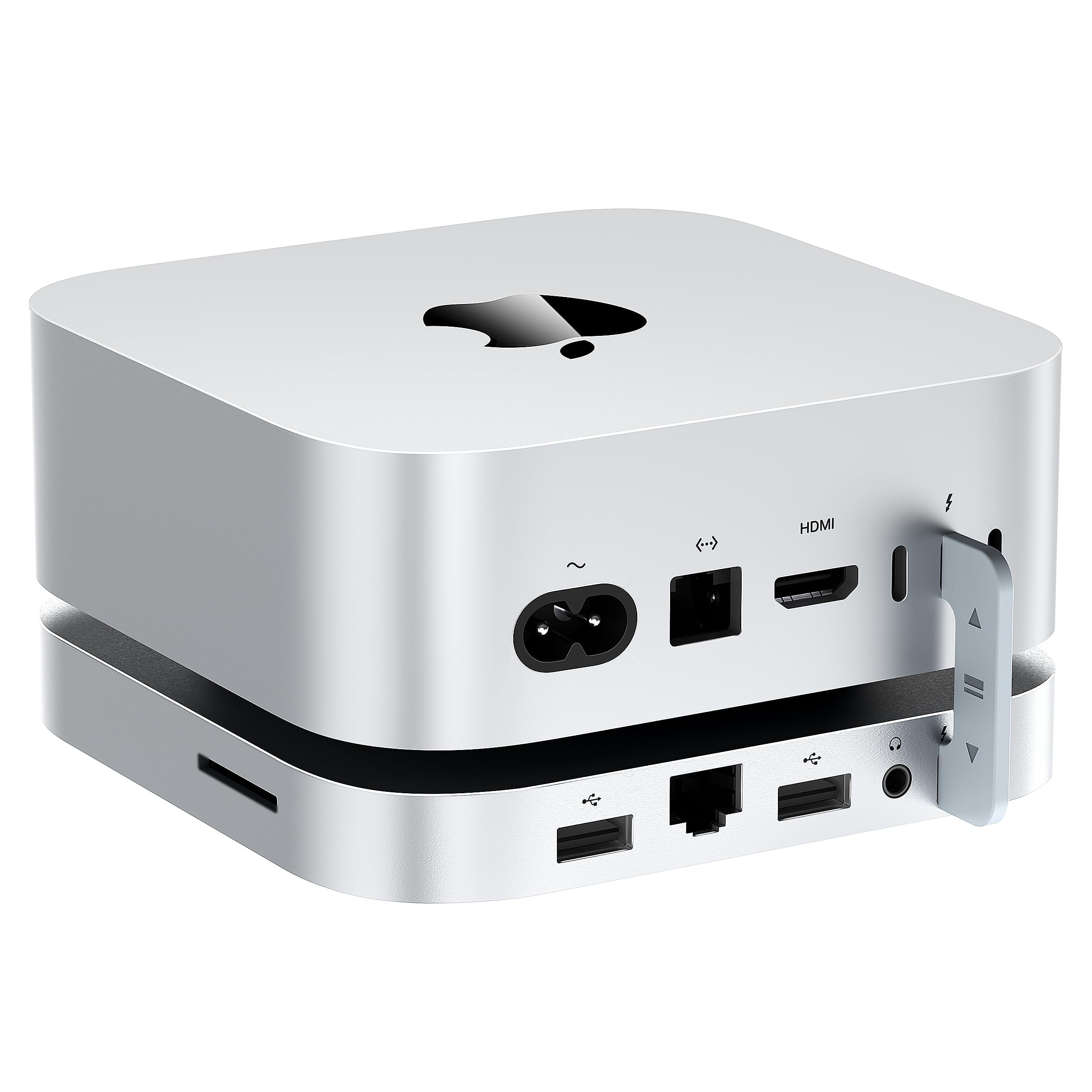
This device is wicked fast! Get a short thunderbolt 5 cable and forget the u shaped thunderbolt connector. One bump and the ridged c shaped connector will send sparks to your 4 GByte SSD and turn it to toast and corrupt all 4 gbyte of files!. You have to lift the Mini every time you start it up. Get the Silkland 80Gbps USB 4 short cable. It claims to be thunderbolt 5 and it screams with the files moving on my system. Read more
Matt—October 3, 2025✓ Verified purchase
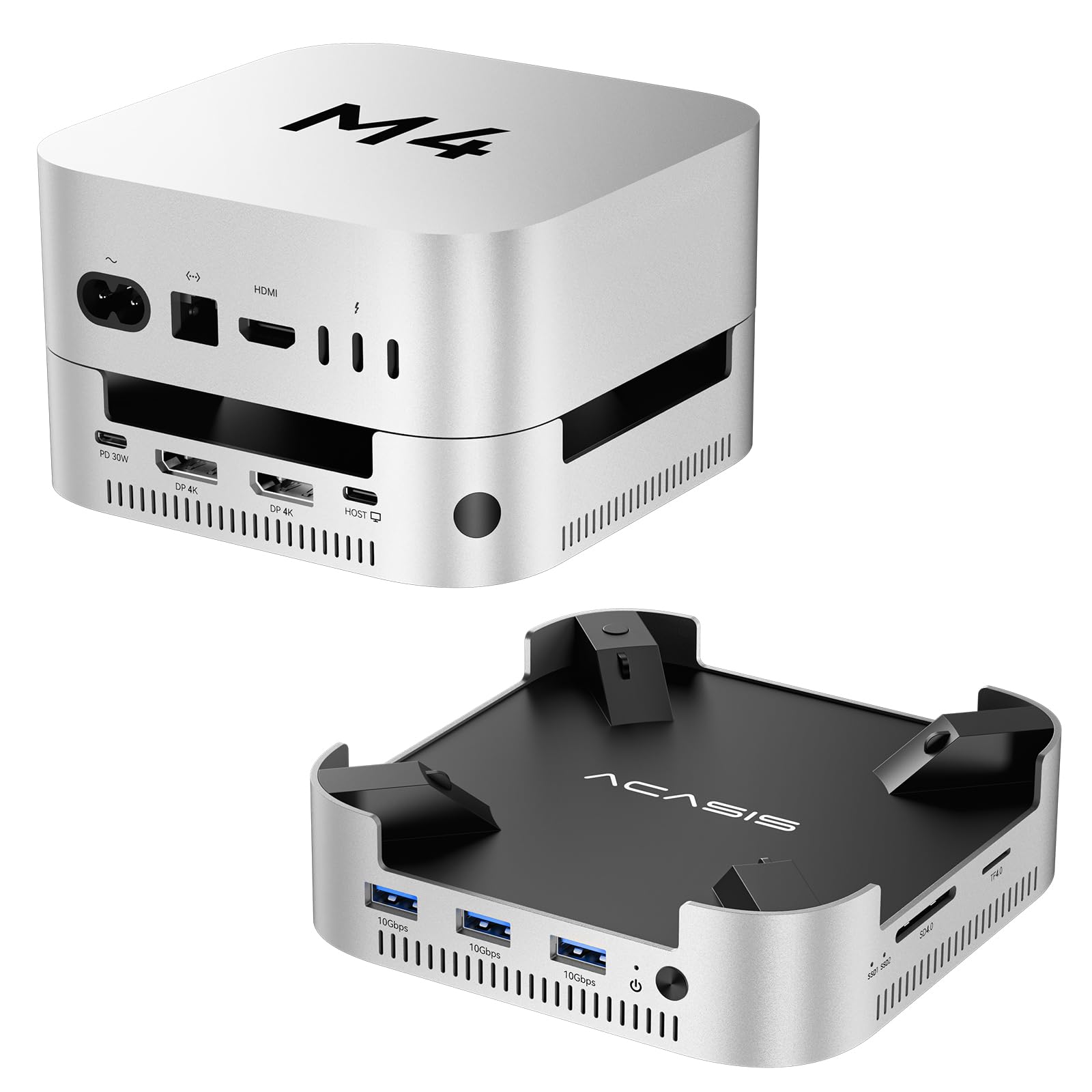
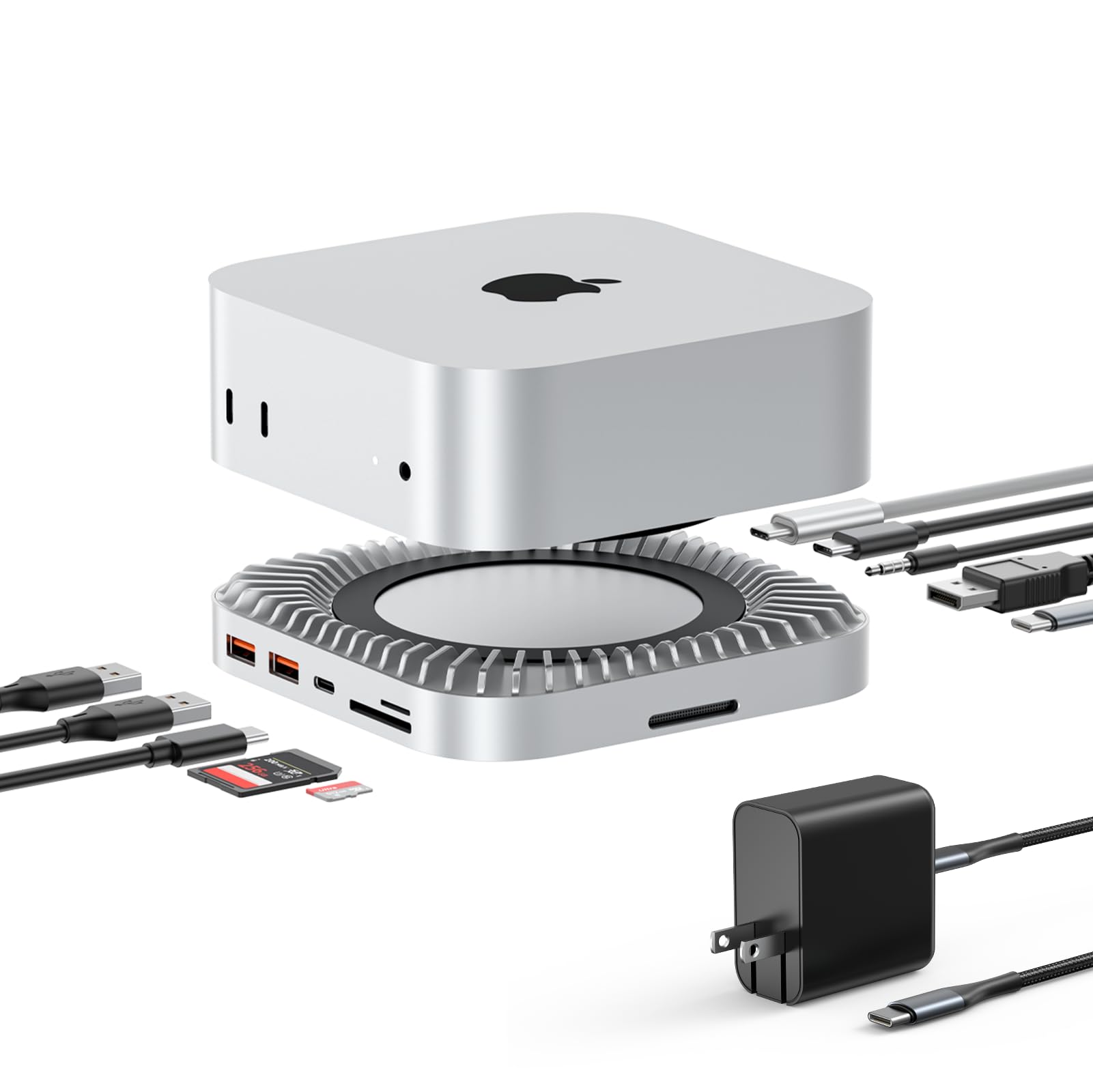
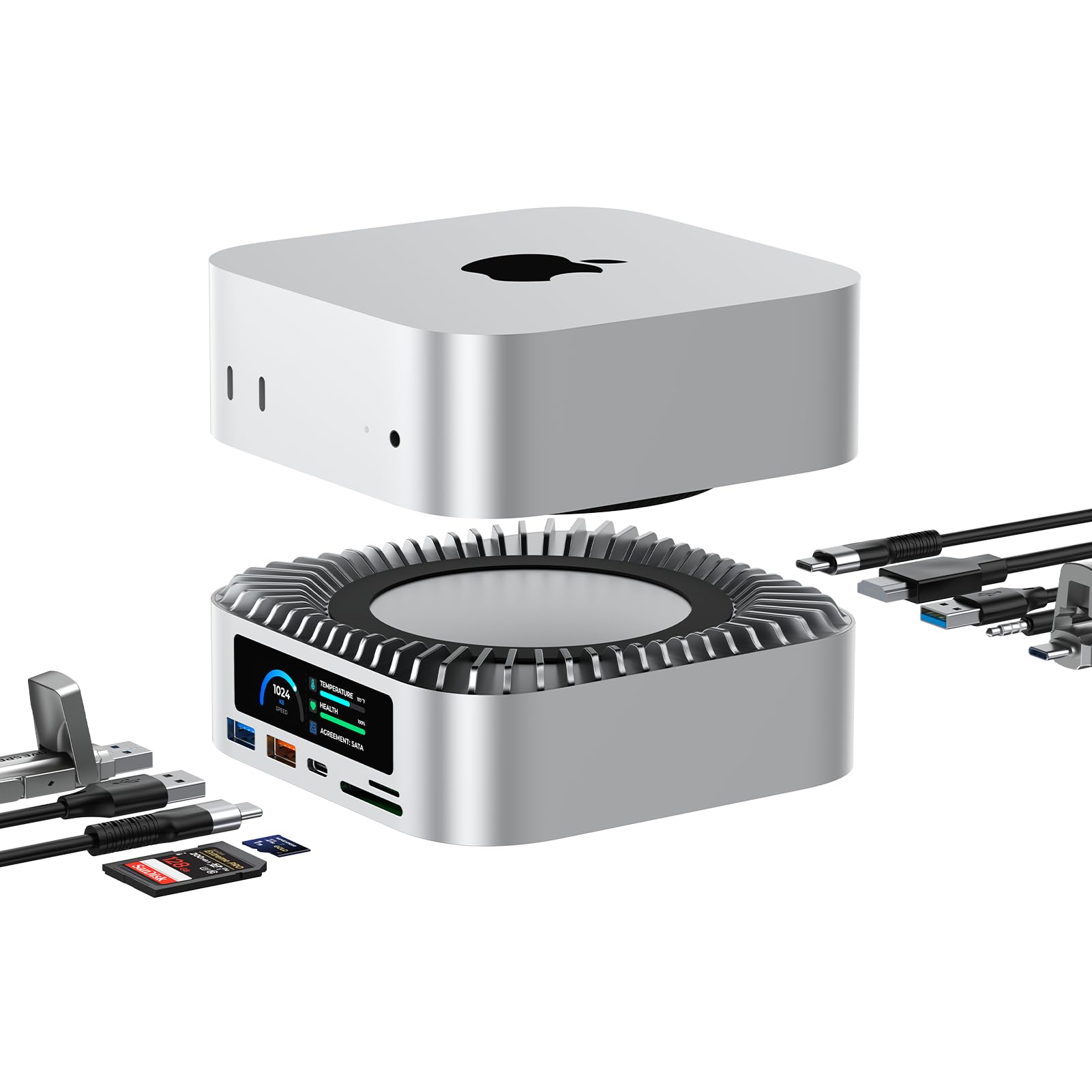
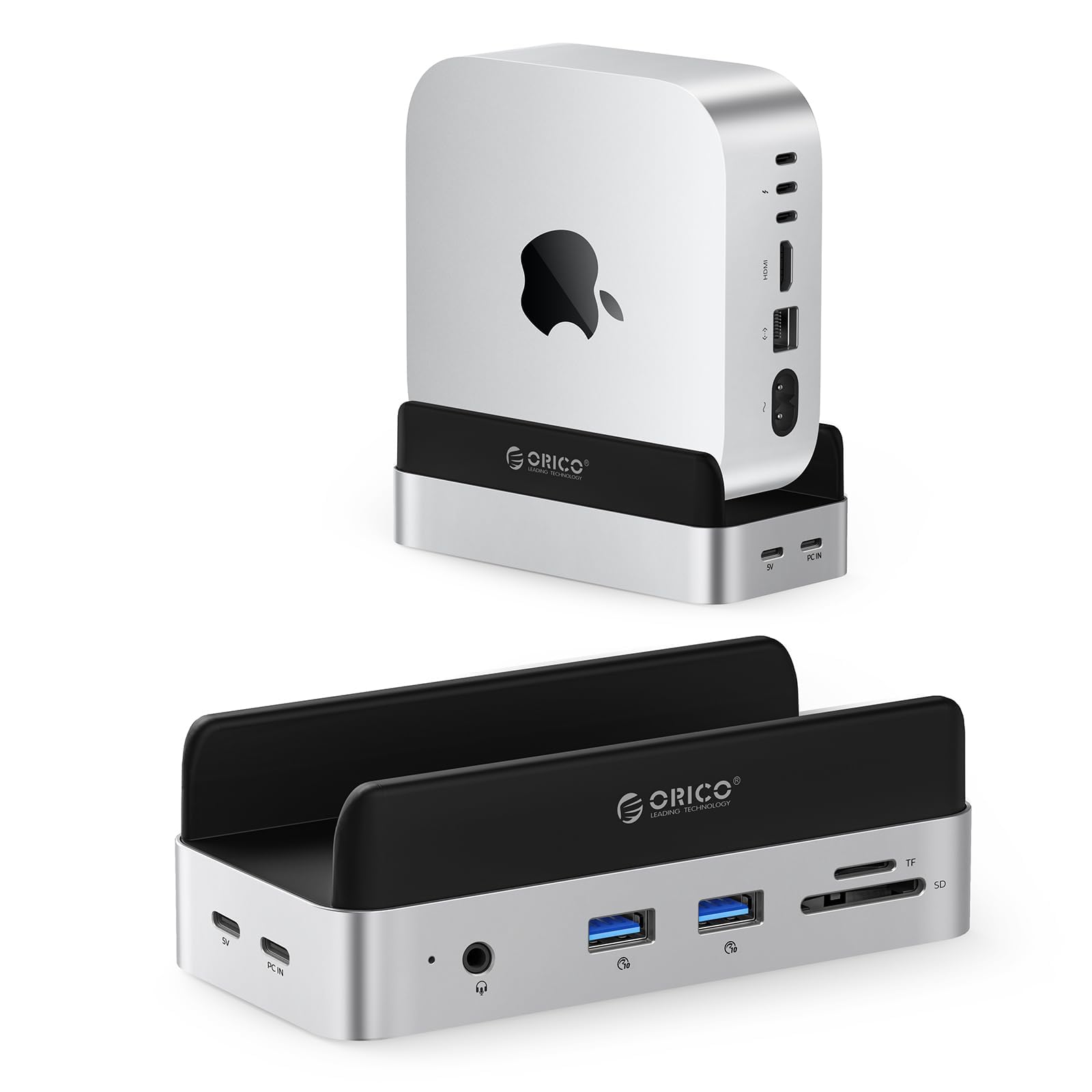
At first I got the Model A with two sticks, and performance speeds with Mac was just as expected, nothing great. But the reason I returned it was because one stick was SK Hynix P41 that ran hot (even with the in built heat sink but also deficient cooling fan etc). And more importantly the transfer speeds in between the two sticks was pretty bad as for NVME. If you have two cool sticks like Crucial T500 or also DRAMless Crucial P3 etc, they ran pretty cool overall and also if setup as RAID 0 you wont have issues transferring between sticks. In any case, I got the Model B with single stick and this one seemed an upgraded or revised model with two gaskets to improve the heat removal. I found the better sealing and reduce the recirculating of hot air. It does keep the case cooler than without but it doesnt cool SSD any cooler, so marginally better . If your model doesnt have these gaskets, easily replicated as DIY but not much difference if you dont , I think a faster fan would have more impact but on the other hand many previous models were criticized by being too noisy so I understand why they put a weak fan in here. Finally, I was obsesssed to confirm whether the products are as described and check if they can hit the max transfer speeds , initially disappointed but beelink support went beyond and finally after some more testing I was able to confirm it does hit does numbers at least. You need to format in APFS format (I used ExFAt for max compatibility , in Windows it makes no much difference between ExFat and NTFS but Mac peforms much better at APFS) and also there seems to be other differences with Windows, so you need to set test counts like 3 or 5 and larg file test size. And finally was able to get around 3400MBps read and 33000MBps writes so it works well for large file and sustained file transfer which is what I needed for . It is not 5 stars because cooling needs further improvement and also because for some reason (design or implementation ?) the transfer speeds between sticks in Model A is so low.. The material and craftmanship is top notch, with aluminum case CNC machined that matches MAC perfectly in size and looks except for their beeling logo..not all are same quality as I did get the Oarico too and this one is molded, cheaper and lower finish quality, not CNC machined as Beelink. This Model B also works well with Windows but probably you dont need it for windows. Overall, I nice and good looking alternative to replacing the Mac SSD yourself as myself since but I want to keep warranty and similar performance and original looks . Also another advantage is Orico is sealed unit, SSD not replaceable but this one is so you can upgrade it to 4TB later if you want. Read more


Customer—January 10, 2026✓ Verified purchase
For a Mac mini M4 (not Pro), the best option is the BEELINK EX Mate Mini-A, since you’ll only see 40 Gbps anyway due to the Mac’s Thunderbolt 4 port limit. I installed a Samsung 4TB 990 EVO Plus (PCIe 5.0 x2) M.2 NVMe SSD. I chose it for low power draw and sustained performance that’s “just” above TB4’s real-world speed. The Mate Mini-A also gives you a second, empty M.2 slot—and if you ever populate it, you’ll want to pay attention to low-power NVMe drives to avoid needing an external USB-C power supply. Installation was painless: once I inserted the SSD and formatted the NVMe, everything worked perfectly. It’s actually faster than the Mac mini M4’s internal 1TB drive—so now I have a low-cost M4 monster with 5TB of usable storage for far less than what Apple would charge. Bottom line: for $1,445.99, I have 5TB usable with 16GB of RAM, compared to the entry Mac mini M4 Pro with a 4TB drive and 24GB RAM at $2,599 (a 44.3% savings nothing to sneeze at) - plus I can plop in another NVME stick to boot in the future. Read more

rj—January 14, 2026✓ Verified purchase
raid0 failed (SSD2 went AWOL) after 30m of sustained iops. recovered in-place (ie without rebuild) after a reboot, luckily, but still this indicates heat problems. so much for active cooling. and yes i did remove the stickers on the heat transfer pads (undocumented). the included TB U-bar is goofy af and uses the middle mac port, probably the worst choice. i used a short normal cable instead. absolutely not a problem -- it's not required to use the u-bar. i wonder if external power would help. my return window is expiring so i won't have the chance to find out. Read more
Shahid—January 30, 2026✓ Verified purchase
Received the dock extremely fast. The dock was easy to set and simple to setup. Careful of the small screws on the inside. They are a bit tricky to install. Read more
Yevheniy Shestopalko—February 5, 2026✓ Verified purchase
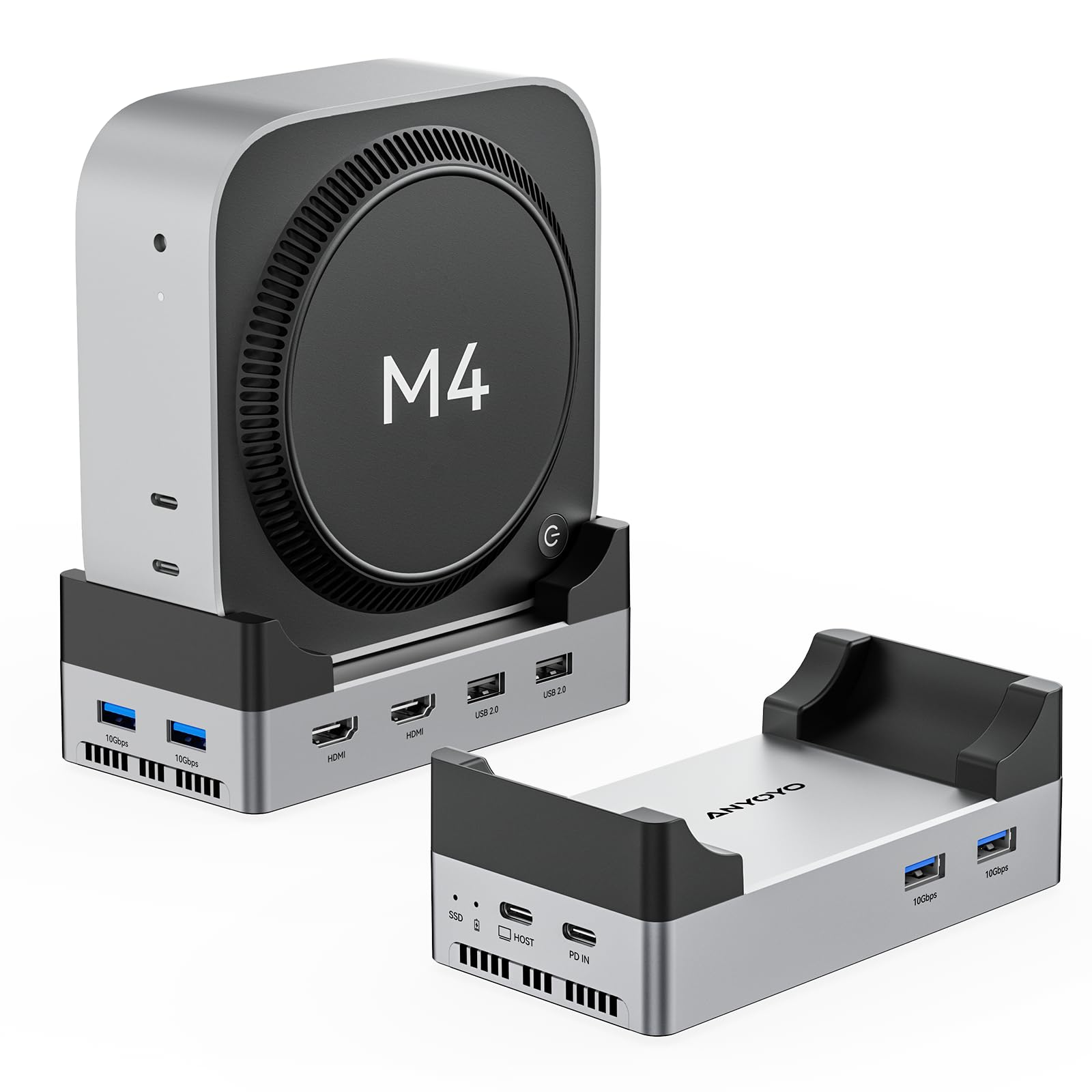
This was the only dock that could do 2.5Gbps Ethernet + dual M.2 drives. Make sure to use the included power adapter or it won’t work though!! Been giving this thing hell for the past 2 weeks, nonstop uhh “distributed networking” and high speed transfers from the SSDs via Ethernet, constant read/writes, no issues at all! Also a minor thing but the design is WAY more on par for the Mac mini than the other two docks I tried before this. The color, finish, and shape matches the Mac nearly identically. Read more
Customer—August 17, 2025✓ Verified purchase
I tried both versions of this hub. When they worked they were acceptable. Speeds were really good on the model B and ok on the model A. All of the ports being on the back is a real pain especially since the connectors provided are rigid and they don't allow you to move the hub independently of the Mac Mini. I had frequent disconnects with multiple cables, so ended up sending both hubs back for a refund. Read more
M. M. Moncivais—February 9, 2026✓ Verified purchase
I am only using one side with a 4TB SSD card but I like that I have the ability to add another 4TB SSD in the future. So far, I’m very happy with the speed of it. I did have a little difficulty with the screws because I couldn’t find the right size screw driver but once I did, it was pretty simple to install the SSD card. I’m a beginner at installing external drives so if I can do it, so can you. I asked ChatGPT to help me with the formatting and it gave me clear instructions. So if I can do it, so can you. Read more