C. Emmerson Winchester—June 16, 2025
So I waited a couple months before I could get this hooked up in my car because my sunroof was leaking. I didn't want to run the risk of getting the wire for the rear camera installed only to have a rainy day possibly ruin things. Anyway, after FINALLY getting the sun roof repaired, I took the opportunity to get the wires run while the headliner was removed. Anyway...I got the whole thing installed and the next day I hit the road. I was getting through all the features and functions...trying to see all what this nice little set up could do. I didn't manage to get 1/3 through the features before my driving day had ended. So I figured I would leave well enough alone, get some driving footage the next day after work. Well...that was the plan anyway. I got a call while I was inside my work place saying that my window was broken. So I go outside to take a look and sure thing...my passenger side rear window was broken. A small bag with some tools was missing and so was the dashcam head unit. They STOLE THE DAMN THING! I would like to be able to post the video of the piece of garbage that broke into my car, but they must have noticed the camera and decided to vacate with their own image. So now, I'm out one bag of tools, a passenger side window and a really nice dash cam. It was really nice while it lasted and I was having a ball with it. Now I have to order a new one. Read more
John—March 19, 2025
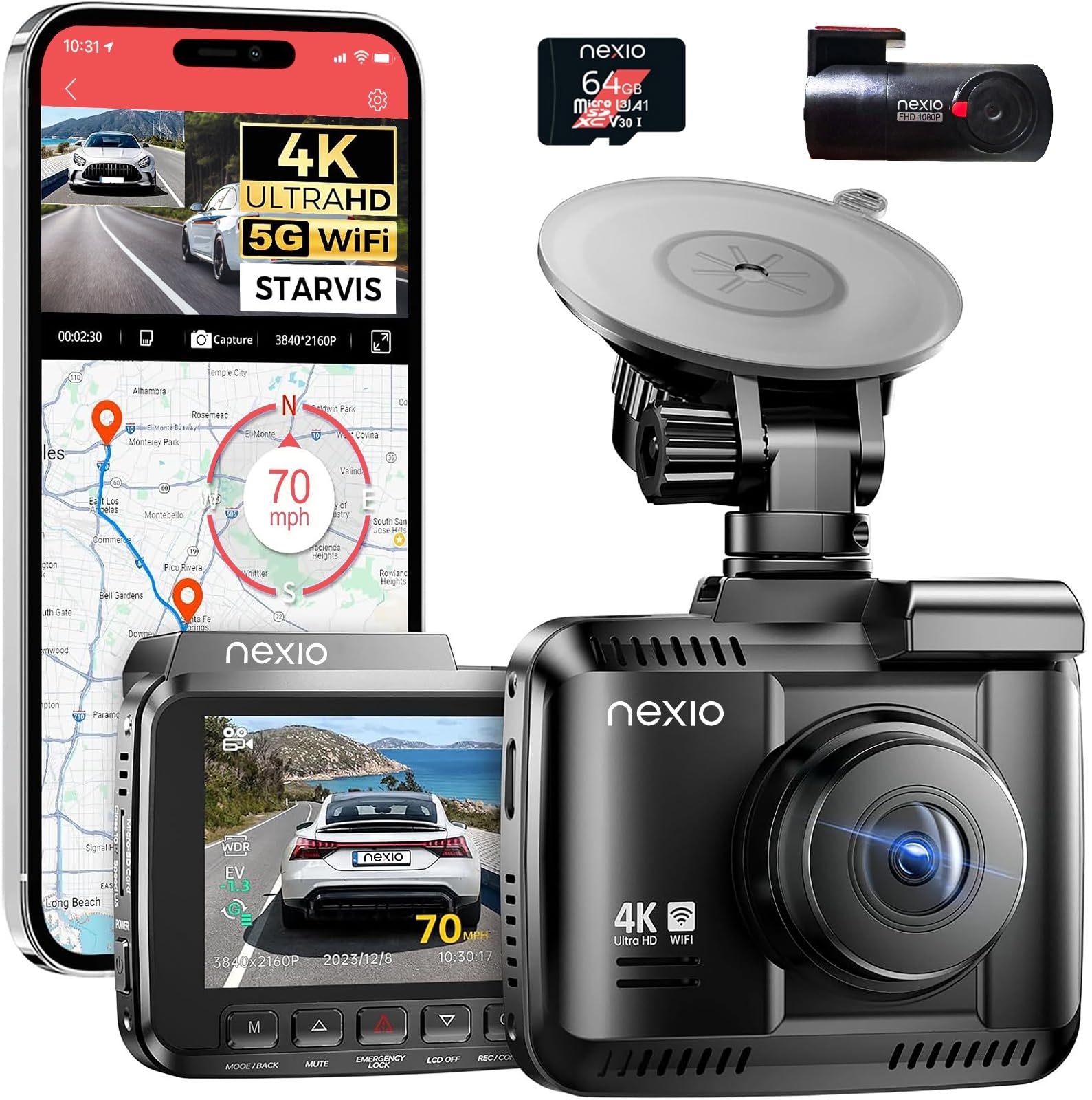
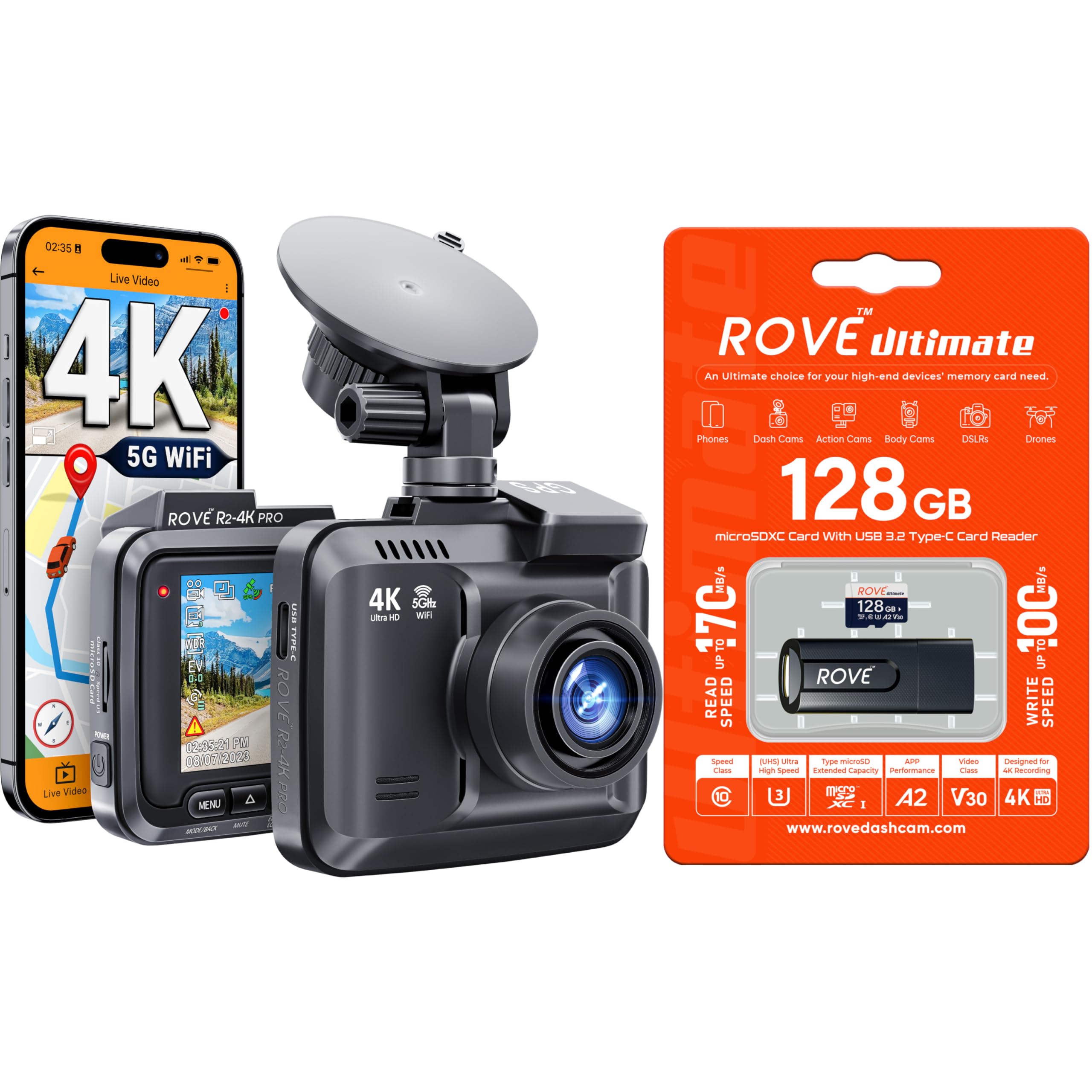
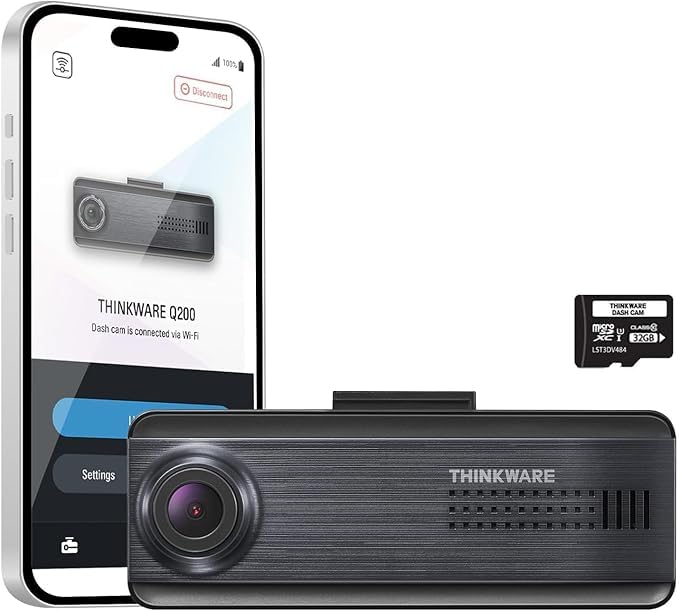
This dash cam has lots of features. You can control the 4 video quality settings. As for video length it has what they call loop. With loop off it will record in 5 minute segments till the memory is full than stop recording. With loop on you have a choice of 1, 2 or 3 minute segments. With loop once the memory if full it will delete the oldest file so it can continue to record. It also has a parked mode if the camera constant power is. The camera does not have an internal battery to run without a power source. My power source turns off when my car is off. I would have to get a power source from something other than the port point. I like the view the camera has. You are able to see cars to my side if they are a foot or ahead of me. It also shows traffic lights clearly even the traffic lights I have to lean forward to see. You can read license plates within 30 feet from the camera easily. Someday I will get ambitious to install the rear camera. Having the rear camera is optional as I’m not seeing errors with it disconnected. I am using the camera suction cup mount and is holding solid. I like that the camera can be removed from the mount leaving the mount in place. Nice quick features. Tap the power button to take a picture Long press the menu button for playback Tap down button to turn on or off audio recording {With Video} Tap emergency video lock to lock current video {shows in event log} Long press emergency toggles WIFI on and off Tap up button to turn off screen {continues to record} Read more
Jersey Mike—March 19, 2025
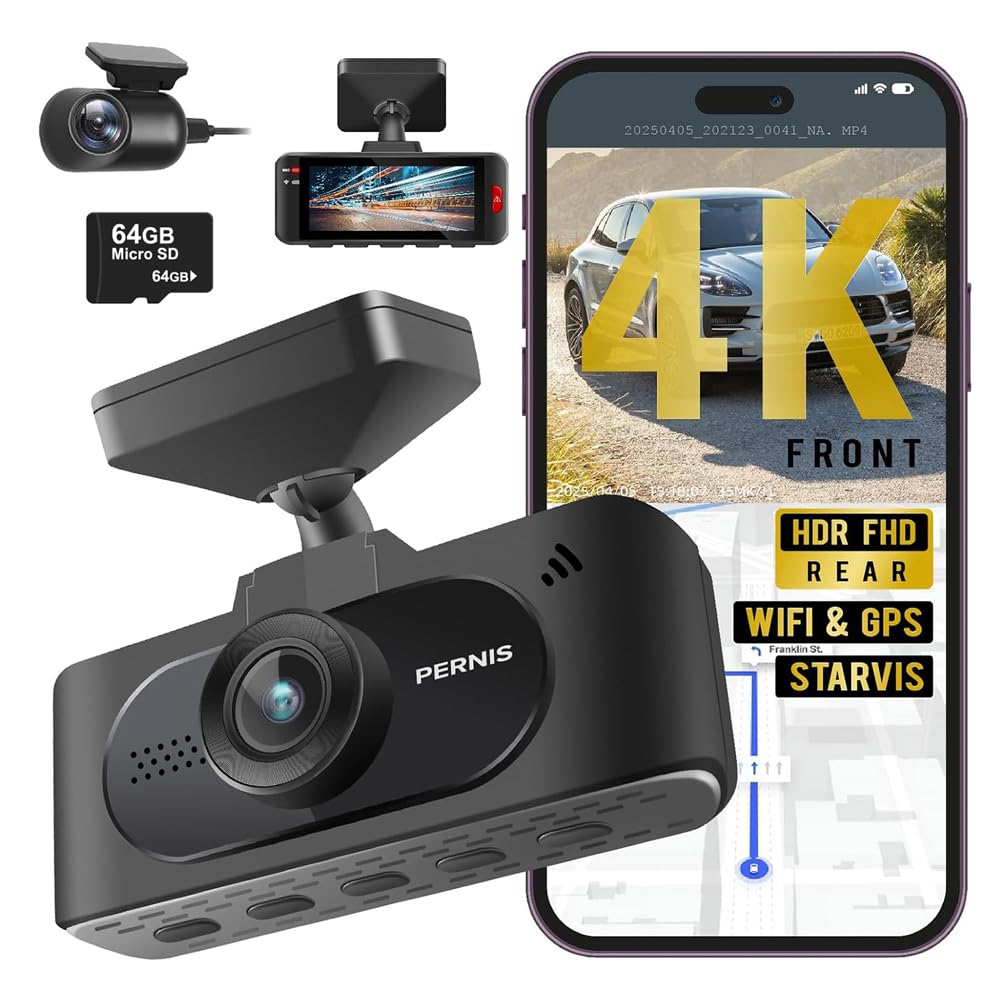
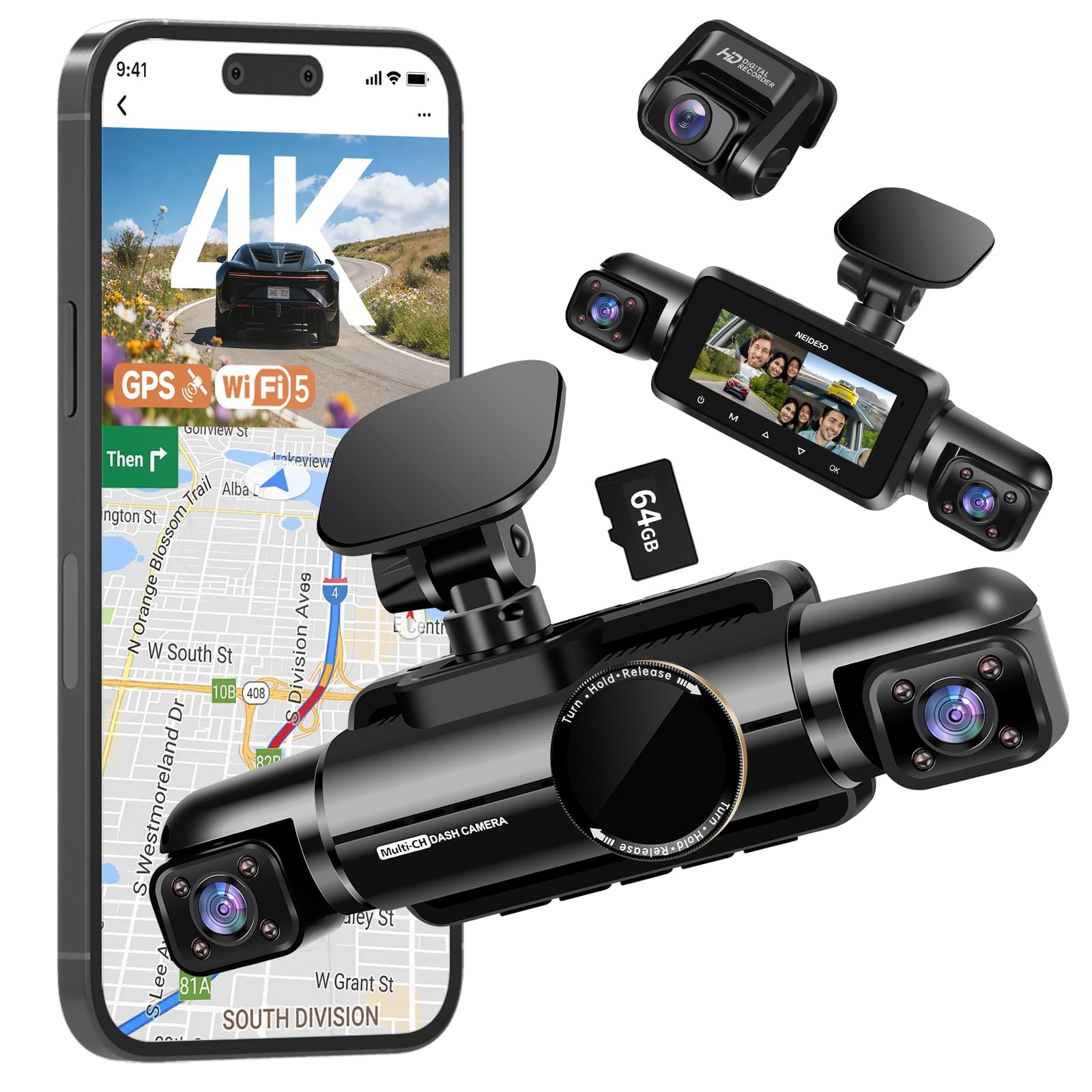
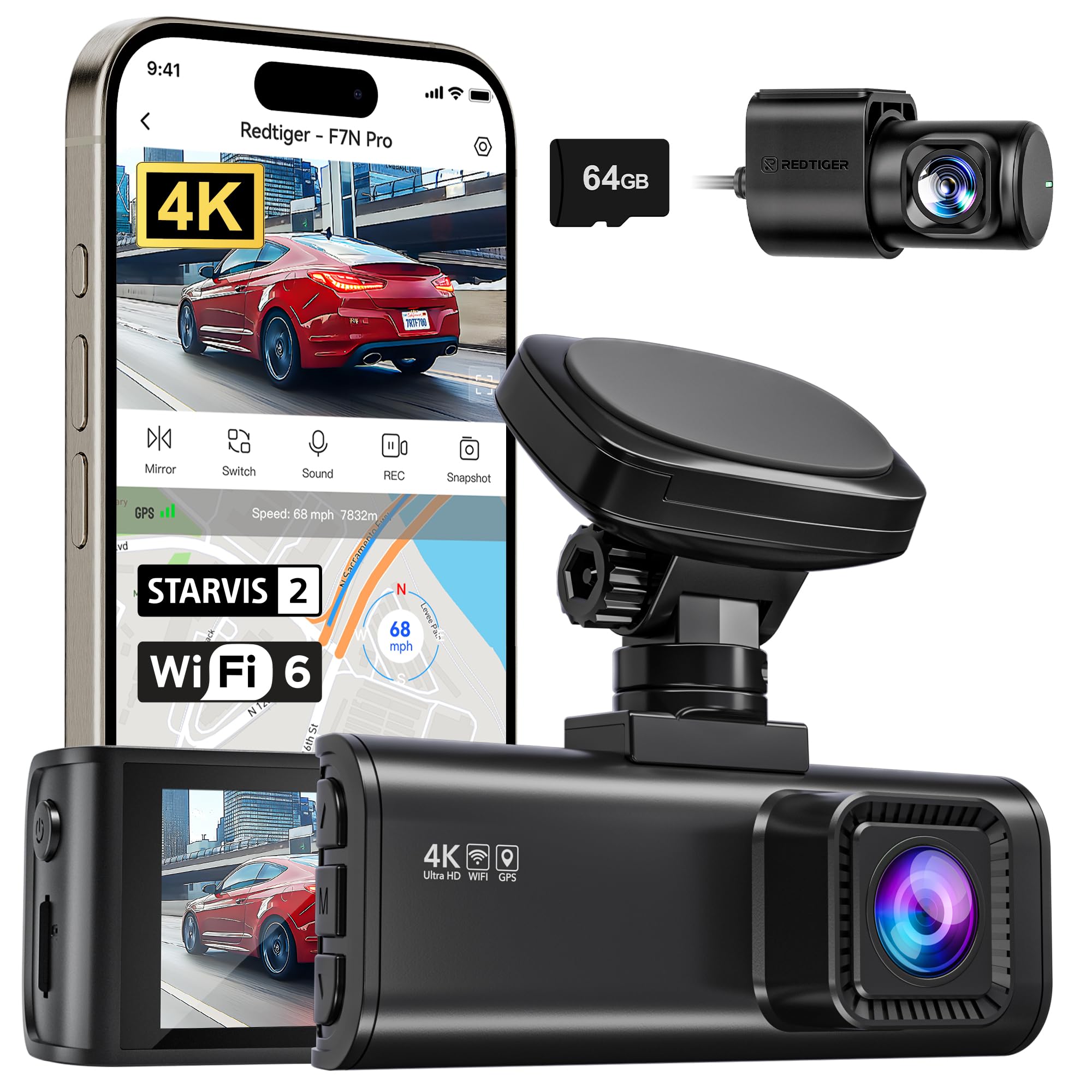
Full disclosure: this is my first dash cam, and I only installed the front camera. Some of my comments admittedly could be new pilot error. To start, the installation was easier than I expected, and the plastic tool they provided was helpful in routing the wire. My car (Acura RDX) is only a few months old and I had concerns about possibly damaging something. My worries were unnecessary. Once installed, you first format the micro sd card - which takes all of 1 second. After that you’re pretty much up and running. Pushing the Mode button once puts you in video settings where you can set the carra’s resolution, etc. Pushing Mode a second time gets you into the system settings. This is where you can turn on wifi and pair to your phone. HOWEVER, you cannot do this is you are using wireless Apple CarPlay. CarPlay also uses wifi, and the phone will only connect to one wifi signal at a time. I was very disappointed by this, but in researching the issue apparently most (all?) dash cams have the same issue. Fortunately you don’t have to use wifi for the camera to function and record. However, I believe you’ll need it to download videos - unless you choose to remove the SD card and read it directly. I don’t have a reader at present, so I haven’t tested that yet. Of course you can also turn off the CarPlay connection, and either not use it, or connect via a cable. I was able to connect to the dashcam by turning off CarPlay, but I still had issues staying connected. It was constantly dropping the signal and reconnecting. Not sure why, and this is where I referred to pilot error earlier. Don’t know if I’m doing something wrong, but I couldn’t stay connected long enough to actually view or download any recordings. The length of each recording can be set to be between 1 to 3 minutes long. I have read that 5 to 10 minutes is preferable, but I don’t think this device is capable of that. Even when setting a lower video resolution the loop length still maxes out at 3 minutes. Not sure how many clips the 64 gb card can hold, but once you reach capacity it will overwrite the oldest clip. You cannot do this, of course, order larger capacity cards if you need more storage. You can also lower the video quality as well I presume to increase capacity. Anyway, it’s a nice camera, and it’s currently selling at $150 with an additional 30% coupon. That’s a pretty good price for a 4k dashcam with both front and rear cameras. I just wish there was a way to connect to it while also using wireless CarPlay. Read more
V Thom—May 17, 2025
Dashcam was easy to install and it works really well. It also has lots of functions for safety like lane assist which works great when drifting. I have no issue with the Valera itself or how it works. I have been having problems with the app that it requires you to have to download the video. It keeps crashing or won't connect with my phone, it's been kind of a hassle. Read more