Customer—March 22, 2026✓ Verified purchase
They were a difficult at first to get set up. There are no instructions that come with the item. We eventually figured it out. You need to get the Alexa app and SmartLife app. The two apps need to talk to each other to work. Read more
CSM—March 23, 2026✓ Verified purchase
Even though the instructions intimate 2.4g only, everything sets up just fine on a 5g router. Read more
Catherine—March 11, 2026
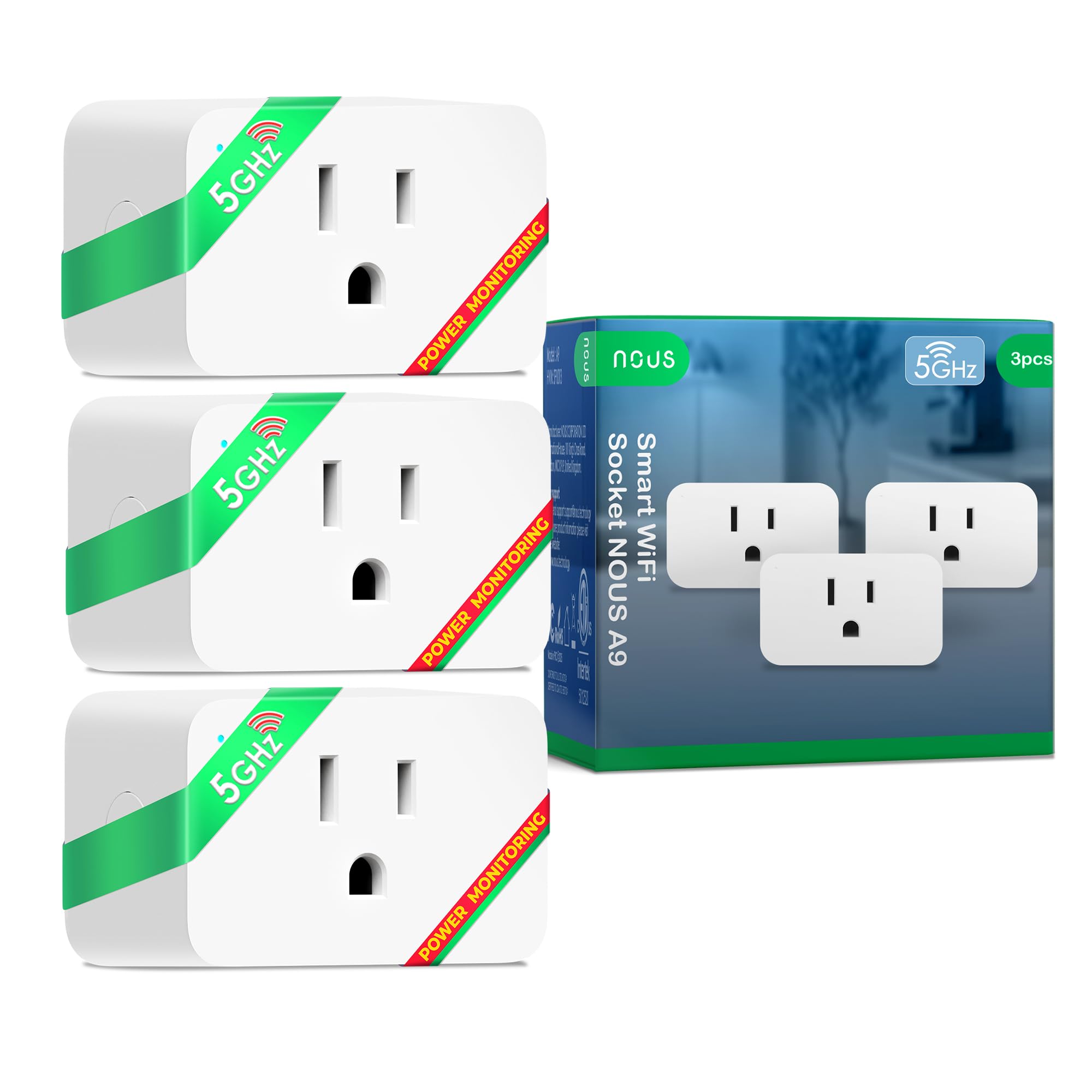
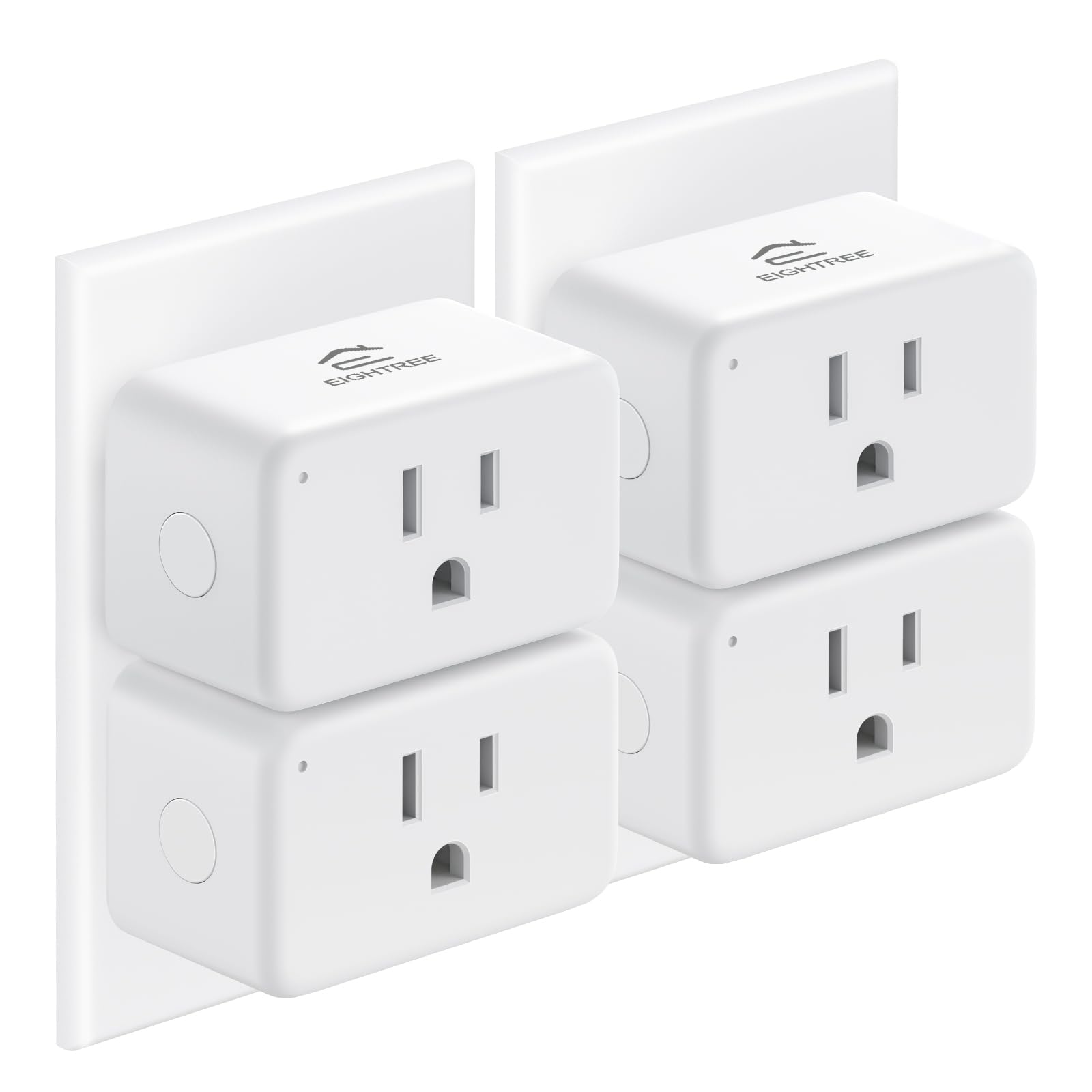
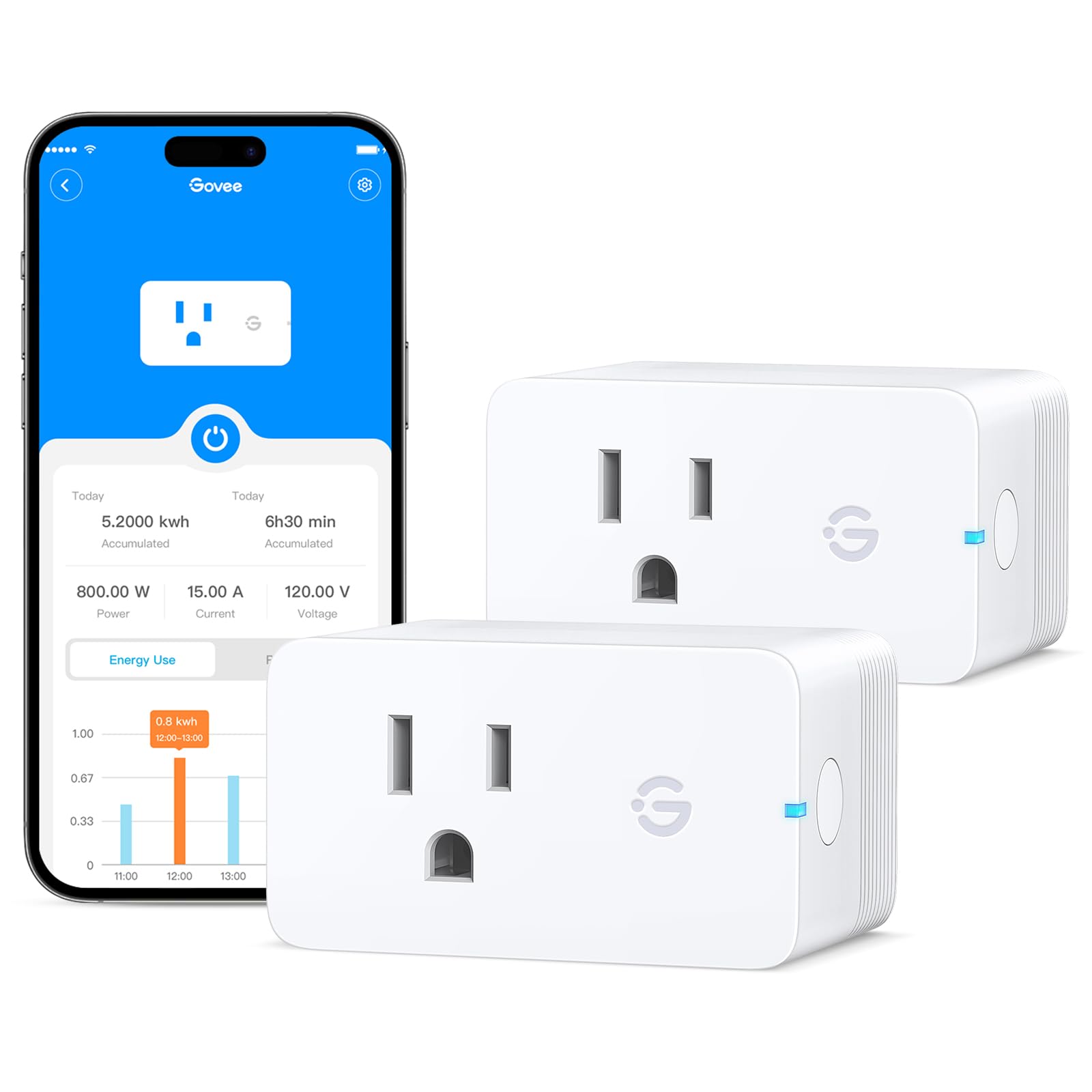
If you’ve ever tried to set up a smart home, you know the "2.4GHz headache." Most smart plugs are notoriously stubborn, forcing you to go into your router settings just to disable the 5GHz band so they can connect. The NOUS A9 Dual-Band Smart Plug is a complete game-changer in this department. It’s one of the few plugs on the market that genuinely supports both 2.4GHz and 5GHz networks, making the setup process smoother than any other brand I’ve used.Design & Build QualityFirst off, the design is incredibly compact. Many "mini" plugs still end up being bulky enough to block the second outlet on a standard wall socket, but NOUS nailed the form factor here. You can easily fit two of these in a standard dual-outlet, or use it on a crowded power strip without sacrificing adjacent space. It feels solid, not like the cheap, hollow plastic you find on budget generic plugs.Setup & ConnectivitySetup was nearly instantaneous using the Tuya/Smart Life app. Since it supports 5GHz, I didn't have to play the usual game of "walking to the far end of my house" to get a 2.4GHz signal. It supports Alexa and Google Home perfectly. I linked mine to Alexa, and the voice commands are responsive with virtually zero lag. If you’re a fan of automation, it also plays very nicely with Siri Shortcuts and SmartThings.Energy Monitoring FeaturesThe real-time energy monitoring is a fantastic bonus. Through the app, you can see exactly how many watts your device is pulling at any given moment. It tracks daily and monthly usage, which is eye-opening if you’re trying to hunt down "energy vampires" in your home. It’s a great tool for anyone trying to lower their utility bill or just keep tabs on high-draw appliances like space heaters (up to its 15A/1800W limit).Performance & StabilityIn terms of reliability, these have been rock solid. I’ve had issues with other brands dropping off the Wi-Fi after a week or two, but the dual-band support seems to provide a much more stable tether to the router. The timer and scheduling functions are local, meaning even if your internet blinks, your scheduled routines (like turning on a lamp at sunset) stay on track.Pros:True Dual-Band: Works on both 2.4GHz and 5GHz Wi-Fi.Space-Saving: Compact design doesn't block other outlets.15A Capacity: Safe for most household appliances.Data-Rich: Excellent energy monitoring and history.No Hub Required: Connects directly to your router.Cons:App Choice: While the Nous app is good, it's essentially a skin of the Tuya app, so I recommend just using the standard Tuya/Smart Life app for better integration with other brands.Final VerdictThe NOUS Wi-Fi Smart Plug is a premium solution to a common smart home frustration. If you want a plug that is easy to set up, provides detailed energy data, and won't crowd your wall outlets, this 3-pack is an incredible value. Highly recommended for anyone tired of Wi-Fi connection issues! Read more
Johnny Opinions—March 14, 2026
TLDR: These plugs are decent if you don't have Zigbee. I use Home Assistant to control the smart devices in my house. When I first started getting into it, I went with Tuya compatible wifi plugs and found them frustrating with their 2.4GHz-only requirement, fiddly to get set up, and not the most reliable. Since then I've moved to using mostly Zigbee devices as I've found them just way more reliable and they "just work," despite needing additional hardware (in my case, a Zigbee radio dongle attached to the Home Assistant computer). Anyway I decided to try these Nous tuya plugs because they finally realized it's 2026 and added 5GHz wifi capability. Which definitely improved the ease of setup, no need to fiddle with router and phone settings to get them provisioned on the network. (Some clarity on that: If you have a dual band network, i.e. 2.4GHz and 5GHz wifi with the same SSID, your phone is going to try to connect to the 5GHz one; your phone needs to be on the same network you intend to use with the plug, which, if the plug is 2.4GHz only, is a problem. You'd have to rename the 5GHz network to make sure your phone isn't using it, because Android won't let you specify, and it's a whole really annoying hassle). So, yeah, they're easier to set up. Annoyingly though you have to use an app to get them set up—instead of the Nous app I used the Smart Life app which is basically the same thing, the Nous app seems like a rebranded version of Smart Life. I believe these plugs announce themselves with Bluetooth so the app can find them; unlike with Matter devices there is no QR code to scan, the plug just appears in the app, which is also nice. These plugs have energy monitoring which you can get in Home Assistant using one of the Tuya integrations. But you also need to remain cognizant of the fact these plugs are phoning home to China all the time. When you want to turn the lights on, you call some data center controlled by a Chinese company. What happens when they decide to stop paying for the data center in five or ten years? Your plugs won't work anymore. So, meh, I would recommend Zigbee devices which don't rely on a third party. There is a 'local tuya' integration available for Home Assistant that supposedly bypasses the tuya datacenter. Read more