Melissa—September 28, 2025✓ Verified purchase
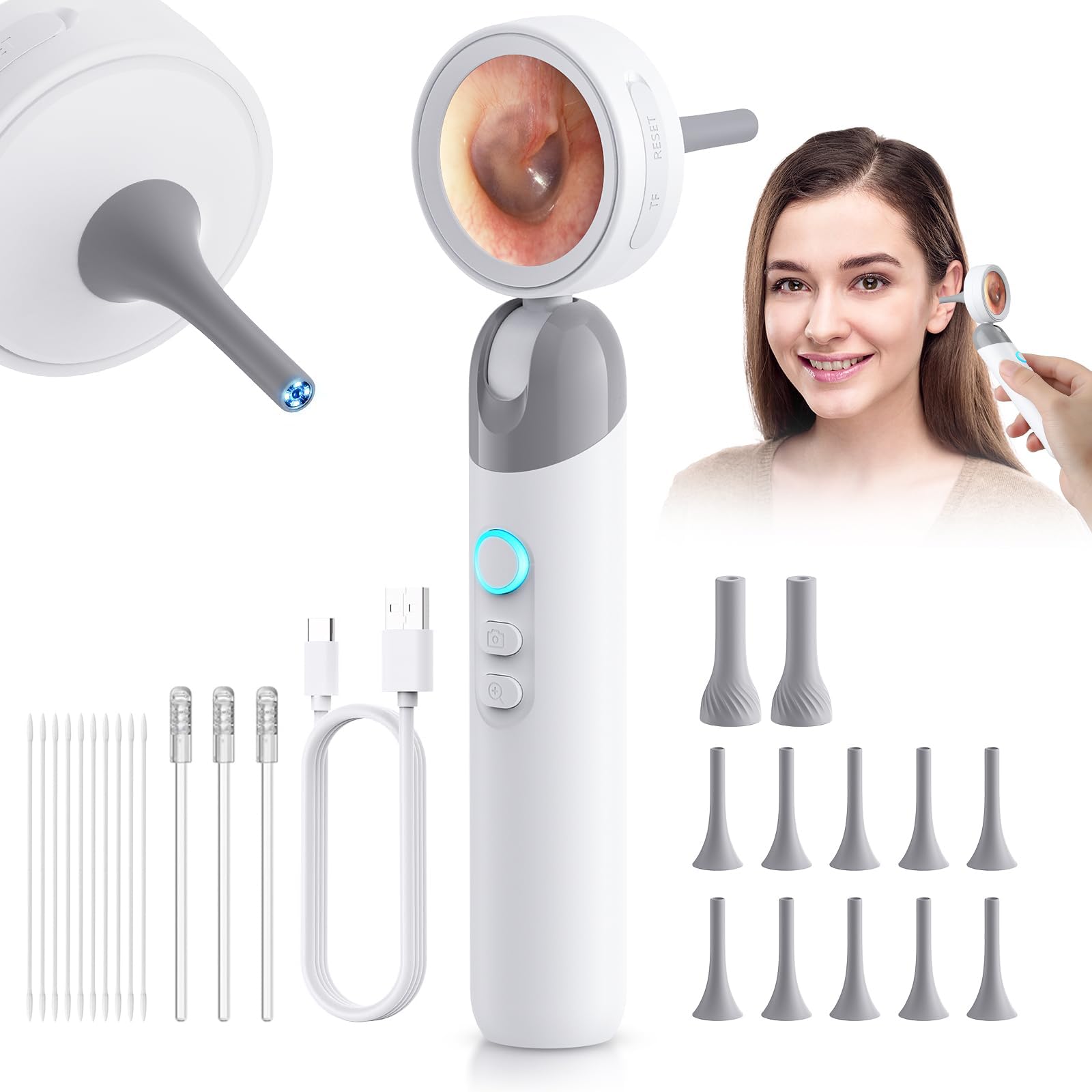
I bought this otoscope mainly out of curiosity, but it turned out to be one of the most useful little gadgets I’ve purchased in a while! The screen is super clear, and the 1080P resolution really helps you see everything inside the ear without any guesswork. The LED lights make a big difference, especially for checking my kids’ ears—no more struggling with a flashlight and a mirror. The different silicone tips are a great touch, and I appreciate how hygienic and safe everything feels. It even works well for pets (yes, I tried it on our dog, and it helped spot some wax buildup). The buttons are intuitive, and it charges quickly via USB-C. The photo/video function is a cool bonus, especially if you want to show your doctor something. Highly recommend for families with kids or anyone prone to ear issues. So much better than the old-school scope and flashlight routine. A+ product! Read more
GxT1—July 29, 2025✓ Verified purchase
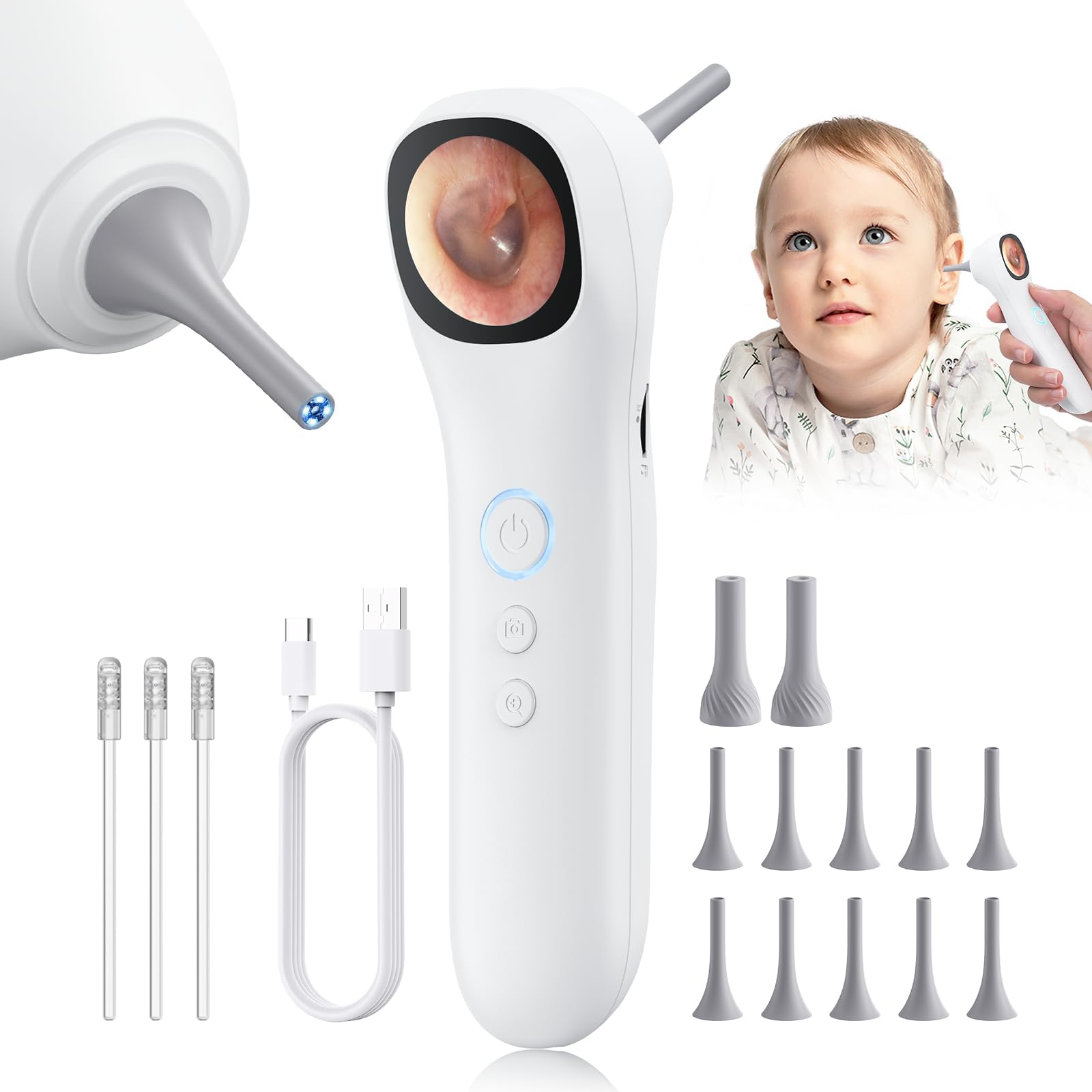
For the price this was a pleasant surprise. It comes with multiples of two tip types, The standard ear exam long pointy one and another wider elongated bell shaped tip which installs in the reverse direction, so the bottom of the bell can rest against the skin and stabilize the device for close of shots of the skin. As much as the ear exam, the skin exam part could be really useful, it allows for a pretty painless way to capture pictures to send to the doc should a concern arises (once you have a couple of other pieces in place). The manual suggests that a computer live view is available with the USB cord connected but neither my Windows 10 or my Windows 11 computer ever recognized that a USB device had been plugged in regardless of connecting live, or with power off initially then turning on, tying multiple ports (front and back) and trying multiple cords. This wasn’t a deal breaker because while the resolution is decent, it’s not going to stand up enlarged to the size of a computer screen and show really crisp detail, on the small device screen the resolution is fine. The resolution after an image transfer to a computer was pretty close to a 30MP DLSR (which ONLY has a zoom lens, not a macro lens) so to show the same area, the DLSR image is highly cropped. For detail, I'd give a small edge to the scope, for color rendition the DSLR wins hands down but the DSLR isn't going to look into you ears or nose. I did buy an add in MicroSD 128gb memory card. The scope has some internal storage for pictures but movies require a MicroSD card and any type of image transfer to a computer also requires a MicroSD card. When a MicroSD card is installed (see picture) the photos are by default stored on the MicroSD card which can be put in adapters and used as a Flash Drive for transfer to a computer. The MicroSD is installed in an adapter to convert it to regular SD card size, then in my case I have a regular size SD card adapter that allows the SD card to be used like a flash drive (photo). No SD card or adapters are included with the scope The manual certainly is lacking in clarity and below is a synopsis of how the unit works / what the button presses do. The back of the Smart Detector Otoscope has 3 buttons Top - big round button is the power button Middle is the Camera Button Bottom is the Zoom Button Hold the power button and it takes 3 second for the scope to turn on Power up default is the live view. In live view: A quick presses and releases of the power button cycles through illumination levels then to illumination off A brief press of the camera button takes a snapshot; a long press takes a movie. A SD card has to be installed to take a movie. If an SD card is installed the device uses the SD card as default storage for both snap shots and movies. A short press of the Zoom button changes the magnification. A long press of the Zoom button will enter Review mode of the pictures in storage. In Review mode: Brief presses of the Camera and the Zoom button scroll through the saved photos. A long press of the Camera button will bring up two garbage cans superimposed on the image. The garbage can on the left (with lines) is for deleting the current image. Pressing the zoom button moves the selection to the garbage can on the right, to select delete all images For either garbage can selected, a brief press of the power button will confirm to go ahead with the selected type of deletion. To exit the deletion mode, do a long press of the Zoom button, the garbage cans go away and it returns to review mode. To Exit Review mode, do a long press of the Zoom button and the system returns to Live View Mode Read more


Viktoriia—October 14, 2025✓ Verified purchase
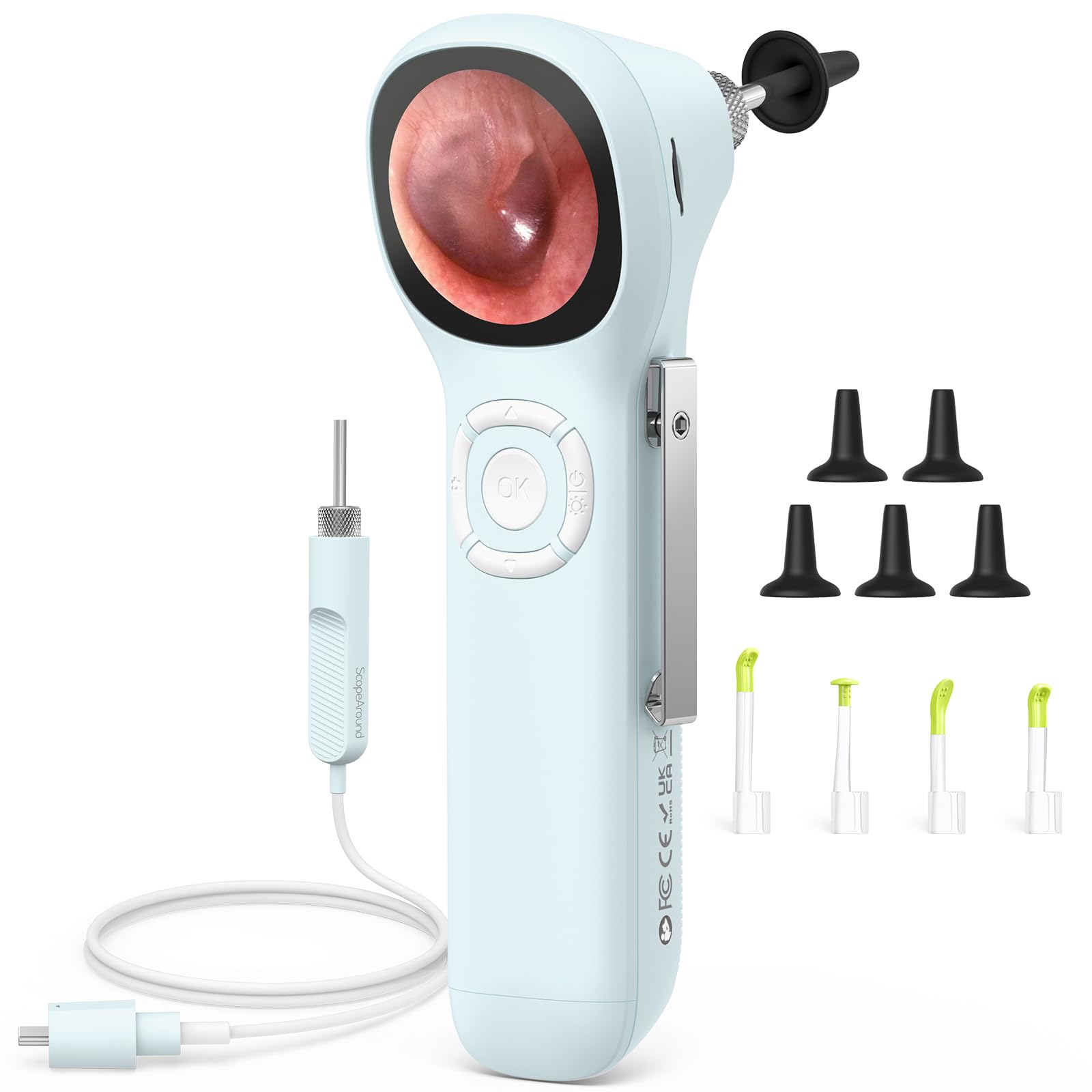
Honestly, I didn’t expect much, but this little device surprised me! The camera is super clear, and the built-in light makes it easy to see everything inside the ear. It feels nice in hand and doesn’t slip. I like that it comes with so many soft tips — they’re gentle and easy to clean. The app connection took me a minute to figure out, but once it worked, I could actually see everything in real time — kind of fascinating! 😄 The battery lasts well, too. Overall, I’m really happy with it — totally worth the money. Read more
JenNnN-aye—August 1, 2025✓ Verified purchase
I recently purchased the Aertnelz otoscope, and I couldn't be happier with my decision! The 1080P HD camera provides incredibly clear images, allowing me to see every detail in the ear canal and other areas. The 1.38” IPS LCD screen is a fantastic feature....no need to fuss with a smartphone for real-time viewing. This clarity has given me peace of mind, especially when checking my children’s ears and throat during cold season. It's like having a professional examination tool right at home! What truly impresses me is the ergonomic design and versatility of this otoscope. The non-slip grip makes it comfortable to use for extended periods, and the adjustable brightness and magnification settings ensure I can tailor the view for each examination. The inclusion of two interchangeable probe tips is a game changer! Whether I'm performing a quick health check or monitoring personal hygiene, this device has everything I need. I highly recommend the Aertnelz otoscope to anyone looking for a reliable, easy-to-use, and high-quality tool for their family's health needs! Read more
Jason—November 11, 2025✓ Verified purchase
The 1080P resolution and LED lighting make it easy to see everything clearly without discomfort. It’s lightweight, charges fast with USB-C, and the extra silicone tips are great for family or pet use. The ability to take photos and videos is a nice bonus for tracking progress. Excellent quality and totally worth it, especially since it’s FSA and HSA eligible. Read more
kelvin—October 28, 2025✓ Verified purchase
This ear camera works surprisingly well. The image quality is clear, and the built-in screen makes it super convenient — no need to connect to your phone. It’s easy to use, even for beginners, and the included tools are handy for gentle cleaning. The battery lasts quite a while too. Definitely worth it for quick ear checks at home! Read more
phani kumar—September 6, 2025✓ Verified purchase
This digital otoscope has been a fantastic addition to our home health kit. The camera gives super clear images, and the small screen shows every detail of ears or skin without needing my phone. I love the comfy grip, it’s easy to hold steady while checking my kid’s ears after a cold. The brightness and zoom options make it simple to tweak for a perfect view, and switching between the ear and skin tips is a breeze. I’ve used it on my dog’s ears too, which was a lifesaver for spotting irritation. Connecting it to my laptop for a bigger screen was handy for saving images. The battery lasts forever, and it’s become our go-to for quick health checks at home Read more