SEA ANTSY—February 14, 2007✓ Verified purchase
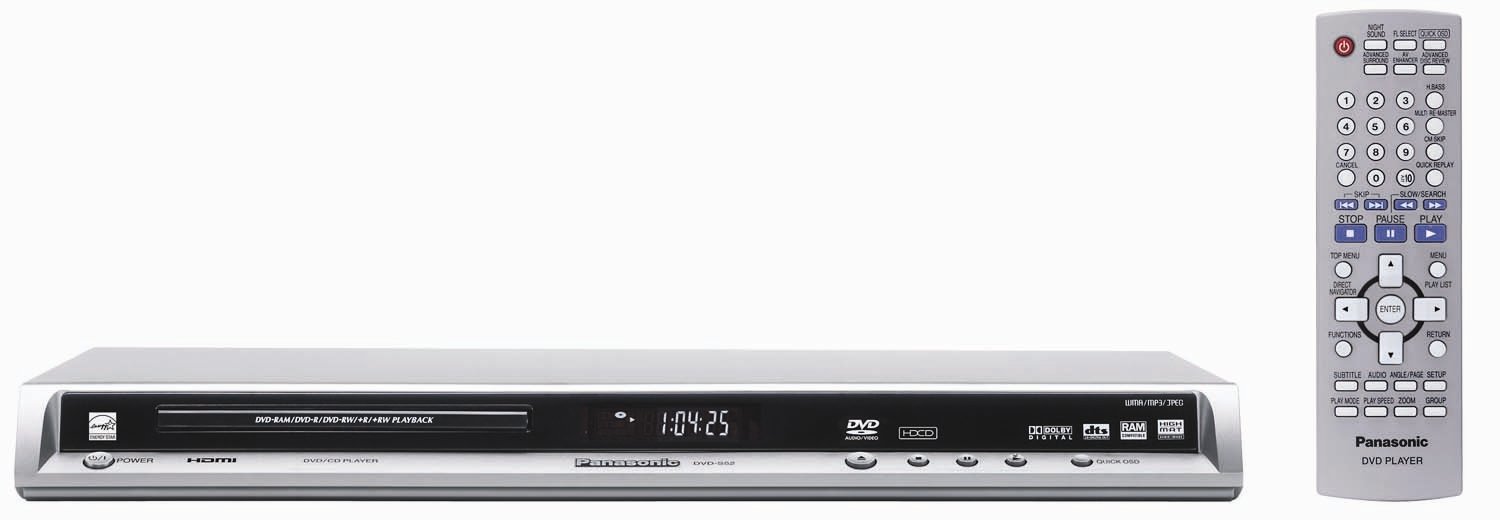
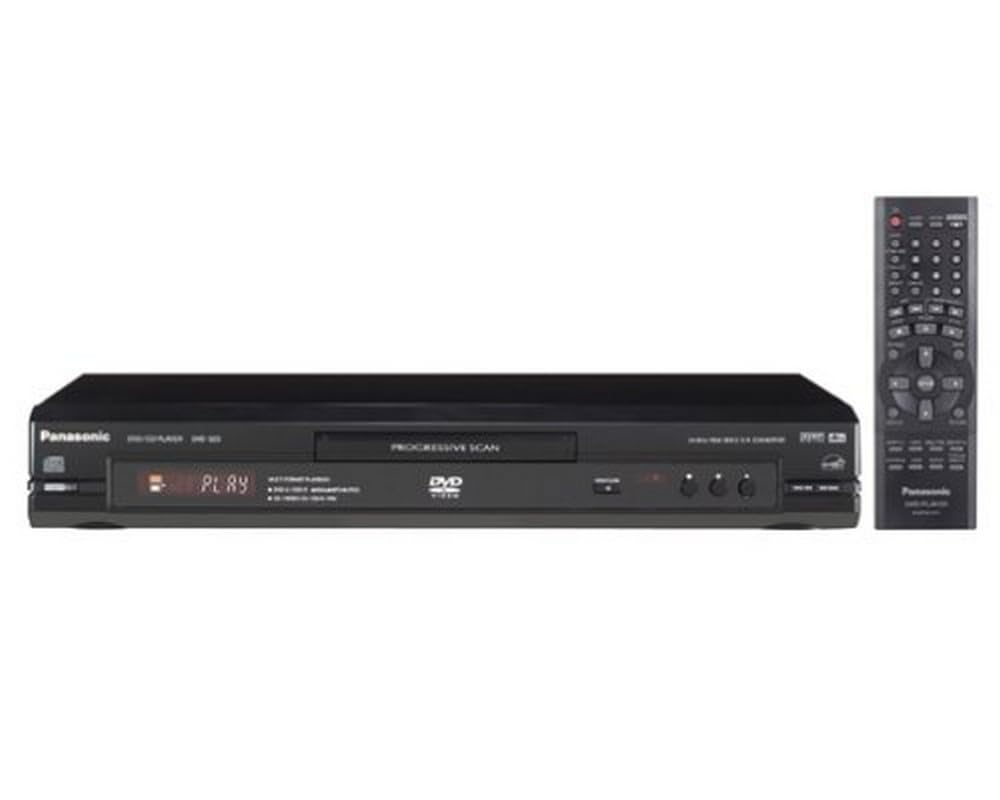
Phew.. I doubt if I will ever find all the functions on this fine instrument.. it seems to take and play everything I can throw at it... and very nicely... nice style and design.. slim... kinda matches the dvr cable box.. only point of confusion.. the rear panel is sooooo thin there is not room for labeling the connectors.. and the COAX dig audio out ... well you figgure it out.. less than intuitive.. I would give this 5 stars but have not explored all the functions YET>.. In my dream world I would like to see... all DVD players this thin and the same size as all the DVD & Cable boxes so they would stack nicely.. and spacer feet for the top and bottom to allow for air flow... Read more
W. L. Asher—May 12, 2007✓ Verified purchase
I bought this DVD player to replace the Toshiba SD-K860SU DVD player, which was giving me trouble mainly because it would pause every once in a while, apparently to "buffer" the program data. So far, after about a month's worth of use this machine does not exhibit that problem - the movies play fine from start to end. This Panasonic has a feature that I really like, and that the Toshiba and some other players I have had were lacking. It is that if you turn off the unit while you are watching a movie, it will remember the exact location you were at so you can resume at some later point (without removing the disk of course). Another feature I really like is that you can move captions down, out of the way. That won't matter to you if you don't use captions - but most people do for foreign films, and I use them for most movies because I'm hard-of-hearing. When the movie has a very widescreen aspect ratio, you will get a small black letter-box effect at the bottom and top of the screen (when using a 16:9 HDTV), so it's great to be able to move the captions down into that black area. The DVD player will not remember that setting from one movie to the next, so you have to set it each time you want it. No big deal. Note that if the movie has the 16:9 aspect ratio, it fills the screen all the way to the edges, as it is supposed to. It has various audio enhancing controls that I've played with but don't fully understand. One of them is supposed to enhance dialog, so the background music doesn't overwealm the dialog. I think it works pretty well, but I have not done exhaustive parallel testing. Also I do not have an audio system, just the speakers in my Visio HDTV, which I'm actually pretty happy with (someday we'll upgrade to home theatre audio...) You can set the various menus to be semi-transparent, so you can see the action behind the menus while the movie is going on. I like that. Of course this player is an "upconverting" model. I am no videophile, but I am extremely impressed with the pictures I get on my TV from this DVD player. They are brilliant, and quite satisfactory. Meanwhile speaking of pictures - this DVD player appears to be much more "intelligent" that the Toshiba in this way: A lot of the time the special features on DVDs are presented in 4:3 aspect ratio - maybe to save space on the DVD or save production costs. The movie itself is typically in 16:9 ratio or some such. The player is "smart" enough to show each in its correct ratio. With the Toshiba, I would have to manually switch to 4:3 when watching the features, and then switch back for the next DVD. (Unlike some people, I really prefer to watch the pictures in their original format - I don't get the notion of stretching the picture, which distorts all the images. I know using 4:3 on a 16:9 set "wastes" the space on the sides, but so what?). Now for the ONLY thing I've found that could be improved: On my old machine (the dreaded Toshiba), if I pressed the "info" button, it would tell me the elapsed time, the time remaining, the chapter number, and the number of chapters. The Panasonic will give all that information, EXCEPT for the total number of chapters. I would have liked that information, because the main on-board digital display just gives the current chapter number (no elapsed time, like on some DVD players), so you don't have a sense for how far into the movie you are, unless you are watching the clock. Of course this is completely irrelevant if you are watching a gripping movie, but when you're watching "My Dinner With Andre" you really want to know how close to the end you are. I read some other reviews indicating that the DVD tray was flimsy. It is not made of iron and I wouldn't use it as a sledge-hammer rest, but it seems sturdy enough to me. Delivery of this machine from Amazon's vendor was rapid and uneventful, and setup was quick and easy. I have not used the remote, since I use a universal remote (the Osiris MX-350). I used a pre-programmed Panasonic DVD code on the remote, but had to make numerous manual programming adjustments to get all the buttons to work. As every Osiris owner knows, making those adjustments are VERY fun and something to look forward to. I'm very happy with my purchase and expect to use this DVD player for a long time to come - at least until they settle on an HD-DVD standard and HD-DVD players become affordable. Read more
J. Dollak—July 5, 2007✓ Verified purchase
I recently moved up to an HDTV, and didn't want to commit to the high-def DVD war. I honestly don't see any picture difference with the up converting on. It looks exactly the same. Yes, I am using the HDMI output. There are two other problems that I have with the player. One of them is the flimsy DVD tray. This is not a serious problem, but it's such poor work that I worry that I'll break the tray by trying to center the DVD in it. The other problem is that the menus are poorly laid out. There is a menu button.... then there's also a function button. The features you'd expect to find easily are all under Function - Other Settings. On the plus end, I haven't had difficulties playing any disk at all. I haven't seen any stuttering of images or other problems. Read more
JJ—May 19, 2007
I am not sure why I am not experiencing the better picture via the up-converting most others are..I have it hooked up via HDMI cable to my Hitachi 50 inch RPTV HDVT..the picture is good...but no better than any of my other DVD players. I am dissapointed in the up-converting portion. 1080i is actually worse....and 720p mode makes it as good as my other dvd players.. I doubt my tv has a decent built in up-convertating system since its about 3 years old now..I guess my expectations were higher based on the reviews. As a dvd player..it would be 5 stars..but as an up-convert dvd player..I would give it 0 stars since its no different but will give it 2 stars to be nice.. Read more
Oswald S. Vater—March 28, 2007✓ Verified purchase
I am very pleased with this Panasonic unit and the only reason I didn't give it 5 stars was because I had nothing to compare it to. I am using the HDMI connection - that and the upconverting feature warranted my upgrade from an older Magnavox unit. If you are looking for an under-$100 player for the same reasons, this is a good one to purchase. This one was actually under $80 and arrived on time in perfect condition. Read more
M—June 12, 2007✓ Verified purchase
I bought this player for 2 reasons. Price and the HDMI upconvert. I reviewd several units on this and other websites. I received the unit today. I connected it to my Samsung 720pLCD. Looks amazing. I put in casino royale and was amazed at the quality. I watched the movie on a standard dvd player a few weeks ago on my plasma on a sd player. 100x difference. I was using the HDMI cable. You must set the player to 720p and then be prepared to enjoy. The only downside, which does not affect me, is that multichannel surround is only availible from the HDMI. THe optical and coaxial audio outputs only will give you 2ch sound. Since i use this as a bedroom unit it is not a problem. Excellent value. I will buy more of these. Read more
Golf4fun42—May 30, 2007✓ Verified purchase
The only complaint I have is it does not come with a HMDI cable. Read more
P. Stratton—January 14, 2007✓ Verified purchase
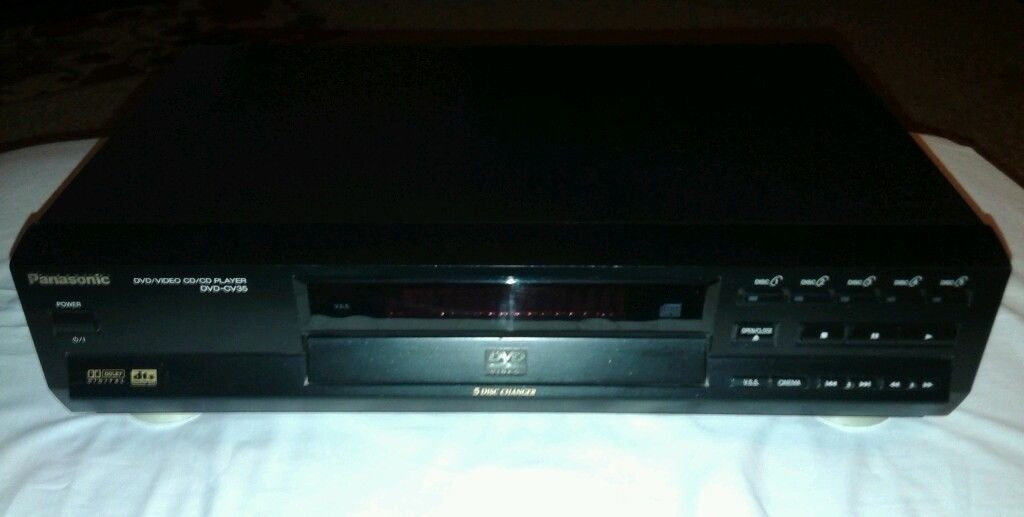
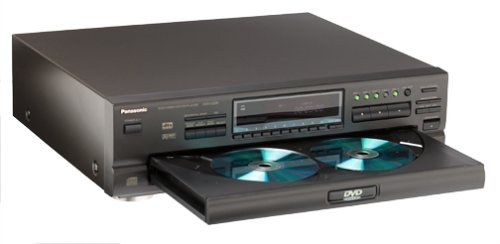
I've always liked panasonic, I feel you cant go wrong. We just sold our 2 year old 5 disk dvd changer, we would of purchased the newer version but we wanted the HDMI which it did not have nor did it have the optical which I cannot understand, but anyways we are happy with the picture it looks much better than our old one and our old one looked great, but this one looks even better. I can't tell you how it compares to any other dvd player but I can tell you that you will not be disapointed. I hope this helps Read more