Geeta—December 29, 2025✓ Verified purchase
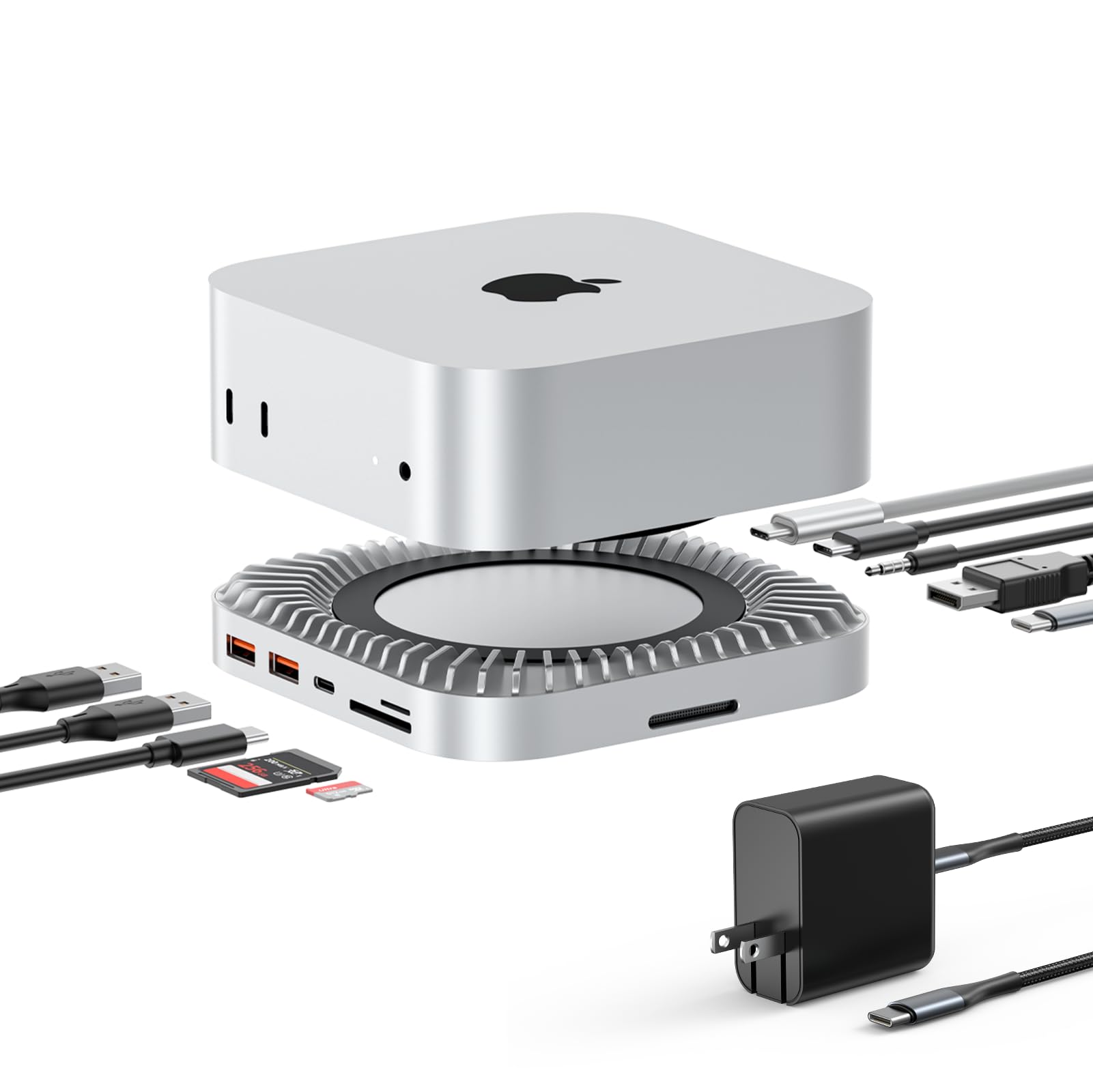
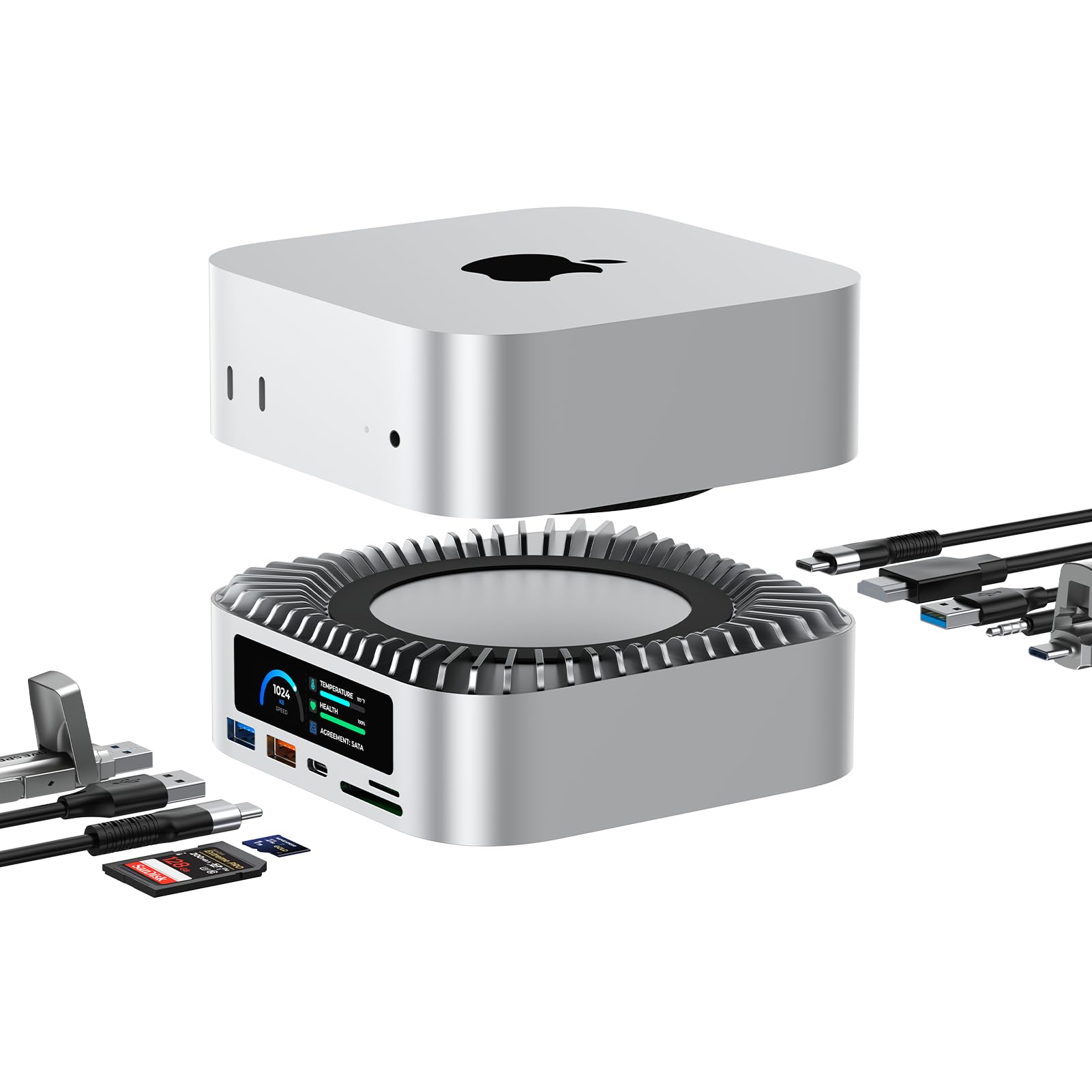
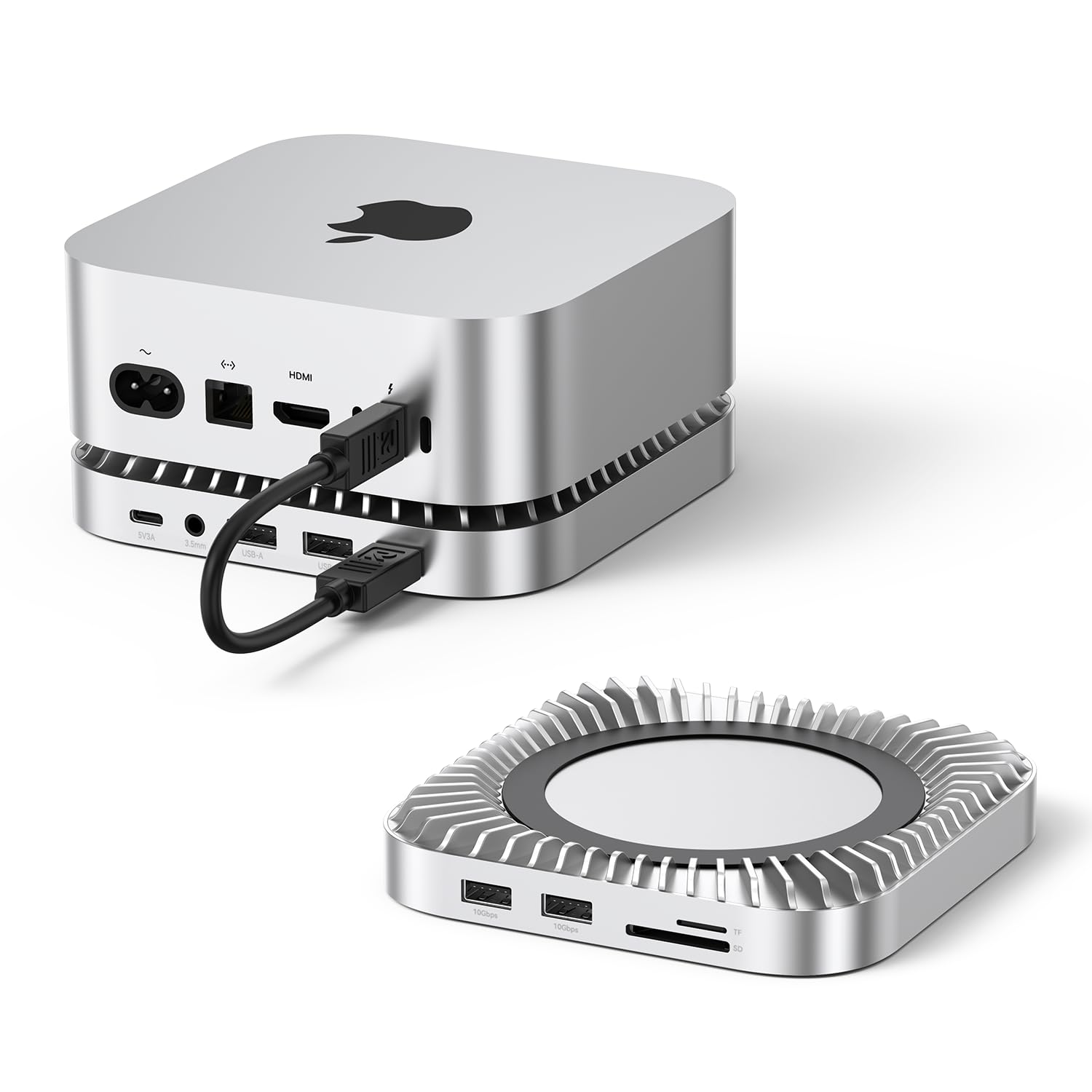
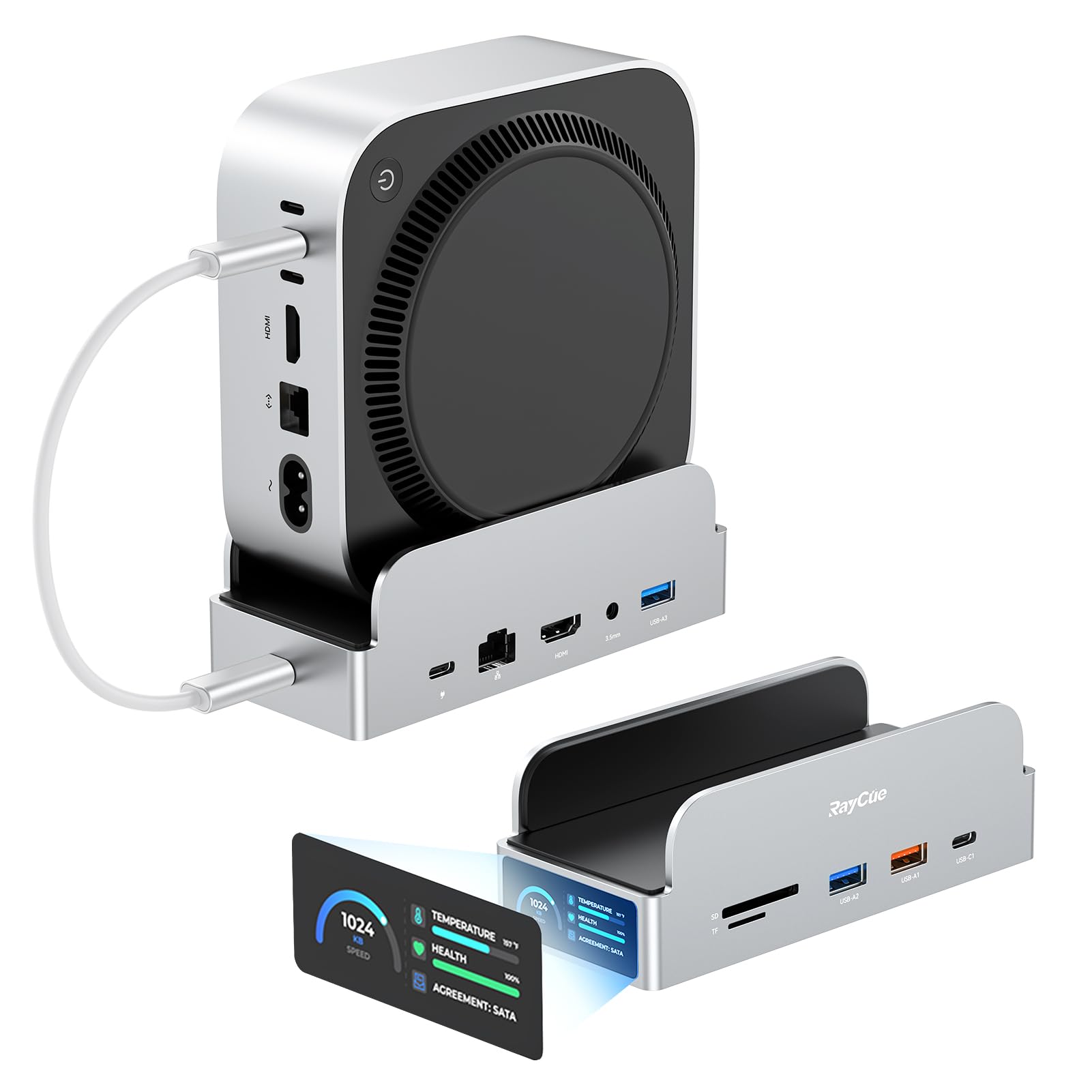
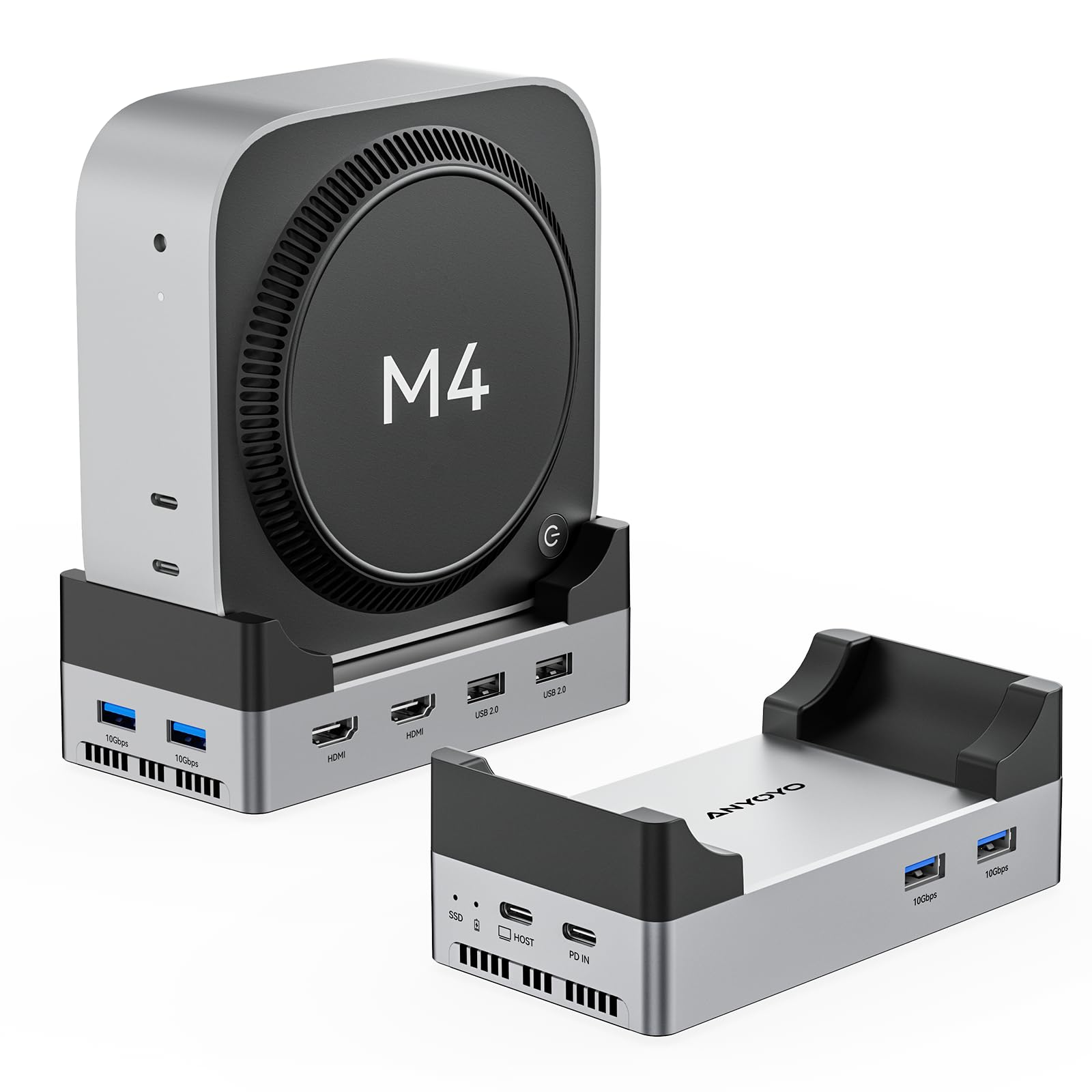
The RayCue 40G Mac mini M4 Dock & Stand is an absolute game-changer for anyone using a Mac mini. This dock has everything you need and more! The 8TB NVMe SSD Enclosure is a major bonus — I love the extra storage, and the speed is incredible. With USB-A 3.2 10Gbps, USB-C 3.2 10Gbps, and SD/TF 4.0 ports, this dock offers lightning-fast data transfer, and I never have to worry about connecting multiple devices at once. One of my favorite features is the 8K DP Video Interface — it supports high-resolution displays with ease, making my setup feel more professional. Plus, the 3.5mm audio jack is great for connecting headphones or external speakers. The 65W power delivery keeps everything running smoothly, so I don't need to worry about charging my Mac mini separately. The stand is sturdy, elevates the Mac mini nicely, and adds a sleek, minimalistic look to my desk. It also keeps everything well-organized, reducing cable clutter. The convenience and performance of this dock make it an essential accessory for any Mac mini user. Highly recommend this for anyone looking to expand the functionality of their Mac mini with a super-efficient, all-in-one hub. It’s worth every penny! Read more


Mark—December 13, 2025✓ Verified purchase
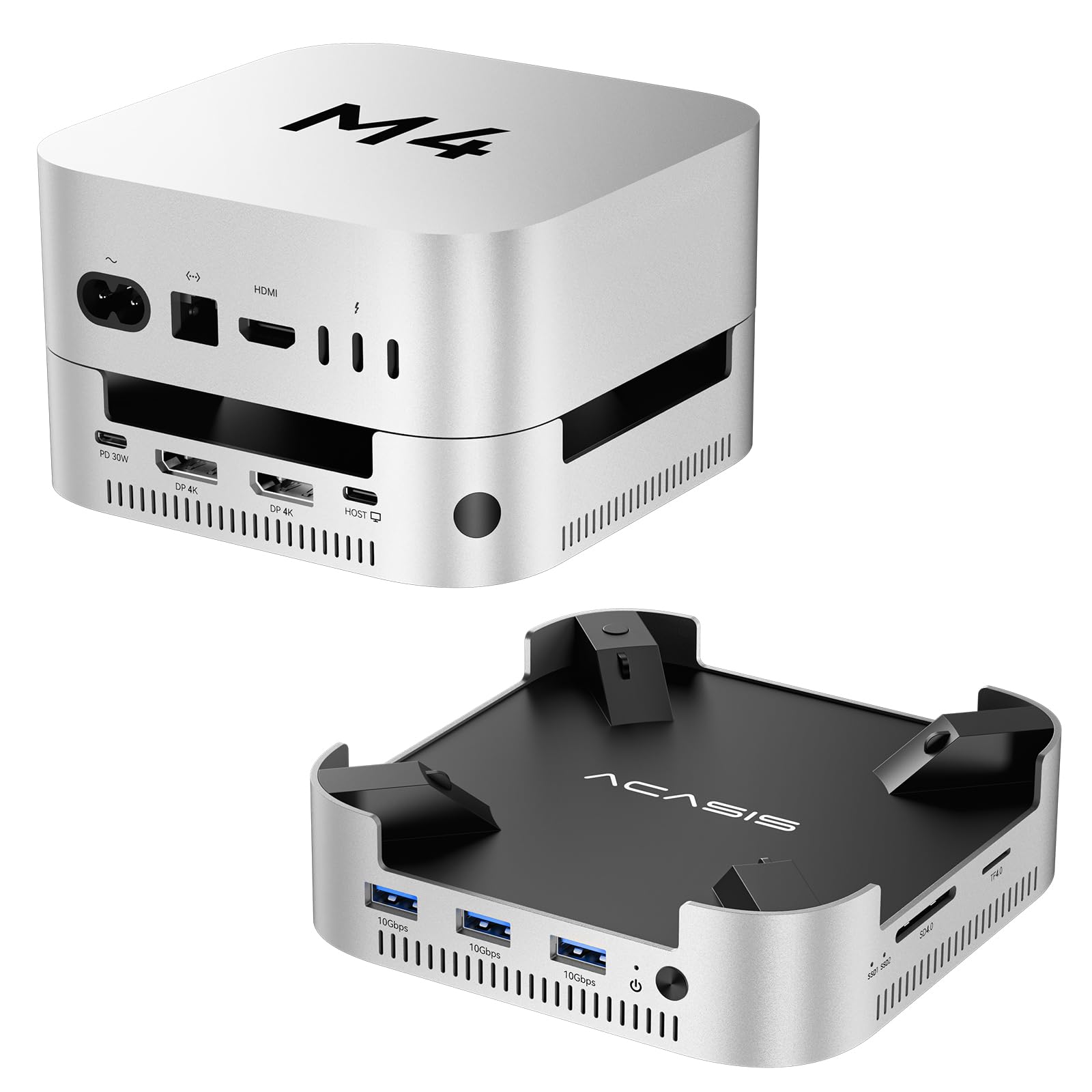
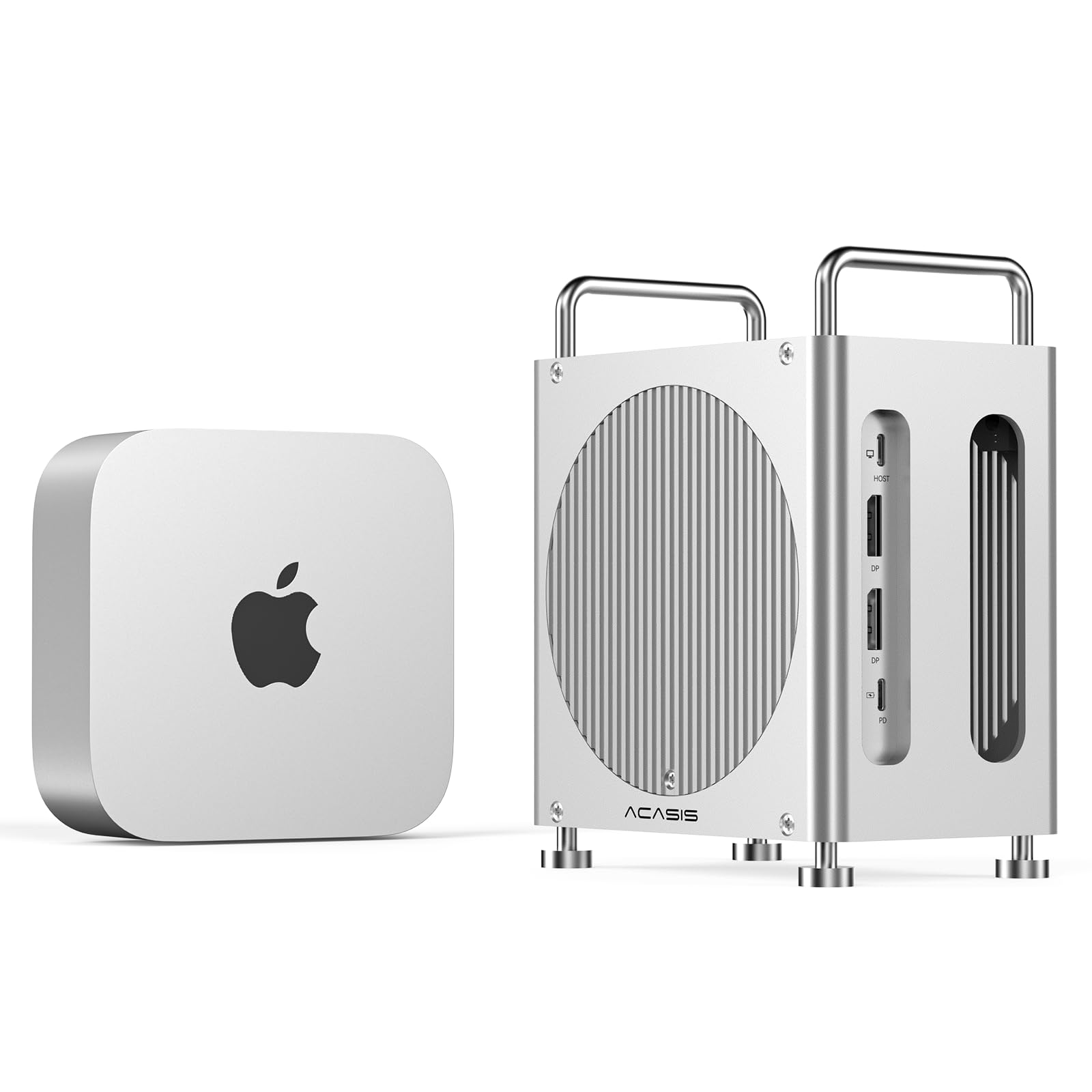
This is a comparison of two similar docks: the Acasis 40 Gbps M001Pro dock (the base stand, not the mini tower configuration) vs the RayCue 40 Gbps 8 in 1 dock: The Acasis dock features two DP monitor ports and can contain two SSD's, each limited to 20 Gpbs but which can be combined via Raid 0 for a maximum speed of 40 Gbps. The RayCue dock features one DP monitor port and a 40 Gbps USB C port with monitor support (so two monitors can be connected), and can contain one SSD at a maximum speed of 40 Gbps. Both docs also feature SD/TF 4.0 card readers and 2/3 (RayCue/Acasis) additional 10 Gbps USB A ports. Note that both docs use USB4 technology, which is not strictly Thunderbolt, though similar, to achieve their high performance. Also note that for both docks, the 40 Gbps bandwidth is shared between the SSDs and any peripherals attached to it. I had two HD monitors along with their USB 3 hubs connected to each dock, along with a variety of small USB devices attached to the monitor hubs, and a 4 TB USB 3.2 SSD for Time Machine backup. Both docs have continuously running fans. The RayCue fan, while not loud, is however noticeably louder than the Acacias fan and emits a rather annoying whine that contrasts with the silence of the Mac mini. The RayCue fan will turn off when the Mac is turned off, but unfortunately it will continue to spin when the Mac is sleeping, thus emitting a constant whine. The Acasis’ two fans are fairly quiet and emits a “soft" whir that's much more tolerable. The Acasis’ fans continue to spin even when the Mac mini is turned off, unless the Acasis dock is manually turned off. The Acasis dock runs very hot, and the temperature of the SSDs under light load is about 55°C, which is a bit on the hot side. The RayCue dock runs mildly warm – much cooler than the Acasis – and the temperature of the SSD under the same conditions is about 39°C and is about the same as the Mac mini's internal SSD. The RayCue dock runs much cooler than other hubs I used. (Note: After a while, the light load temperature of the RayCue SSD dropped to 37°.) I ran multiple passes of the AmorphousDiskMark suite of tests to test SSD temperatures under load. On the Acasis dock, starting with the SSD’s base temperature of about 55°C under a light load, temperatures gradually climbed and hit 70° near the end of the second pass, peeking at 71°, though I did not see any significant throttling. I only ran two passes. On the RayCue dock, starting with the SSD’s base temperature of about 39°C under a light load, temperatures reached a sustained high temperature of about 44° for the final two passes, for a total of four passes, and occasionally hit a peak of 45°. (I also tested a Ugreen passively cooled 40Gbps SSD enclosure. The SSD's normal temperature there is about 45° and is peak temperature hit 51°.) While the Acasis dock runs pleasantly quiet, I think its cooling solution is inadequate. The Acasis dock also has a quirk: if I connect certain USB devices, for example an external USB SSD drive, to any of the other parts on the Mac mini (note: not the dock), the dock will fail to reconnect to its peripherals (the monitors, SSD's, etc.) when the Mac is restarted or rebooted. I think this is very strange. Power cycling the dock will fix this problem. Oddly, if I connect an externally powered hub to the Mac mini and then connect the device causing problem to the hub, then that will also fix the problem–so that would be a workaround. (But that hub must be externally powered.) I reported this to Acasis, but they have not responded. Running the Blackmagic Disk Speed Test on both docks, I get similar results of about 2490/2890 write/read speeds, which are actually faster than the internal SSD of the base Mac mini. (The SSDs on the Acasis dock were configured as Raid 0 for maximum bandwidth.) Note that the bandwidth of both docks was shared with two HD monitors and various USB devices. Read more
DaveH—December 27, 2025✓ Verified purchase
I encountered the same issues as others. Worked for one day, then after running for an extended time, in a very cool room, I began to get disconnects from the ssd and all the ports died. I was lax in seeing that this model does not come with a ssd heatsink, which now seems like a mandatory feature of this style hub. Returned for refund and will choose more carefully for a replacement. Read more
Mike D—August 10, 2025✓ Verified purchase
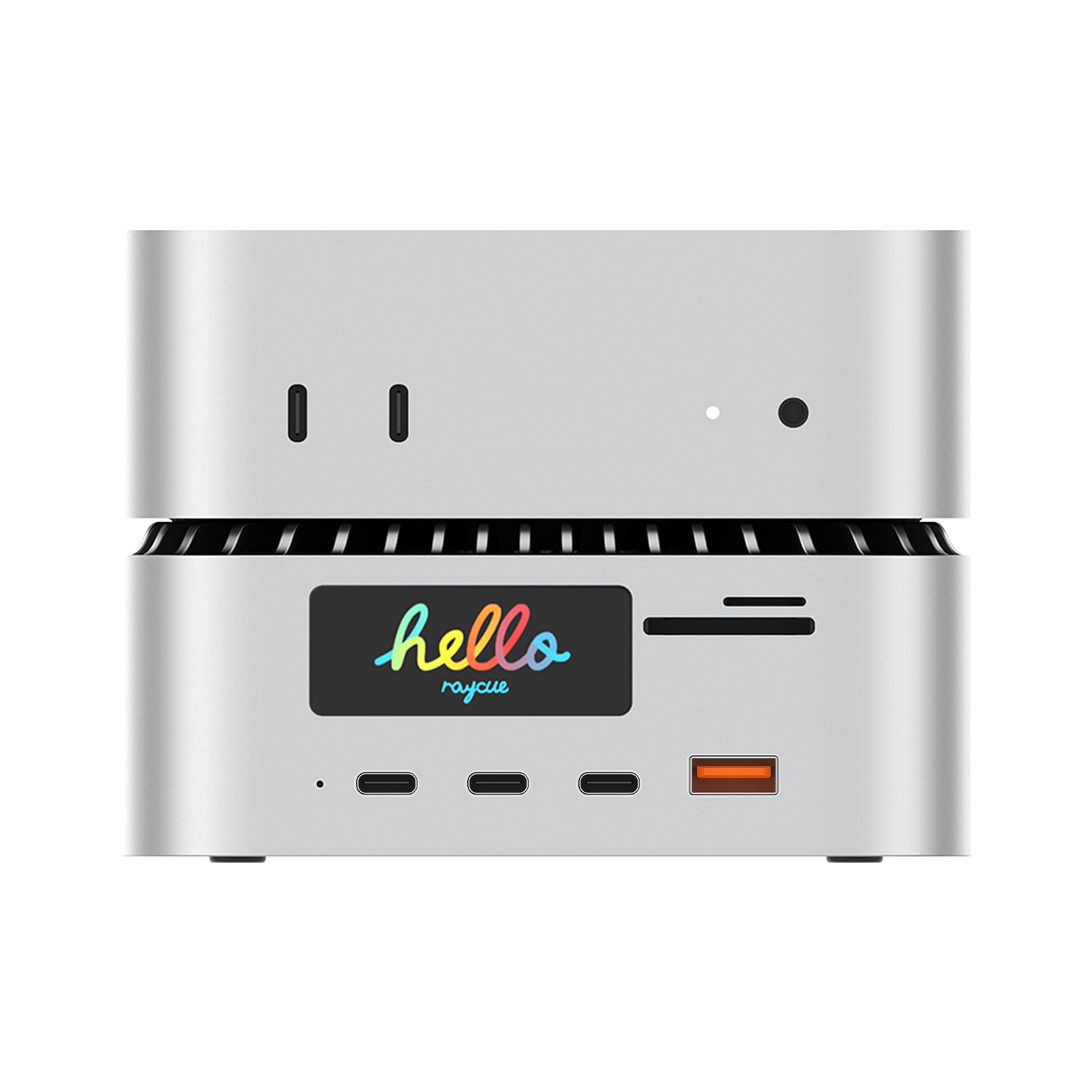
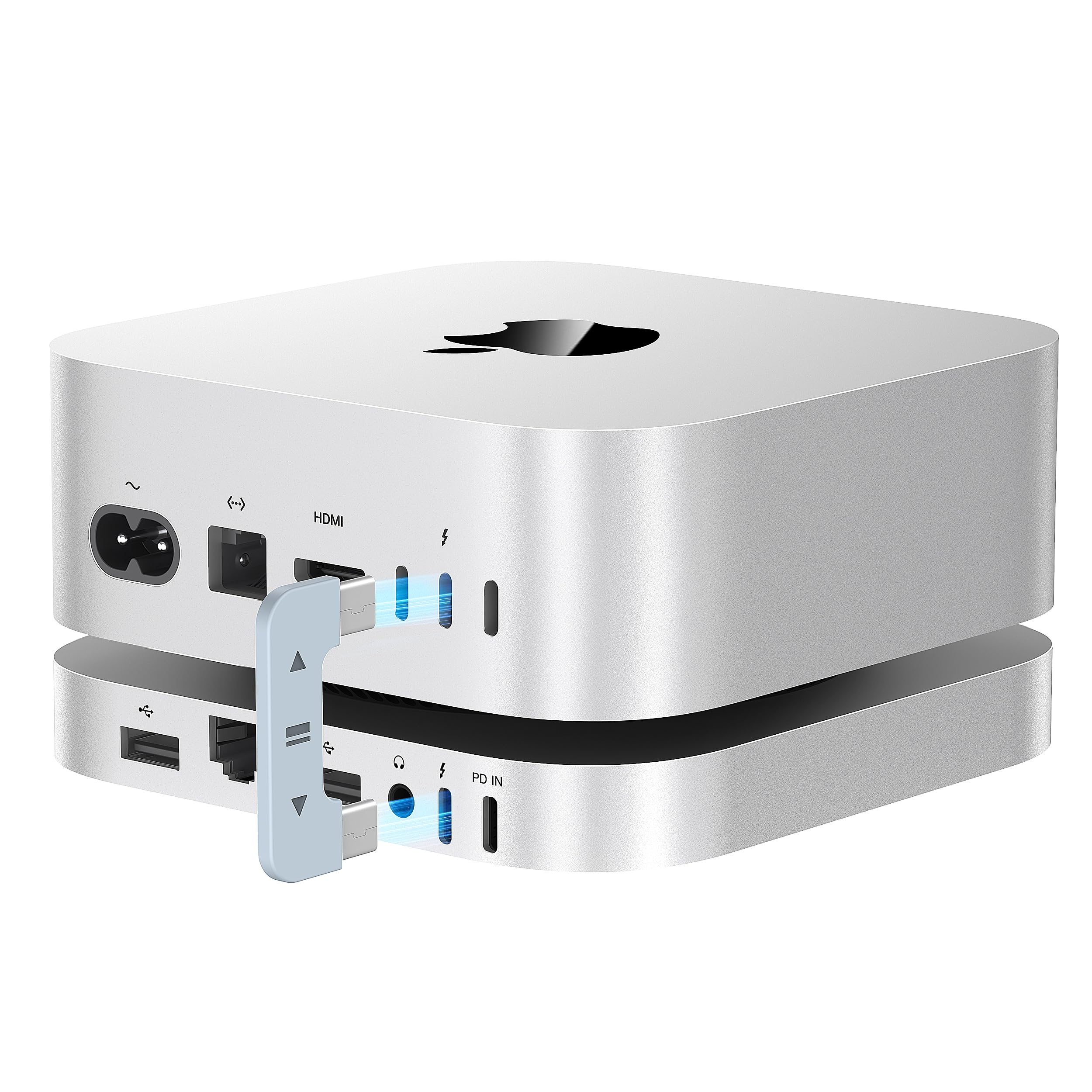
The media could not be loaded. got the 40 Gbps hub and honestly one of the best upgrades I’ve made. It takes up just one TB 4 port, but instantly gives me a full range of extra connections, even space to drop in an internal SSD/NVME for effortless storage expansion. btw, it comes with a usb c power adapter as well which may be necessary if you intend to connect extra storages. What I love most is how seamless it feels — true plug/play, no extra setup, no hassle, the design is spot-on, same material, same color as the Mac mini, so it sits on my desk looking like it was built as part of the mini, functional, and fast, also missing from the product description is that it comes with internal fan ++ Read more
kaven—January 31, 2026✓ Verified purchase
For the most part it’s very good I still use it. My only complaint is that it interferes when I try to play music to a Bluetooth speaker. Read more
Chuck Latshaw—September 30, 2025✓ Verified purchase
It's a decent dock with a decent price. I do get full TB4 speeds on my NVME -- about 2450MB/s on Read and Write. It has a good selection of ports. The Displayport works out of the box with no drivers, and the assortment of USB-A and C and card readers on the front are very useful. The fan is too loud and irritating, but I'm grateful they've included the option to turn it off with a switch. I've not noticed any heat issues without the fan running. The aluminum body matches the mac mini well enough, but I wish the fit were a little tighter - there's about a centimeter of slop where the mac slides around a bit on top of the dock and is usually not lined up straight. Doesn't affect any functionality, but it's a minor nuisance. Read more
Adam Jdub!—December 29, 2025✓ Verified purchase
This was not runctionable for me. I used a crucial P510 1 TB NVMe m.2 ssd. I installed steam for my daughter's new Mac Mini M4. It's functionable until I loaded games onto the SSD, it would randomly "disconnect" while accessing content. I would have to reboot to find the drive. Other than that I would work really well. I love the speaker 3.5 mm access on the back and extra usb-c ports. Looks amazing but doesn't work for me, so I had to return. I am going to try another brand. It maybe the crucial NVMe? May work for storing photos and minimal access. But I wanted to store large game files from Steam. Read more