

A good Eyewitness that silently runs in the background
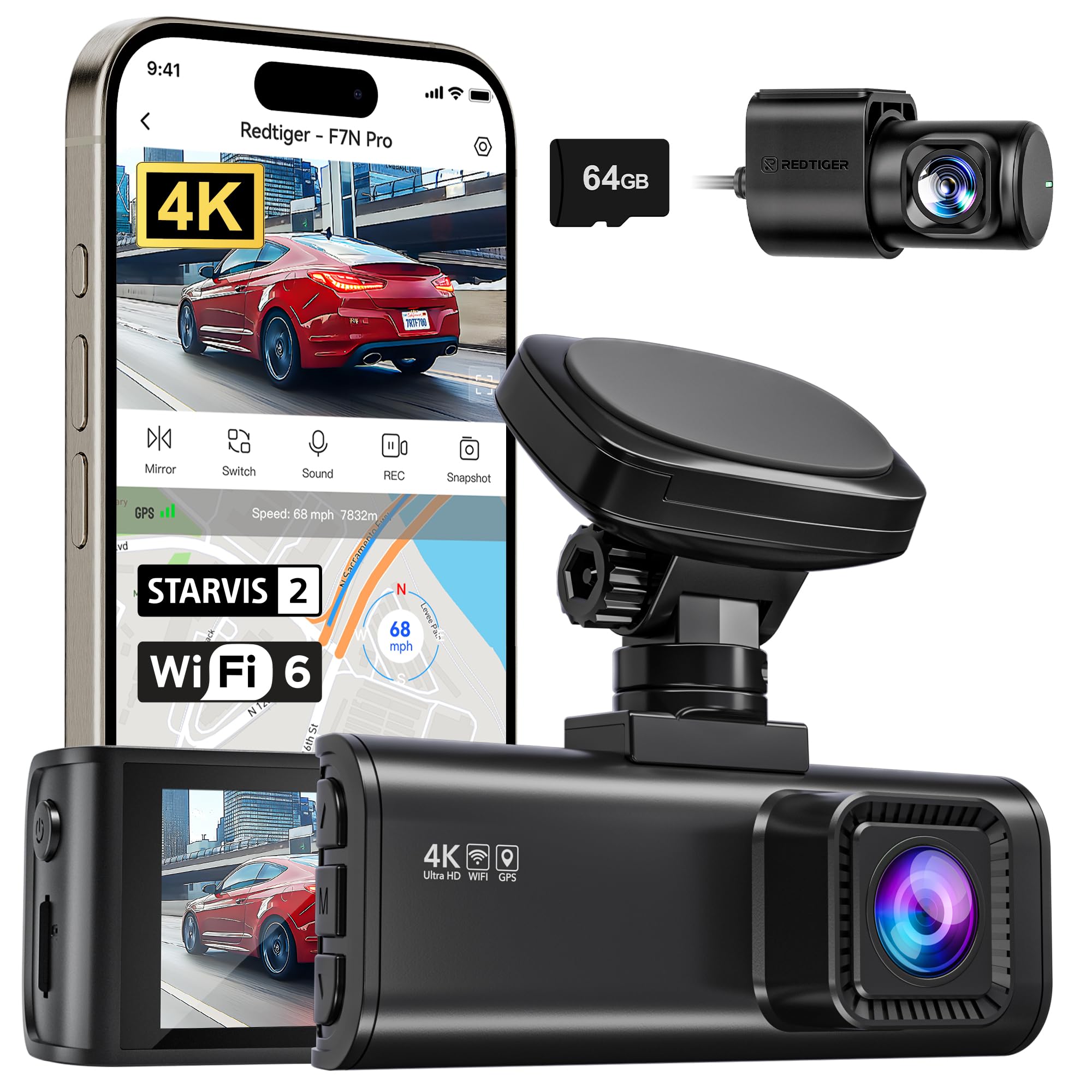
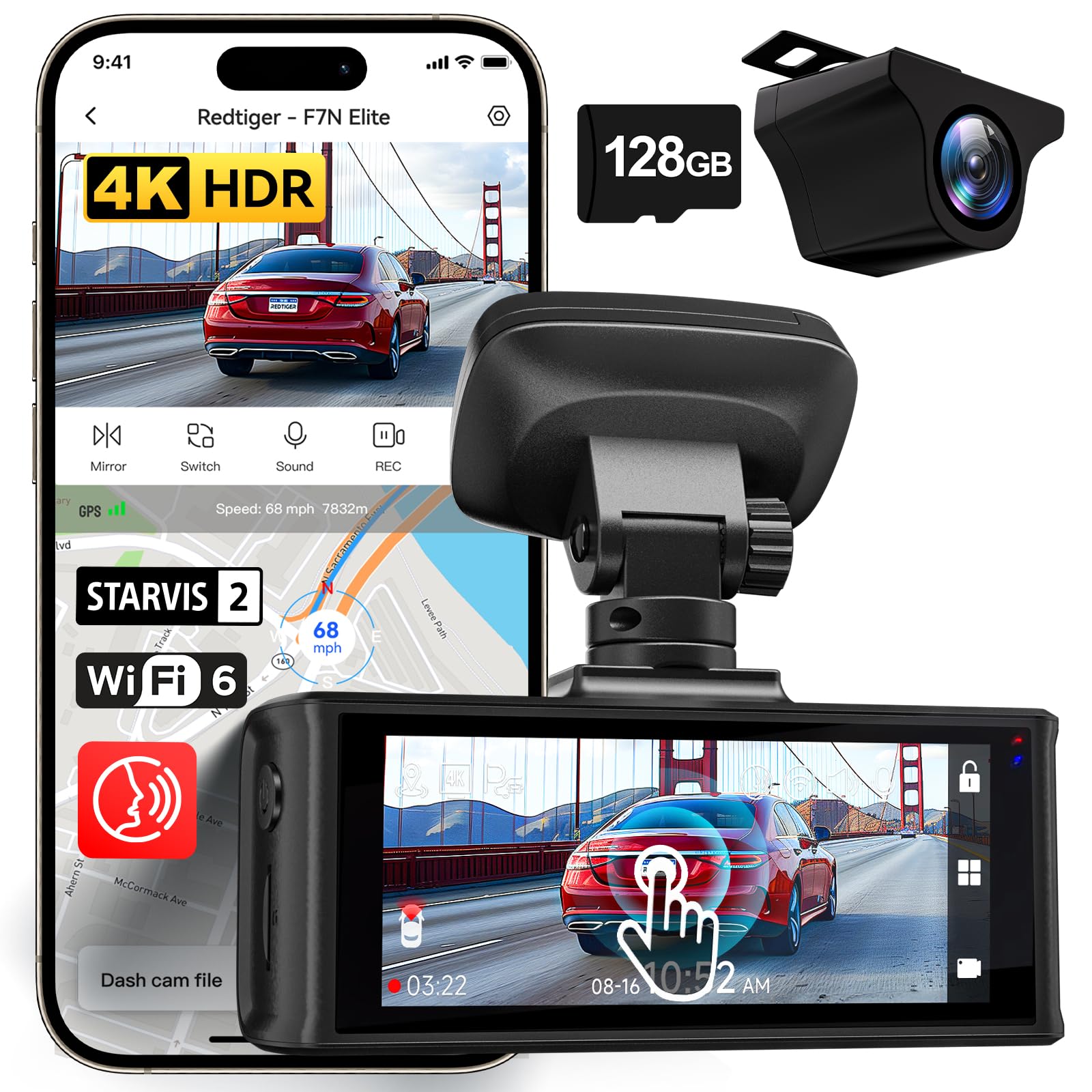
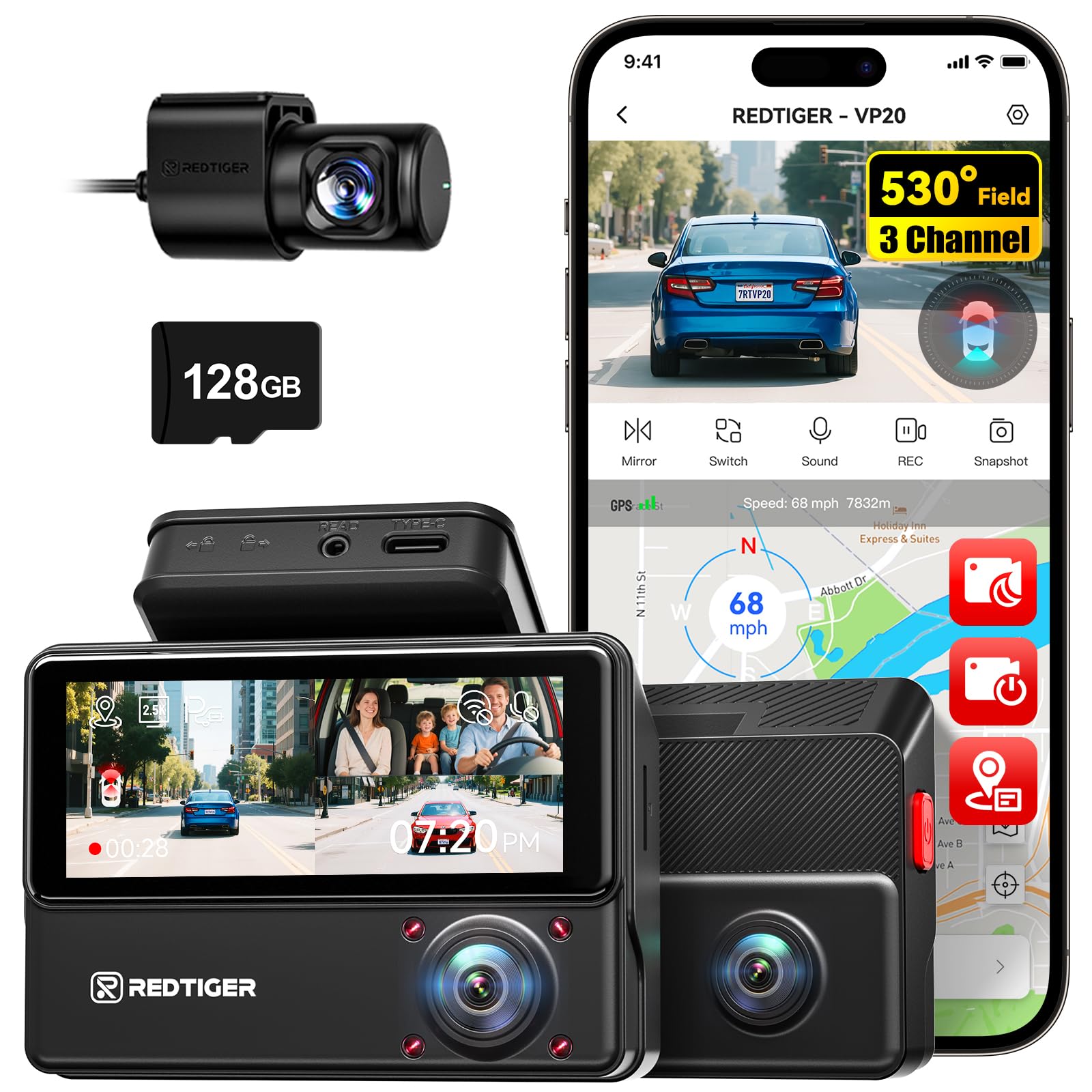
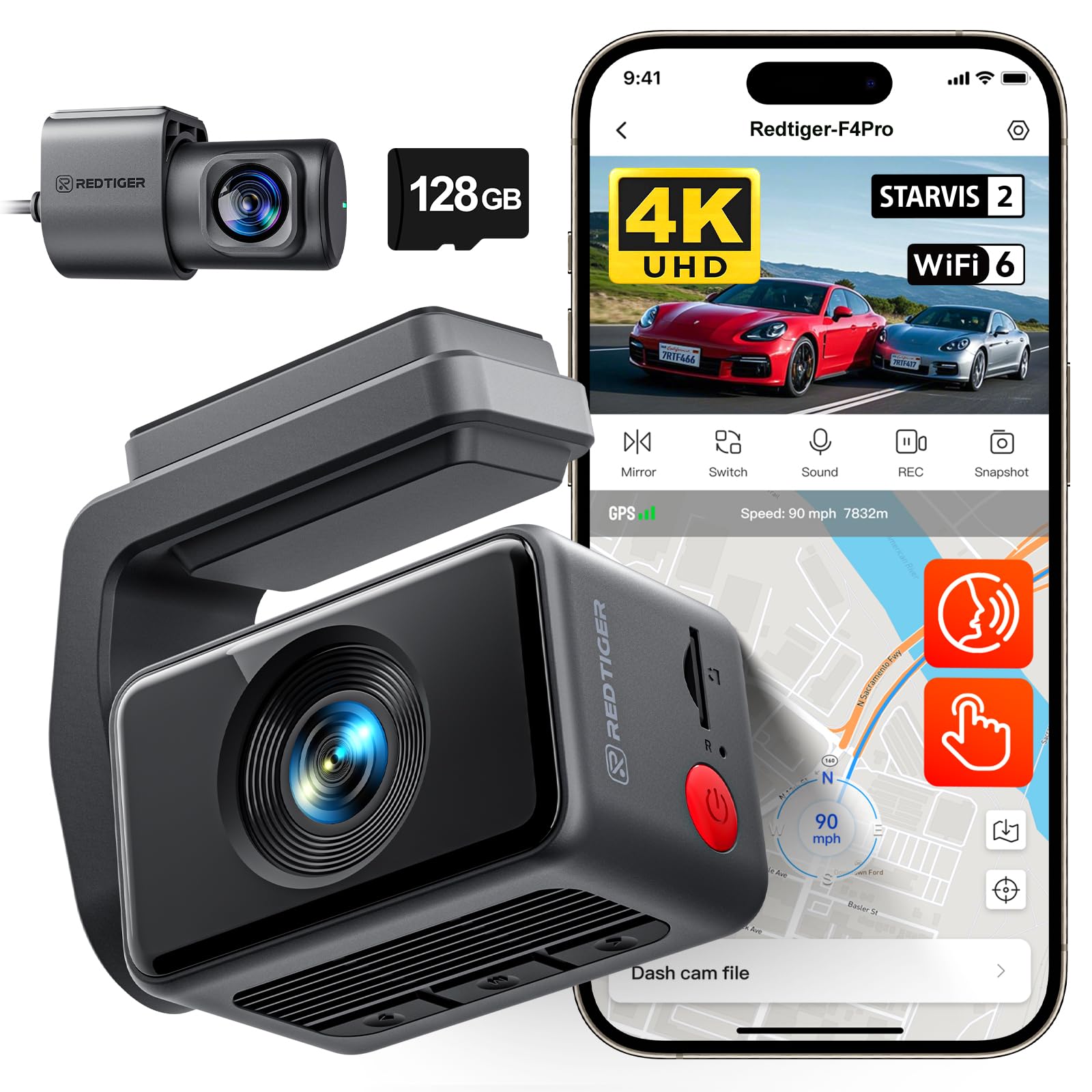
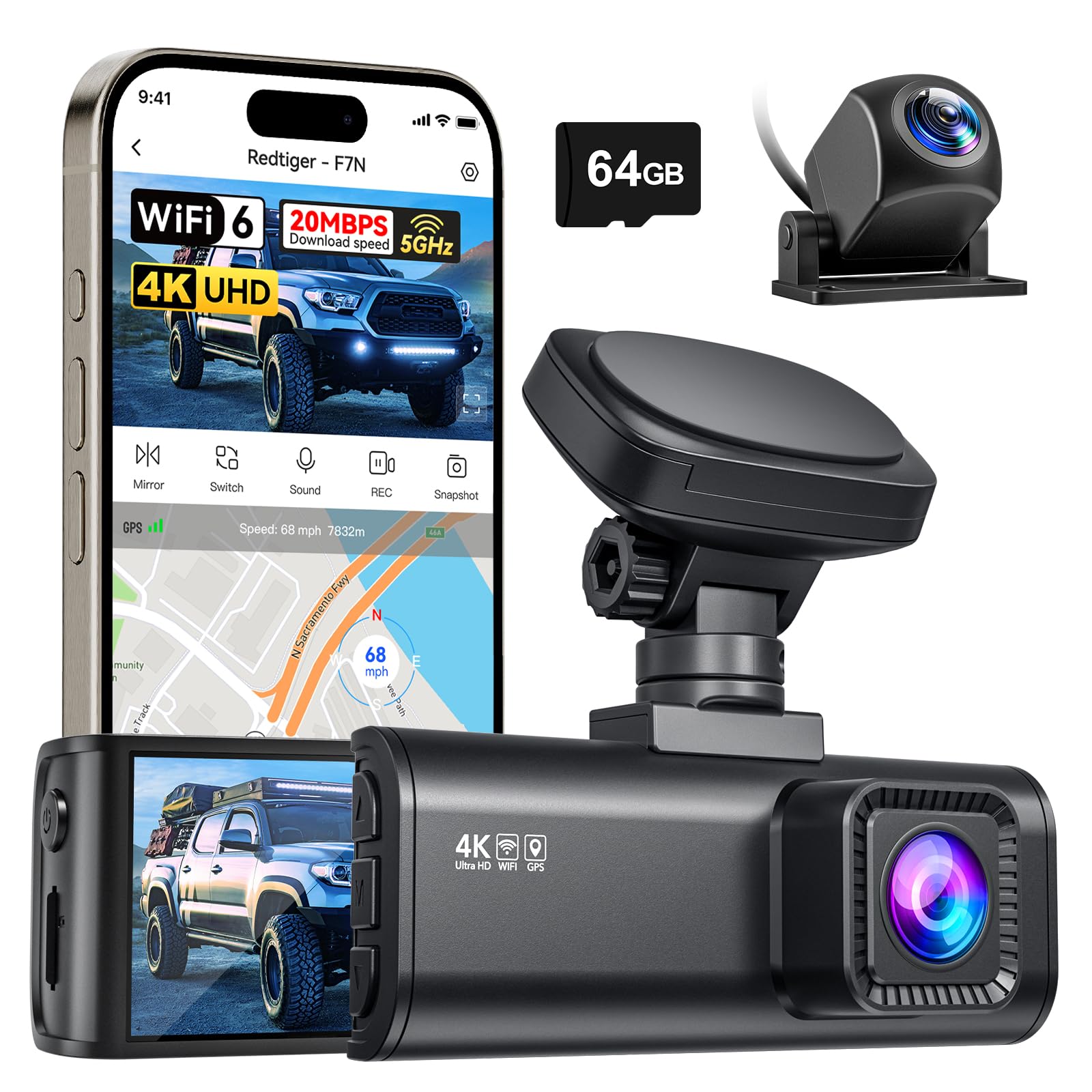
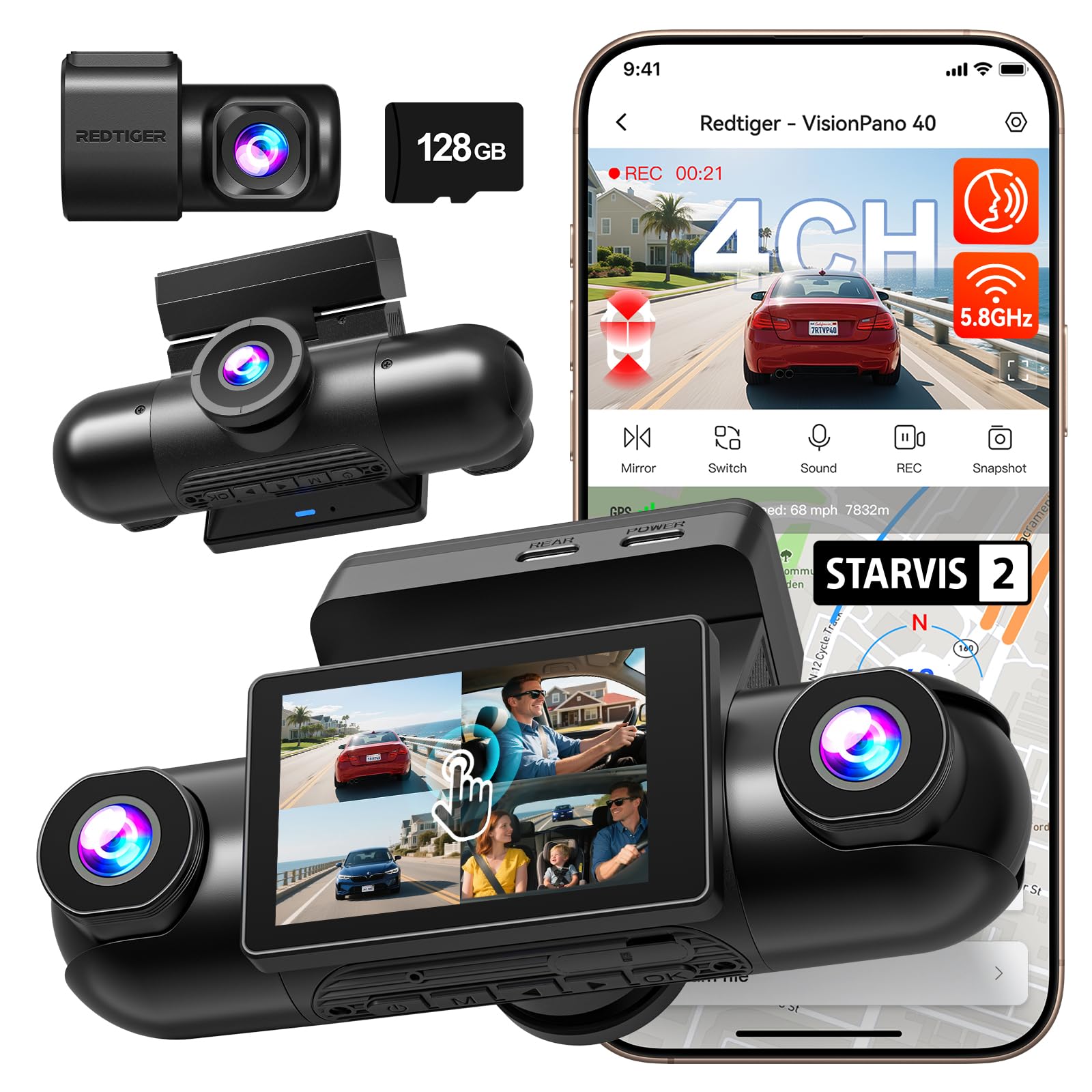
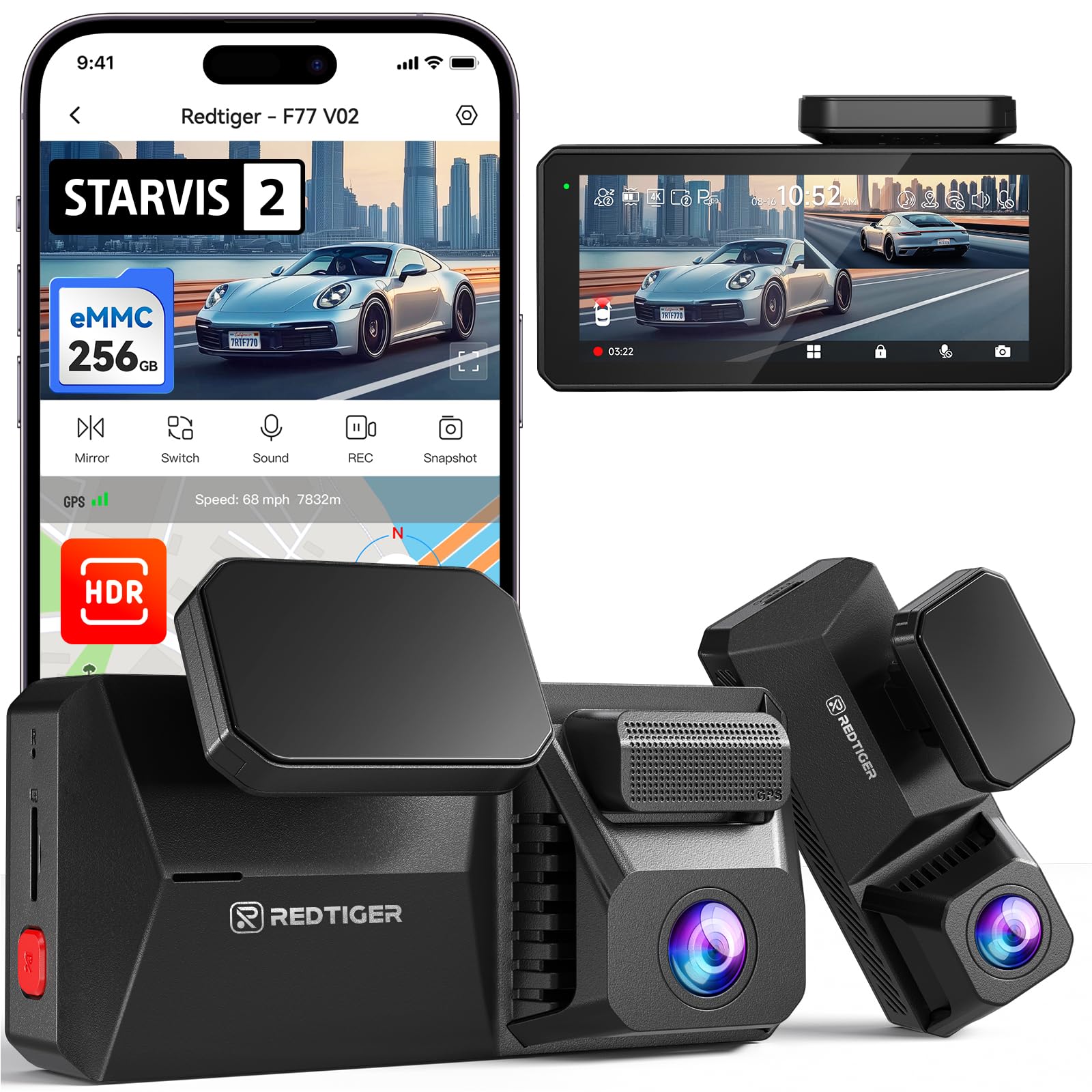
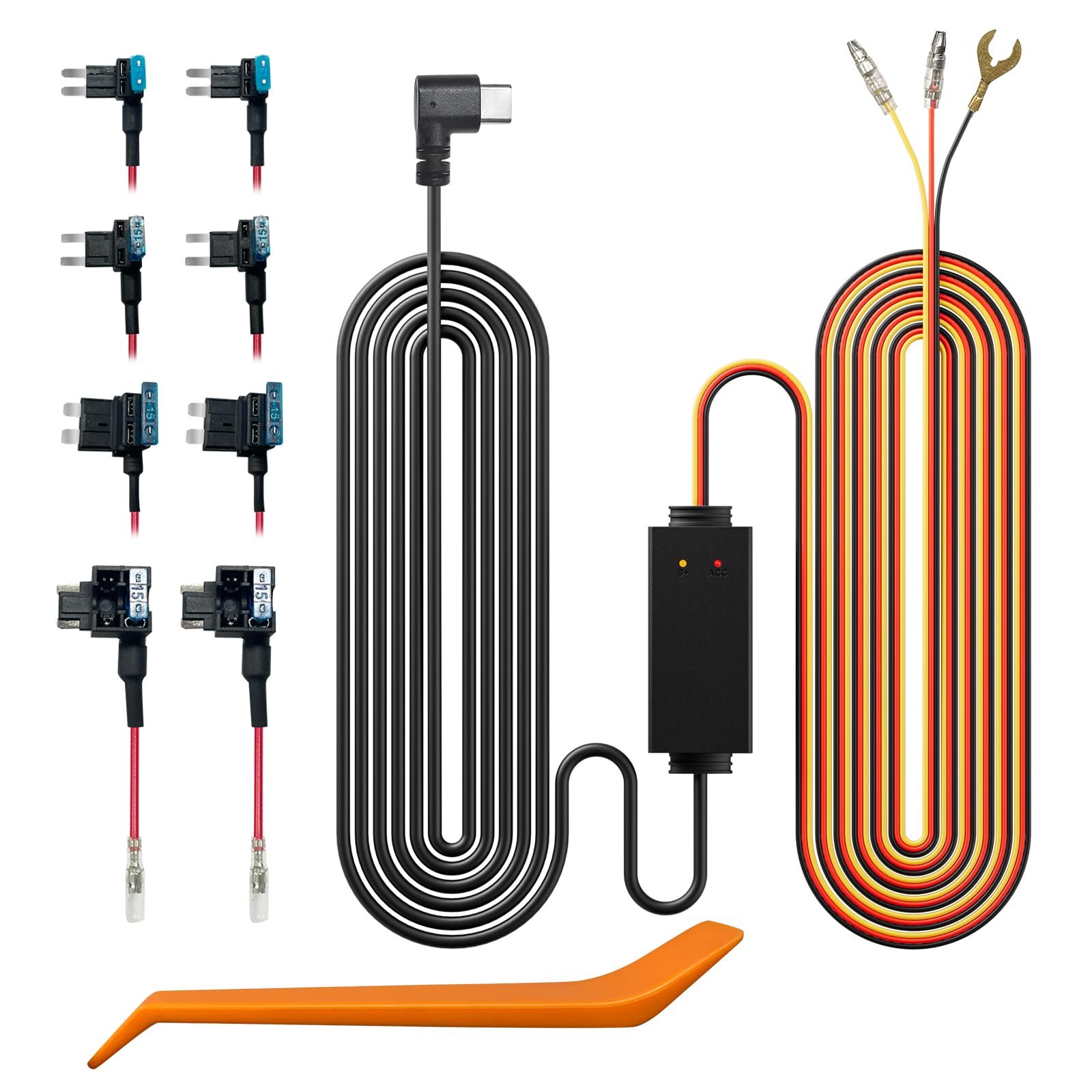
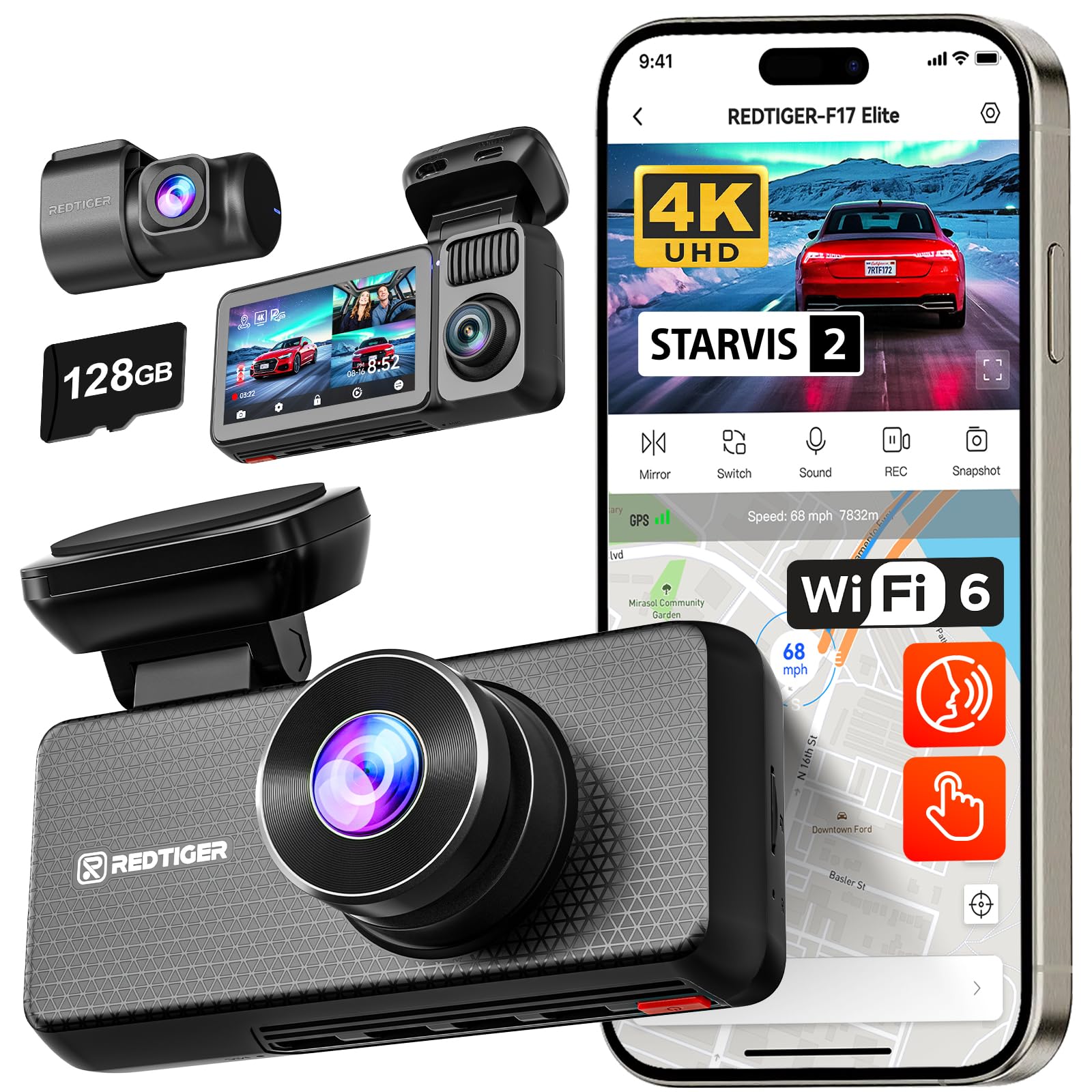
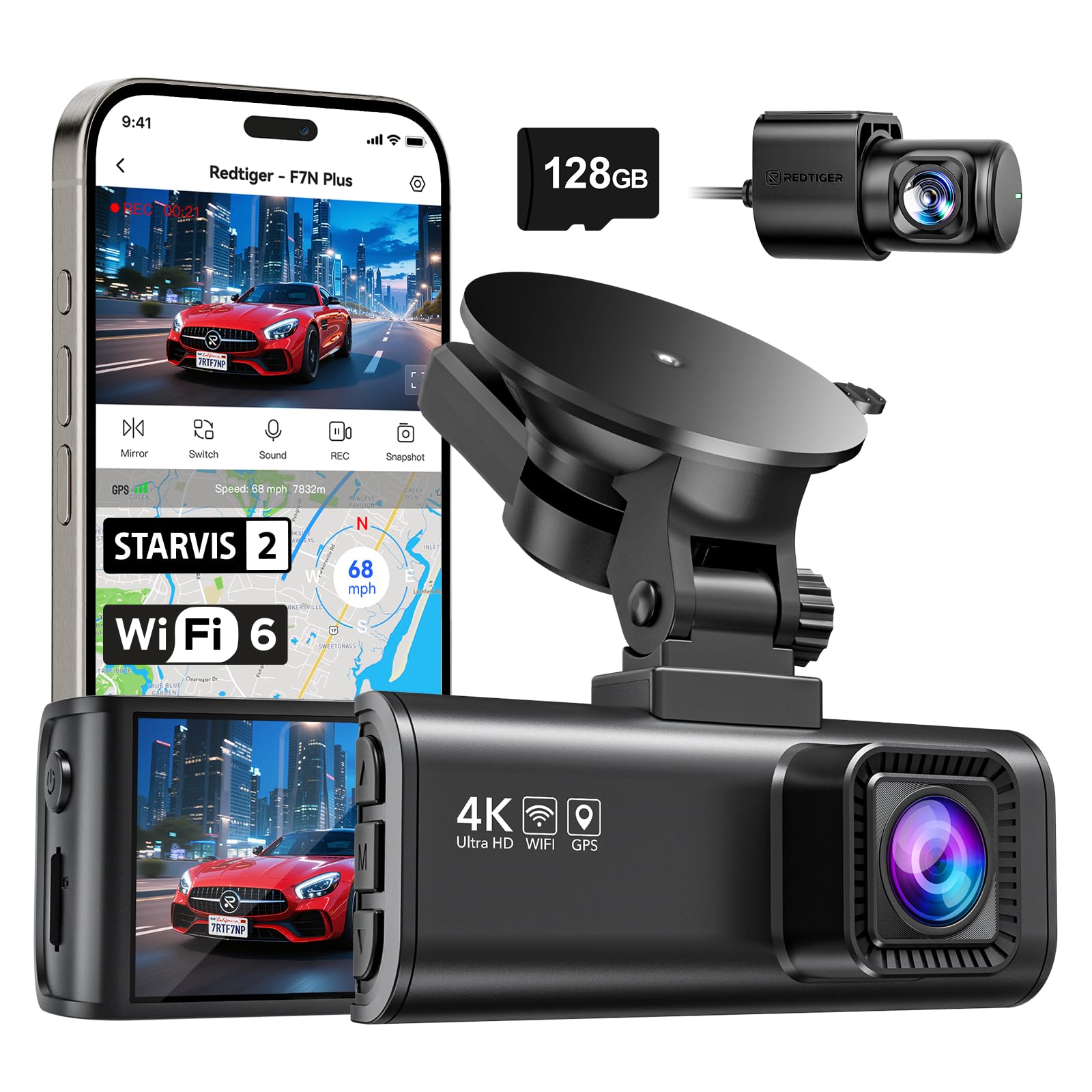
So this is the first dashcam I have ever owned, so I wanna caveat that against this review I have no prior experience to compare it to. The short answer though is I like this dashcam a lot and am really glad I have it! Initial setup took some time but overall was fairly painless with the occasional bump. It was easy to install the RedTiger APP on my phone through the app store and from there it asks for the basic information like email, name etc From there you need to connect your phone and app to the dashcam itself which was pretty easy to do if you follow the included directions and take your time. So the hardest part, and honestly it took me 30 minutes at most was installing the camera front and back in my Chevy trailblazer 2024. I suggest watching a video or two if you aren't sure how to go about running the wiring to each camera and how to hide the cables. At least for my vehicle I found it to be pretty simple to run the cables in the rubber seals that run on the inside of the vehicle. The dashcam comes with a plastic tool to help in installing the wiring and I found it useful. The front dash runs on your cigarette lighter outlet and also has a USB-A outlet on the backside for convenience and use. Once the wiring is hidden and run to both cams you can stick the cameras in the best place for your vehicle layout with the sticky suction like bottoms. I found the cameras seem well secured and haven't had any issues with them losing grip or suction to my windows. The dashcam itself is pretty small taking up a small footprint on the windshield, once you put it where you need it best for recording I haven't had any issues with blind spots or it obstructing my driving. The camera and settings are navigated with buttons on the side of the camera and going through the settings is pretty straightforward and simple to use. So once you start up your vehicle the dashcam will initiate as long as you have it plugged in and get recording within about 30 seconds. You can flip what the dashcam screen shows you between front camera, back camera or a split screen option to show exactly what your camera is seeing as you drive. It features G-sensor which is supposed to make sure any footage is automatically saved and won't get recorded over if it senses any collision or hard braking. Though this comes with a 128 micro sd card and gives you plenty of time before it would record over your current footage from lack of storage. The app gives you access to all recordings and you can look at it on your phone or even remove the 128 micro sd card and watch the footage on your laptop etc I have been using this now for about a month and am very happy with it. It just works and has become something that runs in the background, which I think is how it should be. I know it is there when and if I need for any type of collisions or finally getting BigFoot on camera. Thankfully you can manually save any footage also if you manually do it. One last thing I do wanna mention though I haven't actually done it yet. I was told that certain insurance companies do see dashcams as a positive and it can lower your insurance, only certain insurance companies do it and others don't. I have Progressive and an online search says they do take dashcams into the overall insurance cost. I will update this review when I do. The price is very reasonable for the peace of mind and recording of accidents, no he said, she said....but an actual eye witness and I think this or a dashcam in general is a good idea for anyone out there on the road. Fully recommend this one! Read more