

Having do much fun with this
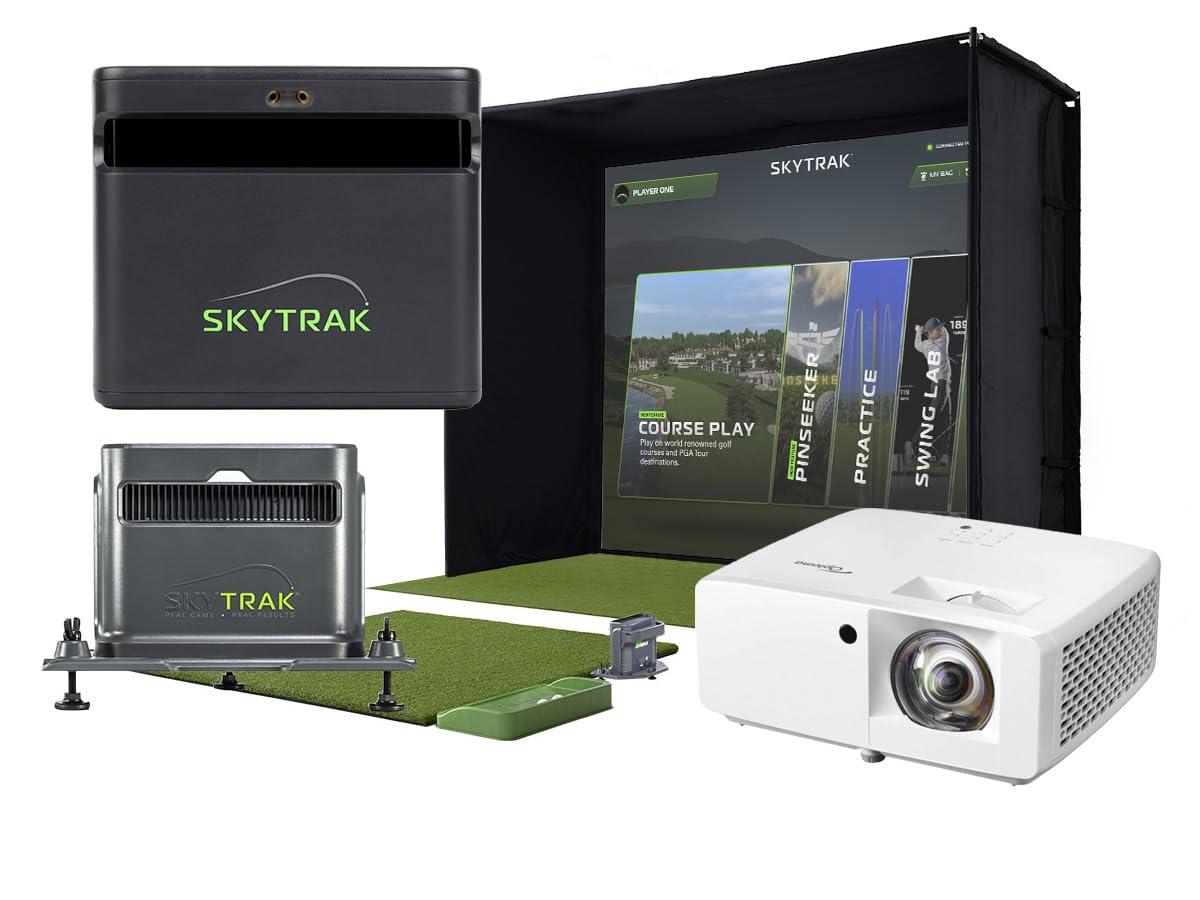
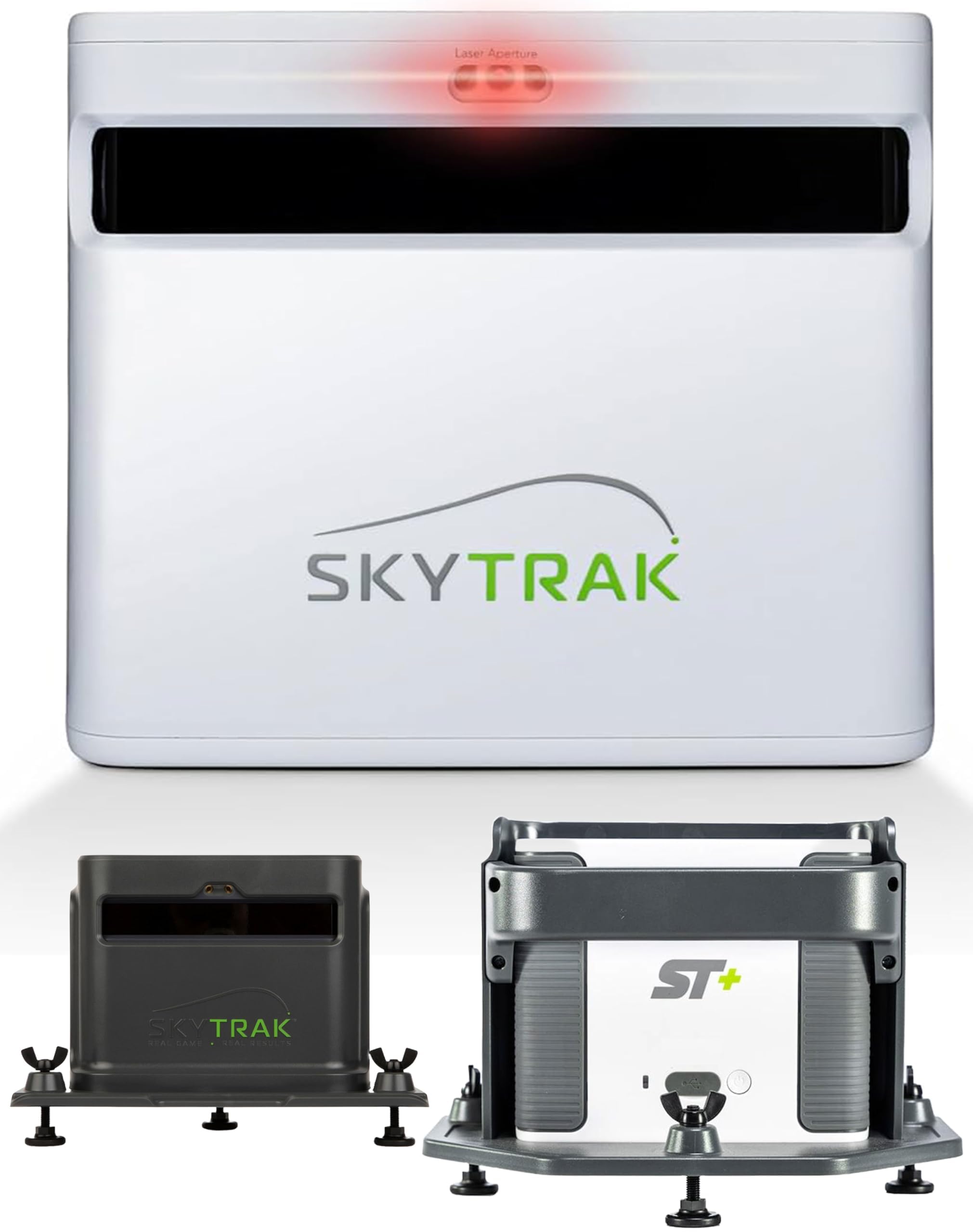
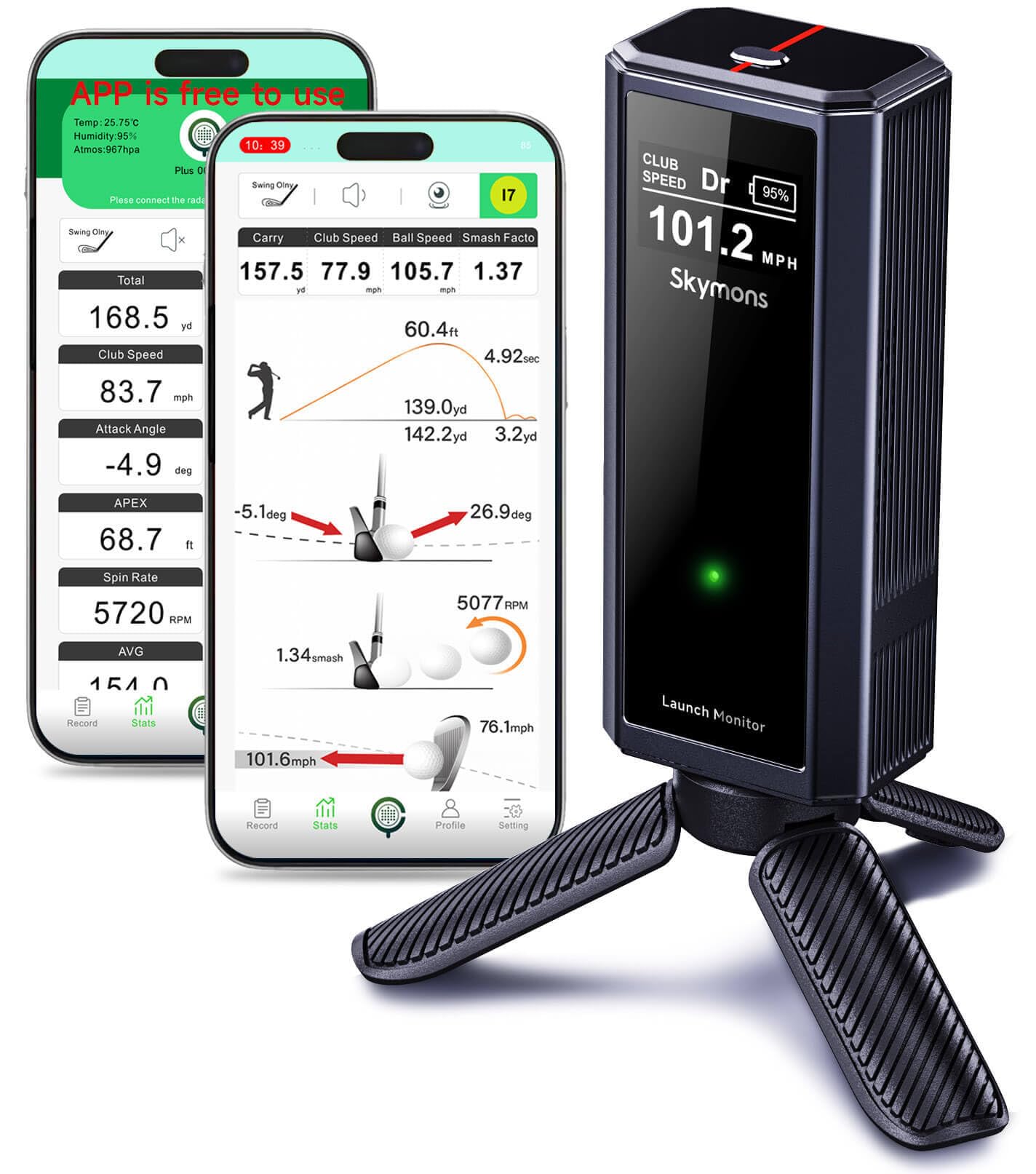
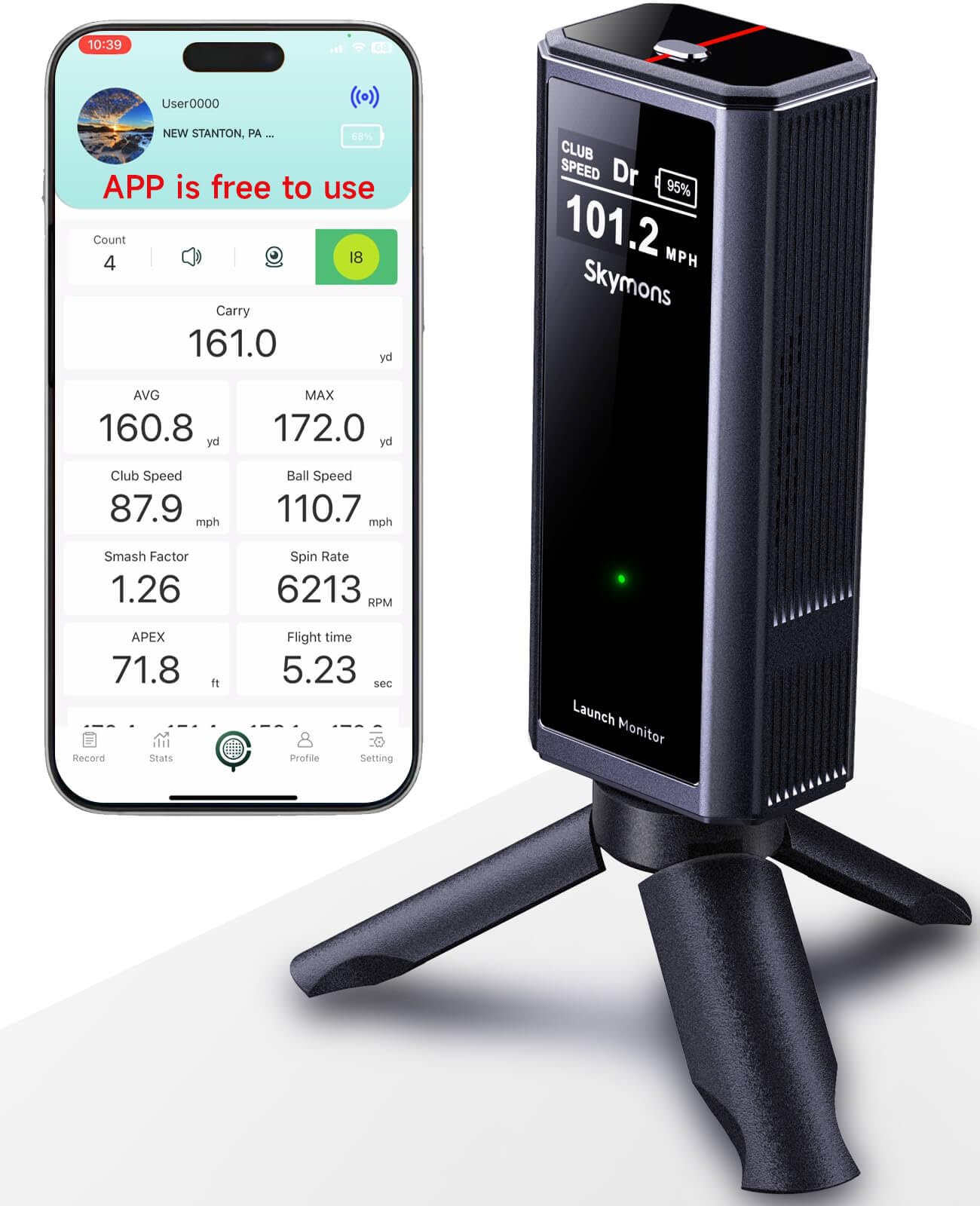
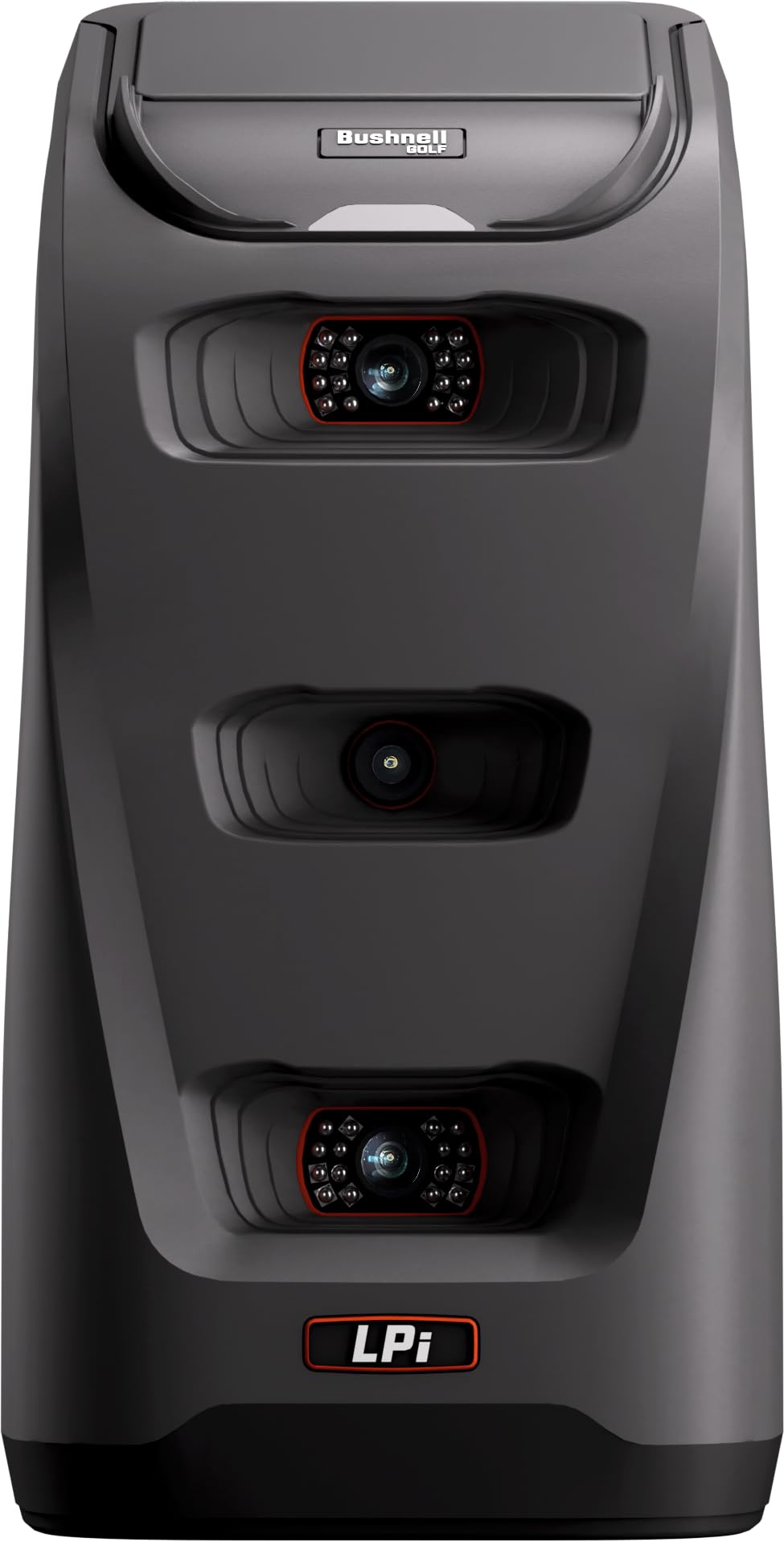
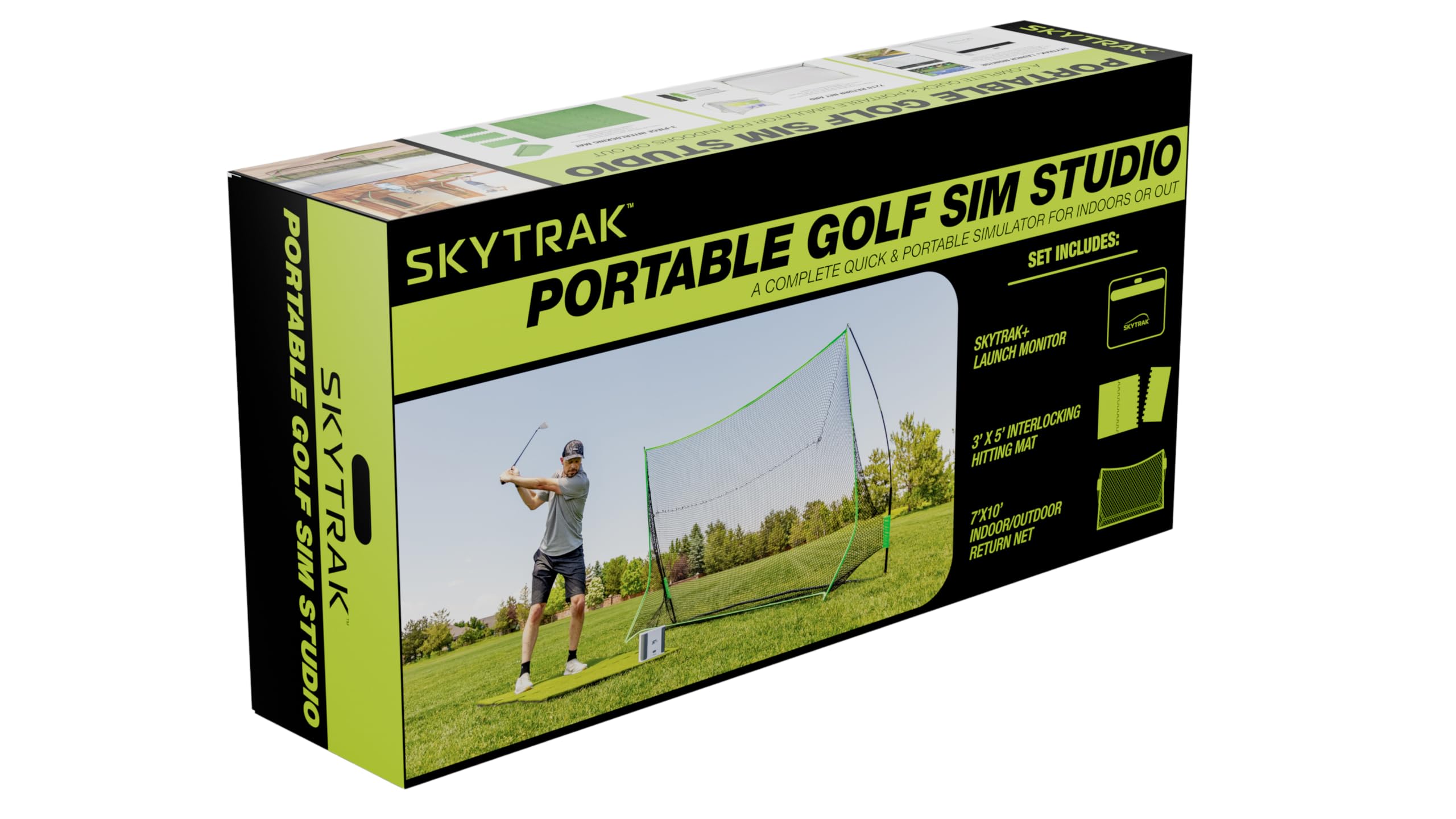
this is a side mounted golf ball launch monitor and stimulator. I mention side mounted because it makes it difficult to use if you have a left and right hander sharing the device. It needs to be repositioned each time. Reposition is not a big deal but if you are building a true studio and want to invite a handful of friends to play a course, moving the device back and forth between each golfer gets to be a inconvenient. Other launch monitors mount behind the golf ball or above and solve this issue. I have found it very accurate to my real golf game. The unit comes with all the software you need to view stats on the flight of your golf ball. The unit is easy to setup with your computer, in my case a Lenovo Yoga laptop. I'm not sure of minimum requirements of the connected laptop, but I suggest a newer laptop. The first time I connected my laptop to the unit and hit balls, I was very disappointed with the display on the laptop. It took 15+ seconds from the time the ball was hit to when it landed. I was expecting it to be instant with a quick ball flight. Instead I had to watch the flight slowly display. I contacted support, but the next day the laptop worked much better. I'm not sure if it was a reboot that resolved it or clearing the cache. Support did reply within 24 hours so that is a good sign of customer service. The device does not need to be plugged into power, it has a included battery that lasts at least a few hours, I have yet to run out of battery power while using it. There is an extra cost to purchase the golf course packages, around $130/year, which includes 30+ courses and Pebble Beach! The additional subscription also includes the Swing Lab and other items. It seems a good value for the avid golfer. I am currently only using the free package with the virtual practice range. To use it, after connecting your computer (wireless is the best method), you set the unit next to the ball and a laser marks a spot on the matt, in some cases it is better to have the laser ahead of the ball and some times you want it behind. I find this hard to remember so I point it just before the ball. Once the unit displays a green light, hit away. Look at the laptop and watch the ball fly away (see my 1st attached photo). When the ball lands you see all the stats. Wait a few seconds and repeat. Easy!!! The stats I find most helpful are the launch angle, spin, club face to target and club path. There are preset goals (for each club) that you should try to match and you get a green display for those stats to easily see you met them, yellow is close and red is way off. All the stats you need to help improve your game. I received the Sim Studio package which includes hitting net and mat. The net and mat are just OK for your basic use and are portable for travelling with. It is not very big and easily missed if you have a beginning golfer. Instead I built a 10'x10'x10' hitting enclosure which is much better to use. Conclusion, I love this device and is the perfect gift for that avid golfer at a reasonable price. Read more