Samuel—August 18, 2015✓ Verified purchase
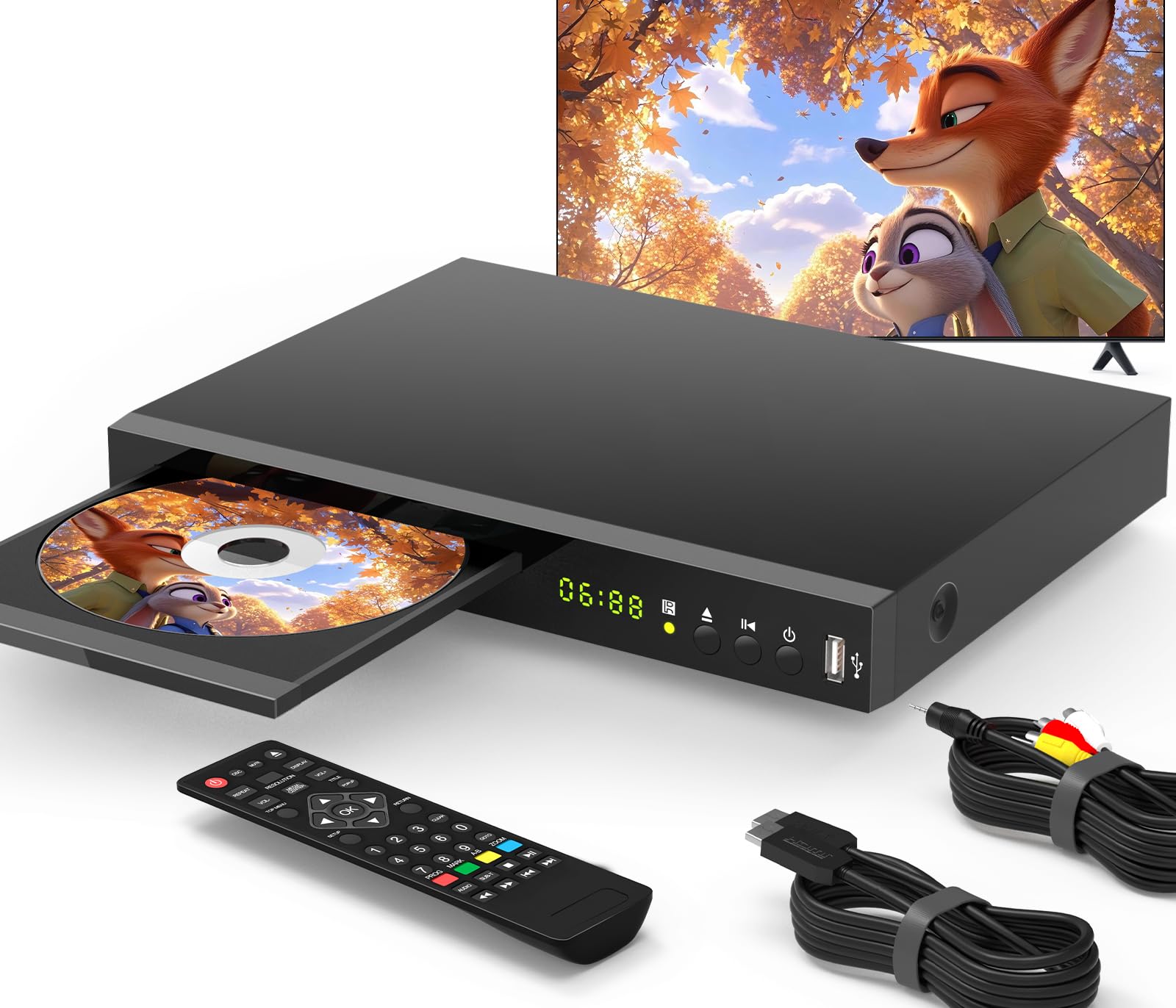
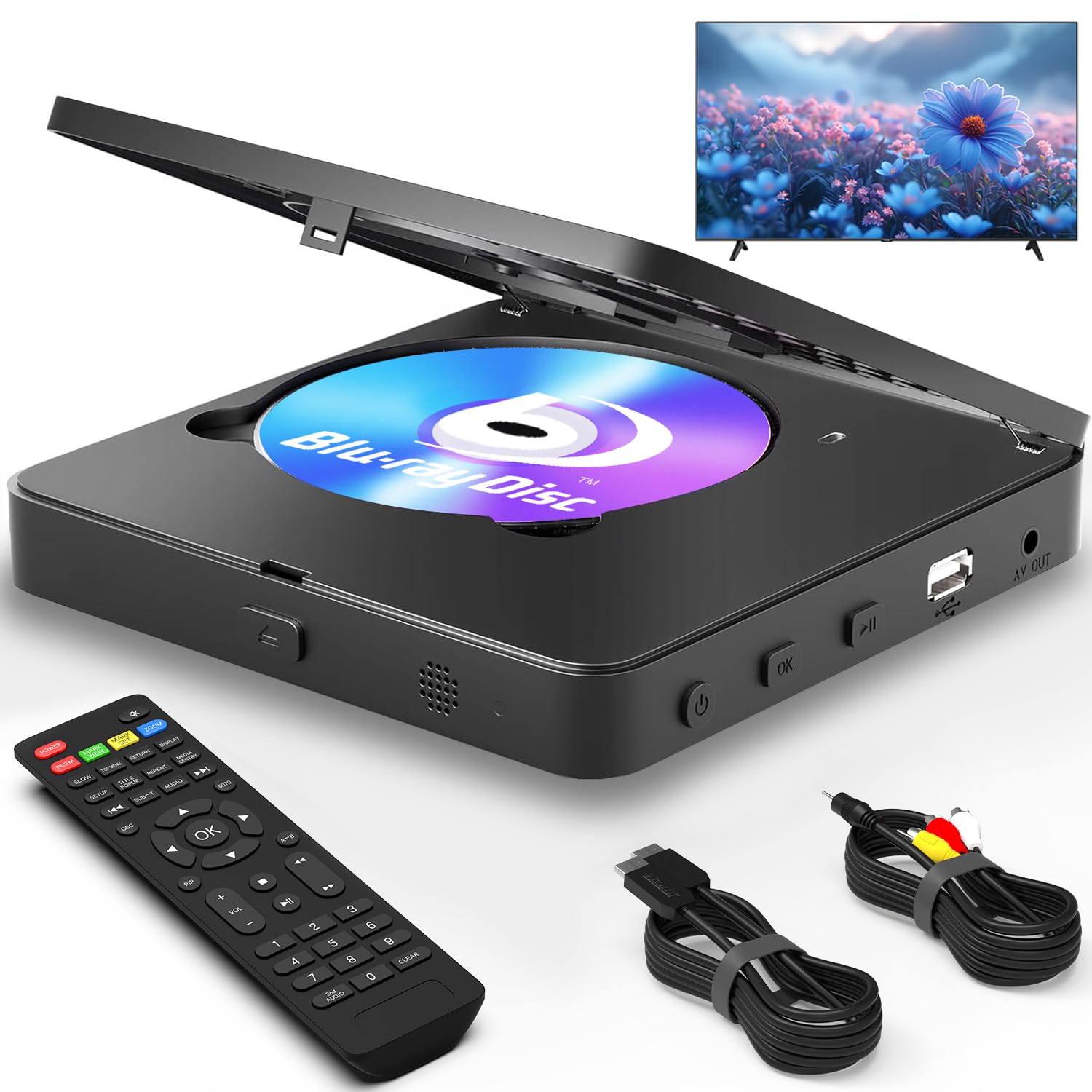
This is a small, very "plastic-y," possibly fragile and breakable Blu-Ray player PLUS Roku, Amazon videos and up to 100 additional streaming sites. And last Christmas it was going on Amazon for under $50 (occasionally on sale for $40). My Roku is giving me so much trouble, I planned to replace it with this "smart," all-purpose player (which includes a remote that does everything--if your fingers are tiny enough to push the right buttons). The materials of the machine may signify a $40 product; the performance of the machine is equal to similar products costing hundreds of dollars. Despite its unimposing (i.e. "cheap") appearance, the performance and versatility of this player make it a winner. In 2009 I purchased from Amazon a Sony BluRay player (BDP-S350) that was going for $360. It's a big and heavy, durable and dependable machine, but it's also a boat anchor--not only 6 times the price of the pictured BDPS3200 but 5 times slower (and without the wi-fi / internet connectivity). My only use for the S350 now is the large, well-made, big button Sony remote control, which will still operate a Sony TV and player made in 2015. (I've since purchased the latest version (S3500) for another TV. It's essentially identical with this one, with less emphasis on "style" and more on practicality and security settings. Still, the 3200 saw my wi-fi and connected with it faster than the S3500--until I applied Sony's upgrade, released in July'15 for the new, S3500 model, which appears to have added additional "security" features. During the frustrating set-up of the newer machine, I almost wished I'd picked up another S3200 instead. Now that it appears to be locked in with my wi-fi, I'd lean toward the purchase of the S3500, unless it's priced $30 higher. Currently, however, it's showing a lower price than the pictured S3200!) Read more
Persistent Customer—December 22, 2014✓ Verified purchase
Last year I bought a media player that came with great reviews. I tried to access video and photos from my Synology NAS and found too many instances where the player was unable to transcode. The operation was clunky as well, so I returned it. For Christmas I searched for a dvd player, and found the Sony. I had trouble believing it's as good as advertised, but to my surprise it's better. For about $80 (a lot less than I paid for the media player) it not only plays blue ray and upscales, it's a great media player. The setup was easy and the connection to my NAS (wired) is fast and I was able to play old mpegs, home-movie dvds, and new streaming movies from it. I use Roku, but tested access to Netflix and Amazon via the Sony app, and it's fast and navigates well. I have yet to mirror or setup more advance capabilites but as it's configured now it does more than I expected, and does it well. Read more
Allison Short—August 26, 2015✓ Verified purchase
I just got my own apartment and needed Netflix and a DVD player because I have a brand new TV and was tired of using my laptop. I thought I would get a firestick for my streaming ($40) and a cheap DVD player for my Redboxes ($20). Then I stumbled upon this wonderful bluray <3 Bought refurbished at a steal. Almost looked new when I got it. Arrived 2 days after purchased, packaged very well. It's a pretty small system which makes me super happy (crowding drives me insane). Plugged it in with my HDMI High Speed Cable (6 Feet) and worked like a charm. Set up was super easy and took less than 2 minutes. Netflix works like a charm. I do notice a little lag.. Not sure if it's the system or my wifi that I'm bumming from downstairs.... Now I can enjoy Netflix and Redbox on my new TV with a remote <3 5 stars because this is seriously a DEAL. Wonderful creation. Read more
Amy Bruckman—January 18, 2015✓ Verified purchase
This is a nice little player at a great price. But that said, there are a few things about the design that are maddening. I teach human-computer interaction, and it crossed my mind that finding all the problems with this design would make a good homework assignment! A few examples: * When it asks you to type your email address (to set up a streaming service), it presents you with an empty box. You need to hit the select button to start typing, but that's not obvious at all. * When you are using their input dialog boxes, you need to move down to the bottom right button on the screen keypad and click Enter. There is no "done" button, and you can't get to the done button by simply going down as you can on other players I've used. You have to go down and to the right column to the right. * When you are entering a password (like for your router or an online service) from the screen keypad, it immediately puts a * on the screen for each key typed. Other players display the character you just clicked, and then change it to a * when you go to the next character. That way you can check you hit the right one. I could go on and on. Their designer should, um, come back to school and take a few classes with us? :) These little issues will just slow you down a bit if you're tech savvy. If you're not comfortable with this sort of thing, you may need help. If you're a user interface connoisseur, you'll find them like nails on a blackboard. Two more substantive things to be careful about: * This does not have RCA inputs--only HDMI We have a limited number of HDMI inputs on our TV. Luckily we could connect our cable box via RCA (red/white/yellow wires) to free up and HDMI input for this blu ray player. * On Netflix, it's not showing my instant queue. Or I can't find it. There's a search box and recommendations, but where's my queue? I typically save stuff in my queue and then browse the queue to decide what I want to watch now. I don't regret the purchase. But my husband probably will, because he's going to have to listen to me grumble about these fine points they got wrong. :) Read more