★★★★★
Both of my monitors are working great!
K-Stamp—August 11, 2025✓ Verified purchase
Works Great! Read more



StarTech.com
In Stock
Easy Returns · Return eligibility shown before checkout
| Brand | StarTech.com |
|---|---|
| Color | Black |
| Hardware Interface | DisplayPort, HDMI, USB 3.0 |
| Compatible Devices | Apple MacBook Air M1/M2, Apple MacBook Pro 13 M1/M2, Apple MacBook Pro 14 M1 Pro/M2 Pro, Apple MacBook Pro 16 M1 Pro/M2 Pro/M1 Max/M2 Max, Apple MacBook Pro 15 2019/2018/2017/2016, Apple MacBook Pro 13 2020 Intel/M1, Apple MacBook Pro 13 2021 M1 Pro/M1 Max, Apple MacBook Air 2022 M2, Apple MacBook Pro 14 2021 M1 Pro/M1 Max, Apple MacBook Pro 16 2021 M1 Pro/M1 Max, HP Spectre x360 13-aw0000/13-df0000/13-af0000/13-ap0000/13-ba0000/14-ea0000/14-df0000/14-cd0000/14-bc0000/14-bd0000/15-df0000/15-eb0000/15-bl0000/15-ds0000/15-ch0000, HP Elite Dragonfly G2 2B5G1AV/2B5G2AV/2B5G3AV, HP Elite Dragonfly G3 3B5G1AV/3B5G2AV, HP EliteBook 830 G7 Intel/AMD, HP EliteBook 830 G8 Intel/AMD, HP EliteBook 840 G7 Intel/AMD, HP EliteBook 840 G8 Intel/AMD, HP EliteBook 850 G7 Intel/AMD, HP EliteBook 850 G8 Intel/AMD, HP Envy 13-ba0000/13-df0000/13-ap0000/14-eb0000/14-df0000/15-df0000/15-cd0000/15-bc0000, HP Envy x360 13-bd0000/13-dq0000/13-cb0000/14-bd0000/14-ce000..., Windows 7, 8, 8.1, 10, 11, macOS 10.8 - 10.12, 10.14 - 10.15, 11.0, 12.0, 13.0, 14.0, Chrome OS v55+ See more |
| Total USB Ports | 5 |
| Product Dimensions | 8.9"L x 3"W x 0.9"H |
| Number of Ports | 10 |
| Item Weight | 0.61 Pounds |
| Total HDMI Ports | 1 |
| Wattage | 32.5 |


Product video 1
Customers say
Customers report mixed experiences with the docking station's reliability, with some saying it works fine for setting up dual displays while others mention issues with USB ports stopping working.
Works Great! Read more
Just hooked it up for an hp 15 laptop and works great. Hopefully it lasts. Drivers went in smooth. Read more
Perfect for a HP laptop that doesn’t support USB C video. Simple install of display port drivers and plug it into USB port. Read more
was in great shape and had everything included as advertised. And is doing the job it was supposed to for me right now! TY! Read more
This piece of equipment has made the remote working from home easier. No lagging or buffering. The connectivity is phenomenal. The ports on this equipment is sufficient. Read more
Item initially worked correctly. After a week or so one of the usb ports stopped working. After rearranging how things were connected I decided that I could live with one of the ports not functioning. After two months the additional displays still work but all of the usb ports are not functioning. Read more
Overall - Good, better than expect. Pros - 1. Temperature is low (much lower than the other model (usb to VGA with 3 USB ports)). 2. Stable. I connected the Ethernet/Keyboard/Wireless Mouse (logitech G700S), HDMI, DisplayPort and no problem at all. 3. Easy to install Cons - Have not find any...... ============================== 1st update - If you had used other model of Startech dockings on the same laptop, you may meet an error message when you install this driver. You will need to uninstall the previous USB Video driver , restart your PC and then you will be able to install the driver. 2nd update (2017/May/05) After using the produce for a while, I found that the one of my monitor keep losing the signal periodically (quick turn off (black) / turn on (after 1 second) every 20-40 minutes..... This screen (DELL P2214Hb) was connected to the docking station with a HDMI-TO-DVI cable. If I connect the cable to the HDMI port of my laptop (dell precision workstation or thinkpad x1c 3rd gen) then everything looks fine. But if I use the HDMI port of the docking station then the off/on happens every day. I dont know the reason behind this,,,,, So I am now downgrading the score from 5 starts to 3 starts... Read more
Very useful and does what I need it to do. Just with it had a better way to secure it it a desk or wall. Read more

StarTech com Dual-Monitor Thunderbolt Mini Dock 4K 60Hz HDMI Driverless Hub for Windows and Mac Gigabit Ethernet 1

StarTech com USB-C USB-A Dock - Dual Monitor 4K 60Hz Dock DisplayPort HDMI - Hybrid USB 3 0
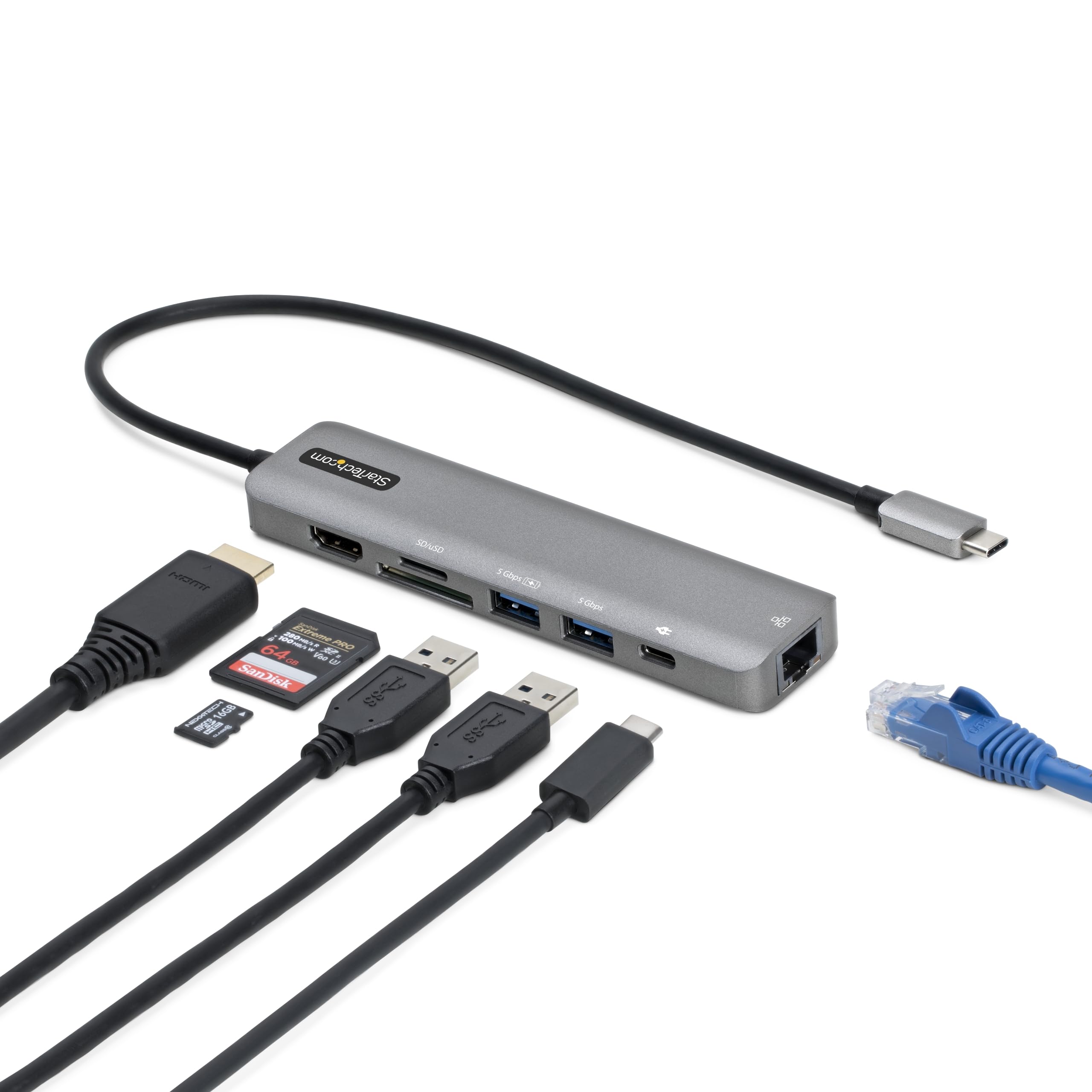
StarTech com 7-in-1 USB-C Hub Extra Long Cable Multiport Adapter with Gigabit Ethernet 4K 60Hz HDMI Gigabit Ethernet

StarTech com Dual-Laptop USB-C KVM Docking Station Dual Monitor 4K 60Hz DisplayPort Dock 5-Port USB Hub GbE 90W

StarTech com Triple Monitor USB 3 0 Docking Station 2x 4K DisplayPort HDMI USB Type A Universal Laptop

StarTech com USB C Triple 4K Monitor Docking Station - 100W Power Delivery - DP 1 4 Alt
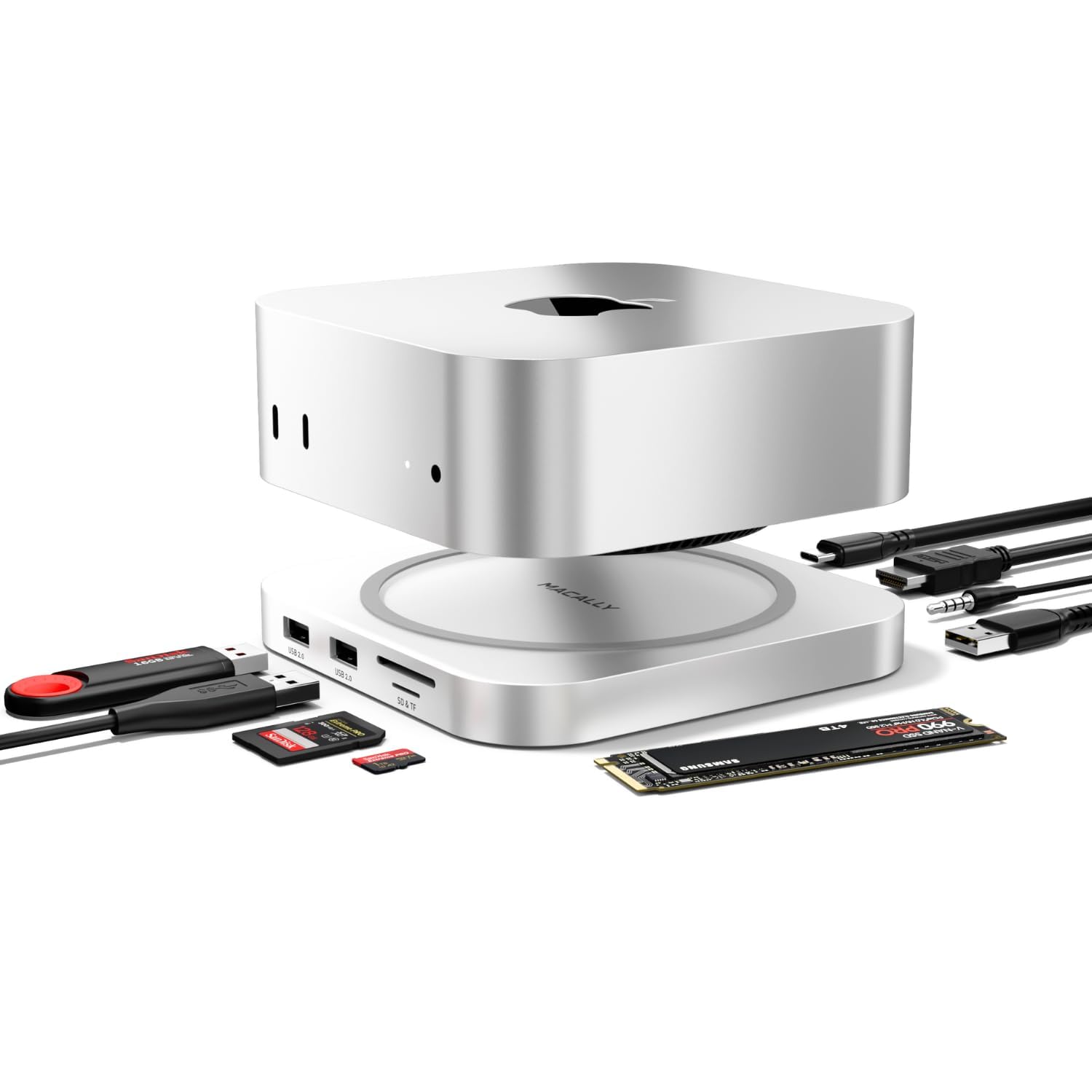
Macally Mac mini M4 Dock and Stand Mac mini M4 Hub with M 2 NVMe Enclosure 4K HDMI

Baseus Docking Station Spacemate Win 11 in 1 Triple Display 4K HDMI and DP 10Gbps USB A C
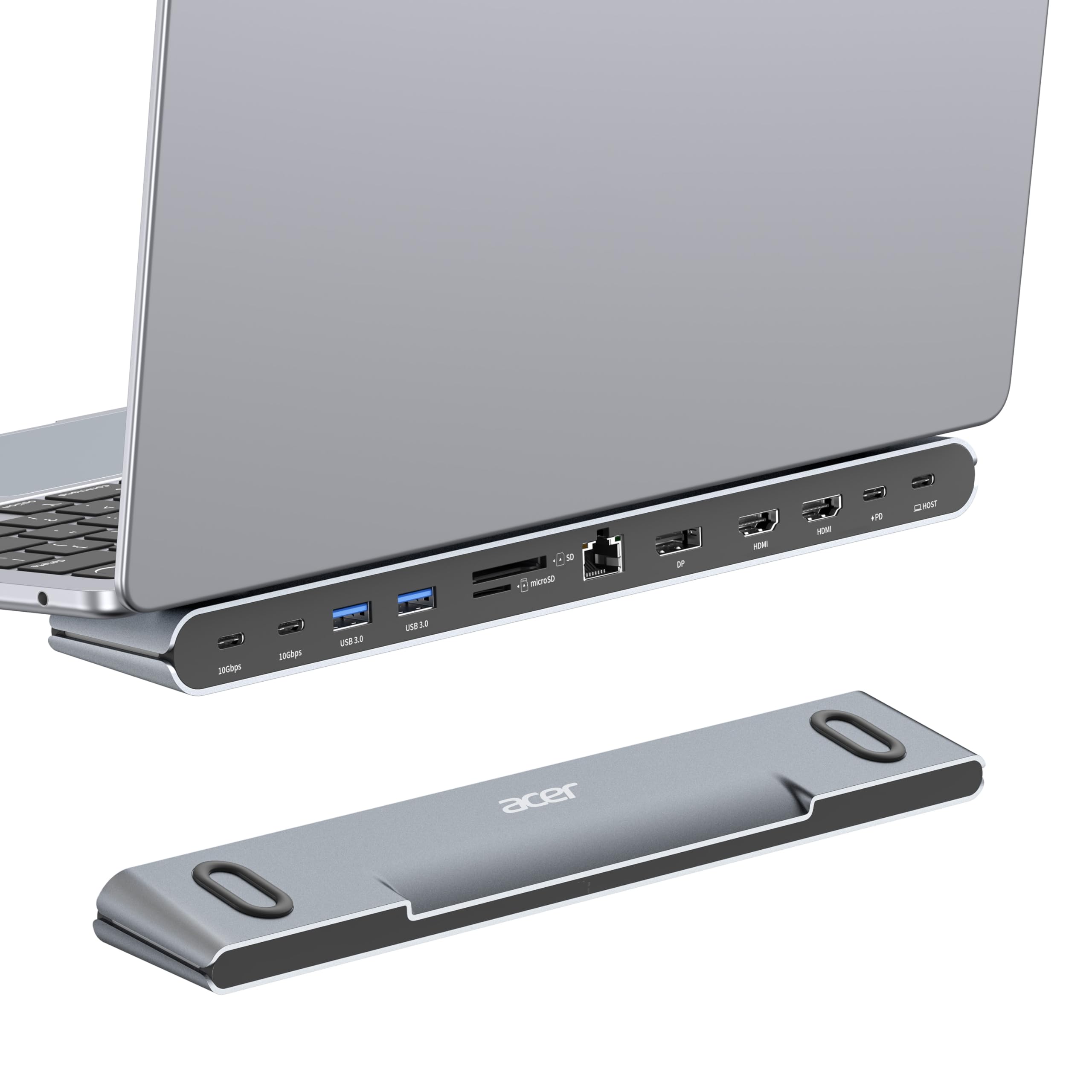
Acer Docking Station 3 Monitors 11-in-1 Laptop Docking Station Stand with DP 8K Dual HDMI 4K 60Hz Ethernet

Plugable Universal Laptop Docking Station Dual HDMI Monitor for Windows and Mac Driver Required USB 3 0 or

Plugable USB 3 0 and USB-C Universal Laptop Docking Station with 2 HDMI Ports for Windows Mac Driver
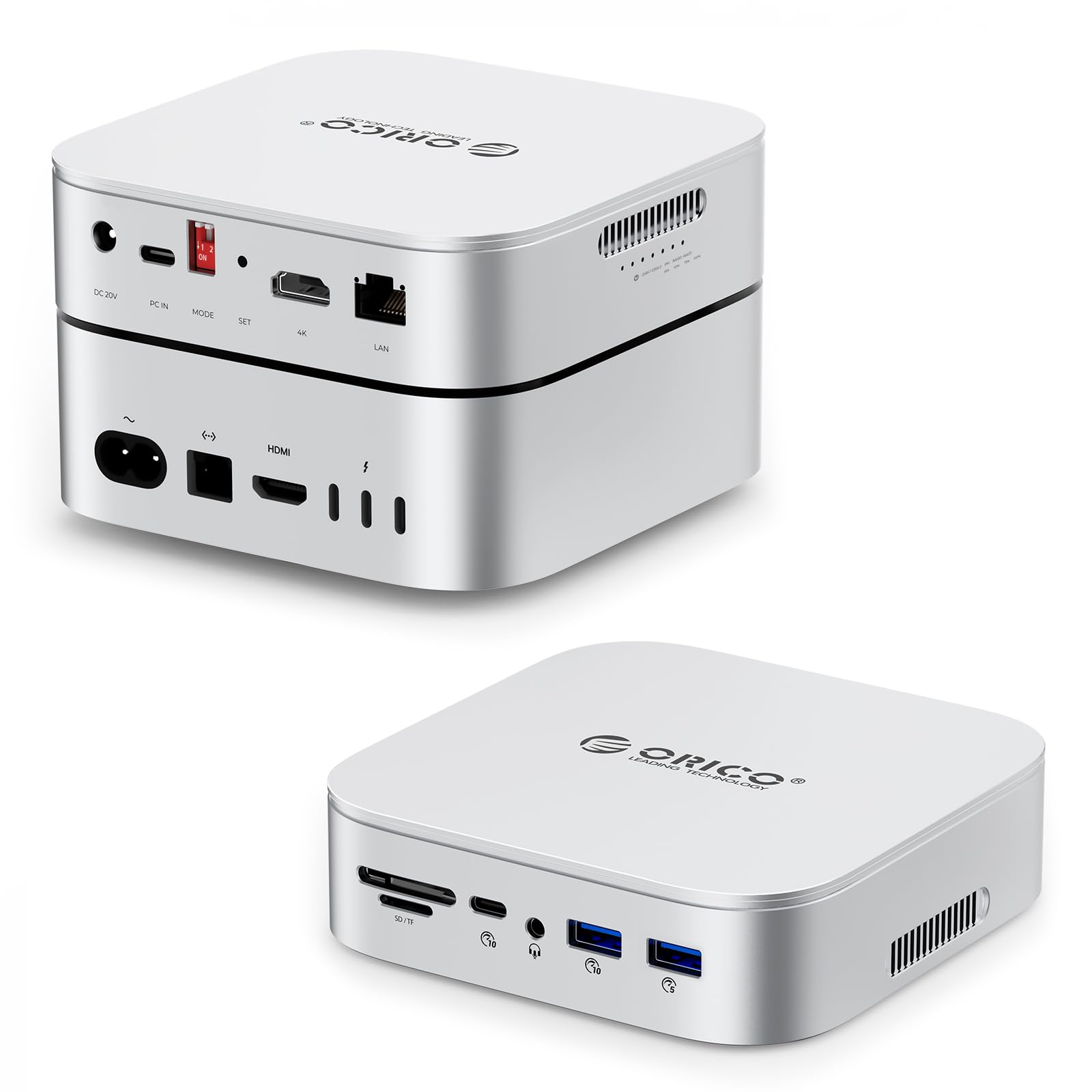
ORICO MiniRaid 10-in-1 Docking Station with Dual-Bay M 2 NVMe SATA SSD Enclosure for Mac mini M4 Pro

OWC Thunderbolt mini Dock Bus-Powered 5-Port Multi-Adapter with Dual 4K HDMI Dual USB Gigabit Ethernet Integrated 7 2-inch

MINISFORUM DEG1 eGPU Dock External GPU Docking Station for RTX 4090 AMD RX 7900 XTX eGPU Enclosure Graphics

UtechSmart USB C Hub 3 HDMI Docking Station Triple Display 12 in 1 USB C Laptop Adapter with

UtechSmart USB Docking Station 11 IN 1 USB C Dock Triple Display USB 3 0 Laptop Docking Station
We use optional analytics cookies to understand how visitors use Ventari and improve the experience. This banner controls analytics measurement only. See our Cookie Policy.