Selena—November 17, 2024✓ Verified purchase
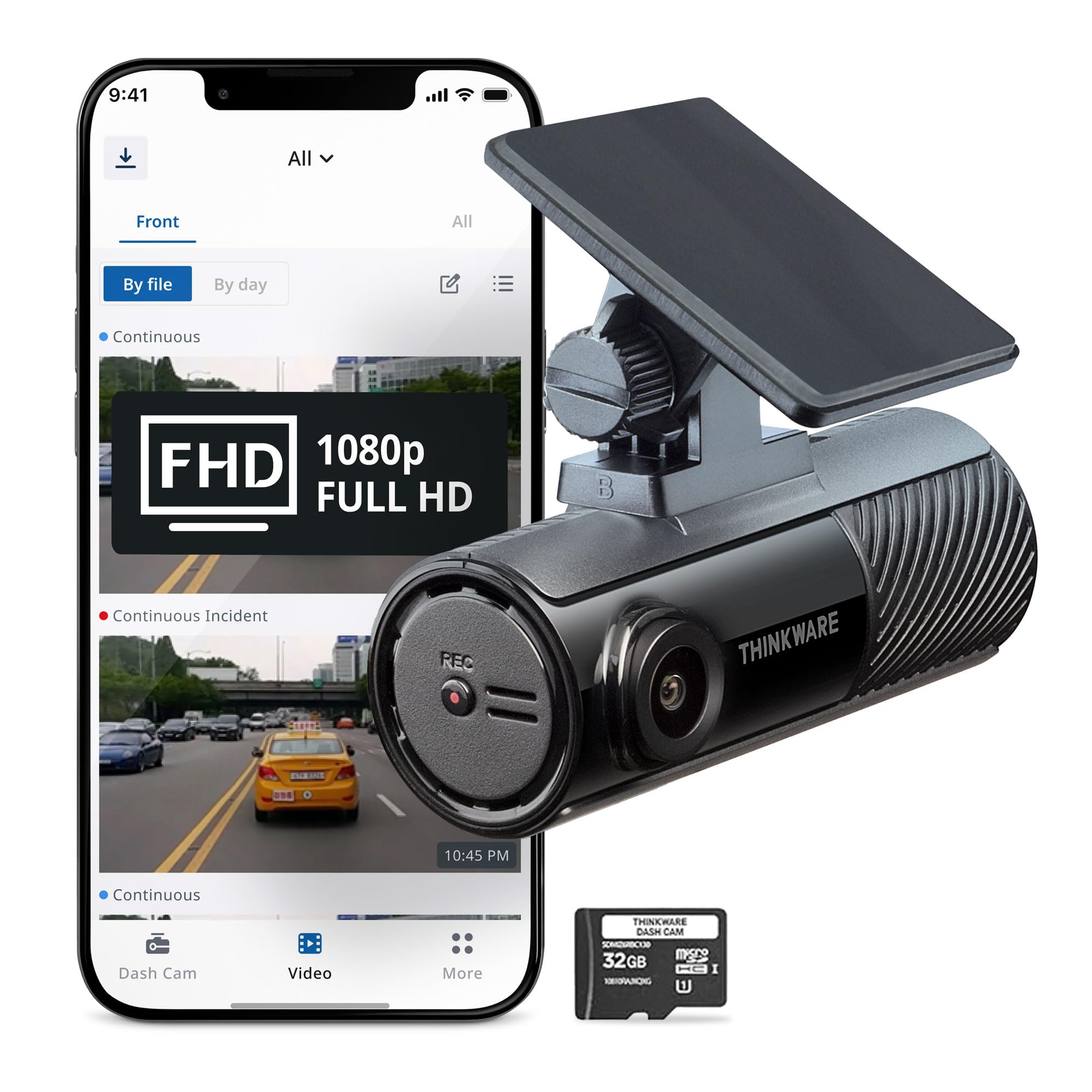
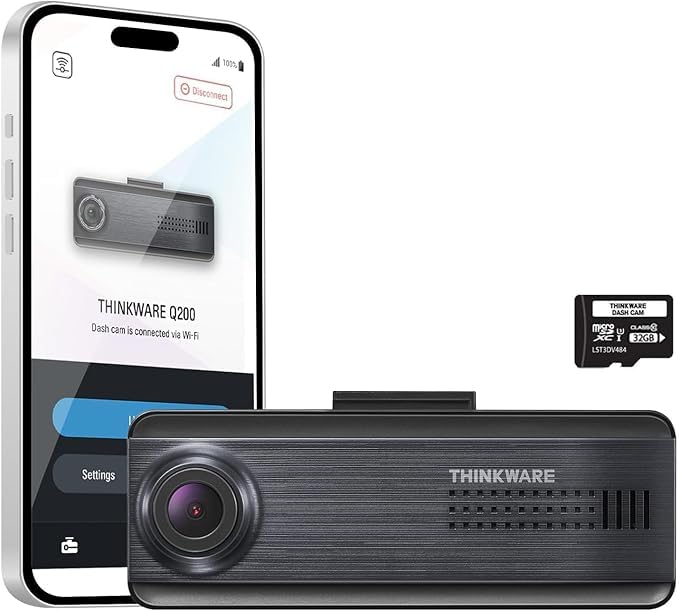
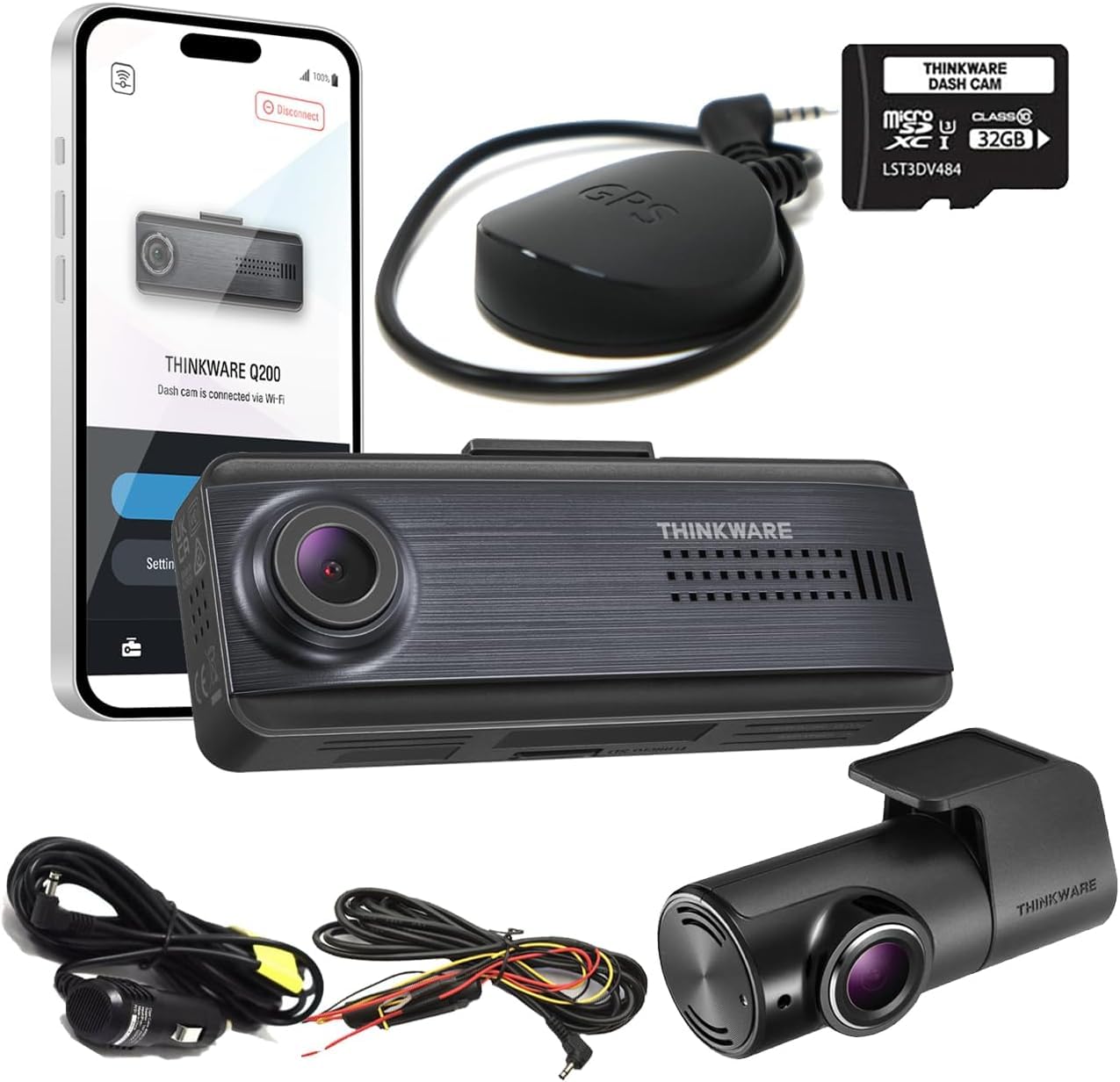
The F70 Pro dash cam is an impressive upgrade from the F70 model that I’ve been running for a couple years. The addition of the built-in Wi-Fi is really convenient since I can download the videos to my phone, which is a huge plus over the F70. The video quality is great, and night performance is decent for a dash cam in this price range. It’s also very discreet and fits easily behind my mirror without being a distraction. Overall, if you’re looking for a reliable dash cam with mobile app and decent quality, the F70 Pro is a great option! Read more
hayley—July 28, 2025✓ Verified purchase
This dash cam was easy to install and included all accessories needed. It works well and has been reliable so far. Overall I highly recommend it for the money. Read more
Jesse R. Tolliver—January 12, 2024✓ Verified purchase
I purchased this dash cam to replace an older larger cam that was starting to have issues. The image quality is good as I expected. I like the small size. My old camera had a display, and was much larger and heavier. I rarely used the display as it was too small to read unless you got very close to it. The Thinkware camera has an app were you can change camera settings, and review/download recorded videos. So really no display is needed. Once concern I have is how well the adhesive tape will hold out. My old dash cam was a suction mount, and those things never stay stuck on the windshield, especially in the hot Texas summer sun. My old dash came had a rear camera that stuck to the back window with adhesive tape. I am surprised that it has not failed in the 3 or 4 years it has been stuck there. The Thinkware camera is light, like the rear camera on my previous dash cam, and the adhesive appears to be strong. So I have a lot of confidence that the Thinkware is not going to lose adhesion, and fall off. But the real test will be the summer heat. Things that could be improved. Downloading recorded videos in the Android app is not intuitive. I figured out how to download a video, but I discovered "download" did not mean what I thought it meant. When you download a video, it saves to the Thinkware cloud, not onto your phone. You can then go to the cloud folder in the app, and download the video to your phone. The thing is the product manual doesn't even address how to download a video. I figured out how to download (to the cloud) a video by playing with the app. But to my surprise I couldn't find it on my phone. I then Googled how to download the file from the app. I didn't find anything for the F70 Pro, but learned of a second Andorid APP to access the cloud to download videos. However, after installing that app, I learned it would not work with the F70 Pro, but was for different models. But, I then figured out how to access the cloud folder in the first Thinkware app that I started with. Don't hold down the wifi button too long, it will format the SD card. I found that out the hard way, and erased my SD card. That's another thing the manual doesn't tell you. But it's good to know that is a quick way to format the memory card. Speaking of wifi, sometimes the phone will disconnect from the camera wifi. Holding the phone a little closer to the camera seemed to help with that. The impact sensor is too sensitive for me. Even having it set to the highest setting (lowest sensitivity) it triggered a lot just driving too and from work. I mean some of the roads here can be a little bumpy, but it would trigger 20 times a day just driving to and from work. That's 20 videos on the memory card that are protected from being overwritten, and are taking up space. I am not sure how many videos my 64MB SD card can hold, but having 100+ protected videos each week would be significantly reducing the available storage space, and would eventually get to the point where no more videos could be saved. In reality I don't see a lot of benefit to the impact sensor. Since the camera continuously records it is going to catch everything on video anyway, whether you have an impact or not. The only benefits are it automatically protects the video, and if you are set up for parking mode, I am guessing the impact sensor would be useful. Overall this is a good camera once you get around the couple of quirks. Read more
Logan Howerton—December 30, 2025✓ Verified purchase
The media could not be loaded. Great dash cam for this price point! No problems with build/video quality or installation, and it tucks well behind your standard rearview mirror. Video quality is more than sufficient— my only quip with this product is it’s a bit difficult to find footage once you need it. Be prepared to remember the time at which the instance you want footage of occurred, or sift through tons of footage. Other than that, great product! Read more
weaveri—November 20, 2025✓ Verified purchase
I bought 2 of these - and have them working in my 2 vehicles - for over a year now. Overall I like the build quality - but the app is very disappointing. I am unable to "view" a recorded video - at the first level of viewing on the app. With 3 different android phones, pixel 4a, pixel 8 and samsung s10e - the recorded video will play for 1 second and then freeze. The audio continues to play - but the video is frozen. This makes it difficult to sort thru which video to actually download. As other reviews commented, trying to figure out how to download a video and figure out where it is stored is quite difficult. But - after enough fiddling and experimenting - I was successful. I would not recommend this product to anyone. I reached out to support - and they were quite supportive and responsive. However - they couldn't resolve the freezing video problem. I was asked to prepare recorded phone screen captures to demonstrate the issue. The issue was elevated to the engineering team - but no feedback yet. This was 4 months ago. This device is only useful in the case of an accident and one is really motivated to figure out the awkward process to view and download the videos to a phone or PC. Read more
jack—April 27, 2025✓ Verified purchase
The price is good, however the video works well best in low light conditions. If it’s a nice sunny day, it ends up being blurry. The design is small and compact, and doesn’t have a screen. It was easy to install and took ~10 minutes. They included multiple sticky pads if you messed up where you placed it. The gps is sold separately as an accessory and has a port for it. You can see the video on the app. It also automatically records at 1080p and has a parking mode feature but drains the car’s battery so I drained it. If it worked well in bright conditions, I would give it a full 4 stars or maybe even 5. Read more
Fernando M.—September 5, 2025✓ Verified purchase
The media could not be loaded. To be honest, it was a very reliable device as it can see pretty clearly into the night but it also keeps me safe as the features on the device beep every time there is a jerk to the car as an emergency film save, it is always filming but it saves files that are considered a risk to your safety. Check it out for your self. Read more
Mtn Bike Mike—August 3, 2025✓ Verified purchase
Was easy to setup using my android phone. Will need to get another mounting plate. I need to mount camera higher up on my gen4 tacoma windshield. I owned the first garmin model without the phone app. Both have quality video. Read more