The Lee Fam—April 8, 2025✓ Verified purchase
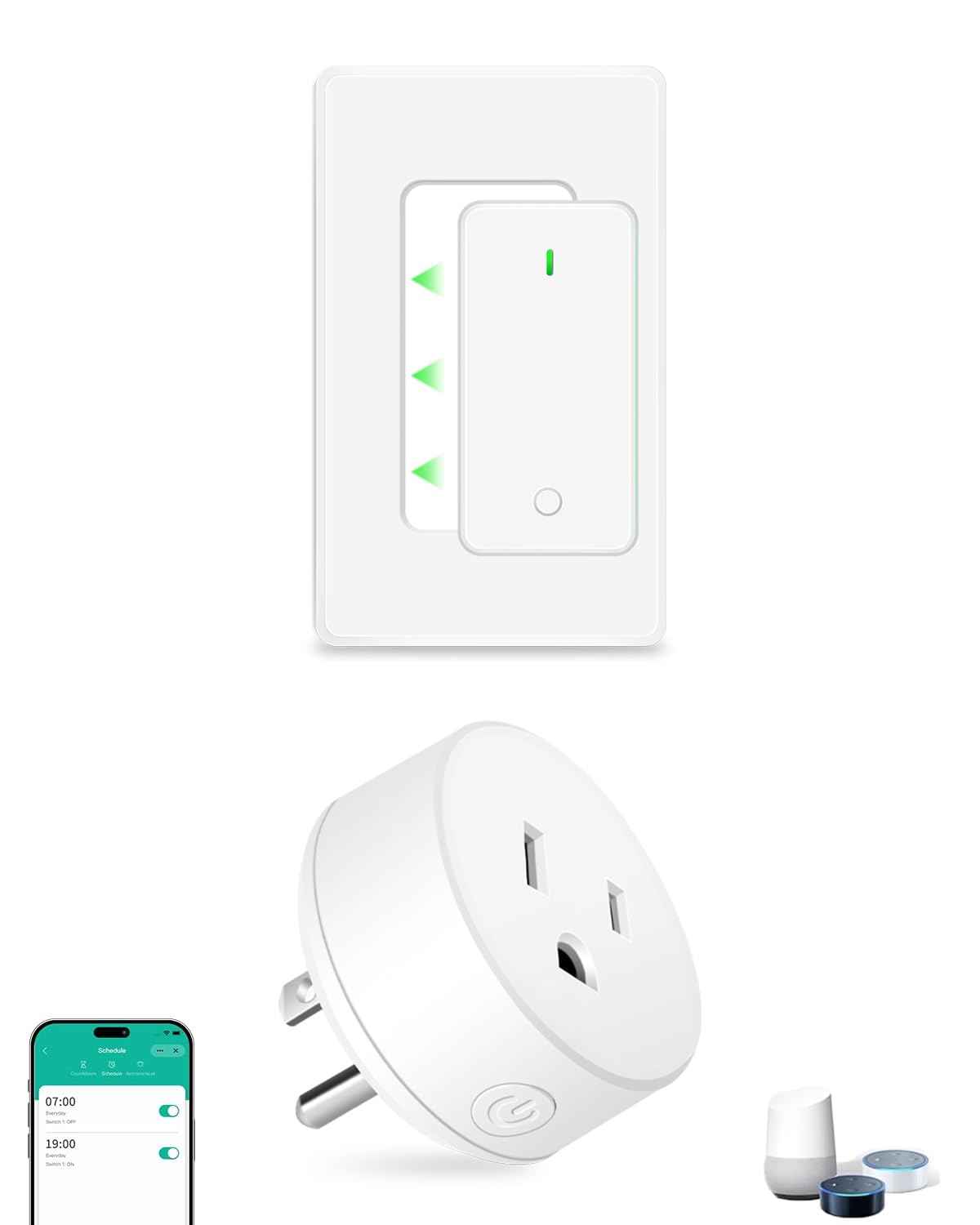
The media could not be loaded. The THIRDREALITY Zigbee Smart Switch has completely changed how we control the lighting in our rental apartment. We're on a quest to make our apartment as smart as possible while playing within the “rules” of renting and decided to start with these smart switches, after much research on other options that didn’t require wiring (our final decision was between this and Switchbot, but went with this due to aesthetics). We now have 5 of these installed, and it’s honestly one of the best smart home upgrades we’ve made without doing any electrical work. If you're renting or just don't want to mess with wiring, this switch is your answer. See the video for a walk through on how to install it (it’s pretty easy) and how to connect it with Alexa 😊 PROS: • No wiring required – Perfect for renters or anyone uncomfortable with electrical work. • Works with Alexa & Zigbee hubs – Seamless integration with Echo devices, SmartThings, Home Assistant, etc. • Aesthetic design – Sleek and more streamlined than alternatives like SwitchBot. • Voice control is a dream – “Alexa, turn off the living room lights” just works. • Removable – Easy to pop on and off when needed (our maintenance guy was impressed). • Reliable performance – 5 switches installed and only one minor issue with connectivity (see below), which was fixed by moving the hub. • Easy setup – Once you get the spacer + screw tension right, it works like a charm. CONS: • Initial install takes trial & error – Getting the spacer and screw plate just right may take a few tries. • One-time connectivity glitch – One switch disconnected once, possibly due to hub placement. Once we moved the hub to a more central location in our apartment, we’ve had no issues. • Voice command sensitivity – Alexa sometimes gets confused if the phrasing isn’t clear (not really a ThirdReality issue, more an issue with Alexa / how we programmed Alexa, but worth noting). If you’ve been wanting to upgrade your lighting to a smart setup without touching a single wire, this is your sign. The THIRDREALITY Zigbee Smart Switch is renter-friendly, easy to install, and works reliably once set up correctly. We’ve had a few minor hiccups, but nothing that outweighed the convenience and satisfaction of having smart lighting in every room. We highly recommend it—especially for renters or anyone seeking a non-invasive smart home upgrade! Read more


E. Hill—February 23, 2026✓ Verified purchase
This works well for an irrigation pump used to water a lawn. The switch which is a old style toggle is out in a box a little over 30 ft from the house that controls a 230 Volt outlet (NEMA 6-15R) that the pump plugs into. I couldn't find a smart plug or smart switch for a 230V circuit that had the US style socket and could handle the startup current of the motor so this works great, so I can set a timer in my smart home app to turn the pump on or off after a set time. I also use one to control the lights in a detached garage using a smart home speaker so if I accidently leave the lights on I can just tell the speaker to turn them off from the house. I would have liked to get one with Matter/Thread but it is only available with Zigbee which works very well and my Smart Hub, a Homey Pro 2023 has built in. Read more
Dan Fox—June 2, 2024✓ Verified purchase
I have now purchased 7 of these, along with their Matter hub. While set up is quite easy and they do initially connect to Apple HomeKit, be prepared for repeated "device is not responding" issues. This can often be noticed before you try to control them via HomeKit by the devices blinking blue. This means they have lost connection to the internet. Taking the batteries out and putting them back in will most often resolve this. However, sometimes you have to completely removed the device from the Third Reality app (which then removes it from HomeKit) and set it up all over again. I have never had the batteries go below 70% so this is not a power issues. Short version: they are flaky and not dependable. Long version: I live in a 900 sq. ft. home (very small) with high speed wifi coverage throughout. I have an Eero pro router with 2 other Eero access points (overkill for such a small space). Aside from these 7 Third Reality Zigbee Smart Switches, I have Phillips Hue Bulbs and Eufy cameras throughout the house and outside. These 7 switches were needed for lights that do not take regular bulbs (and could not use Phillips Hue). I am renting, otherwise I would use Lutron Casseta switches. In any case, everything in my HomeKit home works perfectly except for these Third Reality switches. They are not dependable. Save your money and look elsewhere. If you own your home, the Lutron Casseta switches are bit more expensive but they work flawlessly (I have had them in my entire other home for 4 years and never had a single issue with HomeKit or otherwise. To this day, they are operating flawlessly). Read more
KAD—August 5, 2025✓ Verified purchase
I've had a pair of these for about a week at this point. Overall I like them and I'll probably be buying more. Both of mine (I bought the two pack) came with a very old firmware version and the upgrade took over an hour per device. However, one of the recent firmware changes mentioned fixing an issue with slow OTA updates, so we'll have to see how the time is the next time they update the firmware. Pros: Pair up with Home Assistant via ZigBee2MQTT very easily. Simple to install Don't look too bad Cons: The actuator is very loud The actuator is very slow (battery powered, so this is not surprising) Read more
Customer—March 18, 2026✓ Verified purchase
Having read the reviews, I was skeptical that the Third Reality Switch would work for me. It is day one but I was shocked at how easy it was to pair this with my Echo 4th gen (built in Zigbee). When the batteries were inserted, the switch went into pairing mode and after a command to have Alexa find devices the switch was named first switch and could be accessed from any of my Alexa devices. It is being used on a wall switch to turn on and off a fireplace toggle switch. The trick is using the spacers to attach the brackets to the existing plate. I didn't have to use the screws in the package and it may take a little trial and error. The spacers allow the toggle mechanism to move up and down freely. The switch just snaps onto the brackets After struggling to make a Wink and Switchmate solution work, Wink went to a subscription model and I finally gave up. My kind of device - simple and cheap. Read more