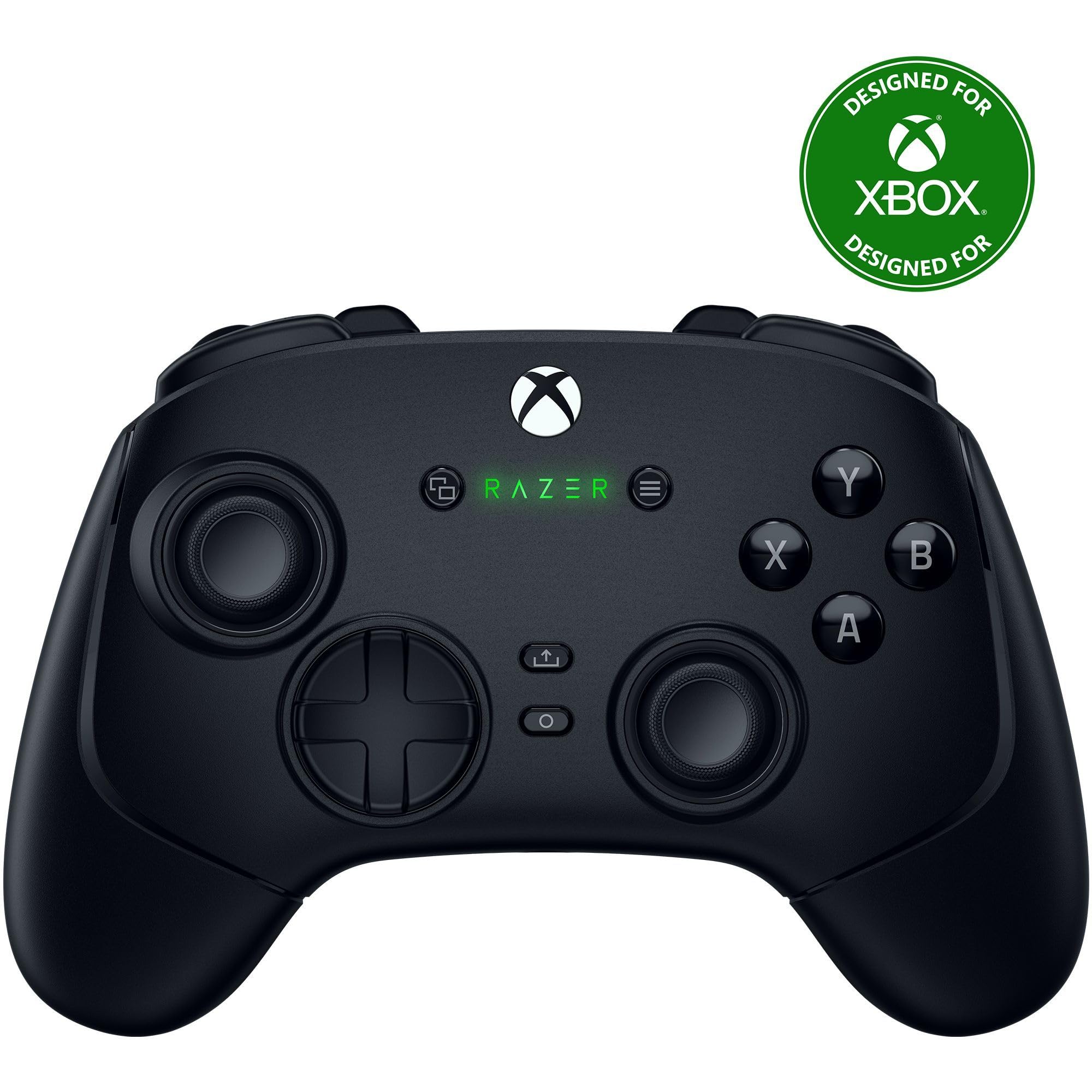
Here is what I did to setup the device for use with my Xbox Elite Series 2 controller. - Ensured the xbox controller was fully updated via the Xbox accessories app on the Xbox. - Turned the controller off. - Plugged in the chatpad until it made a good solid connection. (It does not click into place) - Plugged the 2.4GHz receiver into the Xbox. - Turned on the controller (the chatpad lit up solid green) and immediately pressed the sync button on the chatpad. - Tested the chatpad in game and it is working perfectly. ---------------------------------------- Now, onto the functionality in game. This chatpad is a literal USB keyboard. I bought this because I started playing Final Fantasy XIV (FFXIV). My hope was that this chatpad could act as extra inputs for regular hotbars alongside the controller cross-bars. I disabled the direct chat setting in-game and setup a hotbar on-screen. I then setup the keybinds on the chatpad that I wanted for the hotbar. Finally, I added the actions I wanted by using the virtual mouse to drag the actions to the hotbar. It works perfectly! I now have all the general actions I need set to the hotbar and bound to the chatpad. Meanwhile all my crossbars are setup for combat. It also still has the regular keybinds for keyboard, this allows me to still quickly use the chatpad for chat by pressing enter on the chatpad and typing out my message. --------------------------------------- The negatives. - The chatpad construction feels sturdy but while inserted into the controller it does have a slight flex if you press with a decent amount of force on the sides of the chatpad. As long as you don't slam down on the chatpad with a ton of force it should be ok. - It is going to decrease the battery life of the controller but not by much. The chatpad draws 40mA while the keyboard is lit but the backlight turns off after 6 seconds of no use. It also draws an extra 0.8mA when a button is pressed. Not enough to worry about for me. - The button inputs are momentary. You can't walk around continuously while using WASD input. That may be an issue for some users who want that. Overall, these negatives are not enough to be an issue to me. For some these may be dealbreakers. -------------------------------------- This chatpad is amazing for the price. I can see myself using it for a long time. I will update this review if I have any issues with it or if it stops working. Read more
The following review is made with product. Compared to the absolutely lovely Xbox 360 Microsoft chatpad, the product looks and feels cheap. It also does not sit flush with my controller, but it does feel well attached. Have no idea how well the 3.5mm jack passthrough works, I already have headphones for my PC. not a huge fan of key layout either. The backlight is useful, but maybe too bright for my preferences. The keys are responsive and have good haptic feedback, but feel a bit too soft and are a bit small for my fat thumbs. You also pretty much have to use sticky keys, and the backspace being near space and shift is meh. Aside for the gripes I figure it will mostly take getting used to, which I'm sure will come with use. I use this now with FFXIV and enjoy being able to chat without reaching for a keyboard. I'm also using the number buttons for party targeting and have some hotbar functions on the upper left. With JoyToKey or a similar program I use the controller to emulate mouse to brows the web or navigate here to write this review. For the most part I would definitely recommend this for PC use. During the typing of tis review, I corrected about five typos, but that should alleviate with practice. Read more
Works great and buttons feel good HOWEVER the xbox thinks there is also a mouse plugged in which causes a large circle icon to appear in the center of the screen during most games. You can use the browser to move it away from center but I have not found a way to make it go away short of unplugging the keyboard Read more
Works great with my Xbox series s, my son loves it! The keys have a good feel and setup was super easy, just plug in the USB adapter. Only bummer I didn't notice before ordering was you can't type a - dash or an _ underscore, not the end of the world. Read more
Flimsy and chitzy a little, operates fine. It is designed to allow an additional accessory to mount to the bottom but its designed backwards an no accessories can mount to it lol. Crappy but works well enough i havent upgraded it; cannot use my xbox wireless earbud with it because of this foresight. Read more
Works well and no issues plus the setup is super easy. Read more
Bought 2 for 2 different Xbox Series X's in 2 different rooms. Plugged keyboard into the first one. Was unable to run the controller on. Unplugged the keyboard, turned the controller on, plugged the keyboard back in. Tested keyboard. It seemed to work properly in a short test. Thought maybe there was a defect preventing me from turning the controller on. Tested the other keyboard on the other controller for the other Xbox Series X in the other room. Same thing happened. Cannot turn the controller on with the keyboard plugged in, and will not pry the keyboard off every time I want to turn my Xbox on or off via the controller. That would eventually break the keyboard and/or the controller. Returning both keyboards. Read more