lazychicken—February 2, 2026
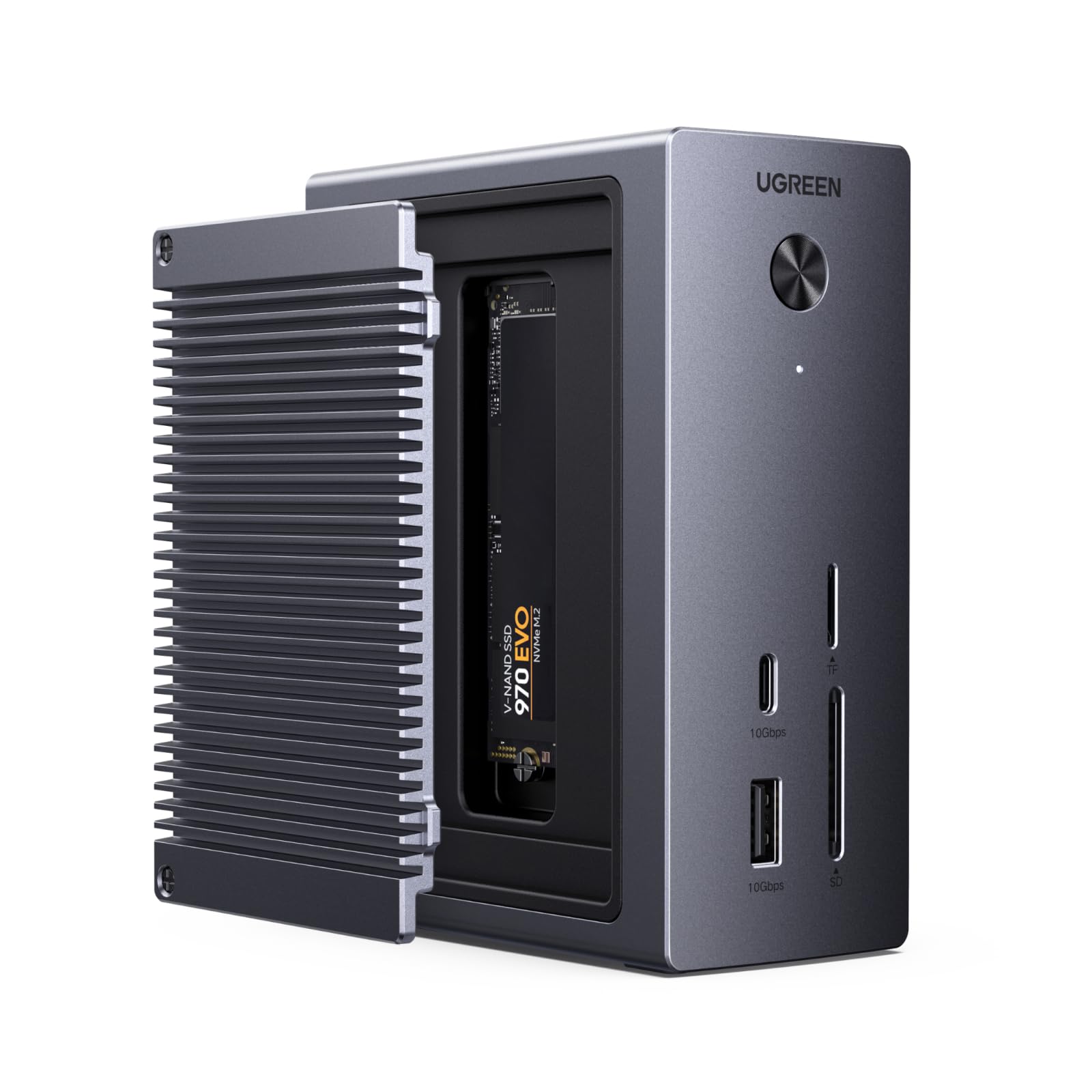
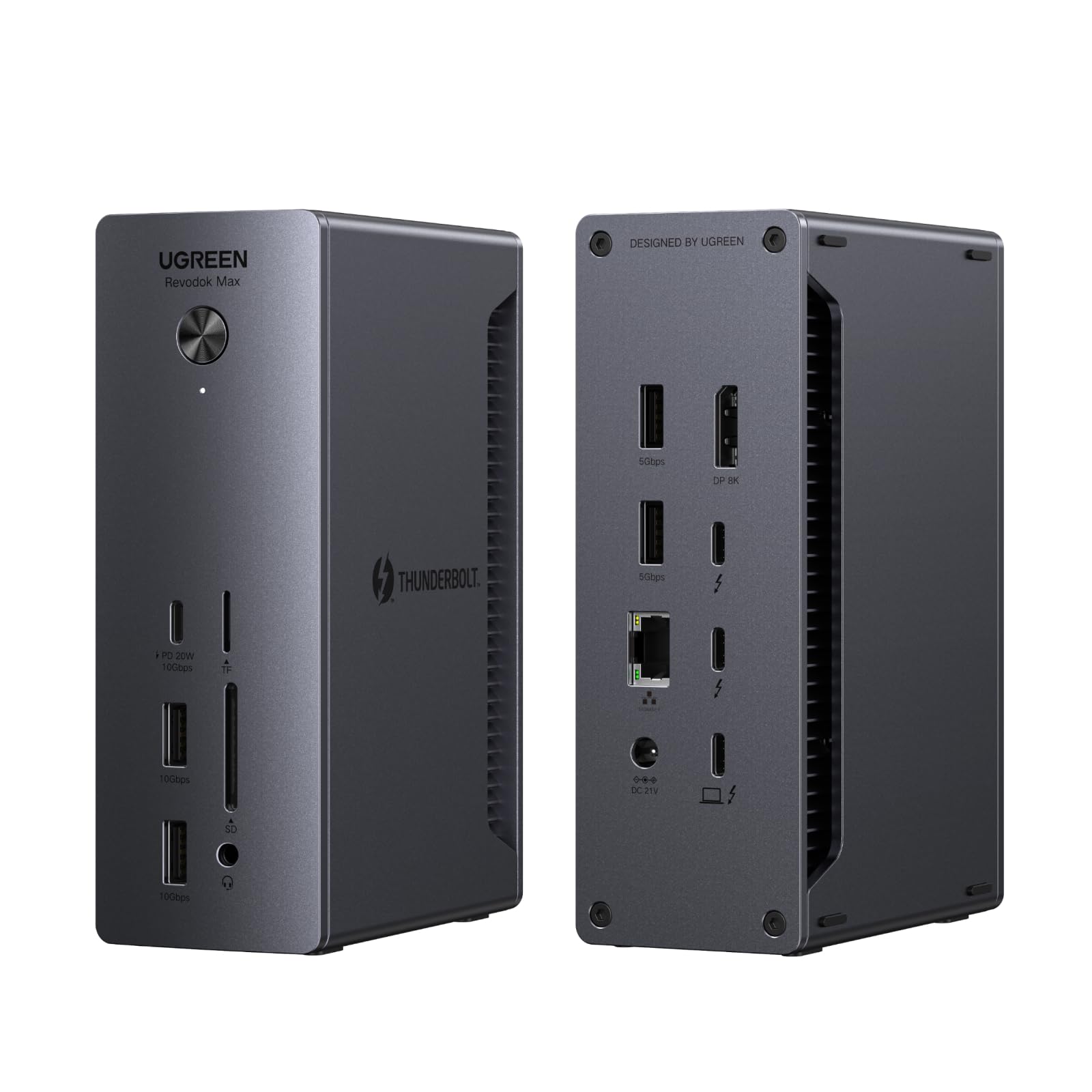
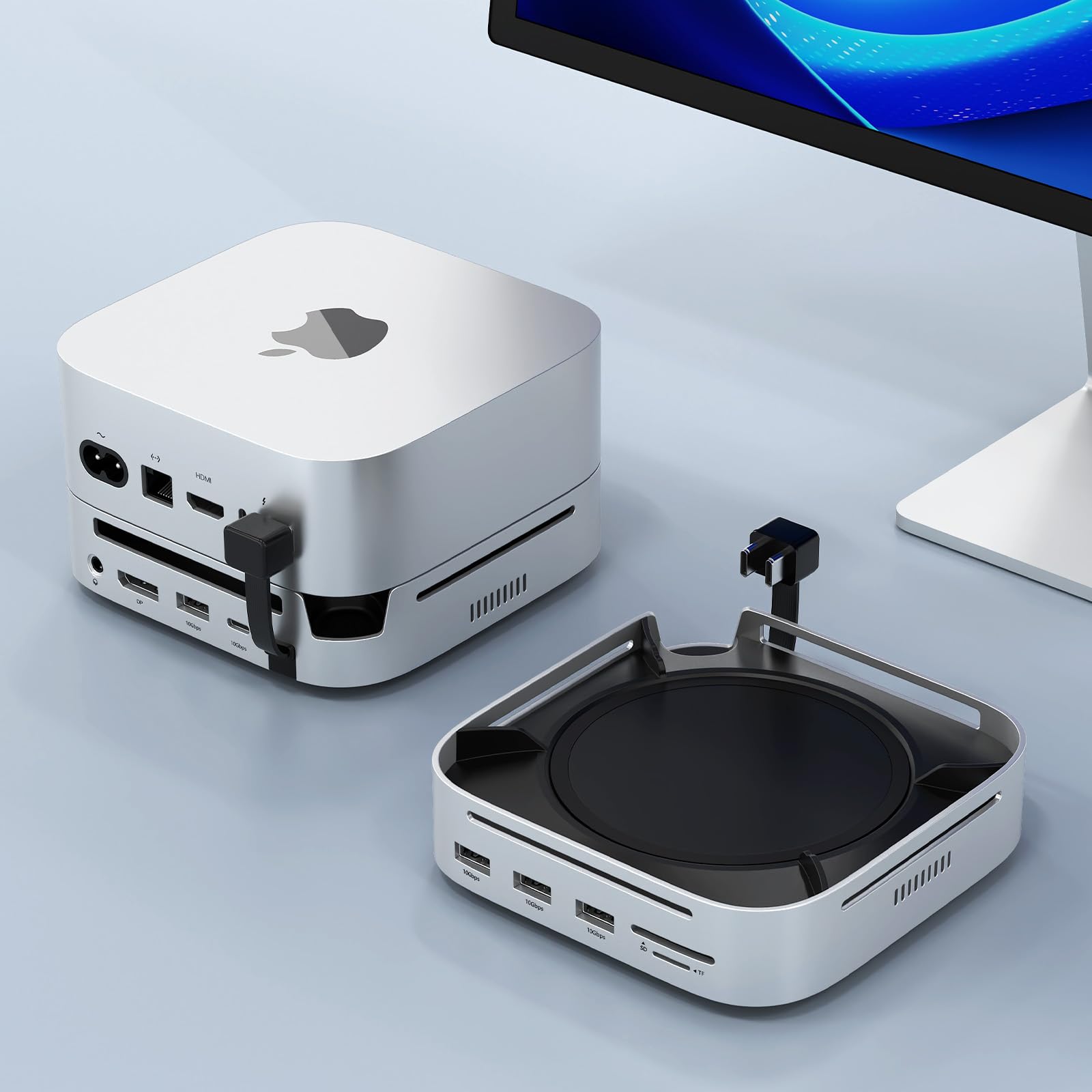
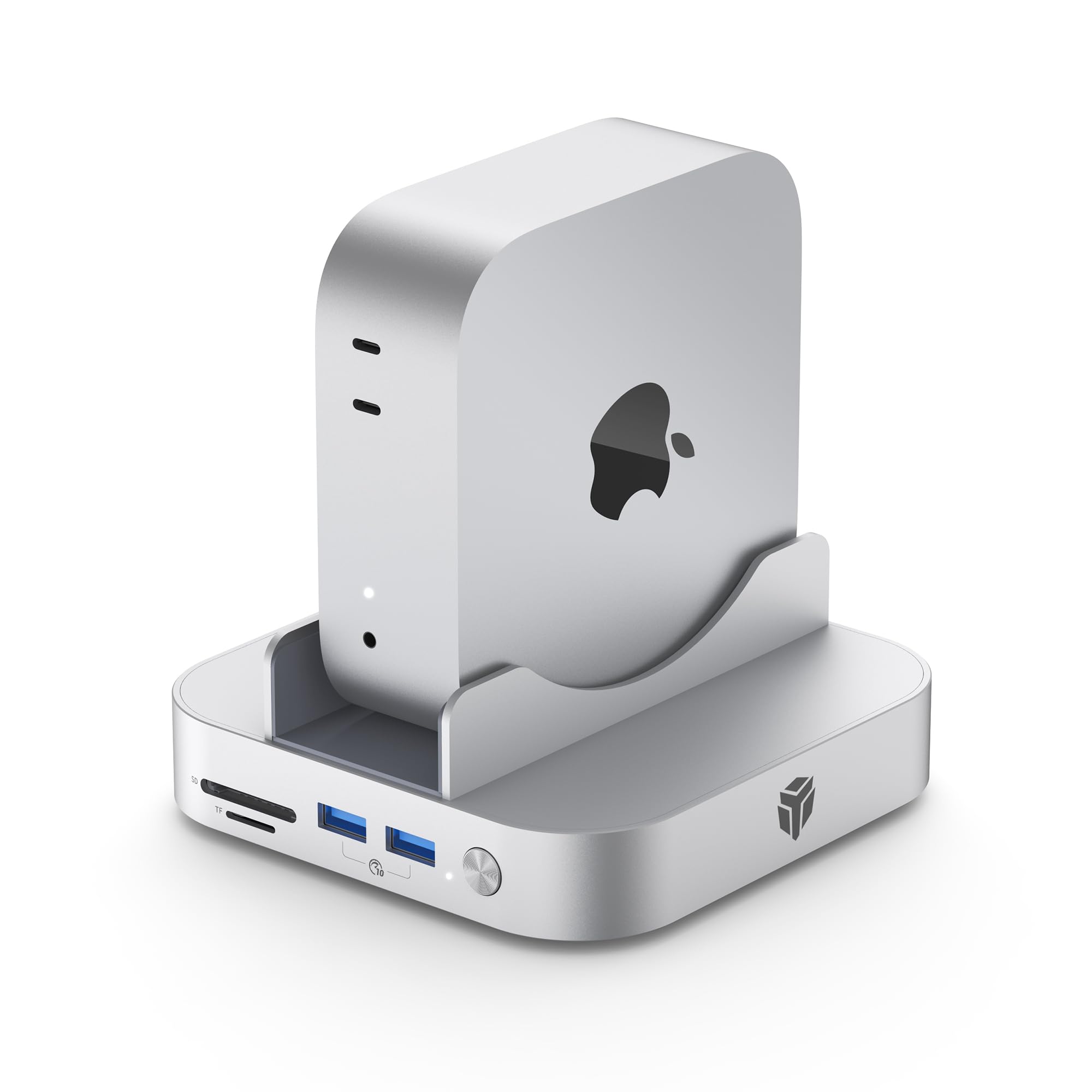
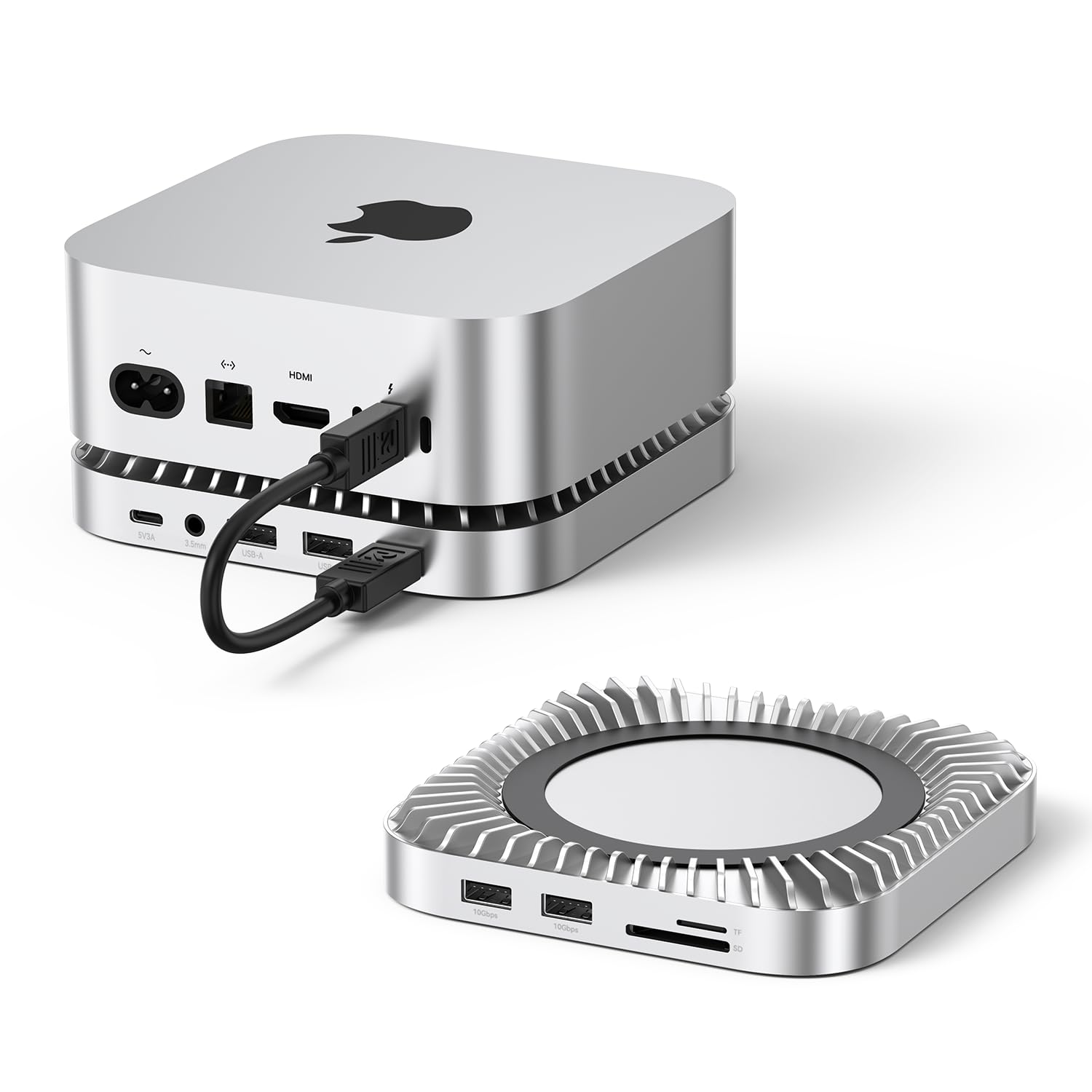
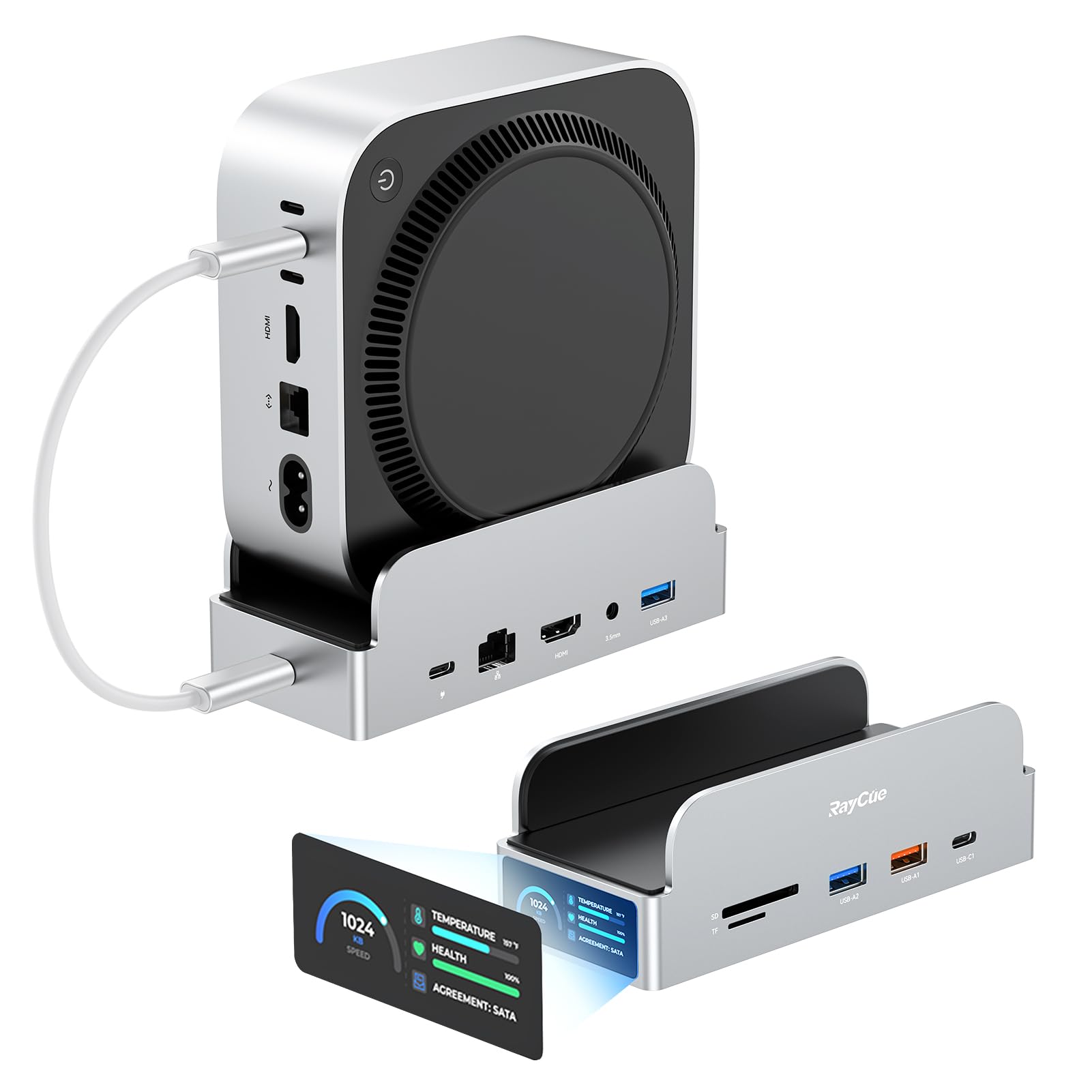
This UGREEN 10-in-1 is a clever little docking station. The device itself appears to be very sturdy and well made. Its small size is perfect for giving back your desk real estate. It has rubber feet positioned to allow it to sit either vertically or horizontally. Getting it plugged in and running was an easy task, and it is extremely functional and provides all the ports I needed for my daily use. The 100W PD 3.0 USB-C port powers the device and your laptop from a USB charger that you provide - just make sure you do the math and use a charger that provides adequate power for your laptop plus 15W for the UGREEN 10-in-1 itself. The HDMI output provides 4K @ 60Hz. I have it driving a 4K monitor and the output is crisp and clear. The RJ45 input can handle speeds up to 1000Mbps. As for expandability, it provides 1 x USB-C port, 1 x USB-A 10Gbps port, and 2 x USB-A 5Gbps port. There are card readers built conveniently into the front of the dock for SD & TF cards. And of course there is a USB-C port from which you connect the dock to your laptop. If you just used this dock for those connections it would still be worth it. But this dock has a special feature: The ability to install an M.2 NVMe SSD right into the dock to provide you with extra high speed storage all from the same connection. Installation of the SSD is a simple task and it works like a charm. The body of the dock is designed to serve as a heat sink to dissipate the heat from the SSD since there is no active cooling in the dock. In the few days I have been using this, I have not noticed any issues that would be attributed to heat. The only potential negative I have observed is that it seems to take a few extra seconds for the external monitor signal to fire up after I plug my laptop into the USB-C. But this might be a function of HDMI. Previously I was using a DisplayPort over USB-C configuration, which could just provide a faster startup time. All in all, this docking station is small, looks great, and packs quite a punch! Read more
Greenspot Gardener—February 14, 2026
UGREEN Revodok NVMe Docking Station is a powerhouse in a tiny package! I love my tiny mini industrial computer and mini book, but they are short on connection options. THE SOLUTION is this docking station! It has features I've never seen in an all in one dock before including a place for modern NVMe hard drives, storage cards, HDMI and faster data connection ports! It greatly increases the functionality of what's available on these small hardwired units we can't crack open to add an expansion card. It's as easy as plugging in a cable into the PC. The whole design is smaller than a classic CD/DVD drive and will easily hide in a small system VESA mounted behind a monitor. It DOES REQUIRE USB type C power with 100 Watts. No, 65 Watts and 45 Watts won't do it. The listing says it does not come with the power supply and cord. Mine did come with a big thick sturdy gauge cord with USB type-C at each end and that is the only cord that works. I have a few melted cords from past experiences so I know better but then to be cheap or lazy! Be sure to use products rated for 100 Watts minimum! Read more


ST—March 11, 2026
This docking station is nice and compact, offering three usb-a ports, three usb-c ports, an sd card reader, ethernet and hdmi. it is powered through a high speed usb-c to c cable and can be set flat or vertical. While the ssd mount is tool less, you do need to unscrew the cover plate via included screwdriver. There is a power switch on the front of the unit so it does not need to be on all the time. Overall, this is a well designed docking station that is great for most setups. Read more
G Mitchell—February 8, 2026
As docking stations go, this one is pretty well made. The m2 storage is a nice little bonus, I didn't need any special drivers to get it up with an unformatted drive, and all its functions and ports work as expected, including the power button and Ethernet port. The slot for the drive is under several screws and a massive thermal pad which was included, so it's clearly not intended for you to be popping those in and out like a flash drive, but that wouldn't be a good thing to do anyway. It's very compact and looks pretty sleek with the heatsink and metal casing, and is super easy to connect and disconnect on the fly. If there's a downside it's that it has an input port for "PD 100W" but that's something you need to provide on your own. It doesn't complain about the 45W supply for my tablet and it does successfully provide charging with that, but using that power supply means a second thing to disconnect if you want to have it with you on the go, so that's a minor dent in the convenience, but it's well worth the trouble, and I could always get another power supply if it actually starts to bother me - they didn't promise one was included or anything. Read more
Jhon Lopez—March 11, 2026
De lo mejor que he comprado 10/10 Read more
Eliza—February 9, 2026
So far I have just used this as a usb hub. I plan to buy an ssd to use for storage. Design and build quality seems pretty nice for the price. It has usb c, usb 2.0 and hdmi ports. My new computers don’t have usb 2.0 connections, so this is perfect for adding that function to them. This seems like it will withstand the office uses I need it for. Fast connection. Read more
Benediktson Computer—January 23, 2026
The revodok supplies 1 USB-c and 3 USB-A ports along with HDMI, rj-14 network, 2-sizes of camera card slot and an NVME solid state drive port. It has dedicated usb-c ports for power in and the host connection. So, this is "the" device to support a tablet, a laptop, or a mini-footprint pc when you find yourself short on co0nnectivity. It also provides a convenient way to have a backup device handy at your desk (the nvme port). Hookup is painless and the device is sturdily made while being designed to dissipate the heat from the NVME drive. One note, it does not come with the USB power kit, so be prepared to use one you have on hand to power all these ports. Those using a tablet will likely use their USB-C power block and cable from the tablet. Read more