JB—March 8, 2026✓ Verified purchase
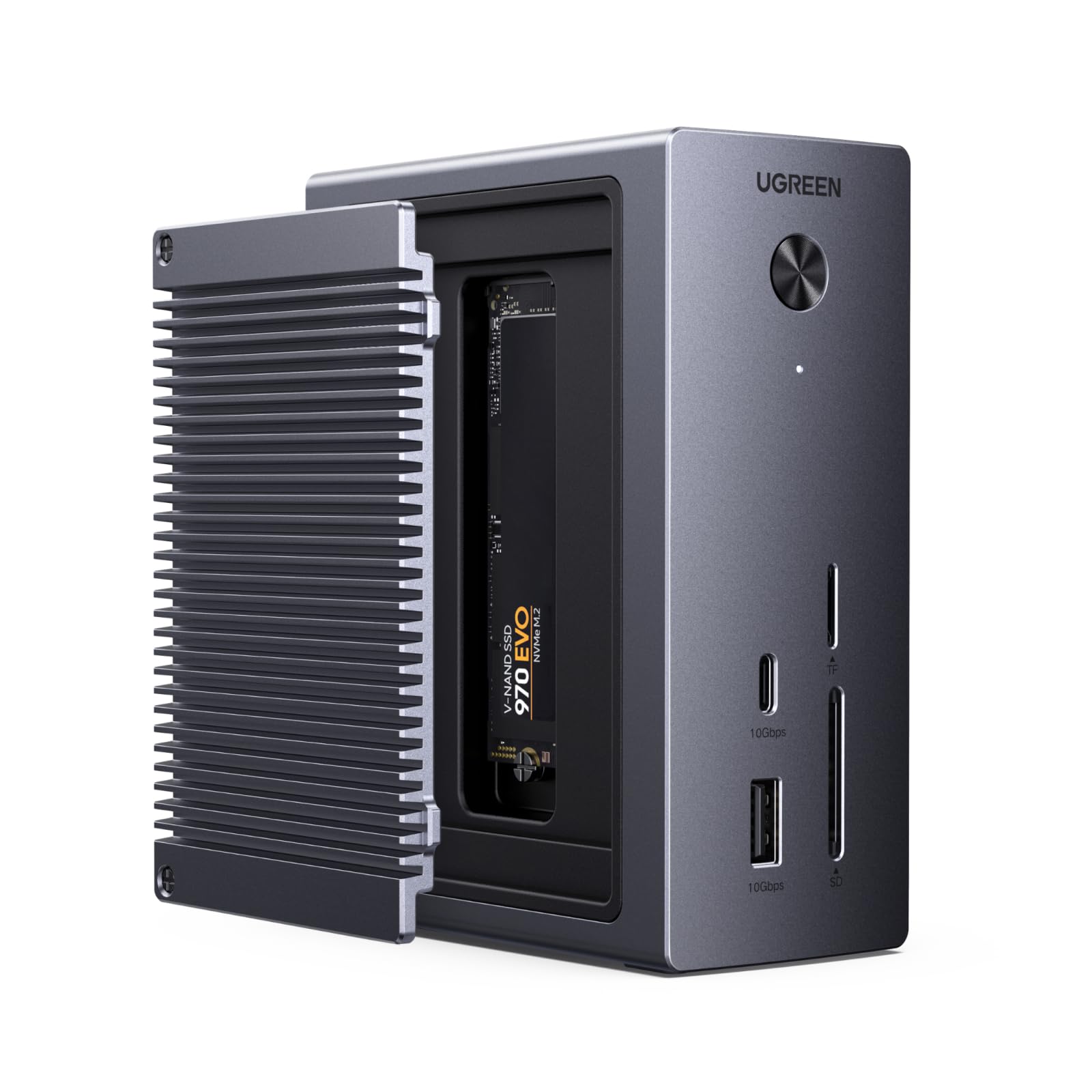
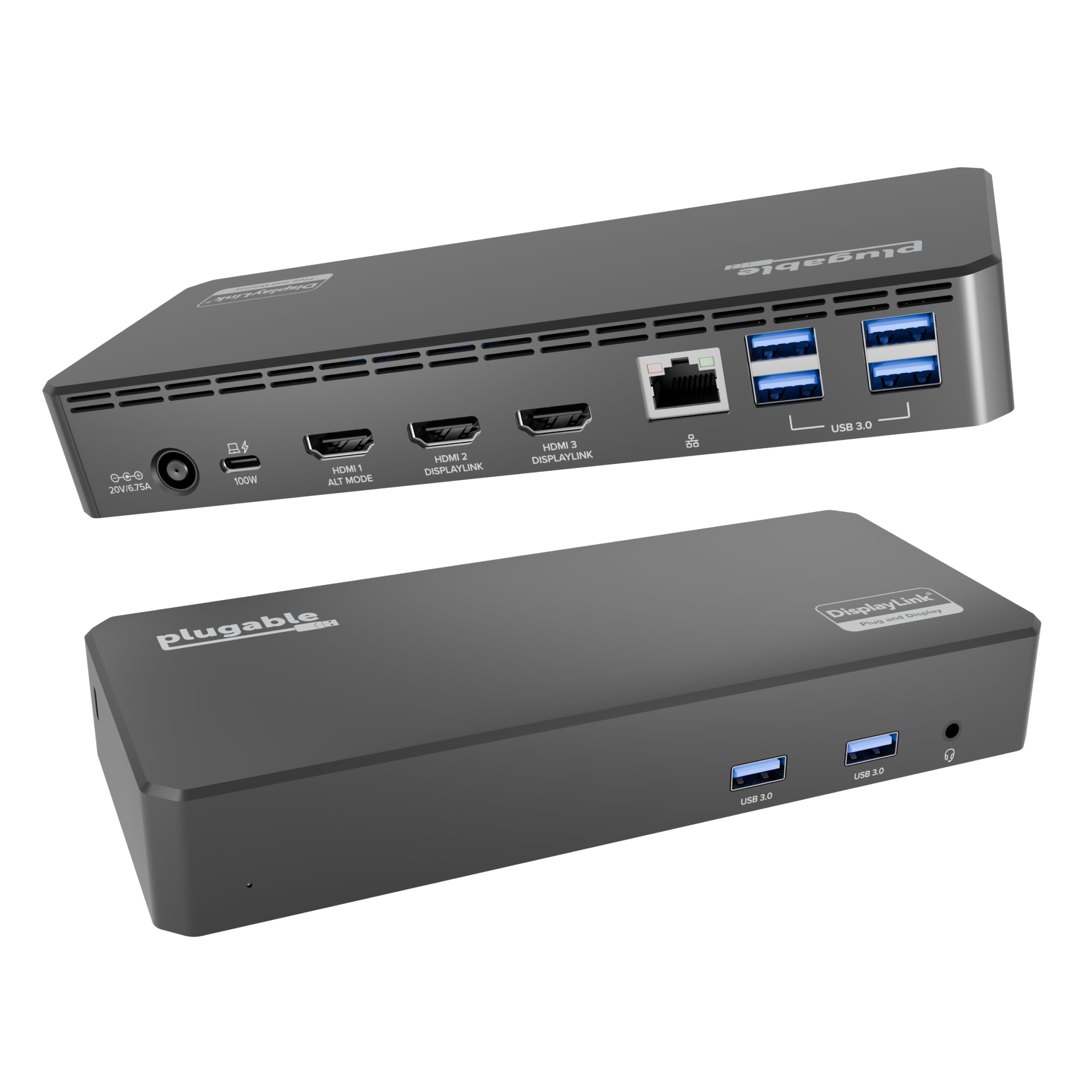
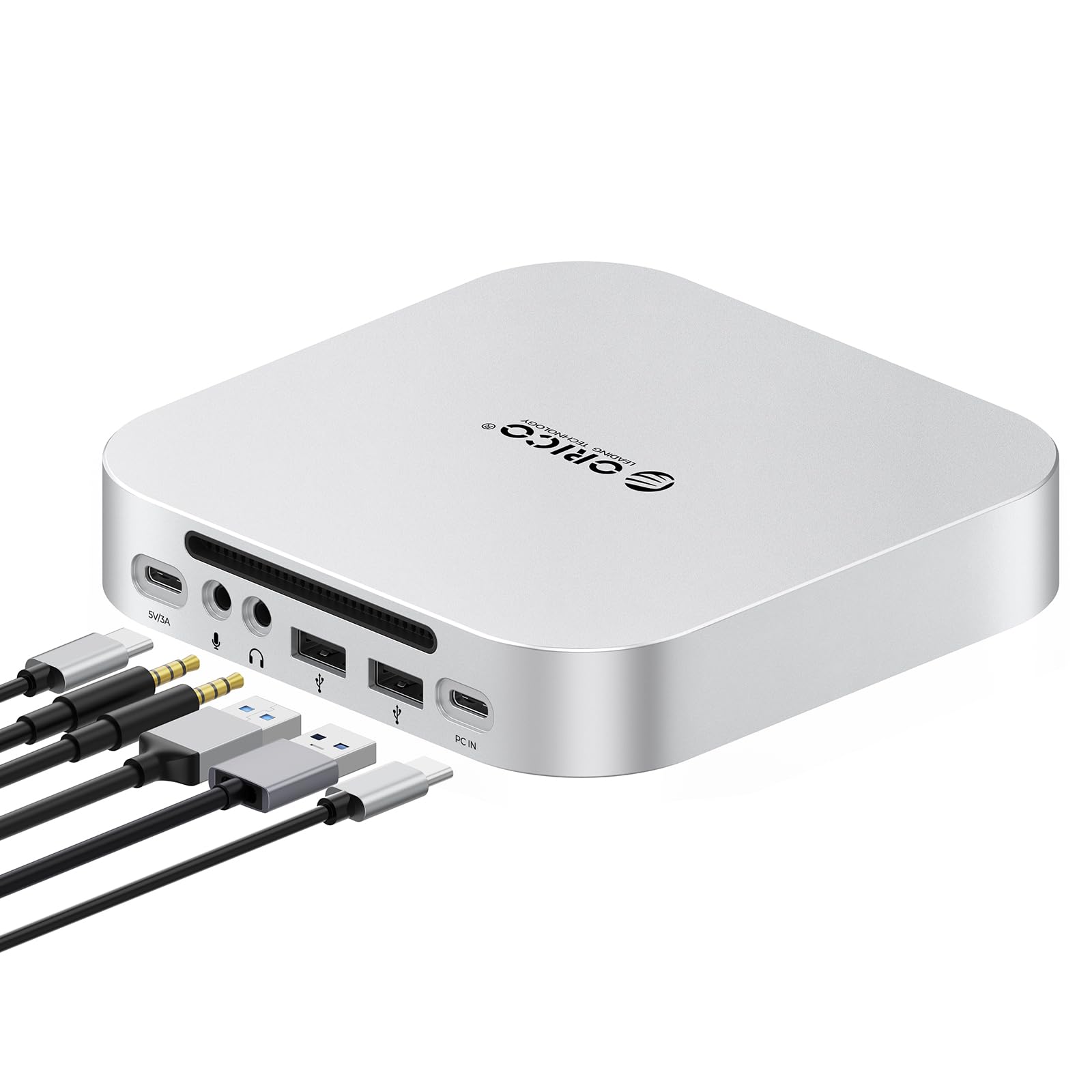
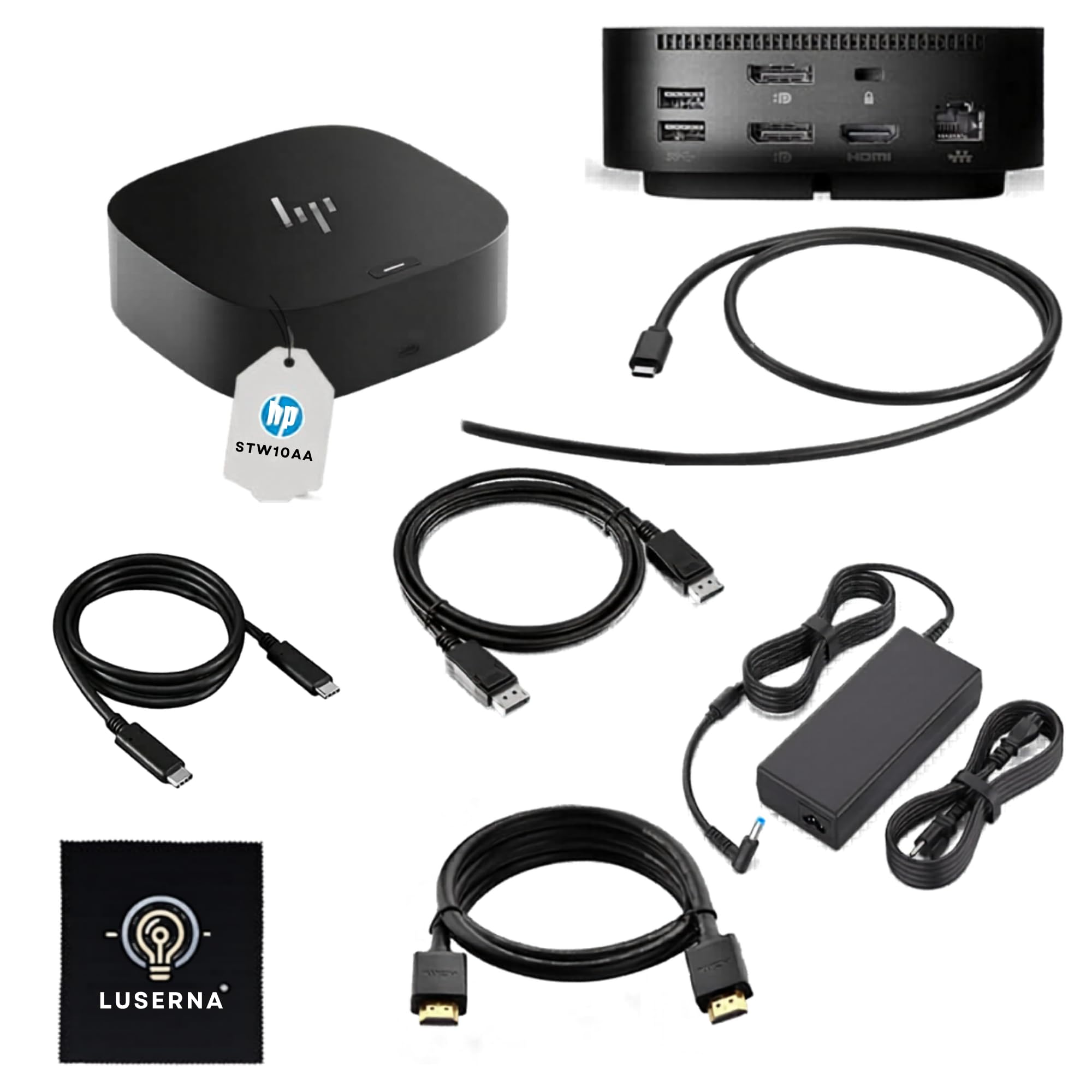
This dock made a great addition to my desk setup. It feels solid and well made, and it offers a really useful mix of ports in a compact footprint. Setup was straightforward, and it helped simplify my workspace by reducing the number of separate adapters and cables I needed. Performance has been reliable, and it does exactly what a good dock should do: make connecting peripherals and displays much easier. It is especially useful if you want a cleaner, more streamlined desk setup without sacrificing functionality. Overall, this is a high quality docking station that feels dependable and well worth considering for anyone who needs more connectivity from their laptop. Read more
TD—March 1, 2026✓ Verified purchase
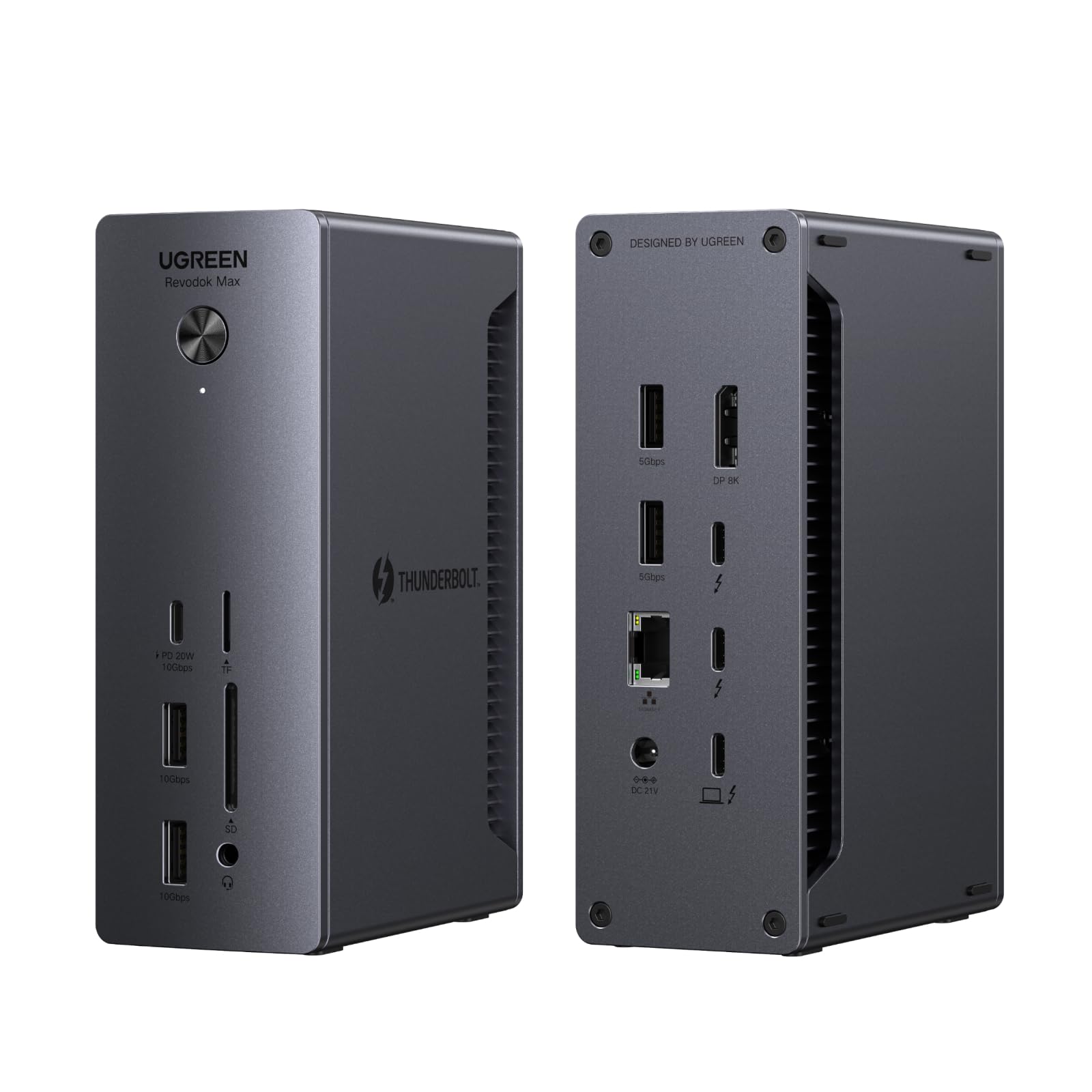
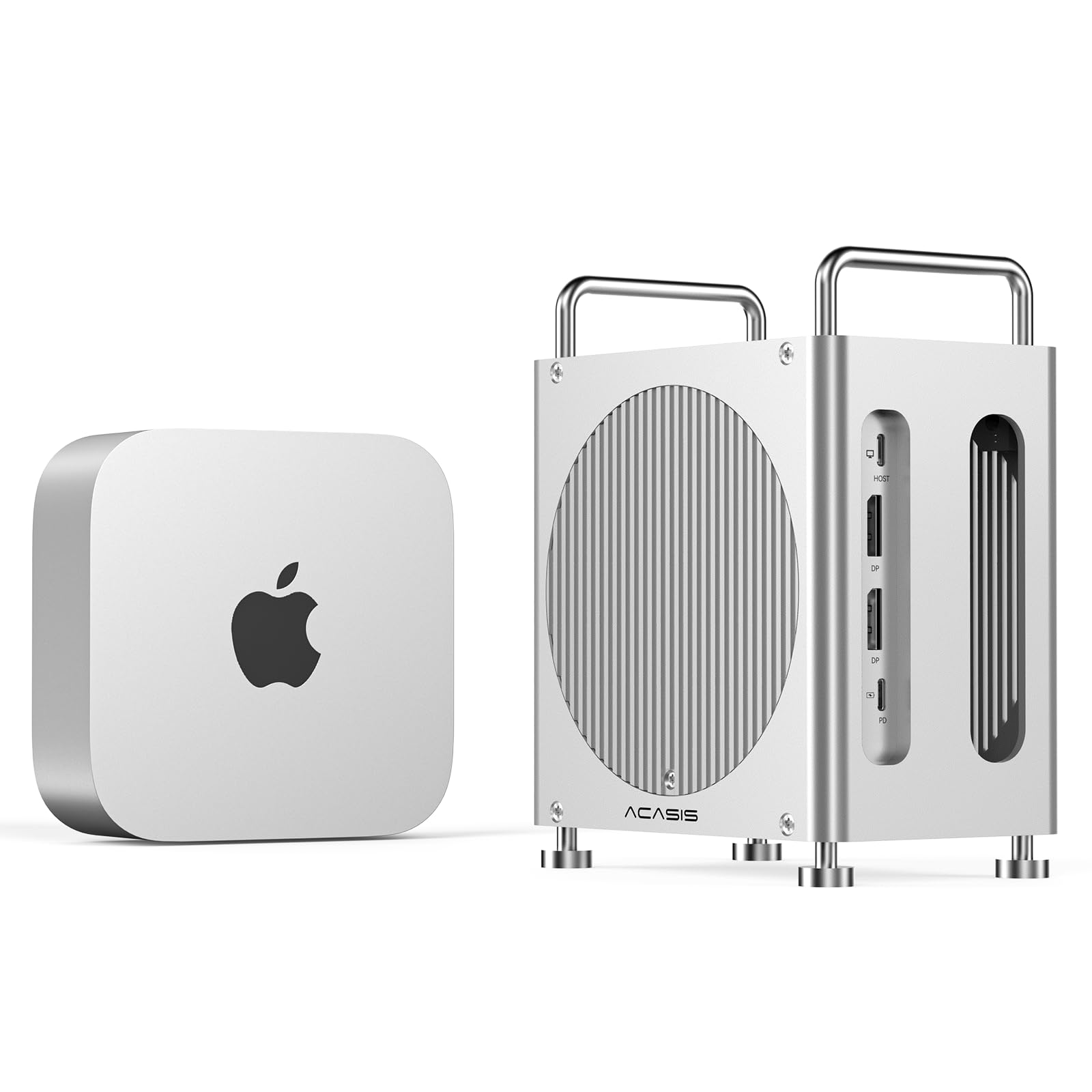
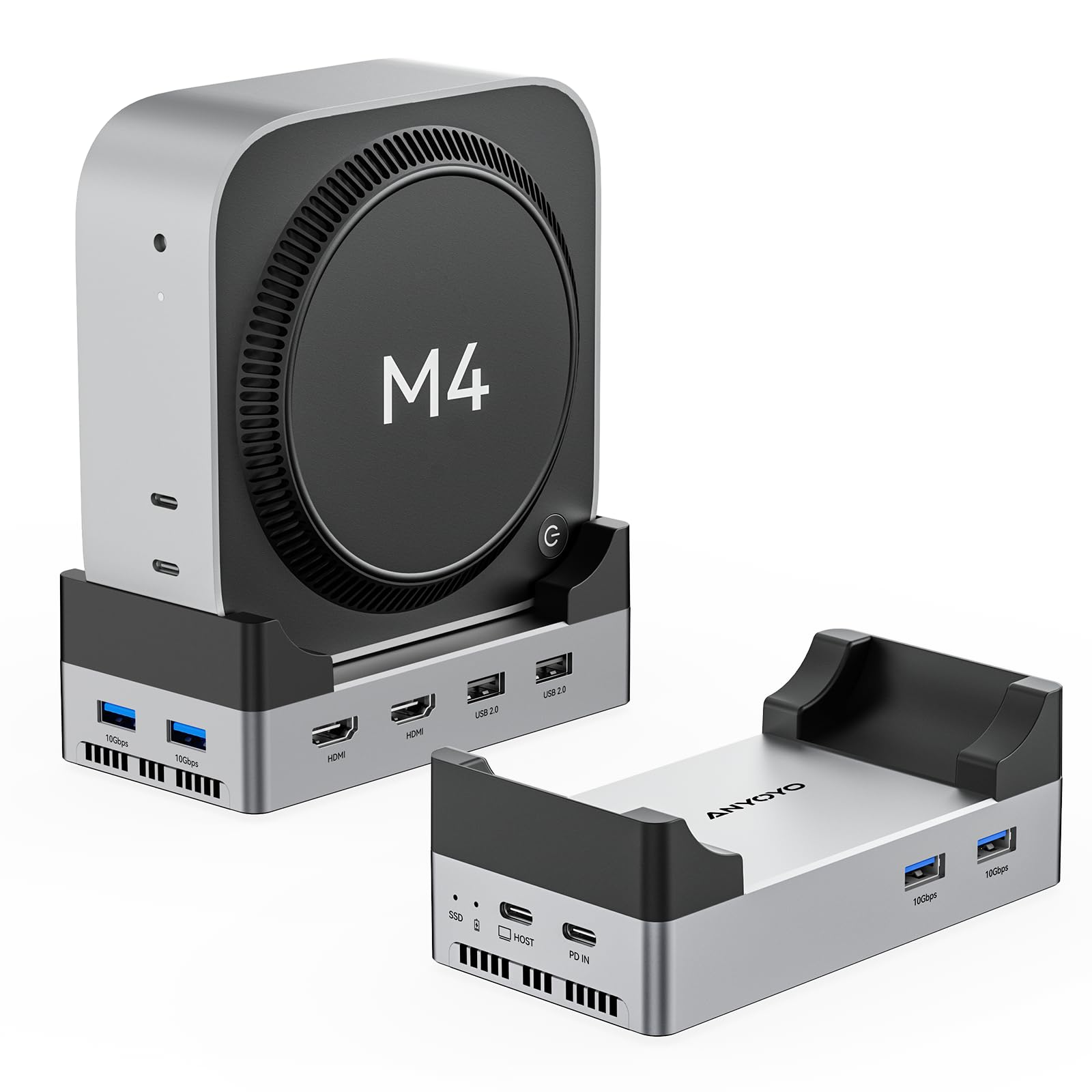
Looks great, works great! I setup this Hub with Mac Mini, shut down the Mac Mini, connected the Hub to my MacBook, powered it up and EVERYTHING worked. What I have connected: 1) USB-A Logitech mouse receiver 2) USB-A Western Digital HDD 3) USB-A to 3.5 mm headphone adapter 4) USB-C to USB-A Logitech Webcam 5) USB-C ViewSonic monitor #1 6) USB-C ViewSonic monitor #2 NOTE: I setup everything by the monitor #2 then connected monitor #2 while the OS was up, the connection did not work. BUT when I unplugged the monitor, brought the OS down, plugged in monitor #2, WAIT for about 1 minute, then both the monitor #1 and monitor #2 worked. Read more
J. L. Fitch—January 2, 2026✓ Verified purchase
I hooked it up earlier today. I had a USB-C to DisplayPort hooked into my laptop's only USB-C port for a 1440 monitor. Moved that to the new thunderbolt dock, added a XQD reader I needed to move files off a card and added my SanDisk Extreme 2GB (1050mb/s). Then I plugged it into my live laptop. 3 seconds and the monitor was up and working correctly. While that was going on, I got two new file folders for each drive pop up. Seamless. I wrote files from the card to the drive. 5GB in about 10 seconds. 300 MBps. That would be 2400 mbps. Exceeds the drive's specs. Odd. Anyway, I needed to transfer a 75GB folder to the drive. During large file transfer (40 megapixel images) the transfer was right around 300 MBPS, so my drives are not limited by the dock. Very happy. Read more
Corey S.—July 26, 2025✓ Verified purchase
Amazing. I looked at a bunch on options I think this is the best unless you really need ThunderBolt 5 or a ton of extra ports. This can do a single monitor 4k 144hz. I use a MacBook Pro m4 pro with Dell 4k 144hz monitor. The charging brick that stays on the wall socket is so much better than other docks with the annoying brick with two cords. Metal casing so it’s sturdy. Glad I picked it. Close to space black so it blends in, no stupid accents or decorations just a sleek and dark metal block. Power button and Ethernet is nice touch. I know the brand name isn’t super popular, so I almost didn’t buy, but if this survives a while I think I am a new supporter of this brand. Read more
Daniel—November 3, 2025✓ Verified purchase
THE CLAIM: UGREEN explicitly advertises this Revodok Max 208 supports "two 4K@60Hz displays for Macbook with Pro/Max version M-Chips." I bought this specifically because I have an M3 Max MacBook Pro. THE REALITY: Only ONE external monitor works at a time. The second monitor gets zero signal. This isn't a cable issue, resolution issue, or user error - both monitors work perfectly when connected directly to my MacBook. WHAT I TESTED: Dell U2720Q 4K monitor with Thunderbolt 4 cable → Works alone HP Z27k G3 4K monitor with Thunderbolt 4 cable → Works alone Both monitors together through dock → Only first one connected works Tried all three TB4 ports in every combination Used premium Silkland USB4/TB4 40Gbps cables Lowered resolution to 1080p to test bandwidth → Still only one monitor THE DECEPTION: The product page header says "for Mac M1/M2/M3/M4 Pro/Max" implying full support. Buried deep in the description is contradictory text saying M1/M2/M3 Macs only support single display. Which is it, UGREEN? You can't claim both. ACTUAL CAPABILITIES: ✅ Works as a single monitor dock ✅ USB ports function ✅ Ethernet works ❌ Dual display support on M3 Max (the main selling point) ❌ "Thunderbolt 4" functionality as advertised WHO SHOULD AVOID THIS: Anyone with a Mac expecting dual monitors Anyone with M3 Pro/Max chips believing the marketing Anyone who values honest product descriptions WHO THIS WORKS FOR: Windows users (apparently dual displays work fine) Mac users who only need one external monitor People who enjoy expensive single-monitor docks BOTTOM LINE: This is a $200+ dock that delivers half the promised functionality on Mac. My M3 Max can drive four external displays directly, but this "Thunderbolt 4" dock can only handle one. That's not a compatibility footnote - that's fundamental failure to deliver the advertised product. Save your money. Buy a CalDigit TS4 or OWC dock that actually works with Macs, or just use direct connections. UGREEN should be ashamed of this misleading marketing. UPDATE IF UGREEN RESPONDS: Will update this review if UGREEN provides a firmware fix or acknowledges the false advertising. Read more
JGtz—February 10, 2026✓ Verified purchase
Bought this for work from home setup with my Thinkpad P16g2 machine. Idea was to use a thunderbolt cable to connect the laptop to a 4k monitor and a widescreen. The display connection works great all the time, it's the devices connected to the dock via USB-A connection that I have issues with. I have a Logitech keyboard and an Anker speaker box that I use for work when using this laptop. Without dial, the dock just drops connectivity to the USB A devices for 10-20 seconds randomly once a work day. Not a huge deal for the keyboard as plugging it back into the dock fixes it but the loss of connection to the speaker box has done me dirty on multiple teams calls as there's no notification of device loss... Minor annoyance as the dock can be connected to via Bluetooth instead of direct USB-A connection but still, it's the fact the issue exists at all with low power devices that's annoying. The U green website doesn't have any firmware updates for the dock as of this review's writing. Read more