Enoch K.—December 16, 2025✓ Verified purchase
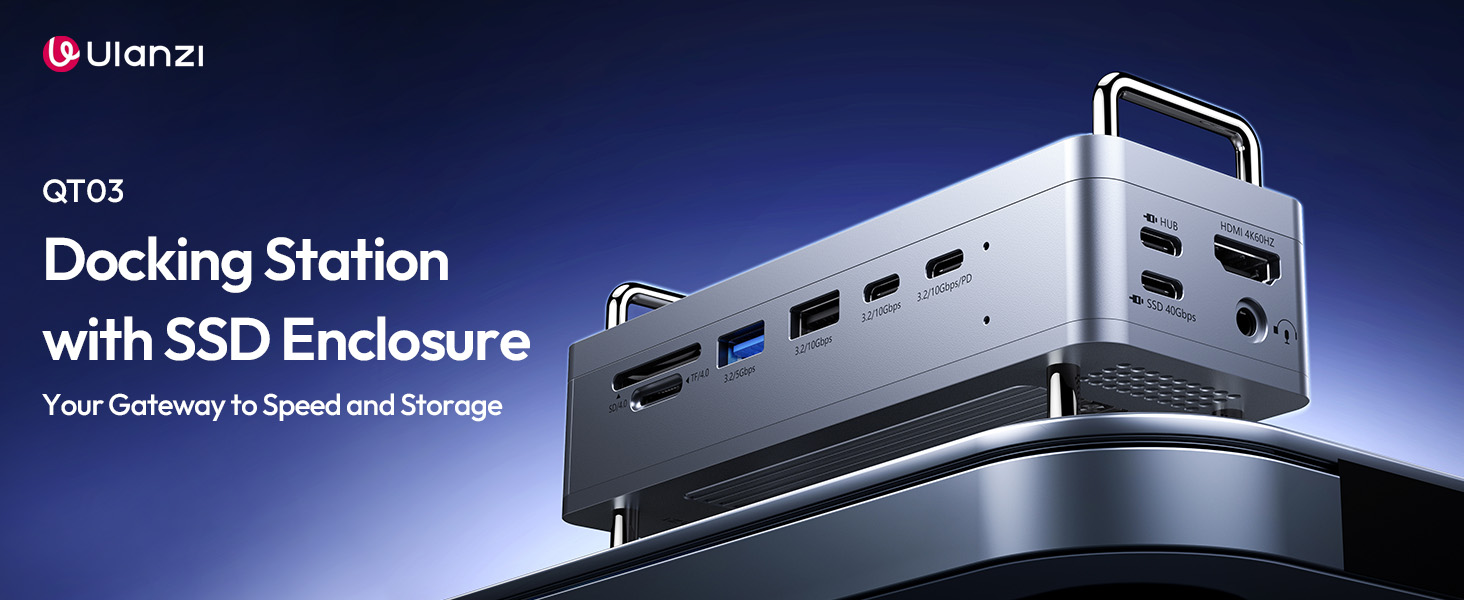
Works great with the QT01 Mac Mini cage but it requires some work to make it function. Once you figure it all out, it is a fantastic piece of kit. (I just wish Ulanzi assembled the QT01 properly to begin with to avoid a lot of headache). Here are some Tips to make it work: The QT01 may come put together "backwards" with the MacMini Fan Hole on the left side when viewing from the cheesegrater front in vertical orientation. If you are pairing it with the QT03 Docking Station, you may need to completely diassemble the QT01 and swap the large square panels so that the one with the hole for the Mac Mini's fan is on the right side of (when viewed from the front of the cheesegrater facade in vertical orientation) This is the only way to make the Mac Mini fit correctly so that the power, 3xUSB and HDMI ports are oriented the correct way in the back with the 3 USB ports on the bottom, near where the QT03 will attach so that the provided USB-C patch cables will work (otherwise they will be too short). It's a pain to have to completely disassemble the QT01 and then reverse the square panels and then reassemble, but once you figure it out, you'll stop banging your head against the wall in frustration. The cheesegrater front facade SHOULD cover the two usb ports in the front of the Mac Mini, not the rear quadrant of the Mac Mini where power, ethernet, HDMI, and 3 USB-C ports reside. See photos below for clarification. Secondly, you have to completely remove the top cover of the QT03 when attaching the hub to the QT01 but make sure to carefully transfer the provided thick thermal pad properly to ensure that it stays attached to the electronics to provide heat dissipation. It will want to come off with aluminum top cover which it sticks to more readily. When docked to the QT01, you will end up with a surplus top cover to the QT03 (the one with the attached tubular handles) and the 4 short feet from the stock QT03, replacing them with the long feet from the QT01. See photos. Lastly, you will need to use the HDMI port if you are attaching a second monitor to the Mac Mini since the 3 back thunderbolt USB C ports are spoken for (if you use one of them for the primary monitor). The two USB-C ports on the QT03 hub do not pass video signal. If you have a large second monitor, you may need to downrate the refresh rate to 30Hz instead of the default 60hz or higher to accommodate the slower HDMI port (compared to Thunderbolt 4/5) in order for the Mac to recognize the second monitor. Otherwise, you will just get a blank screen for the second monitor. This means you can't drive two USB-C monitors at the same time. At least one of them will need to be HDMI. Read more


Joe—September 14, 2025✓ Verified purchase
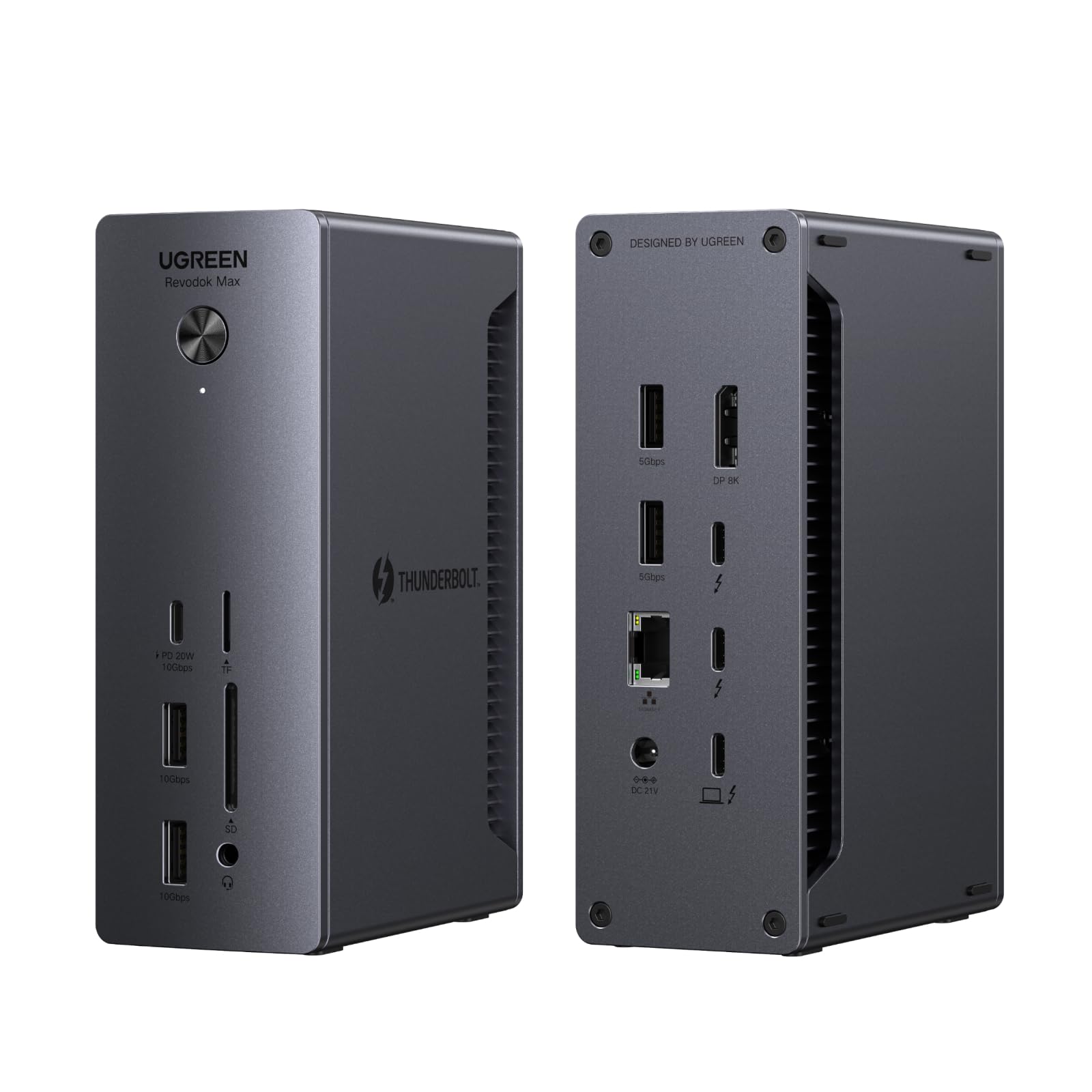
Fantastic piece of kit for a m4 mac mini. The quality is great. Well machined externals, all high quality internals. The TB4 ports are very fast and there are plenty of other ports. I really love the ability to add another 8TB to my mini in minutes. Having a built-in card reader is also fantastic and it’s very fast. Perfect match for the ULANZI QT01 Mac mini Case. Some things to know. In order to keep data moving fast they had to separate the hub portion, from the SSD, so you’ll need to use two of your TB ports. One for the hub one for the SSD. I didn’t have directions handy so I’ll give you some basics. In order to stack the case on top of the hub, remove the legs from both devices, remove the lid from the hub, stack them, and then replace the feet with the longer posts from the case. You can install your NVME SSD at the same time. Note that the screw that holds the SSD in place has a small notch into which you slide the board of the SSD to hold it in place. The screw is not supposed to just hold the board flat from the top pressing down. You have to insert the edge of SSD into the notch. Also make sure that both thermal pads are properly installed. There’s one on top when you remove the lid that may stick to the lid when you open it and it needs to be replaced of it doesn’t stay on top pf the electronics and of course there is one on the bottom for the SSD. One of my only complaints is that the cables they include are not long enough to connect the hub to the mini once the two are stacked. Kind of a weird quirk, but you can pretty easily find some 12 inch cables. I got some OWC thunderbolt five cables they work great. Future note for the manufacturer, it’s the perfect hub. Not just for the Mac mini, but pretty much any computer and especially laptops given the fact that you can add extra memory so so easily. If you have a MacBook Pro, I wouldn’t hesitate for a minute. I would say it would be even more perfect if it were thunderbolt five though. My Mac mini happens to be an M4 pro and has thunderbolt five ports. I don’t really notice much of a speed difference in real world applications, but there is a speed difference between thunderbolt four and five when I test it out. I’m not sure you would need the HDMI port, but that’s just my used case and obviously this hub is not made just for me. I’m sure others will find it handy even if USB-C and USB-C monitors have become somewhat universal. I would happily pay a few extra dollars if this were thunderbolt five and if a future model comes out, I’ll definitely be upgrading. Also being able to add a second NVME would be amazing. I personally prefer to be able to have a master and a back up for my workflow and I think really most people would benefit from it anyway even if you were using smaller SSD’s and didn’t need a full 8 TB. Otherwise, everyone can see that it’s an awesome piece of kit. Take a look at all the photos yourself. It’s really super cool. I’ve had friends with their mind blown that I have a mini Mac Pro tower sitting on my desk and really with the extra ports and storage and TB5, it’s pretty damn close to the real deal. In my shop this make for the perfect assistant editor workstations and I could build these all day for them and if it makes their workflow reliable, easy, fast, efficient and even a little bit fun I’m happy to do it. I love the tower, and it’s really cute on it’s own, but being able to stack it on top of the hub was just next level. Adding 8 TB of extra storage so easily along with the extra ports, the built-in card reader, all of that and something so stylish and compact is incredible. This is one of those rare mods that truly makes no compromises. All the ports are very fast as to be expected and have had no issues with anything shutting down, disconnecting, having any thermal heat issues or having to fiddle with an on off switch. I absolutely love this hub. I have a few other pieces of Ulanzi gear in this along with the other ones continue to impress me I think anyone who wants to give this hub a shot will not be disappointed. Read more
Curtis Gray—August 22, 2025✓ Verified purchase
It could use a couple usb-c ports, but other than that it's great. It occasionally drops communication with the SSD Memory I've installed, and I didn't get the cheap stuff either. I'll need to do a bit of troubleshooting on that one. Read more
Peter—December 11, 2025✓ Verified purchase
Great speed of transfer and best looking connecting with two USB-C, and the best way to keep Mac mini working. Hopefully, it will be restocked in time. So good to have with the Mac Mini M4. Read more
D. Gutridge—November 22, 2025✓ Verified purchase
It works, but there are disappointments I got this specifically to mount on a QT01 Mac Mini enclosure, first issue is on opening up the QT03 hub for mounting to the QT01…..there is this silicone slab protecting the hardware…..it’s loose and was unexpected….. …..on mounting the hub I discovered that the included USB-C cables are too short, the slightly longer Cable marked “40Gbs”….’barely’ is able to connect to the closest USB-C port on the Mac. And the cable is strained to maintain the connection while obstructing the power and HDMI on the Mac. Once connected, the hub does function properly…..had to discard the cables that came with the hub, and the poor QC just inside…..this is simply an overpriced product with a very niche application Read more
Customer—February 11, 2026✓ Verified purchase
Checks all the boxes for my needs. It’s fast and performs every time. Read more