
helpful
My new desktop computer had the usb ports on the bottom of the computer next to the floor. This allowed me to put the usb ports on the top of the computer where they belong Read more
PLERAVOX


Product video 1
Rated 4.9/5 across 22 reviews — highly regarded by customers.
Customer summary is not available yet.
My new desktop computer had the usb ports on the bottom of the computer next to the floor. This allowed me to put the usb ports on the top of the computer where they belong Read more
wrks great Read more
Tested all ports works so far and i like it because its small but does its job Read more
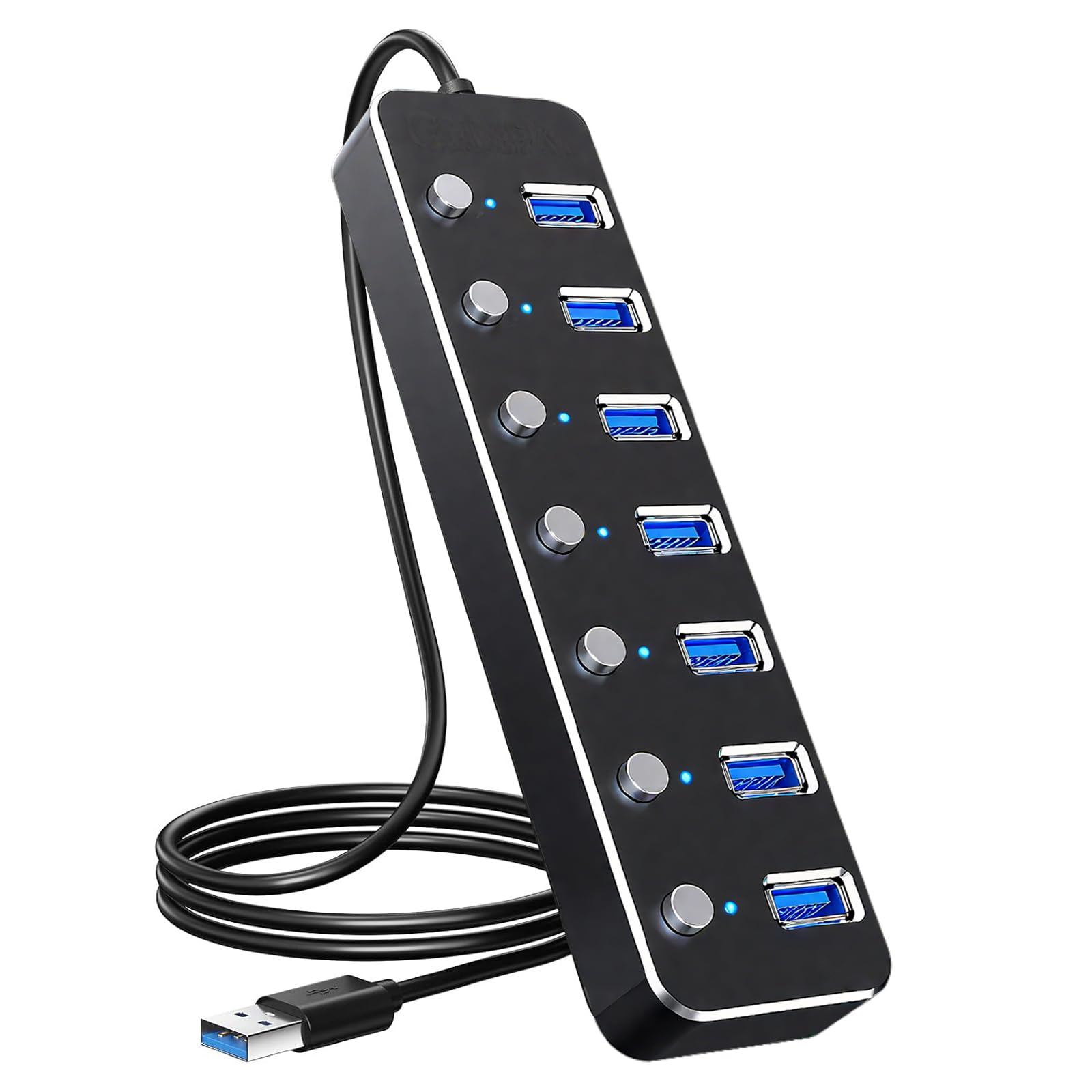
This lightweight USB hub fulfills my need for extra USB ports. I have a plethora of USB devices, but never enough ports to plug them all in. You can turn each port on or off independently, which I don't really use, but it's a nice feature. It works reliably, and I like the length of the cord. It's long enough to reach easily without having to deal with loops of extra cord. I've used it for a couple of months now without problems, so I'd say it's durable. It's compatible with all of the devices I've plugged in. It provides sufficient power to operate and charge my devices. I'm pleased. Read more
I own a handful of USB hubs, and can confirm that this one works just as well as the others. Unlike some hubs, you can activate or deactivate individual ports with the push of a button, which I could see coming in handy if you wanted to temporarily disconnect, say, an input device without unplugging it from the hub. (I previously owned another hub that also had an on/off button for each port, so I'm pretty familiar with how these work.) The biggest difference between this hub and the others I've owned is the location of the ports. Most of my hubs have the ports located on the side, whereas this one has the ports on top, with the buttons off to the side. Because of this, it takes up a fair bit more room on my desk than my other hubs. The cable is longer than my other hubs', but it's also pretty thick, and takes up a lot of space too (which is significant if you factor in how much wider the hub itself is). While I wouldn't recommend it for someone with a small workspace, I could see it being an excellent option for someone with a large desk - even moreso if they have a cable tray behind their desk, thanks to the cord lenth and vertical positioning of the ports. The distinct appearance of the cable also makes it easier to spot in a tangle of cables. Overall, it's a quality hub. Definitely consider the structure of your workspace before purchasing, though. Read more


This hub covers the basics well. It is all USB A, its 2' cord terminates in a USB A plug and all 7 ports are USB A. It has a port for an additional power supply, but none was provided. Still, I hooked up an external 2.5" hard drive and it seemed to get enough power, even when the port was daisy-chained through another 7-port hub. With this same setup I copied a large directory from the external directory to an internal drive and the copy time was reasonable quick; i didn't notice it as being unusually slow or fast. It is made of aluminum albeit pretty thin aluminum (sturdy enough for the job). The buttons are somewhere between mush and a solid click; when on they stay in the down position which is a good secondary indication of their state. All in all it functions as you would expect. Two quibbles: Once you turn on one port, the blue light "leaks" to adjacent ports making it more difficult to see which is on, especially if they are close together (the photo kind of shows that). Also, the case is void of anything to use to attach it to a surface. You will have to use adhesives of some sort. Making the bottom plate of steel would allow it to be mounted via magnets. Read more

This hub replaces a near-identical unit that has been running for about 16 years and was about to finish dying on me, one port at a time. I am not kidding, they are basically the same design except the old one was black plastic and this one is Aluminum. And the old one came with a AC adapter, this one didn't. Installation for Windows 11 Professional was plug and play. It just works. The buttons are nice because they allow you to disconnect a device without pulling it from the port. Downsides: I would have expected that by now this would show up with a couple USB-C ports, but it's not a deal breaker. I basically need this out of laziness so I don't have to reach under my desk every time that I need to plugin something into my PC tower. And the upstream cable isn't removable like with my old unit. It's a solid little box. I am assuming the innards are either identical to my ancient unit, or a close cousin. The buttons seem to be identical, so I expect this should last for at least 10 years before the first port dies. Read more


This device lets you add 7 USB ports to attach all your old hard drives and other USB accessories. Each port has an LED light and an ON/OFF switch. The switch comes in handy when you want to disconnect a device from your computer without having to unplug it. It seems to be well made out of aluminum (most I've seen are plastic) and comes with a longer than typical 2 foot cable. It's a tad light so it may move around on your desktop (I taped mine down). Installation is a breeze on Windows, just plug everything in. Connectivity is good. I haven't noticed any heat problems or power consumption issues mainly because I keep the pots I'm not using turned off. It functions really well and does the job. Recommended. Read more
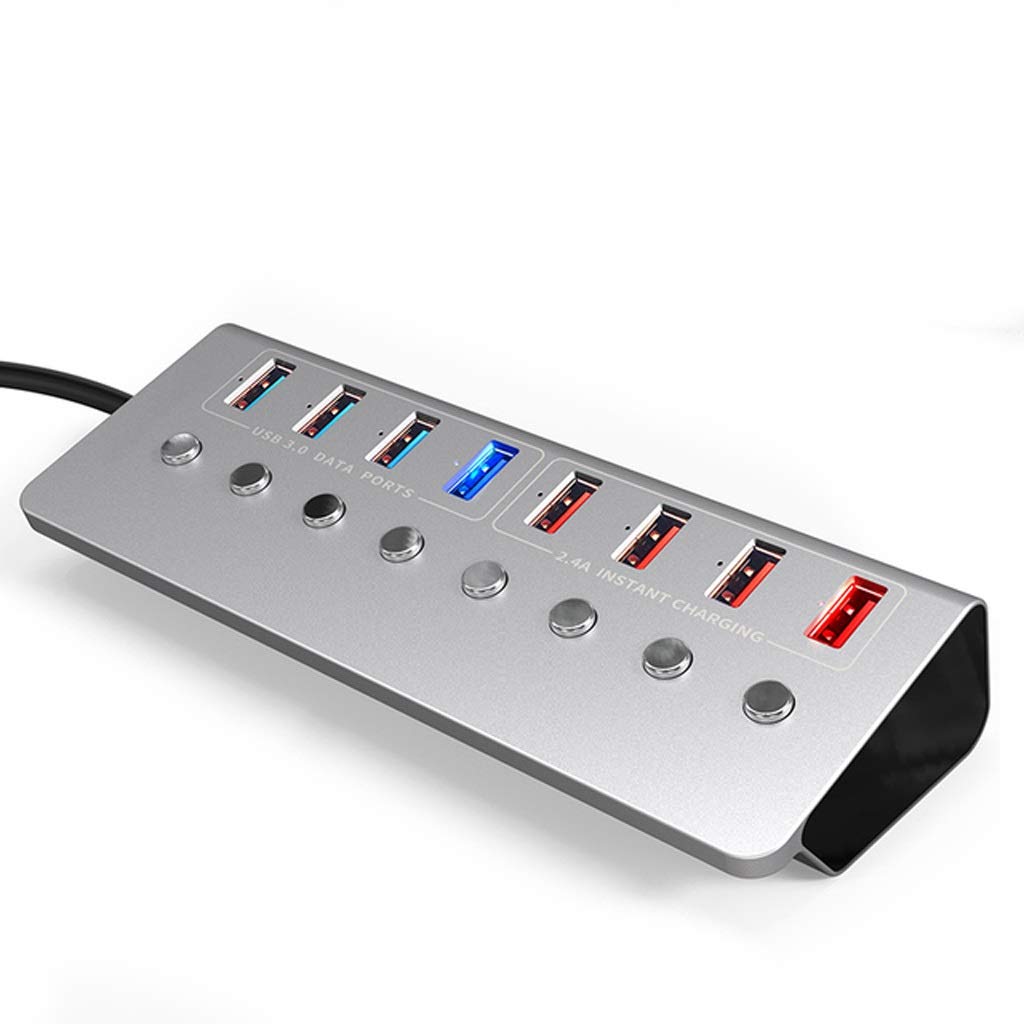
Aluminum Alloy 8-Port USB3 0 Splitter 4 Port Laptop Extended USB HUB 4 Port Fast Charging Adapter External
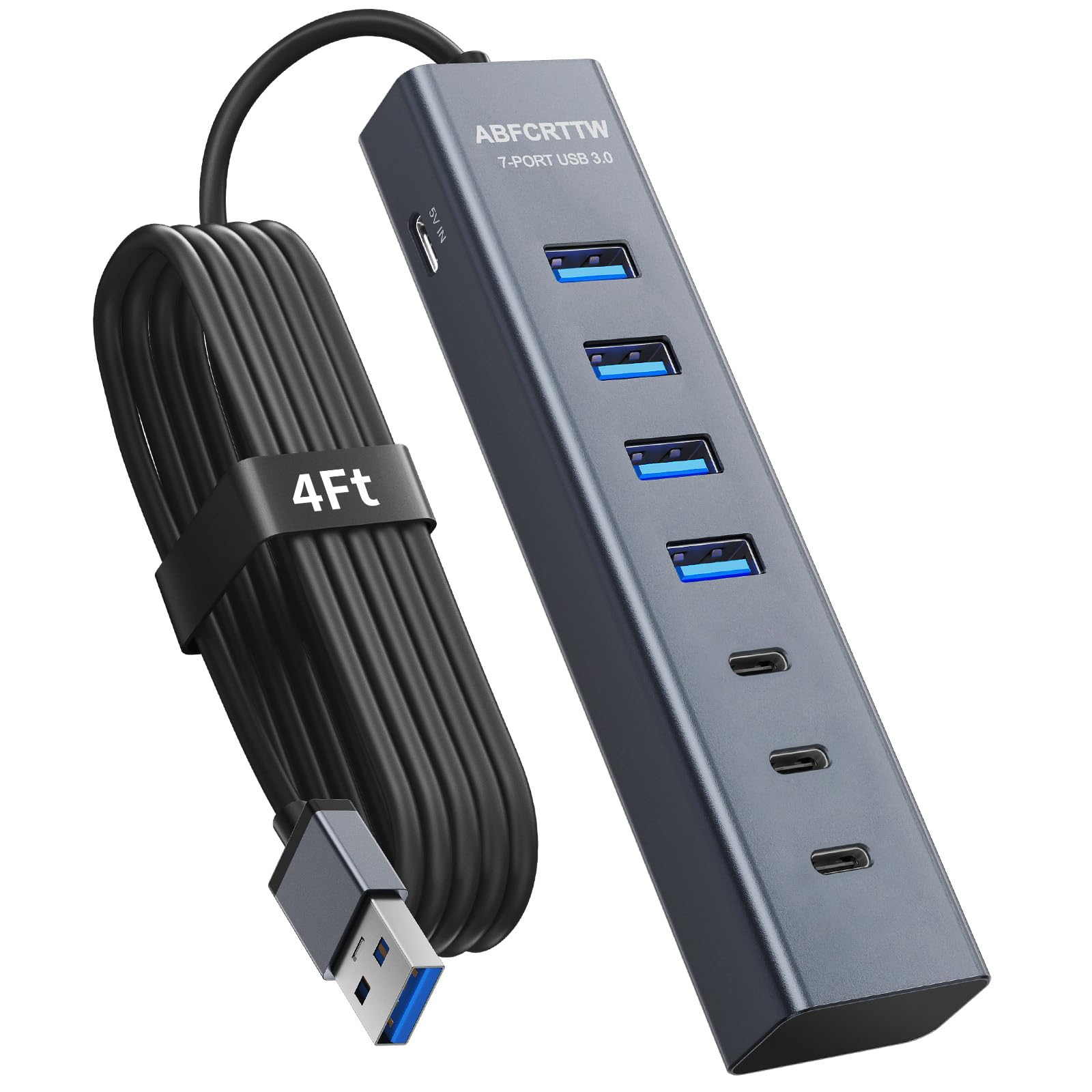
4Ft 7-Port USB Hub 3 0 for Desktop 4 USB-A 3 USB-C Ports Aluminium 5Gbps USB Extender Hub

RSHTECH 7-Port Powered USB 3 2 USB C Hub with 10Gbps USB-A 3 2 2 USB-C 3 2

Rebuff Reality USB Hub - 4-Port USB Hub for Vive Tracker USB Dongles - Compatible with Vive Tracker
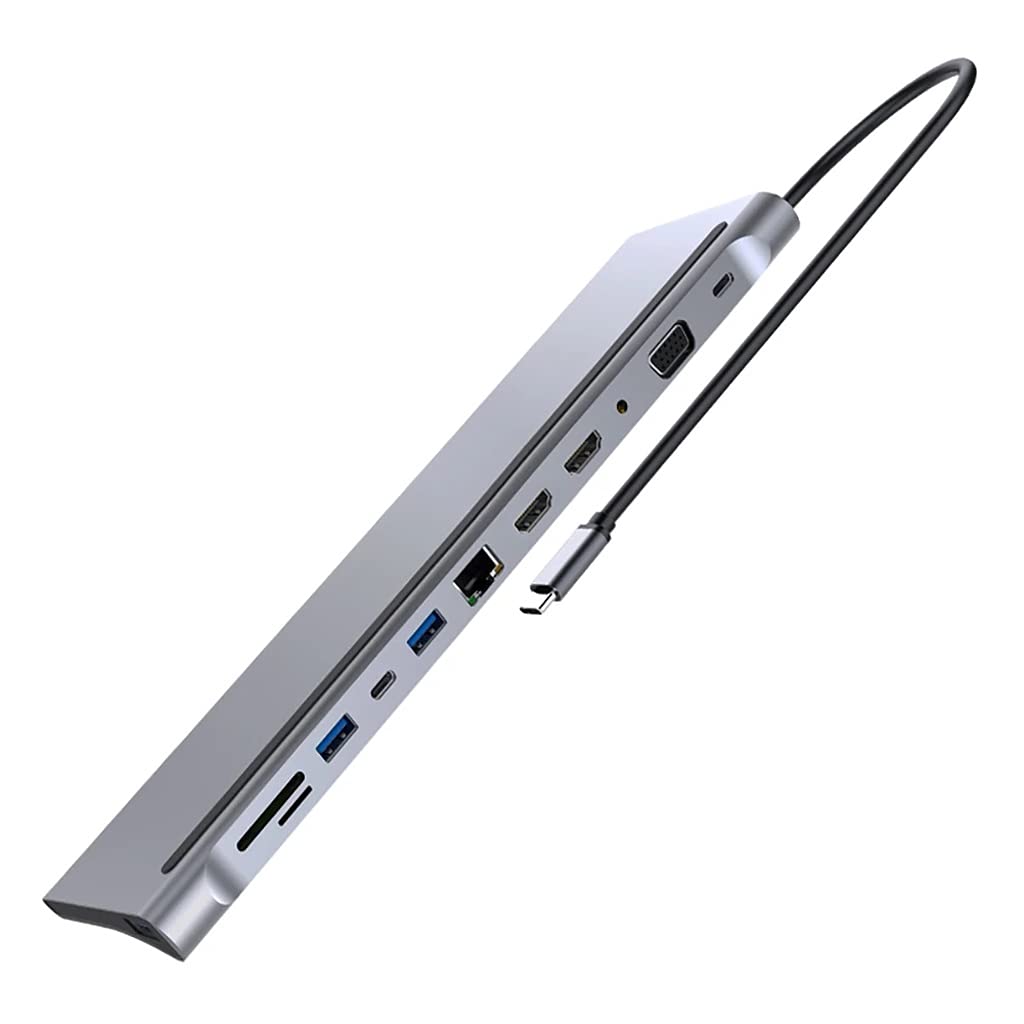
12 in 1 USB C Hub Laptop Docking Station Type-C to Dual HDMI-Compatible VGA USB 3 0 Hub
12 in 1 USB C Hub Laptop Docking Station Type-C to Dual HDMI-Compatible VGA USB 3 0 Hub
12 in 1 USB C Hub Laptop Docking Station Type-C to Dual HDMI-Compatible VGA USB 3 0 Hub

USB 3 0 Hub RSHTECH 7 Port Powered USB Hub Expander Aluminum USB 3 0 Data Port hub
We use optional analytics cookies to understand how visitors use Ventari and improve the experience. This banner controls analytics measurement only. See our Cookie Policy.