outsider—February 17, 2023✓ Verified purchase
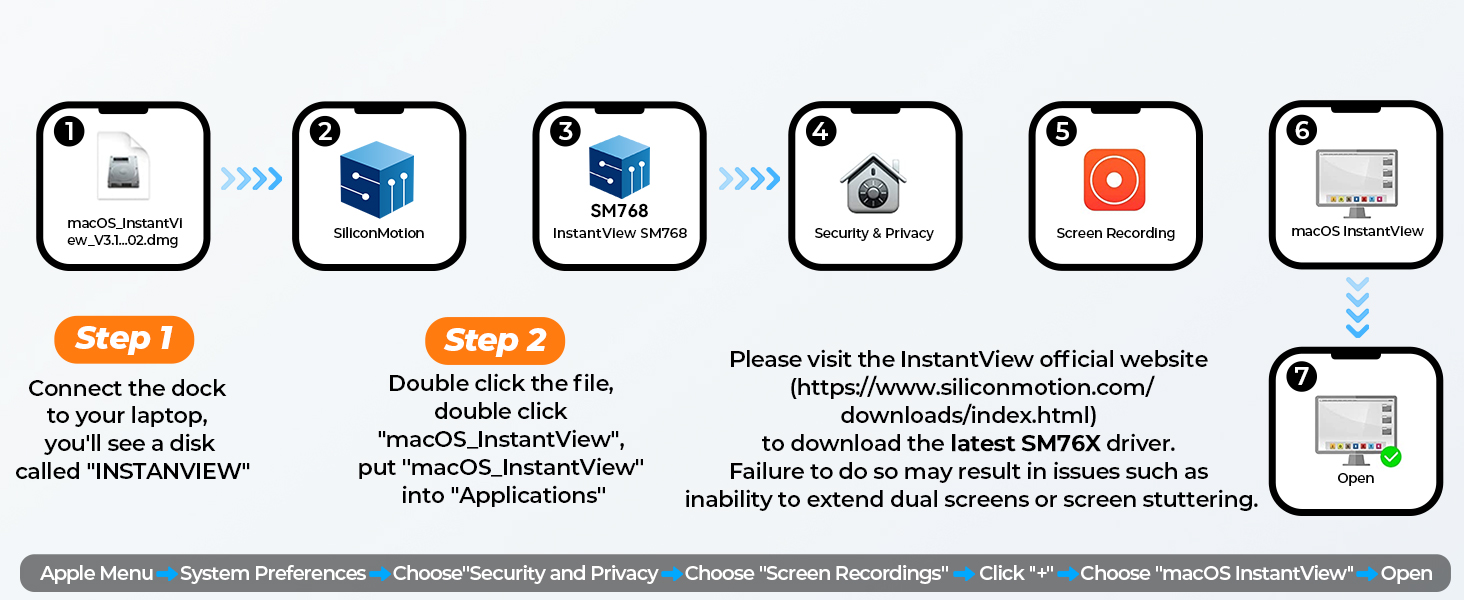
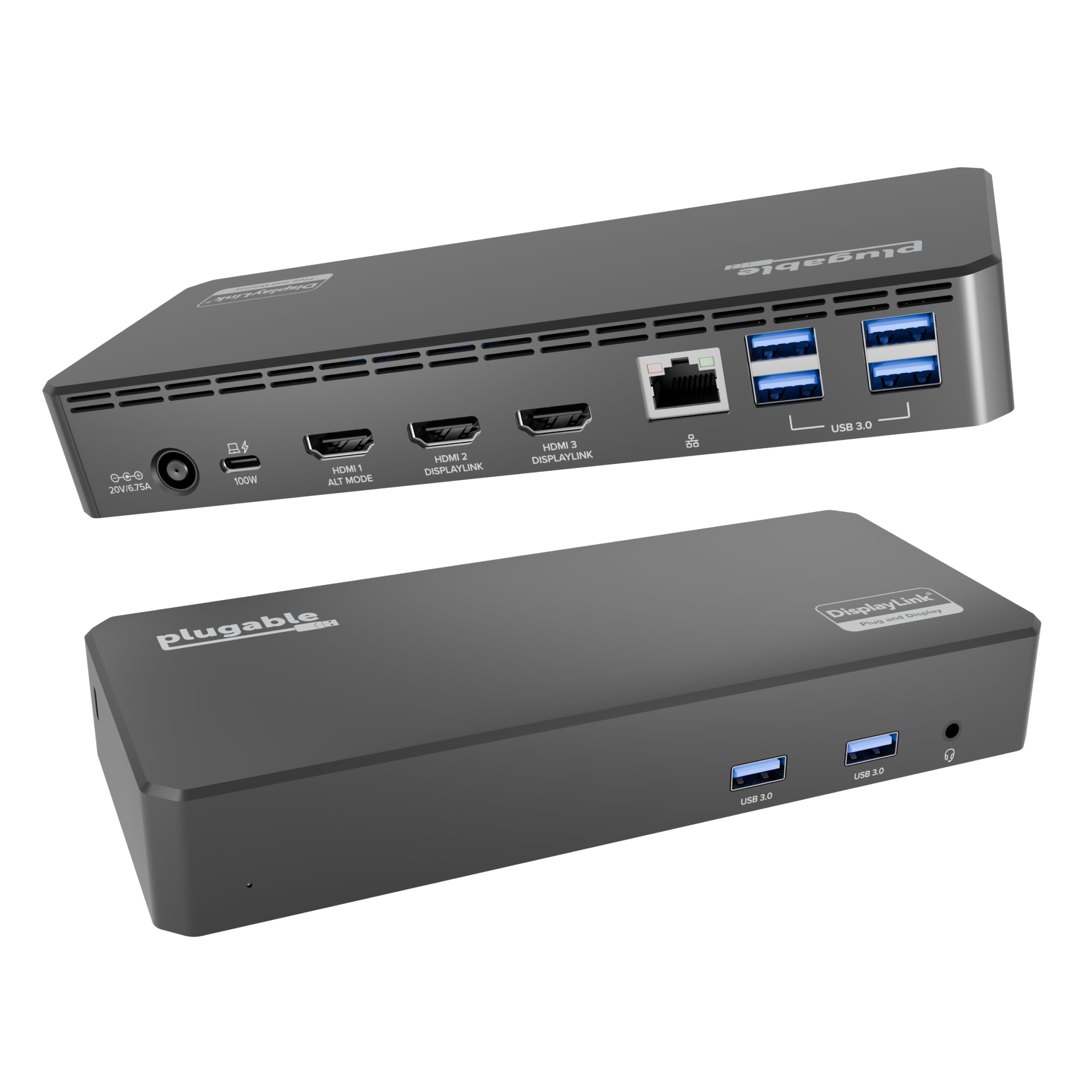
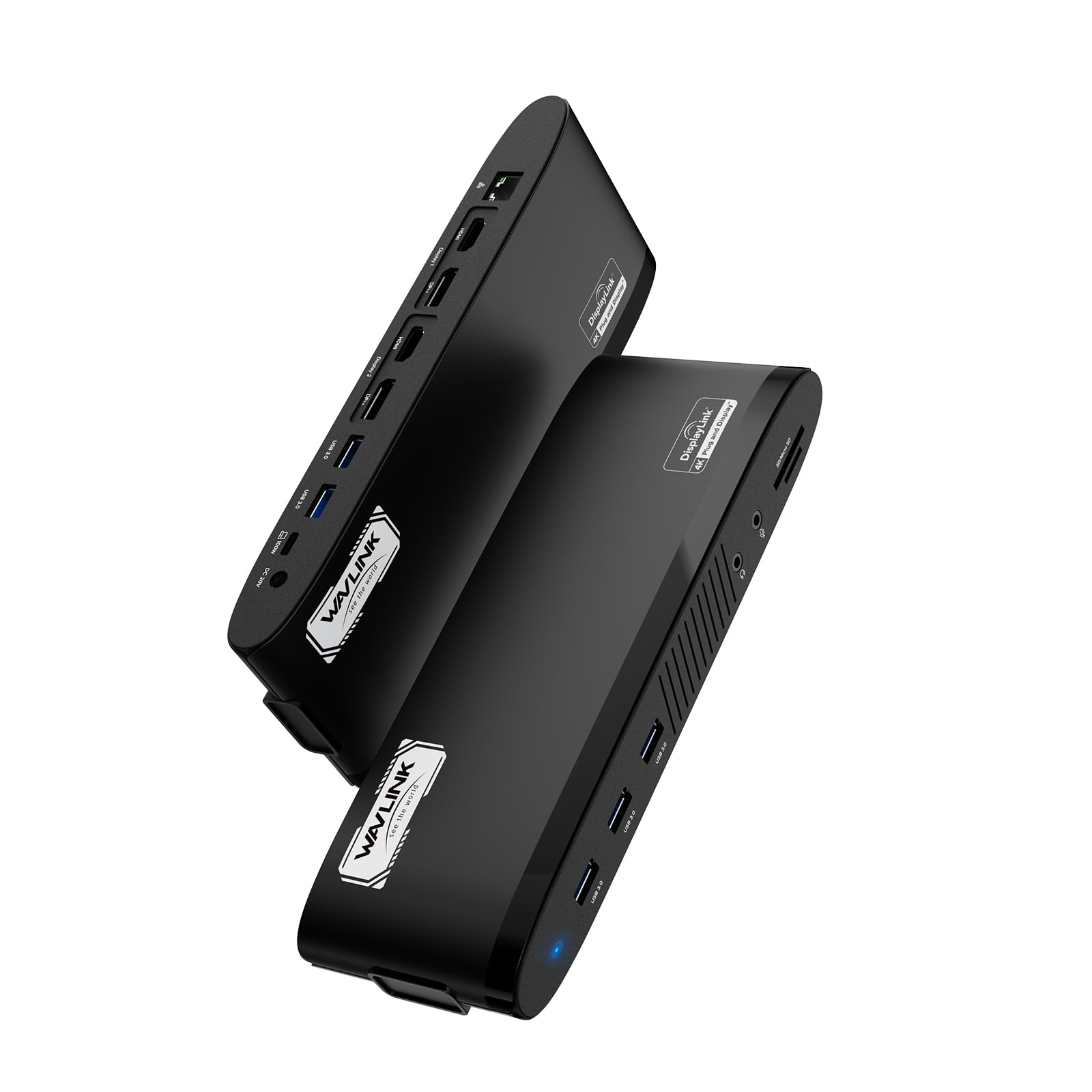
I just received and connected my new UDS-015D USB C Docking Station to multiple monitors. I am very happy with the performance of the device. My monitor displays are very sharp, and mouse/documents movement between screens is very smooth. I have Windows-based HP work laptop and my personal Macbook Air 2020 laptop with M1 chip. The M1 chip has a limitation to display to only one external monitor. This limitation is not a limitation anymore if you use this docking station. I connected this unit to three 27" inch monitors, and the performance is superb. The unit is designed for business environment where quality and reliability is a priority. I work remotely, so this is exactly what I need for my Windows work HP laptop. At the same time, I reconnect only one usb type C cable to my Mac laptop and enjoy all three monitors within seconds. I had to install InstantView drivers to both: Windows and Macbook laptop - but it takes about a minute of your time as the drivers are accessible for instalation as soon as you connect the docking station to your laptop. The unit screams quality: it designed very estetically, does not get hot even with multiple video streams and performs very smoothly. It is not a surpise as the docking station is capable to project the laptop screen to multiple huge-size TVs providing a very high-resolution. The unit is well-worth each penny, and I highly recommend it. Read more

Kzoogal—March 18, 2025✓ Verified purchase
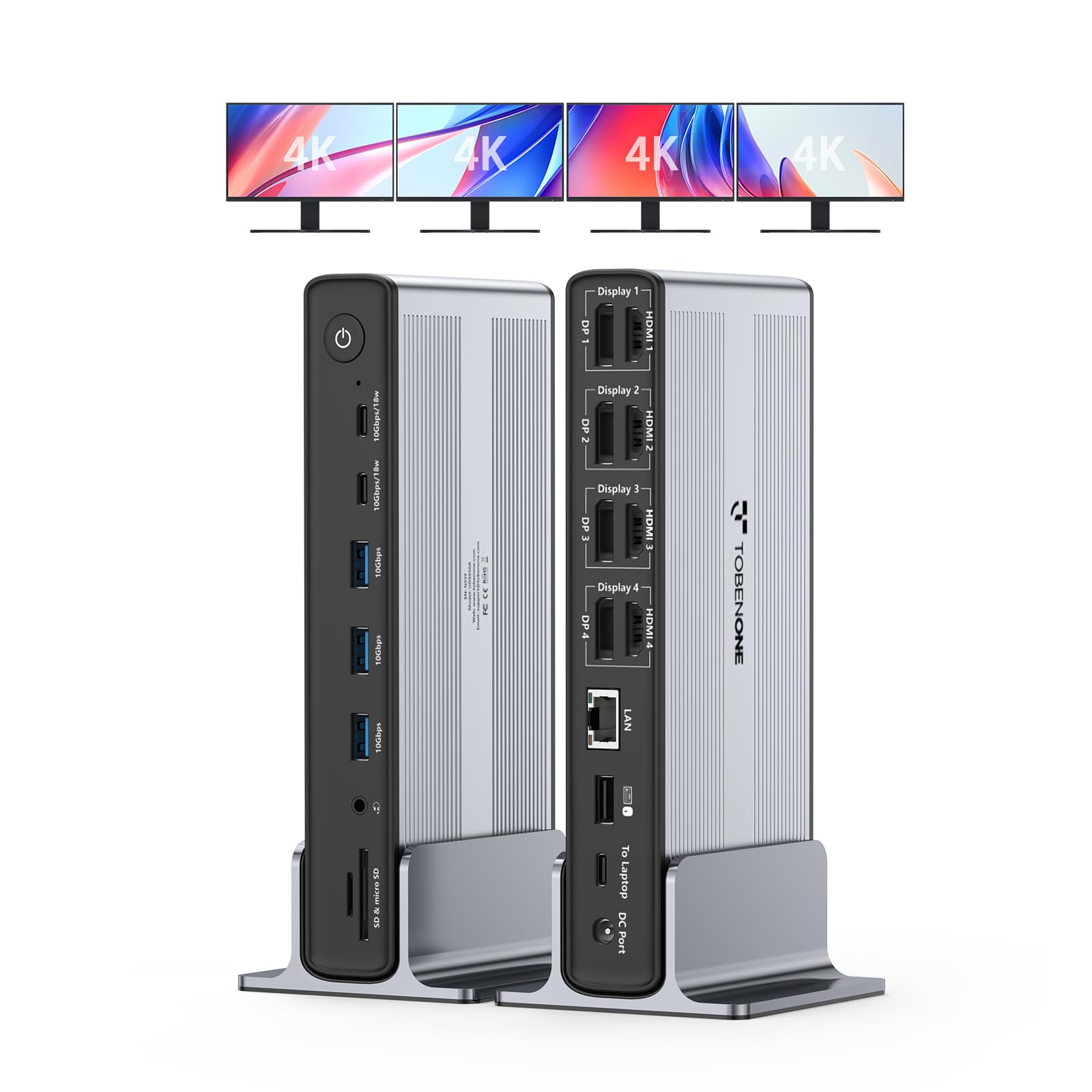
I had an extra display monitor but of course Apple doesn't let you "just" plug in an adapter with two HDMI ports to use two displays with the M1 chip laptops. Our office IT consultant recommended this Tobenone dock as an affordable option to make it work. The company sent an email ahead of the product with some info about downloading the necessary InstantView driver and the computer settings you need to input to make this work with multiple screens. The packaging also provides a QR link to the software and simple directions--the process only takes a couple of minutes. Because the workaround software uses a screen-recording route, you can't watch streaming content like Netflix with this activated, but it's pretty easy to toggle off the screen-sharing software to stream on the primary screen, then toggle it back on to return to multiple-display mode. It's also handy to have a couple of extra USB ports handy for charging iPads or a bluetooth keyboard. If I had any complaints so far, it would be that the arrangement of ports makes for a mess in the front. The "host" cable (leading to my MacBook Pro) plugs in in the front, plus anything you leave plugged in (like external speakers or a webcam) leave a mess of cables draped over the device. A better arrangement would be to have the "host" port to the side, as well as ports for stuff that stays plugged in. Read more


Timur Berberoglu—February 21, 2024✓ Verified purchase
I have a Macbook Pro with the M1 chip. I needed a device to allow me to run three monitors (at the time 27 inches) in addition the my Macbook screen. I tried at least one other product that did not work. After conducting a bunch of research, I decided to give this docking station a try. In order of importance, this is why I love the product. This device has two HDMI ports and one VGA port. It had been a while since I used a VGA port, so I wasn't sure it would work. Sure, would having three HDMI ports have been easier, maybe. But I happen to have an old VGA cable lying around, so fortunately, all three ports worked perfectly for my purposes. I am a lawyer and work with a lot of Adobe, Word and Excel files. I constantly have multiple windows open and am cutting and pasting things from one document to another. I needed screen space. This product gave me that space. Additionally, I am using all four USB A ports. One for my postage scale. One for my external keyboard. On as a charged for my mouse, as needed. And one as a charger for my airpods. This product also charges my laptop. Recently, I switched to to 32 inch monitors. I notice one of the HDMI ports seemed to flicker and it wasn't the cable or the monitor. I thought it was the docking station. I emailed them. It turns out it wasn't the hub, rather I was able to resolve the issue by going to my display settings and resetting the resolution. It works perfectly. Great customer service! Read more
Niceshim—December 21, 2022✓ Verified purchase
I am using Apple MacBook Pro 13 with M2 chip. As is known, MacBooks with M1 and M2 chips can connect only one external monitor. The UDS-015D has HDMI1, HDMI2, and D-SUB output ports. Through SiliconMotion's chip, you can also connect monitors to HDMI2 and D-Sub, so you can connect a total of three external monitors. (HDMI2 supports up to 3840x2160@30hz, D-sub supports up to 1920x1080@60hz) Although HDMI2 and D-Sub have a structure that compresses video signals through USB and outputs them to a monitor, the picture quality is not particularly degraded. There is almost no CPU usage on a static screen, but if a video like YouTube is played in full screen, the siliconmotion chip application uses about 20% CPU usage, but I think it is a sufficiently understandable level. In addition, there are four USB 3.0 ports, SD Card and Micro SD Card readers, 3.5mm audio & microphone ports, and one gigabit Ethernet ports. And as a bonus, it also comes with a 65W PD charger and two USB-C cables. I'll have to use it for a longer time to know, but after using it for a day, it worked well without any particular problems. Read more