★★★★★
Nice
Jaison Young Sr—March 26, 2026✓ Verified purchase
Nice works perfectly Read more

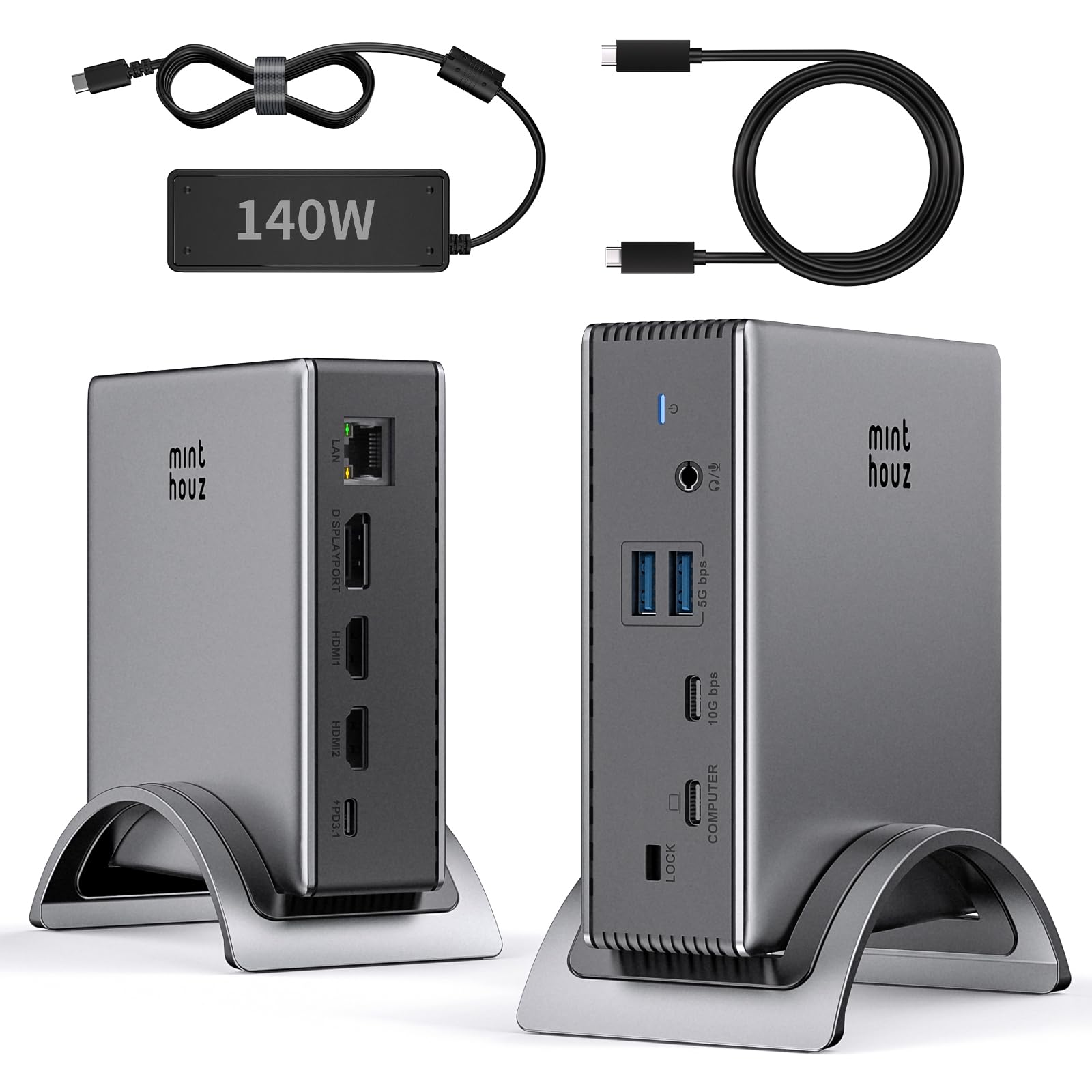
Minthouz
In Stock
Easy Returns · Return eligibility shown before checkout
| Brand | Minthouz |
|---|---|
| Color | Silver |
| Hardware Interface | Ethernet, HDMI, USB |
| Compatible Devices | Lenovo HP Dell, Windows system computer |
| Total USB Ports | 5 |
| Product Dimensions | 3"L x 1"W x 2"H |
| Number of Ports | 9 |
| Total HDMI Ports | 2 |
| Wattage | 140 |
| Input Voltage | 140 Volts (AC) |


Product video 1
Nice works perfectly Read more
This docking station does exactly what it promises, within some understandable constraints. I was able to use this with both my MacBook Pro M1 Max, and my Dell Optiplex 7090 micro. It worked well with both and was able to drive three external monitors. The upstream USB-C port provided 85W to my laptop, and surprisingly, it even worked powered *by* my laptop (I don’t know if that was intended, but it was a pleasant surprise). The USB ports work as expected, but keep in mind that they’re sharing the same 10 Gbps of bandwidth back to the host. The Ethernet port gives me what I would expect from a full gigabit port (about 970 Mbps) The one thing to be aware of is that this will not allow multiple external monitors on a Mac. If you plug this into a Mac, all three displays will show the same content. This is not a limitation of this dock, but due to the fact that it uses “Multi-Stream Transport”, that isn’t supported on the Mac. If you want multiple monitors on a Mac, you’ll likely need a Thunderbolt dock, or one that supports DisplayLink (thought DisplayLink brings along its own issues) If you don't have Thunderbolt, then this is a great dock for your laptop, or your more port-limited desktops and mini-PCs. And, if you *do* have Thunderbolt, this is still an option to consider if only for the price (Thunderbolt docks tend to be much more expensive than this). Read more
All good Read more
Works as advertised and for exactly what I needed it for. Highly recommend. Plug and play product. Read more
I bought this thinking i can output 1440p on BOTH monitors, but it clearly said only 1 hdmi can 1440p or higher. I assumed if I used 2 1440p monitors, it would be fine but apparently I was wrong. The product itself is good though Read more
I have used this rather elaborate docking station to connect my Lenovo laptop to three monitors, making my home office quite a formidable setup. It comes in a silvery package, and the docking station actually arrives with a curved stand. All of the different ports are nicely labeled. In particular, I like that I can plug my laptop into the USB-C port labeled “computer” so that I do not have to use my laptop’s power brick. The size is a bit larger than some docking stations I have had in the past, but because it has a stand, it does not consume as much space on my desk. On the one side, it has a USB-C port, two USB-A ports and even a headphone jack, which is a rarity these days. The other side has ports for Ethernet, two HDMI ports and a DisplayPort. Once I plugged it into a power source, a light glows blue. I connected the monitors via the HDMI ports. My laptop emitted a thrilling sound, indicating that the connection was solid. This is a true plug-and-play device and it is tastefully designed. I have not had any lags or noticed any lack of speed as a result of using this docking station. I am quite satisfied with this order. Read more
This is a docking station primarily for those who need to connect their laptop to multiple monitors. There are no SD or microSD card ports and only two USB-A ports and one available USB-C port, so those who need more peripheral connections should look elsewhere. The displayport and two HDMI ports allow using connecting three external monitors, but note that Mac does not support extending the display to more than one additional display. The USB ports work well and the hub connected easily with no additional drivers needed for my Windows 11 laptop. The ethernet port is limited to gigabyte speed, which is fine for most users, but if you're upgrading to 2.5GB LAN you should consider this. Since the hub doesn't have a built-in USB-C connector, you can select the best length cable for your setup according to your needs and place the hub in a convenient spot. This hub is lightweight due to its primarily plastic construction. It has it's own power brick and did not get warm while testing functionality. The docking station is a little pricey for a non-Thunderbolt hub, but the coupons and sales sometimes available may make this a better value. The main consideration for a docking station should be whether it meets your connectivity needs, so examine this device's ports carefully to determine whether or not it's right for you. Read more

Does not charge at 125w, or even 100w. I have to put my laptop to sleep in order for the charging to start. On my 100w charger, I can use it pretty heavily and still charge at the same time. Read more

Baseus Docking Station Spacemate Win 11 in 1 Triple Display 4K HDMI and DP 10Gbps USB A C
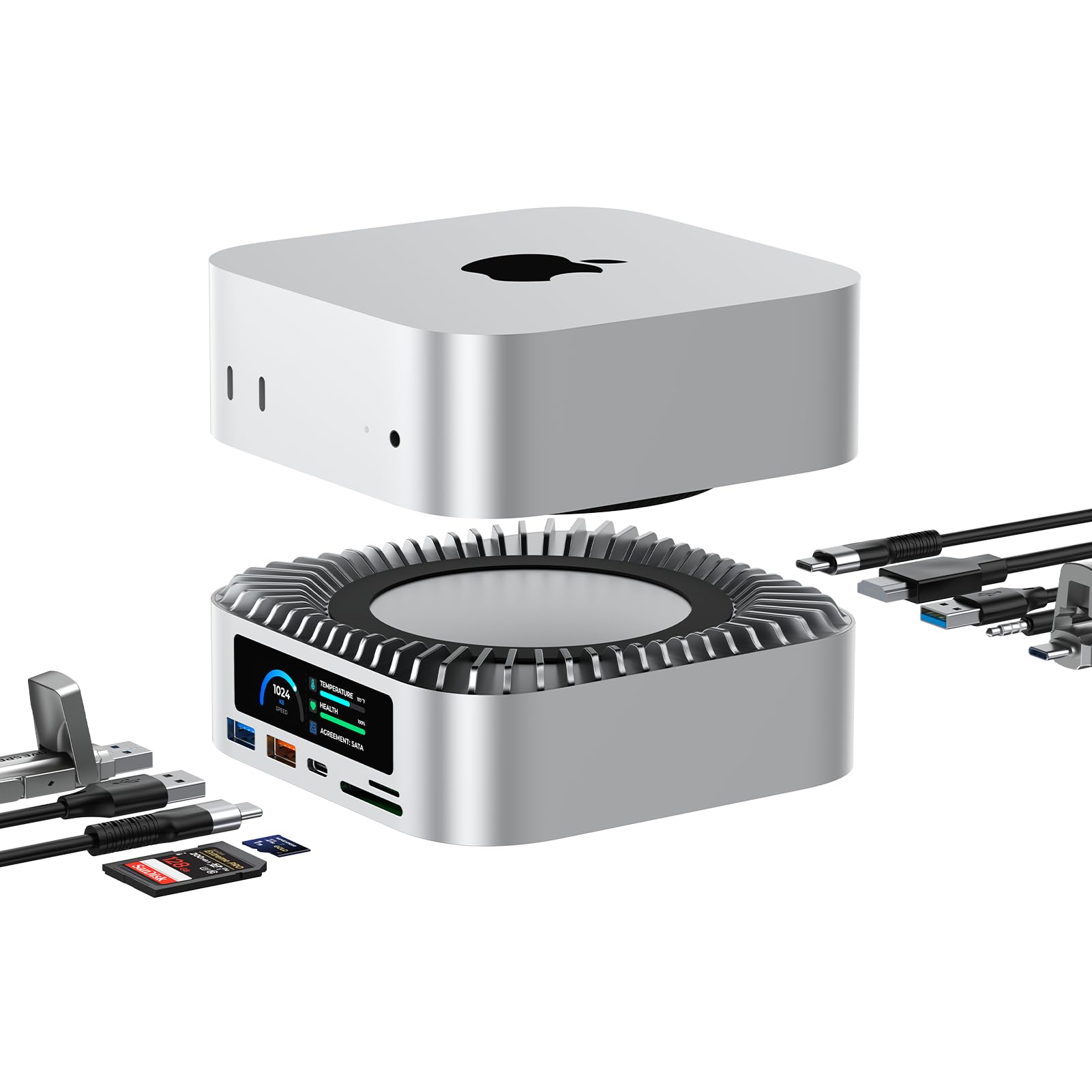
RayCue All-in-One Dock for Mac mini M4 with Smart Displays NVMe SATA SSD Enclosure 4K60Hz HDMI 10G USB-A

Plugable Universal Laptop Docking Station Dual HDMI Monitor for Windows and Mac Driver Required USB 3 0 or

Plugable USB 3 0 and USB-C Universal Laptop Docking Station with 2 HDMI Ports for Windows Mac Driver

StarTech com Triple Monitor USB 3 0 Docking Station 2x 4K DisplayPort HDMI USB Type A Universal Laptop
All-in-One Dock for Mac mini M4 with Smart Displays NVMe SATA SSD Enclosure 4K60Hz HDMI 10G USB-A C

Dell WD19S 180W Docking Station 130W Power Delivery USB-C HDMI Dual DisplayPort Black

OWC Thunderbolt mini Dock Bus-Powered 5-Port Multi-Adapter with Dual 4K HDMI Dual USB Gigabit Ethernet Integrated 7 2-inch

MINISFORUM DEG1 eGPU Dock External GPU Docking Station for RTX 4090 AMD RX 7900 XTX eGPU Enclosure Graphics

Mate Mini-A 80Gbps Mac mini M4 Dock Stand Dual PCIex2 SSD Slot Max 16TB Expansion PD3 0 Port
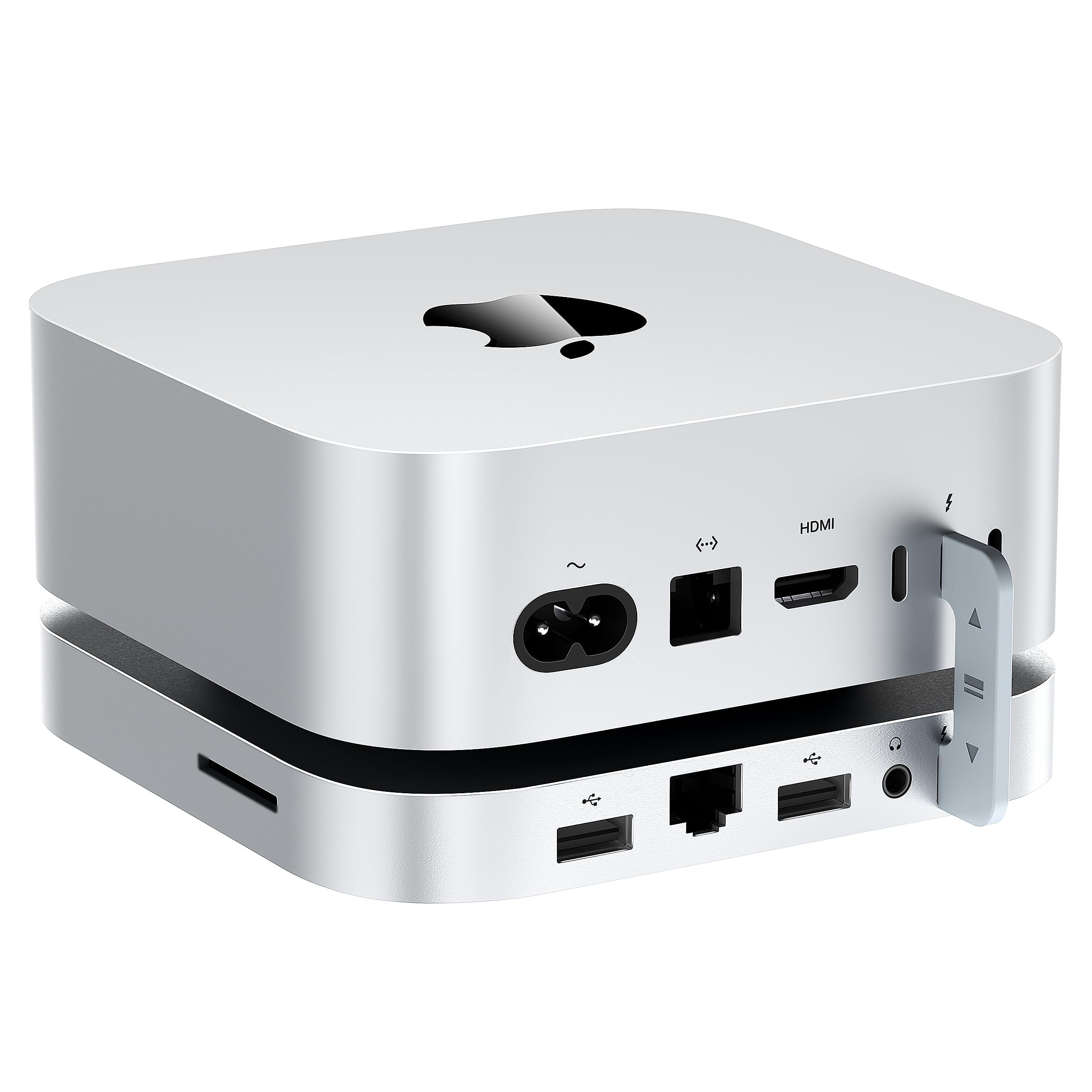
Mate Mini-B 80Gbps Mac mini M4 Dock Stand Up to 8TB NVMe SSD Expansion PD3 0 Port SD4

Laptop Docking Station 12 in 1 Triple Display USB C Hub for Windows with Dual DP HDMI 100W
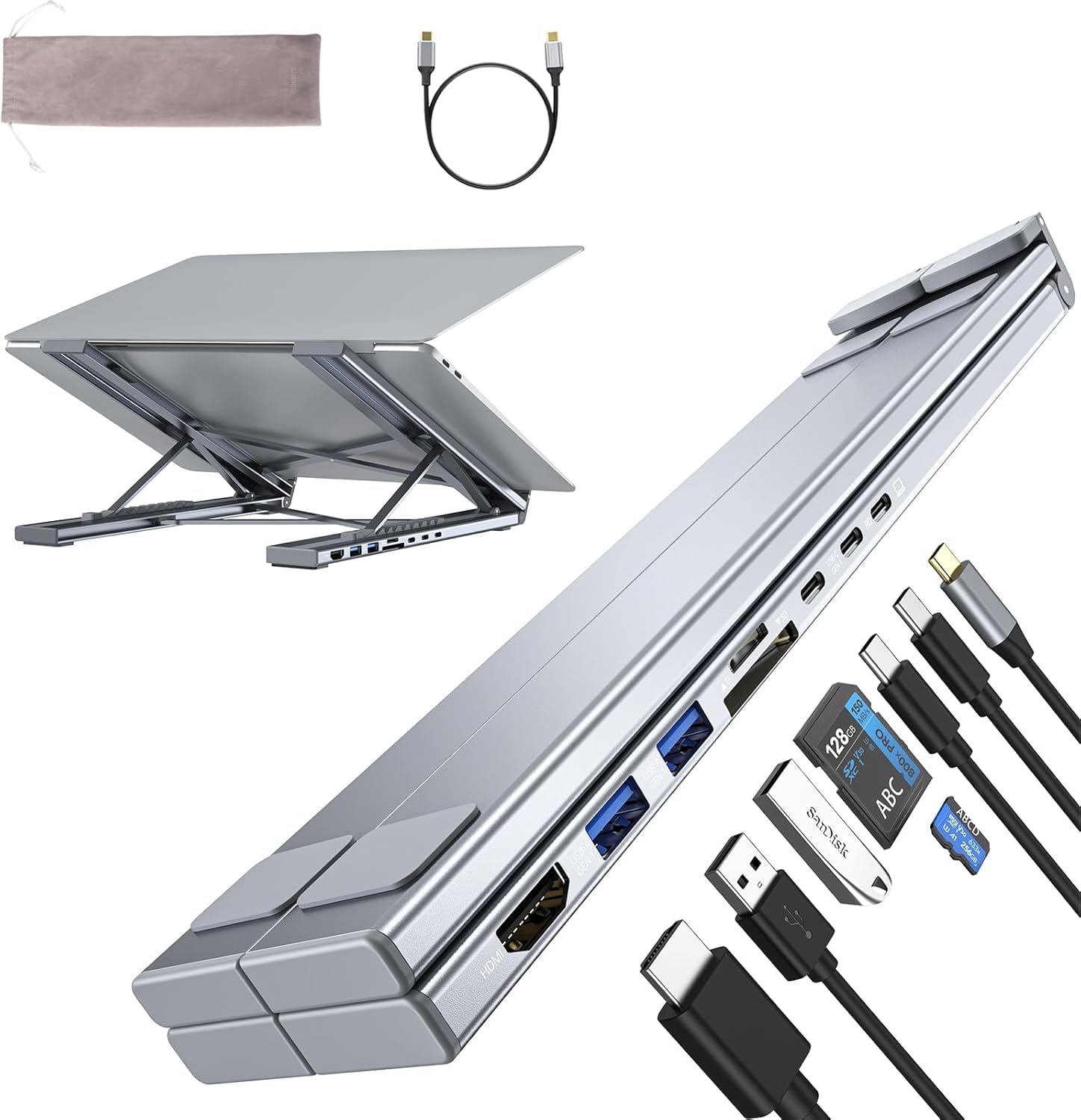
Laptop Docking Station Stand 8 in 1 USB C Hub HDMI Portable Laptop Stand with USB Ports USB

Belkin Connect Thunderbolt 4 Docking Station 5-in-1 USB-C Multiport Core Hub w 96W Power Delivery for Mac Windows

P9R USB C Hub Ethernet 10-in-1 USB-C Docking Station Aluminum USB to Ethernet Adapter with 4K HDMI PD
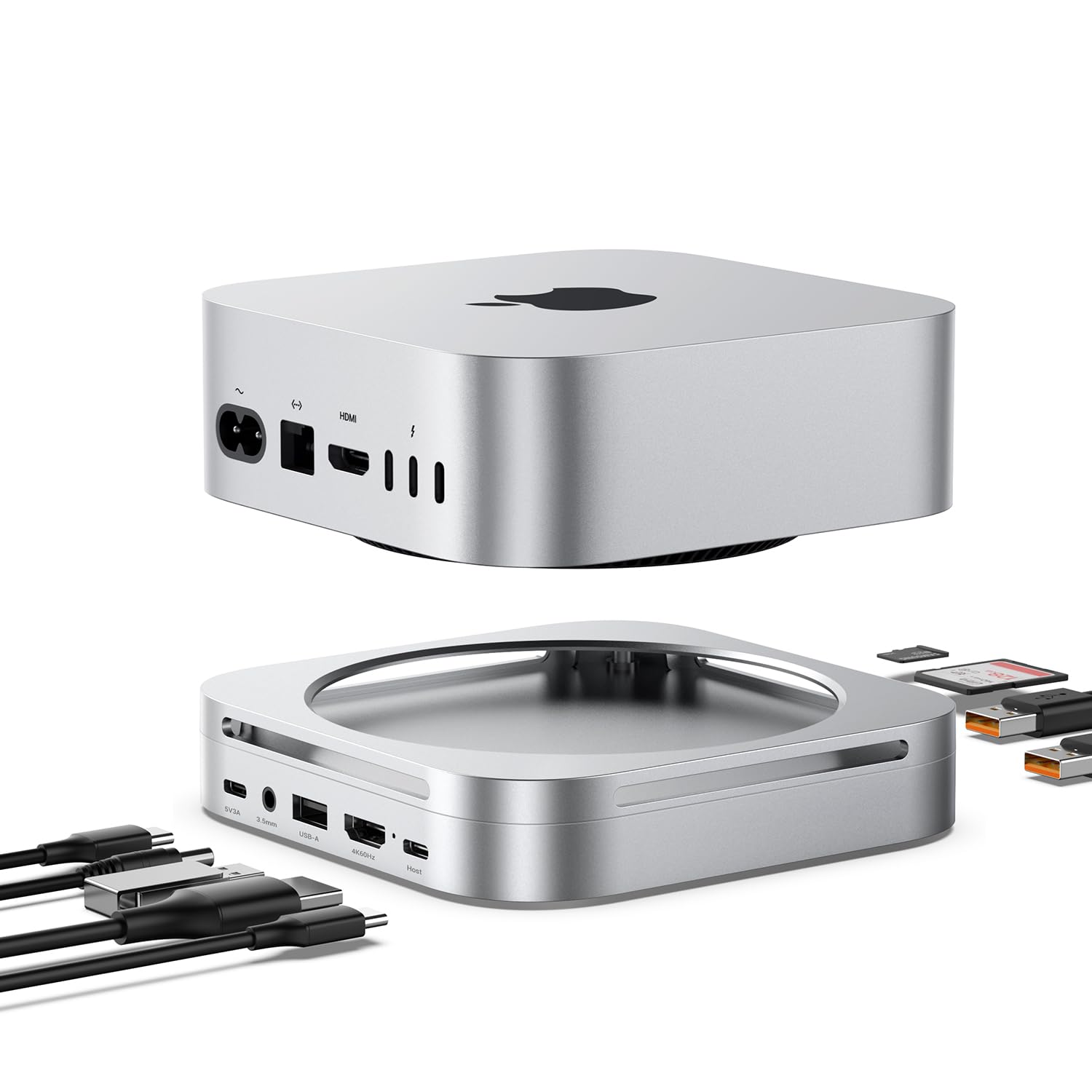
Mac mini M4 Dock Hub with 8TB NVMe SSD Enclosure 4K 60Hz HDMI 2x10Gbps USB A 1x5Gbps USB
We use optional analytics cookies to understand how visitors use Ventari and improve the experience. This banner controls analytics measurement only. See our Cookie Policy.