g2therant—November 1, 2025✓ Verified purchase
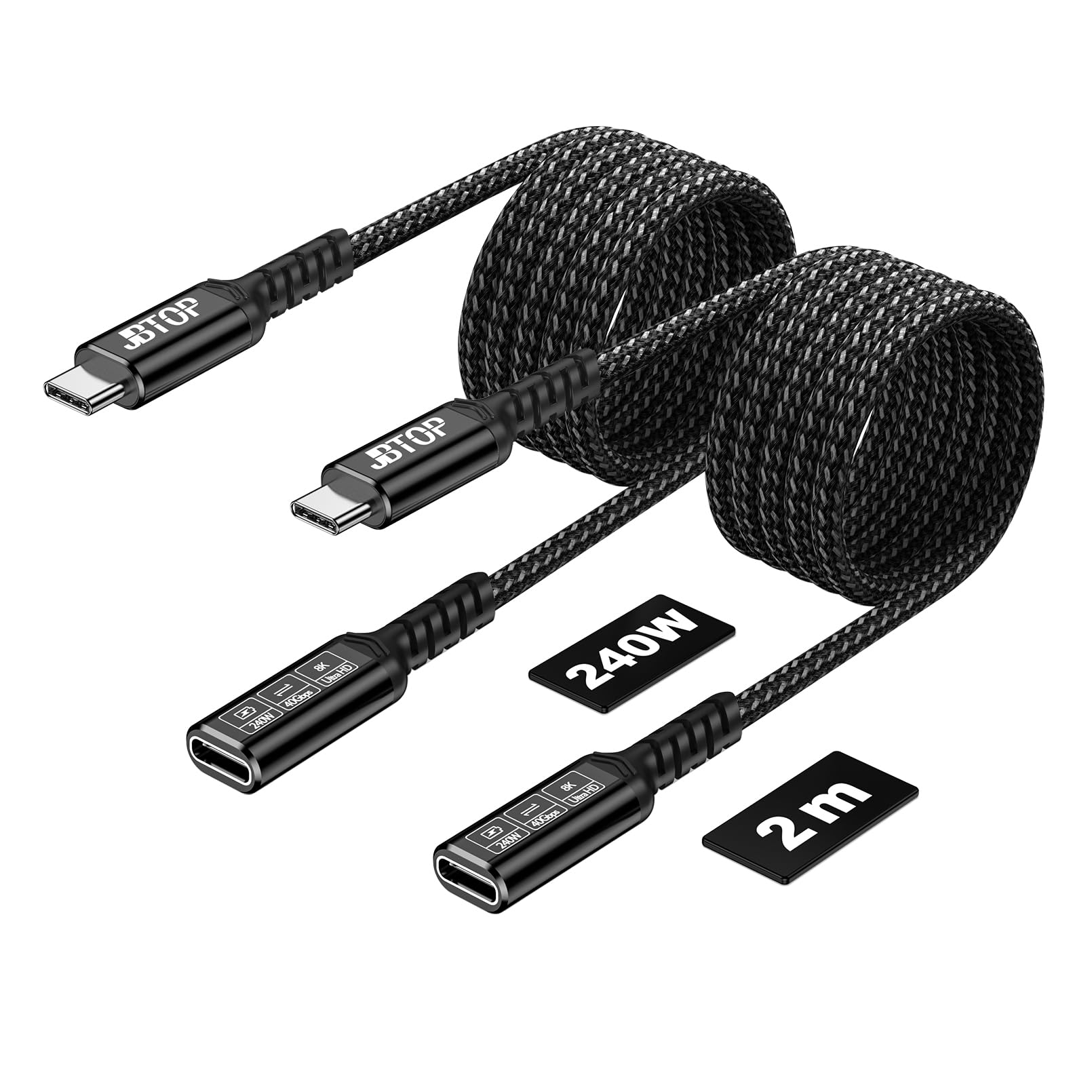
I have a laptop that is connected to a USB-C hub that delivers power, connects to my external monitor, and connect to peripherals including 2 external SSDs. I've had other extension cables that worked well for everything except file transfers between the external SSDs. Namely, when I try to copy a significantly large file from one external SSD to another that are both connected to the hub, the copy process would not start and I would get an error message. I've had one extension cable that was able to copy at an unacceptably slow speed. JBTOP was the only one that I was able to find after 3 other failures that would handle file transfers between the external SSDs. I'm glad that this one worked, because I would have given up after this one. Not the best-looking cable, but I'd have to say that it has the best quality, especially for my needs. Read more
EF—October 2, 2025✓ Verified purchase
I don’t have any 80gbps peripherals but this extension works great with the TB4 (40gbps) gear I have. According to USB-IF there’s absolutely no difference between the two types of cables (40gbps vs 80gbps). It comes down to more testing and certification. This extension is well marked and has a great quality finish on the connectors. There’s also a nice crisp snap when connecting this extension. It locks well and tightly with the other connectors. But that can also be a negative if you’re not aware of this. The typical cable or extension needs far less force to attach. The connection may not actually be secure when applying the typical amount of pressure. So if the connection appears to be flaky or loose try pushing the connectors together more forcefully. But I didn’t buy this extension for use with USB4. If you want to know the more technical story behind why I bought it read on… I didn’t buy this extension to use with USB4 devices. I actually bought it for use with a USB 3.2 AOC. It was designed and calibrated for short channel use only on both ends. Meaning devices that expect long channel communication, ie with a cable used for the connection between the host and device won’t work. Additionally the optical cable could not be extended with a USB3 cable since the high frequency drop off doesn’t match the calibration. So what to do? Use a USB4 extension to mitigate the impedance mismatch while exploiting the superior performance of the micro coax lines in these USB4 cables to maintain signal quality when stretching the short channel tuning for long channel use. If you’re wondering, yes I could have likely used an attenuator instead but I don’t have one with USB-C connectors. Read more
Jim Flood—April 6, 2026✓ Verified purchase
Looks like it's built to last. Works well like most things I get from Amazon. Read more
Eddie—January 23, 2026✓ Verified purchase
USB C Extension Cable 1.5FT 2 pack Good quality construction and supports HD video without any issues. Compared to the other questionable brands out there this offers a pretty good value if you only need a short extension. Read more
Benn—September 6, 2025✓ Verified purchase
Doesn’t work for my laptop docking station. I have my monitors, keyboard, and mouse all plugged in to my docking station and the USB to my laptop to charge and transfer data. The extension powers and transmits data however my keyboard and mouse doesn’t work with the extension cable plugged in. Read more
Diver Dan—March 15, 2026✓ Verified purchase
Female receptacle side (on both cables) does not contain connective internals. This product should be avoided as there is no quality control. Read more
Kindle Customer—October 2, 2025✓ Verified purchase
Read more
S. Barnes—July 15, 2025
This USB-C extension cable handles all the power I pass through it without issue. USB-C cables often fail at the connection point due to frequent plugging and unplugging, so using an extension makes things more convenient and durable. I’ve routed this cable to an easily accessible spot, which means I no longer have to bend down to reach the socket when replacing or connecting devices. It’s permanently mounted and fairly long, giving me extra reach for powering or charging my devices. The connection is tight and secure, whether I’m using a USB-C to USB-C, USB-C to USB-A, or another type of adapter. Read more