★★★★★
Works great 10 out of 10
BeastMod007—January 26, 2026✓ Verified purchase
Works great and works as attended for my handheld console Read more


WALNEW
In Stock
Easy Returns · Return eligibility shown before checkout
| Brand | WALNEW |
|---|---|
| Color | Gray |
| Hardware Interface | HDMI, MicroSD, USB 3.0, USB Type C |
| Special Feature | Fast Data Transfer, Indicator Light, Lightweight, Pass Through Charge, Plug and Play |
| Compatible Devices | Chromebook, Dell XPS, Galaxy Tab, Thinkpad, Surface, iPhone 15/iPhone 15 pro/Max / ASUS ROG Ally / Steam Deck / MacBook / MacBook Pro(2021/2020/2019/2018); Macbook Air 2018-2020, Mac mini 2018-2020, iPad Pro/ Air 2018/2020, iPad mini 6; Dell XPS 9380/ XPS 13 9365/ XPS 15 2018; Dell Latitude E7370/ E7470/ E7480/ Dell Latitude 13 7000/ E7370L/ New XPS 15 i7 Lenovo Yoga 720-13IKB/Yoga 910; Yoga15 Thinkpad Ultrabook Pro; Thinkpad E590/ Thinkpad P72/ Lenovo C930; Microsoft Surface Book 2/ Surface Laptop 3; Surface Pro 7/ Surface Pro 8/ Surface Go; Galaxy Book Flex Alpha 2-in-1 13.3" QLED Touch-Screen Laptop; Galaxy Tab S5e/ Galaxy Tab S4; HP Spectre Laptop 13-af001TU/ Spectre x360 13t; Elitebook 840 G5 series/ Elitebook x360 1030 G3; Envy Geforce mx250/ Z book 15u G3 ASUS Zenbook UX330UA/ Zenbook Flip ux370u; Acer Aspire 5 2019; D17w3 Aspire c24-865; Samsung Galaxy S10+/ S10/ S9+/ S9/ S8+/ S8 Plus; Note 10/ 9/ 8 See more |


Product video 1
Customers say
Customers find the USB-C hub works well with MacBook Air M and appreciate its full set of ports for various needs. Customers consider it good value for money.
Works great and works as attended for my handheld console Read more
I am revising my original review. I had given it a rating of 2 and have changed it to 5. I leave the content of my original post below so you can see why I had initially given it a 2 rating. I primarily bought this device to get me an extra hdmi port for my Mac Studio. When I began using the device, I was getting problems with my display going black and then recovering after a few seconds. In my initial investigation I concluded that the problem must be with this device. Since then, I've discovered the problem wasn't with this device. Diagnosing the cause behind display problem can be very tricky. In my case, my computer is attached to 2-4K monitors running at a high resolution. The problem was that one of my monitors had a refresh rate of 30 hertz and the problematic monitor had been set to 60 hertz. When I changed the problematic monitor to have a refresh rate of 30 hertz, my display problem went away. I believe that I can run 4K at 60 hertz and 8K at 30 hertz. Two 4k monitors from the computers perspective is like having one 8K monitor, from a throughput point-of-view. So the bottom line is that this device is doing what it's spec'ed out to do, and that makes me a happy camper. It's a nice looking device. It seems to be well manufactured. The plug fit into my Thunderbolt 4 connector perfectly. Besides the monitor port I tested the usb-c ports and they worked correctly. I've not tried the other ports or the memory card reader. From my perspective, besides getting my needed hdmi port, I get some additional ports and card reader at price comparable to just buying a usb-c to hdmi adapter. I'm not sure I'm going to use them, but what the heck! ORIGINAL POST - no longer valid:--------------------------------------------- I primarily bought this device to get me an extra hdmi port for my Mac Studio. I connected a 4k monitor with a 4K rated hdmi cable through this device to my Mac Studio. It works, but intermittently the screen goes blank. After a few seconds the screen recoveries. I've tried a different 4K rated hdmi cable with exactly the same results. Same result if I connected the type c connector into a different thunderbolt port on my Mac. Expert opinion on this issue says that this type of problem is most commonly cable related. That's why I tried a second hdmi cable. I switched the cable from my main hdmi port to my secondary hdmi port, and the problem seems to be with the secondary hdmi port which would seem to indicate that the cable is not the problem. It's hard to tell or diagnose which component is causing the problem! Is it this device? Is it the cable? Or is it my brand new Mac Studio? My best guess at this time is that the cause of the issue is related to this device using its 4k rated hdmi port. That's why I've given it a low rating of 2. For now, I think I'll look for some other adapter to give me an extra 4k hdmi port. Read more
This hub is a pretty shade of gold and has multiple ports for my wireless mouse, keyboard, etc. It’s super lightweight and compact for travel. Read more
Love this little extended port hub for my MacBook! I wanted a beige one and was beyond happy to find this one. I got it in STARLIGHT and it works great! I charge from the port on the far left and utilize the HDMI port to mirror my laptop to my monitor. Quality and connections are all well done and the value is well priced. Read more

Don’t need it often, but extremely handy for when I do! Highly recommended! Read more
Low cost option to expand the laptop's capacity for peripherals Read more
Works perfectly with my new Mac! Read more
Easy plug and play with my wife’s MacBook. She only had usb-c ports on the unit, so we bought this for usb-a functionality. Works like a charm! Read more

WALNEW USB C Hub with 4k HDMI 100W Power Delivery SD TF Reader USB 3 0 Data Ports

4-Port USB 3 0 Hub FlyingVHUB Vertical Data USB Hub with 2 ft Extended Cable for Mac PC

4-Port USB 3 0 Portable Desk Hub Fixable USB Data Hub 3 0 with 3 3ft 100CM Cable
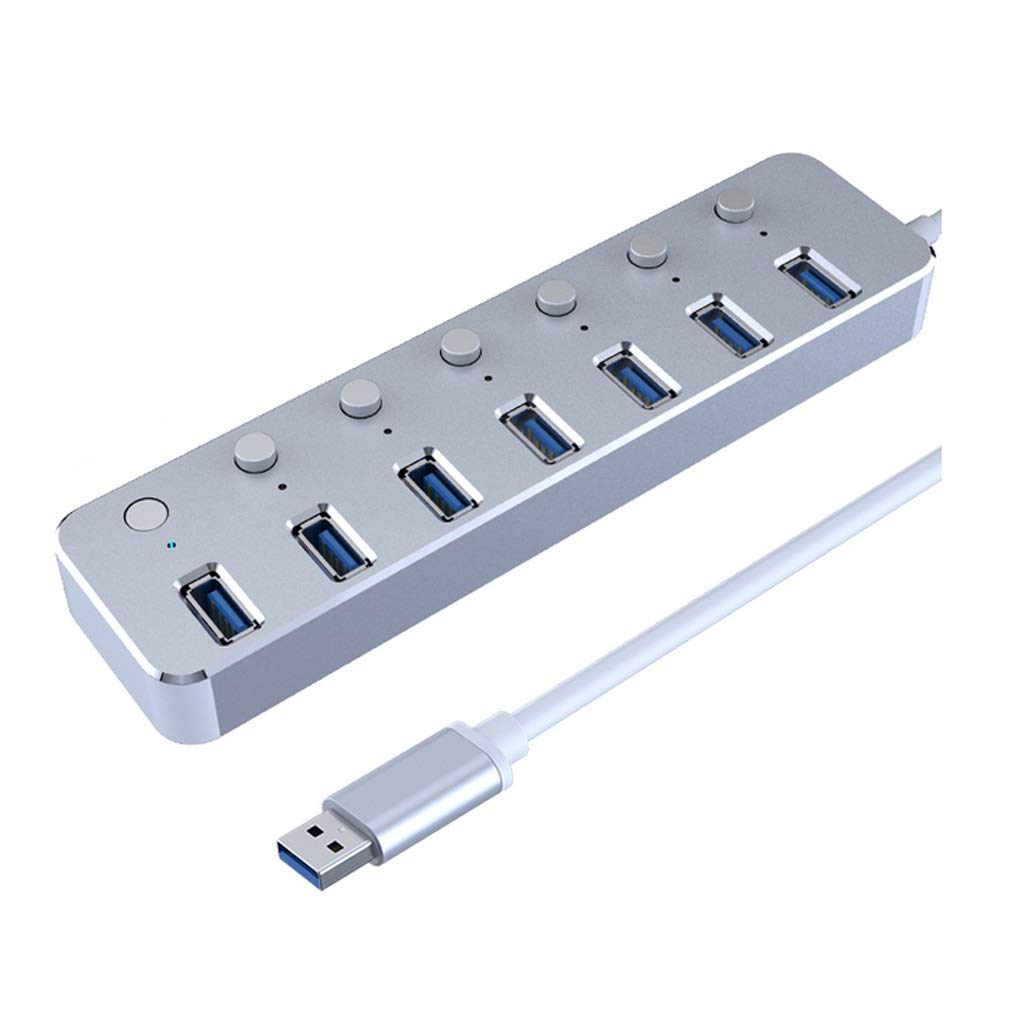
Aluminum 7-Port USB 3 0 Hub 120cm Cable Sub-Control Switch 5Gbps LED Indicator HUB Chargeable Splitter for Multi
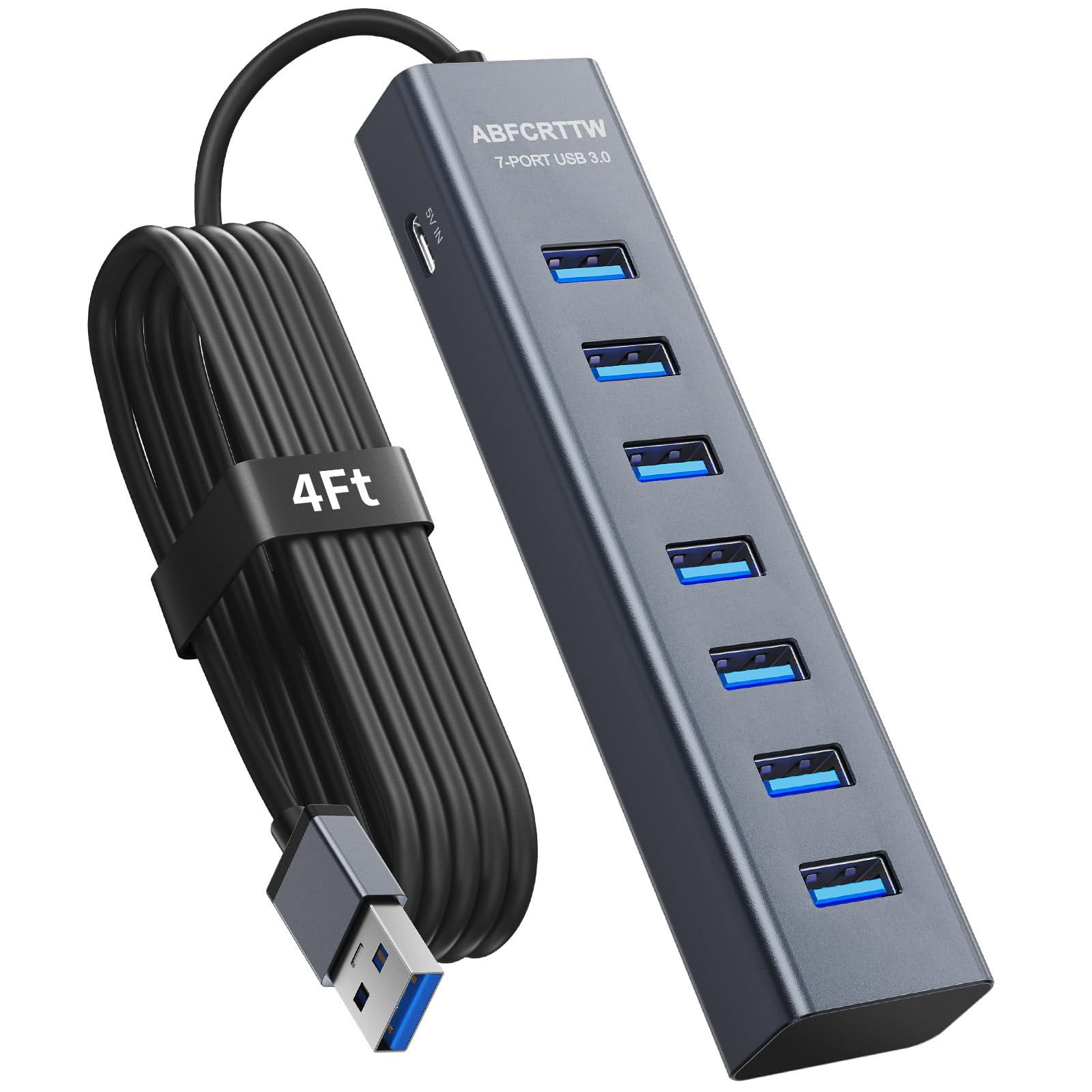
4Ft 7-Port USB 3 0 Hub for Desktop - Aluminium USB Extender Hub 5Gbps USB Multiport Adapter USB
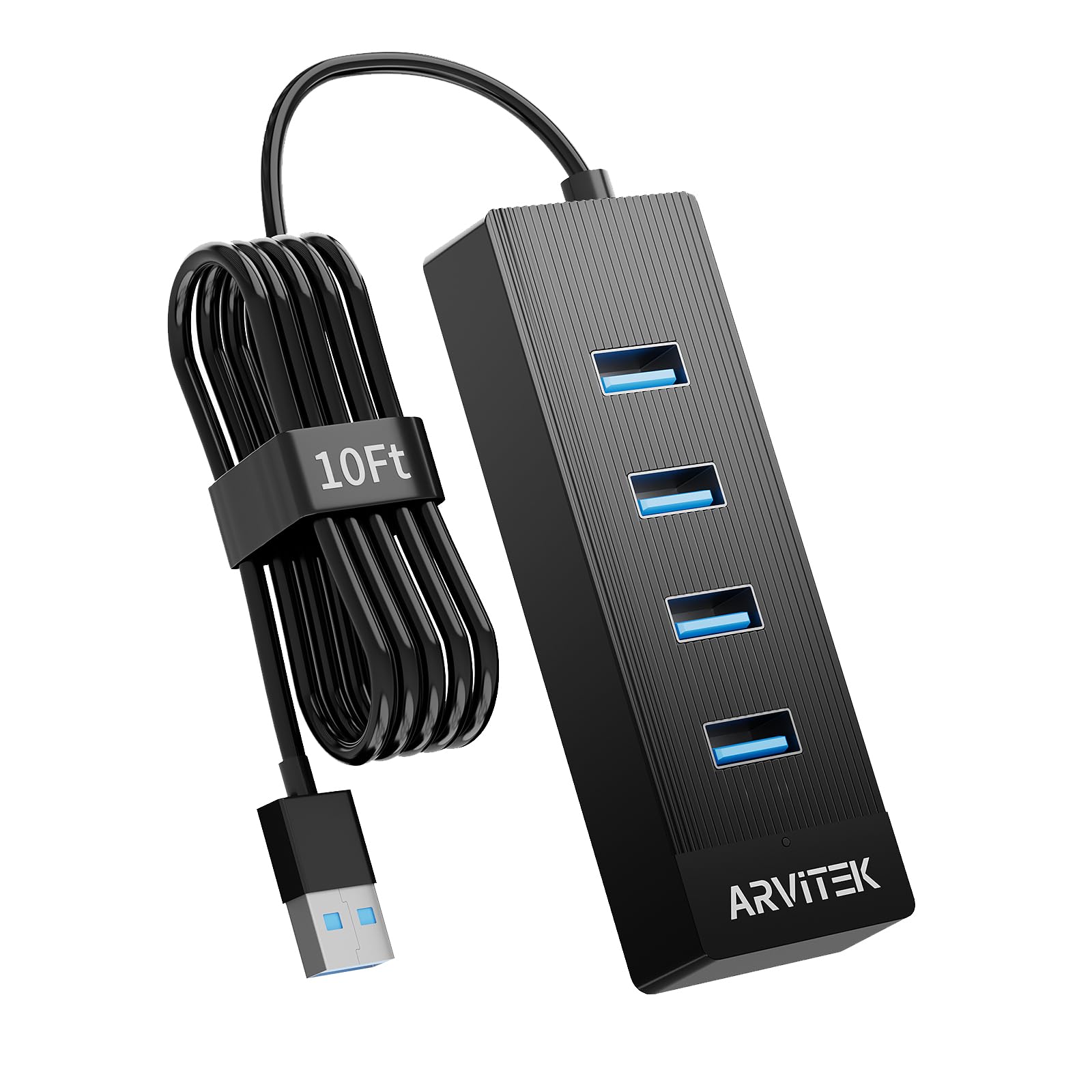
10Ft 4-Port USB 3 0 Hub for Desktop USB Extender Hub 5Gbps USB Multiport Adapter USB Splitter w
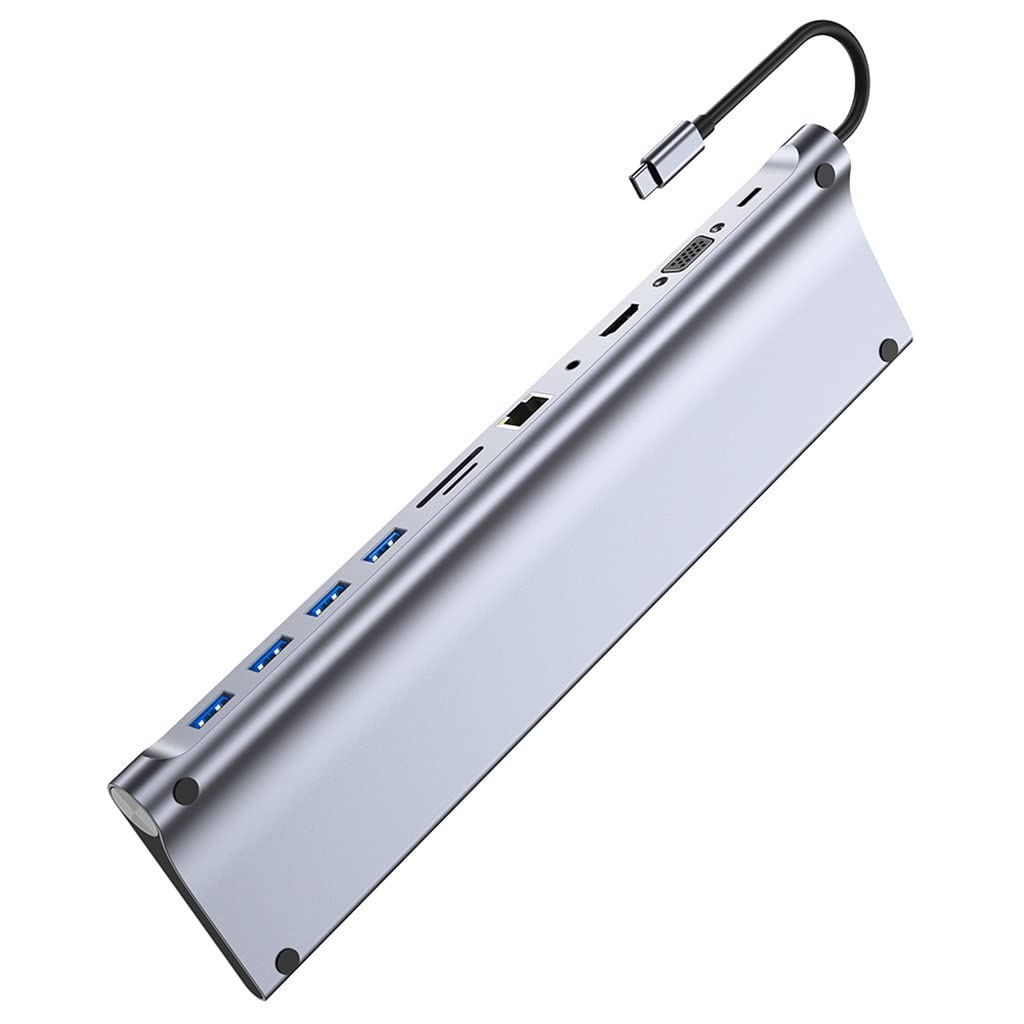
11 in 1 USB Hub Type C to 4K -Compatible RJ45 SD TF PD USB2 0 3 0

USB 3 0 Hub 4 Ports 5Gbps Dual USB-A C Aluminum Splitter Ultra-Slim Multiport Expander Adapter for iPhone

USB 3 0 Hub 4 Ports with USB-C Power Port High-Speed Data Hub Extender for Laptop Desktop PC

USB 3 0 Hub Aluminum 4 Port USB Data Hub 3 0 Port Extender Multiport Adapter with 3

USB 3 0 Hub - Tendak USB Hub with 4 USB 3 0 Data Ports 1 USB Smart

SABRENT 4-Port USB 3 0 Hub Aluminum Portable Data Hub with 2 5ft USB 3 0 Cable for

USB 3 0 Hub with Gigabit Ethernet 3-Port SuperSpeed USB-A Hub USB-C Adapter 5Gbps Data Transfer Plug- -Play

SABRENT Multi-Port USB Type-C Hub with 4K HDMI Power Delivery 60 Watts 1 USB 3 0 Port 1

USB C Hub 7in1 USBC Hub 4K HDMI Multiport Adapter TF SD Card Reader 2 Powered USB-A 3
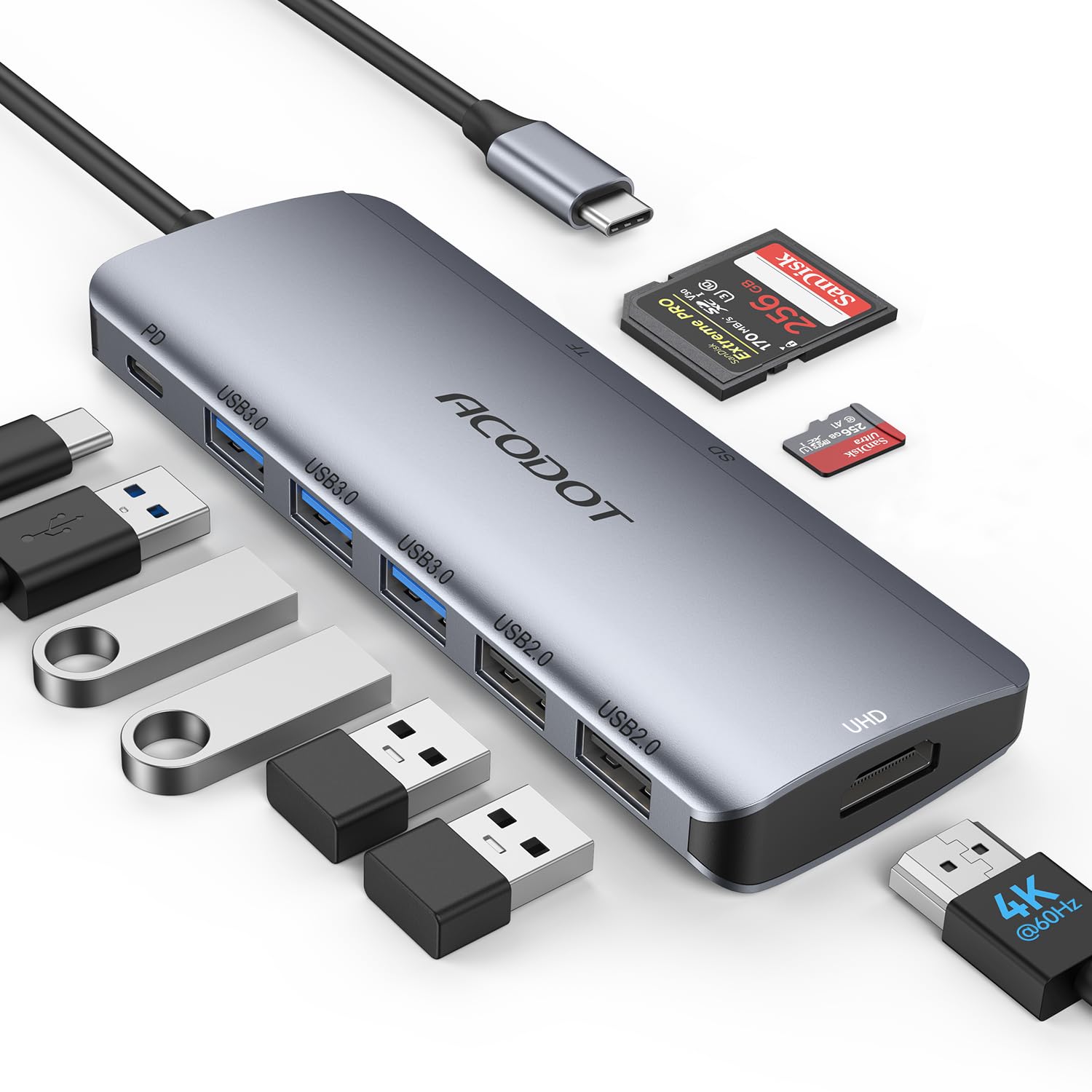
USB C Hub Acodot 9 in 1 USB C to 4K 60HZ HDMI Multiport Adapter 3 USB 3
We use optional analytics cookies to understand how visitors use Ventari and improve the experience. This banner controls analytics measurement only. See our Cookie Policy.