Gets pretty hot and it wasn't clear what the USB-C input was about, but saved me $200
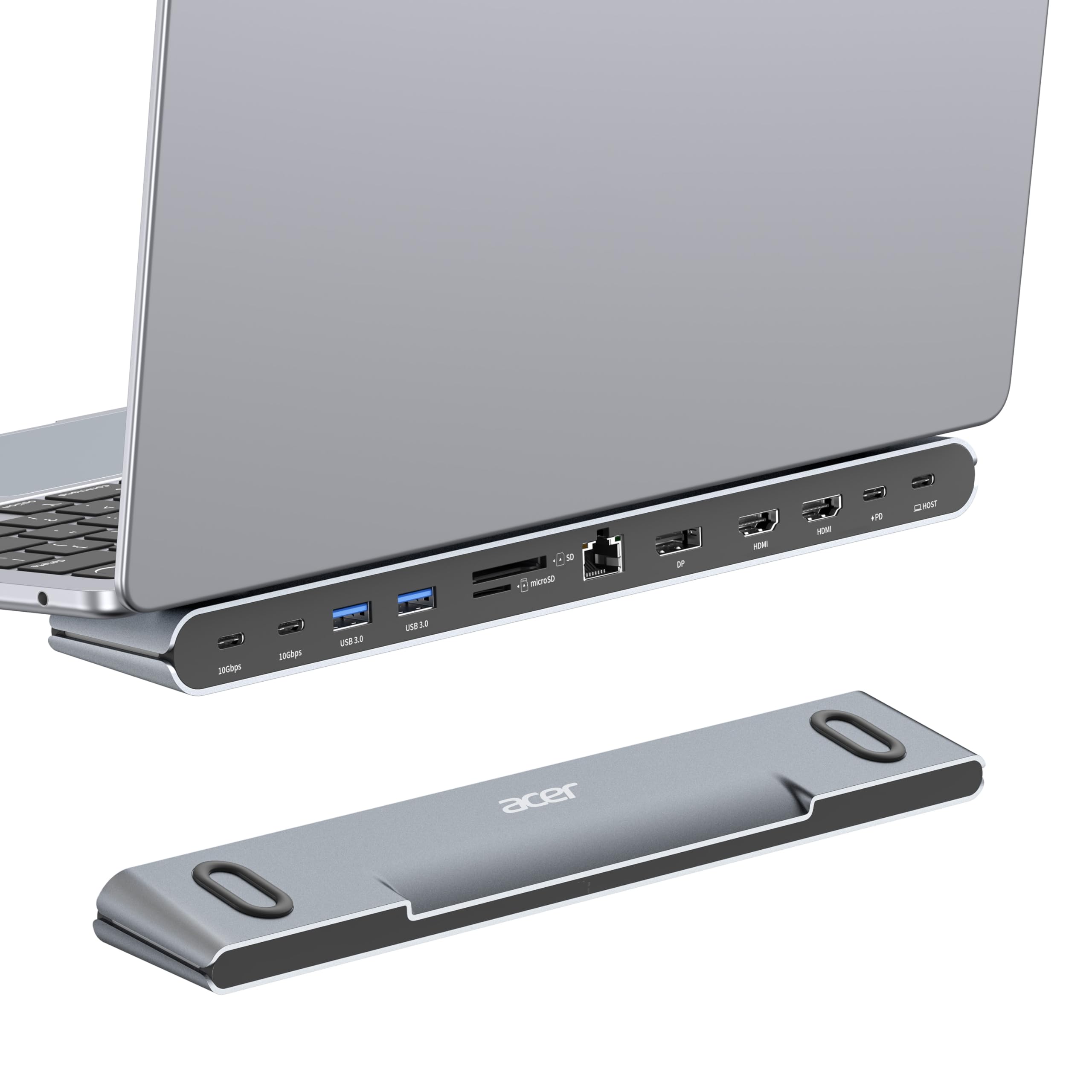
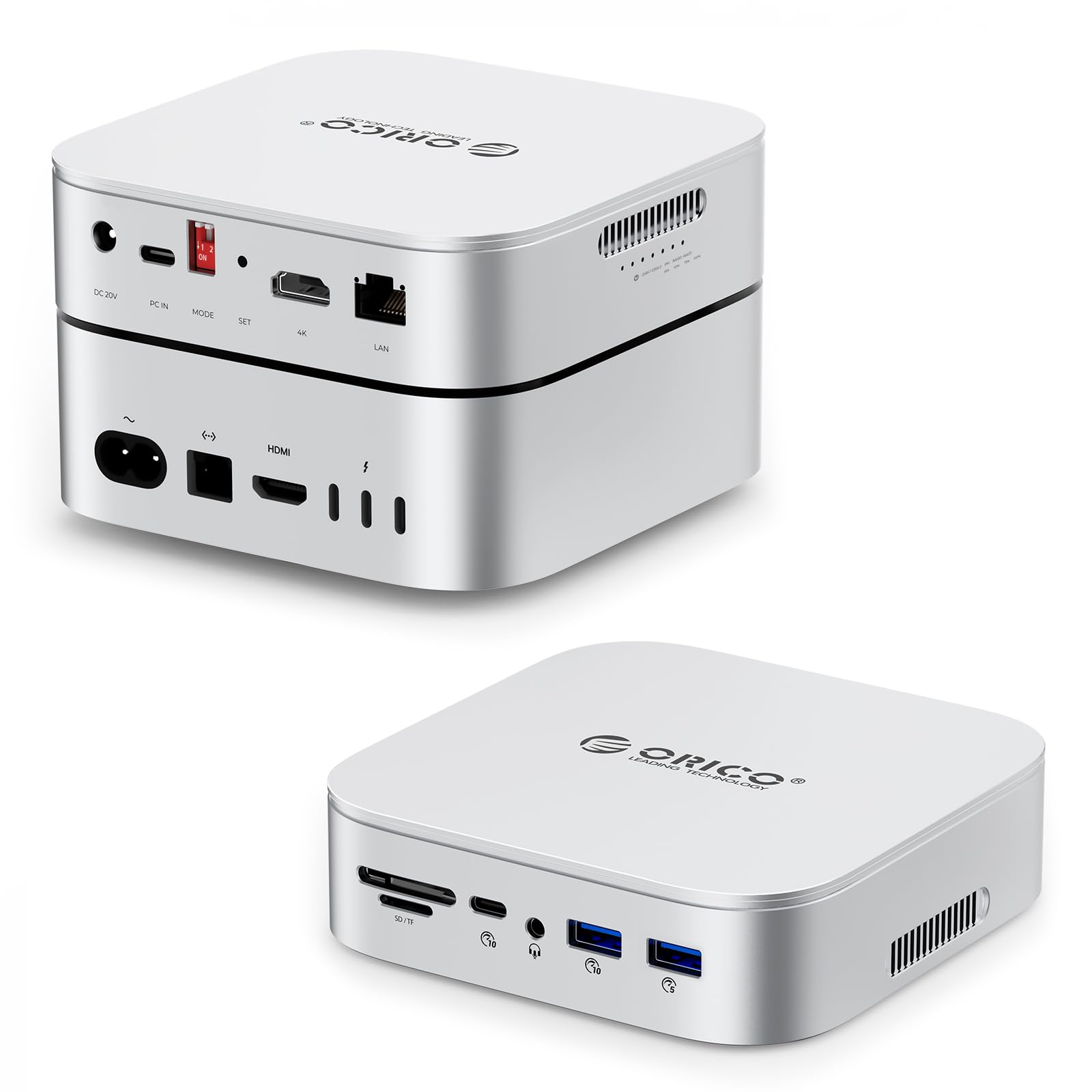
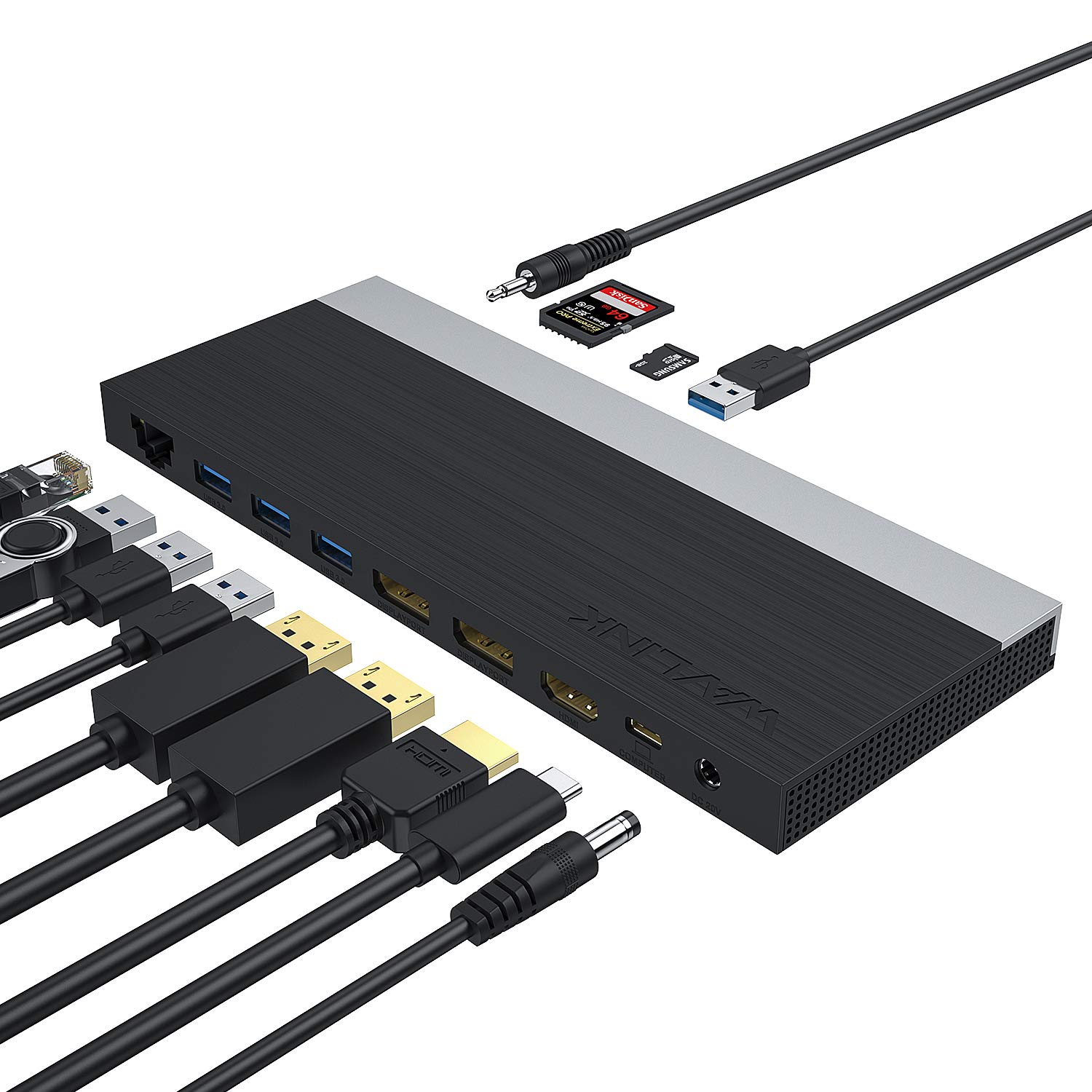
The one year edit: This device has continued to perform flawlessly, to the point where I recommended this to another team member in Ireland. She loves it to the point where she's telling her team about it. Accidental out-of-box failures aside, if you need a reasonably priced docking station, absolutely get this - just know that you can only have a maximum of 3 screens. Like many of those who were fortunate enough to work remotely during the pandemic, I worked from home for over a year. While working remotely, my laptop was upgraded and I was given an amazing docking station (charged the laptop, just had to plug in the USB-C port, plenty of monitor port options, a good number of USB ports). We're now entering a hybrid phase, which means I'm working Tuesdays and Thursdays in the office. Management announced that no new equipment purchases would be approved. I'm not complaining at all! My amazing job let me work from home forever, I saved on gas and insurance, I got to KEEP MY JOB. But dragging that docking station back and forth, well, that was kind of extra. A coworker gave me this listing and I decided to give it a shot. This was around Prime day, the device cost me $70. An actual second docking station would have cost me $250-$300 (I looked). Yeah, I kept my job and all, but I don't have like TESLA money or anything to be buying a docking station like that. I'll go with the bad first, detracts nothing from the rating, but I hope that telling you this will help you be prepared: It gets hot. Not like setting things on fire hot, but after a 10 hour day, I began to get worried. My home didn't burn down though, and I have a monitor base to rest it on the corner of for a little extra airflow, so yay for not dying of immolation in my sleep. The USB-C port that you can plug a charger into, as far as I can see, is worthless. There isn't a lot of documentation or information in the Q&A section, but from what I can tell, plugging the USB-C in to a power port does 2 things: Gives a little 'oomph' to charging anything except your laptop, and makes the device even hotter. I abandoned this connection after 2 hours and just plugged my laptop's mobile charger in. Not a huge issue for me personally, as I don't use this device to charge devices, and it's still just one plug for the laptop charger. HDMI only. If you have a monitor with DisplayPort, you'll either need an HDMI cable, or a DP > HDMI adapter. You've been warned. It has 3 HDMI ports, but max monitor support is 3. So you can't have 3 HDMI monitors plus your laptop screen. You can have 2 monitors and the laptop screen, or 3 monitors and no laptop screen. I've grown so accustomed to 3 screens (2 monitors and a laptop) that I've been mulling over a 4th screen. Not happening with this device. All minor gripes. Now for the good part: SO TINY!!!! My OEM docking station is a 6x6x4 cuboid with its own power cable and a big rectangular whatever-it-is that lets you then plug into an outlet. This thing is smaller than a lot of TV remotes (not including smart TV remotes) I've had. TINY!!! Ports for days! I think this device has more ports than the OEM dock (maybe like 1 more USB port, but more is more). I like knowing the ports are there even though I only use 1 for the wireless dongle for my mouse and keyboard. Because some might say less is more, but in this case, more is more, am I right?? HDMI Ports: You have 2 right next to each other and one on the small end. Depending on your end connector, you won't have to try to wedge 2 of them in right next to each other. All in all, between the money I saved and the functionality I preserved, there are 0 regrets with this purchase. There were some birth pangs when I first got it, and yeah, I have to plug in 2 things to the laptop rather than just 1, but if anything, that adds another star to this device and detracts a half star from my employer. Read more