Ryker Milligan—February 21, 2025✓ Verified purchase
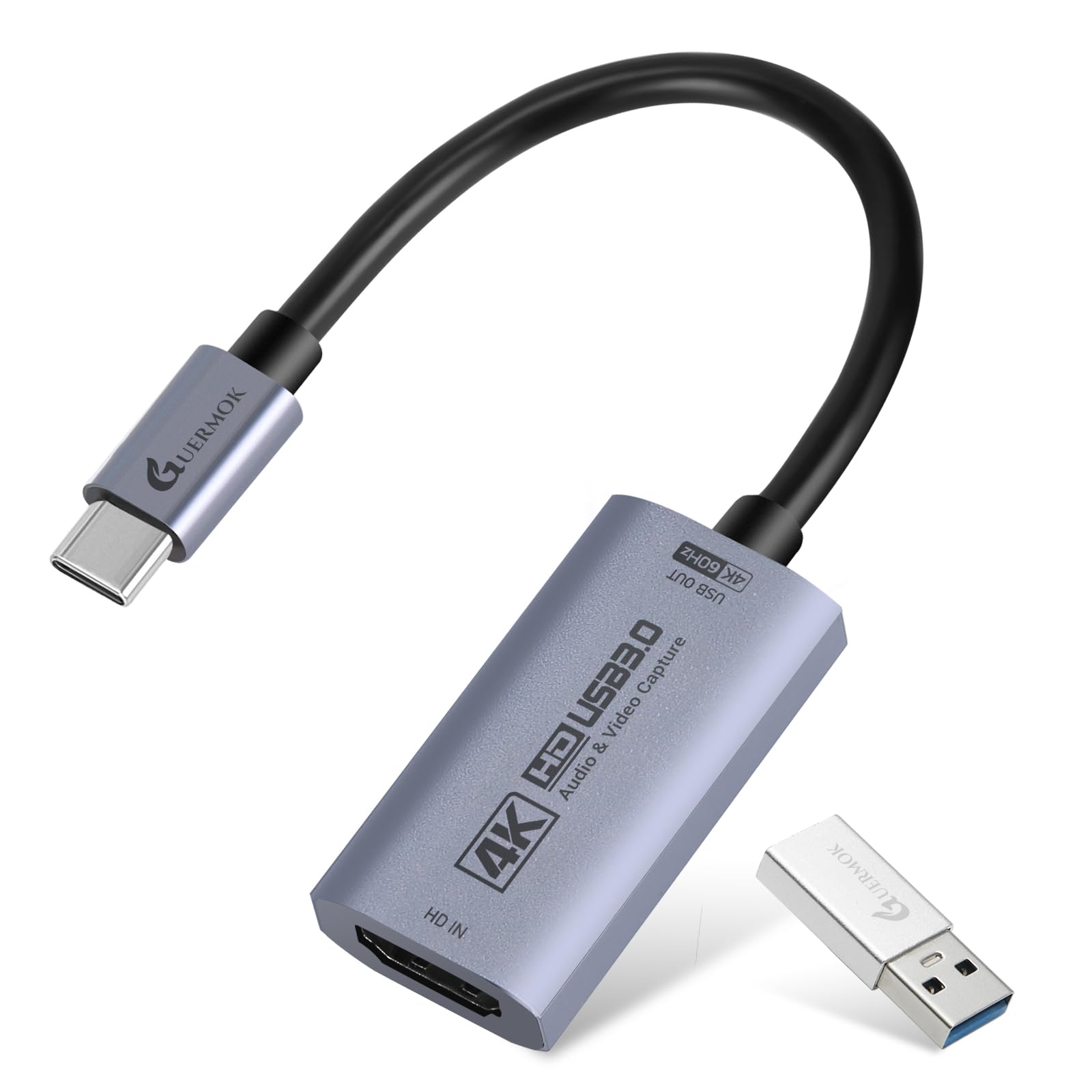
Ive now used this for my MILLIPLAYZZ content for a long time now to connect my sony camera to my pc. Probably like 2 years and honestly, this thing for the budget rocks!! You DO NOT have to buy a 200$ capture card unless you want more video tuning Read more
Laura S.—January 26, 2026✓ Verified purchase
We have come a LONG way since the HDPR I had to buy to record on my PS3 back in the day. This is an incredible, cheap, and durable capture card. The video quality is perfect for what I needed it for, and all I had to buy extra was a plug for audio. Absolutely a must have if you're interested in streaming your console to your PC. Read more
Sterling—February 3, 2023✓ Verified purchase
Honestly, it’s easy to use as long as you read the instructions. With that being said, I also found for the price that is actually pretty good. If you’re starting out streaming, I say this will be the start before you buy anything expensive. Glad that I got it on sale too!! Read more
Adriana Leyva—January 16, 2026✓ Verified purchase
My husband uses it to stream and it’s made it so much easier for him to do so! Read more
David G—August 31, 2024✓ Verified purchase
Yes it's cheap, but it does do the job. I wouldn't recommend it for extended use, as this is the second one I have bought. If you don't want to take a trip to your local burn ward, I suggest you do not handle it after use, as it does get hot as the sun. Read more
CP44—February 19, 2023✓ Verified purchase
Short summary: This device has some nice features but also lots of room to improve. Pick something else if you need any of the following: real USB 3, stereo microphone mixing, 4K or high quality output (output video is at most 1080 pixels tall with compressed video output). This device is NOT USB3.0 (except that the internal labels inside the device name it as "USB 3.0 HD Video"). The USB 3 part is definitely a lie: it works on a USB 3 PC port or hub, but that doesn't make it a real USB 3 device. You can, however, get OSB studio to select 1920x1080 with 60fps using MJPEG quality. The audio jacks work. The jack with the headphones icon gets a copy of the audio detected on the HDMI In cable, though I am not sure how it handles multiple channels or down-mixing. The microphone input is mono using two tracks (left and right are the same) which mixed with the HDMI input audio then passed to the USB line using the "USB Digital Audio" device. That separate audio device may be important if you have to record from it separately. (For OBS studio, in the Video Capture Device properties, select "Use custom audio device" and pick the USB Digital Audio device that has the matching audio. If you have used multiple adapters, a number may be added to the beginning or end of the name, and check in the parenthesis in case the device has been renamed in Windows.) Note the vendor and product ID are the same as the tiny Z29A adapters without audio jacks: USB\VID_534D&PID_2109 Long version: It turns out this device is marketed as USB3.0 but identifies itself as the same USB2.0 device as the HDMI to USB capture devices that do not have audio ports. Here are the relevant sections from USBTreeView: ========================== Summary ========================= Vendor ID : 0x534D (Hefei Macrosilicon Technology Co., Ltd. - OBSOLETE) Product ID : 0x2109 USB Version : 2.0 Port maximum Speed : High-Speed Device maximum Speed : High-Speed Device Connection Speed : High-Speed Self powered : no Demanded Current : 500 mA Used Endpoints : 4 [...] ======================== USB Device ======================== +++++++++++++++++ Device Information ++++++++++++++++++ Device Description : USB Composite Device Device Path : \\?\USB#VID_534D&PID_2109#6&2edb43f5&0&2#{a5dcbf10-6530-11d2-901f-00c04fb951ed} (GUID_DEVINTERFACE_USB_DEVICE) Kernel Name : \Device\00000125 Device ID : USB\VID_534D&PID_2109\6&2EDB43F5&0&2 Hardware IDs : USB\VID_534D&PID_2109&REV_2100 USB\VID_534D&PID_2109 [...] Child Device 1 : USB3.0 HD Video (USB Video Device) Device Path 1 : \\?\USB#VID_534D&PID_2109&MI_00#7&3b3281bf&0&0000#{6994ad05-93ef-11d0-a3cc-00a0c9223196}\global (AM_KSCATEGORY_VIDEO) Device Path 2 : \\?\USB#VID_534D&PID_2109&MI_00#7&3b3281bf&0&0000#{65e8773d-8f56-11d0-a3b9-00a0c9223196}\global (AM_KSCATEGORY_CAPTURE) Kernel Name : \Device\00000127 Device ID : USB\VID_534D&PID_2109&MI_00\7&3B3281BF&0&0000 Class : Image Driver KeyName : {6bdd1fc6-810f-11d0-bec7-08002be2092f}\0012 (GUID_DEVCLASS_IMAGE) Service : usbvideo LocationPaths : PCIROOT(0)#PCI(1400)#USBROOT(0)#USB(1)#USB(2)#USB(2) Child Device 2 : USB Digital Audio (USB Audio Device) Device Path 1 : \\?\USB#VID_534D&PID_2109&MI_02#7&3b3281bf&0&0002#{6994ad04-93ef-11d0-a3cc-00a0c9223196}\global (AM_KSCATEGORY_AUDIO) Device Path 2 : \\?\USB#VID_534D&PID_2109&MI_02#7&3b3281bf&0&0002#{65e8773d-8f56-11d0-a3b9-00a0c9223196}\global (AM_KSCATEGORY_CAPTURE) Kernel Name : \Device\00000128 Device ID : USB\VID_534D&PID_2109&MI_02\7&3B3281BF&0&0002 Class : MEDIA Driver KeyName : {4d36e96c-e325-11ce-bfc1-08002be10318}\0056 (GUID_DEVCLASS_MEDIA) Service : usbaudio LocationPaths : PCIROOT(0)#PCI(1400)#USBROOT(0)#USB(1)#USB(2)#USB(2) Child Device 3 : USB Input Device Device ID : USB\VID_534D&PID_2109&MI_04\7&3B3281BF&0&0004 Class : HIDClass Driver KeyName : {745a17a0-74d3-11d0-b6fe-00a0c90f57da}\0466 (GUID_DEVCLASS_HIDCLASS) Service : HidUsb LocationPaths : PCIROOT(0)#PCI(1400)#USBROOT(0)#USB(1)#USB(2)#USB(2) Child Device 1 : HID-compliant device Device Path : \\?\HID#VID_534D&PID_2109&MI_04#8&2c600575&0&0000#{4d1e55b2-f16f-11cf-88cb-001111000030} (GUID_DEVINTERFACE_HID) Kernel Name : \Device\0000012c Device ID : HID\VID_534D&PID_2109&MI_04\8&2C600575&0&0000 Class : HIDClass Driver KeyName : {745a17a0-74d3-11d0-b6fe-00a0c90f57da}\0467 (GUID_DEVCLASS_HIDCLASS) If anyone needs the YUY2 format... YUY2 output at that 1080 tall allows for 5fps; 720 tall allows for 10 fps; 30 fps becomes available with YUY2 and going down to 720x480 or below. All low resolution options are 4:3, so resizing may be required to fix the aspect ratio. Read more
J&C-FoxLake—July 19, 2022✓ Verified purchase
Purchased a DigitNow 4K capture card for streaming consoles with my podcasts. Works extremely well, took me a few hours to balance the webcam, console, and audio, but once I balanced all the delays, it now works perfectly. High quality unit, comes with all cables I needed, and couldn’t be happier. Read more
MithaVT—October 8, 2025✓ Verified purchase
Failed after 1 month with troubleshooting. Read more