KRB Austin, TX—October 25, 2019✓ Verified purchase
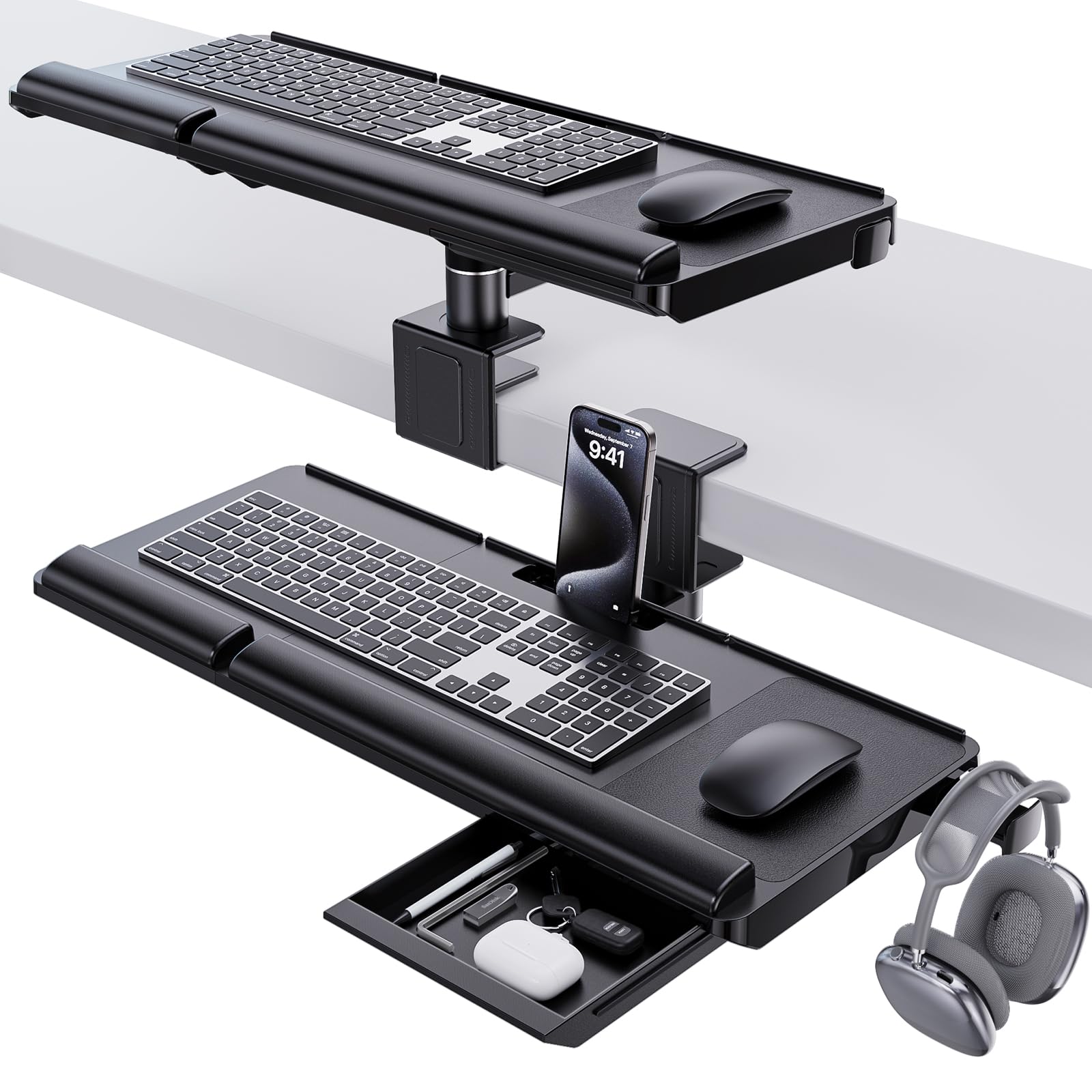
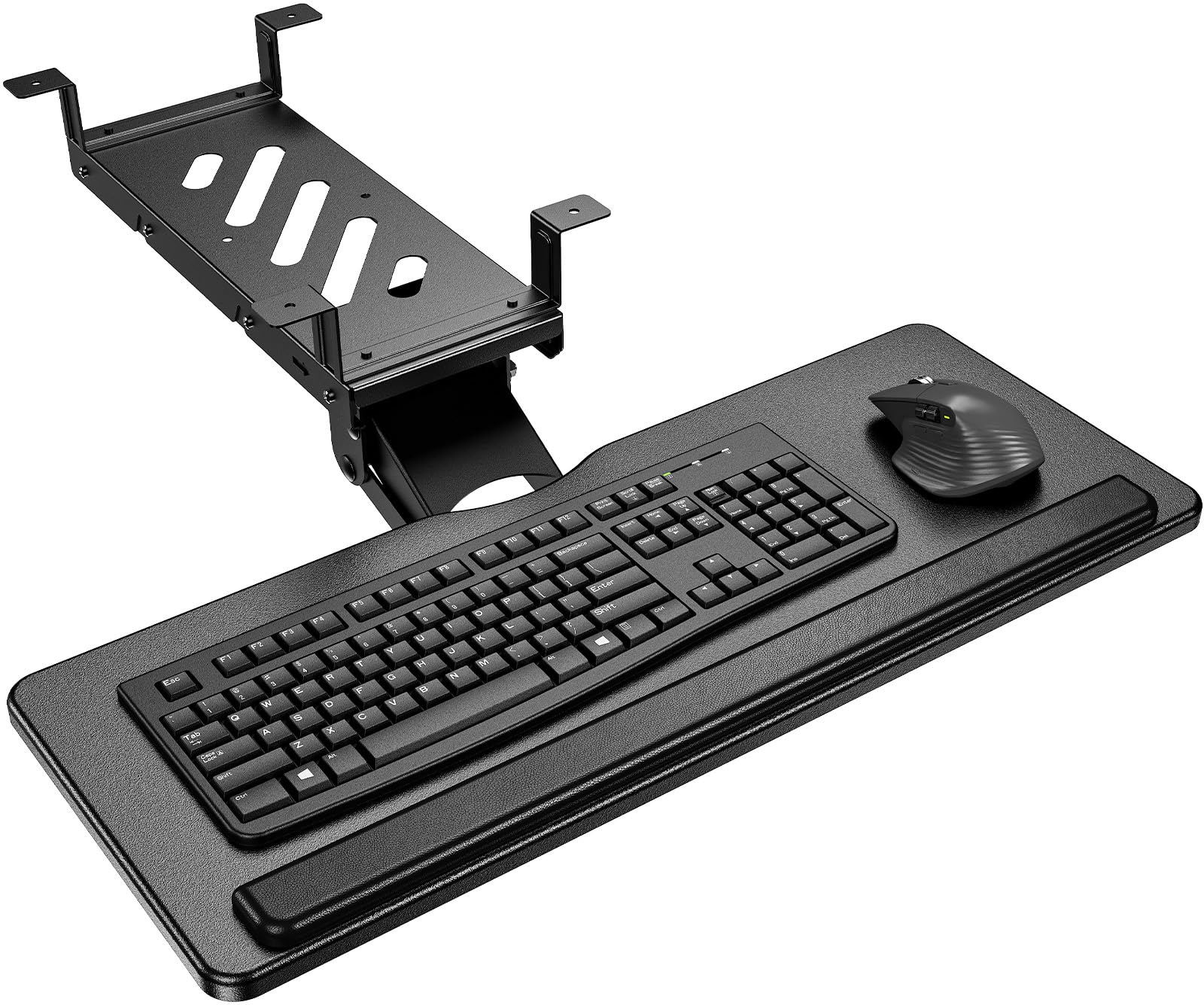
Summary: This is a great keyboard. It arrived on time and was well packaged. It's easy to assemble and clamp onto your desktop. The instructions are clear, the parts are solid -- real metal hardware and no cheap plastic parts. It's steady when you type; no wobbling even if you type fast. The tray is wide enough and deep enough to store my giant ergonomic keyboard and my mouse with a bit of room to spare. And it glides smoothly to store underneath your desktop. Or at least it does now ... which brings me to the reason I was prompted to write a review. VIVO's customer service is outstanding! Quite possibly the best company I've dealt with online or off. My excellent experience with VIVO: After carefully assembling the keyboard tray and attaching it to my desktop, the clamp on the right side seemed slightly off. No matter what I tried -- re-assembling that side, adjusting the tension -- the position of the clamp put the keyboard tray in a little bit of a bind on one side. The tray still worked technically, but was annoying. One side would slide in easily and the other lagged behind and had to be pushed a bit. I contacted the company through Amazon and got an immediate response. Based on the images I sent (which focused on the misaligned part of the clamp, but didn't show the entire clamp) they thought the issue was the slider rail. They offered me the option of returning the entire keyboard or receiving a replacement slider rail. I didn't want to be without the keyboard tray, since it was making a big difference in my hands/wrists/arms, so I asked for a replacement slider, which they promptly sent (and which also arrived quickly and was very well packaged). In the process of putting the new replacement rail on, I realized the issue was definitely not the rail, but was most definitely the clamp. One of the two pre-drilled holes in the clamp was about 1/8 inch off, meaning the keyboard was still sticking on the right side even with the new sliding mechanism. I reached out to the company again about the misaligned holes (this time with an image that showed the entire clamp). They promptly supplied a replacement clamp, which fixed the issue completely. The entire process was fast. The emails were prompt, courteous, and clear. And VIVO was willing to keep at it until the issue was fixed. Highly recommend this product and company based on this interaction. Read more
SB—March 20, 2026✓ Verified purchase
Great product, heavy duty, stays in place. It was easy to assemble. Read more
Ole—December 3, 2025✓ Verified purchase
Easy to install, easy to use. It is quite nice, I just wish those model had a tad more flexibility to it. It is very rigid by design but I wish I could move it a little more. For the price you can’t beat it. Keyboard and mouse sit perfectly on it and works great standing or sitting. Highly recommend it if you are looking for a budget option! Read more
Kendoso—August 29, 2020✓ Verified purchase
Update January 2022 Tray is great but if you're like my wife who likes to rest her elbows on the tray... over time the (4) M4 screws that attach the sliding rails to the tray will strip. This will cause the whole tray to fall and can be quite dangerous. This happened at least 3 times until the screws were useless. I was on the verge of buying another tray when I decided to see if I can replace the screws. For less than a $1, I replaced the M4 screws with longer M4-0.7 x 8mm. You can get this at your local big box hardware store. I also recommend adding a dap of locktite on the screws as well to avoid them loosening on their own. This made the tray extremely sturdy without jamming up the slide. M4-0.7 x 10mm would be too long. So stick to the 8mm. I believe the original M4 were only 5mm. Highly recommend everyone to do this to make the tray more sturdy and safe. Wife is happy again! CHEERS! ********************** WFH, my wife works at the dining table which isn't the best for ergonomics. After awhile her wrists/hands were hurting because the table, where her keyboard was, was too high. A keyboard tray would be the solution but since it's a dining table there were challenges to overcome and I got lucky with all the measurements. As a keyboard tray it's probably the best and largest one out there for an edge mounted configuration. I needed one to fit both a full 10-key size keyboard AND enough room for a mouse. This was the ONLY one that fit the need. The mounting hardware is very solid, heavy duty metal. For the parts that come in contact with the table, it comes with rubber pads for protection. It's sturdy enough to put some weight on, like if you wanted to rest your elbow on it. I'm going to provide some key specs that I couldn't find but is very important to know if it this will work for you: - The first is understanding the limit of how thick the table can be to use this. The max spec stated for this product is that it can support up to 1.75" thickness. I can safely say that it's an exact number. My dining table is exactly that thick. The mounting hardware will fit this thickness but it will be a bit tight, +/- 1/8" tolerance. So if your table is greater than 1.75" then this will not work for you as the mounting hardware will not fit. - Next is understanding the required depth from the edge of the table where you must have a flat surface underneath the table to clamp the bottom pressure plate to. The mounting hardware is attached via a clamp style mechanism. There is a metal plate at the bottom attached to a screw handle. You tighten this so it "clamps" to your table. This is important to note especially if your table has a recessed, beveled edge that curves underneath vs. a squared edge. Also sometimes, certain desk and tables have support hardware underneath that may interfere with the mounting point. My dining table had a recessed, beveled edge and it was questionable whether I'd have a solid flat surface to clamp to. PLEASE NOTE: FROM 1.5" in from the edge of the table, you must have a flat surface underneath the table to clamp on to. If 1.5" in from the edge of your table, the surface is curved, angled, or exceeds 1.75" in thickness, then you have no way to mount the hardware. 1.5" from the edge of the table is where the center of the screw plate. - Next is the amount of clearance you will have IF you have a 1.75" thick table. If you're pushing the max limit in table thickness, you are giving up clearance that may or may not allow you to retract the keyboard under the table when you're not using it. For me, I'm at the max thickness and as a result I only have 1.5" from the surface of the keyboard try to the bottom of my table. This means, my keyboard AND mouse cannot be taller than 1.5" in height. My wife uses a thin Logitech wireless keyboard that just meets this height but her MX Master 2 is too tall. As a result, while she has a keyboard tray she can use, she cannot retract it underneath the table. It was still worth using to be pain free. Since we're going to be in this WFH situation for the long haul, the need to tuck your keyboard away is trivial. I also should mention that if you have a ergo keyboard and it's important for you to store it underneath your table, it's highly this won't work for you. You need to have massive clearance for those keyboards. - Lastly, the one tip I have is some people have mentioned the keyboard seems to not stay in place if retracted all the way in or all the way out. I have the latter where the tray on the left side, for some reason, doesn't extend all the way out whereas the right side does. It turns out this is due to the mounting hardware on the side that has the issue being a bit rotated. All you need to do is rotate/twist the mounting hardware a bit to resolve the retraction/extension issue. Sometimes, what happens is my wife's chair will hit the tray and cause the mounting hardware to rotate a bit, which cause some warping or deflection of the keyboard tray tracks, which leads to the issue. The other problem could be that your flat surface is not leveled such that your mounting hardware are at different heights ever so slightly. Ultimately, the keyboard tray tracks need to be as leveled and parallel to each other as possible. I highly recommend if it works for your specifications. Read more